
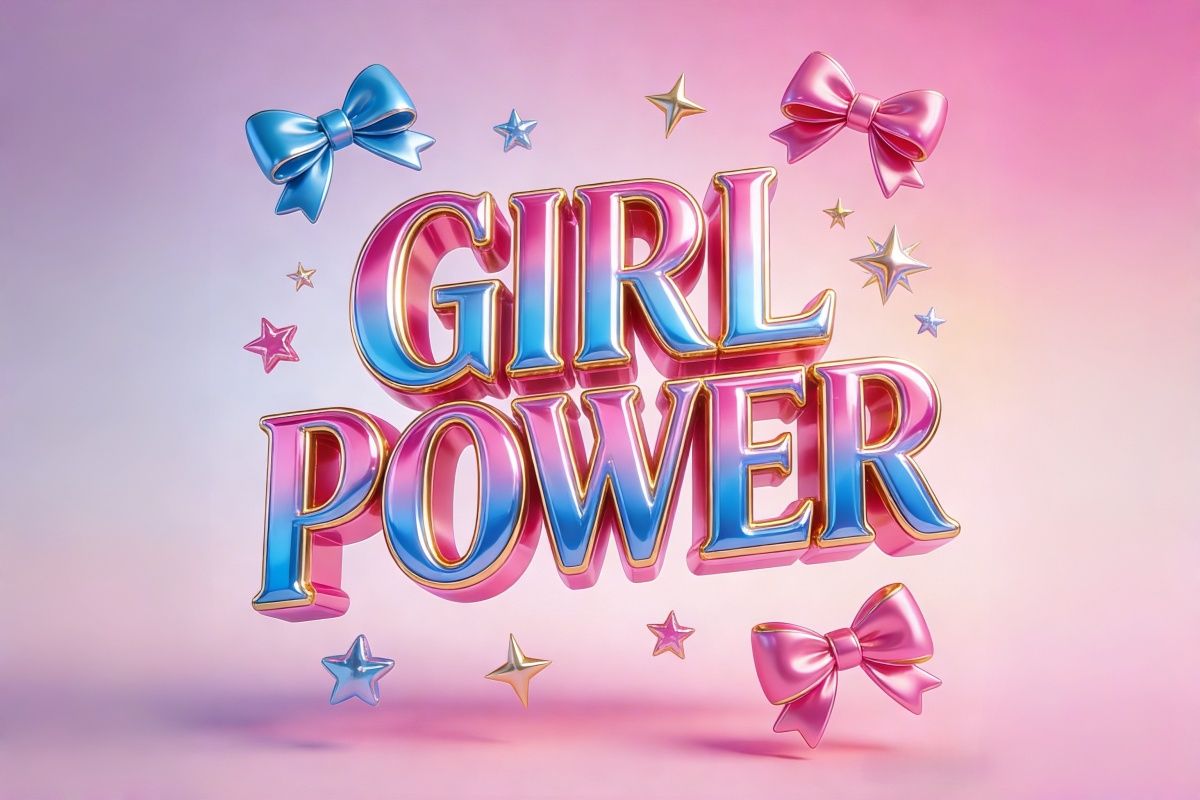
3D Text Generator for Logos, Titles & Social Media

Create clean 3D lettering with our 3D Text Generator. Turn simple words into 3D titles or logos for branding and social posts. Free 3D text generator online.

3D Text Generator

Create clean 3D lettering with our 3D Text Generator. Turn simple words into 3D titles or logos for branding and social posts. Free 3D text generator online.

3D Text Generator for Creating Unique 3D Text Logos

0103

Real Depth and Lighting Control

You can control how thick or thin your text appears by adjusting extrusion depth. Subtle depth works well for clean titles, while deeper settings make bold logo-style text. Lighting direction and shadow softness can also be adjusted, helping you simulate studio-style lighting. This makes your 3D text easier to read and more visually balanced on different backgrounds.

3D text productdiagram of e-commerce products

0203

Use a Free 3D Text Effect Generator to Elevate Visual Content

Choose from different surface looks such as glossy plastic, brushed metal, soft matte, or glass-like finishes. Each material reacts differently to light, giving you more control over the mood of the design. For example, metallic styles work well for gaming or tech themes, while matte finishes suit educational or professional content. Tap into the potential of creative typography and discover more at OCMaker AI.

Metallic texture 3D text

0303

Explore Free AI 3D Text Effect Generator Online for Immediate Results

Add simple gradients, soft light flares, or clean solid backgrounds behind your text. These tools help separate the lettering from the background, which improves clarity when the design is viewed on mobile screens. This is especially useful for social media posts and video covers where space is limited.

Cokkie 3d text

Features of the 3D Text Generator Tool

  • 01

    Fast and Free 3D Text Effect Generator

    Generate eye-catching 3D text effects swiftly and at no cost, perfect for marketers and designers seeking efficiency and quality.

  • 02

    Diverse Styles Including 3D Text Animations

    Choose from a variety of styles, including dynamic 3d text animation generator options, adding motion and life to your projects.

  • 03

    Seamless Online Access with AI Support

    Access the generator anytime online with AI-driven enhancements that optimize your design outcomes, ensuring professional results every time.

Transform Text into 3D Text Logos with Free 3D Text Creater

Utilize our free AI-powered 3D text effect generator online to turn your simple text into elaborate logos and visually engaging designs. Create professional-grade 3D text with various styles and textures, perfect for brand building and digital content.

  • 3D Letter01

    3D Letter Effect

  • Colored Jelly 3D Text02

    Colored Jelly 3D Text

  • 3D text of novel title03

    3D Text of Novel Title

3D Text Image Gallery Section

  • 01

    Online Store Promotions

  • 3D text of e-commerce products02

    Event Posters and Digital Flyers

  • Meme and Fun Content Creation03

    Event Posters and Digital Flyers

How to Use the 3D Text Generator

  1. Input Your Prompt

    Type the word, name, or short phrase you want to turn into 3D text.

  2. Choose Style and Settings

    Select font style, model,batch size and ratio to shape how your 3D text will look.

  3. Generate and Export

    Click generate to create your design, then download the 3D text image for logos, posts, or thumbnails.

Frequently Asked Questions about the AI Powered 3D Text Creation

Do I need any design experience to use the 3D Text Generator?

No design background is required. The tool handles lighting, depth, and perspective automatically. You only need to enter your text and adjust a few visual settings like color or style. It’s built so beginners can get strong results without learning complex design software.

Can I use the 3D text for logos or brand visuals?

Yes, many users create 3D titles, logo concepts, and social media headers with it. The clean background options and customizable depth make it suitable for branding, thumbnails, and promotional graphics across different platforms.

How can I make my 3D text look more polished and professional?

In most cases, simpler works better. Choose one main color, avoid overly thick depth, and keep lighting soft instead of extreme. Subtle shadows and moderate angles usually look more professional than dramatic perspective or heavy glow effects.

Why does my 3D text sometimes look cluttered or hard to read?

This often happens when the text is too long or when too many effects are combined. Long phrases reduce spacing, and strong textures or reflections can make letters blend together. Shorter text and cleaner surfaces improve readability.

Can I export my 3D text with a transparent background?

Yes, you can download your design with no background. This makes it easy to place the 3D text over photos, videos, websites, or other design layouts without needing extra editing.

What text length works best for strong 3D results?

Short words, names, or 2–4 word phrases usually give the best visual balance. When text becomes too long, depth and perspective effects start to look compressed, and the design loses clarity.

Can I use the generated 3D text for commercial projects?

Yes, the designs can be used in marketing materials, social posts, video content, and branding projects. Usage rights depend on your subscription plan, as well as local laws and the rules of the platform where the content is published.

Does the 3D Text Generator work on phones and tablets?

Yes. The generator runs directly in your browser, so you can create and download 3D text on mobile devices as well as desktop. No installation or special software is needed.

Elevate Your Designs with the Free 3D Text Generator

Start creating standout 3D text logos, animations, and memes with our advanced AI-powered tool. Join now and transform your ideas into captivating visuals instantly.

3D Text Generator for Logos, Titles & Social Media