AI Generator

Free 80s Anime AI Generator: Retro Anime Style

Create nostalgic anime visuals with an 80s anime style photo generator. Turn photos or prompts into retro characters, portraits, and wallpapers.

Free 80s Anime AI Generator

Create nostalgic anime visuals with an 80s anime style photo generator. Turn photos or prompts into retro characters, portraits, and wallpapers.

Retro 80s Anime Gallery

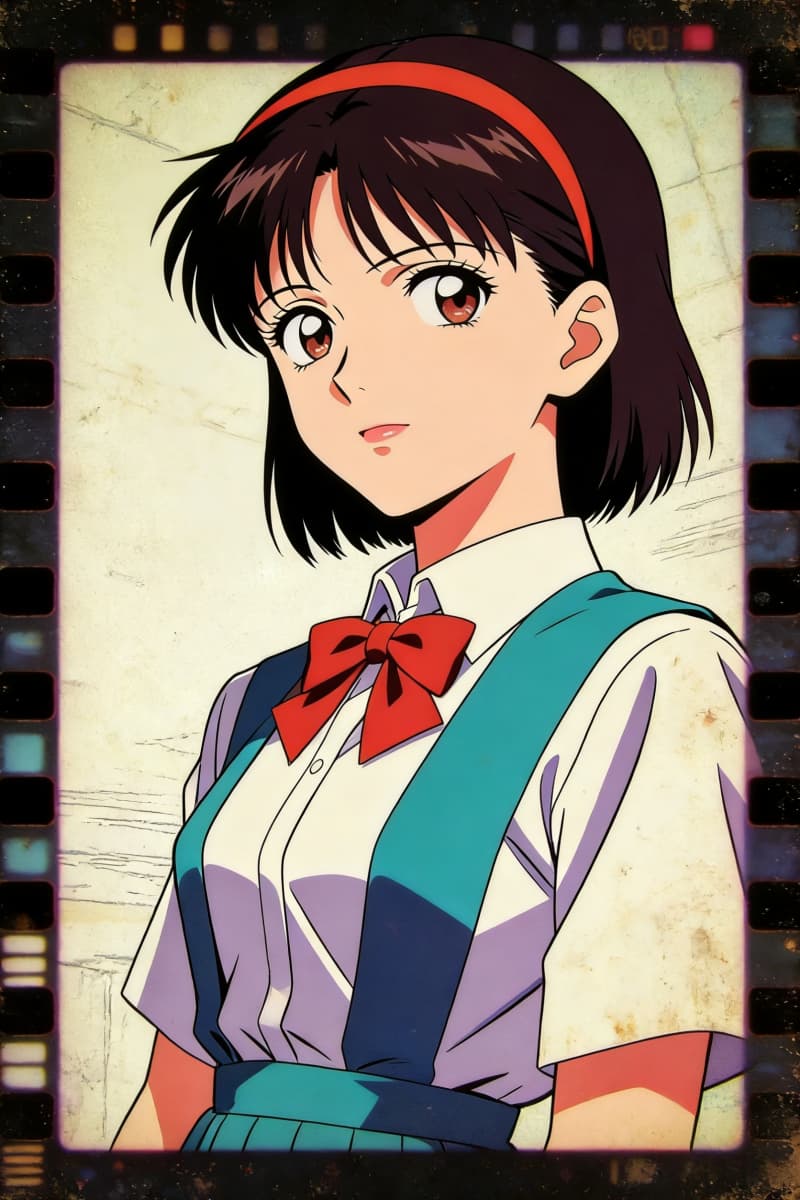
  • Retro Cel Dreams01

    Retro Cel Dreams

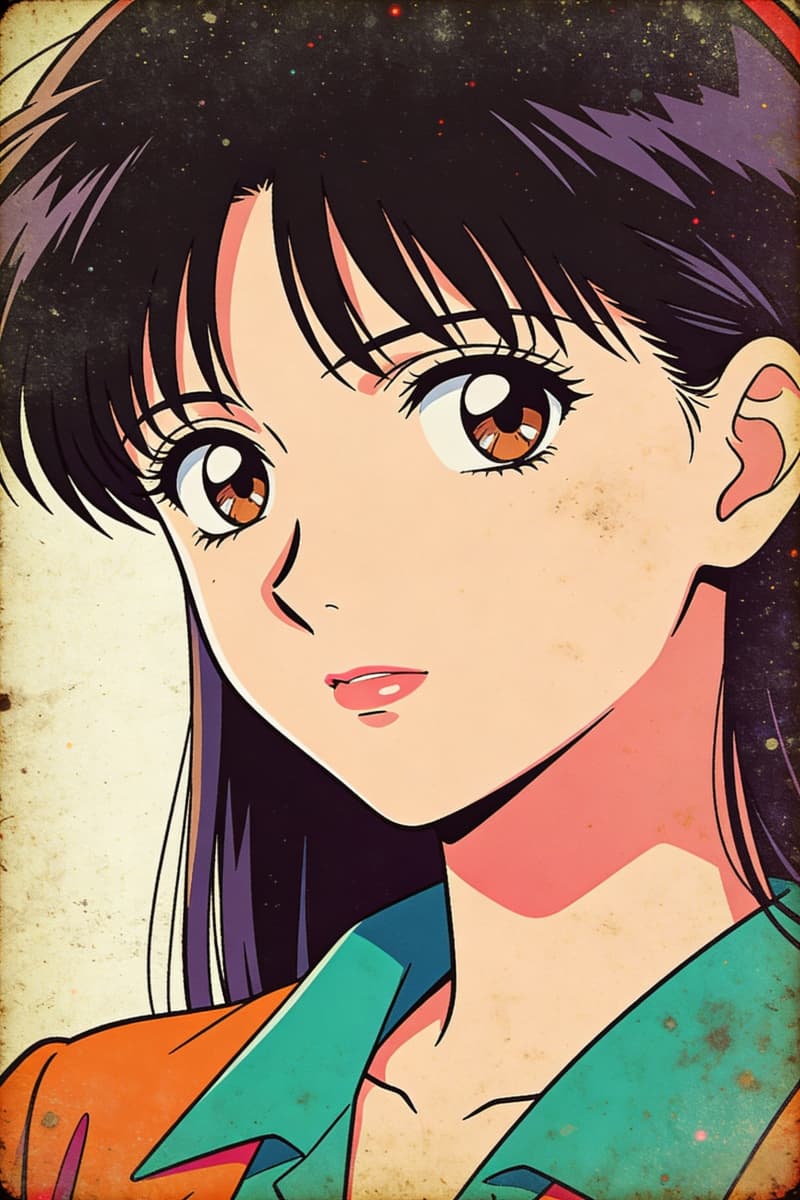
  • Vintage Drift02

    Vintage Drift

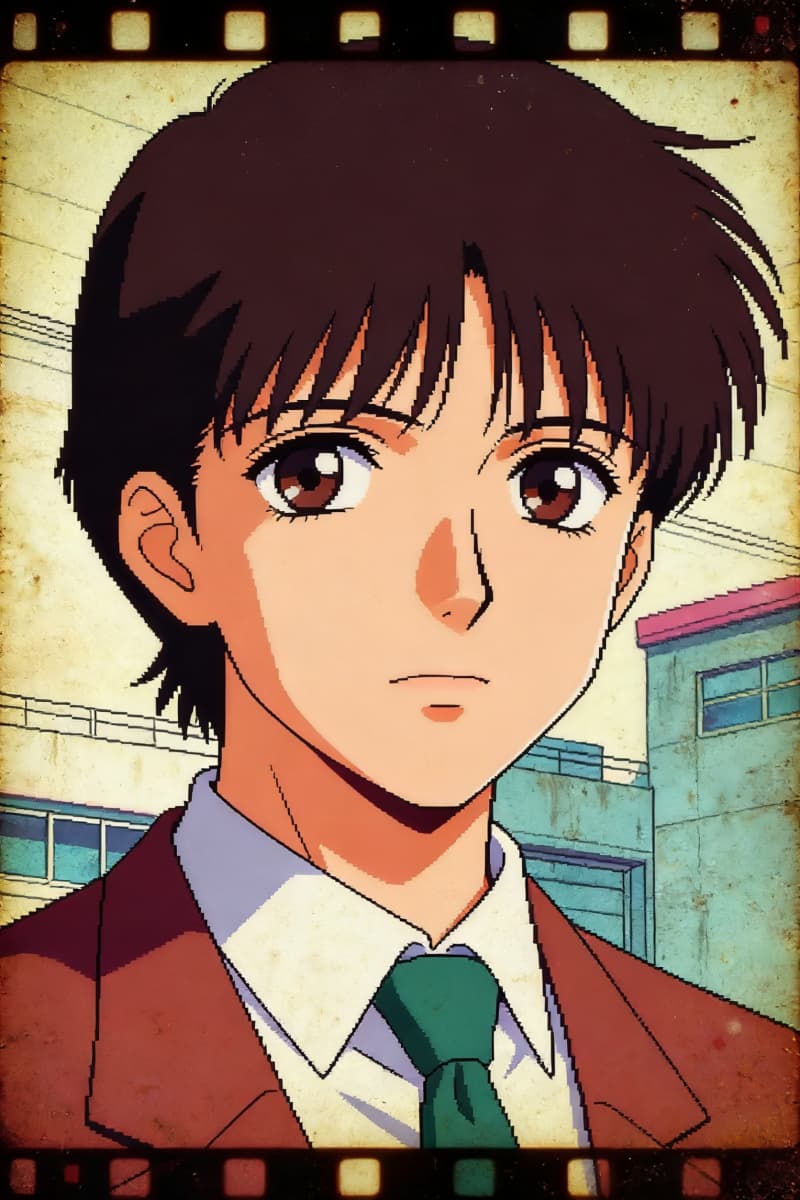
  • Grainy Nostalgia Lane03

    Grainy Nostalgia Lane

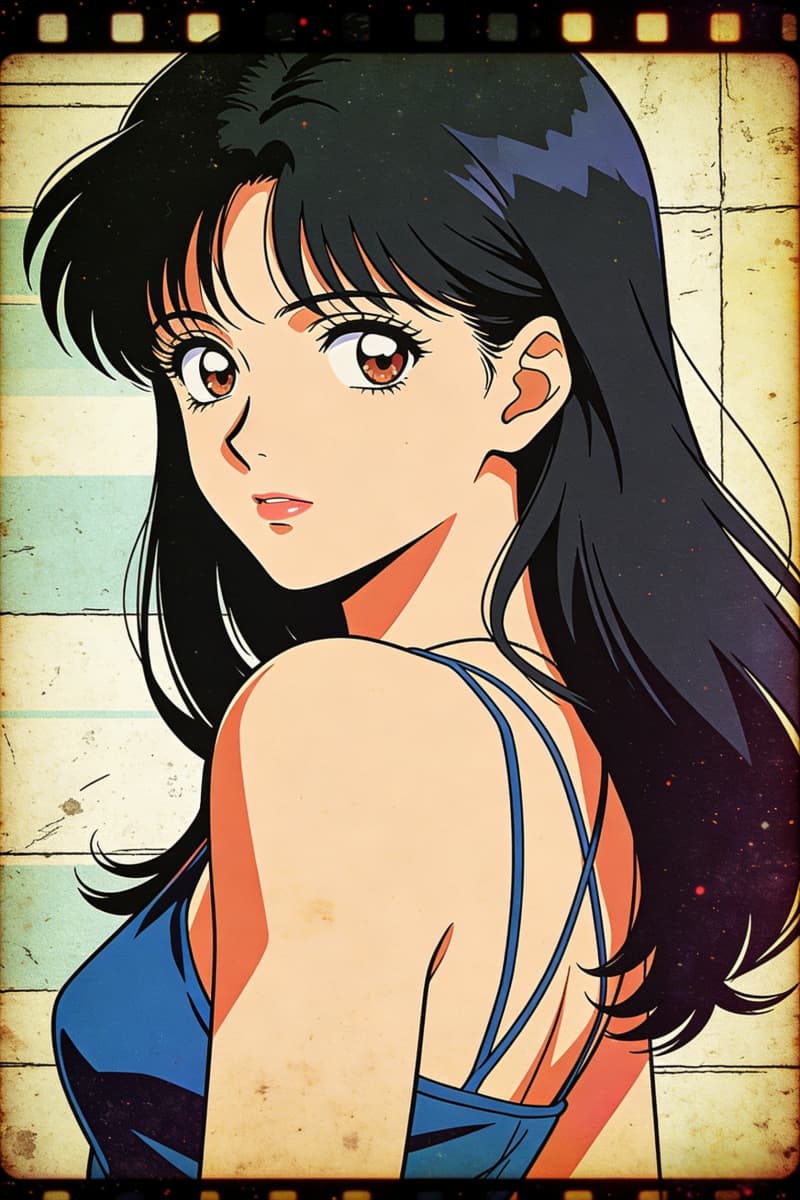
  • Soft Glow Reminiscence04

    Soft Glow Reminiscence

  • Cel Shaded Echoes05

    Cel Shaded Echoes

  • Film Grain Whispers06

    Film Grain Whispers

Reimagining the Language of 80s Anime

0104

Explore Nostalgic Anime Aesthetics

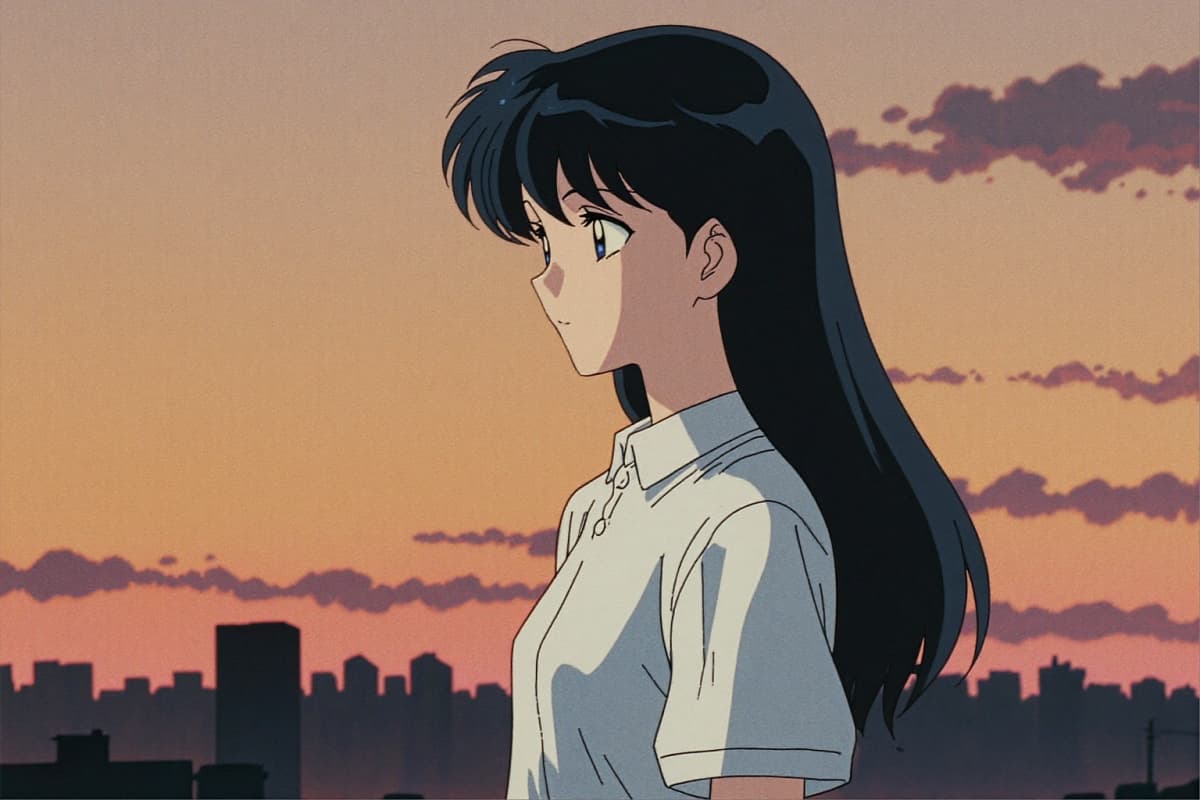
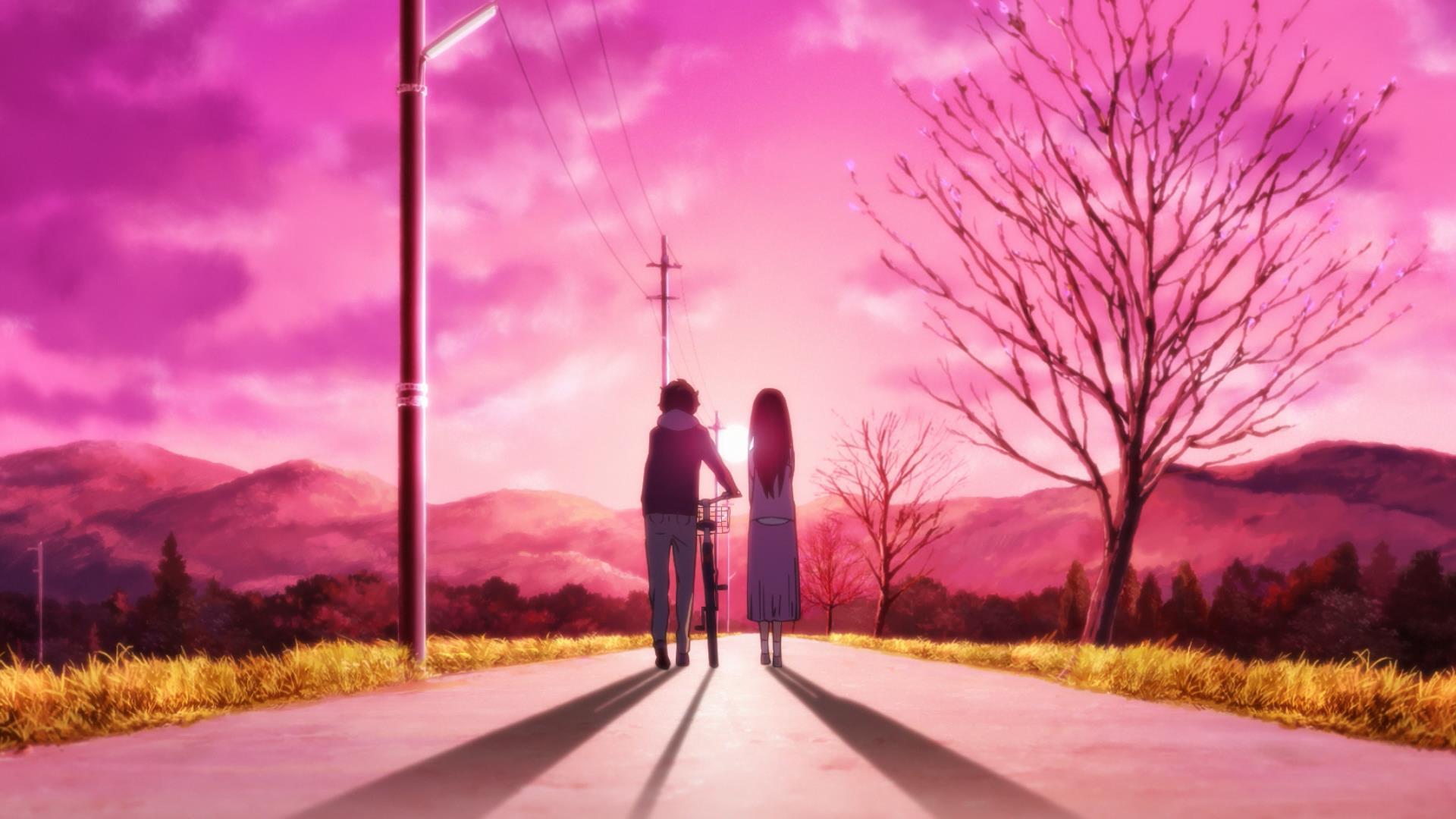
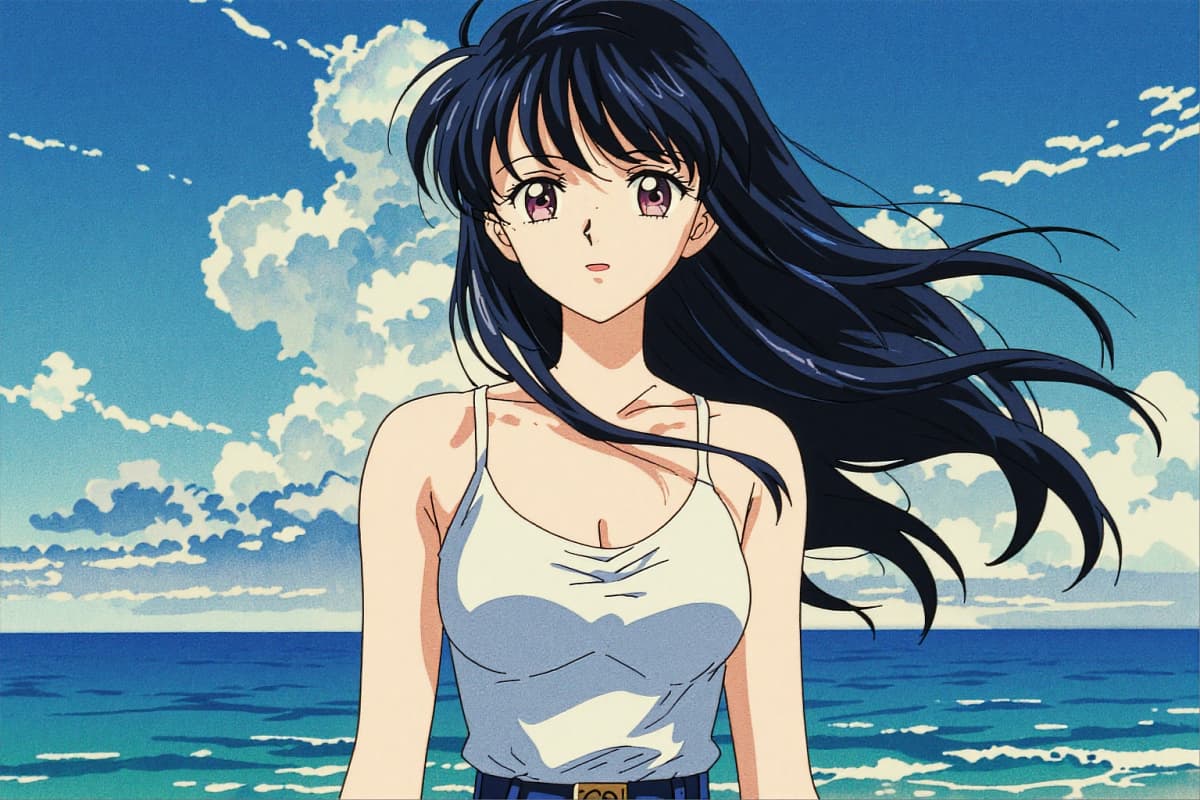
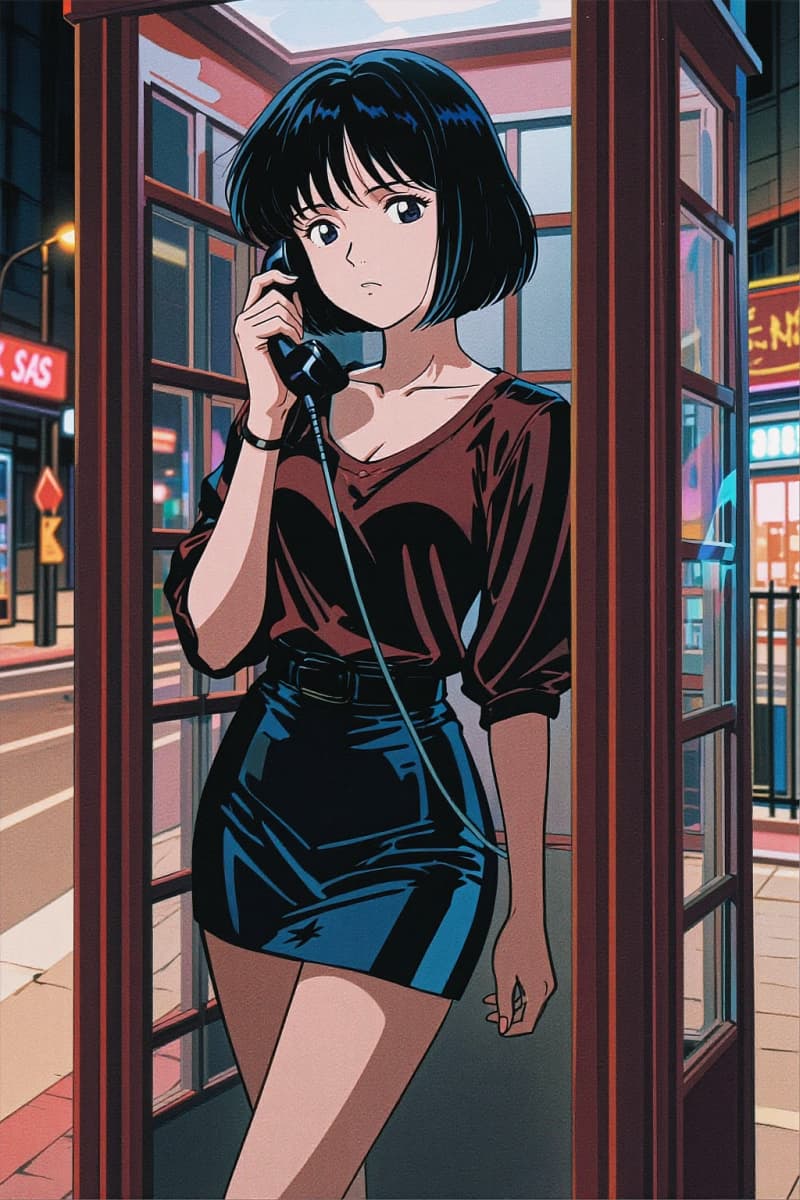
The appeal of 1980s anime style AI lies in its atmosphere: glowing neon streets, dramatic skies, and expressive characters. Instead of trying to perfectly replicate old animation techniques, the generator encourages experimentation. Many creators combine retro elements with modern ideas through tools available on OCMaker AI, creating images that feel both familiar and new.
Text to Retro 80s Anime Art

0204

Create Original Characters with AI

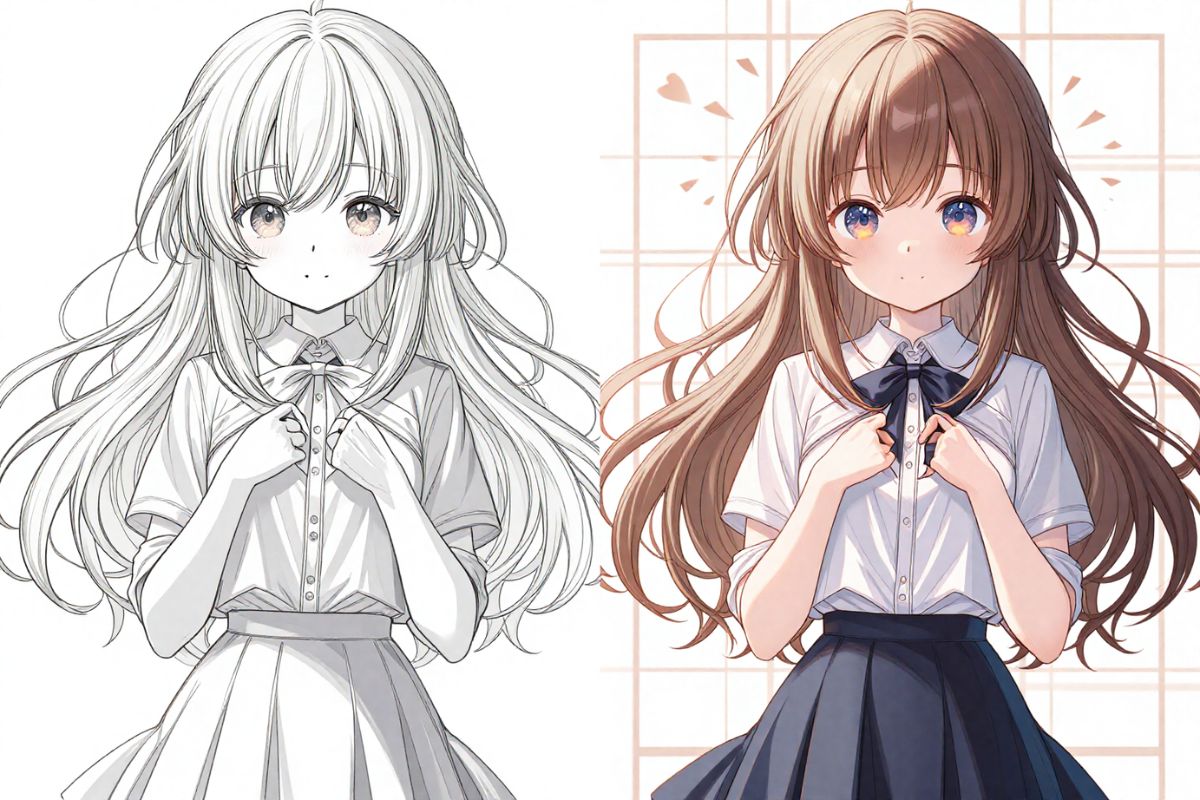
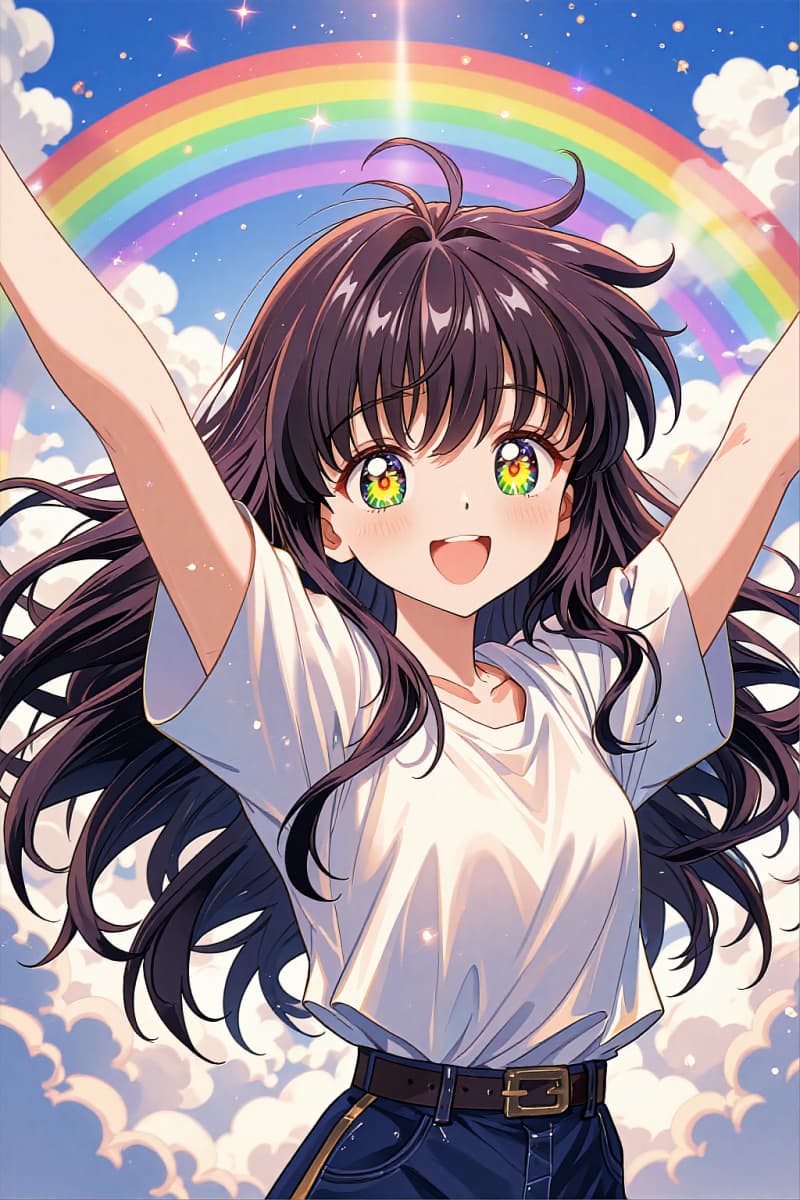
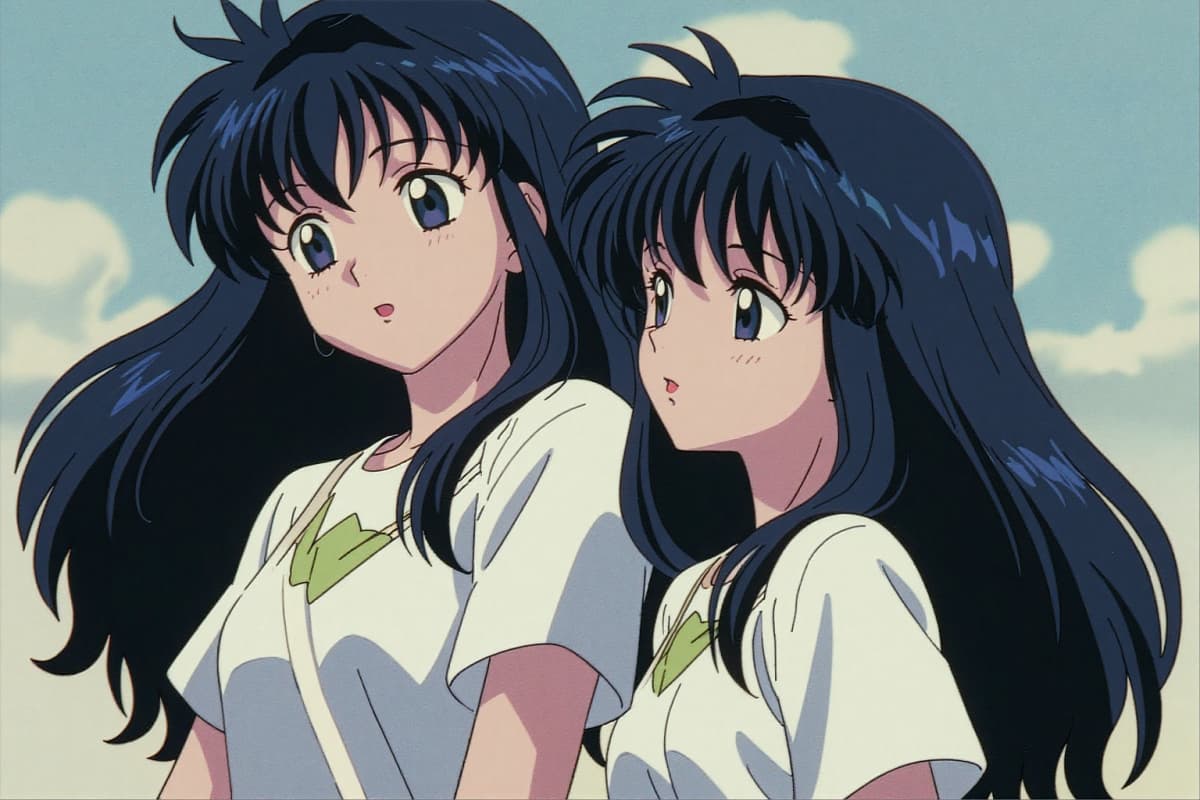
Creators often begin with a vague idea—a character, a mood, or a fragment of a story. Using text to image, you can describe a scene or personality and watch it transform into a visual concept. Many artists treat this process as a brainstorming stage before refining ideas with a full AI anime generator workflow.

Create Original Characters with AI

0304

Design Wallpapers, Avatars, and Scenes

From an 80s anime avatar generator to cinematic background scenes, AI opens up small creative experiments that once required hours of drawing. You might start by generating a character portrait and end up designing a full 80s anime wallpaper inspired by vintage animation frames.

80s Style Anime Wallpaper

0404

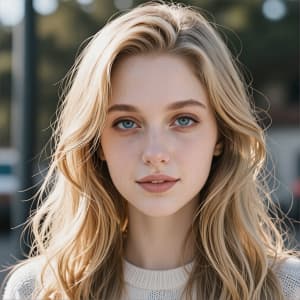
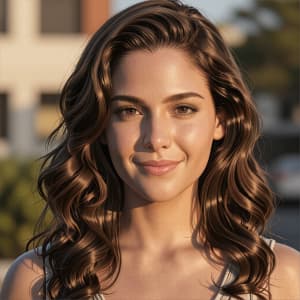
Turn Photos into Retro Anime Portraits

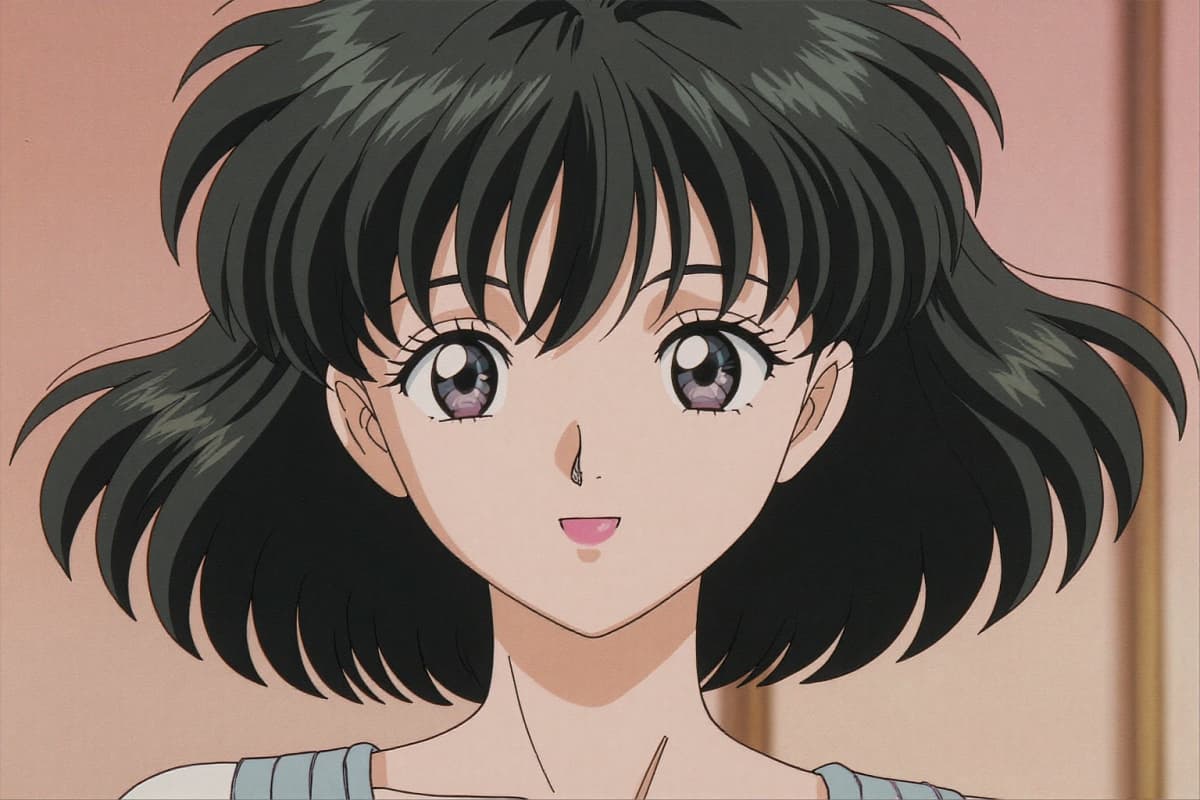
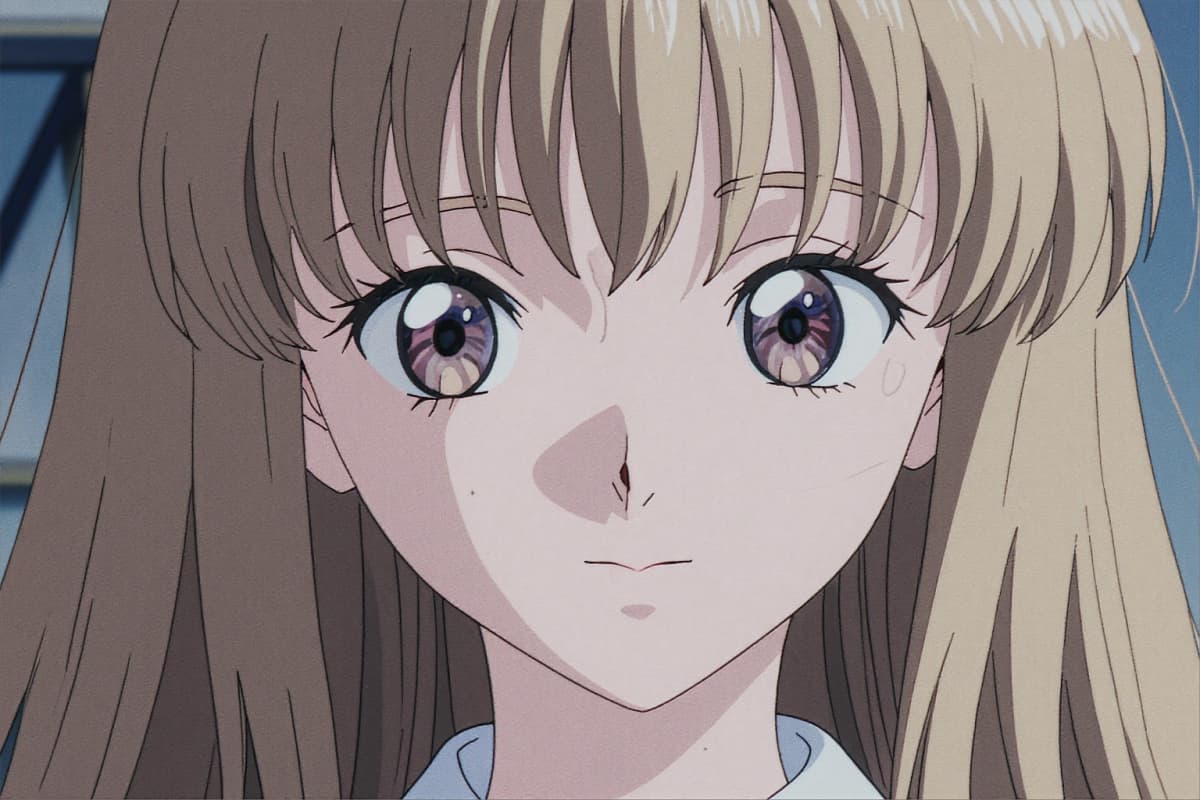
Sometimes the most interesting results start with something familiar. Upload a portrait and experiment with an 80s anime portrait generator to see how facial expressions translate into classic cel-shaded characters. Through tools like image to image, a single photograph can evolve into a nostalgic anime frame filled with soft lighting and vintage color palettes.

Turn Photos into Retro Anime Portraits

Discover Key Features of the 80s Anime AI Generator

  • 01

    Authentic 1980s Anime Styles

    Emulate the vibrant and expressive aesthetic of 80s anime, with accurate color palettes and character designs.

  • 02

    Multi-Mode Creation

    Generate art from text descriptions, transform images, or refine compositions with style guidance.

  • 03

    High-Resolution Output

    Produce crisp, detailed anime art suitable for professional use, including media and merchandising.

  • 04

    User-Friendly Platform

    Engage with a straightforward interface designed for easy navigation and rapid artistic creation.

  • 05

    Fast Processing Times

    Achieve your artistic vision swiftly, with quick rendering and efficient processes tailored to creative needs.

  • 06

    Commercial Use Rights

    Create artwork with full commercial rights under premium plans, ideal for business and creative endeavors.

How to Use the 80s Anime AI Generator

  1. Describe Your Retro Vision

    Start by detailing your retro 80s anime character, setting, or concept in text form.

  2. Select Style and Generate

    Choose from various 1980s anime styles and initiate the creation process.

  3. Download Your Creation

    Your 80s style anime art is ready to download in high resolution for your projects.

Discover More Styles

User Feedback on 80s Anime AI Generator

  • I love how the generator captures the essence of 80s anime. It brings my nostalgic ideas to life beautifully.

    Sophia Miller

  • Turning my photos into 80s anime art is incredible. The image-to-image feature makes it seamless.

    Isabella Rossi

  • OCMaker AI is perfect for creating backgrounds in retro anime style. It significantly boosts my creative projects.

    Hanna Schmidt

From Idea to 80s Anime: FAQs for Creators

How does the 80s Anime AI Generator work?

The generator uses AI models trained on 80s anime art styles to produce new images based on text or photo inputs.

Can I customize the character's outfit and background?

Yes! The AI allows you to suggest clothing styles, accessories, and backgrounds in your prompt. For example, you could describe a school uniform, a neon cityscape, or a peaceful sunset scene. The trick I discovered is to be descriptive but concise—mention key colors, textures, and moods, and the AI usually interprets your vision beautifully.

Is it possible to make multiple variations of the same character?

Absolutely. Once you generate a character, you can tweak minor details like hairstyle, expression, or lighting to create different versions. I personally like to experiment with subtle changes in eye color or background elements—it's amazing how each variation can tell a slightly different story, while keeping the original character recognizable.

What's the best way to preserve the 80s anime feel in my images?

I've found that focusing on three things keeps the 80s charm intact: soft cell shading, muted neon or pastel color palettes, and slightly exaggerated expressions. Avoid overly modern polish or hyper-realistic textures—they tend to break the nostalgic vibe. Using the generator's "vintage filter" or "grain" option often gives that authentic animation frame look.

Can AI generate 80s anime characters from photos?

Yes, you can upload photos to the AI and transform them into 1980s anime character designs.

Can I use this AI to create full scenes, not just portraits?

Yes, the AI is surprisingly good at generating scenes when you describe multiple characters or settings. I like to write prompts as if I'm describing a storyboard panel: mention the characters' positions, the environment, and even the lighting. It feels a bit like directing your own mini-anime episode, and the results often inspire new creative directions I hadn't thought of.

How do I get consistent results across multiple characters or images?

Consistency comes down to prompt structure and reference points. I usually keep core traits—like hair color, eye shape, or outfit style—constant across prompts, while only changing backgrounds or poses. Saving and reusing prompt templates has saved me a lot of time. I also found that small adjustments in lighting and style tags help the AI maintain the retro anime aesthetic across a series of images.

Experience the 80s Anime AI Generator

Unlock the potential of AI-driven retro anime creation with OCMaker AI's powerful generator.

Free 80s Anime AI Generator: Retro Anime Style