
90s Anime AI Generator: Create Retro Frames
Create nostalgic visuals with a 90s anime AI art generator free online, including prompt tips and retro PFP ideas.
90s Anime AI Art Generator
Create nostalgic visuals with a 90s anime AI art generator free online, including prompt tips and retro PFP ideas.
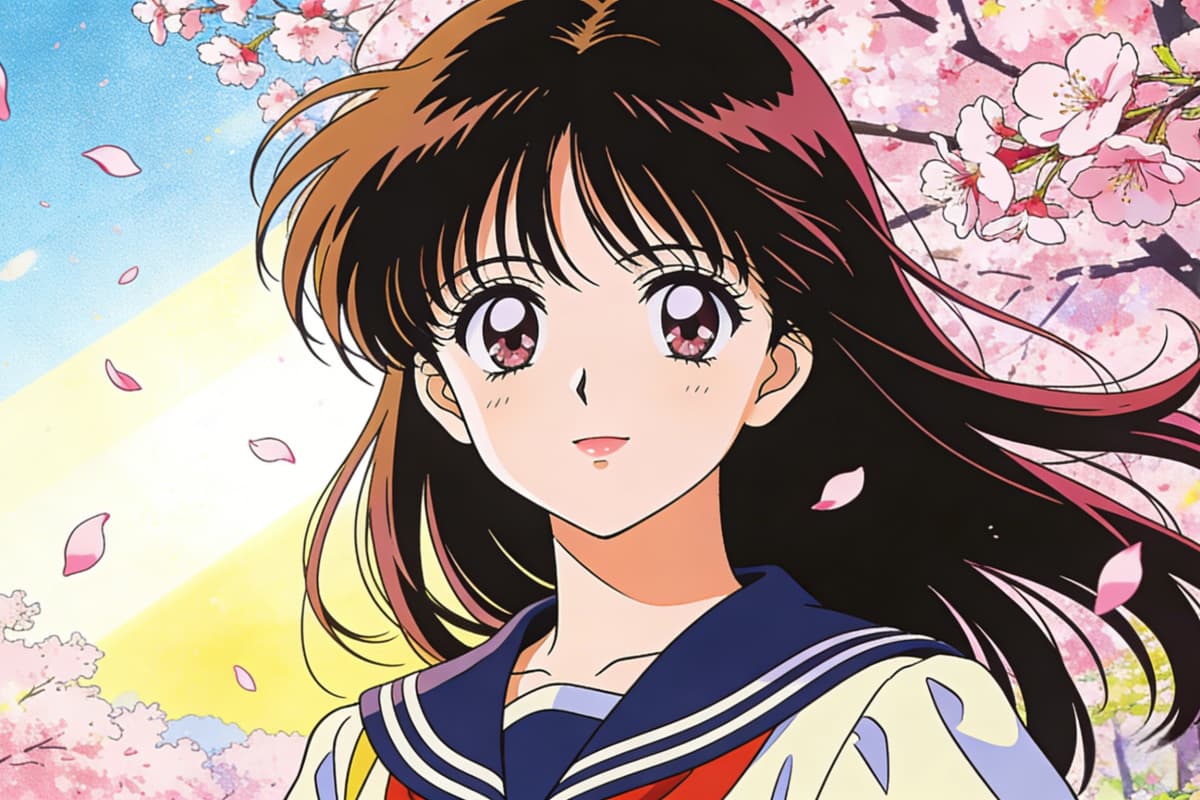
90s Anime AI Art Creation
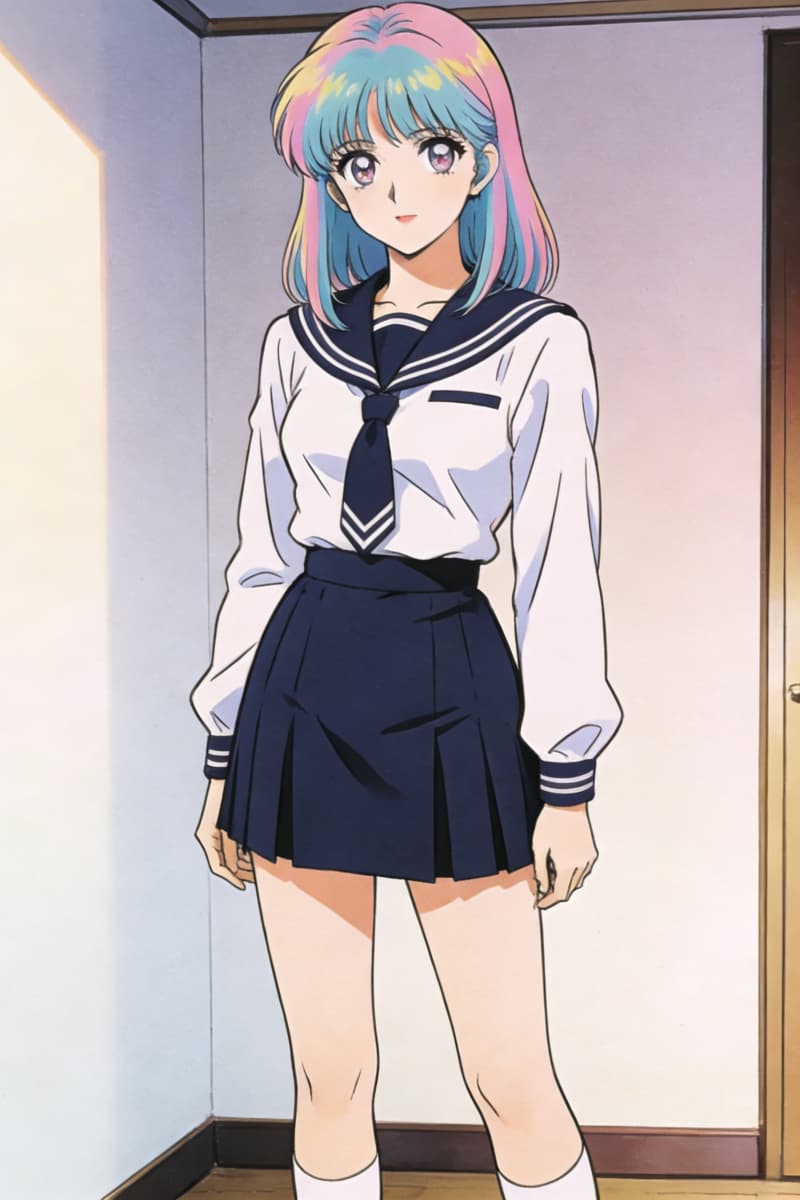
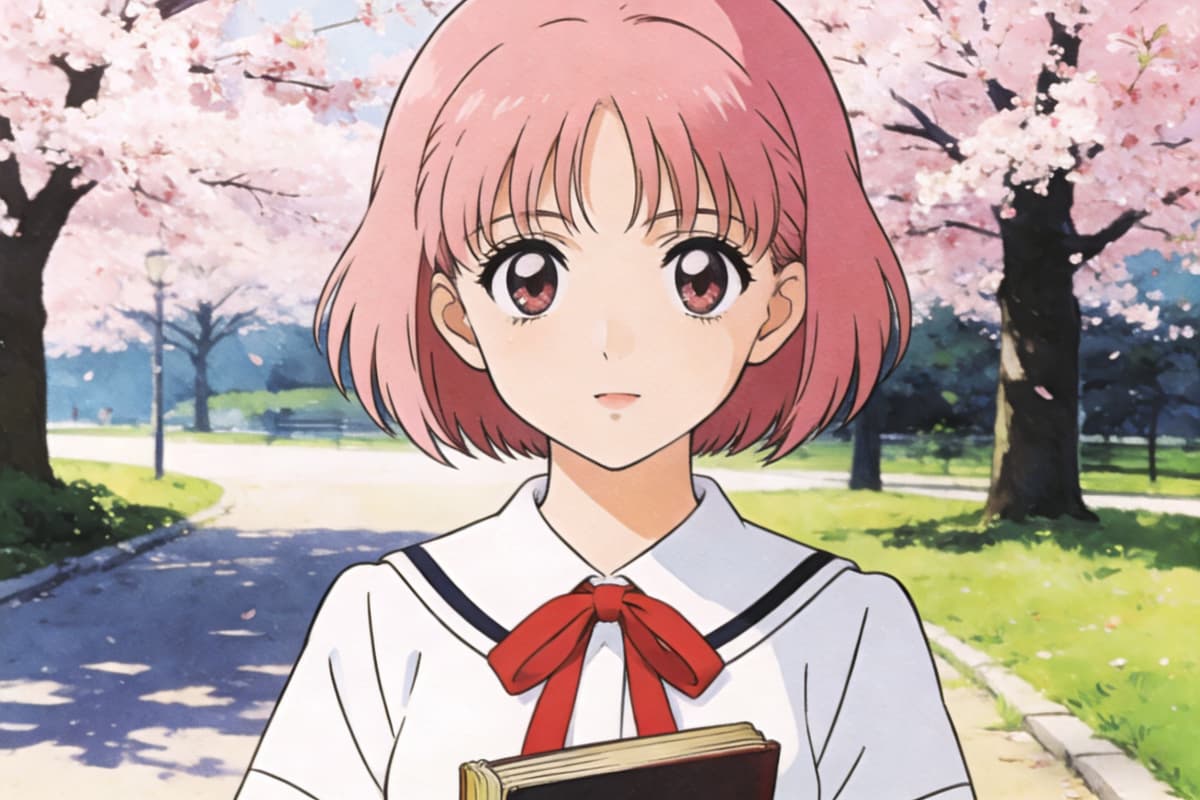
Retro 90s Anime Girl
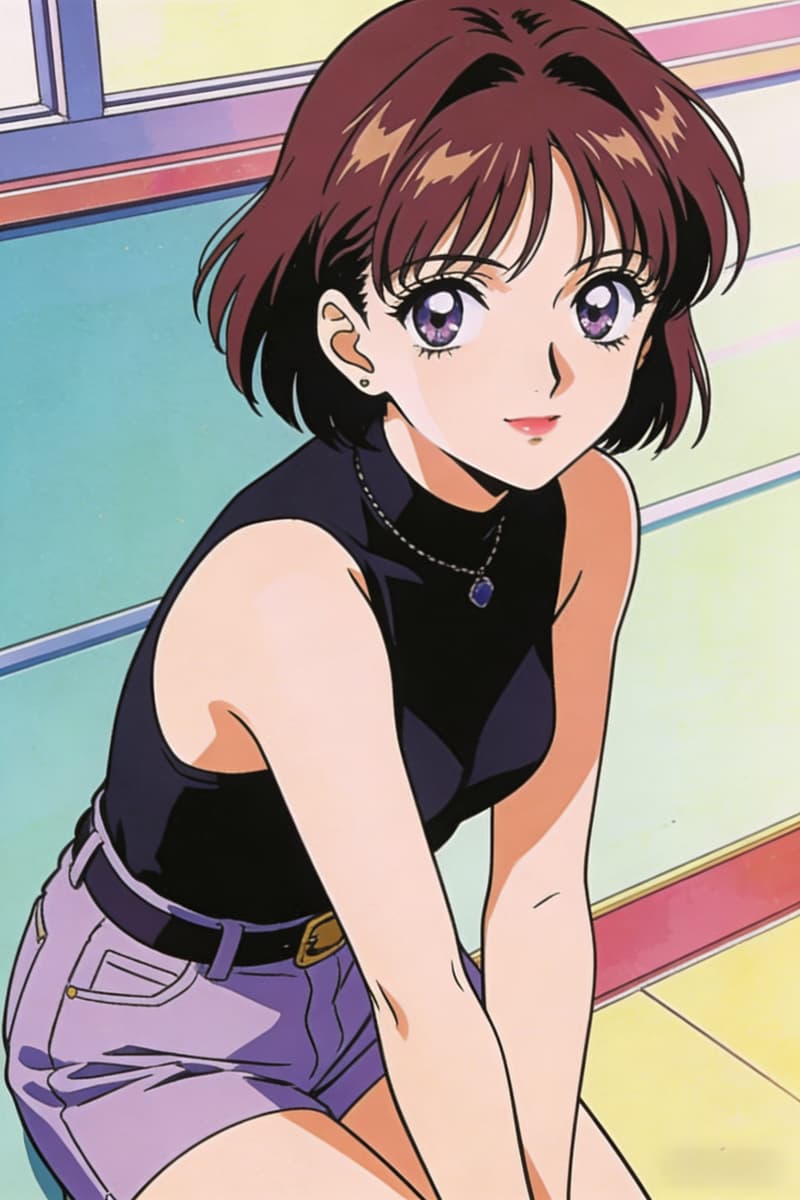
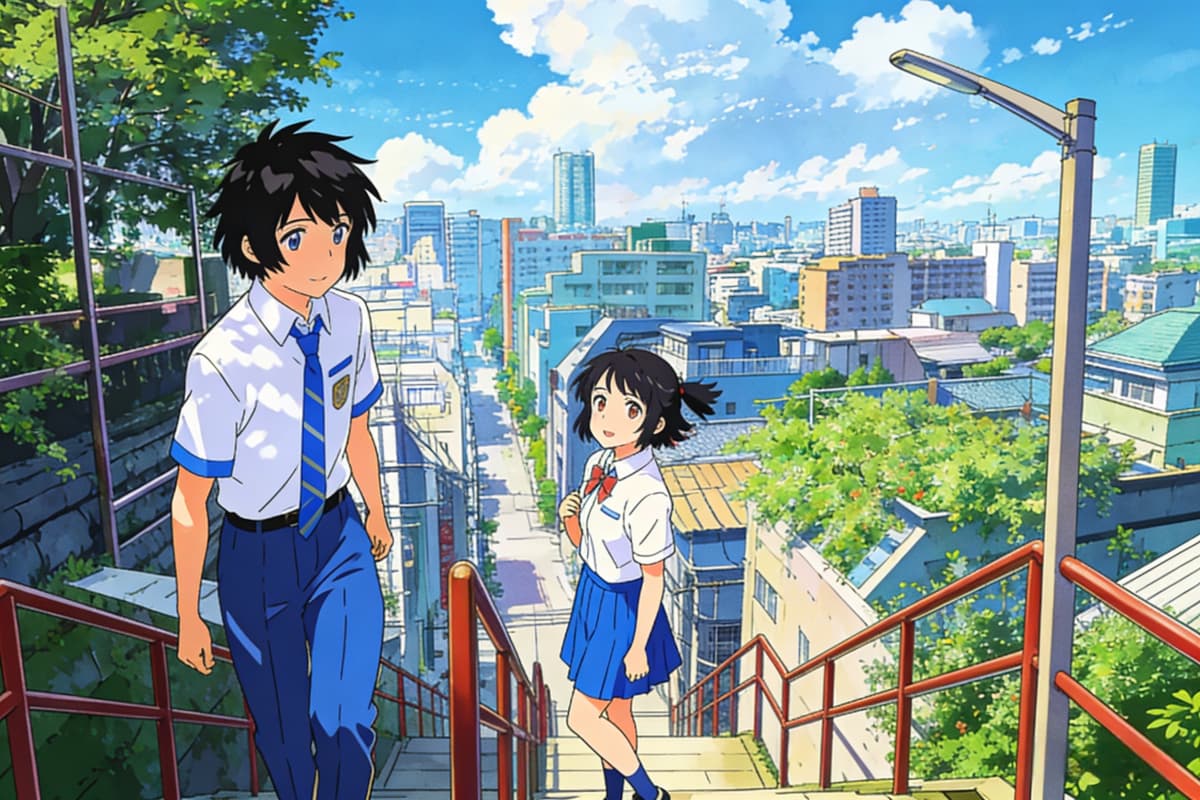
Vintage Anime Cityscape
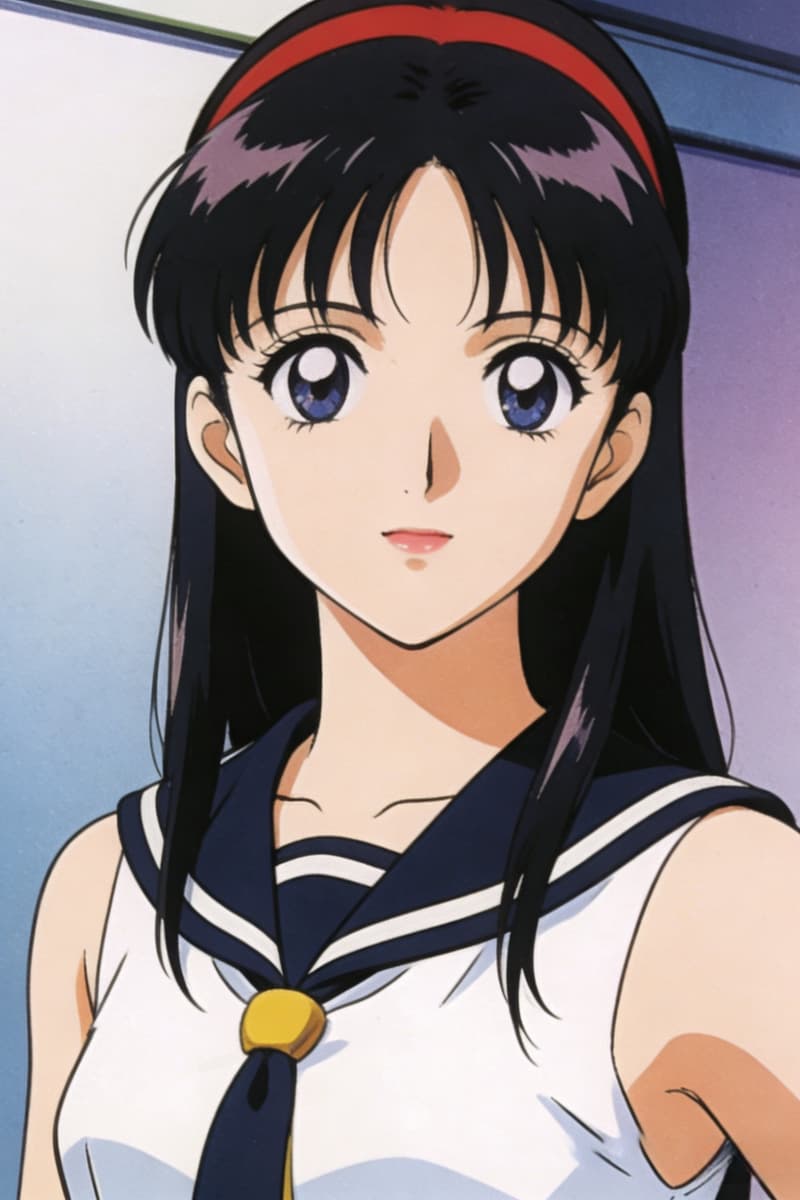
Classic 90s Anime Portrait
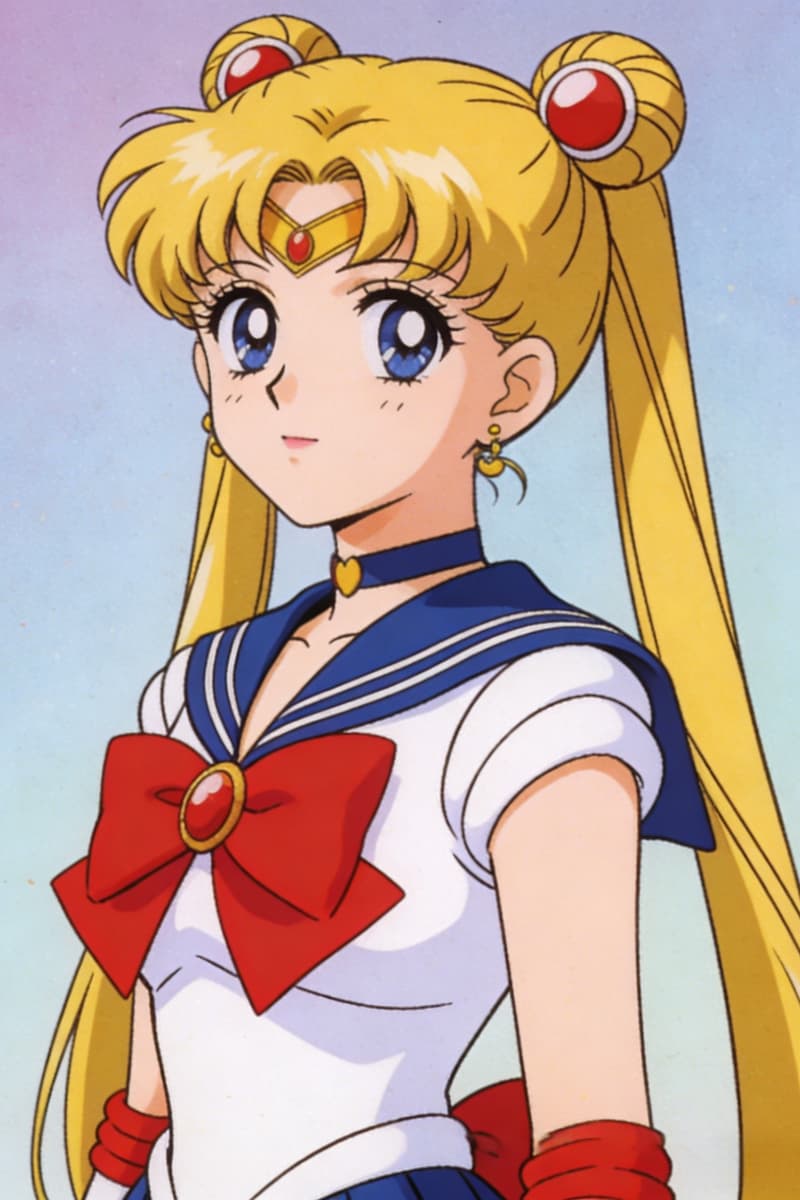
Nostalgic Anime Teenager
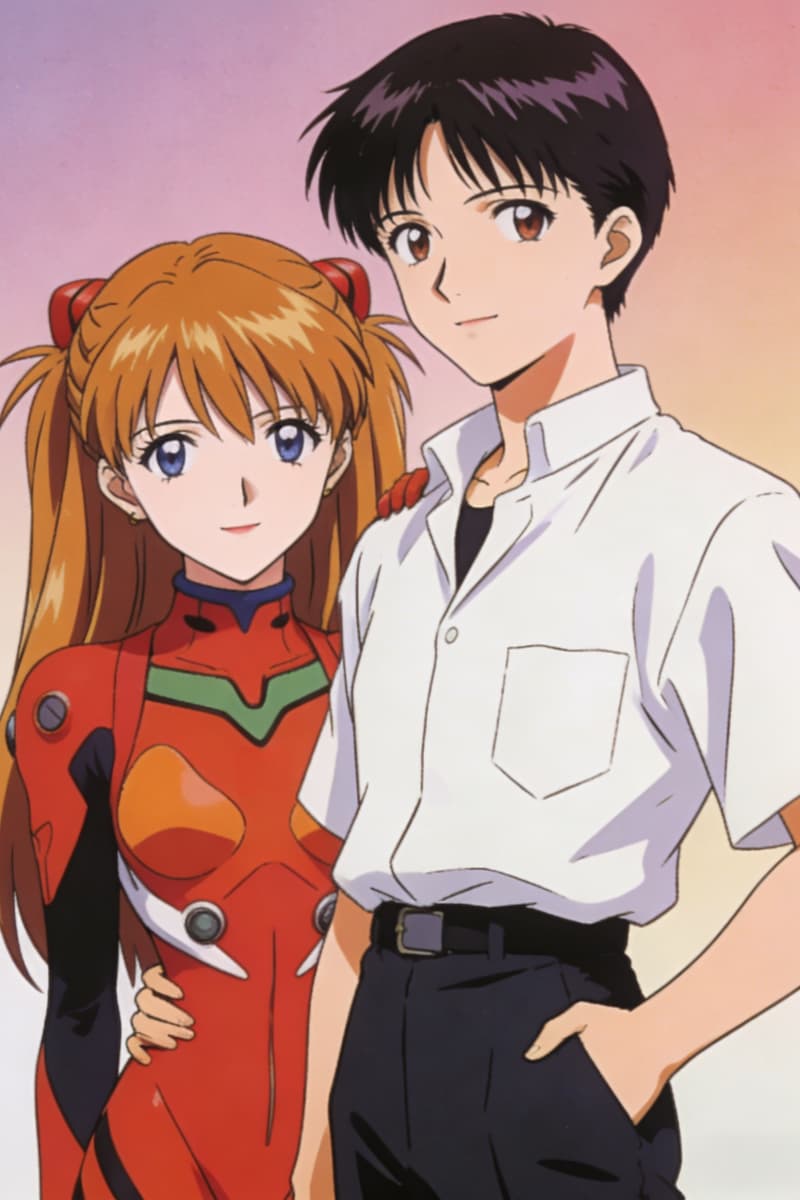
90s Anime Street Scene
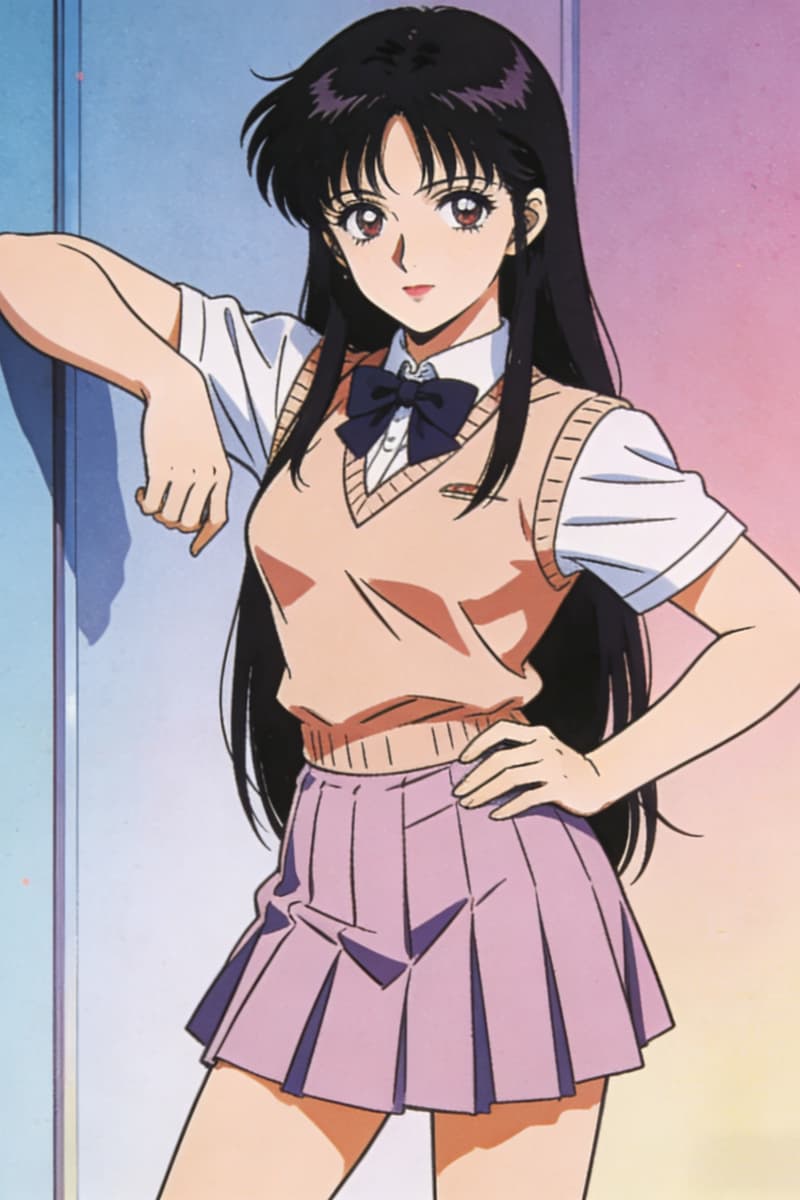
Old School Anime Style
Recreating the Feeling of Hand-Drawn Time
Where Your Ideas Start — Not the Model
Every image begins with your imagination, not presets. With OCMaker AI, you're not locked into a fixed "style pack"—you're shaping a mood, a memory, a scene. Whether you're sketching a quiet train ride at dusk or a neon-lit city, the tool adapts to your intent rather than overriding it.
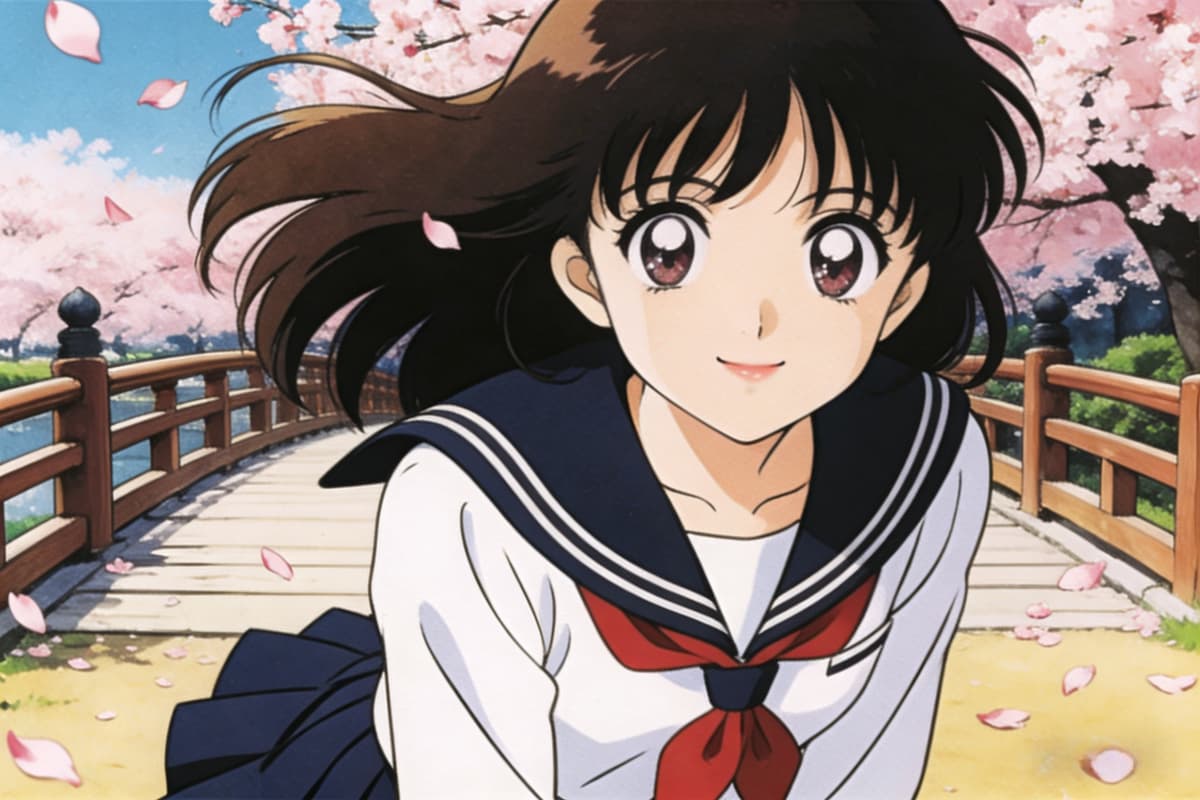
Built for the Texture of the 90s
Unlike generic models that over-polish everything, this system leans into imperfection—the soft blur of cel animation, grain, muted gradients, and subtle color bleed. Combined with AI anime generator workflows, it recreates frames that feel like they were paused from an old VHS, not rendered yesterday.
Prompt-Sensitive, Not Prompt-Dependent
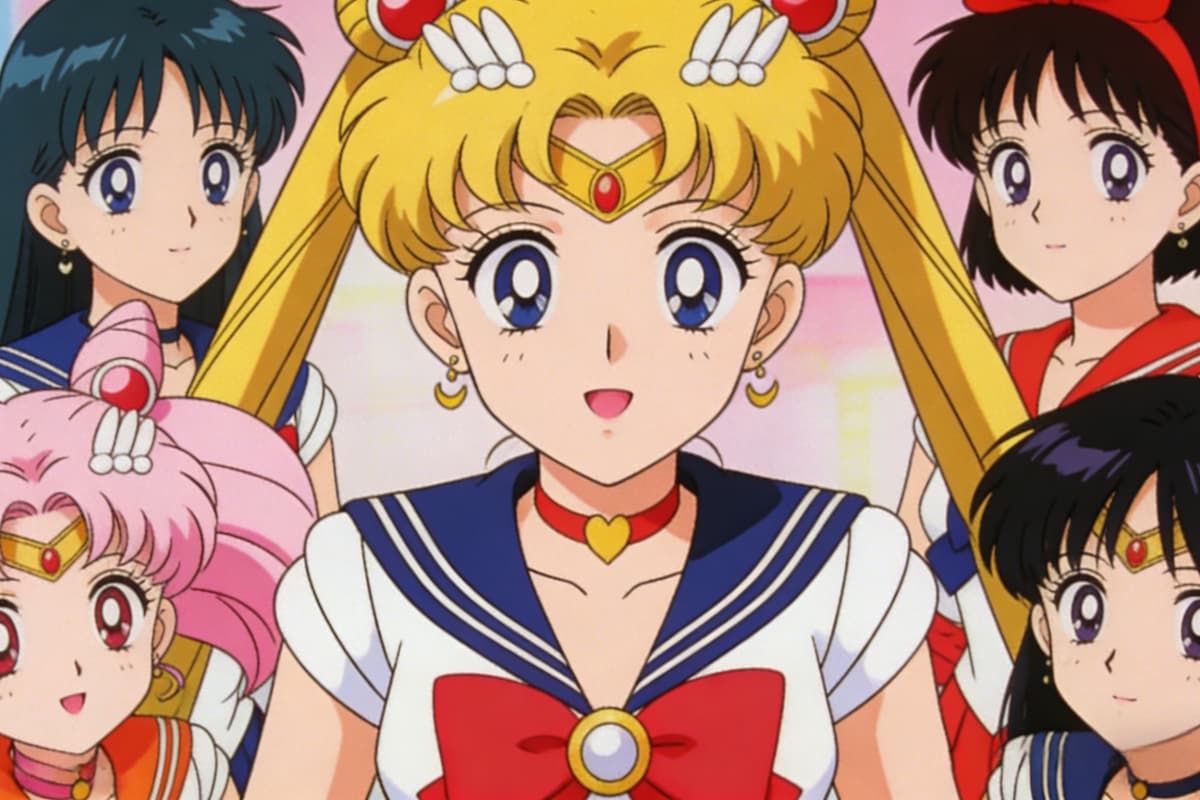
You don't need overly complex prompts to get something meaningful. A simple idea can evolve into a layered image, especially when paired with text to image. And if you want to refine further, image to image lets you iterate like an artist—adjusting tone, composition, and atmosphere gradually.
Designed for Scenes, Not Just Characters
Many tools focus on faces. This one understands environments—the empty street, the flickering light, the quiet sky. It allows you to build a world around your character, not just generate one, giving your creations a sense of place and time.
Features of the 90s Anime AI Art Generator
Authentic Cel Animation Aesthetic
Vintage Color Palettes
Era-Specific Design Elements
VHS Aesthetic Options
Classic Character Design
User-Friendly Interface
Generate Retro 90s Anime Style Images with AI
Craft Your Prompt
Begin by describing your vision of a 90s anime character or scene using rich, detailed language.
Adjust and Generate
Select your preferred style strength and aspect ratio before initiating the art generation.
Download Your Art
Receive your high-resolution retro anime art and download it for your creative projects.
Discover More Styles
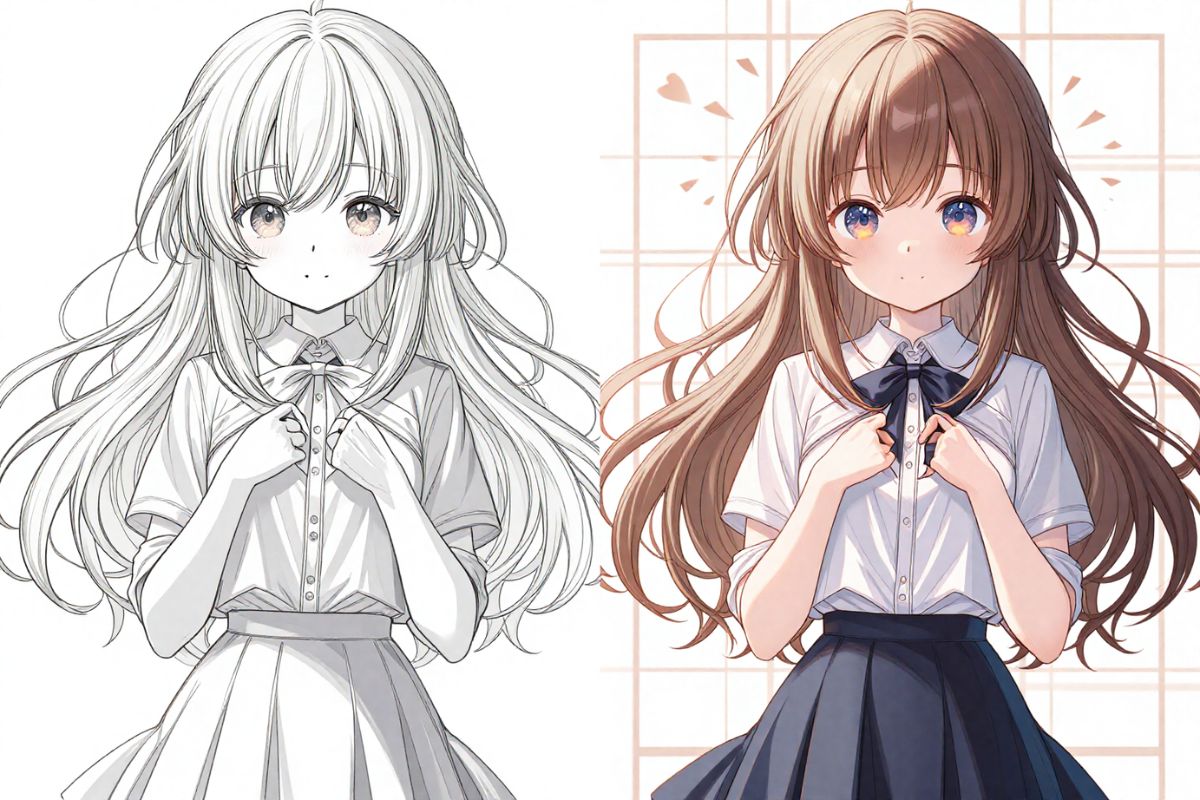
Colorful Line Art
Texture Generator
Sketch Simplification
AI Mascot Generator
T-shirt Design
AI Selfie Generator
AI Anime Generator
AI Vector Generator
AI Pop Art Generator
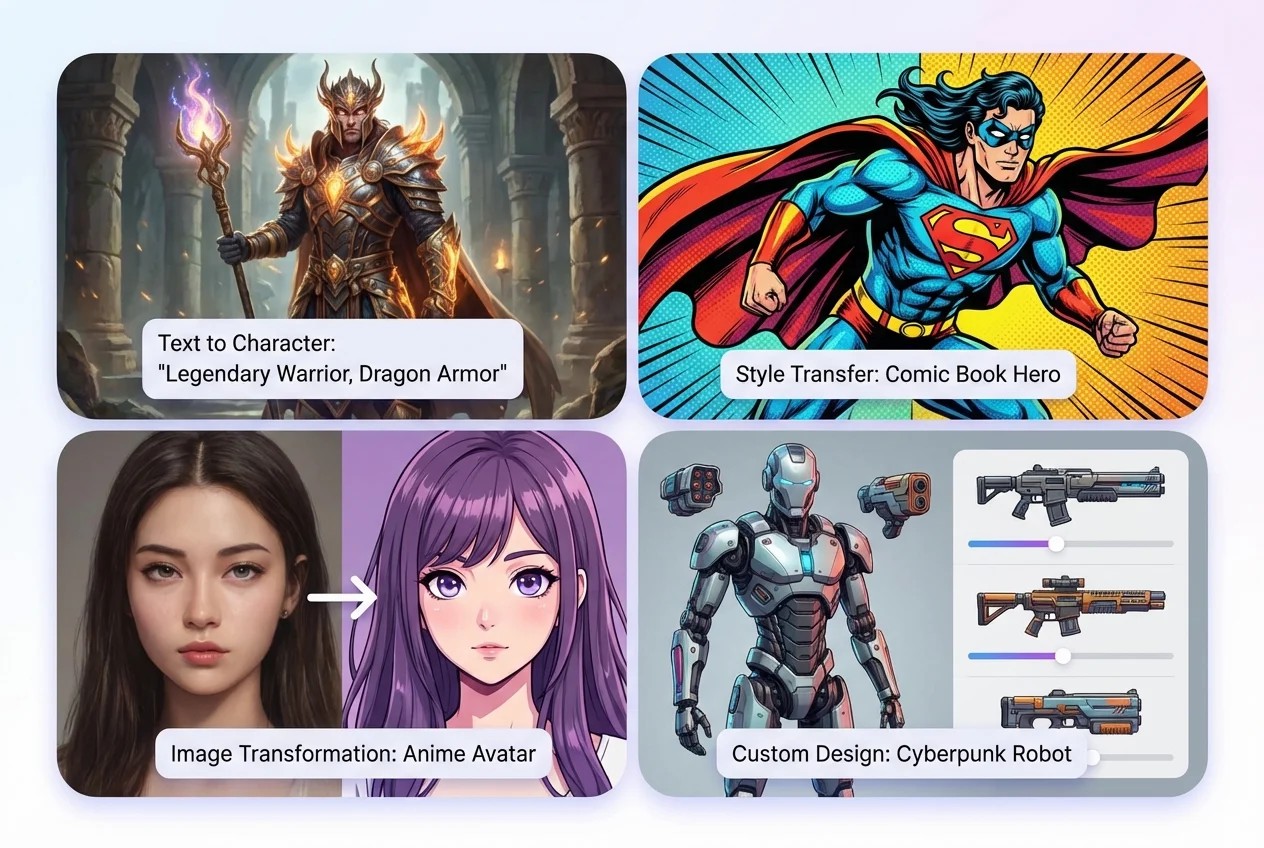
AI Character Creator
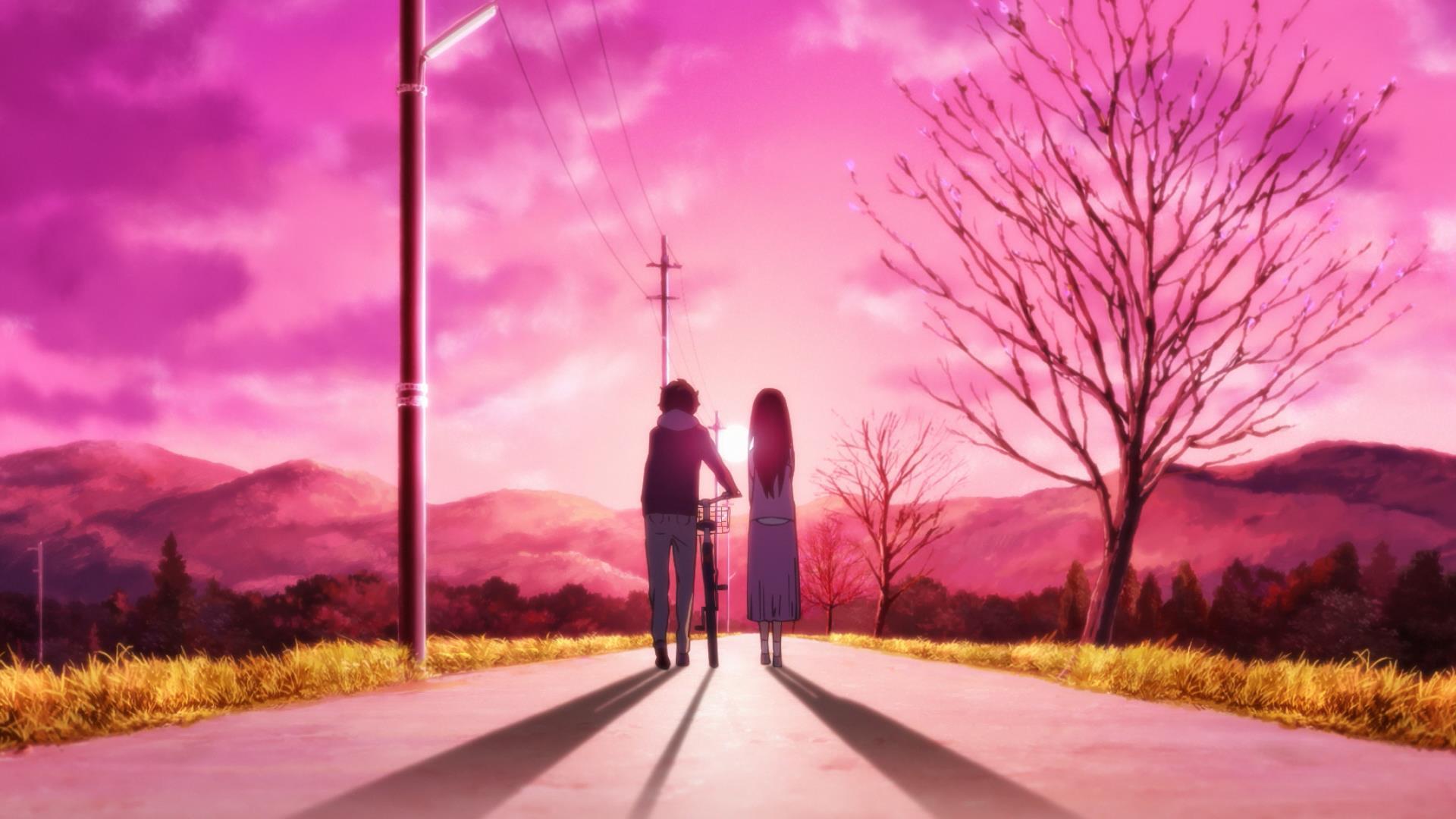
AI boyfriend
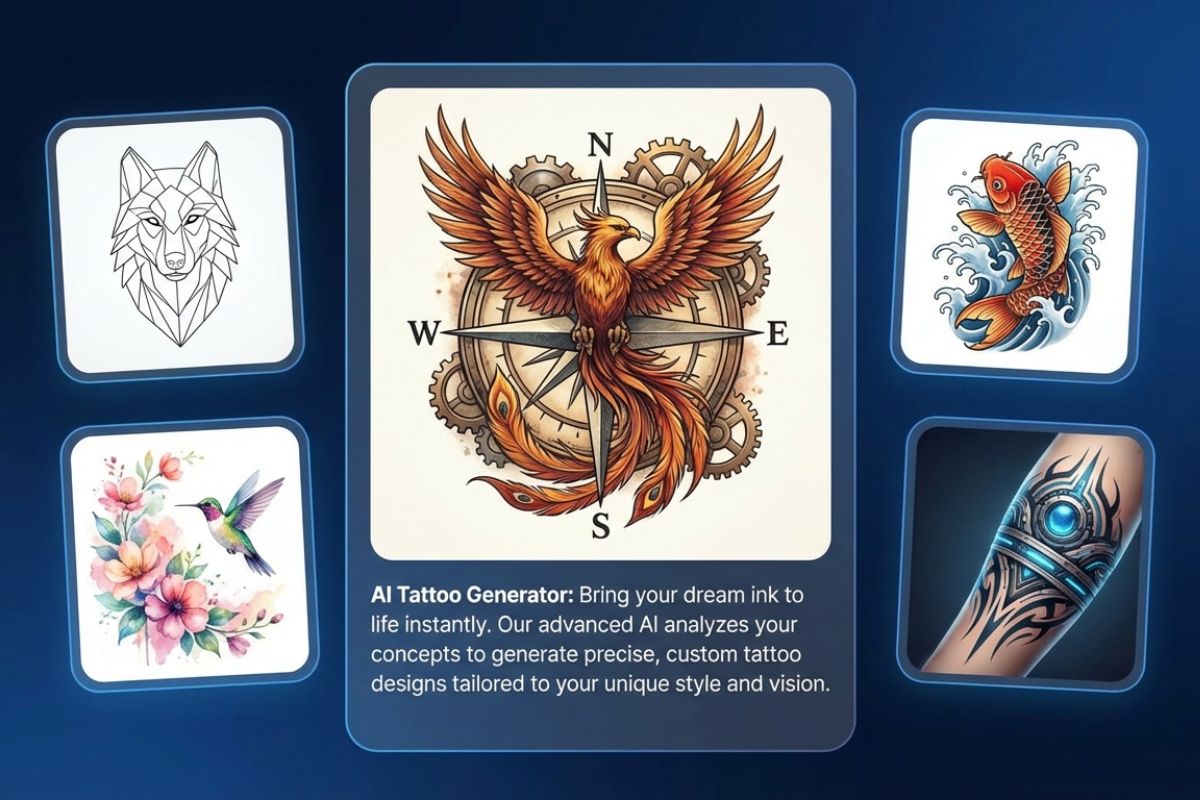
AI Tattoo Generator
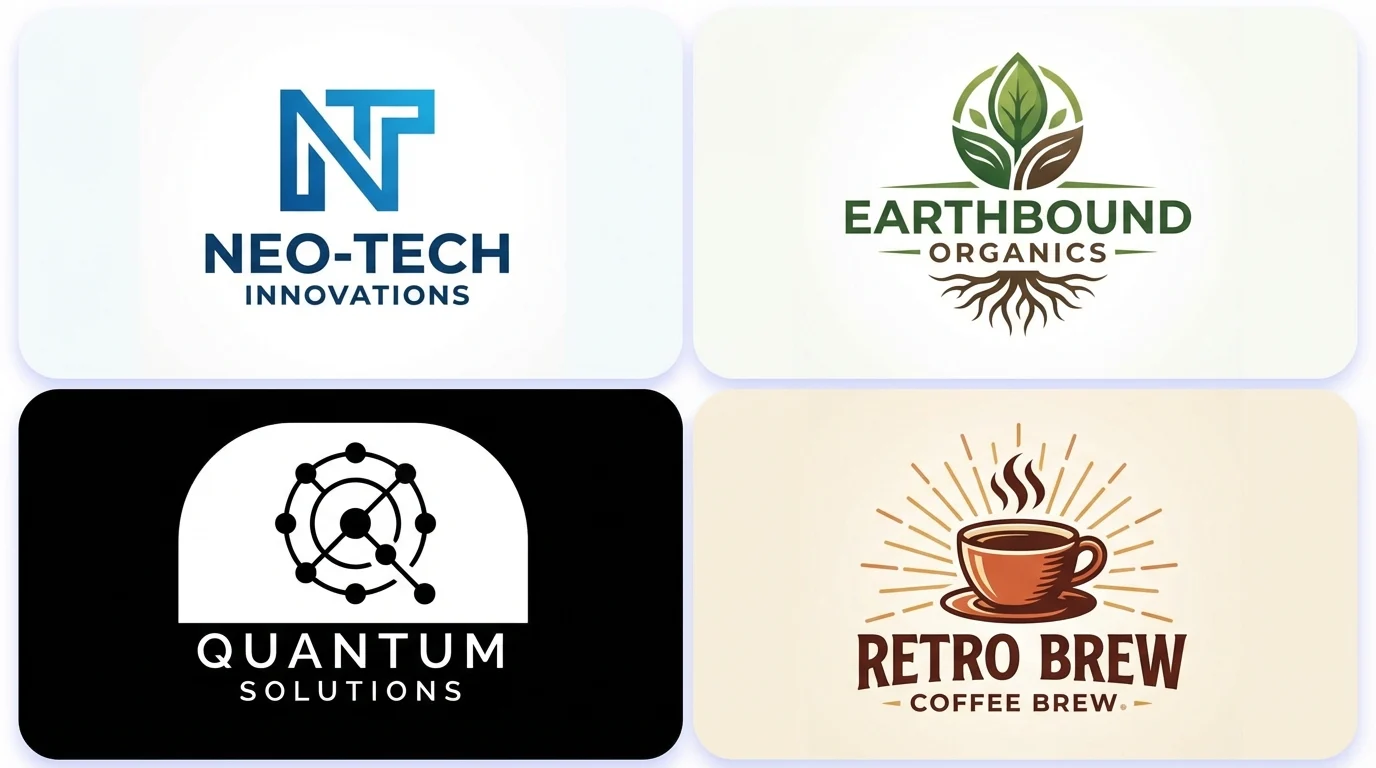
AI Logo Generator
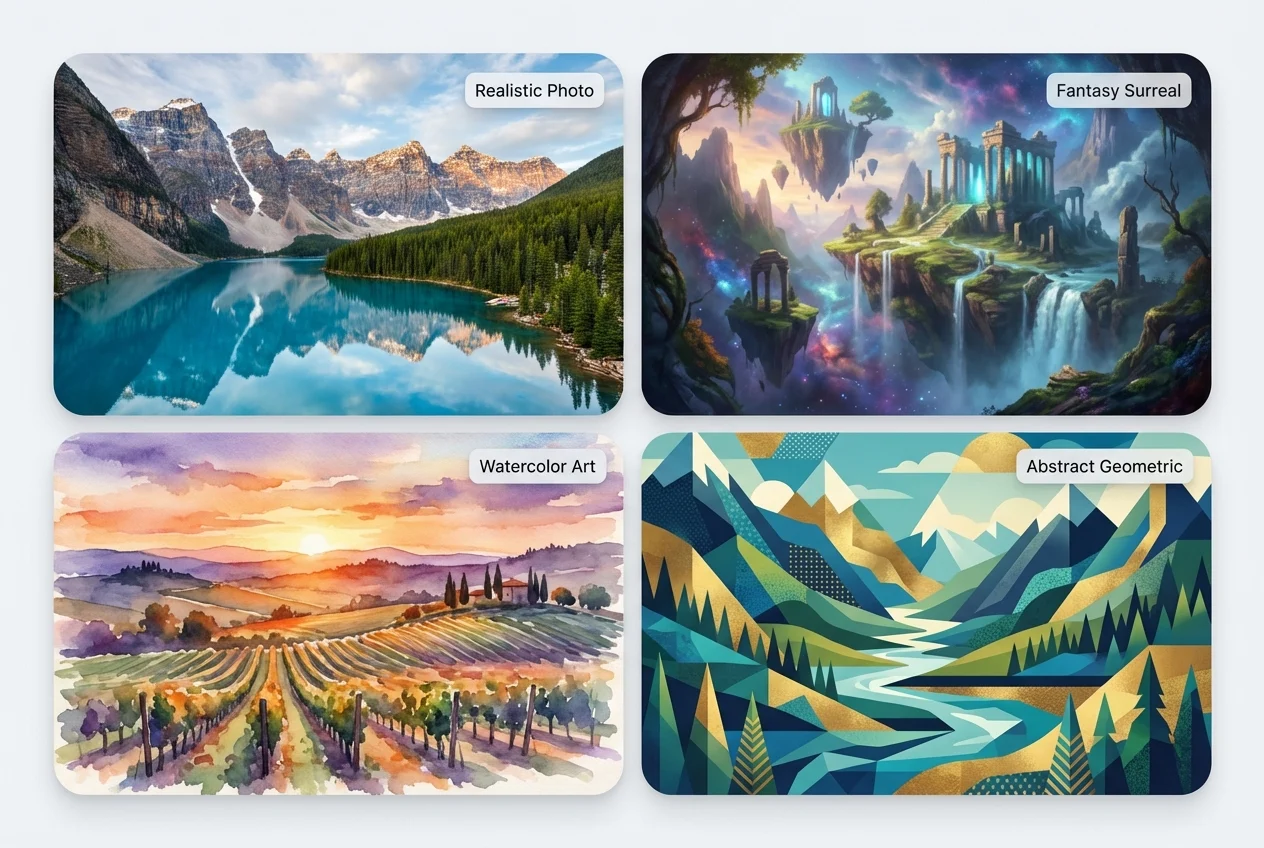
AI Landscape Generator
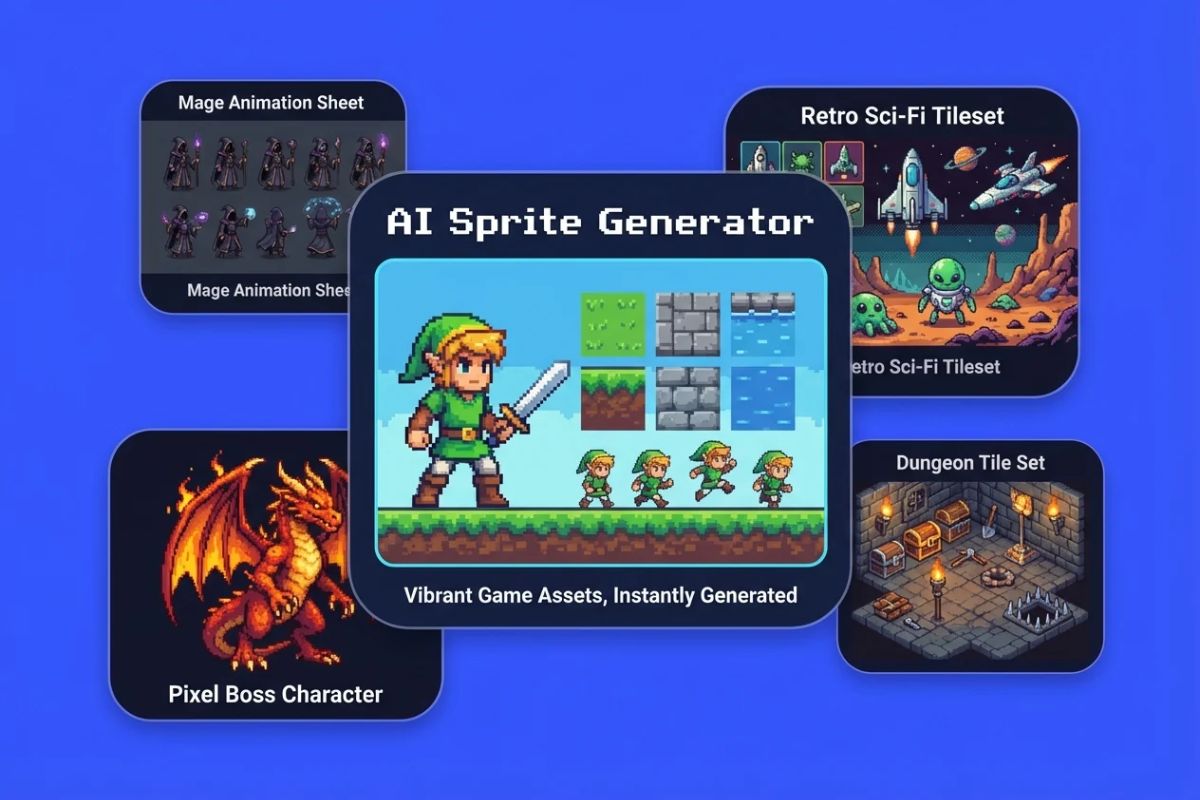
AI Sprite Generator
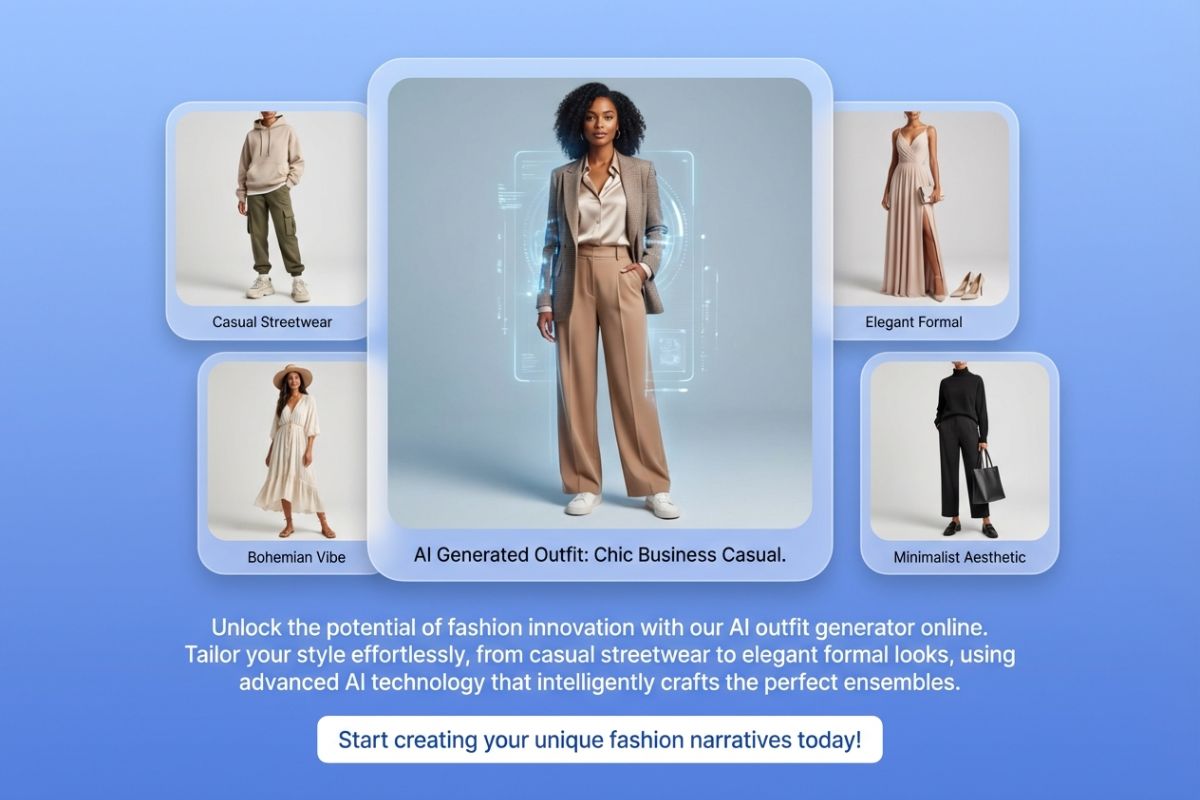
AI Outfit Generator
Animated Wallpaper Maker
AI Comic Generator
Things You Might Wonder While Creating
Discover the Power of AI in Anime Art Creation
Explore the capabilities of OCMaker AI beyond anime generation, offering a suite of creative tools.