AI Anime Fight Generator

Anime Fight Scene Directions

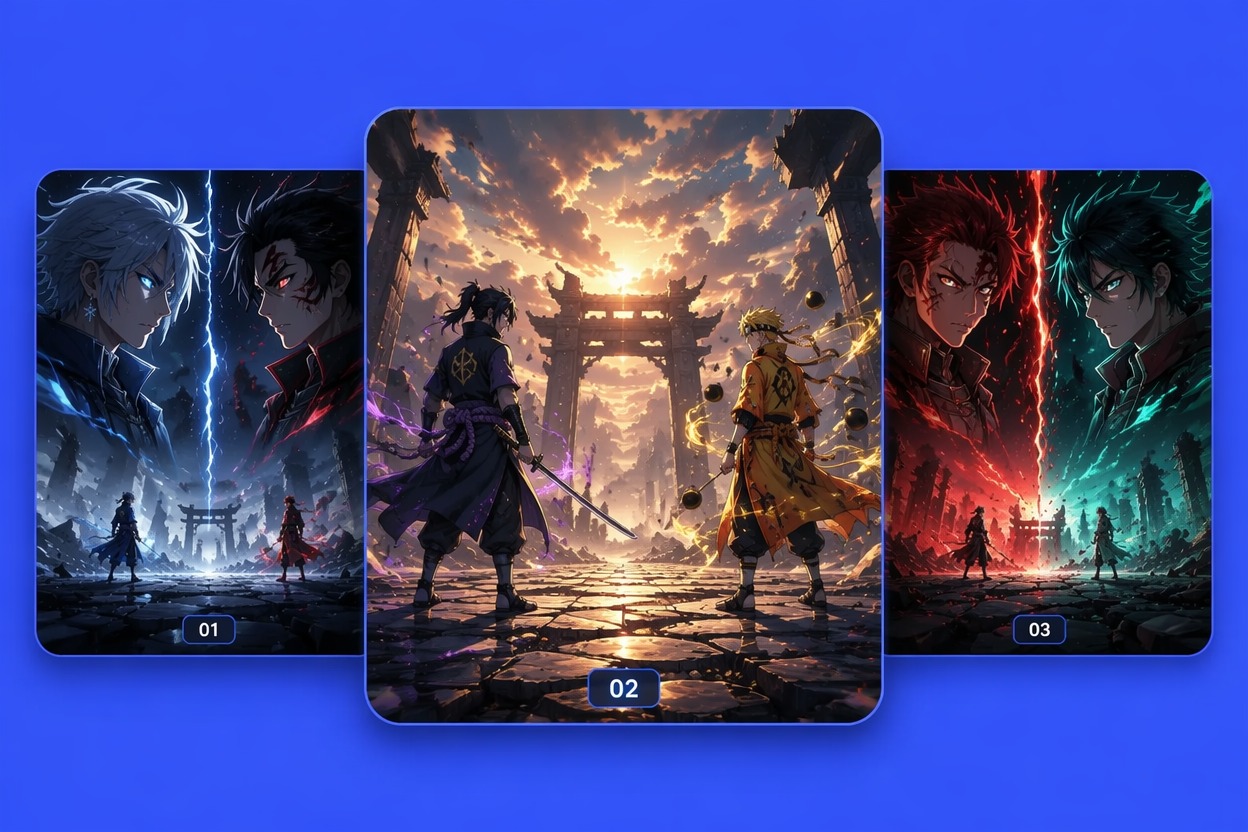
Rival Standoff

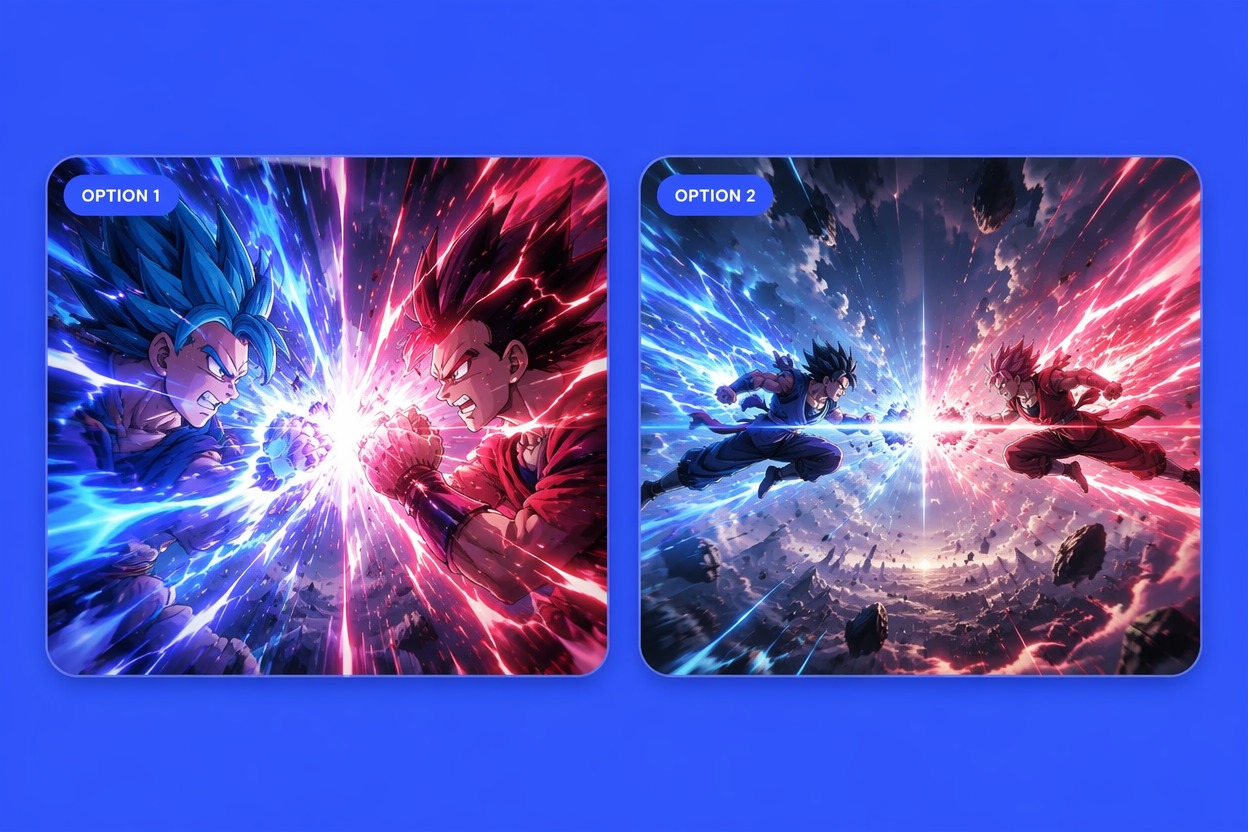
Mid-Air Clash

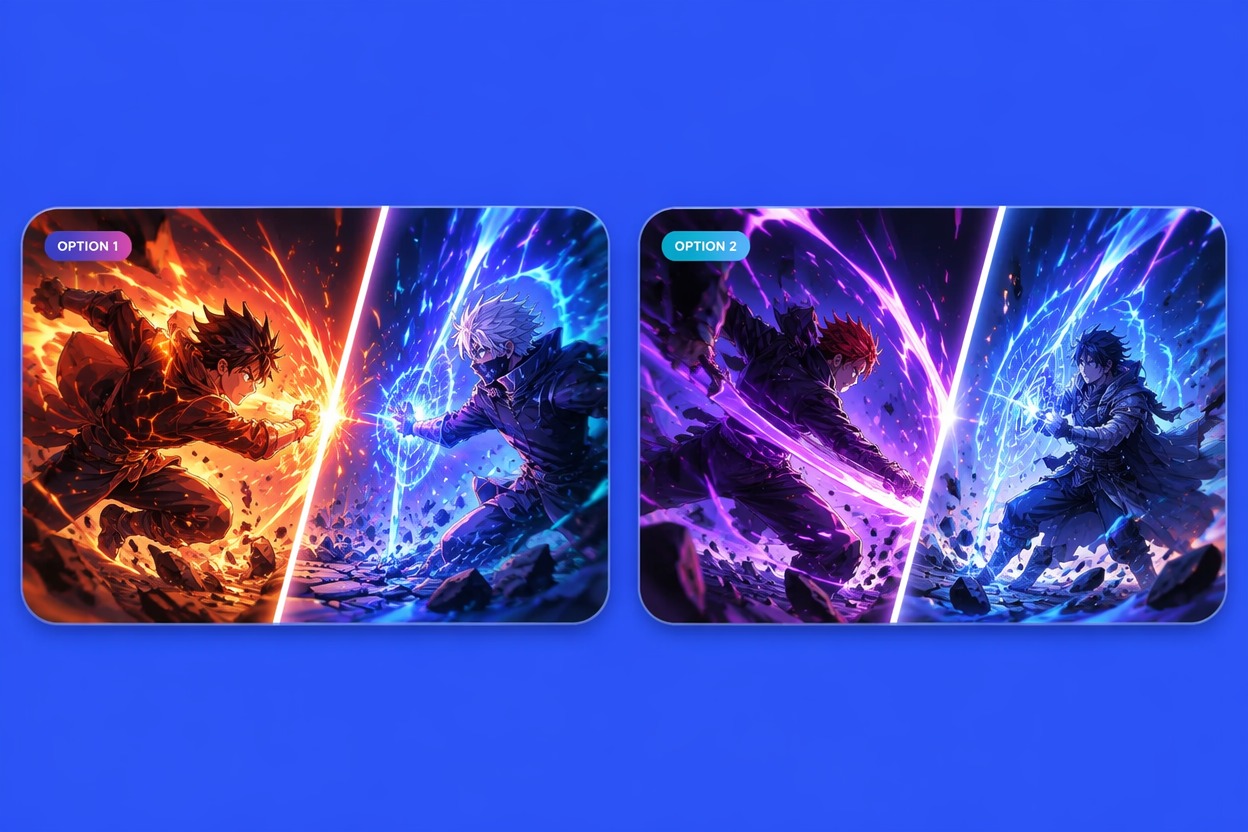
Finishing Keyframe
Direct Anime Battles With Clear Action
Stage Readable Fighter Positions
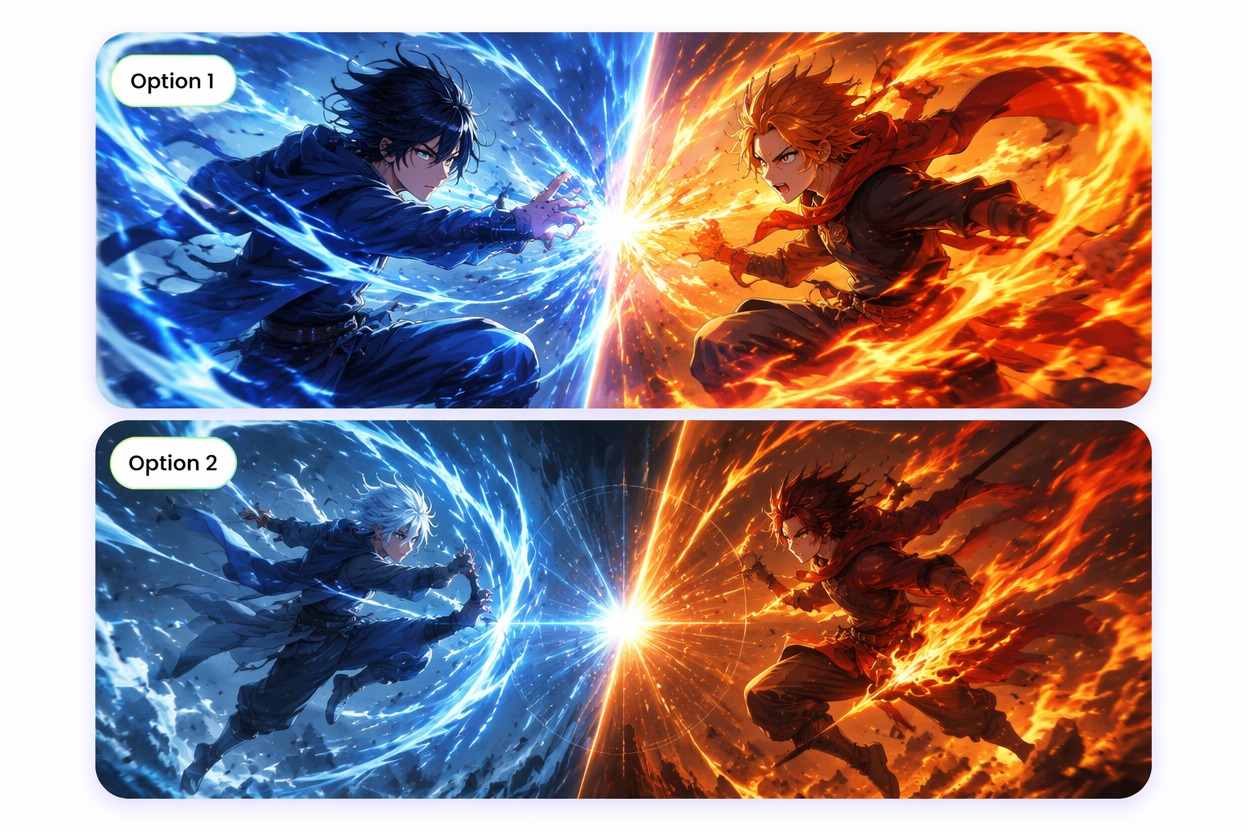
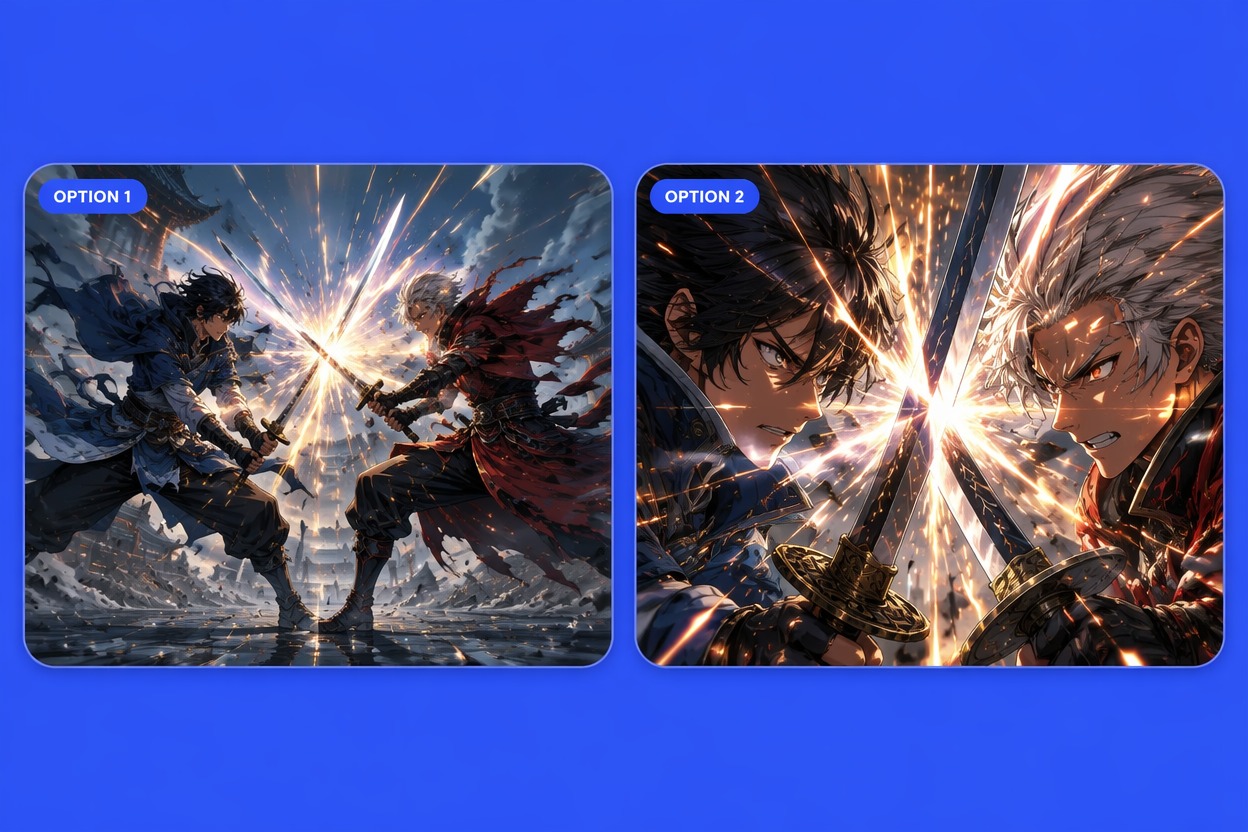
Define who attacks, who defends, how far apart they are, and where each body moves next. Clear silhouettes and directional poses help generated fight images remain readable while giving animated scenes a logical path of motion before speed lines, debris, or power effects are added.
Build Impact Around One Beat
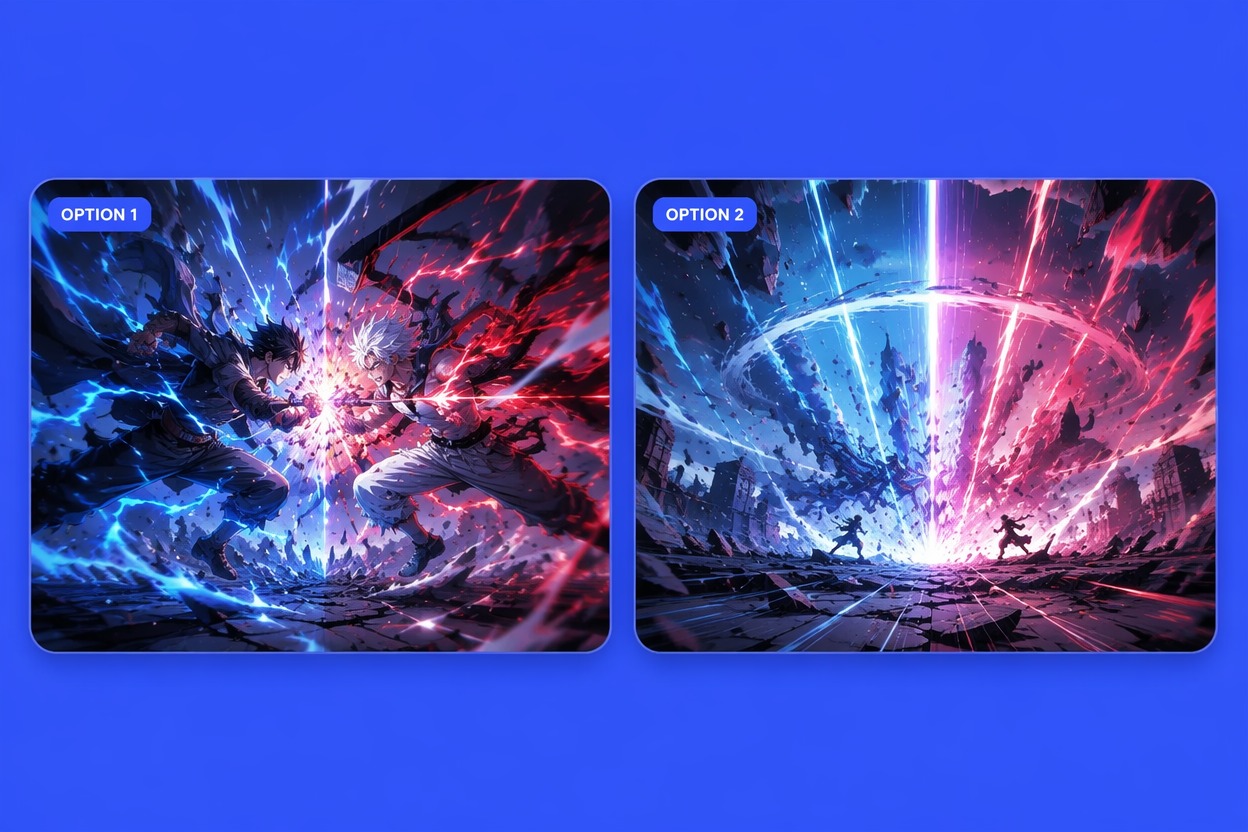
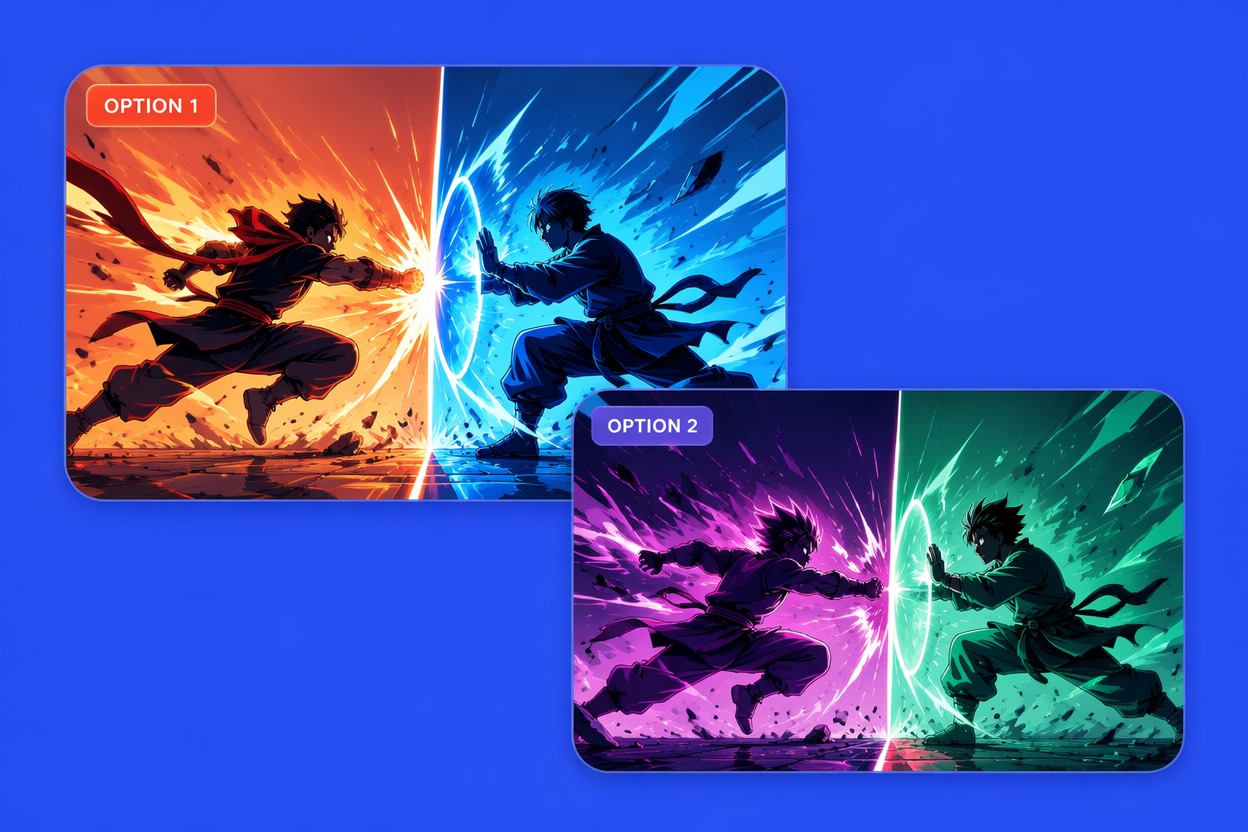
Focus each image or video clip on one event: a dodge, block, strike, spell collision, landing, or reversal. Concentrating the scene around one beat produces cleaner anatomy, stronger impact, and more understandable motion than asking the AI anime generator to show an entire battle at once.

Match Powers to Character Identity
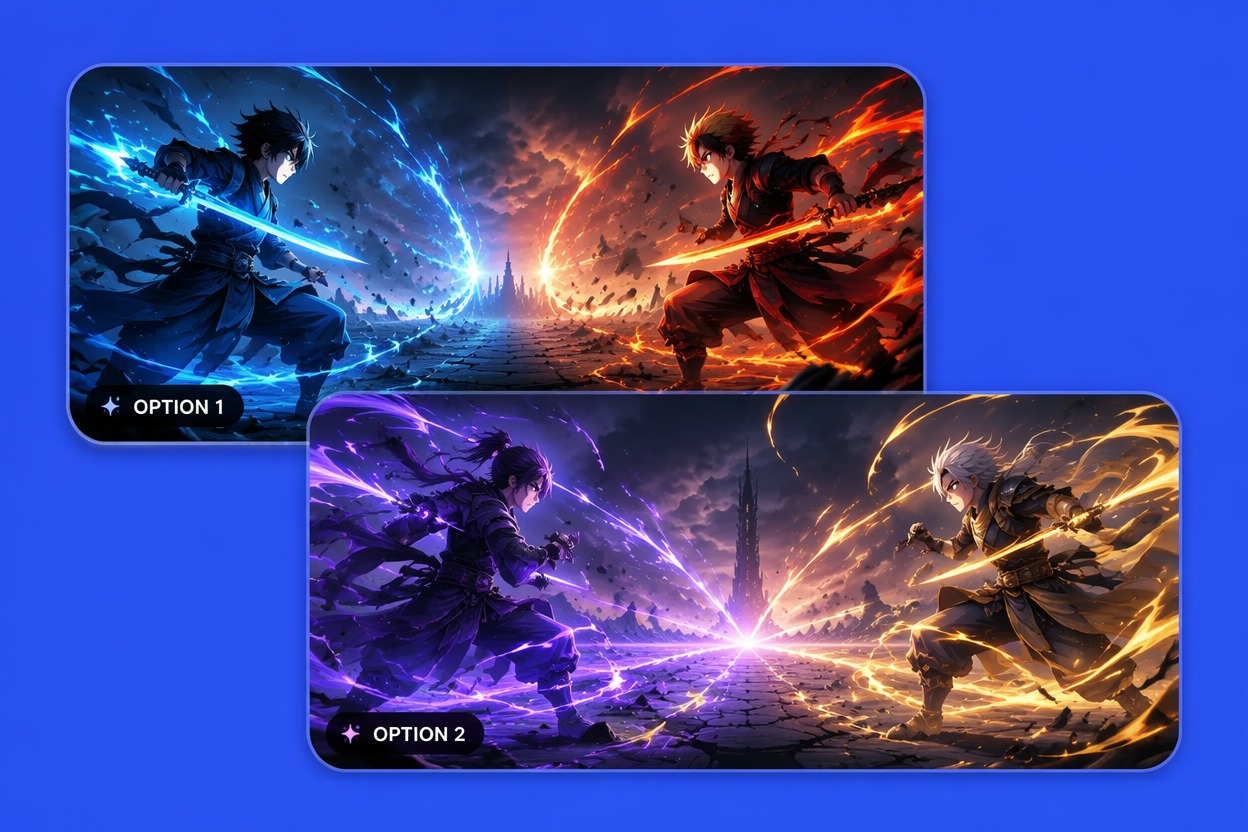
Give each fighter a distinct color, weapon, movement style, and effect language so viewers can separate them instantly. An original hero from an OC maker can carry signature attacks, defensive habits, costume cues, and recognizable movement into every generated image or video without copying an existing anime character.

Plan a Complete Fight Sequence
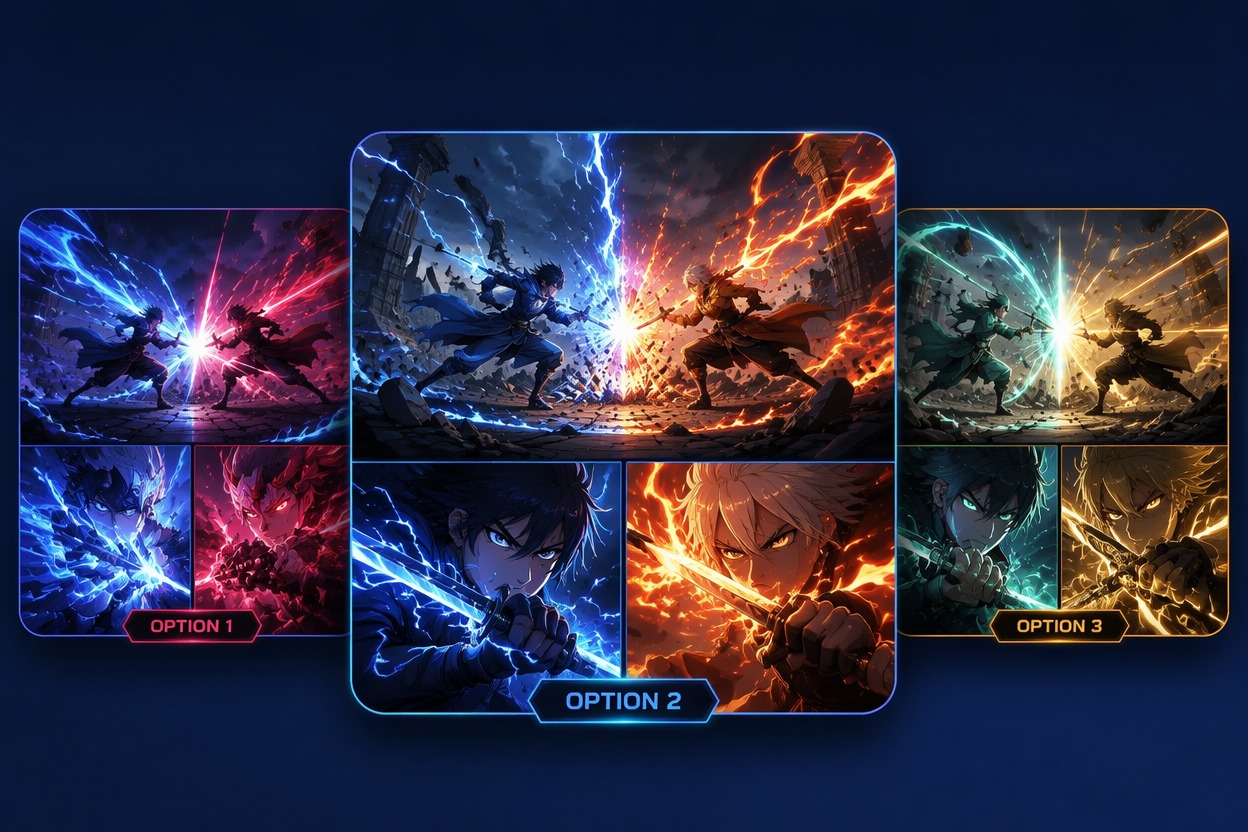
Create an establishing shot, approach, first exchange, reversal, climax, and aftermath as connected images or animated clips. This provides a practical sequence for comics, storyboards, animatics, short videos, or pitches while giving every stage a clear camera angle and emotional purpose.

Why Use an Anime Fight Scene Creator?
Clear Attack Direction
Distinct Rival Silhouettes
Stronger Camera Choices
One Beat Per Scene
Environment With Consequences
Storyboard and Video Variations
How to Make an Anime Fight Scene
Define Both Fighters
Describe each original fighter’s silhouette, outfit, weapon or power, stance, and emotional goal so the opponents remain recognizable throughout the image or video.
Choose One Combat Beat
Select a standoff, attack, dodge, block, collision, reversal, landing, or aftermath, then state who moves, how the movement unfolds, and where the impact occurs.
Set Camera and Effects
Choose a wide, low, close, diagonal, tracking, or over-the-shoulder view. Add only the debris, energy, weather, motion lines, and camera movement needed to support the action.