AI Anime Image Enhancer: Clearer Lines and Color

AI Anime Image Enhancer improves existing anime art with clearer edges, smoother colors, and higher resolution. Review character details before reuse.

AI Anime Image Enhancer

Give an existing anime portrait or illustration a clearer finish. Improve the image you already chose, from soft character outlines to uneven cel-shaded color, without starting a new design.

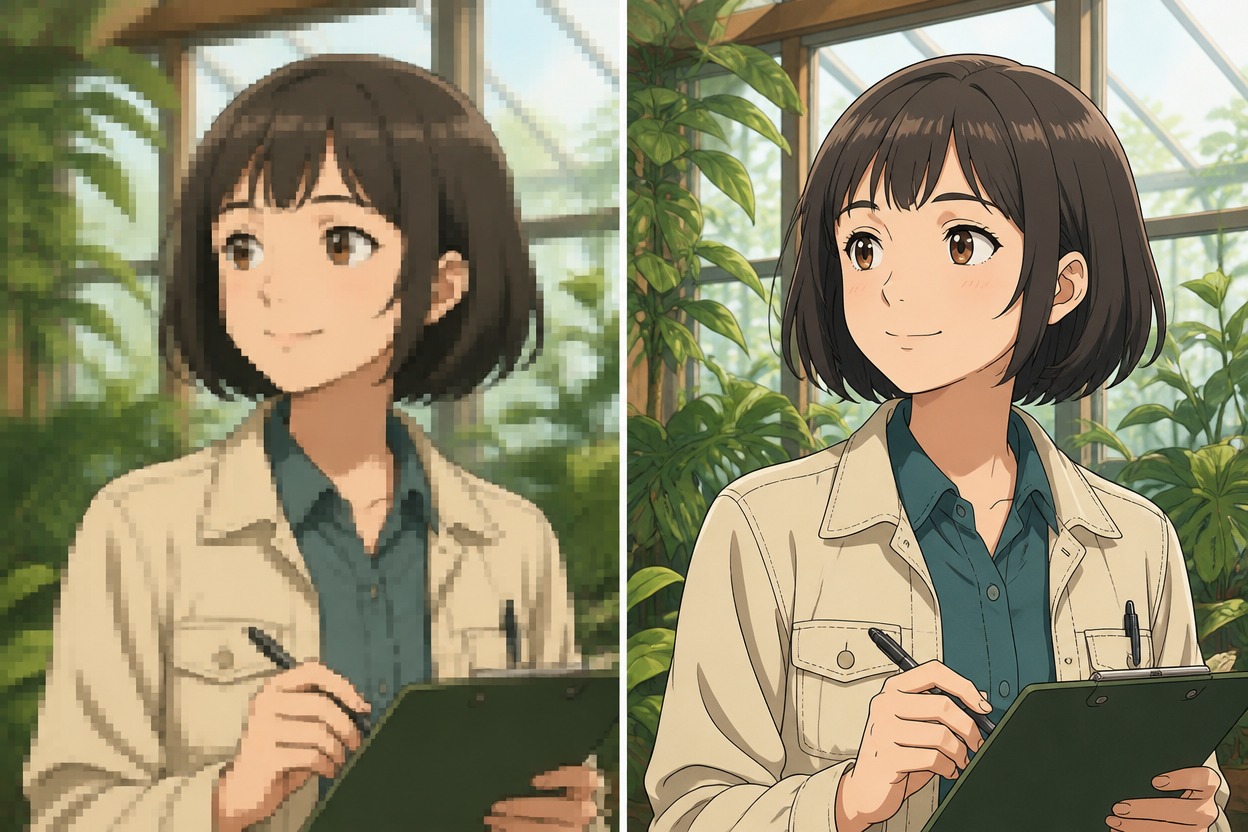
Illustrative anime comparison of a botanist holding a plain clipboard in a greenhouse, soft and pixelated on the left and crisp on the right

AI Image Enhancer for Finished Anime Artwork

Representative illustrations show the visual goals of enhancement, not measured before-and-after tool results.

0104

Cleaner Anime Line Edges

Anime enhancement helps clarify the fuzzy borders around hair, clothing, and facial features while keeping the drawn character recognizable. Existing outlines remain the visual foundation, giving finished portraits a cleaner appearance for profile pictures without asking for a different character design.
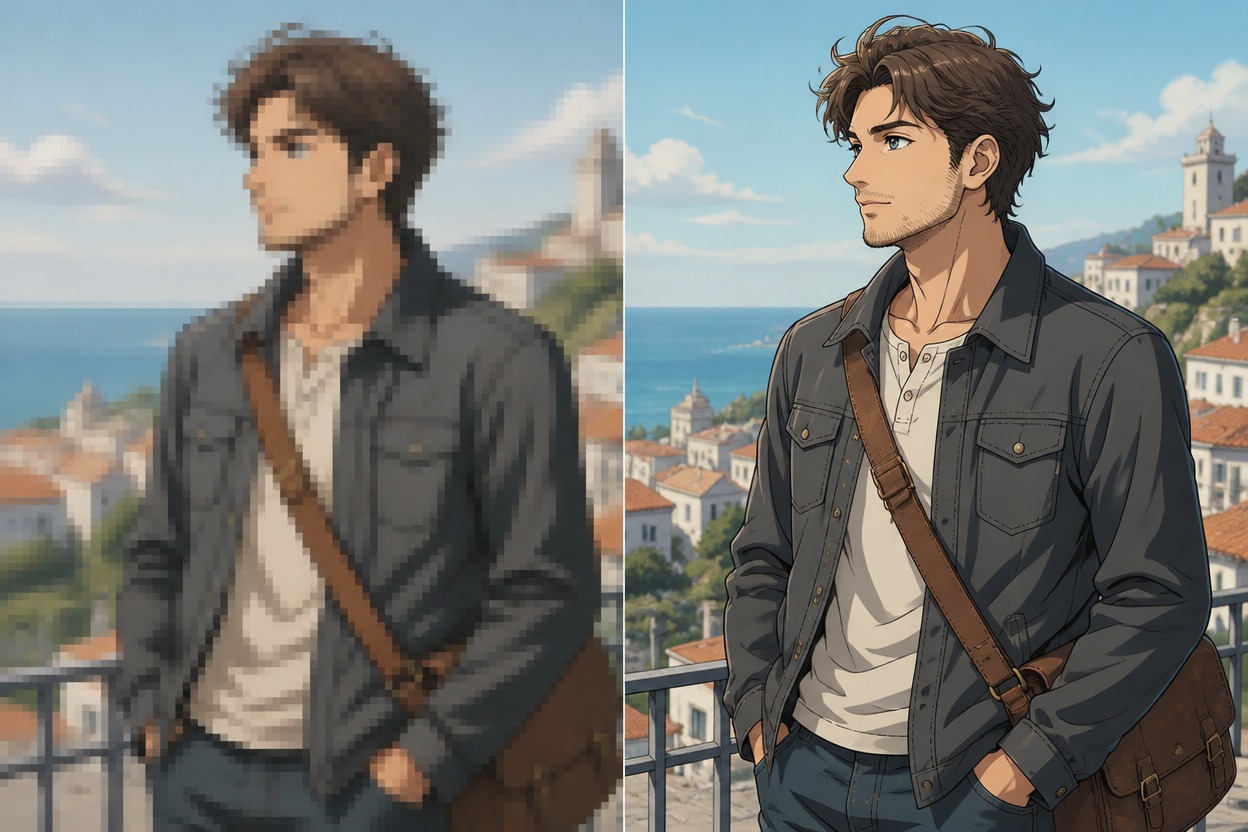
Illustrative anime comparison of a courier with a messenger bag at a seaside overlook, soft and pixelated on the left and crisp on the right

0204

Smoother Cel Shaded Color

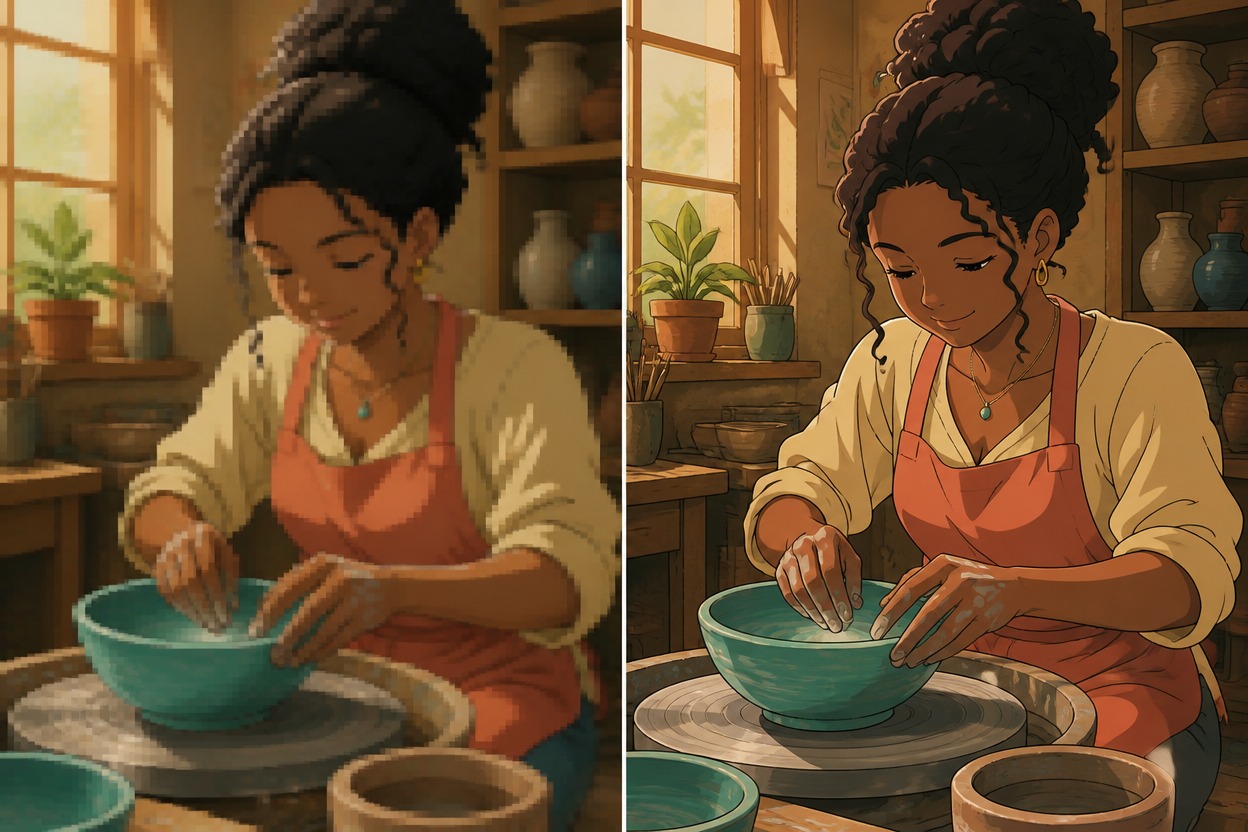
Color smoothing helps reduce the muddy transitions that can distract from cel-shaded anime art. Broad shadow shapes and flat color areas become easier to read together, supporting illustration previews where the palette should feel intentional rather than crowded by compression texture.

Illustrative anime comparison of a ceramic artist shaping a turquoise bowl in a sunlit studio, soft muddy colors on the left and clear cel shading on the right

0304

More Readable Character Details

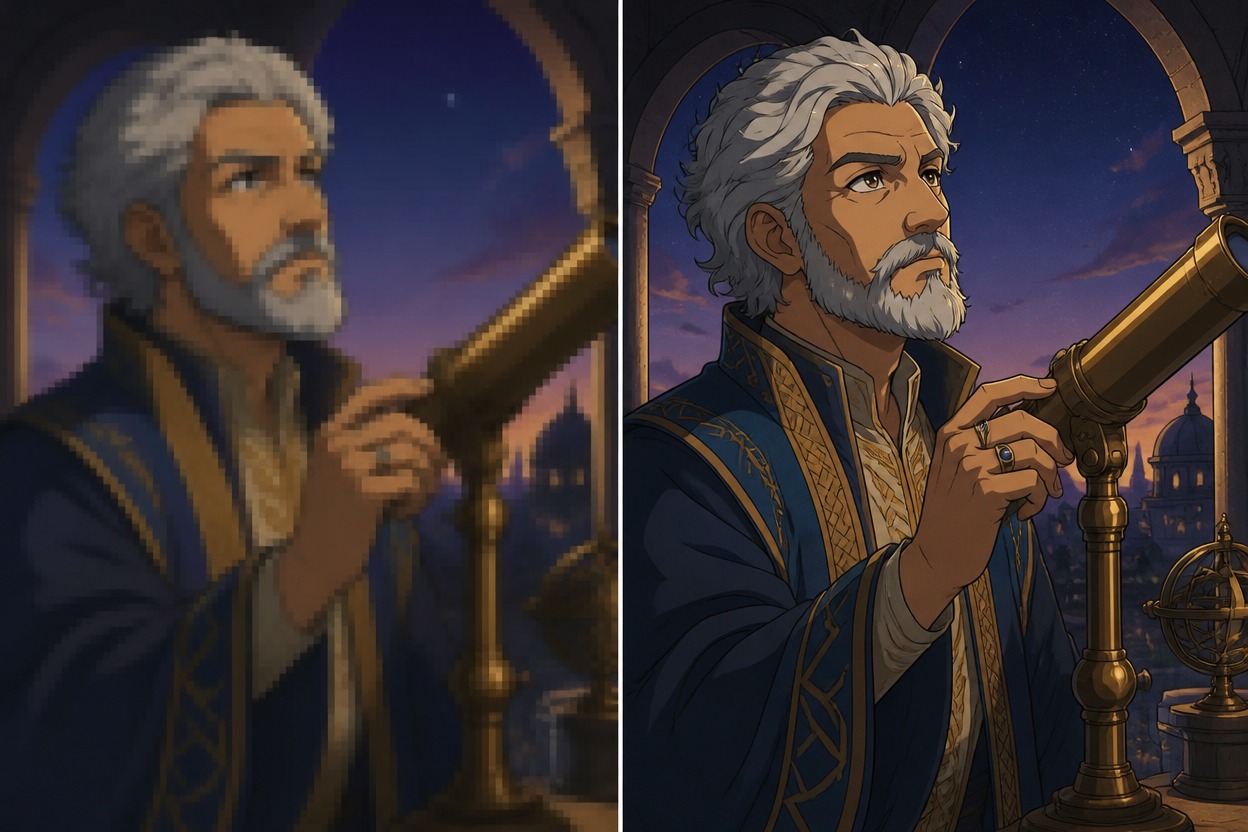
Small details in an existing portrait can become easier to inspect, from eye contours to costume trim. Art made with an AI anime generator can benefit from this finishing pass once the face, pose, and outfit direction are settled, before it joins a character reference board.

Illustrative anime comparison of a silver-haired astronomer beside a brass telescope at dusk, soft details on the left and crisp eyes and coat trim on the right

0404

Higher Resolution Anime Assets

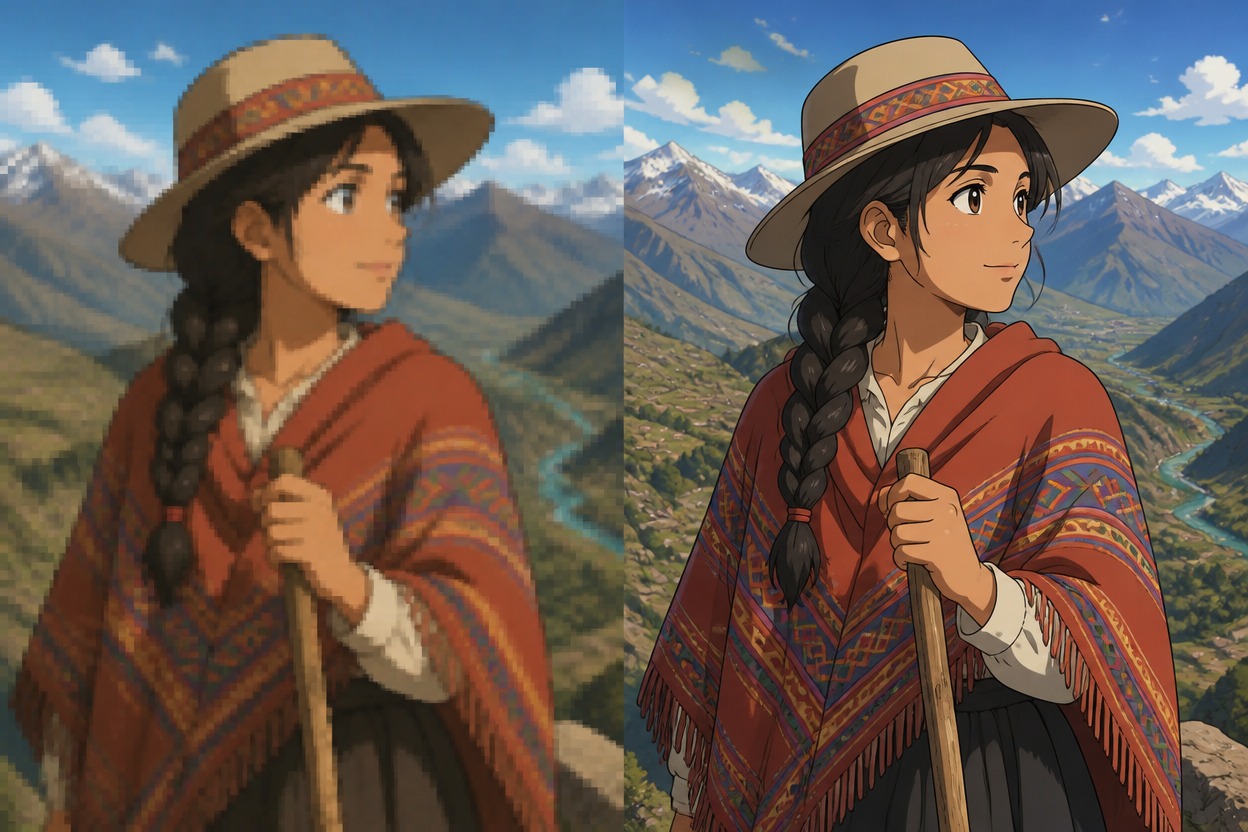
Resolution enhancement gives usable illustrations a larger working image for wallpapers, banners, and social previews. An OC maker portrait can move into this finishing stage after the design is chosen, with the source composition guiding the result rather than a newly generated scene.

Illustrative anime comparison of a braided mountain traveler in a patterned poncho holding a staff, soft low-definition scenery on the left and crisp detail on the right

From Anime Source to Reviewed Download

Work from the clearest source available, then judge the result where the art will be seen.

  1. Upload Your Anime Source

    Upload the clearest version of your portrait, avatar, or illustration. Keep a copy of the source so you can judge whether enhancement changes important facial or costume details.

  2. Enhance and Examine the Art

    Run enhancement using the available tool options. Compare eyes, hair tips, clothing trims, hands, and flat shadow areas with the source; look for new halos, altered shapes, or remaining compression.

  3. Download the Reviewed Version

    Download the result after review and inspect it at its intended viewing size. Confirm the available file options in the tool, and check that your planned crop keeps the face and silhouette readable.

Why Use This AI Anime Image Enhancer

A finishing stage that fits the way existing anime artwork is reused.

  • 01

    Finished Art Workflow

    Enhancement fits after character design approval, separating final image polish from concept exploration.

  • 02

    Portraits And Scenes

    Both face-led anime portraits and illustrated scenes can enter the same existing-image enhancement workflow.

  • 03

    Reference Board Reuse

    A polished anime draft offers a useful visual reference alongside costume notes or a character mood board.

  • 04

    Social Preview Preparation

    An enhanced illustration can serve as source artwork for a thumbnail or social preview in your usual editor.

  • 05

    Wallpaper Starting Point

    Existing landscape artwork can become a working asset for wallpaper layouts without commissioning a new scene.

  • 06

    Human Art Direction

    The source illustration supplies the creative direction; enhancement is a finishing task, not a new design brief.

Frequently Asked Questions

Anime Enhancement Questions and Limits

What Is AI Anime Image Enhancer?

It is an anime-focused AI image enhancer for existing illustrations, portraits, and avatars. It aims to improve resolution, edge clarity, color smoothness, and small visual details rather than generate a new character from a text description.

How Do I Use It on an Anime Illustration?

Upload a usable anime image, run enhancement through the available upscaler workflow, and compare the result with your source before downloading. Pay particular attention to the face, hair tips, and costume edges.

Is This AI Image Quality Enhancer Free?

Check the current OCMaker AI plan and the options shown for this tool. Free access, credits, queues, watermarks, and output limits have not been confirmed for this page, so do not assume unlimited enhancement or free downloads.

Can I Sell an Enhanced Anime Portrait or Wallpaper?

Check OCMaker AI’s current terms and your rights to the source artwork before selling an enhanced image. Upscaling does not clear rights to protected anime characters, copied costume emblems, logos, or another person’s likeness.

Is an AI Picture Enhancer the Same as an Upscaler?

The terms overlap, but they emphasize different goals. Upscaling concerns pixel dimensions; enhancement also concerns apparent clarity, edges, and color transitions. A larger anime image is not necessarily a better drawing or an accurate reconstruction.

Can an AI Image Improver Recover a Tiny, Blurry Anime Face?

A very small face may not contain enough information to recover its original expression or eye shapes reliably. Enhancement can produce plausible detail, not prove what was missing. A higher-quality source is preferable when facial accuracy matters.

Does “AI Enhance Photo” Mean This Tool Is for Camera Photos?

This page focuses on anime illustrations, not general photographic restoration. If your image is an anime-style portrait, judge the result by its drawn lines and shading; camera-photo repair and face restoration are not established capabilities here.

What Happens to Compression Blocks in Flat Anime Colors?

Enhancement aims to make fuzzy edges and muddy color areas less distracting, but heavy compression can remain visible or become uneven texture. Start from the least-compressed source available and inspect broad shadows as well as fine outlines.

Will Enhancement Keep Thin Line Art and Cel Shading?

Recognizable anime styling is the goal, not an exact-pixel guarantee. Fine strands, eyelashes, and narrow shadow borders can change during processing. Compare those areas with the source if the drawing depends on delicate line weight.

Can It Redraw Missing Hands or Fix a Bad Pose?

No dependable anatomy reconstruction is established. Missing fingers, awkward joints, or an unclear silhouette need drawing or editing work before enhancement. Enlarging the image may make an existing mistake more obvious rather than correct it.

What Should I Check Before Cropping an Enhanced Anime Avatar?

Inspect eye highlights, facial edges, hair tips, jewelry, and the silhouette at your intended display size. Keep enough room around the face for the destination crop; a cleaner large preview does not guarantee that a tight circular icon will read well.

Which Scaling Ratios and Export Formats Are Available?

Specific multipliers, output dimensions, file formats, and transparency handling have not been confirmed for this page. Use the options currently offered by the tool and verify the downloaded file before planning a print or layout around it.

Give Your Chosen Anime Artwork Its Finishing Pass

Use AI Anime Image Enhancer on an illustration worth keeping, then review the details before its next appearance.

AI Anime Image Enhancer: Clearer Lines and Color