
Pricing
Log In
AI Generator
Free AI Manga Animator: Animate Manga Panels
Create AI manga animation from static artwork. Learn how to animate manga with AI using motion direction, camera moves, timing, and subtle character effects.
AI Manga Animator
Turn a static manga panel into a short, expressive animated moment. Direct camera movement, character motion, atmosphere, and pacing while preserving the original composition and drawing style.
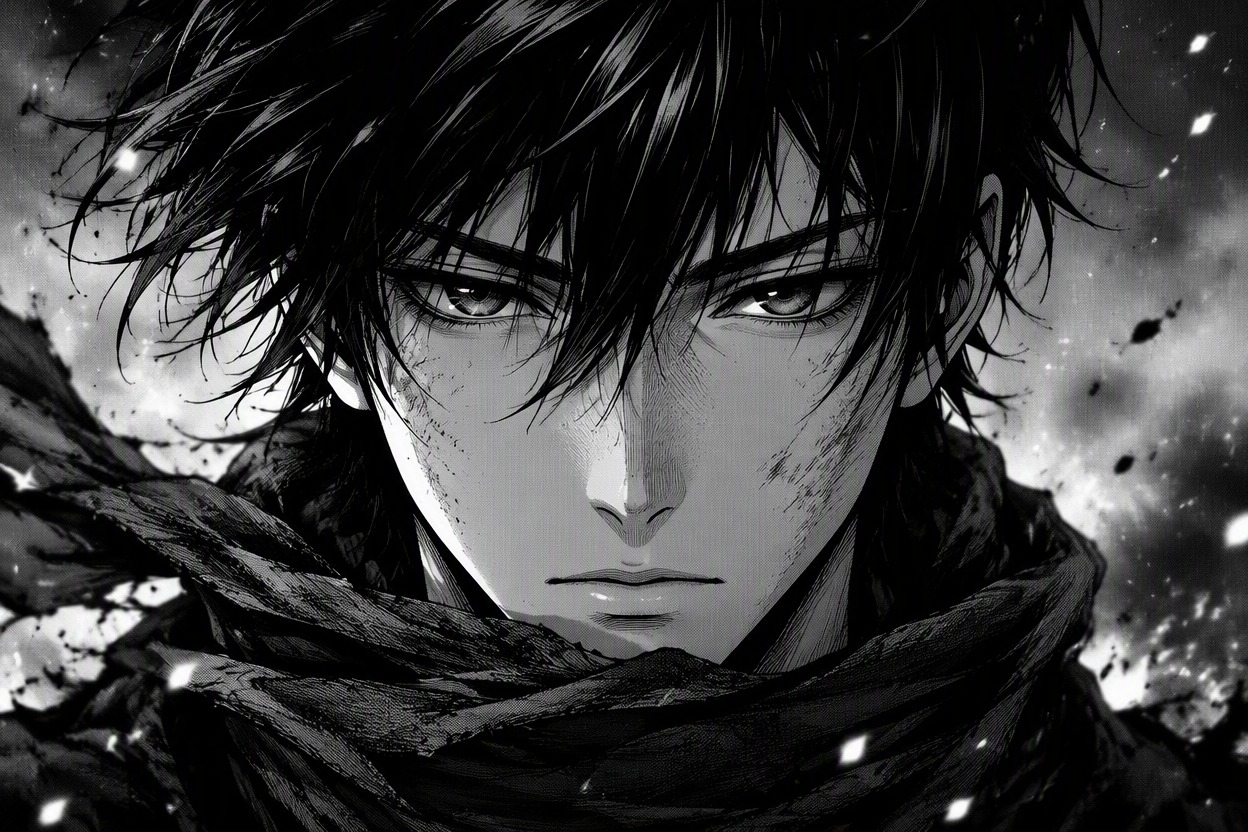
Turn Manga Panels Into Smooth AI Animation
Bring Static Manga Art to Life
Add natural movement to manga characters, including blinking, breathing, hair flow, clothing motion, and subtle expression changes. The animation keeps the scene focused and helps original characters feel more alive. For custom character ideas, use build your perfect anime character.
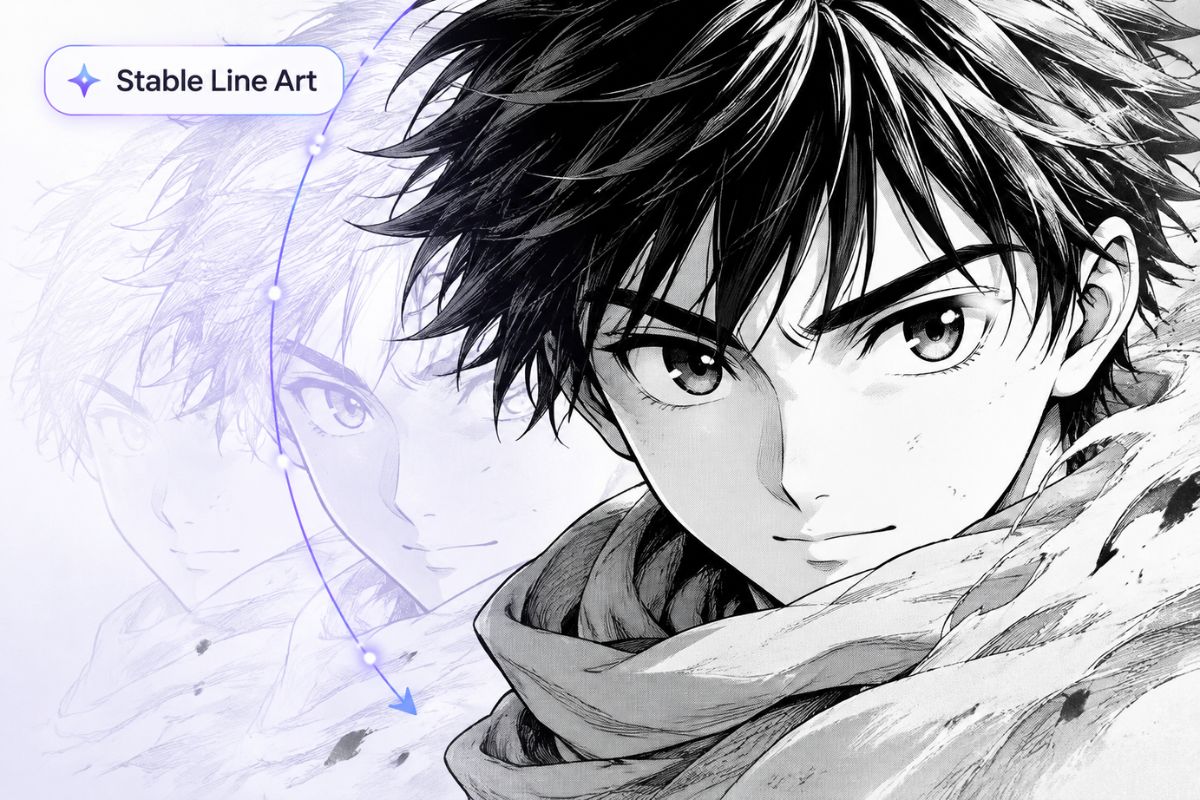
Create Cinematic Manga Video Effects
Support camera push-ins, gentle pans, parallax depth, rain, smoke, speed lines, and background atmosphere to make each panel feel more dramatic. You can also create matching anime-style source art with an AI anime generator.
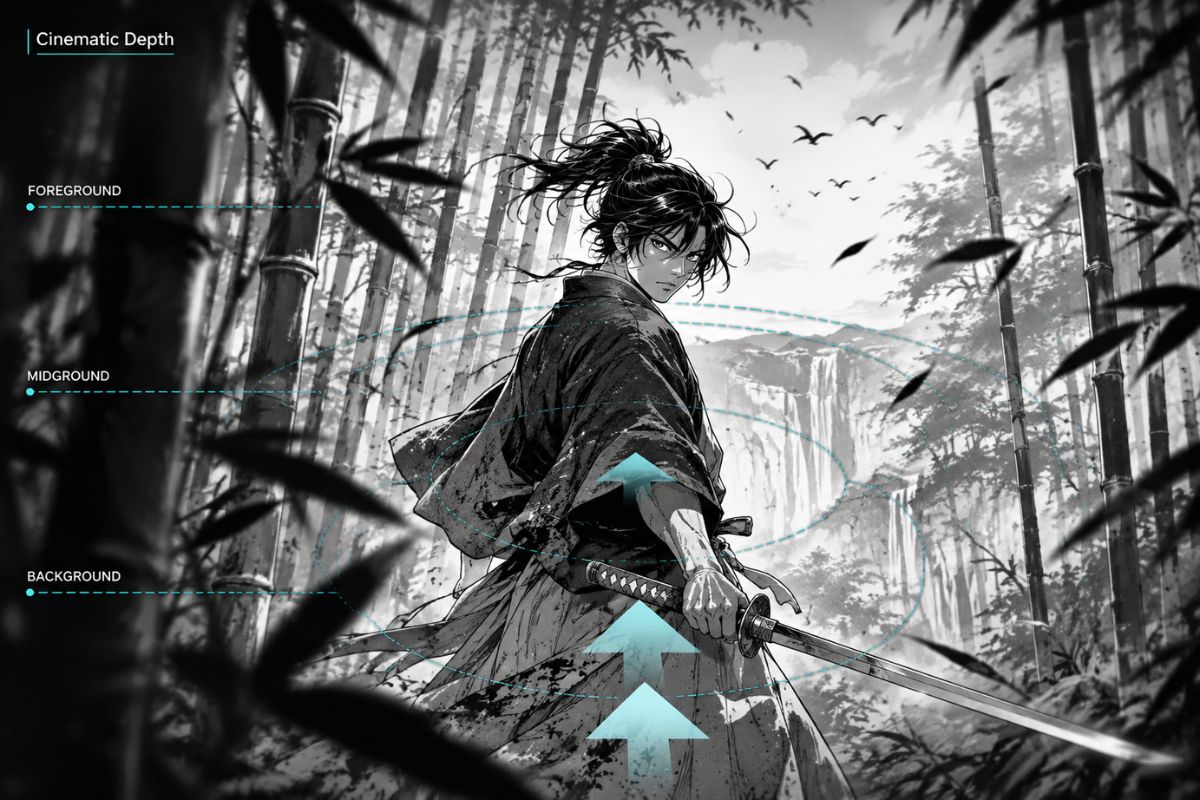
Preserve Faces, Lines, and Identity
Keep character faces, hands, props, ink strokes, screentone textures, and signature details recognizable across the video. The tool reduces flicker, warped features, and identity drift, making the result more useful for manga edits, OC showcases, and short-form content. Explore more character styles with our OC maker.
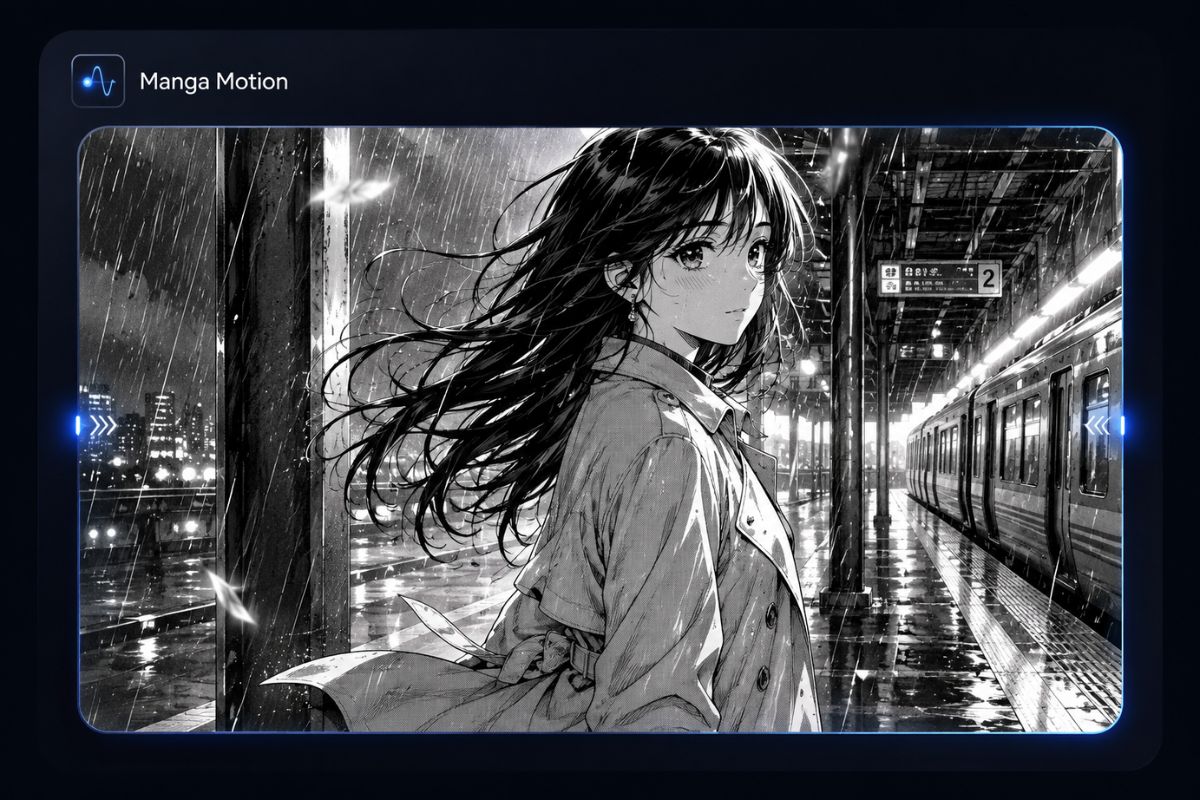
What You Can Create
Social Manga Clips
Create short vertical or square loops for reels, posts, and character teasers.
Motion Comics
Add camera movement, atmosphere, and selective character motion to story sequences.
Character Introductions
Animate a blink, expression shift, hair movement, or reveal shot for an original character.
Trailer Shots
Build dramatic close-ups and environmental transitions for a manga project preview.
Music Visuals
Pair looping monochrome scenes with music while preserving a hand-drawn visual identity.
Portfolio Presentation
Show how a static panel can translate into a controlled cinematic moment.
How to Animate Manga With AI
01
Choose a Clean Manga Panel
Use a high-resolution image with a clear subject, readable silhouette, and enough space for the intended camera move.
02
Describe Motion and Camera
Name one focal action, the camera movement, motion intensity, duration, atmosphere, and any details that must remain fixed.
03
Generate and Review the Clip
Check facial identity, hands, line art, panel edges, object continuity, flicker, and the first-to-last-frame transition before exporting.
Frequently Asked Questions
AI Manga Animator FAQ
Bring Your Manga Panel to Life
Create a controlled animated shot with cinematic camera motion, expressive details, and stable manga line art.