Free AI Manga Generator From Photo: : Turn Photos into Manga

Reimagine portraits and location photos as manga images with OCMaker AI. Guide ink, screentones, and mood while using your photo as a visual starting point.

AI Manga Generator From Photo

A familiar face or a place you photographed can become an ink-drawn manga image. OCMaker AI uses your photo as a starting point for expressive portraits and atmospheric scenes, with a visual direction shaped by your prompt.

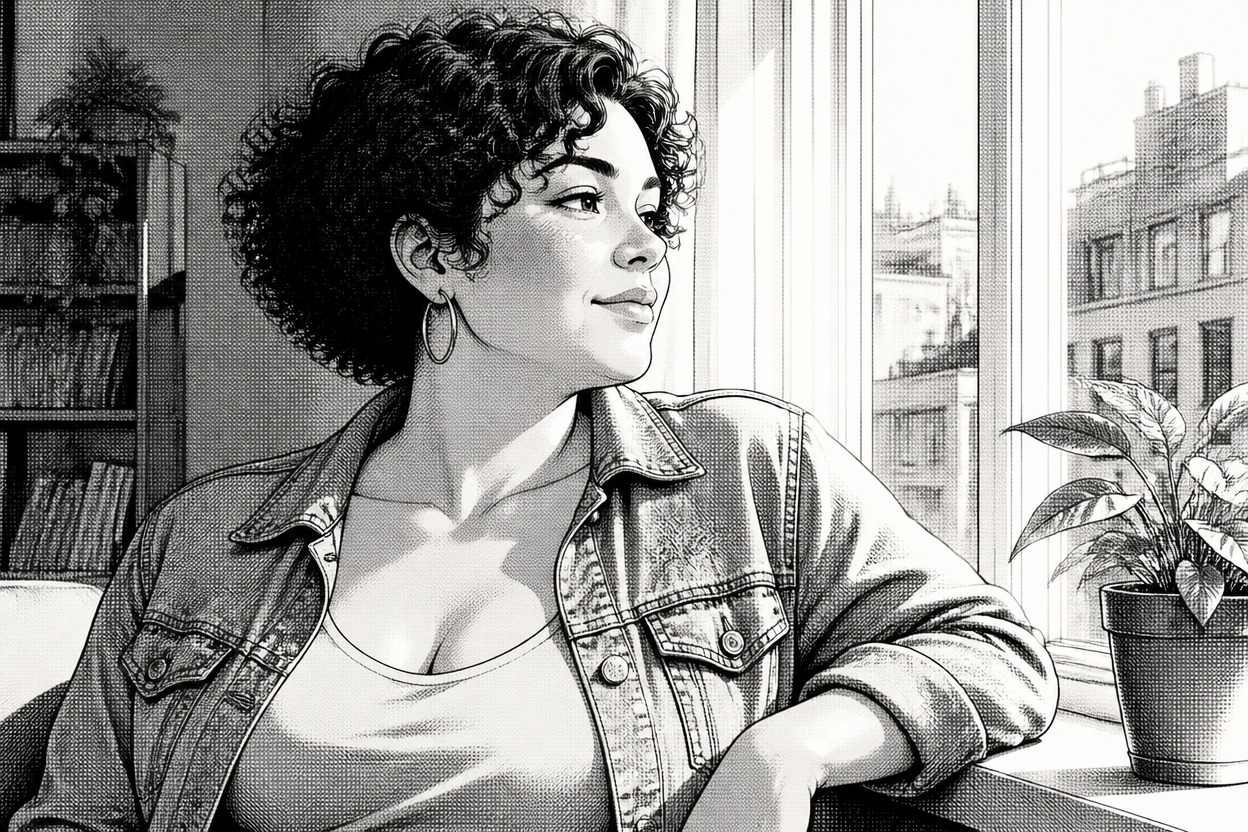
Manga portrait of a curly-haired woman in a denim jacket beside a sunlit window

Faces and Places, Reimagined in Ink

Illustrative manga directions for a studio portrait, an outdoor activity photo, and a quiet street photograph. These concepts are not documented customer conversions.

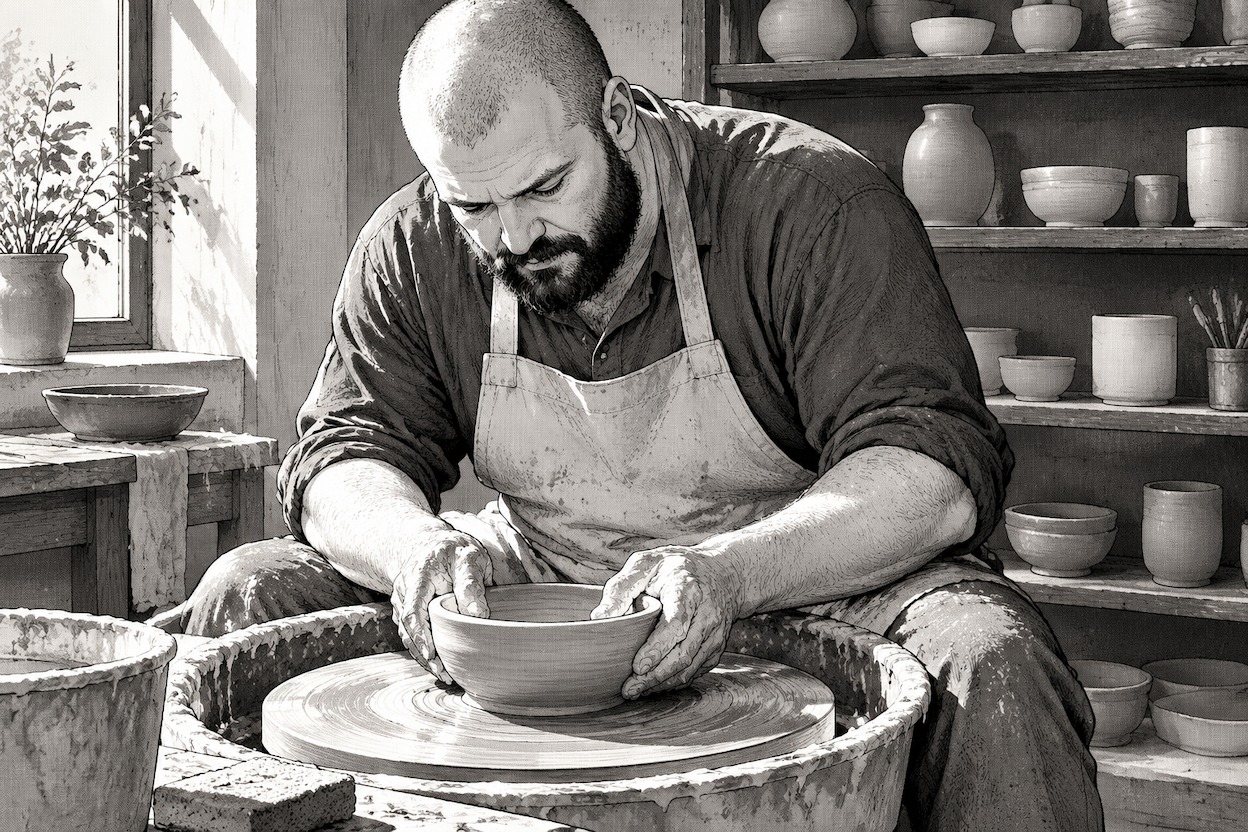
  • Manga illustration of a broad-shouldered potter shaping clay in a bright workshop01

    A Potter at the Wheel

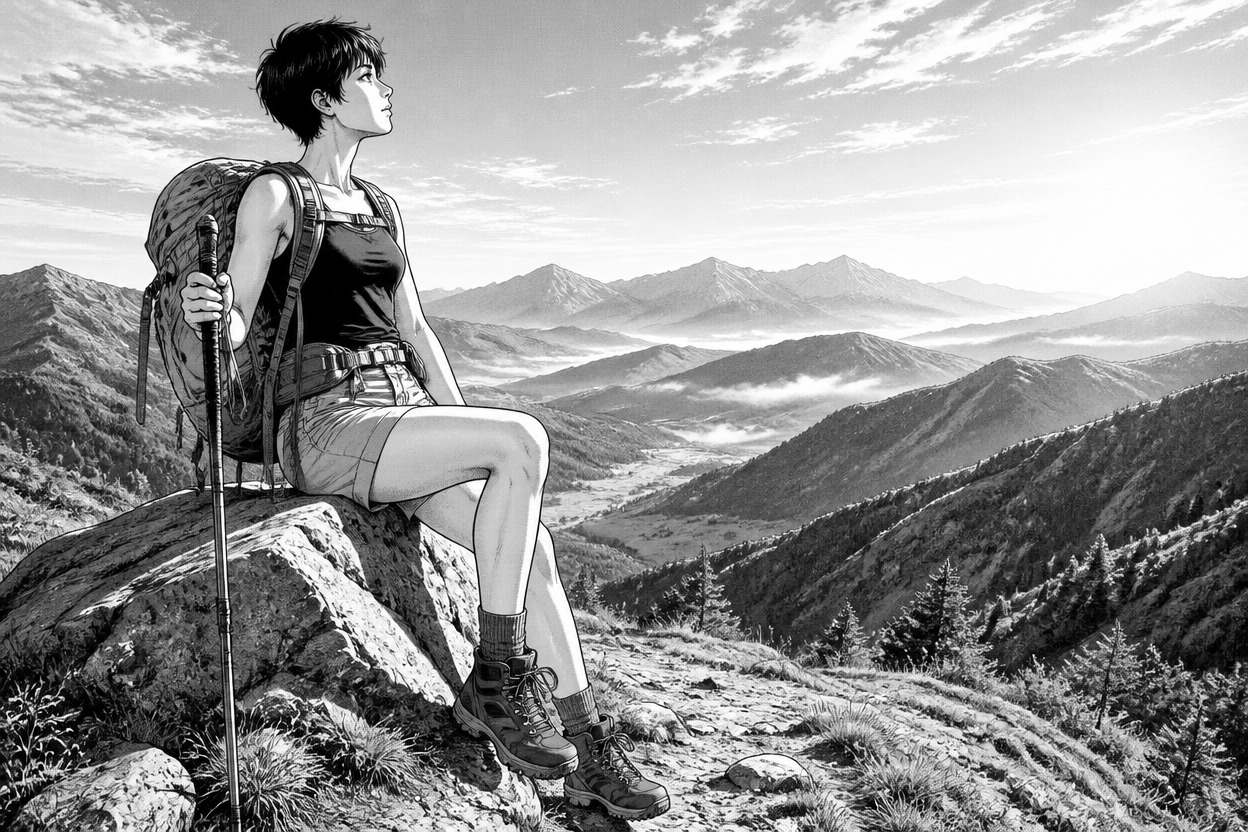
  • Full-length manga illustration of a hiker resting beside a mountain trail02

    A Hiker Above the Valley

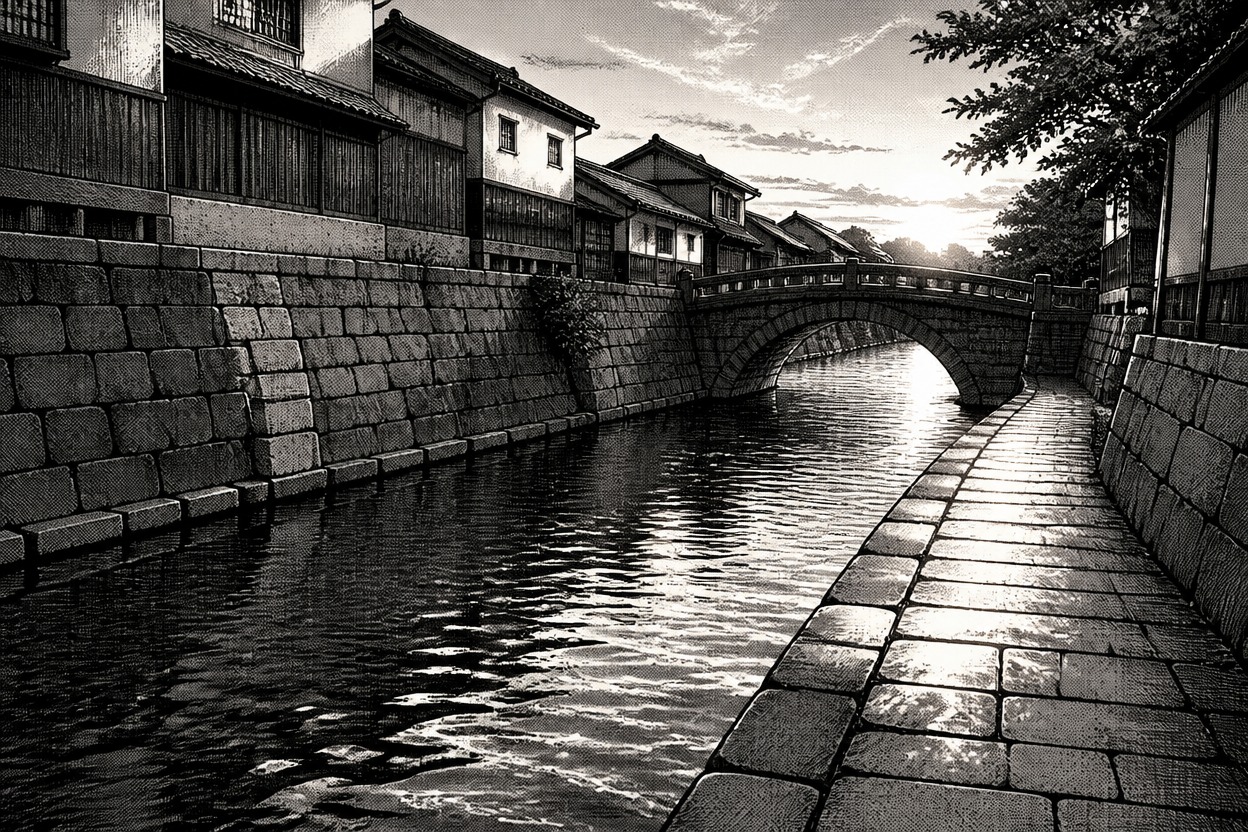
  • Empty canal walkway with stone buildings rendered in manga ink and screentones03

    A Canal at Dusk

AI Photo to Manga for Portraits and Places

Treat the photograph as visual reference, then give the manga rendering a purpose beyond a generic filter.

0104

Portraits With Ink Drawn Expression

A portrait provides the pose and facial cues for a manga reinterpretation. Guide the expression and contour weight toward a personal profile image rather than a flat photo filter. For broader illustrated looks, explore the AI anime generator alongside this ink-focused direction.
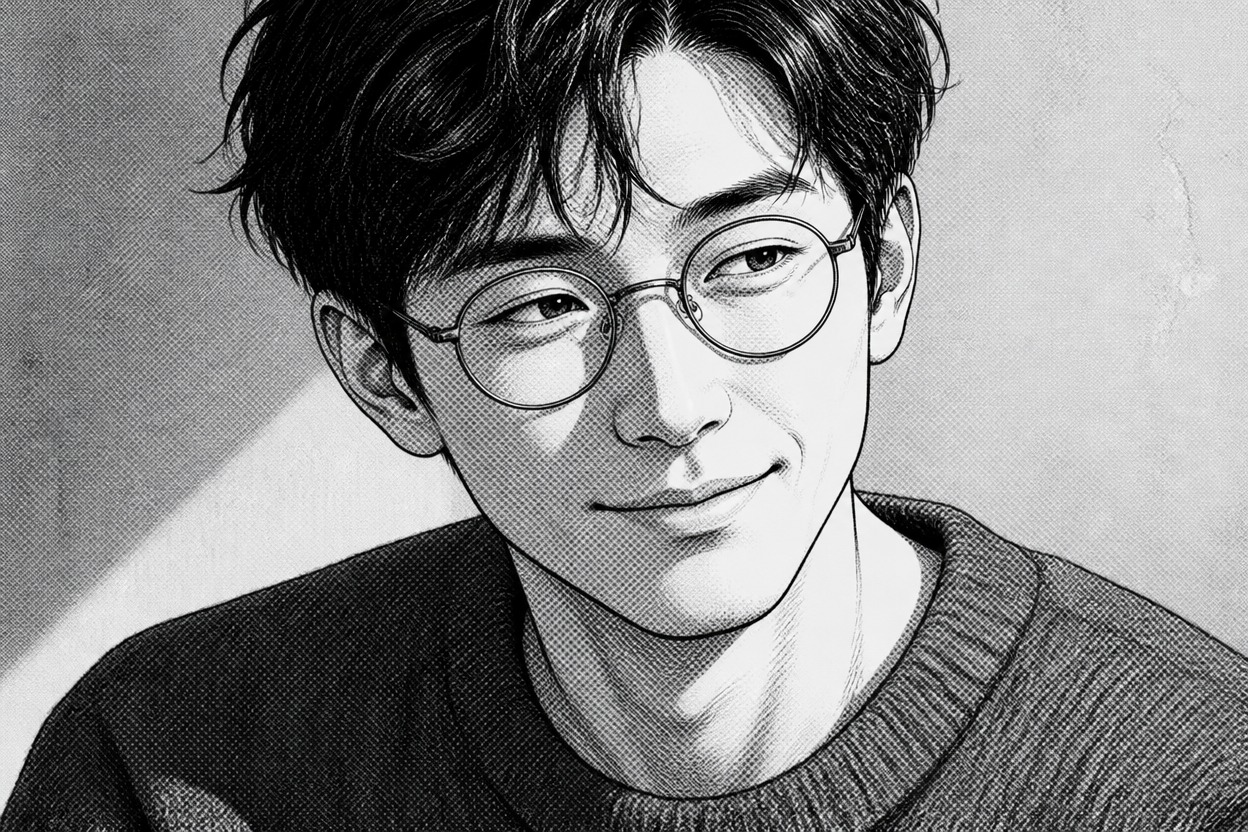
Manga head-and-shoulders portrait of a man with round glasses and a textured wool sweater

0204

Everyday Places Become Manga Settings

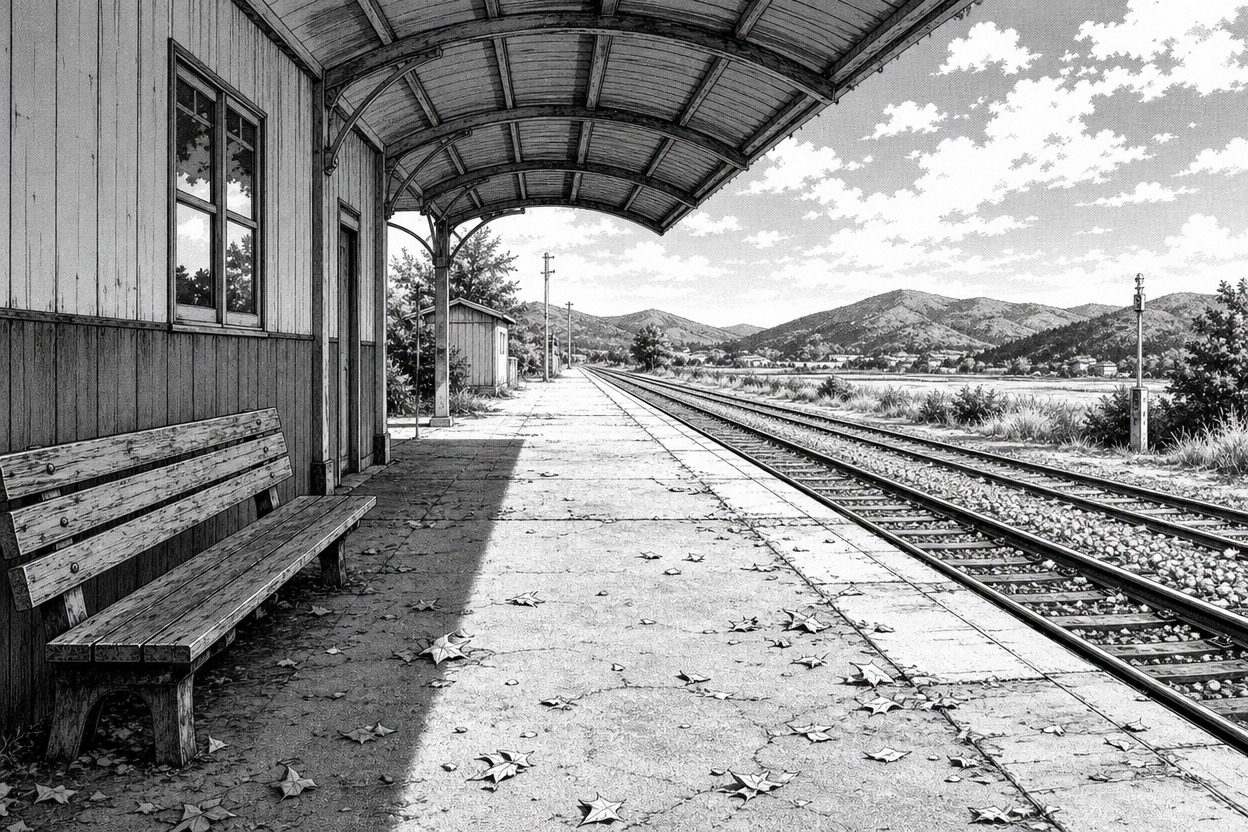
Convert Photo to Manga using a location shot as the starting point for an illustrated setting. Request stronger architectural contours and sparse screentones to turn an ordinary station platform into a standalone mood image, useful as visual reference for a personal comic project.

Empty rural railway platform with a curved canopy drawn in crisp manga linework

0304

Fabric and Gesture Carry Character

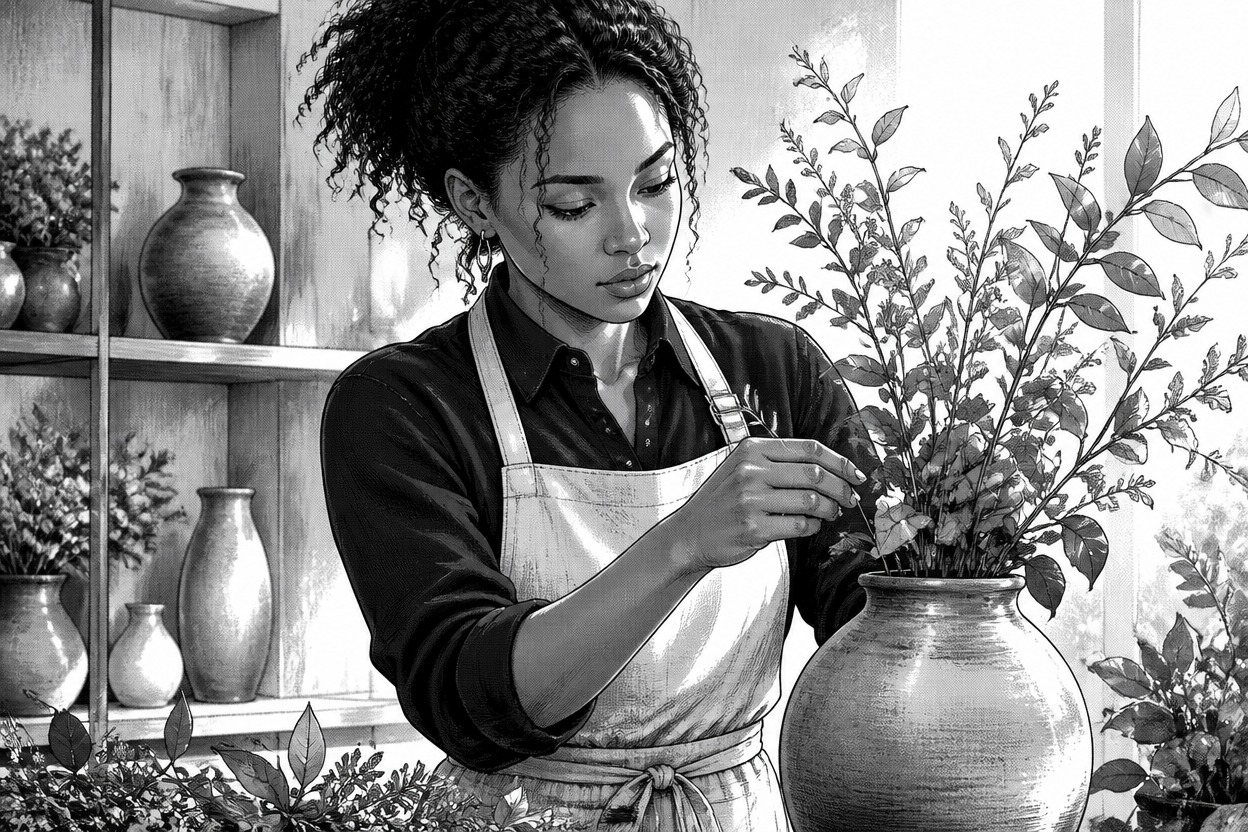
An activity photo gives the illustration more than a face to work with. Request folds in an apron, a lifted elbow, or a restrained motion accent so the manga image conveys the photographed gesture. The result can serve as a pose reference for an OC maker character study.

Manga illustration of a florist in a linen apron arranging long leafy stems

0404

One Photo, Different Ink Moods

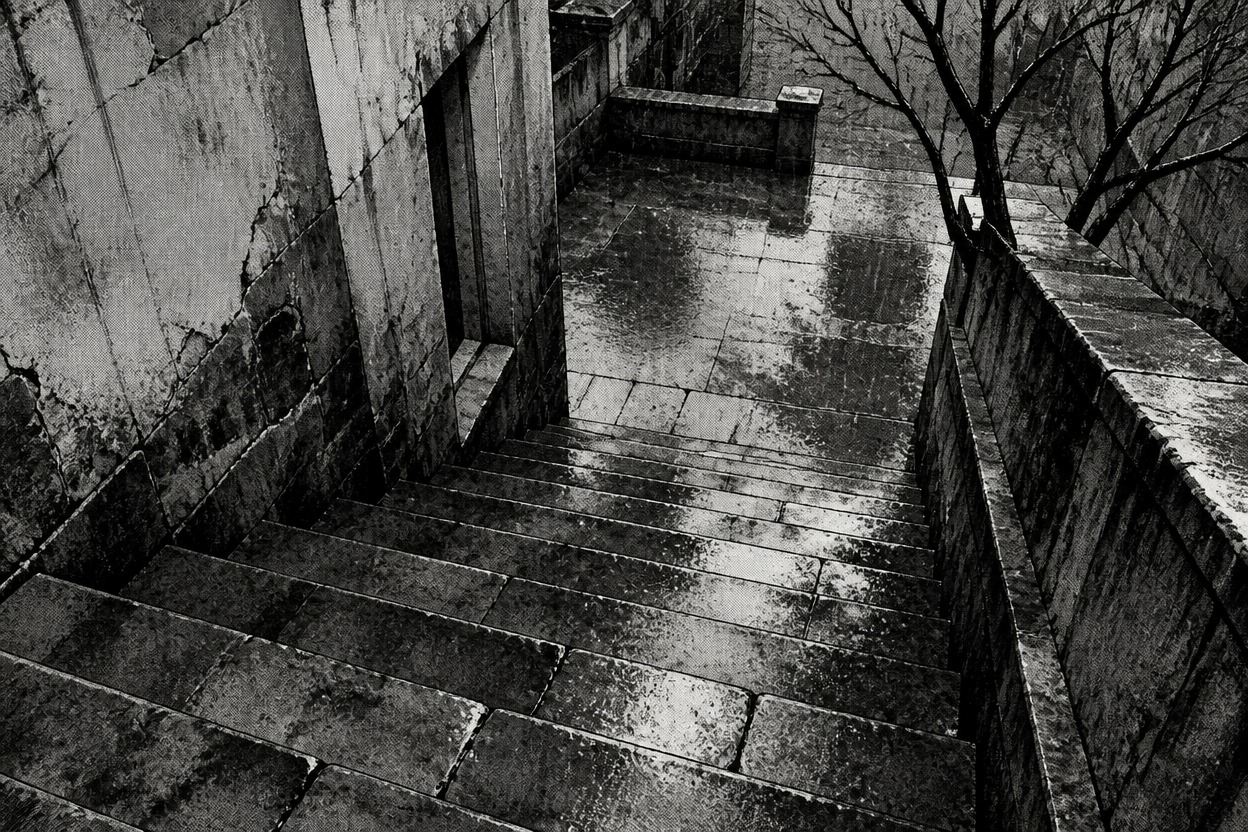
Convert Photo to Manga Style with a specific tonal goal: airy paper whites for a calm travel memory, or denser hatching for a tense evening scene. Separate generations let you explore those treatments as individual images and select a direction for a scrapbook or illustrated travel journal.

Rain-darkened stone steps and an empty courtyard rendered with dense manga crosshatching

From a Camera Photo to a Manga Image

A deliberate source photo and a short visual request give the conversion a clearer direction.

  1. Upload the Clearest Source

    Use a photo you own or have permission to use. Pick a well-lit face or a location with clear structural edges; crop away distractions before uploading if they are not part of the intended image.

  2. State the Manga Treatment

    Write a focused request such as monochrome manga portrait, fine ink contours, sparse screentones. Name the feature that matters most, such as a smile or a staircase, rather than asking for every detail at once.

  3. Inspect the Redrawn Details

    Generate the image and check eyes, glasses, fingers, and straight edges against your intent. If details merge into dark patches, try a cleaner source or request lighter shading in another generation.

Frequently Asked Questions

Photo to Manga Questions

Will a manga portrait keep my face exactly the same?

Not exactly. Manga rendering can change eye proportions, jaw shape, skin texture, and small facial marks. A clear photo and a request to retain key features may help, but OCMaker AI does not guarantee an identity-locked likeness. Check the result before using it as your portrait.

Why do glasses or hair turn into dark patches?

Reflections on lenses and heavily shadowed hair can blend with manga inking. Try a source with even lighting and less glare, then ask for separated hair strands, visible eyes, and lighter lens shading. A blurred source cannot supply facial details that were never captured.

Can I convert a location photo without changing its layout?

A location photo can guide a manga setting, but building proportions, windows, foliage, and perspective may be reinterpreted. Do not rely on the output as an exact architectural record or proof of a place's appearance. For a familiar street, name the few landmarks that matter most.

Is the AI Manga Generator from Photo Free to try?

Check OCMaker AI's current plan and the allowance shown in your account before generating a photo-based manga image. Free access, if available, may have limits; paid requirements and available credits can change. This page does not promise free conversions or unlimited attempts.

Can a group photo become a manga portrait?

Several faces at different sizes make a group photo harder to reinterpret cleanly. A closer crop with clearly separated faces is a better starting point than a crowded distant scene. Features may drift or merge, so inspect each person individually rather than judging only the overall composition.

Will the manga output contain editable ink and screentone layers?

Treat the output as a generated image, not an editable manga source file. It does not provide separate facial linework, screentone sheets, or background layers. Plan any precise lettering, retouching, or page assembly in a separate image editor after generation.

Which photos should I avoid using for a manga avatar?

Avoid portraits taken without permission, private images you are not authorized to upload, and photos whose reuse would mislead others about someone's identity. Images featuring third-party artwork, logos, or protected characters need separate rights review; a manga treatment does not remove those rights.

Give a Familiar Photo an Ink Drawn Life

Bring one portrait or place you photographed to the AI Manga Generator From Photo and make an illustration worth keeping.

Free AI Manga Generator From Photo: : Turn Photos into Manga