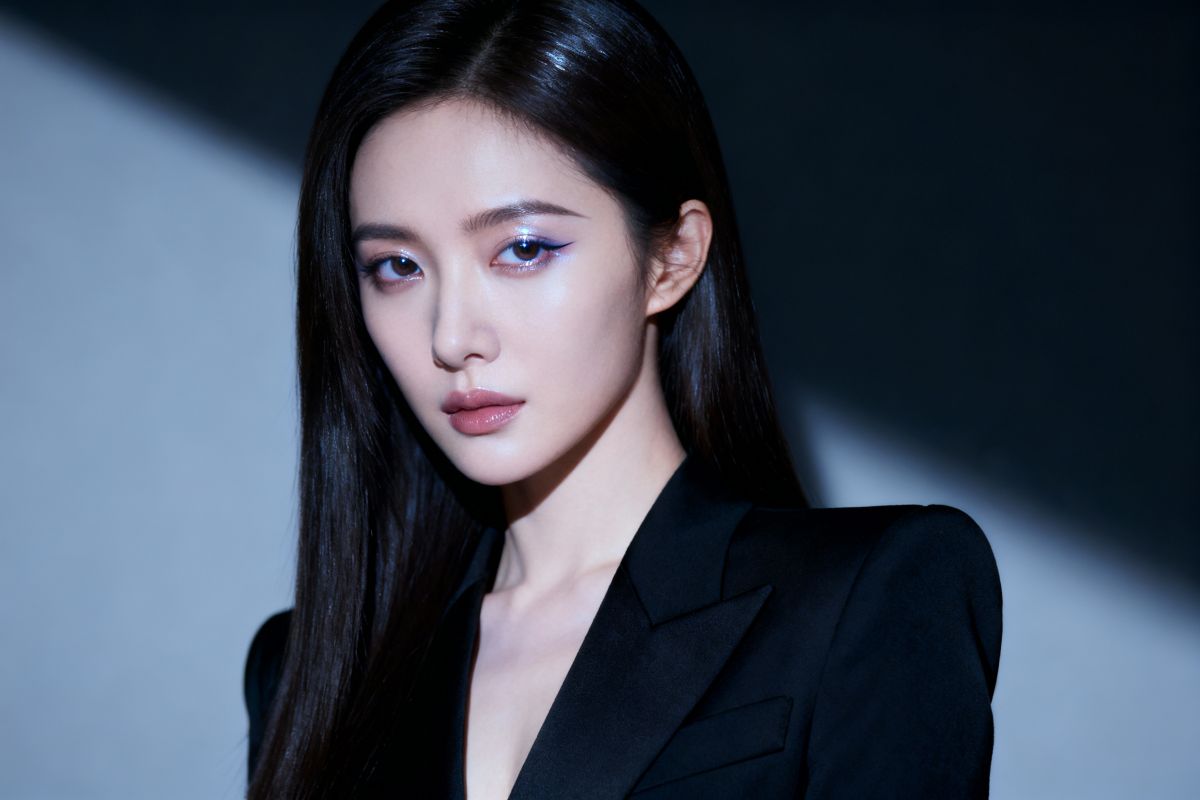
Free AI Photography for AI Product Photography

Create images with AI photography tools. Generate photorealistic product shots, enhance real photos, and streamline workflows—no expensive gear needed.

AI Photography

Create images with AI photography tools. Generate photorealistic product shots, enhance real photos, and streamline workflows—no expensive gear needed.

AI Photography for Modern Creators

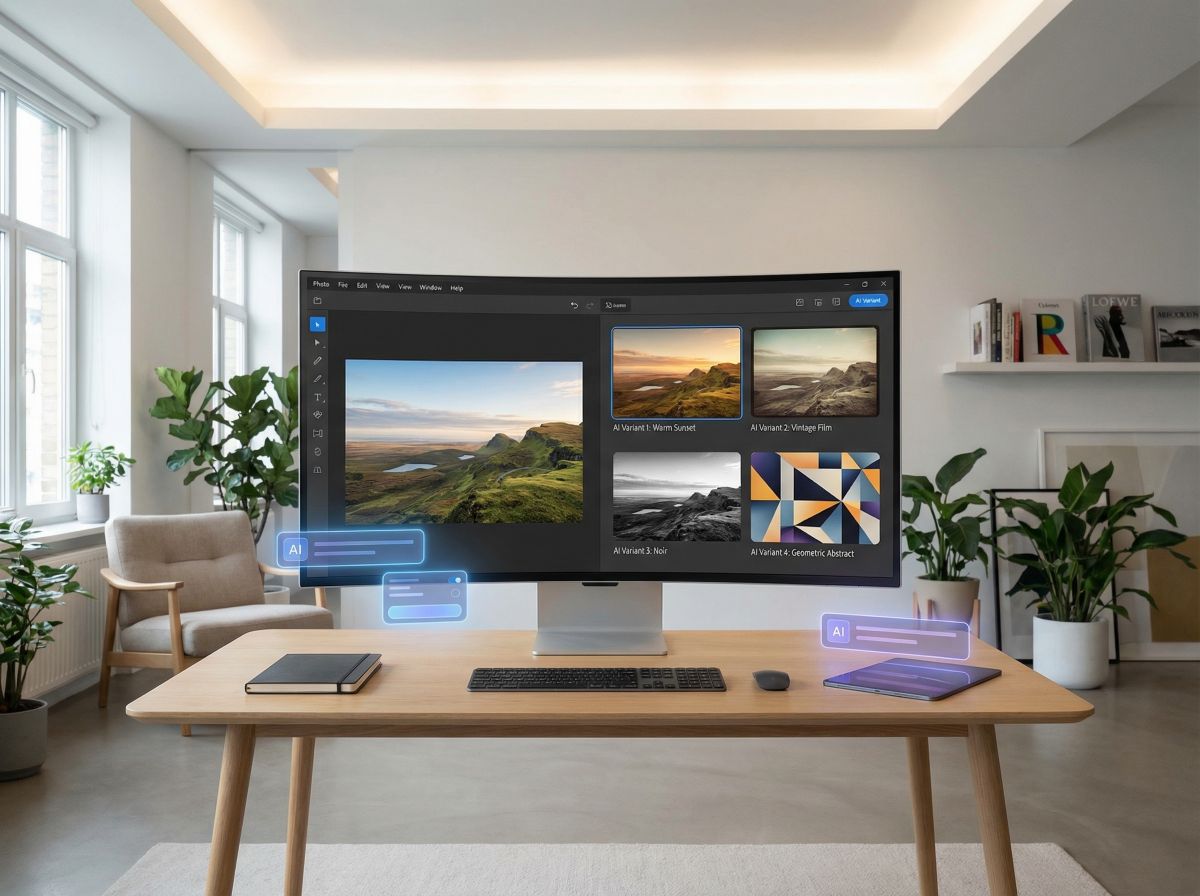
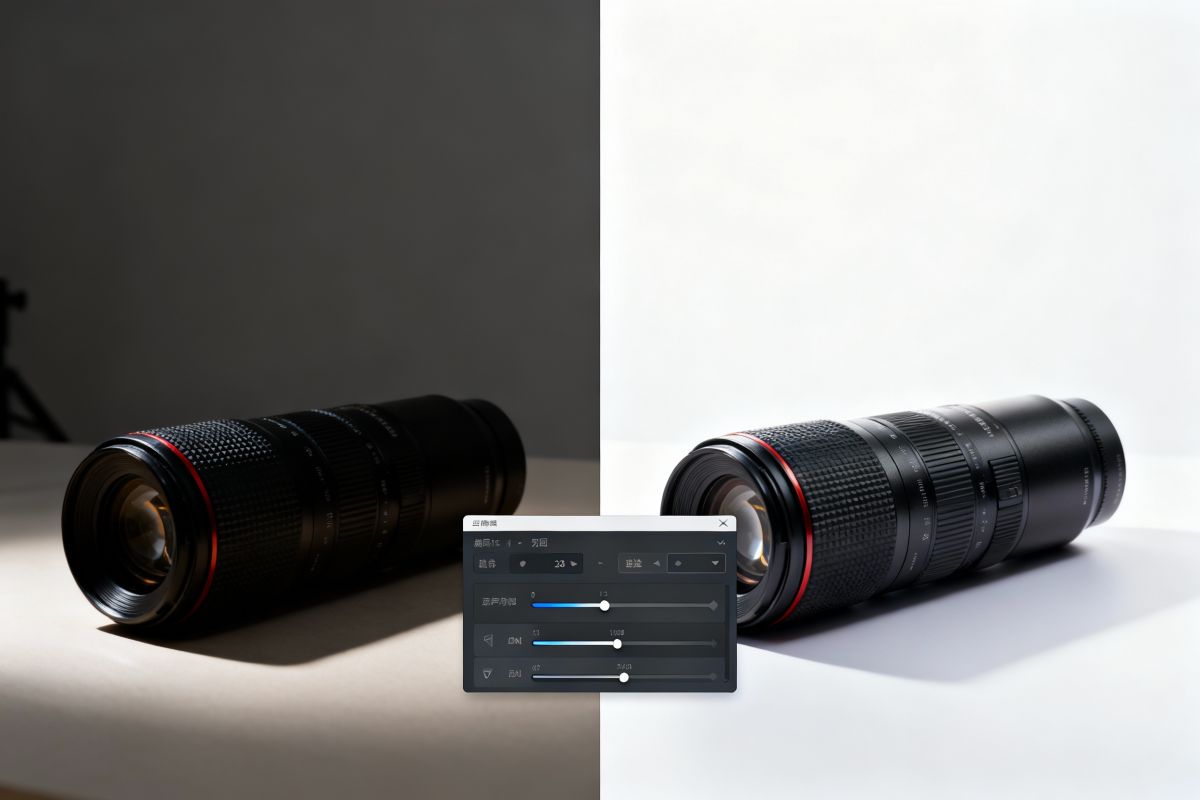
Traditional product shoots demand expensive setups. With our generative engine, render high-fidelity product images indistinguishable from studio shots. This technology handles reflections and textures with accurate precision. OCMaker AI allows you to visualize merchandise in diverse environments. It reduces time-to-market for e-commerce brands, maintaining a consistent visual identity across all marketing channels.

0103

Professional Product Visuals Powered by AI

Skip expensive studio setups. Our generative engine creates photorealistic product images with precise reflections, textures, and lighting—indistinguishable from traditional shoots. OCMaker AI lets you place products in any environment, accelerating time-to-market while maintaining consistent brand visuals across all channels.
Enhance Real Photos with AI photography

0203

Enhance Real Photos with Intelligent Editing

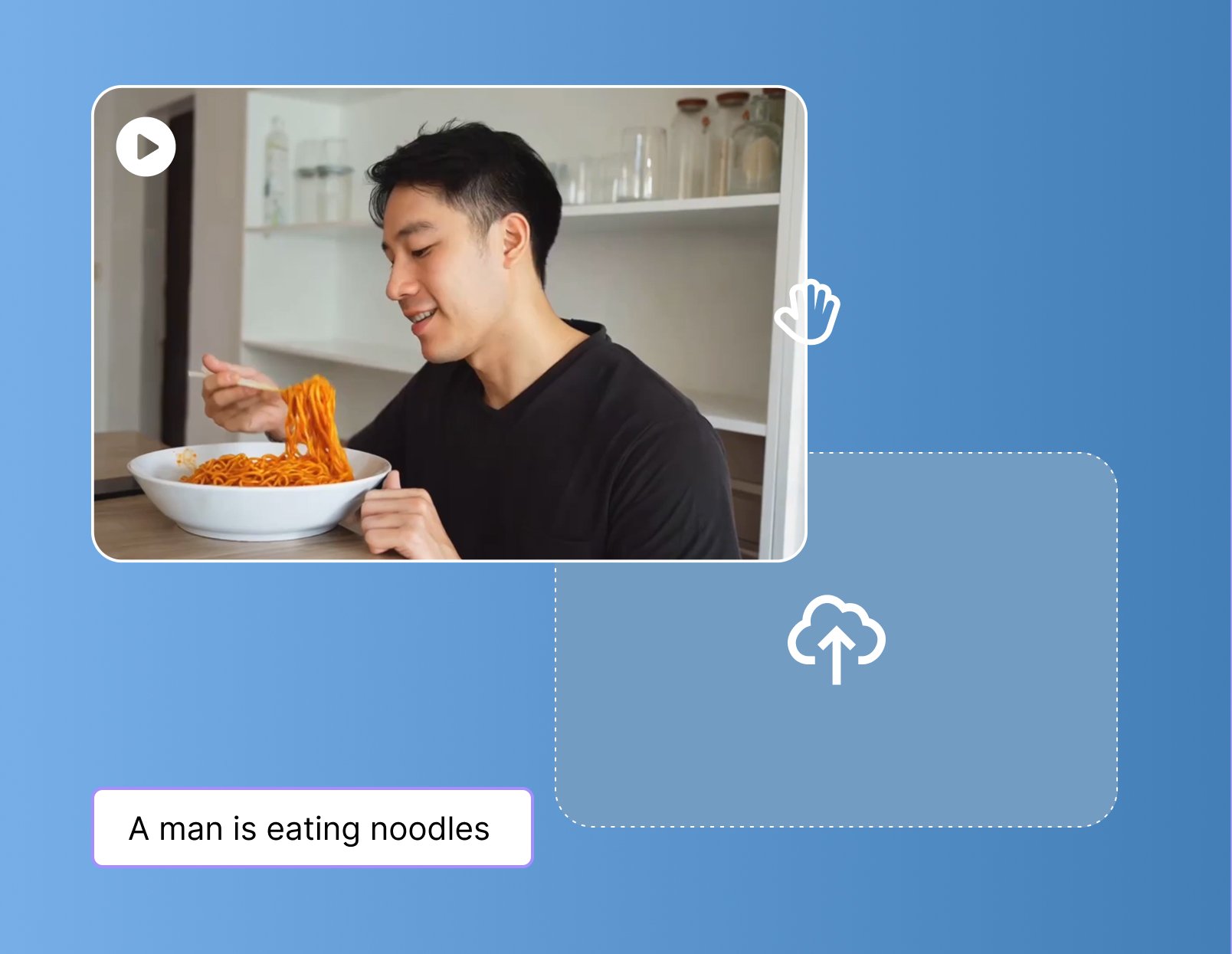
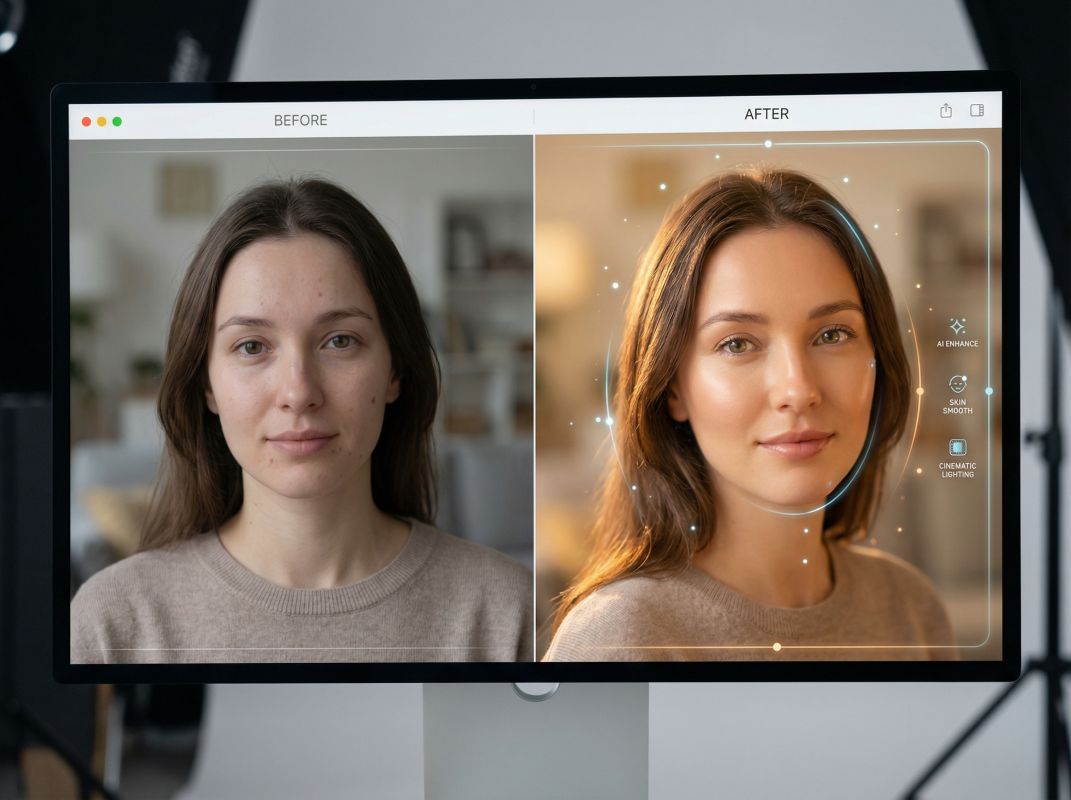
Post-production is time-consuming. Advanced algorithms enable you to upscale resolution, remove distractions, or alter lighting conditions in seconds. Instead of spending hours in complex software, rely on intelligent automation to refine raw captures. This approach preserves the authenticity of the original shot while enhancing clarity. It empowers photographers to focus on capturing the moment rather than manual retouching.

AI Photo Editing

0303

AI Photography Online Free Tools

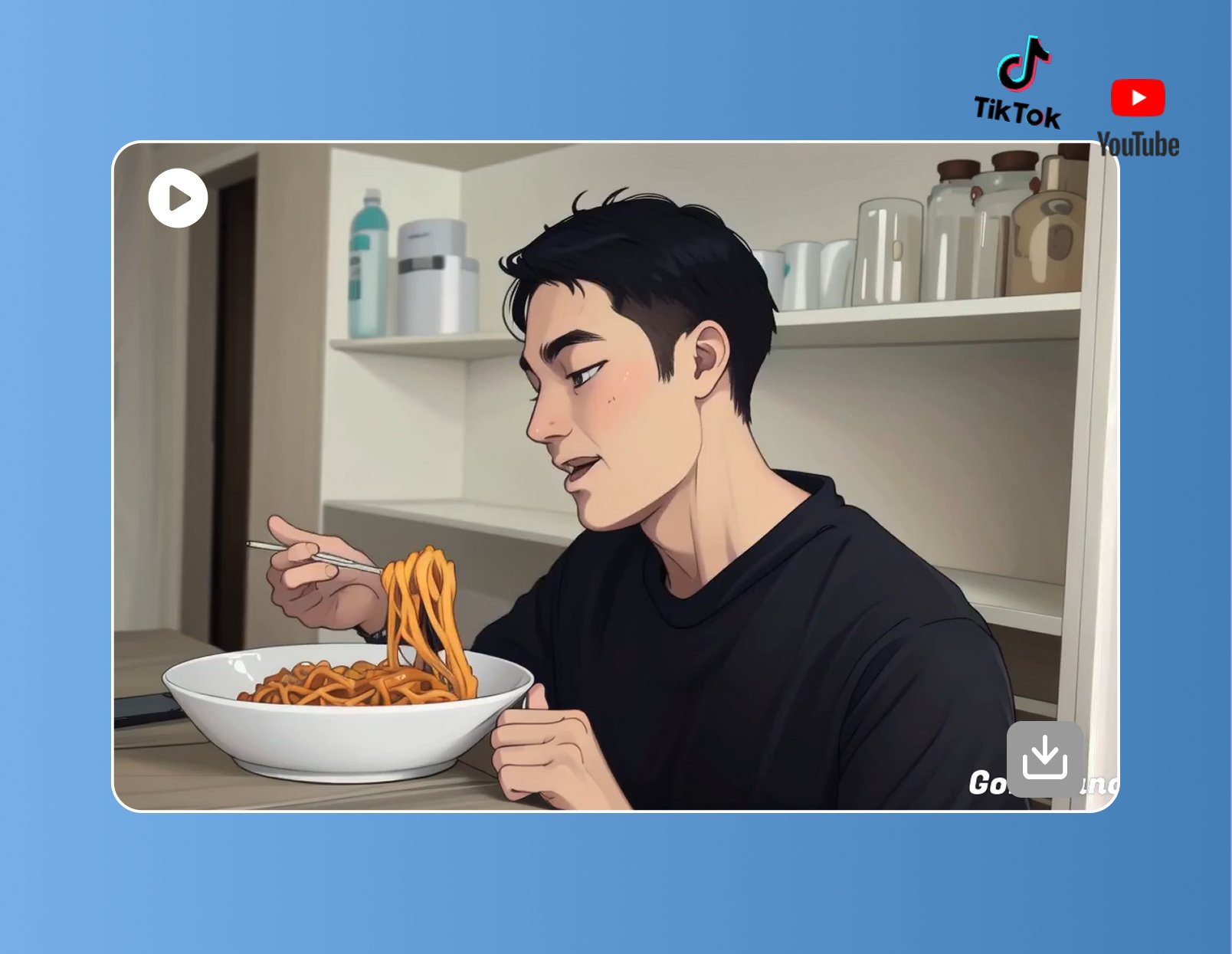
Exploring creative concepts shouldn't be limited by budget. Our platform democratizes access to high-end imaging tools, allowing creators to experiment with style transfers and composition generation. Whether storyboarding a film or mocking up an ad, these accessible tools bridge the gap between imagination and reality. You can iterate through variations rapidly, selecting the best results to finalize your artistic vision without risk.

Free AI Photography Tools

Explore the Features of AI Product Photography

  • 01

    Photorealistic Generation

    Create images with AI that mimic the depth of field, lighting, and texture of high-end camera lenses.

  • 02

    Product Visualization

    Streamline workflows with AI product photography that places items in customizable, hyper-realistic settings.

  • 03

    Intelligent Upscaling

    Enhance low-resolution inputs into crisp, print-ready assets using advanced neural networks.

  • 04

    Automated Retouching

    Apply real photography AI editing to remove blemishes or adjust color grading instantly.

  • 05

    Style Transfer

    Infuse photos with specific artistic styles or emulate distinct film stocks without physical filters.

  • 06

    Rapid Iteration

    Generate dozens of variations in minutes, accelerating the concept-to-final-image timeline.

Create Images with AI Photography Tools Online

  1. Choose Your Photography Style

    Pick a style andmodel. Set the aspect ratio and overall mood.

  2. Describe the Image You Want

    Enter a text prompt with details about the subject, lighting, setting, or camera angle. You can also upload a reference image for more accurate results.

  3. Generate & Download

    Click Generate to create your AI photo in seconds. Download your favorite result or refine your prompt to explore more variations.

Frequently Asked Questions about AI Photography

Common inquiries regarding our AI imaging technology.

What distinguishes AI photography from traditional digital imaging?

AI photography utilizes machine learning algorithms to generate or enhance images, whereas traditional imaging relies on light sensors. AI interprets data to construct pixels, allowing for the creation of photorealistic scenes without a physical camera.

Can I use AI product photography for commercial e-commerce stores?

Yes, AI product photography is widely used commercially. It allows brands to generate high-quality product images in various environments without organizing physical photoshoots, significantly reducing costs and logistical complexity.

How does real photography AI editing improve workflow efficiency?

Real photography AI editing automates tedious tasks like masking, object removal, and lighting adjustment. By leveraging AI, photographers can achieve professional results in a fraction of the time required for manual post-processing.

Is it possible to Create images with AI that look indistinguishable from reality?

Modern AI models are trained on vast datasets to understand physics, light, and texture. This enables them to create images with AI that feature accurate reflections and shadows, often rivaling photographs taken with high-end DSLRs.

Does AI photography replace the need for professional photographers?

AI photography serves as a powerful assistant rather than a replacement. It handles technical execution and asset generation, allowing photographers to focus on creative direction, composition, and storytelling.

What file formats are supported when I create images with AI?

When you create images with AI, platforms typically support standard formats like JPG and PNG. Some advanced AI tools also offer high-resolution downloads suitable for print media and large-scale digital displays.

Why do some AI-generated photos look unrealistic, and how can I fix that?

Unrealistic results often come from vague prompts or conflicting lighting details. Be specific about camera angle, light source, and environment. Adding details like lens type, time of day, or mood helps the AI photography tool produce more natural images.

How can I get consistent lighting and style across multiple AI photos?

Keep key visual details the same in every prompt, such as lighting direction, color tone, and camera distance. Many creators also reuse a reference image to guide the AI photography workflow and maintain a consistent look across variations.

Users Feedback

  • As a designer, this has completely redefined my approach to image creation. I now spend less time editing and more time creating breathtaking visuals.

    Sarah Chen

  • The post-production tools are phenomenal. I love using the background removal and upscaling features to polish my photography projects.

    Marcus Johnson

  • I've integrated this into my e-commerce workflow. My product listings have never looked so professional and engaging.

    David Ki

Master the Art of AI Photography

Join a community of creators redefining visual storytelling. Start generating studio-quality images today.

Free AI Photography for AI Product Photography