
AI Visual Novel Generator

Visual Novel Scenes You Can Generate

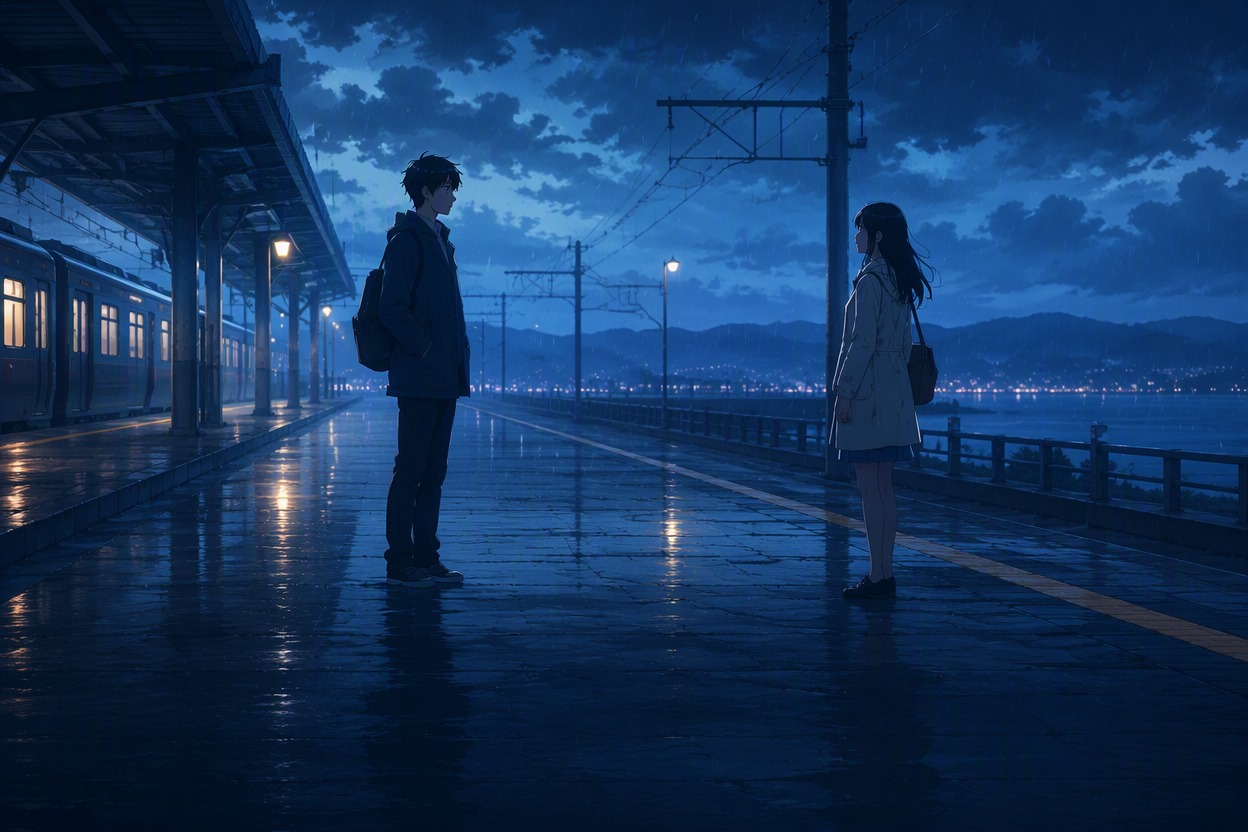
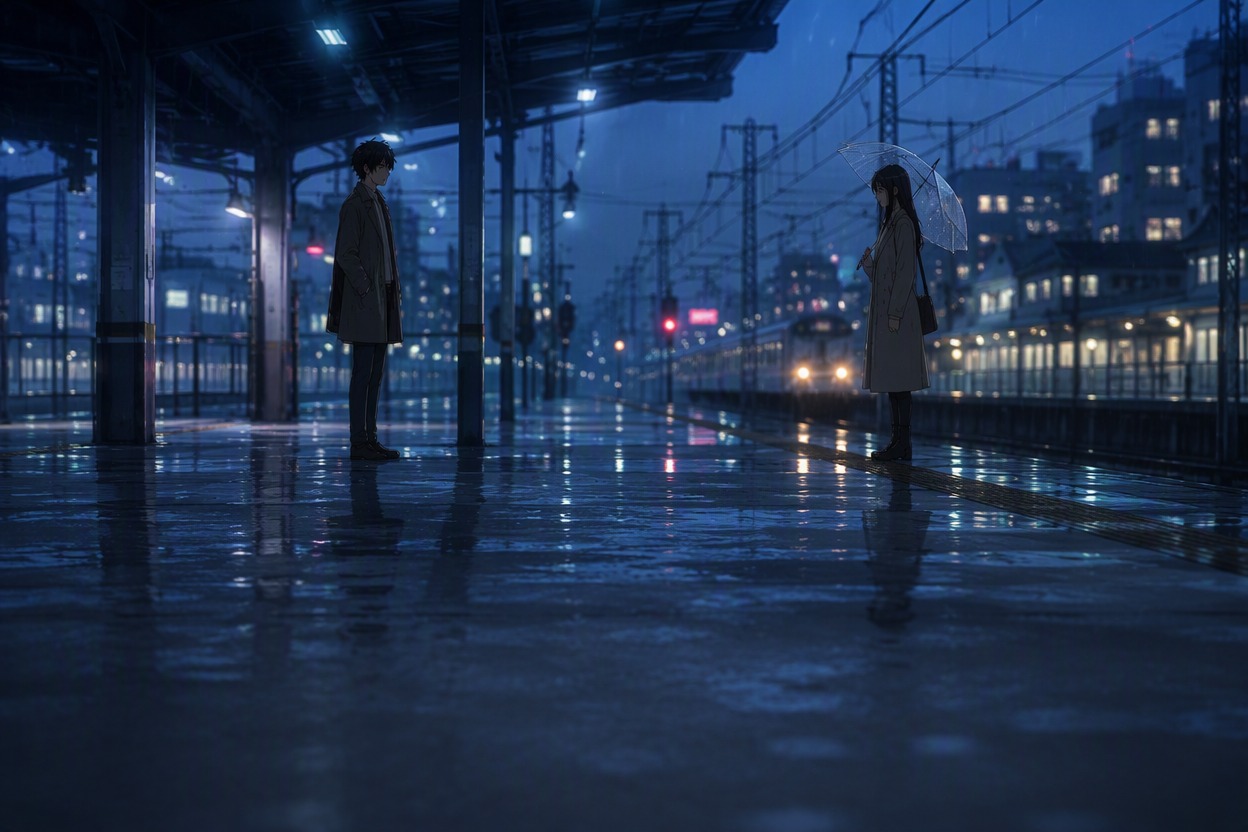
Rainy Platform Reunion

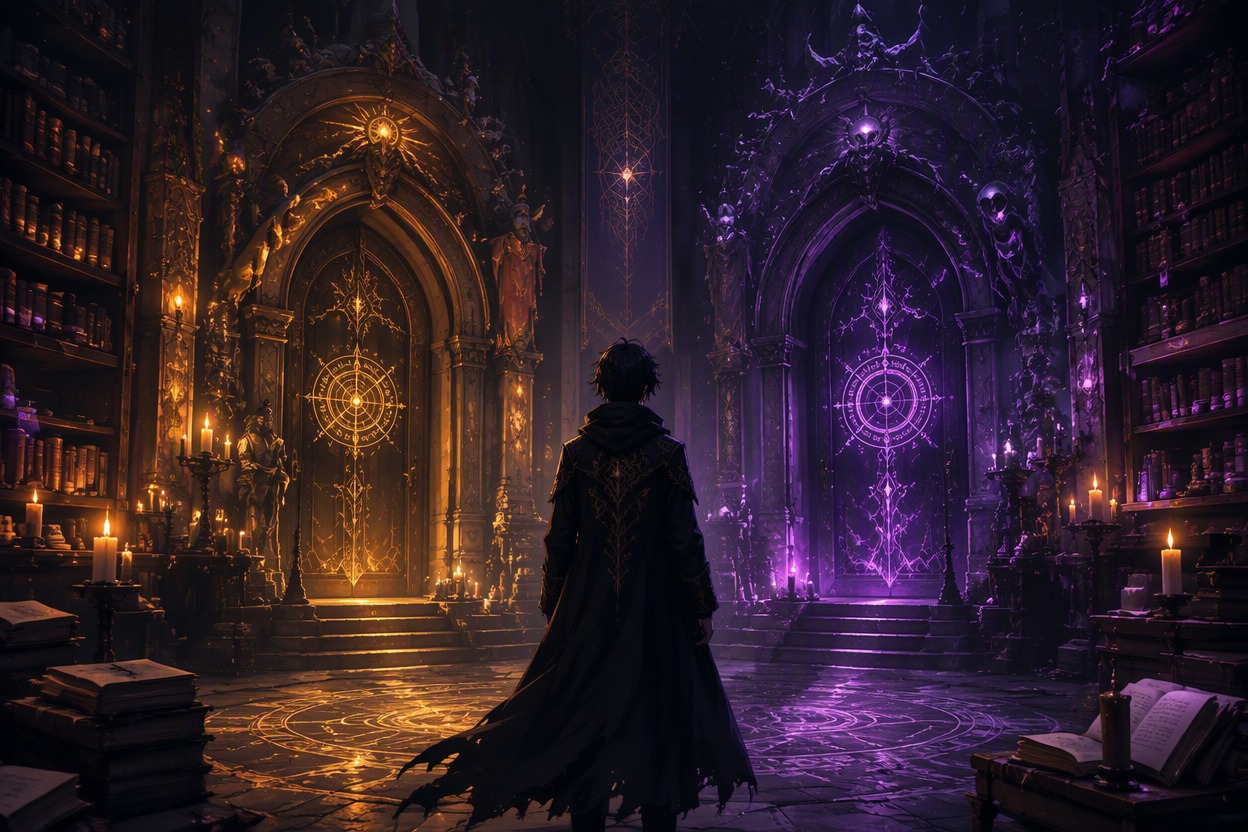
Occult Library Choice

Summer Festival Confession
Turn a Story Premise Into Visual Novel Scenes
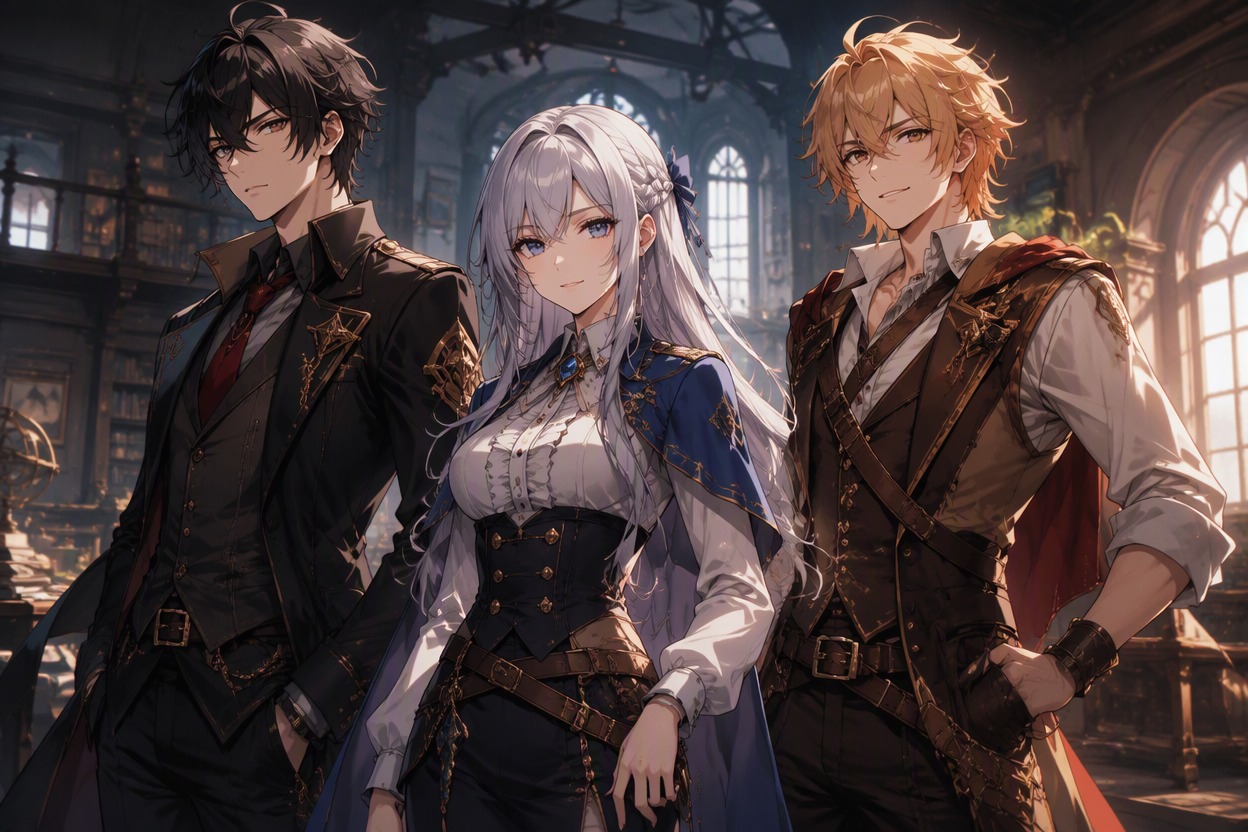
Generate a Cohesive Cast
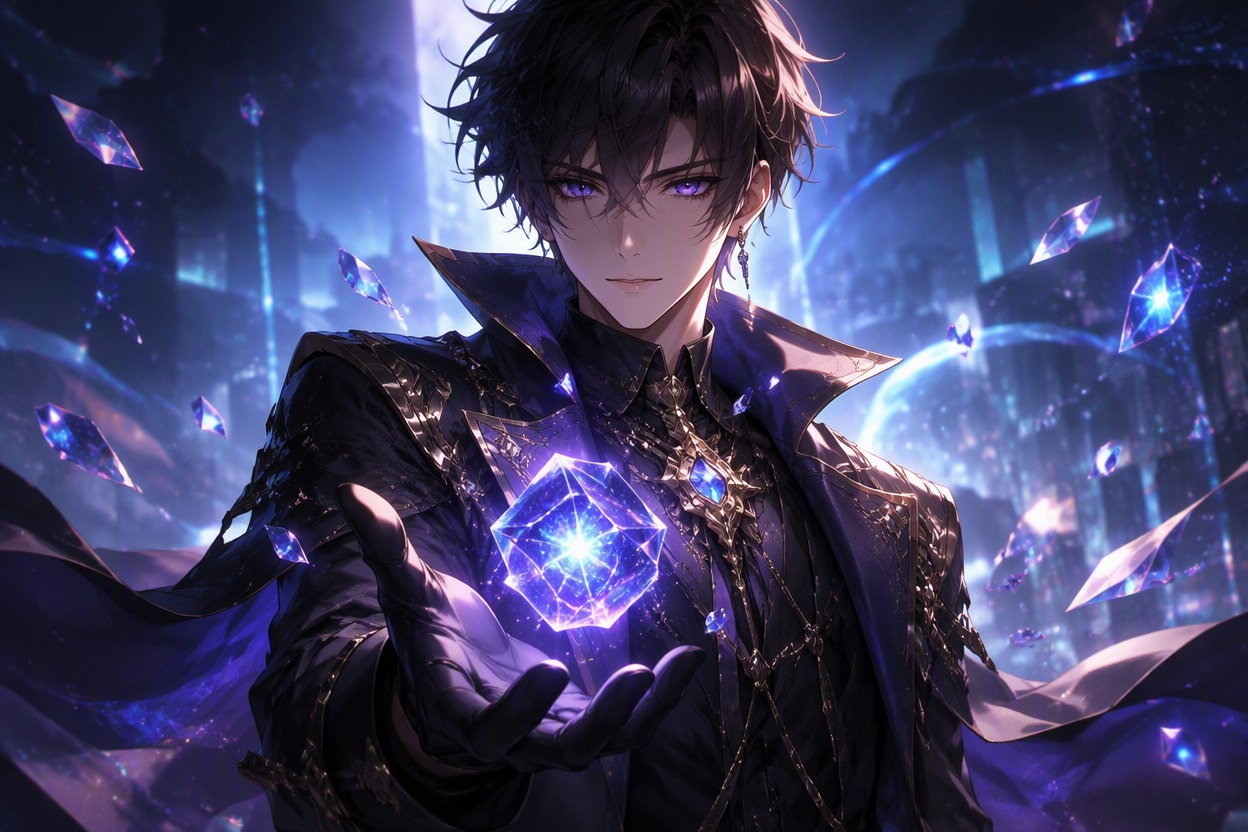
Turn protagonist, rival, friend, mentor, and romance-route briefs into distinct portraits with controlled age, silhouette, palette, outfit, and emotional baseline. The strongest fit is early cast development, where an OC maker can deepen each role before you commit to sprite sets or production artwork.
Stage Dialogue-Ready Scenes
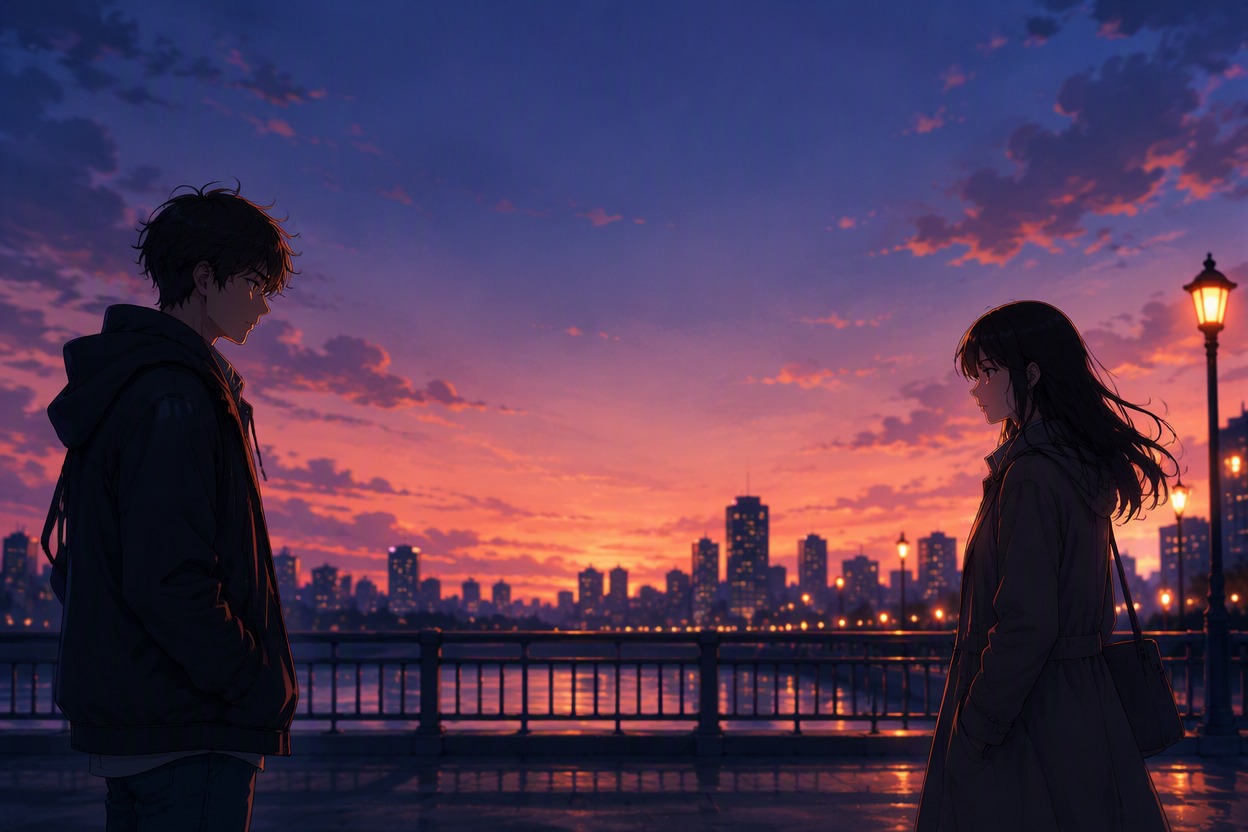
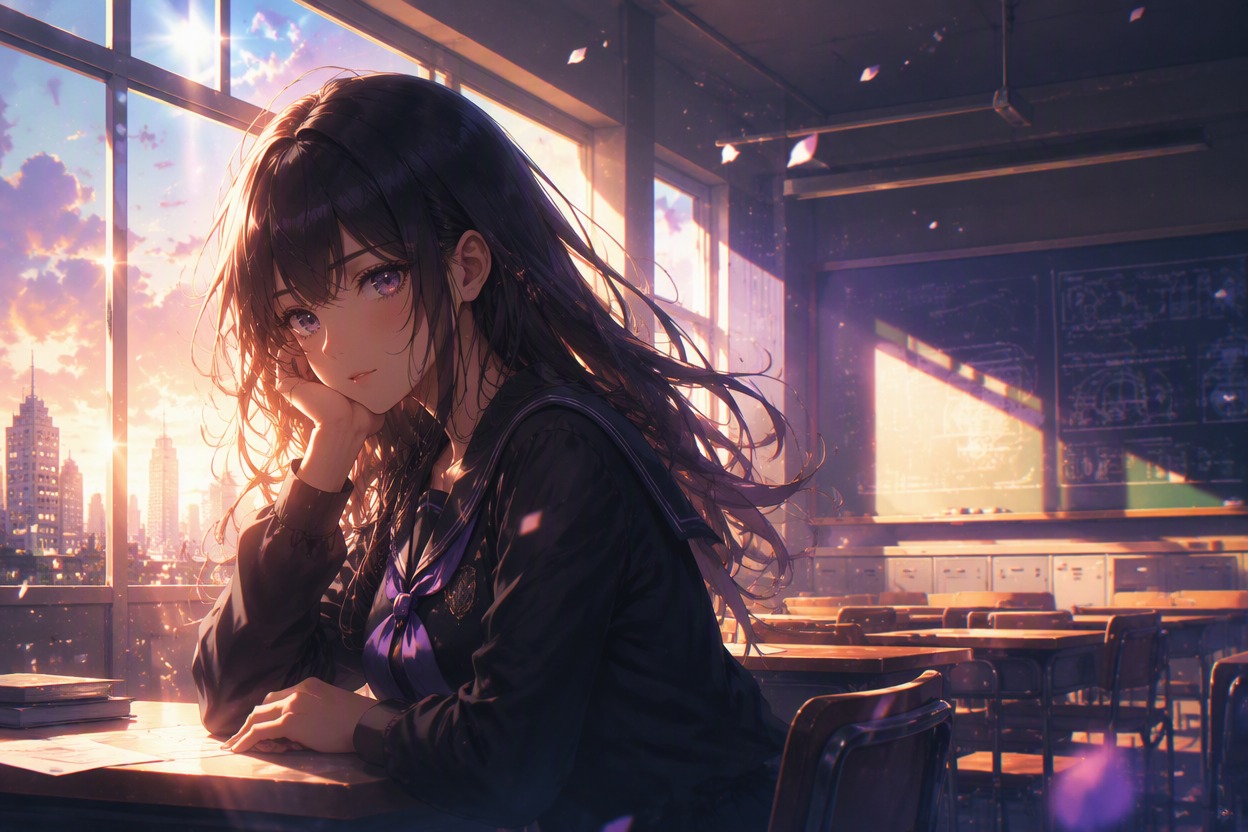
Create medium shots and wide backgrounds with clear character spacing, readable eyelines, and intentional negative space for interface elements added later when you build your perfect anime character. This helps an AI generated visual novel feel directed rather than assembled from random illustrations, while keeping generated images free of unreliable embedded text.

Map Route Mood and Locations
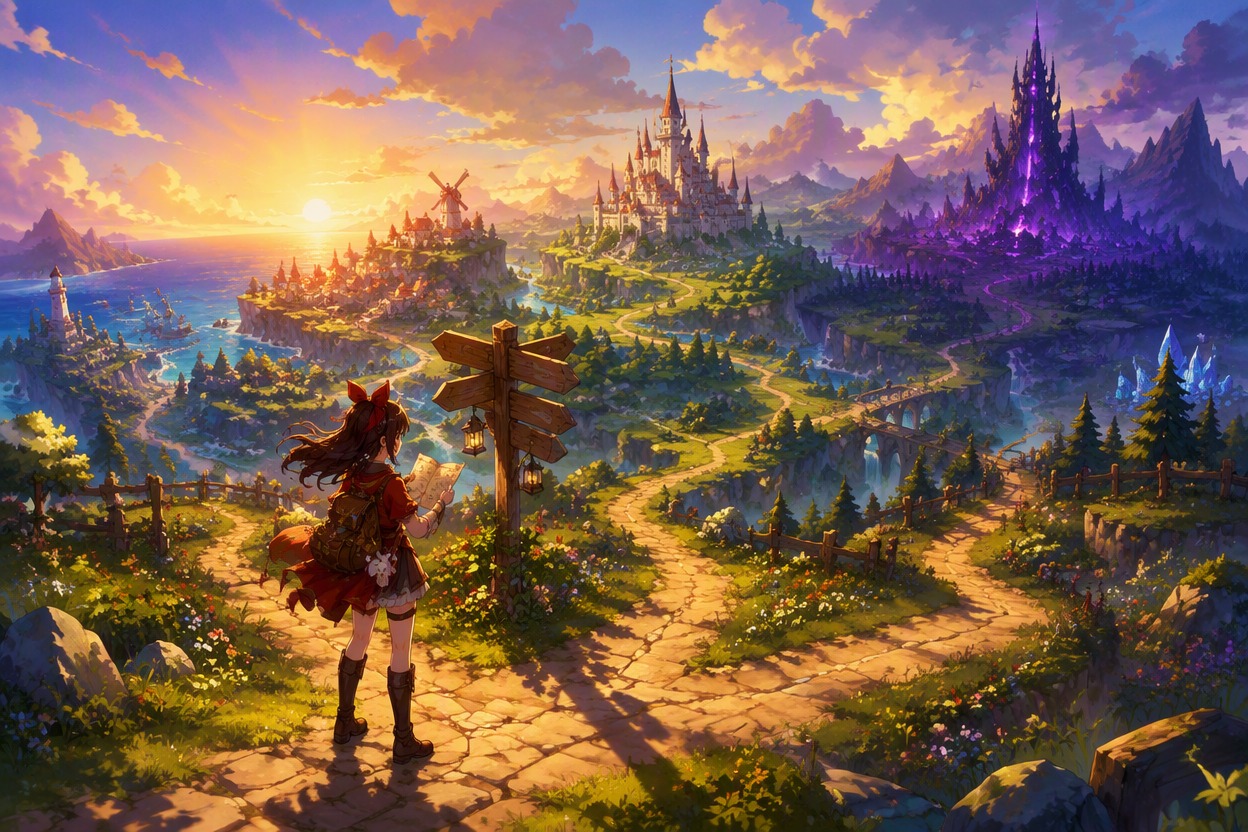
Generate dorm rooms, cafés, rooftops, stations, forests, labs, or fantasy halls with route-specific lighting and palette cues. Repeating visual anchors across calm, romantic, suspenseful, and climactic scenes gives writers and artists a practical mood board for branching story development.

Build a Pitchable Story Sequence
Produce an opening frame, relationship beat, turning point, reveal, and finale concept to test whether the premise has visual range. Use the AI anime generator for additional scene directions, then assemble selected frames into a pitch deck or storyboard for production planning.

Why Use an AI Visual Novel Generator
Cast Direction First
Dialogue-Safe Framing
Route Mood Variations
Location Continuity
Pitch-Sequence Planning
Text-Free Base Art
Create a Visual Novel Concept in 3 Steps
Outline Cast and Routes
Enter the premise, setting, protagonist, key relationships, route conflict, and the emotional tone of each branch.
Generate Key Story Frames
Create character portraits, location establishing shots, dialogue scenes, and turning points with consistent palette cues.
Assemble the Visual Pitch
Select the strongest frames, add dialogue and interface text manually, and organize them into a storyboard or pitch deck.