Game Development Assets
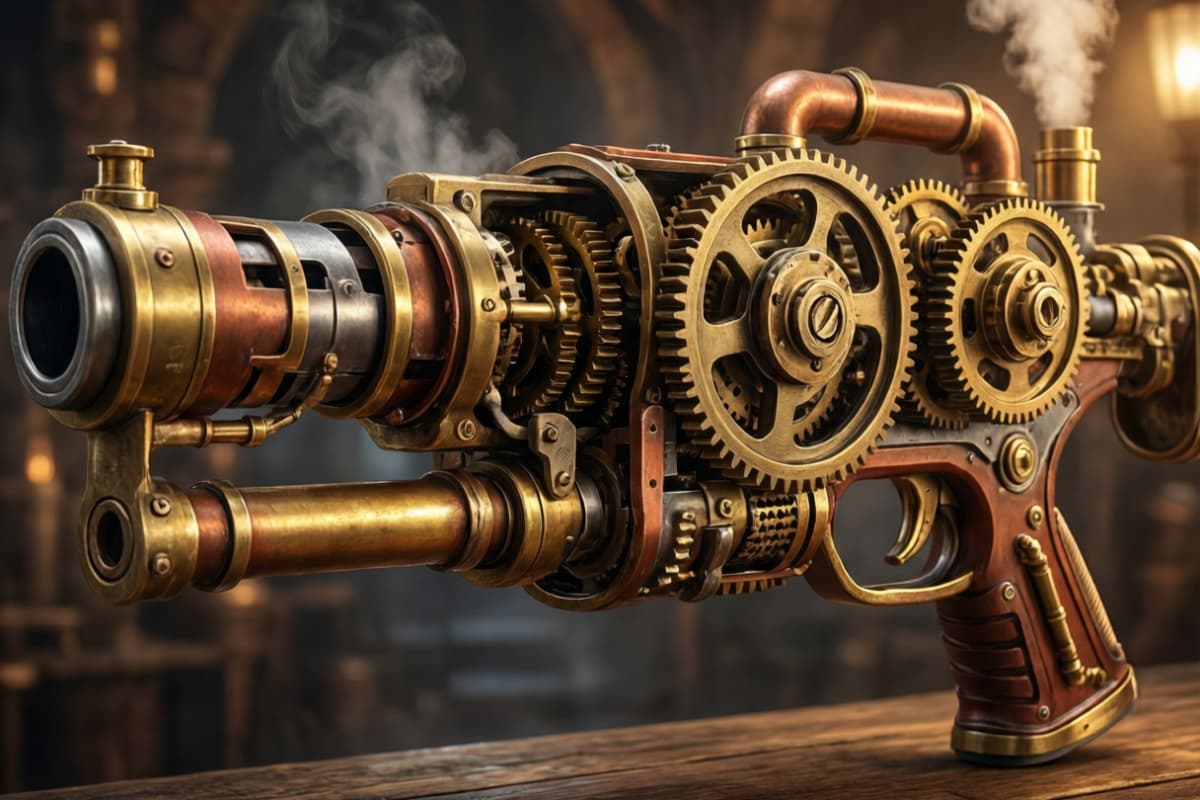
Rapidly prototype inventory items and hero weapons. The system generates consistent style guides for 3D modeling references, ensuring cohesive visual identity across game assets.

AI Weapon Generator :Create Weapon Art in Seconds
Create lovely stickers with a chibi sticker maker from photo. Upload images, customize style, and download chibi stickers online free in minutes.
Design original weapons with ease. This page shows how creators use AI weapon generator art to turn rough ideas into clear visuals fast.
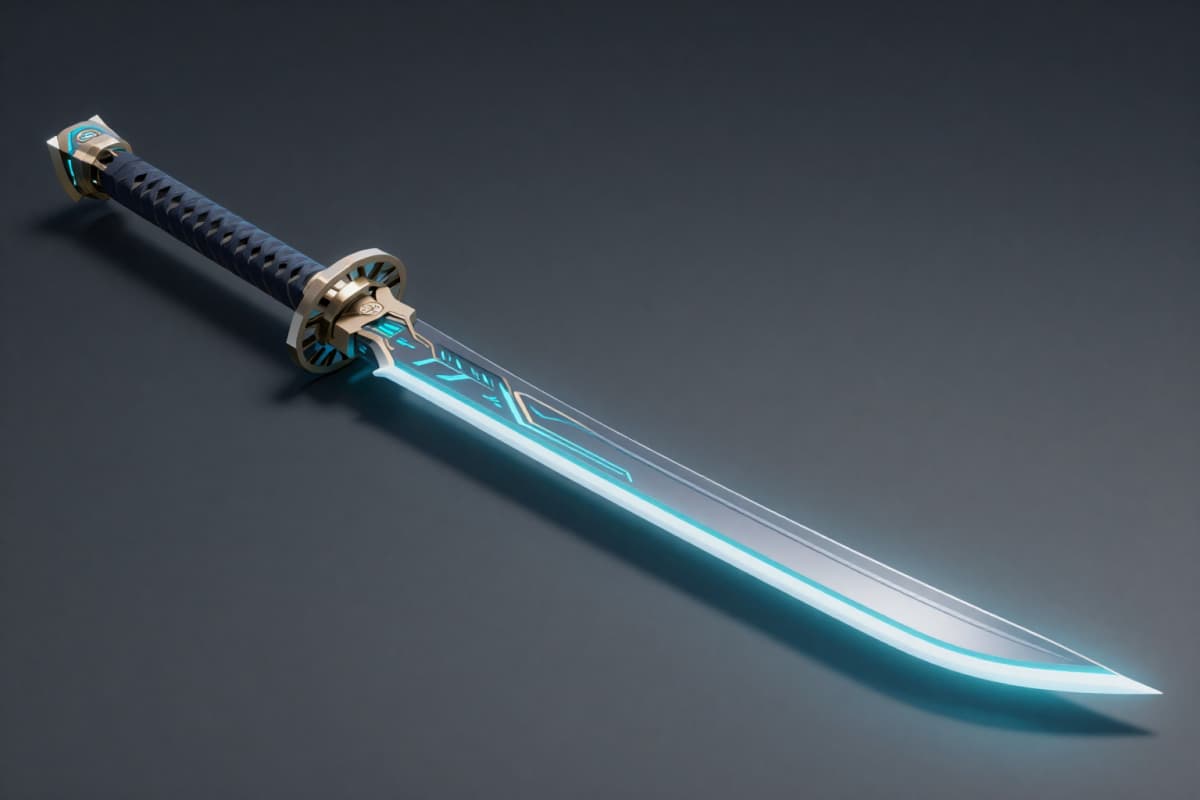
Unlock the ability to produce intricate designs that align with your vision. By inputting attributes like material and era, the AI weapon generator interprets requirements to deliver high-resolution visuals. This reduces sketching time, allowing artists to focus on refinement. OCMaker AI enhances your workflow efficiency.
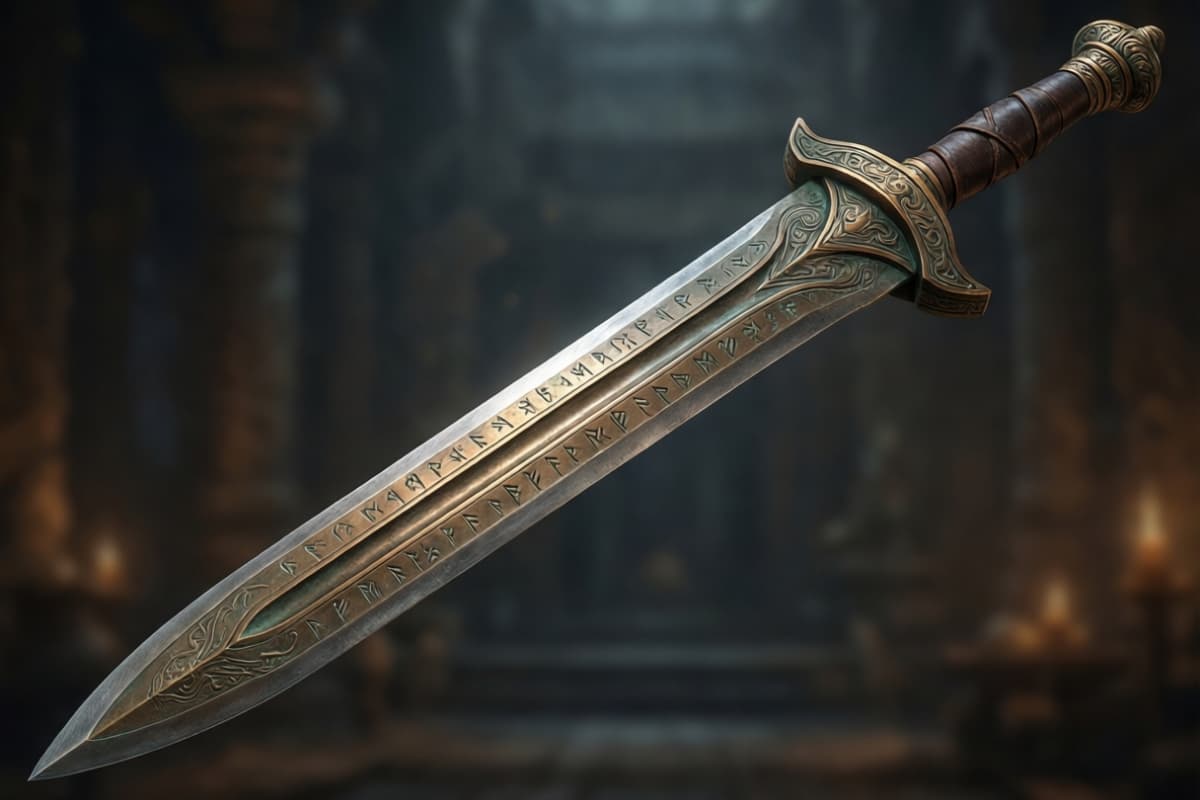
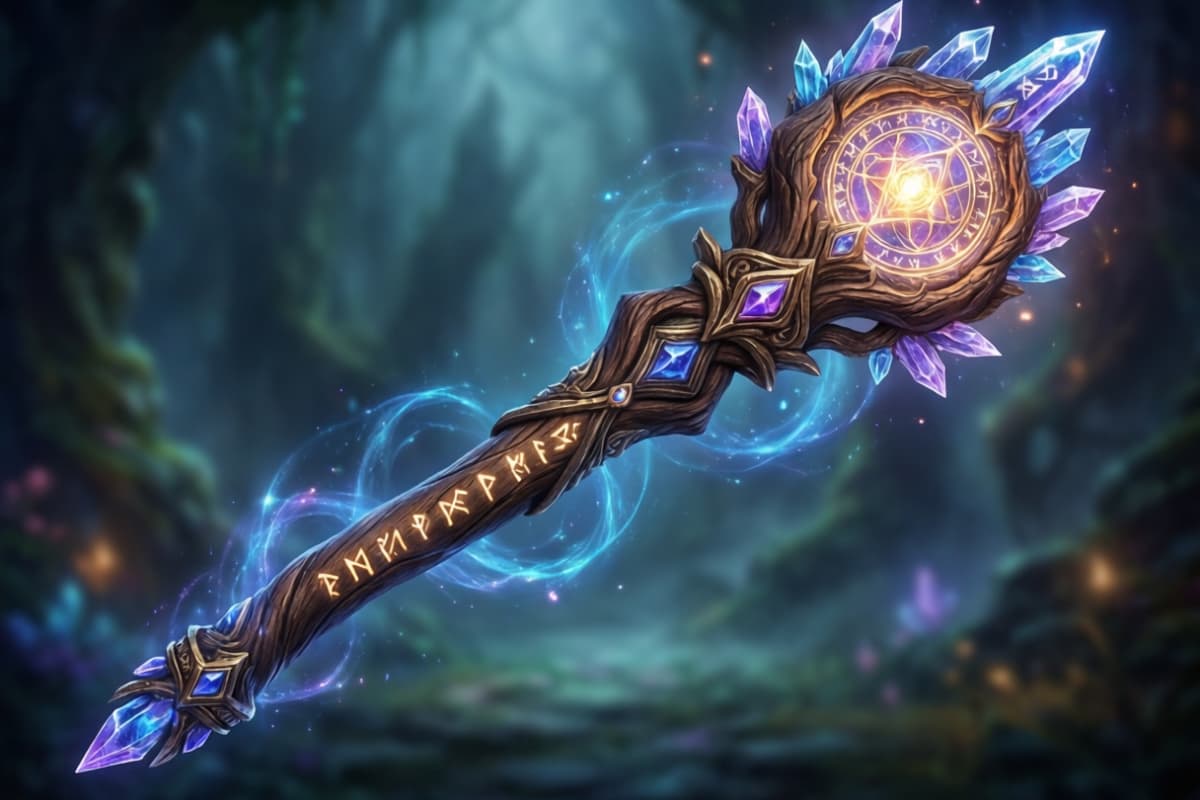
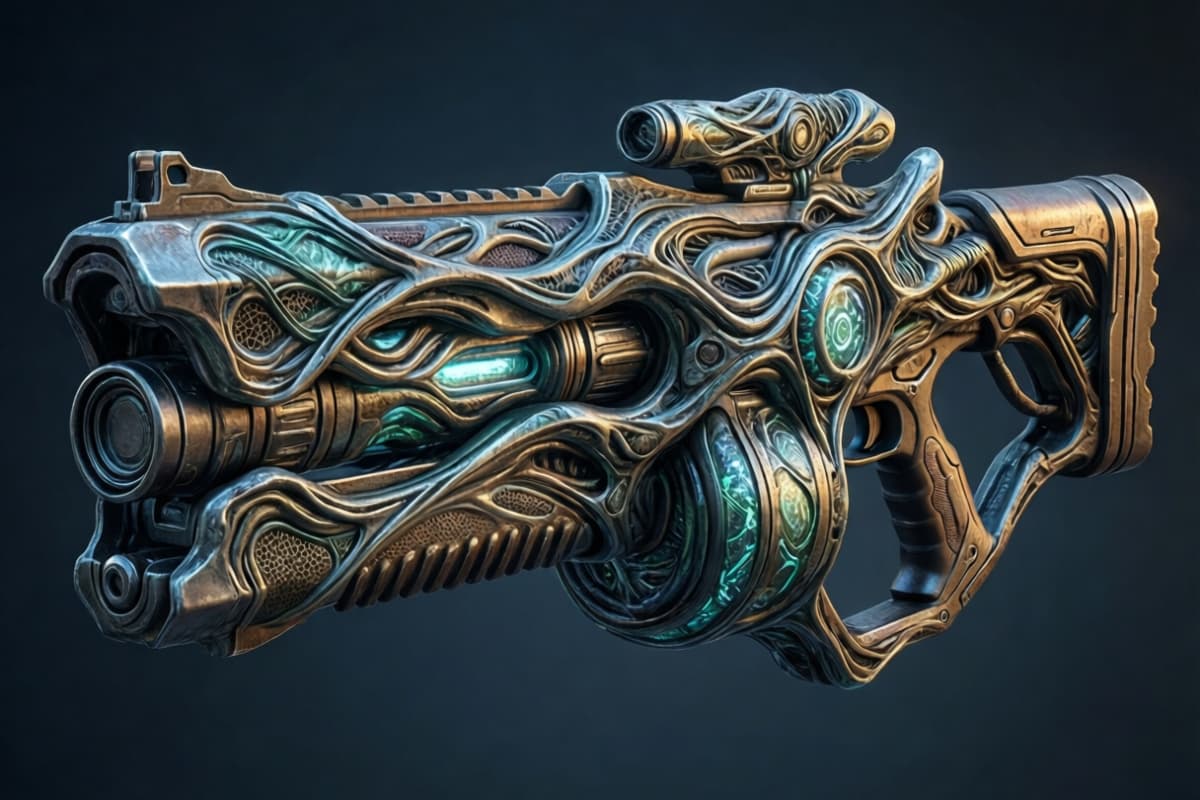
Experiment with artistic styles ranging from medieval fantasy to cyberpunk. The tool allows seamless transitions between genres, ensuring your armory fits the narrative context. Users can create AI weapons that look photorealistic. This versatility is crucial for prototyping. AI anime generator complements this consistency.
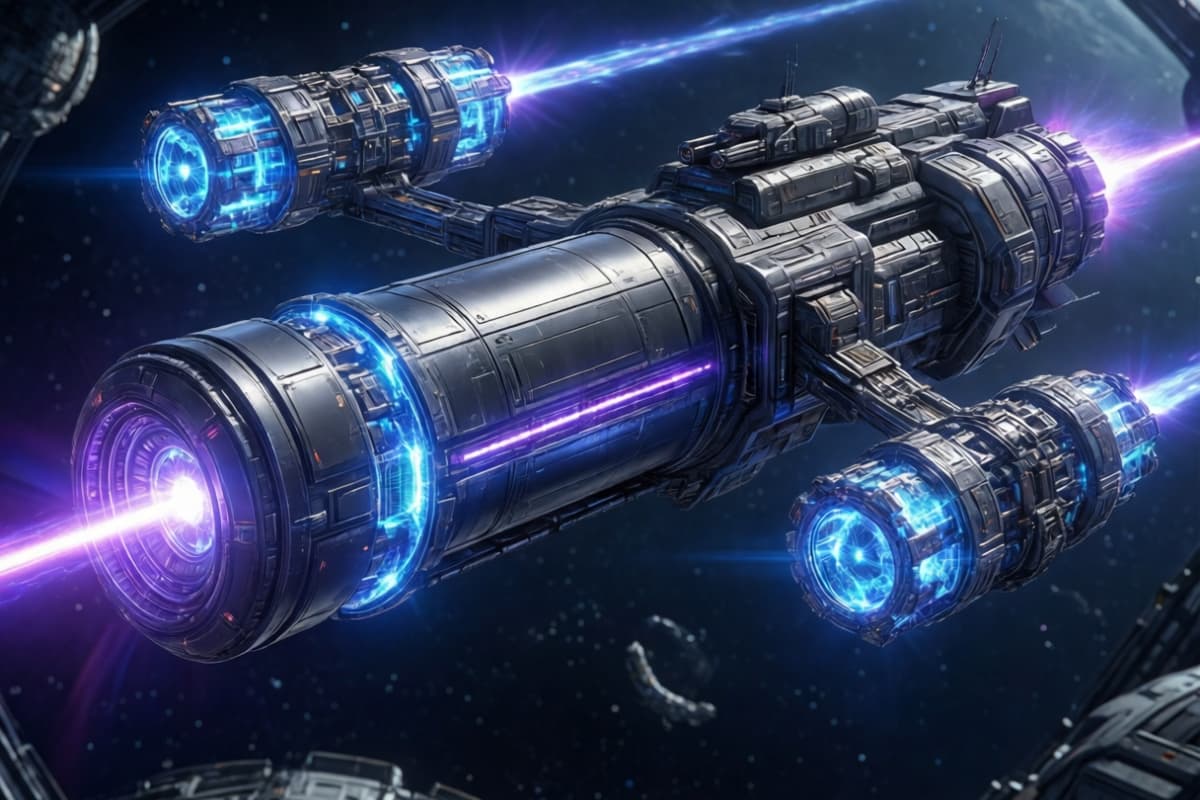
Refine concepts by uploading references or adjusting negative prompts. The engine analyzes structural elements to maintain functional logic within fantasy designs. This control ensures every blade feels grounded. See how photo to anime tools expand your creative possibilities with AI Weapon Generator Art.
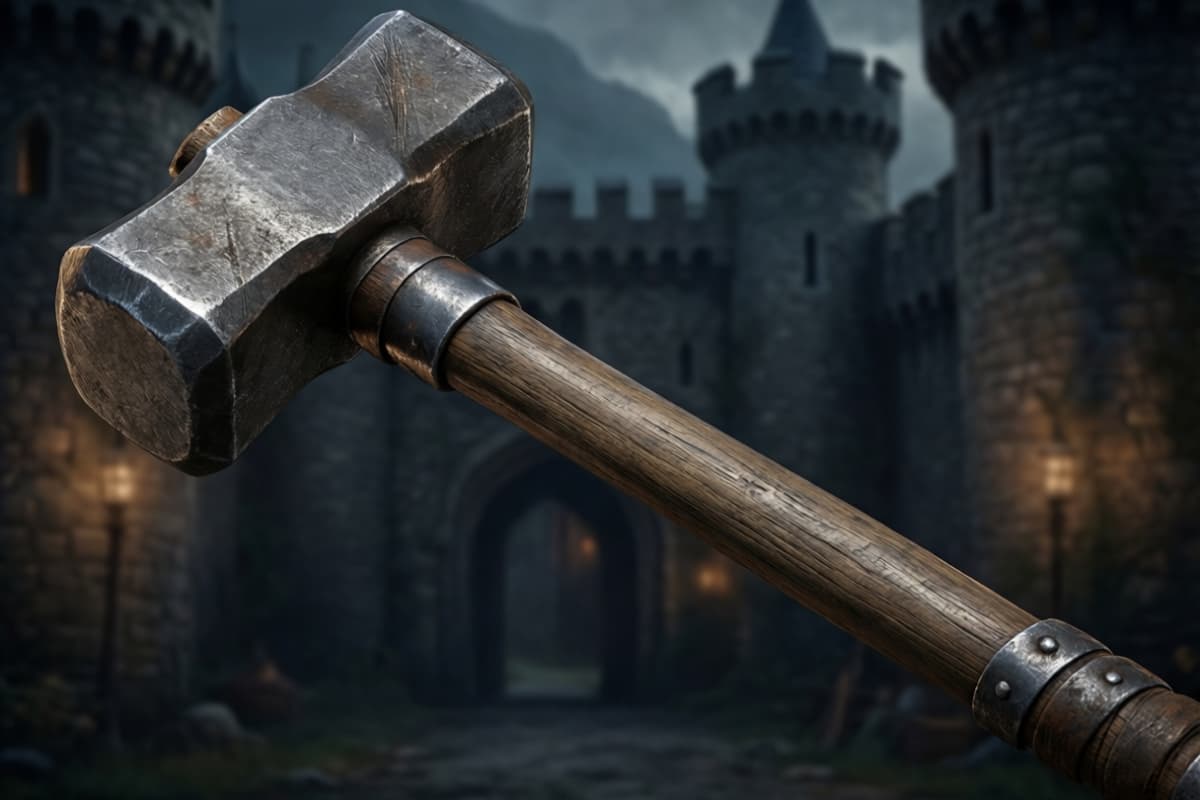
Rapidly prototype inventory items and hero weapons. The system generates consistent style guides for 3D modeling references, ensuring cohesive visual identity across game assets.
You don't need a perfect prompt. Just write what's in your head: the weapon type, the vibe, and its purpose. Even a loose description gives the AI weapon generator enough direction to produce a solid first draft.
Instead of rewriting the full prompt, refine the style or era. Transitions such as dark fantasy to sci-fi or ancient metal to energy-based technology usually result in noticeably different weapon designs.
The first output is rarely the final one. Change one detail at a time—blade length, color, or material. This is where the tool really shines, helping you explore variations without starting over.
Transform your creative workflow and produce weapon concepts in seconds.