Anime 3x3 Maker: Build Nine-Image Grids

Use anime 3x3 maker to arrange nine coordinated anime images into a clean character, mood, or theme grid for profiles and social posts.

Anime 3x3 Maker

Create a coordinated nine-image anime grid around one character, color palette, season, relationship, or story mood. Build a balanced 3x3 set for profile posts, fandom prompts, visual diaries, and character introductions.

Anime 3x3 Maker

Anime 3x3 Grid Ideas to Build

Compare three distinct ways to organize nine anime images without losing palette balance, subject variety, or a clear center focus.

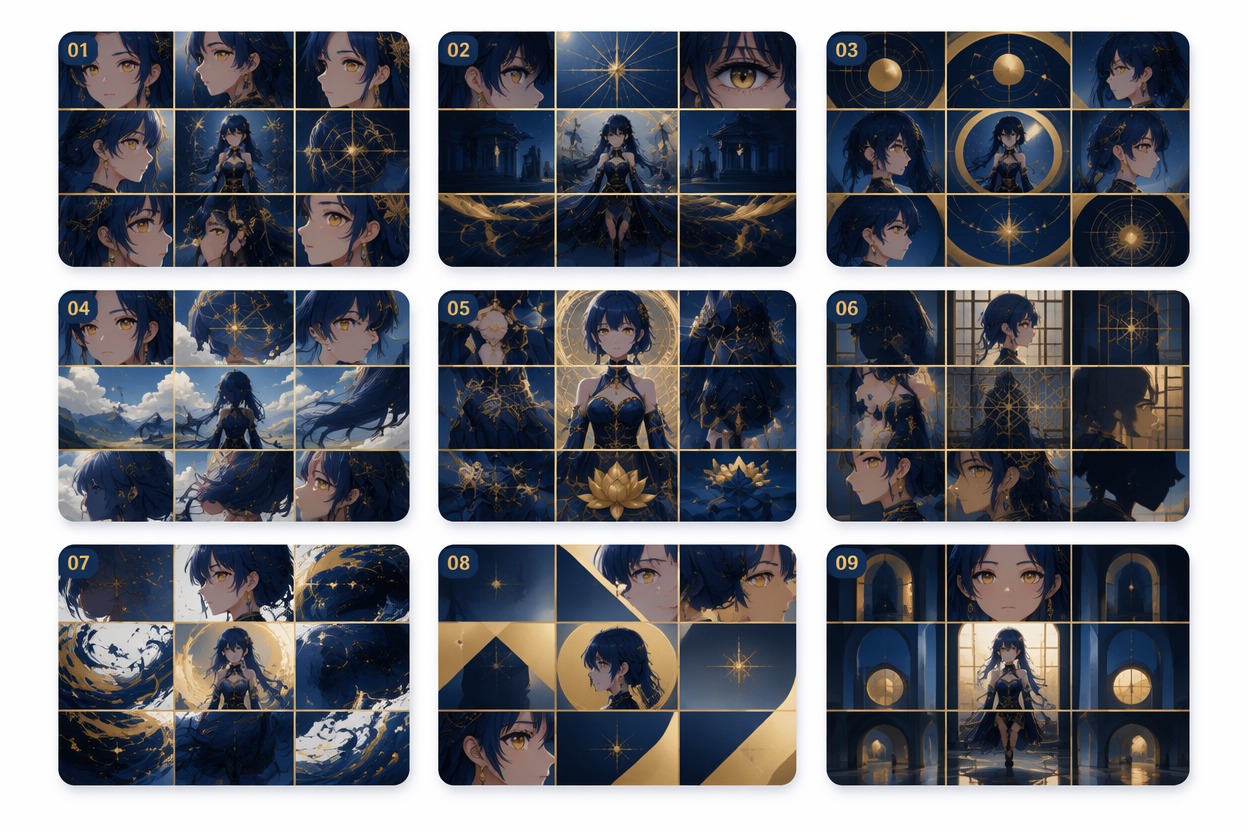
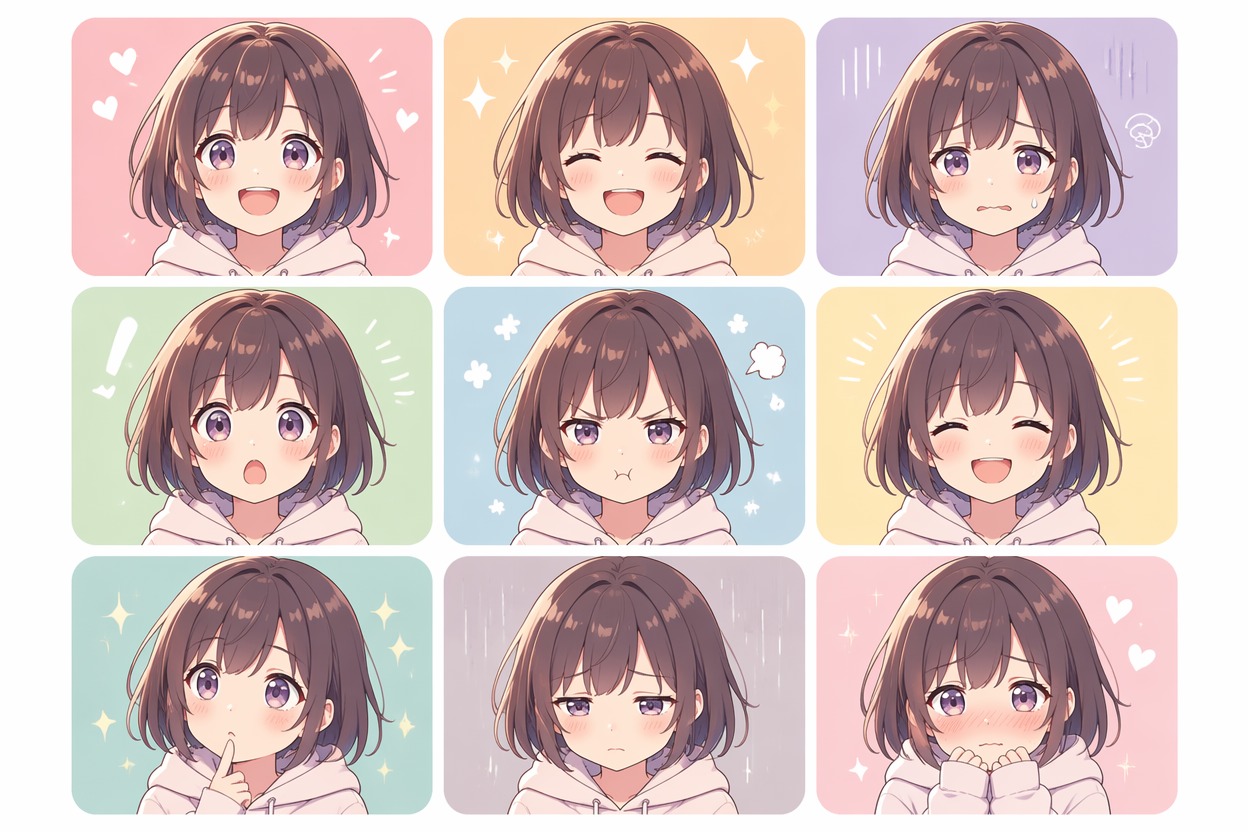
  • Character Mood Grid — Anime 3x3 Maker01

    Character Mood Grid

    Nine coordinated portraits move from calm and playful expressions to tense and dramatic moments while keeping one recognizable character identity.

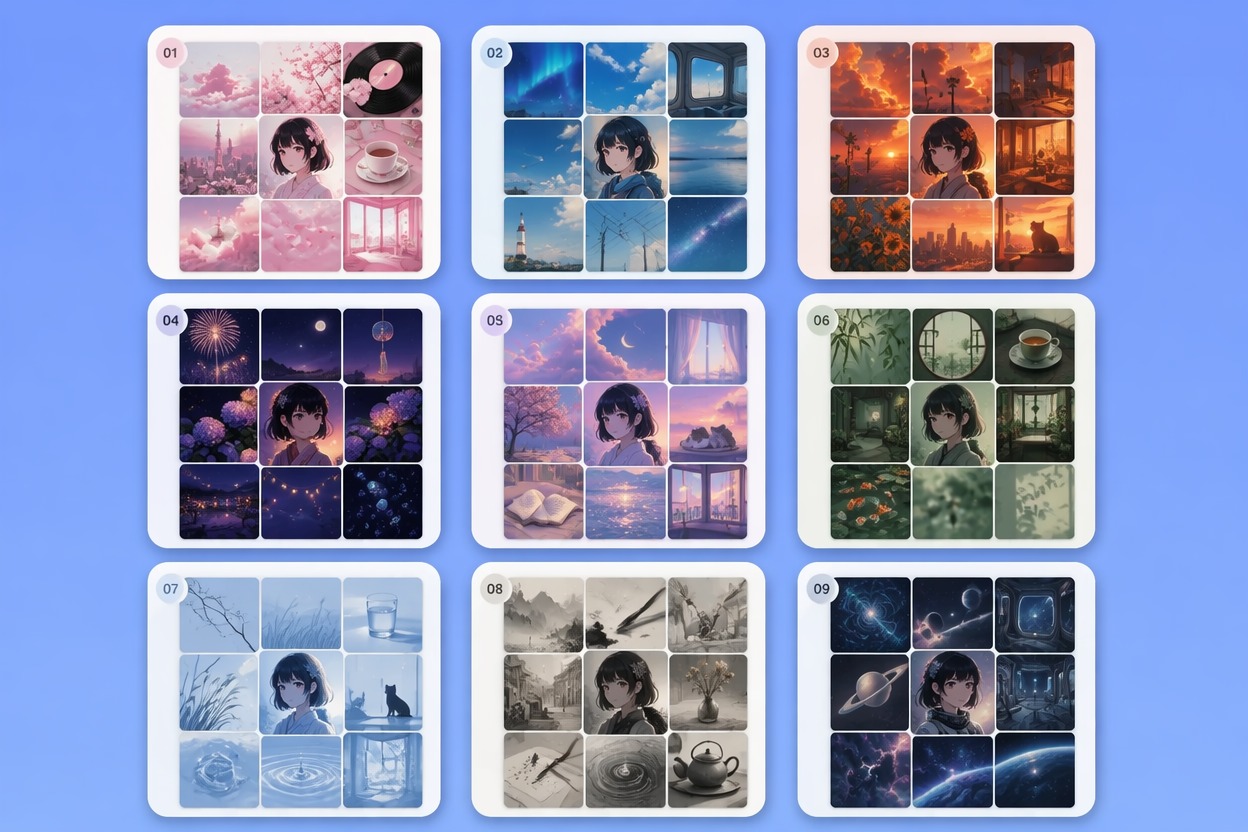
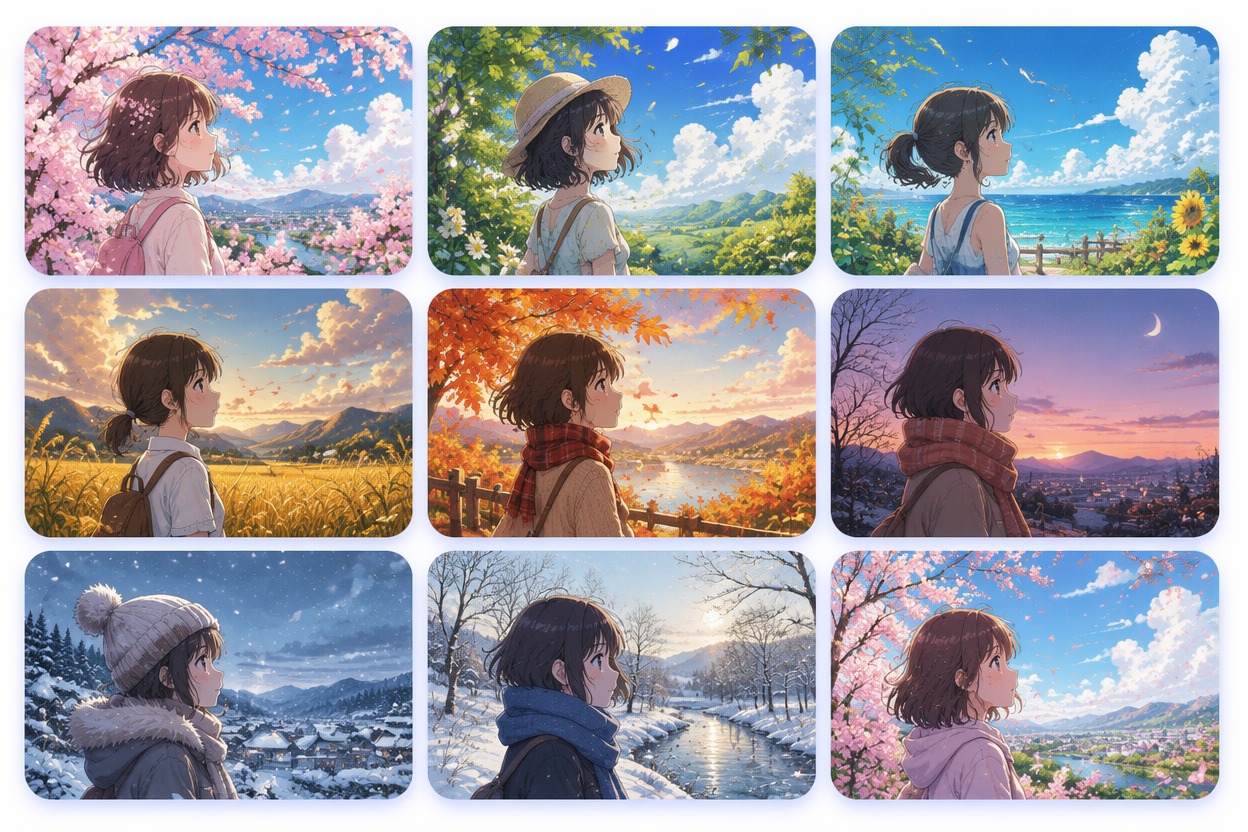
  • Seasonal Color Grid — Anime 3x3 Maker02

    Seasonal Color Grid

    A spring-to-winter set uses related lighting and colors so every square feels different while the complete grid still reads as one visual story.

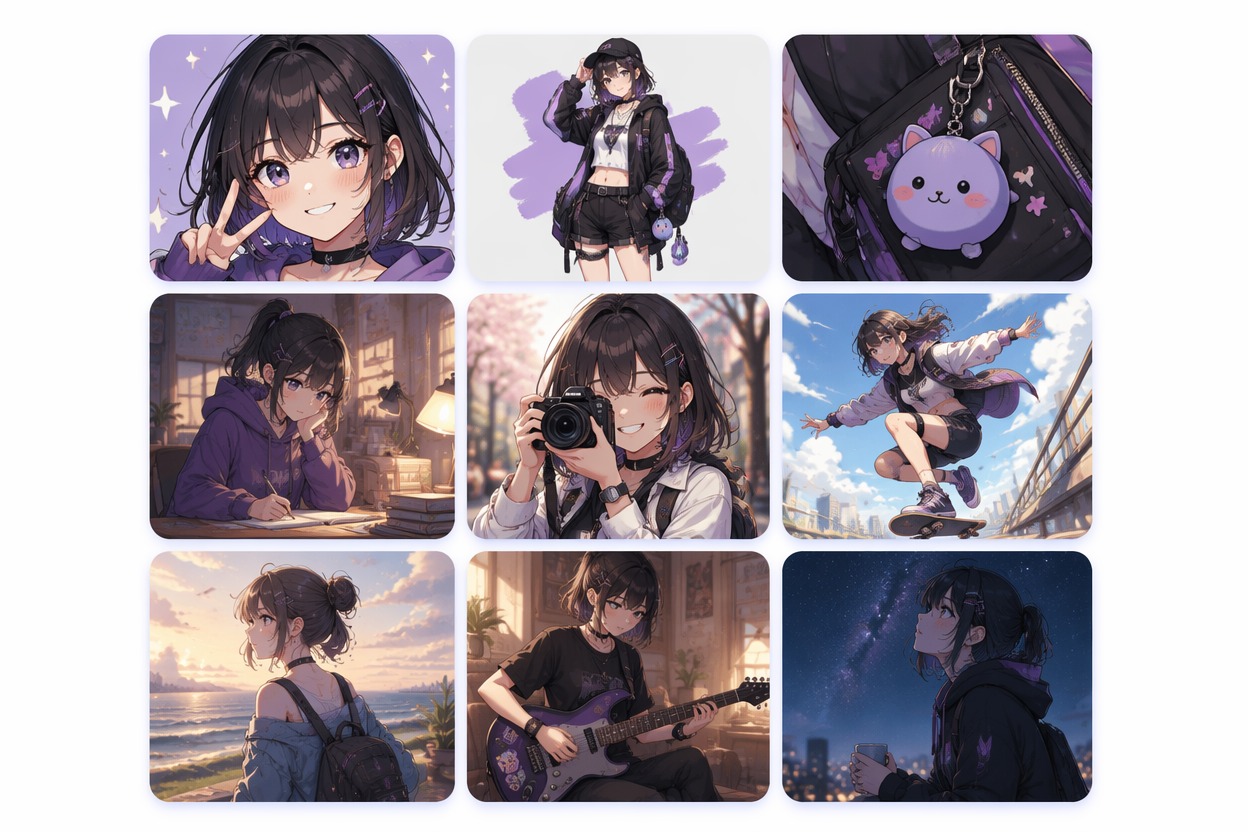
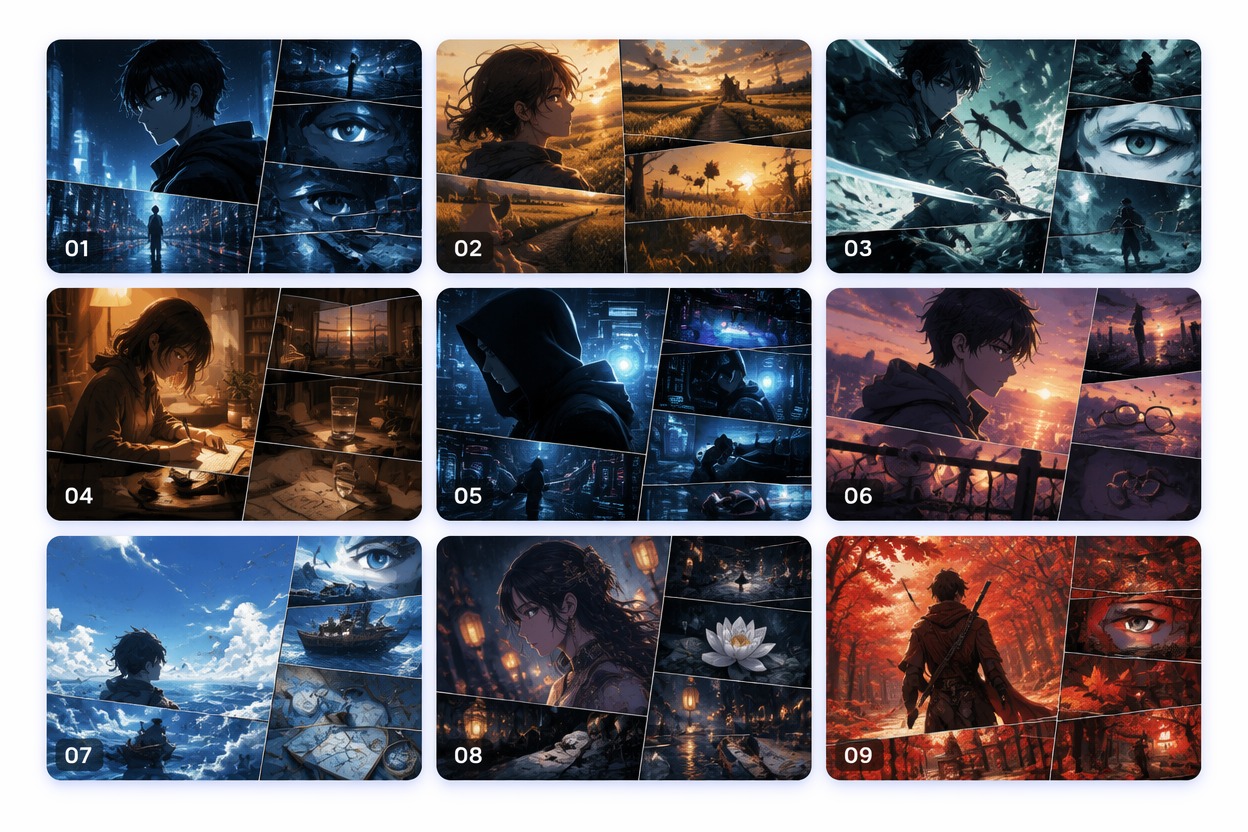
  • Story Moment Grid — Anime 3x3 Maker03

    Story Moment Grid

    Close-ups, objects, scenery, and action details create a compact nine-frame introduction instead of repeating the same portrait in every cell.

Build a 3x3 Anime Grid That Feels Connected

Shape nine images as one set by controlling the center image, visual rhythm, palette, and mix of portraits, details, and scene frames.

0104

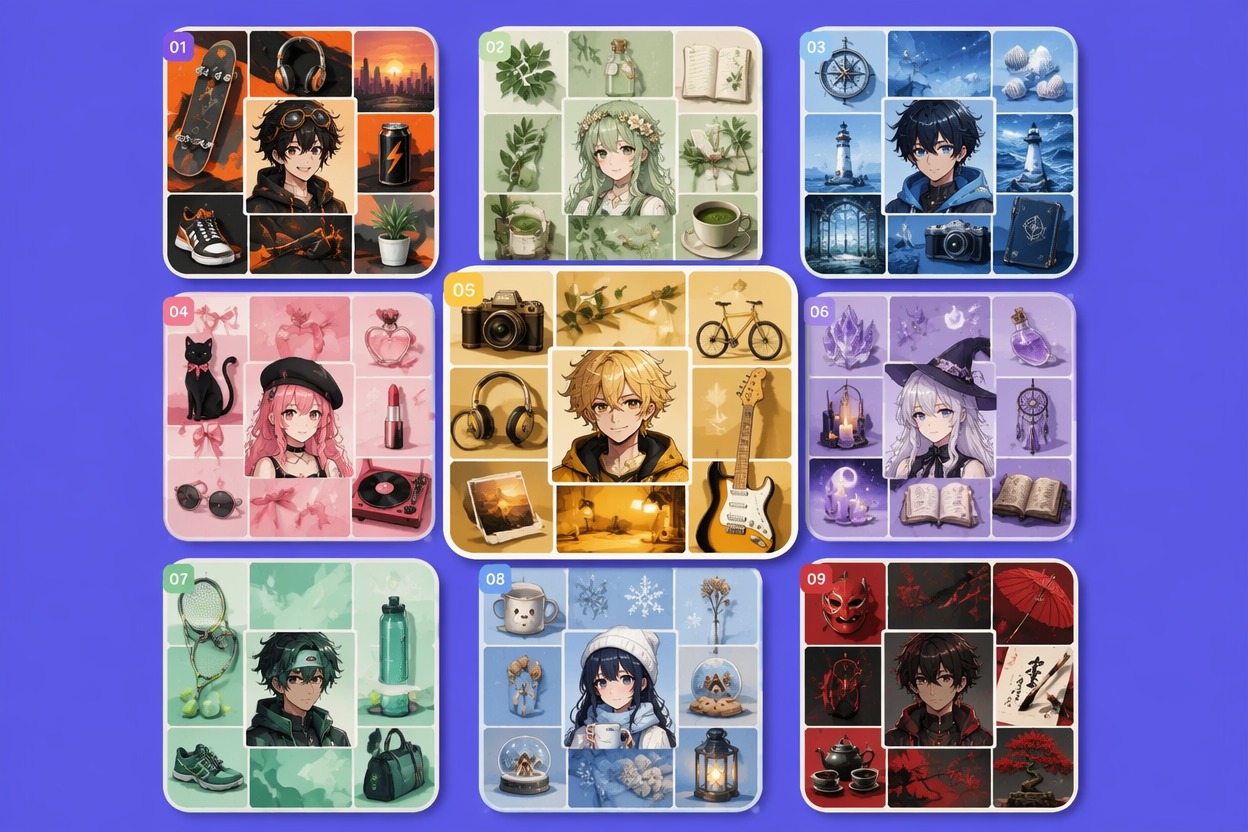
Anchor the Center Image

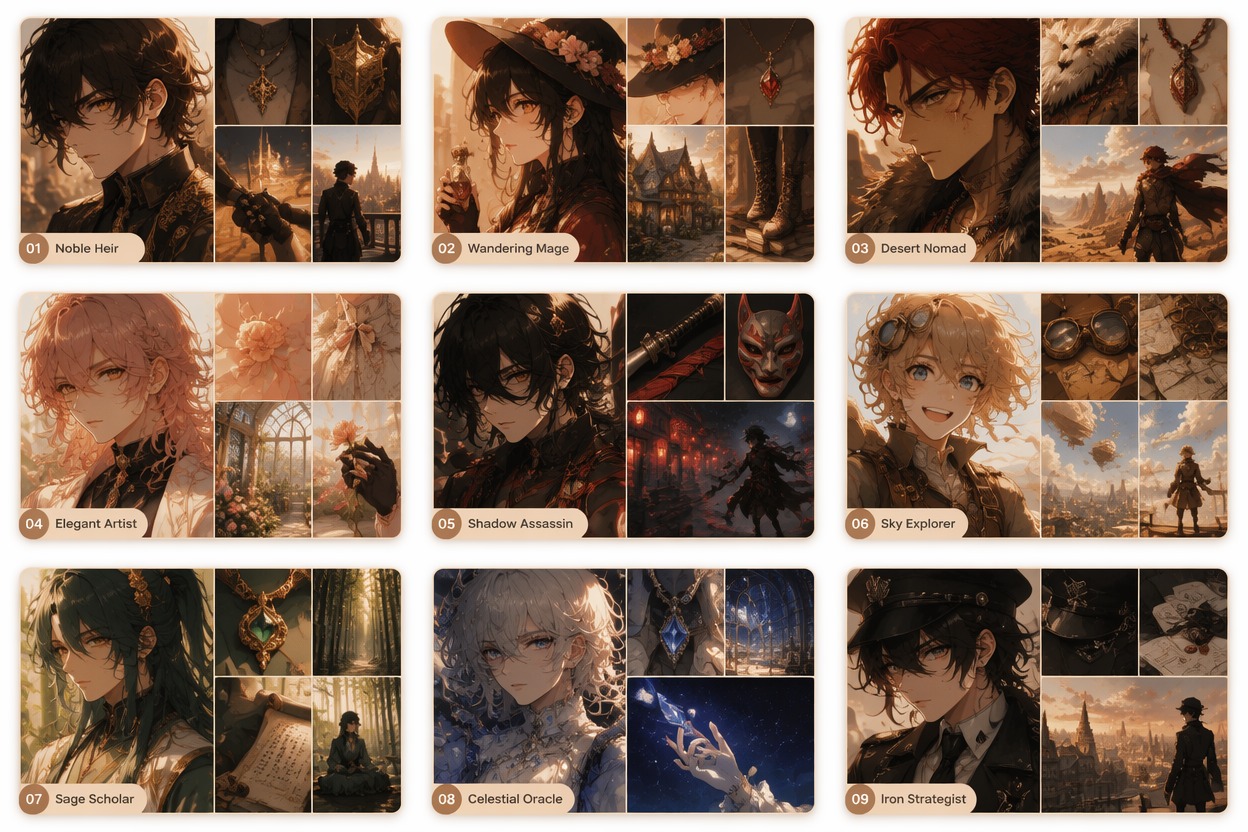
Choose the strongest portrait, symbol, or key scene as the center tile, then build the other eight images around its colors and emotion. The result feels intentional at a glance and gives viewers a clear entry point, whether the grid introduces an OC or summarizes a favorite anime mood.
Try This Feature
Anchor the Center Image — Anime 3x3 Maker

0204

Balance Faces and Details

Mix close portraits with outfit details, scenery, props, hands, food, weather, or action moments so the grid does not become nine nearly identical faces. Use the AI anime generator to develop visually related images before arranging the final set.

Try This Feature
Balance Faces and Details — Anime 3x3 Maker

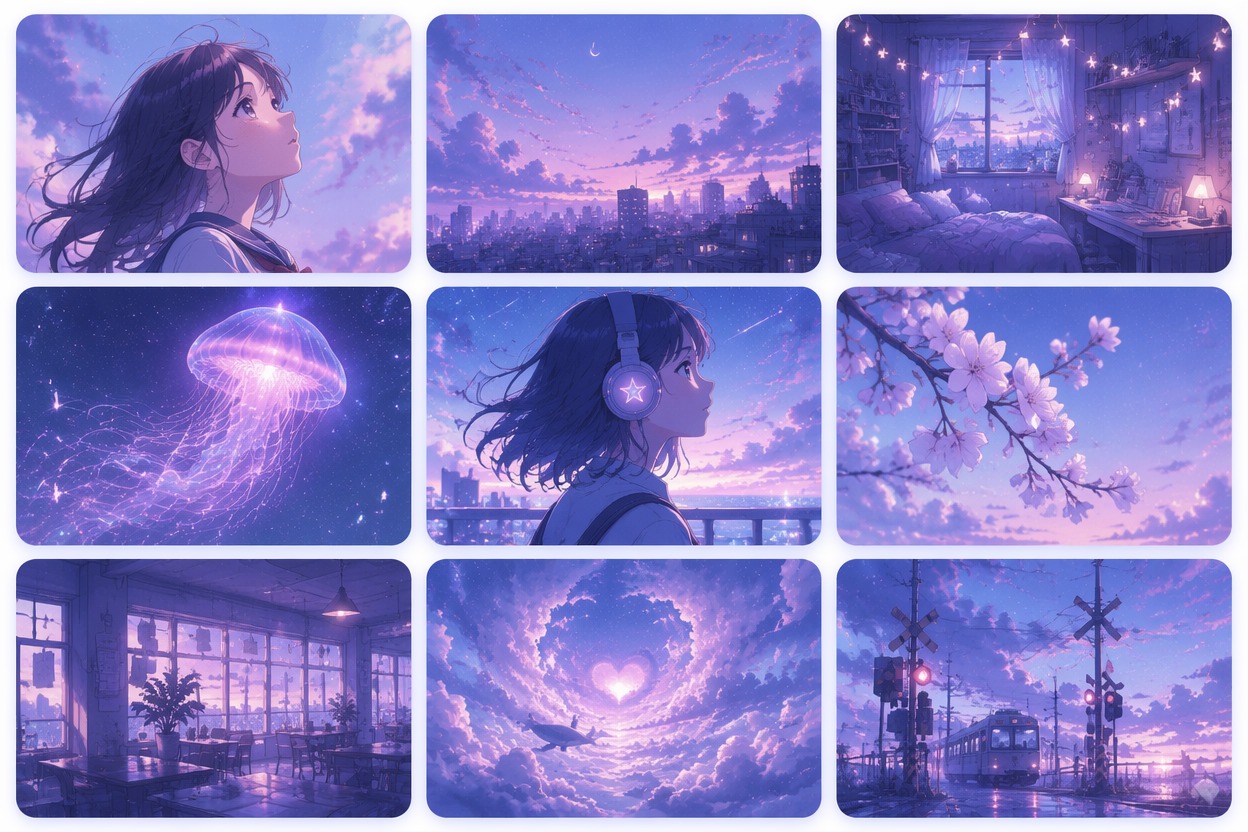
0304

Keep One Visual Rhythm

Repeat two or three colors, a lighting direction, or a camera pattern across the set while varying subject distance and emotion. This keeps the nine tiles connected without making them monotonous, helping a social grid or character board remain readable at thumbnail size.

Try This Feature
Keep One Visual Rhythm — Anime 3x3 Maker

0404

Turn an OC Into Nine Moments

Start from an original character made with an OC maker, then show expressions, wardrobe cues, personal objects, locations, and one defining action across the grid. The format turns a single design into a compact identity board for profiles, roleplay, or story planning.

Try This Feature
Turn an OC Into Nine Moments — Anime 3x3 Maker

Why Use an Anime 3x3 Maker?

  • 01

    Nine Images, One Theme

    Coordinate subject, palette, mood, and framing so individual squares work together as a complete visual set.

  • 02

    Stronger Center Focus

    Build the composition around one anchor image instead of leaving all nine tiles to compete equally for attention.

  • 03

    More Varied Tile Content

    Combine portraits, scenery, objects, action, outfit details, and expressions to avoid repetitive face-only grids.

  • 04

    Cleaner Color Balance

    Repeat a limited palette across the corners, edges, and center so the finished layout feels cohesive on social feeds.

  • 05

    Character Story at a Glance

    Show personality, relationships, setting, and visual motifs in nine compact frames rather than one crowded image.

  • 06

    Profile-Ready Square Layout

    Plan a balanced square board suited to social posts, character prompts, aesthetic challenges, and visual introductions.

How to Make 3x3 Anime Grids

Three practical steps

  1. Pick One Grid Theme

    Choose one character, relationship, season, color mood, or story idea so all nine images have a shared reason to belong together.

  2. Generate Nine Varied Frames

    Create a center anchor plus portraits, details, objects, scenery, and action shots. Keep two or three visual cues consistent across the set.

  3. Arrange and Check Balance

    Place the strongest image in the center, distribute light and dark tiles, then preview the full square at a small social-media size.

Common questions

Anime 3x3 Maker FAQ

How to make 3x3 anime images?

Choose one clear theme, generate nine related but non-repetitive anime images, place the strongest image in the center, and balance portraits with scenery, objects, expressions, and action. Repeat a limited color palette so the complete square reads as one set.

What is an anime 3x3 maker?

It is a creative tool for planning or generating nine coordinated anime-style images that can be arranged as a three-by-three grid. The format works well for character introductions, mood boards, fandom prompts, profile posts, and compact visual stories.

Should every tile show the same character?

Not necessarily. A character grid can keep one person consistent, while a theme grid may mix characters, objects, scenery, and symbolic details. What matters is a visible connection through palette, mood, story, or composition.

What should go in the center square?

Use the clearest character portrait, strongest emotional moment, or most recognizable symbol. The center acts as the visual anchor, so the surrounding eight tiles should support rather than overpower it.

How do I stop a 3x3 grid from looking repetitive?

Vary crop and content. Combine close-ups, waist-up portraits, wide scenes, clothing details, objects, environments, and movement. Keep the palette consistent while changing viewpoint, expression, and subject distance.

Can I make several versions of the same grid?

Yes. Try alternate center images, warmer or cooler palettes, different seasons, or a portrait-heavy and scene-heavy version. Comparing layouts helps reveal which nine images feel most connected.

Can I use the grid on social media?

A square 3x3 layout fits many profile and social-post formats. Preview it at small size before posting, because tiny faces, busy corners, or low contrast may disappear in a feed.

Can I use generated anime grids commercially?

Check current OCMaker AI terms and confirm rights to any source images, characters, logos, or references. For commercial publishing, favor original designs and review every tile for protected assets or misleading brand associations.

Build Your Own Nine-Image Anime Grid

Create a focused 3x3 set with a strong center, varied frames, balanced colors, and one clear character or story theme.

Anime 3x3 Maker: Build Nine-Image Grids