
Pricing
Log In
AI Generator
Anime Background Generator: Design Anime Scene Art
Generate anime backgrounds for scenes, thumbnails, visual novels, livestream screens, and concept boards with stronger perspective and mood control.
Anime Background Generator
Create anime-style backgrounds for visual novels, thumbnails, game mockups, livestream scenes, and storyboards. Focus on place, camera angle, lighting, and mood so the output supports characters instead of competing with them.
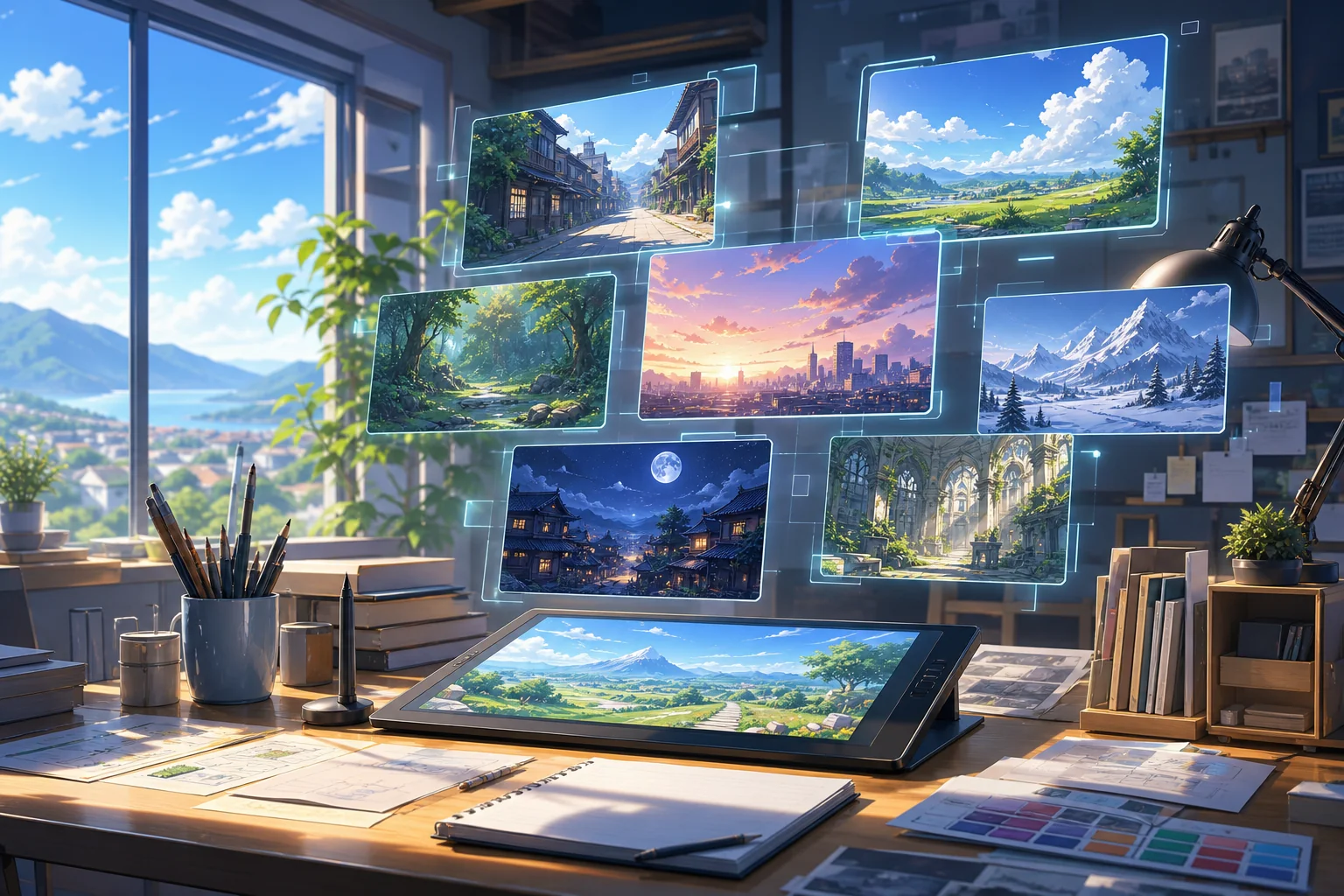
Background Scenes You Can Build
Explore location-focused examples where setting, perspective, and lighting do the storytelling work.
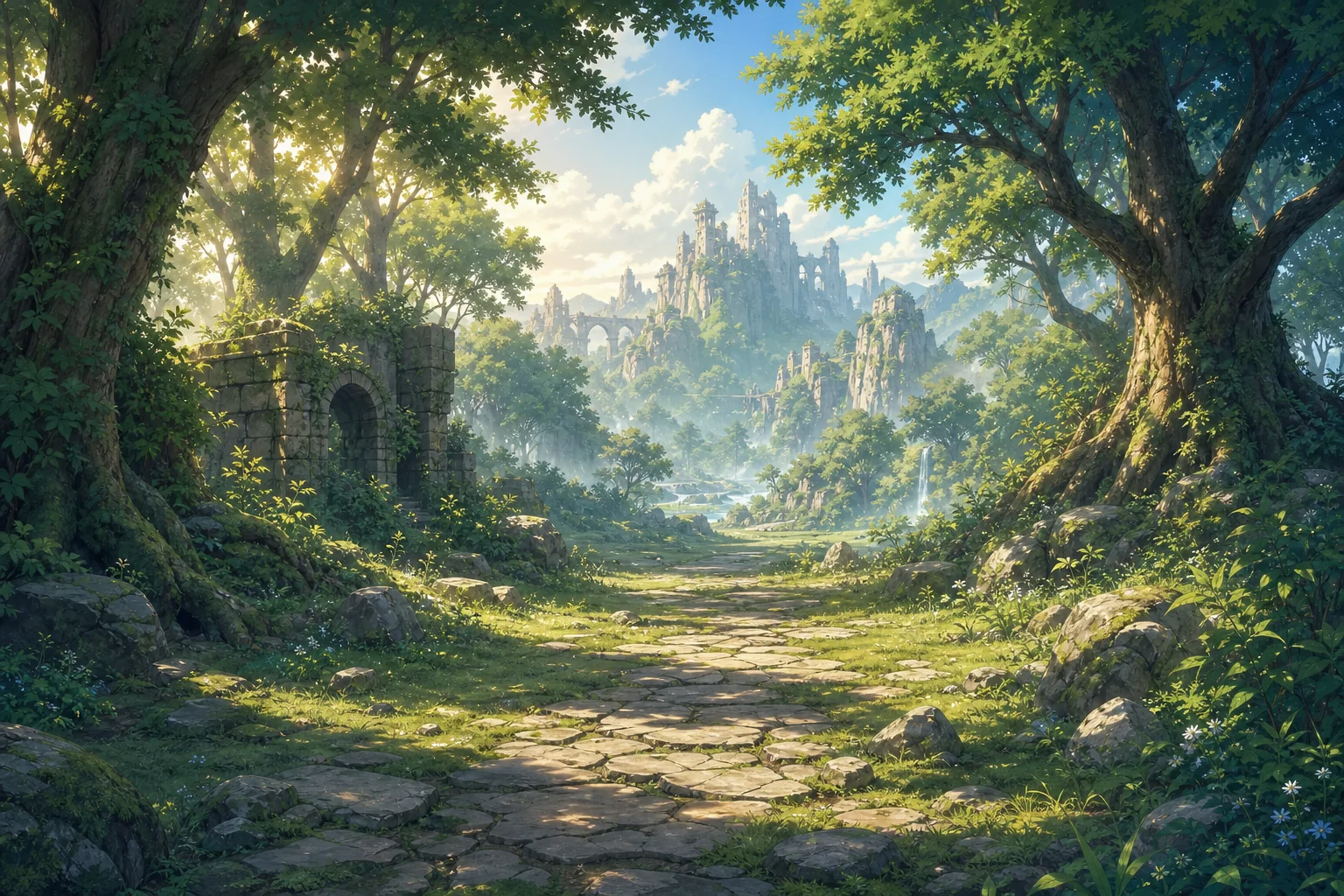
Fantasy Landscape Plate
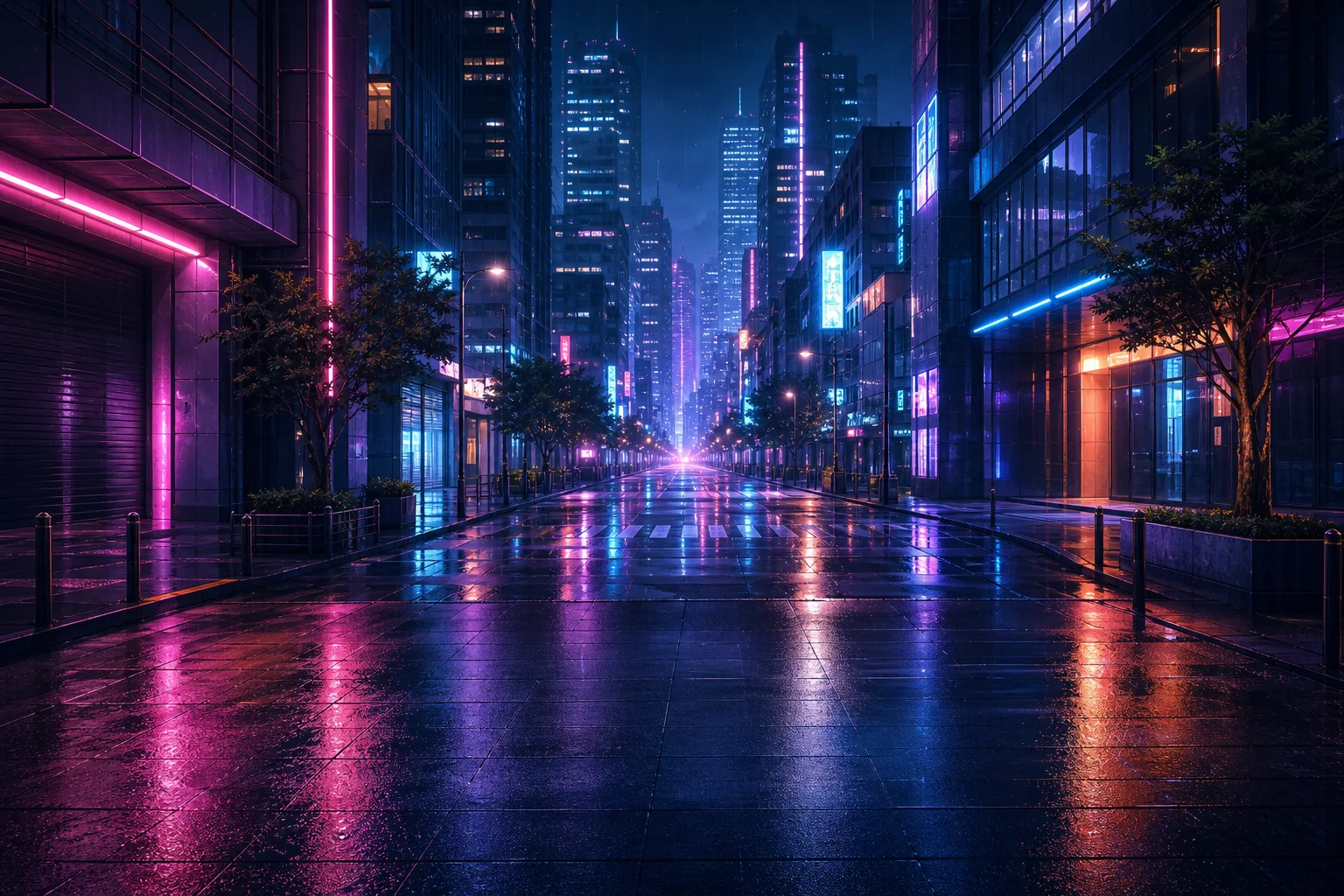
Neon Street Backdrop
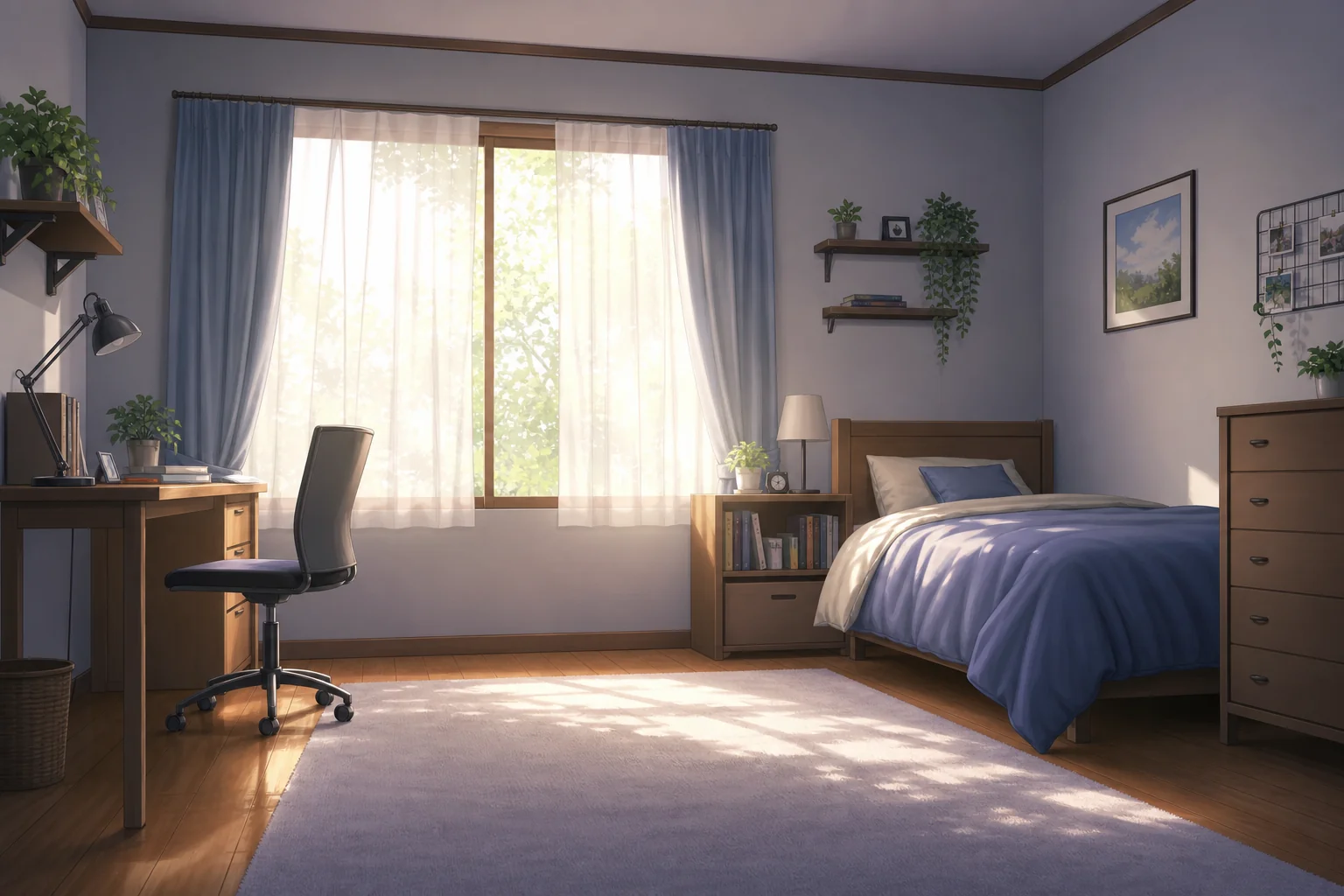
Quiet Bedroom Scene
Scene Outputs Made for Character Placement
Create Location-First Scene Plates
The generator turns place descriptions into anime-style backgrounds with perspective, lighting, and environmental mood. It is useful for visual novel scenes, thumbnails, stream screens, and AI anime generator workflows where the setting must support a character.
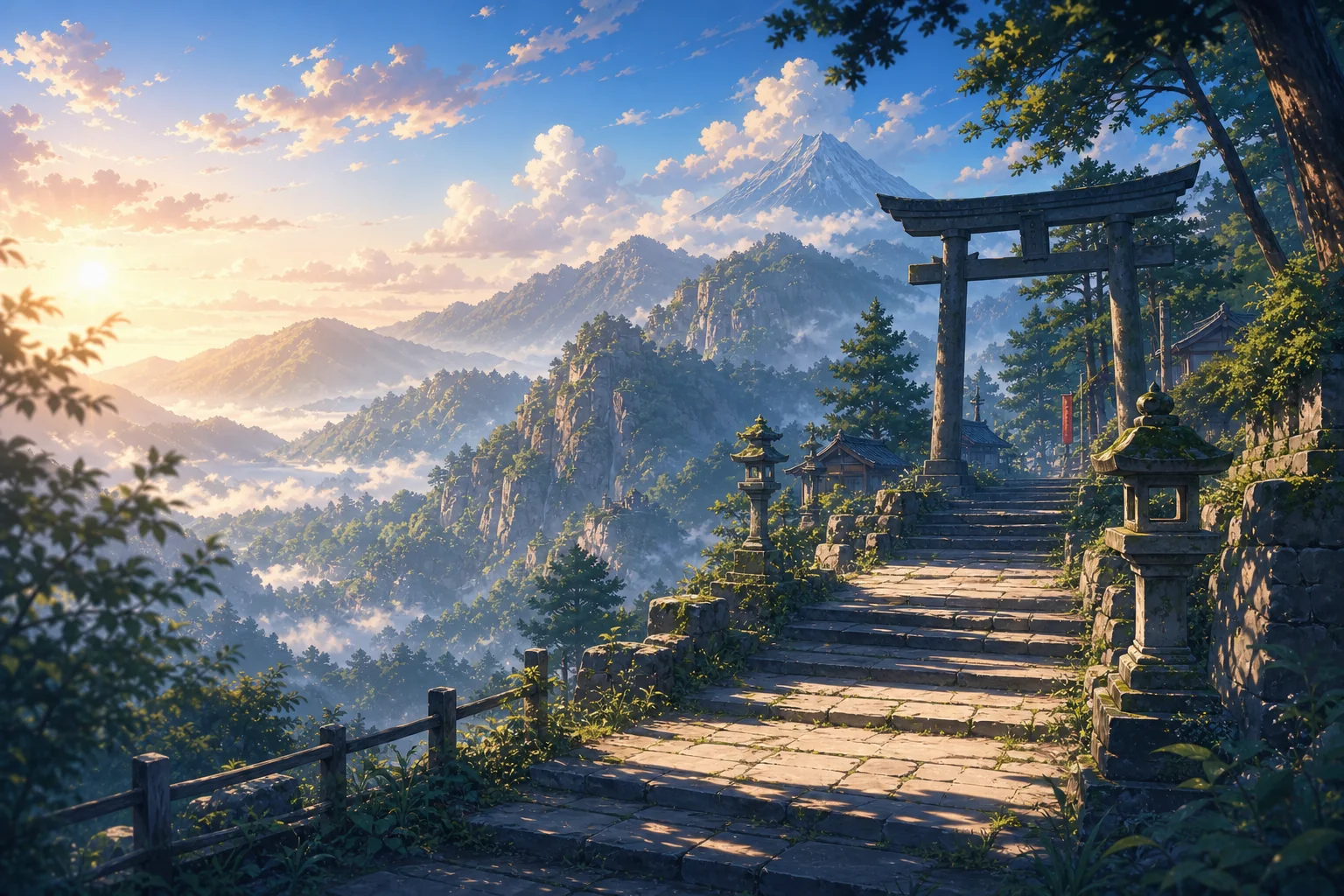
Control Mood Without Adding Characters
Background work is strongest when the scene can stand on its own. Describe morning classroom light, rainy neon streets, shrine paths, bedrooms, forests, or sci-fi corridors to get a usable plate before placing people, props, or overlay text.
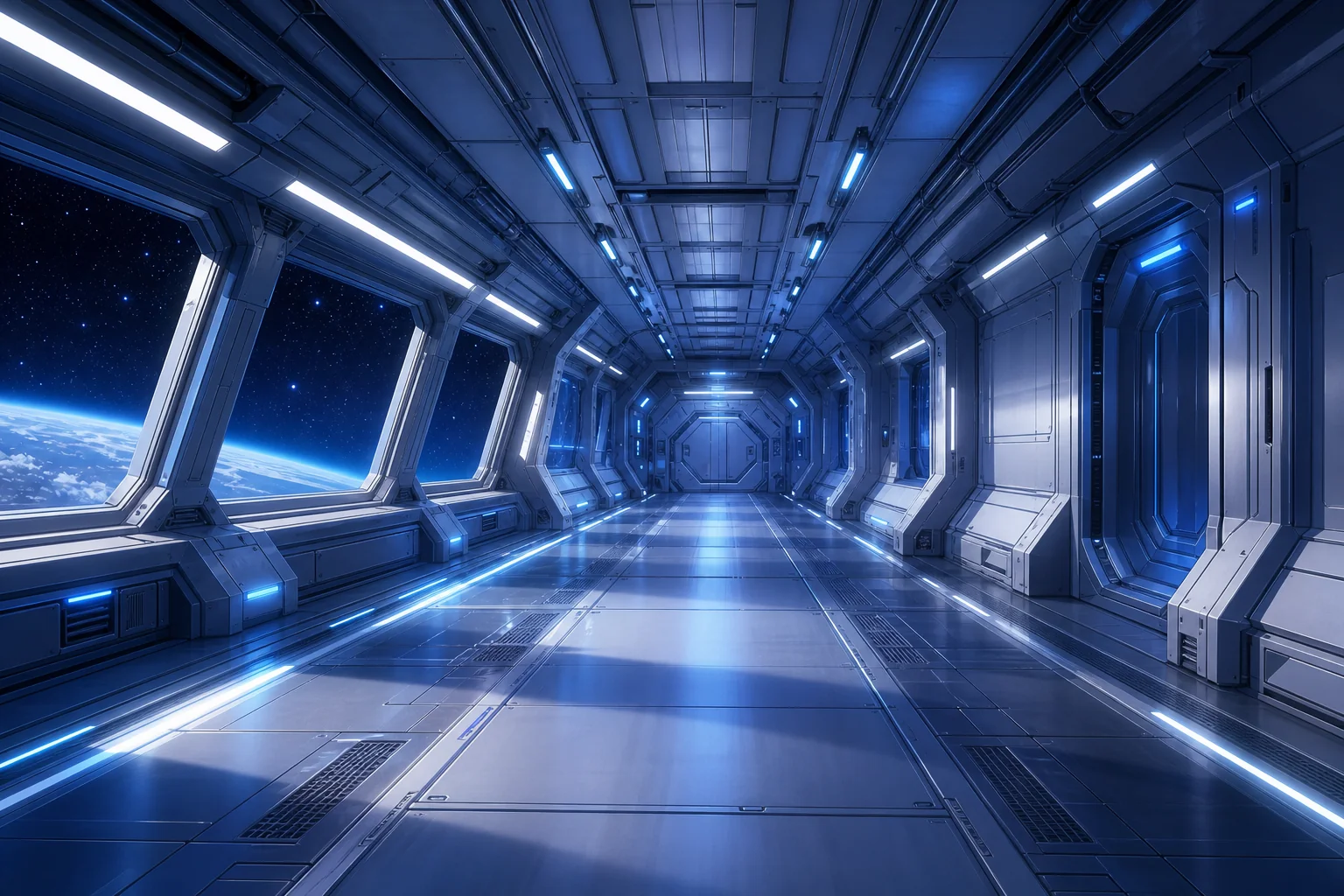
Support Thumbnails and Storyboards
The output can become a backdrop for YouTube thumbnails, comic panels, episode boards, or roleplay scenes. A good background gives enough depth for storytelling but leaves clear foreground space for characters, subtitles, or UI elements added later.
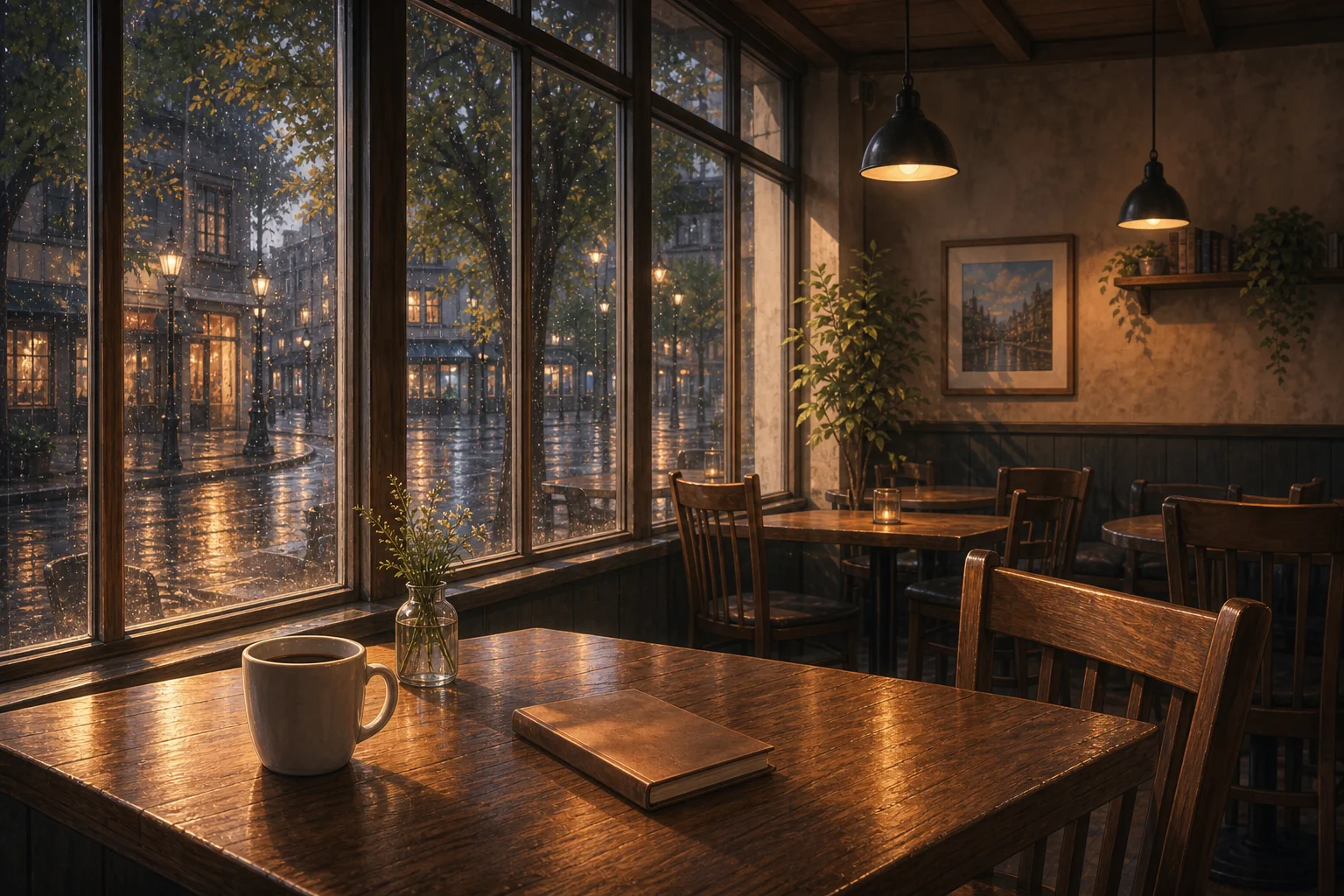
Plan Animated-Style Backgrounds Safely
For animated background creator use cases, treat the result as a static scene plate or concept frame. It can guide motion design, parallax layers, or scene direction, while final animation work should still handle moving elements and export settings separately.
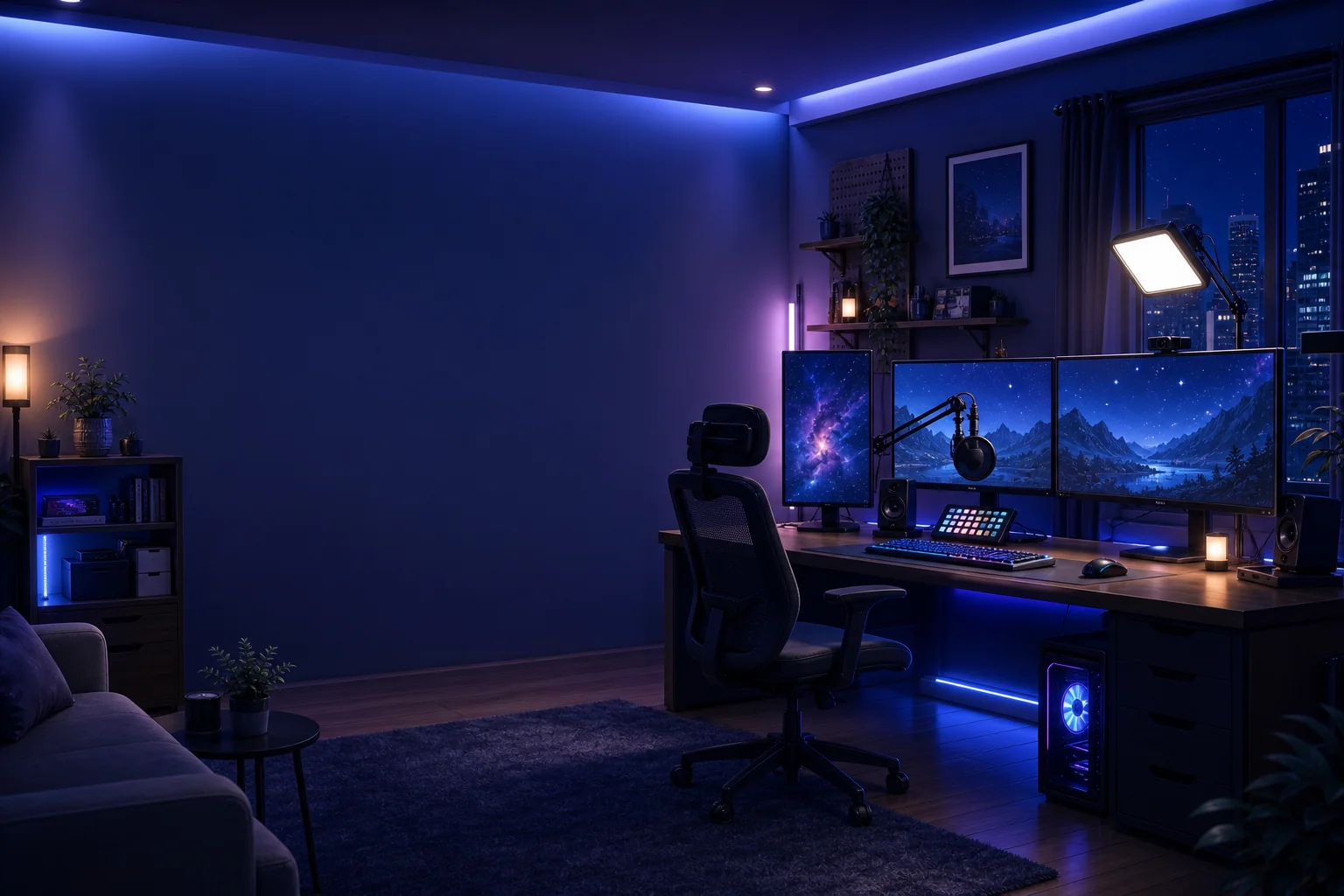
What Makes a Background Usable
Foreground Space
Leave clear areas where characters, captions, or interface elements can sit without visual clutter.
Camera and Perspective
Use angle, depth, and horizon placement to make the background feel like a real scene plate.
Lighting as Story Cue
Set time of day, weather, and color temperature so the environment communicates mood before characters appear.
Build an Anime Scene Background
01
Name the location first
Start with the actual setting: bedroom, school hallway, rooftop, forest road, shrine path, city street, or fantasy landscape.
02
Set camera and depth
Add wide shot, low angle, interior view, foreground framing, or distant horizon so the scene has usable perspective.
03
Define light and atmosphere
Choose time of day, weather, color temperature, and mood before adding props or decorative details.
Anime Background Generator FAQ
Generate an Anime Background
Describe the location, camera angle, lighting, and mood, then create a background plate ready for characters, thumbnails, or scene planning.