
Pricing
Log In
AI Generator
Anime Banner Maker: Create Profile Headers Free
Create anime banners for social profiles, channels, shops, and campaign headers with wide composition, safe focal areas, and readable mood.
Anime Banner Maker
Create wide anime banners with crop-safe composition, character placement, mood lighting, and space for later text. Perfect for profile headers, channel art, social covers, and campaign visuals.
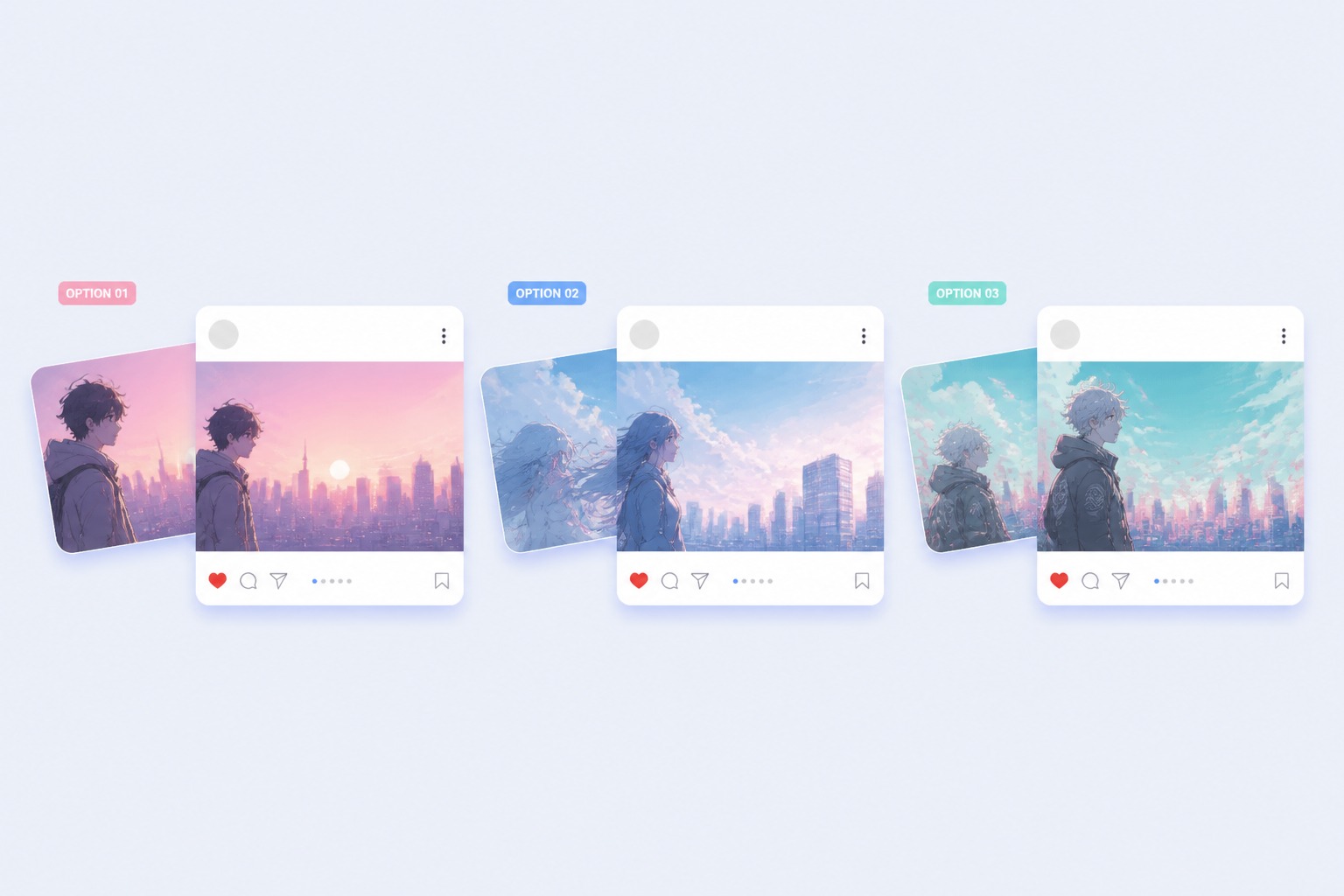
Banner Layouts You Can Build
Explore wide-format banner directions for profile headers, channel art, and campaign visuals.
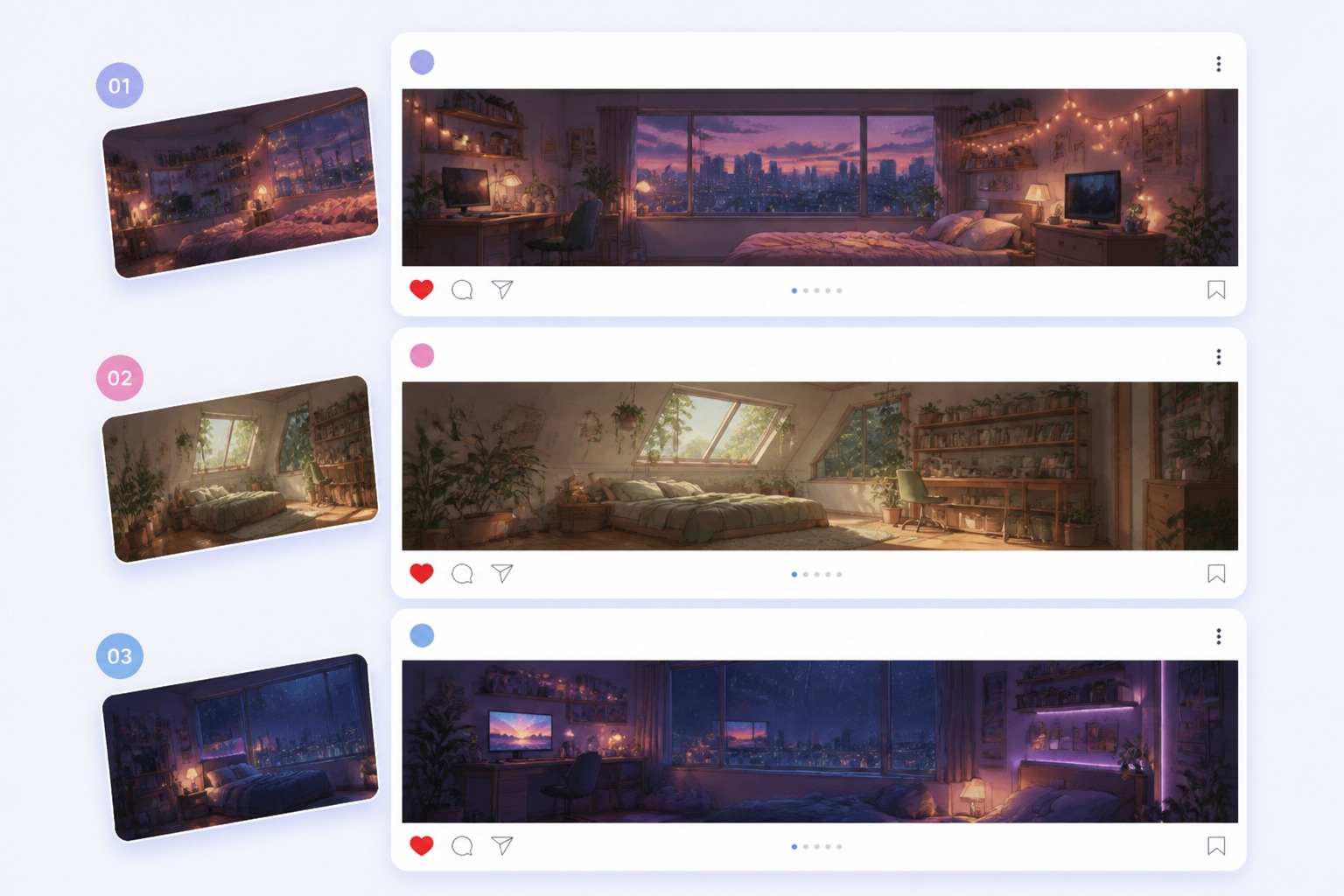
Profile Header Banner
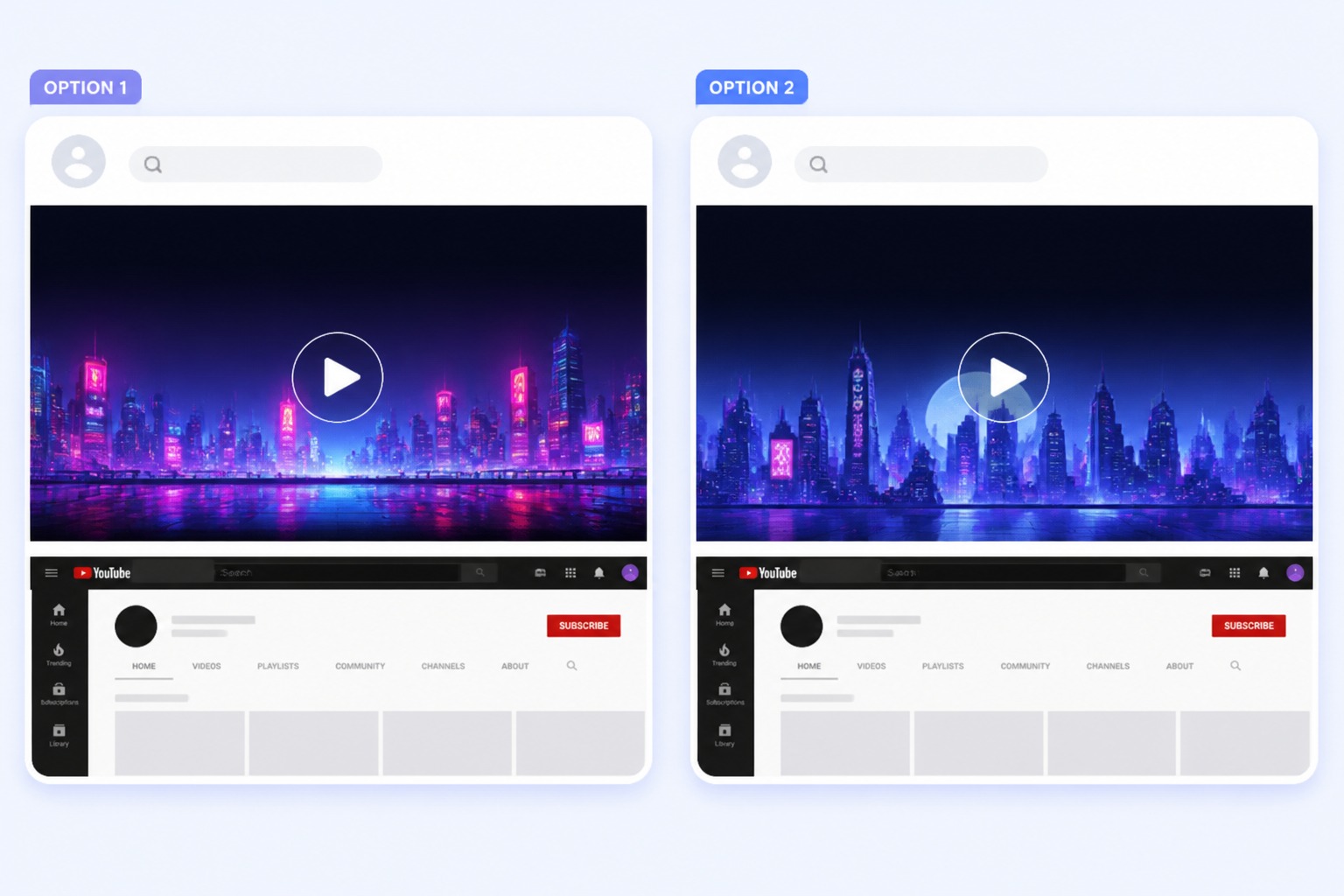
Channel Mood Banner
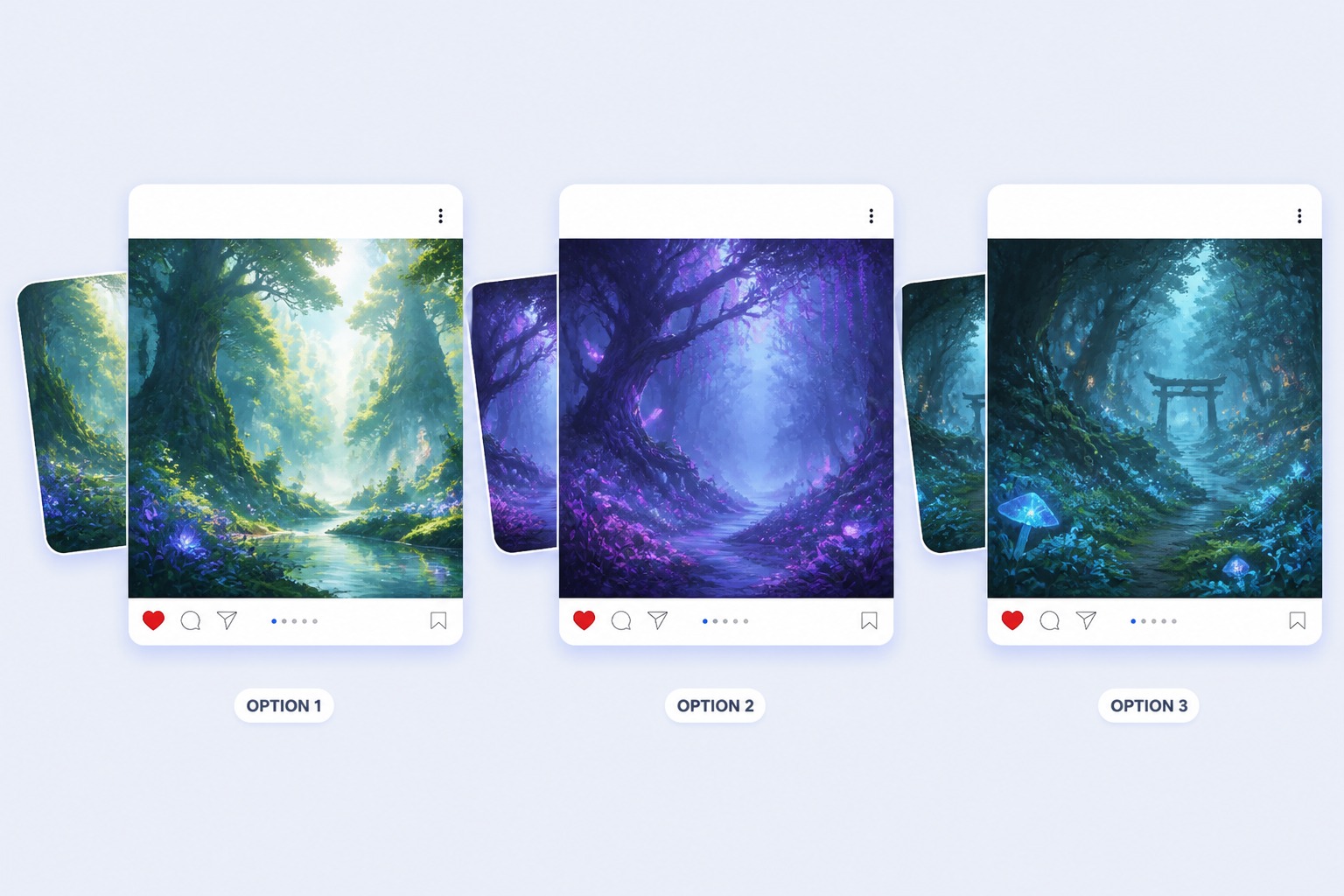
Promo Scene Banner
Wide Anime Results Made for Header Spaces
Build Headers That Survive Cropping
The tool turns mood, subject, and placement notes into wide anime banners that can still read after platform cropping. It is strongest for profile headers, channel art, and AI anime generator visuals where the edges may be trimmed.
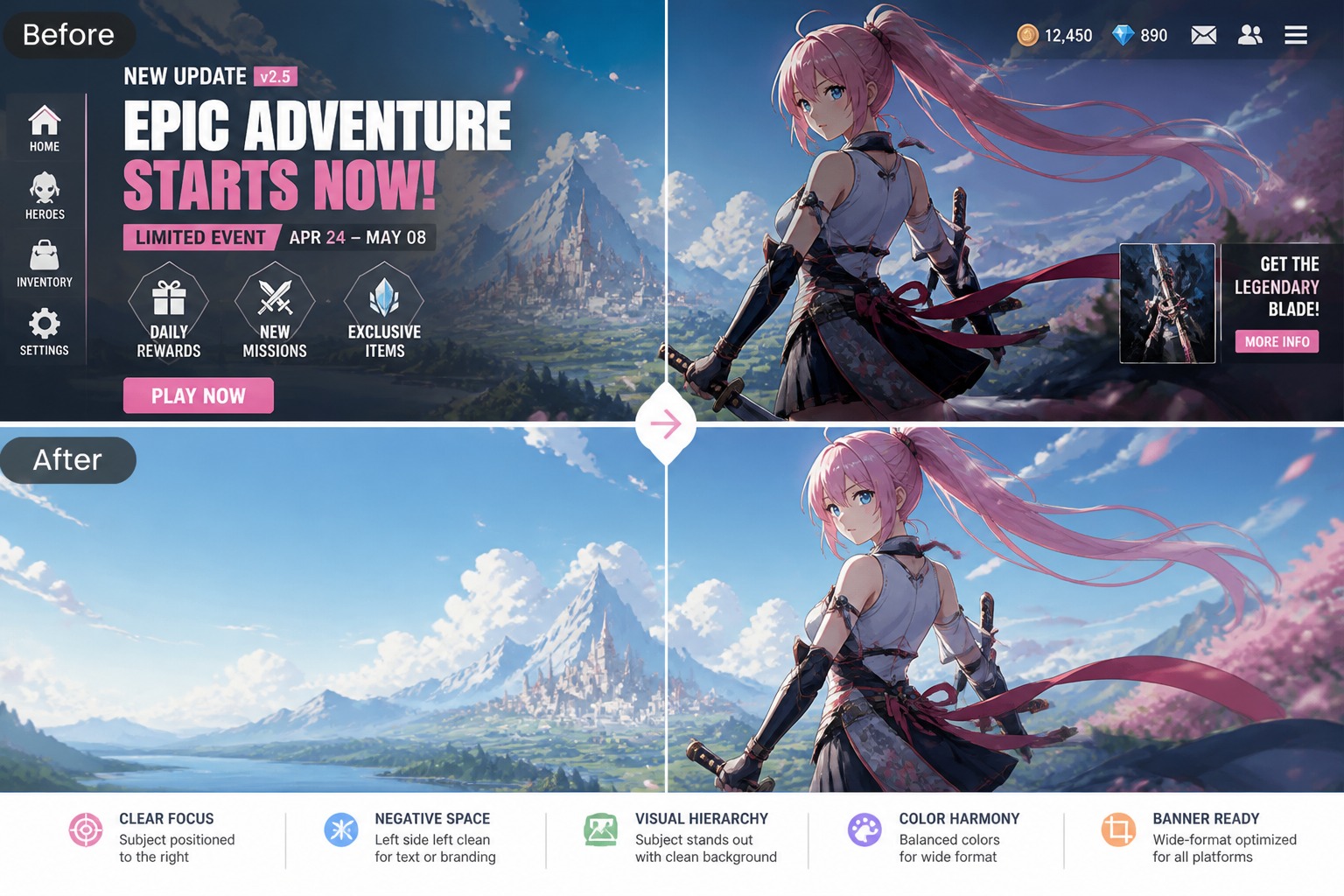
Control Focal Area and Empty Space
A banner fails when the face, logo area, or key object sits under platform UI. OCMaker AI can separate focal subject, background motion, and open space so users get a stronger starting layout for headers, covers, or campaign strips.
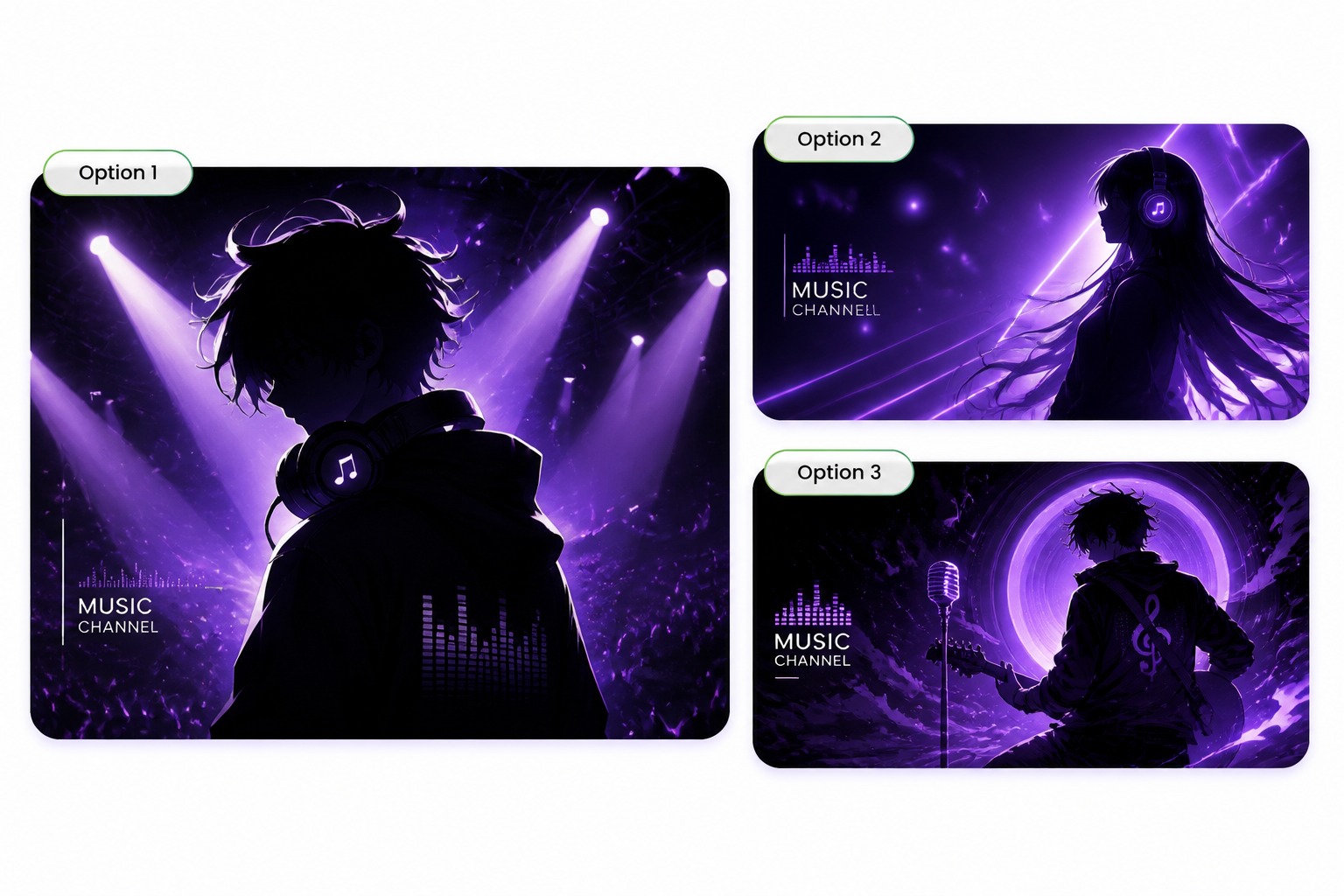
Match Banner Mood to Use Case
Different banners need different energy: cozy community headers, neon music channels, fantasy shop covers, or dramatic launch promos. The anime banner creator workflow helps users choose color, depth, and scene type before polishing.
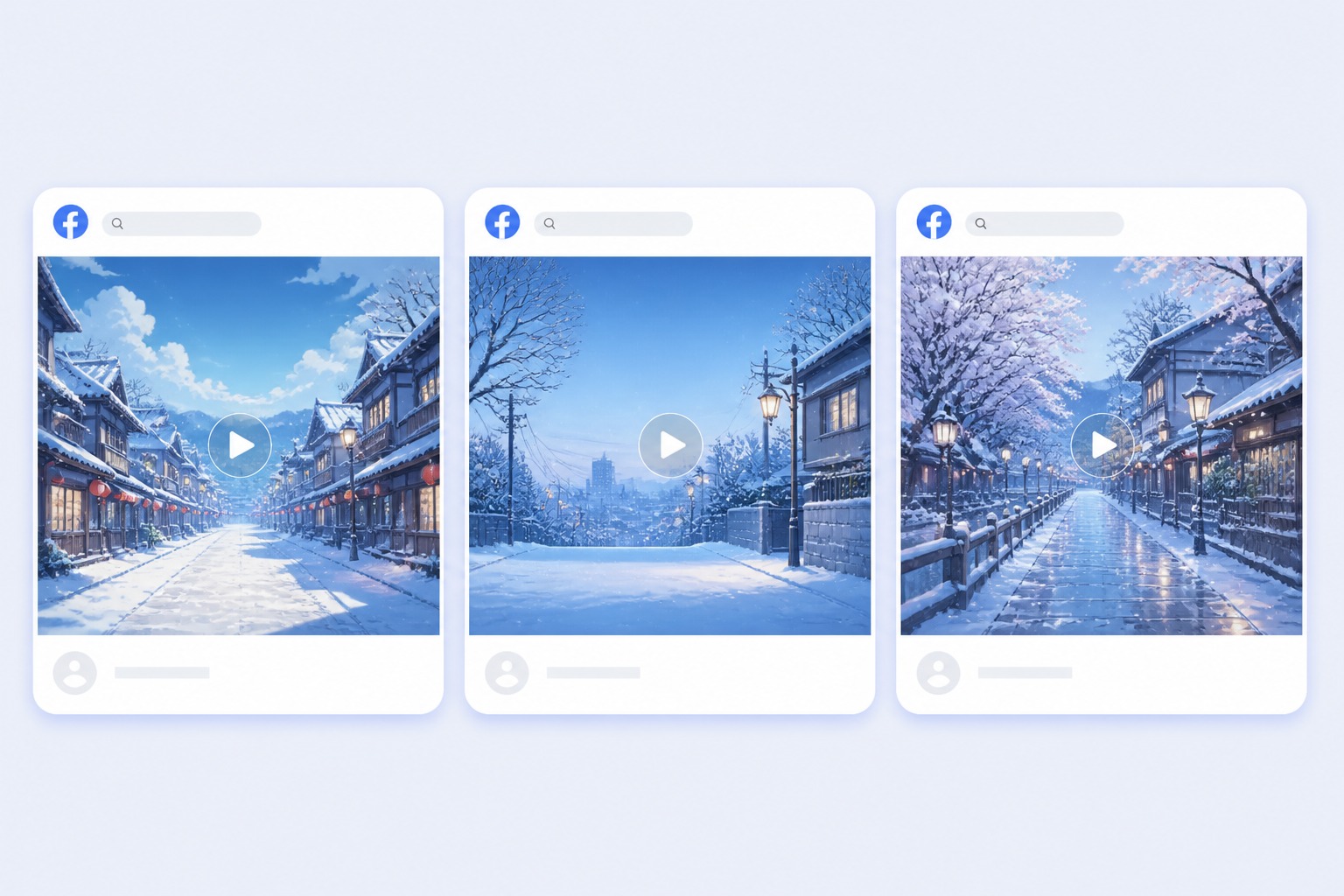
Prepare Safer Visuals for Publishing
Outputs should be treated as banner drafts, not final branded assets. Review character resemblance, background symbols, and planned text zones before using them on public profiles, merch pages, or commercial campaigns.
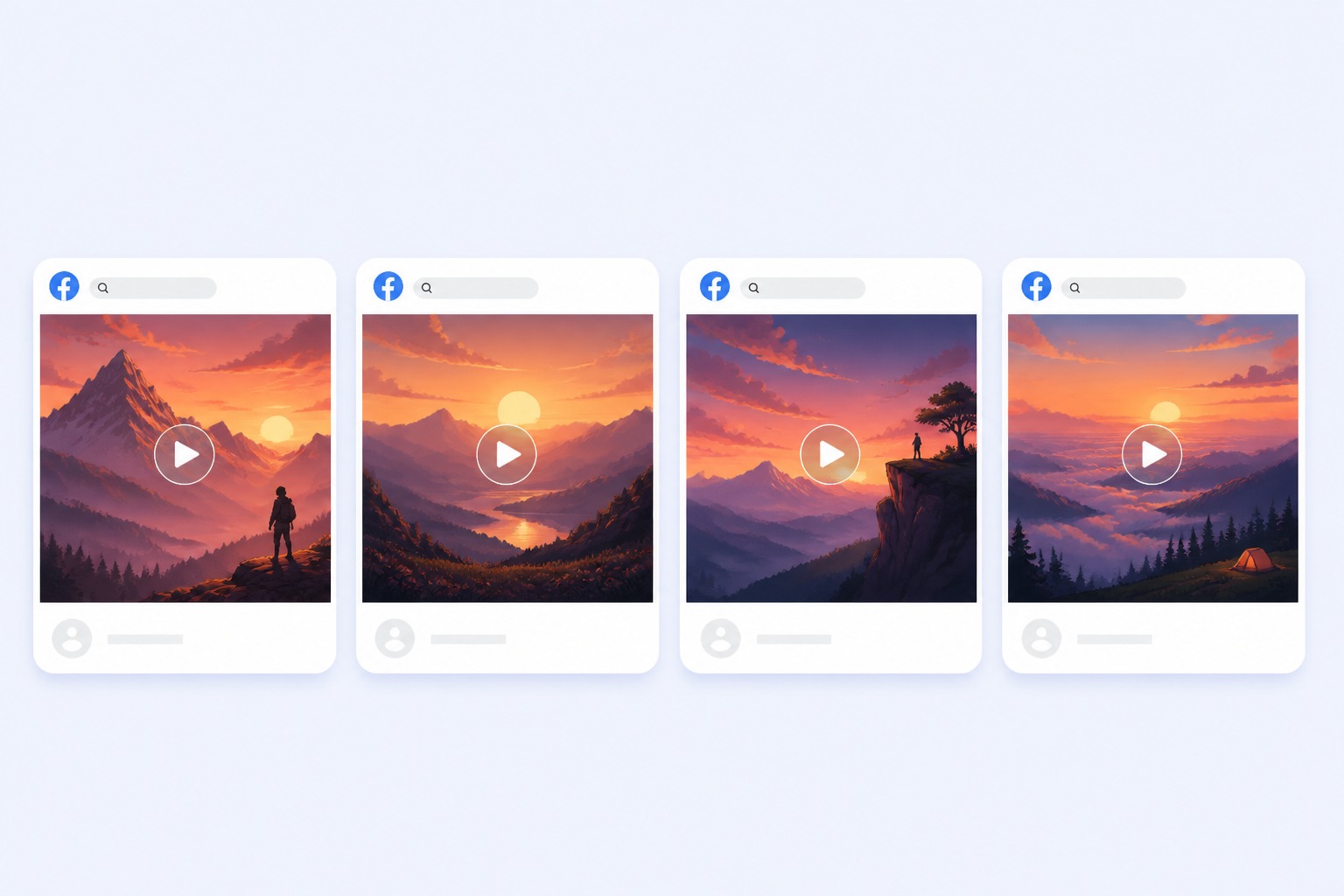
What Makes a Banner Work Wide
Crop-Safe Wide Layout
Keep faces, key objects, and atmosphere away from edges that platforms may hide on mobile or desktop.
Mood-First Banner Style
Use lighting, color, and background depth to make the header feel cozy, dramatic, neon, fantasy, or promotional.
Text-Safe Visual Space
Leave clean negative space for handles, titles, or campaign copy that should be added manually after generation.
Create a Wide Anime Header
01
Pick the banner destination
Choose profile header, channel cover, shop hero, or campaign strip so the composition fits the final crop.
02
Place the focal subject
Describe where the character, scenery, or main object should sit and where open space should remain.
03
Check the wide crop
Review desktop and mobile framing before publishing, especially face position, edge details, and text-safe zones.
Anime Banner Maker FAQ
Create an Anime Banner
Describe the mood, focal subject, banner size, and crop-safe area, then generate a wide anime header you can refine for social or channel use.