
Pricing
Log In
AI Generator
Free Anime Cutout Maker: Create Anime Character Assets
Use this anime cutout maker to create clean anime character cutouts for avatars, stickers, thumbnails, and OC graphics.
Anime Cutout Maker
Create anime cutouts for avatars, stickers, thumbnails, OC references, and graphic edits with cleaner silhouettes, simple backgrounds, and reusable character poses.
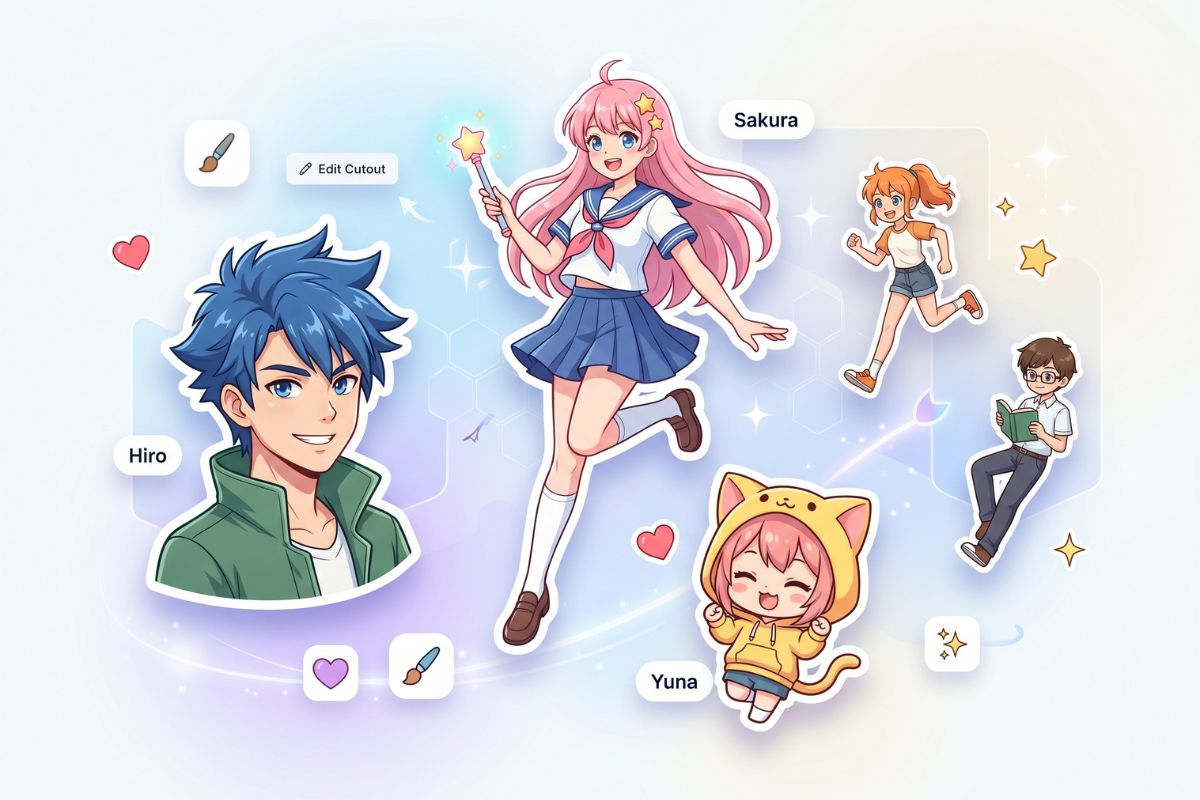
Anime Cutout Ideas You Can Create
Start with the final use first: avatar, sticker, full-body subject, or reusable OC asset. Each cutout should keep the character edge easy to read.
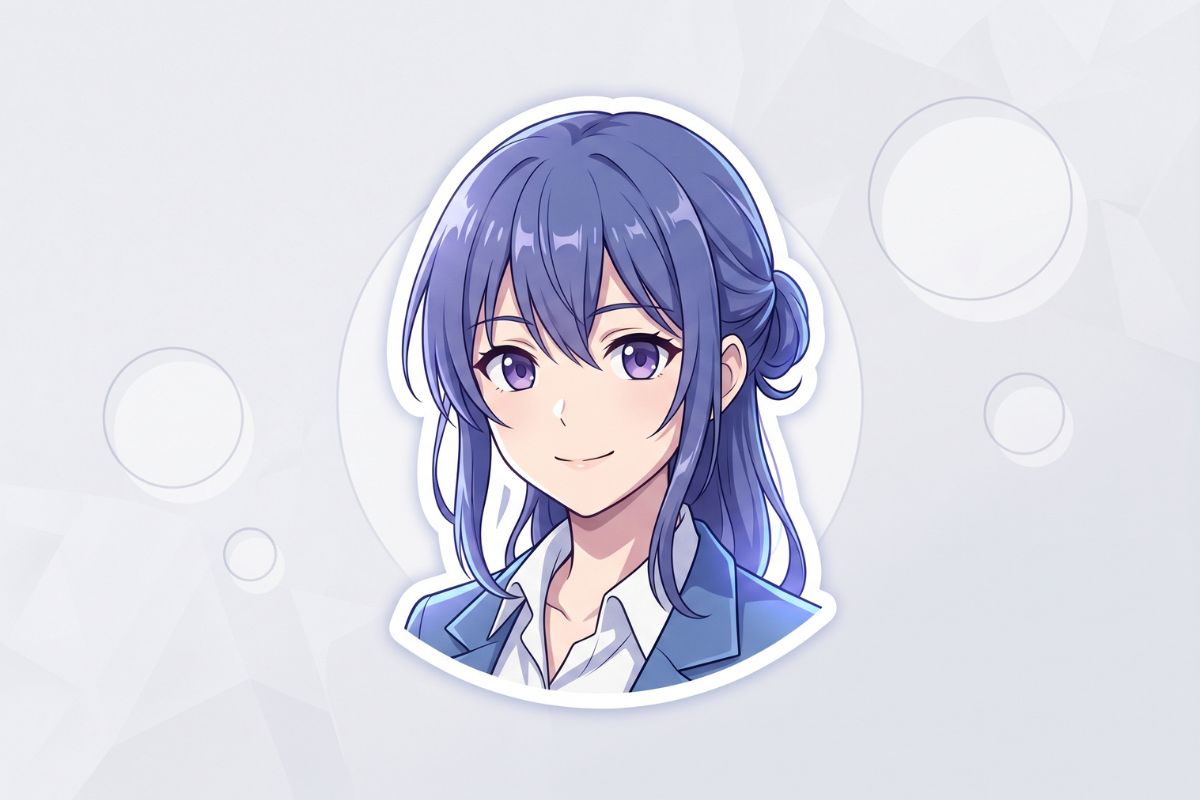
Avatar Cutout
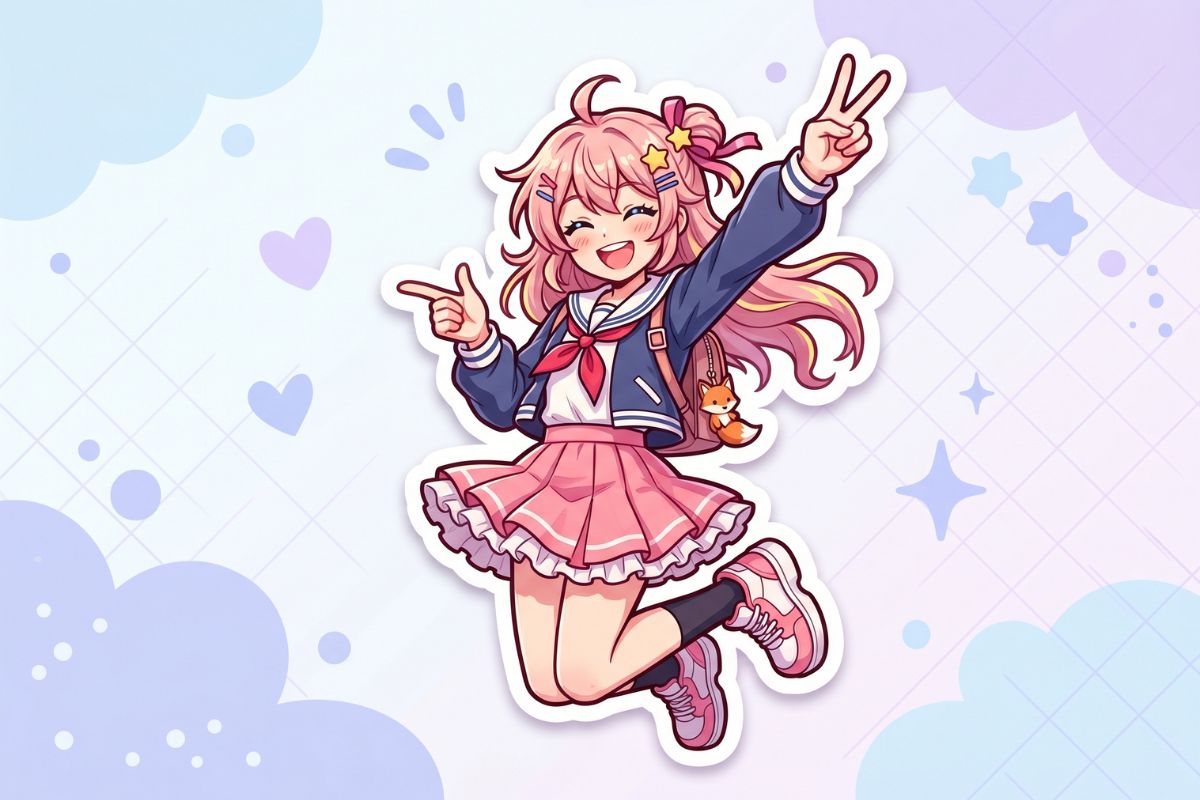
Sticker-Style Character
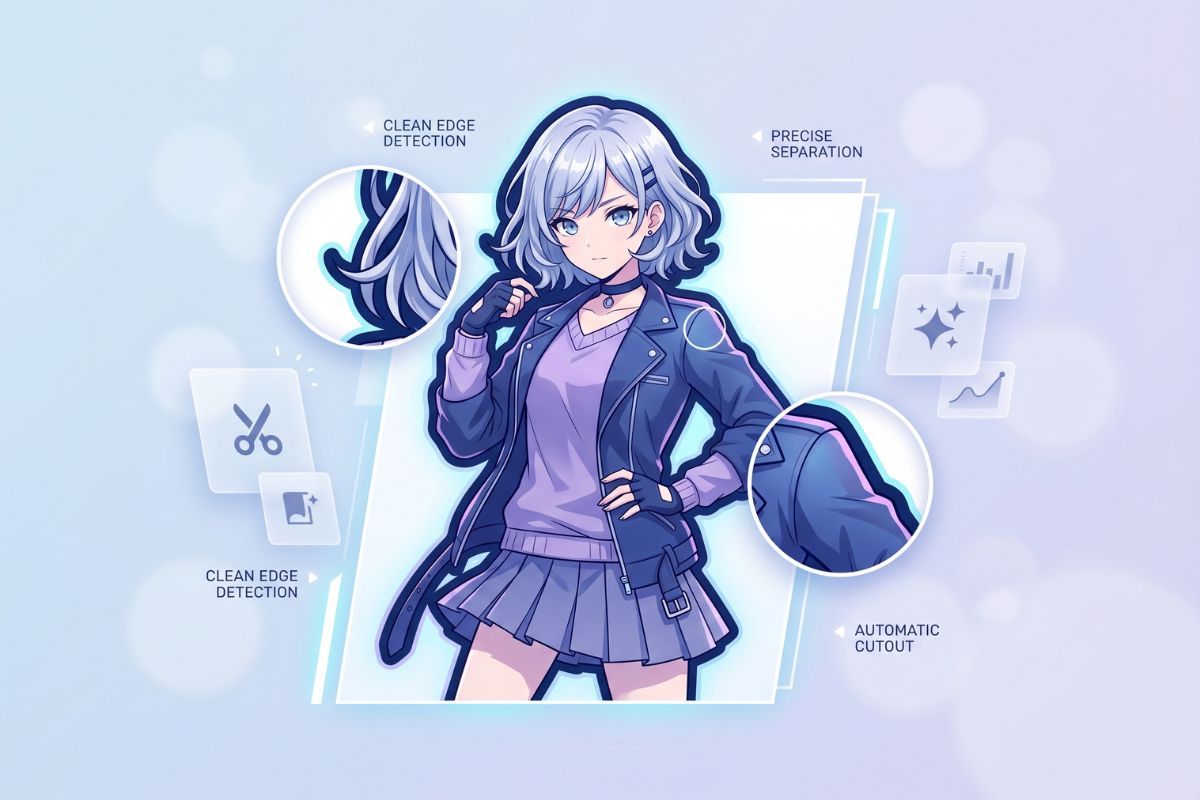
Full-Body Cutout
Anime Cutout Maker for Reusable Assets
Create Clean Character Cutouts
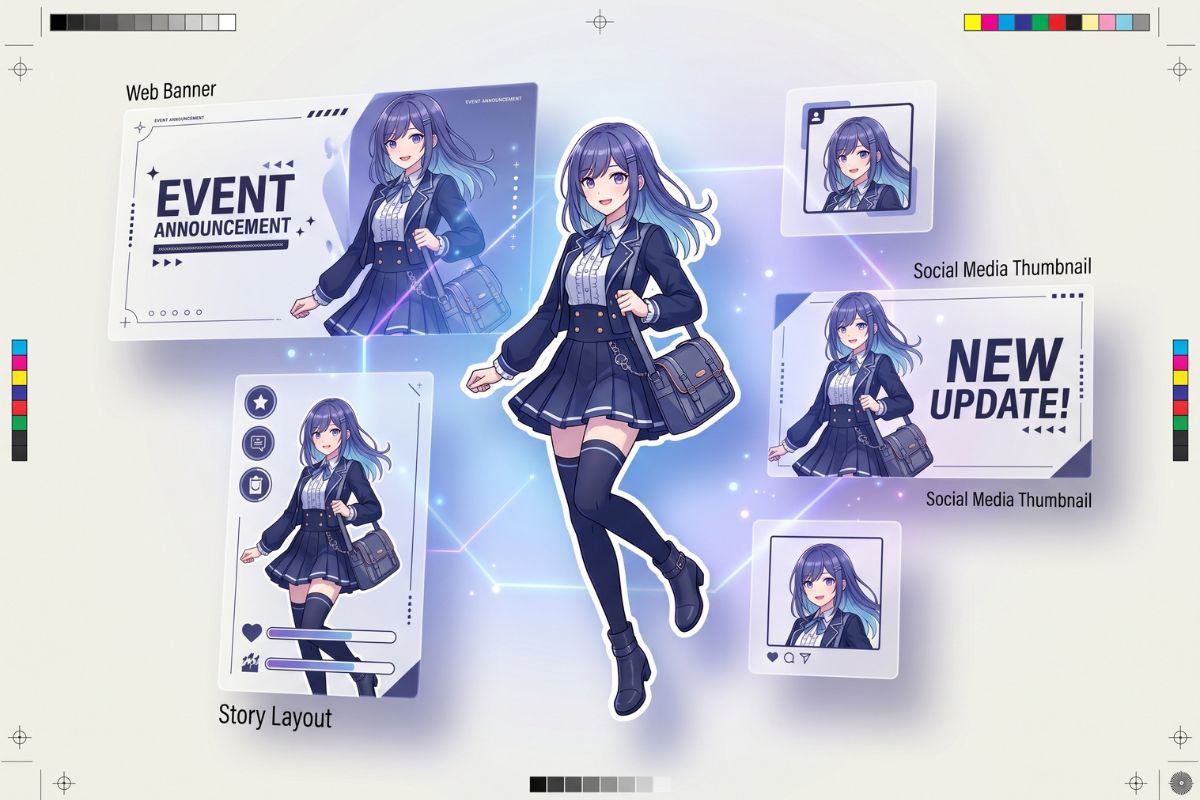
Use the anime cutout maker to generate anime characters with stronger silhouette separation, cleaner edge readability, and less background clutter. It is strongest for profile assets, sticker drafts, thumbnails, and character mockups where the subject needs to stand alone.
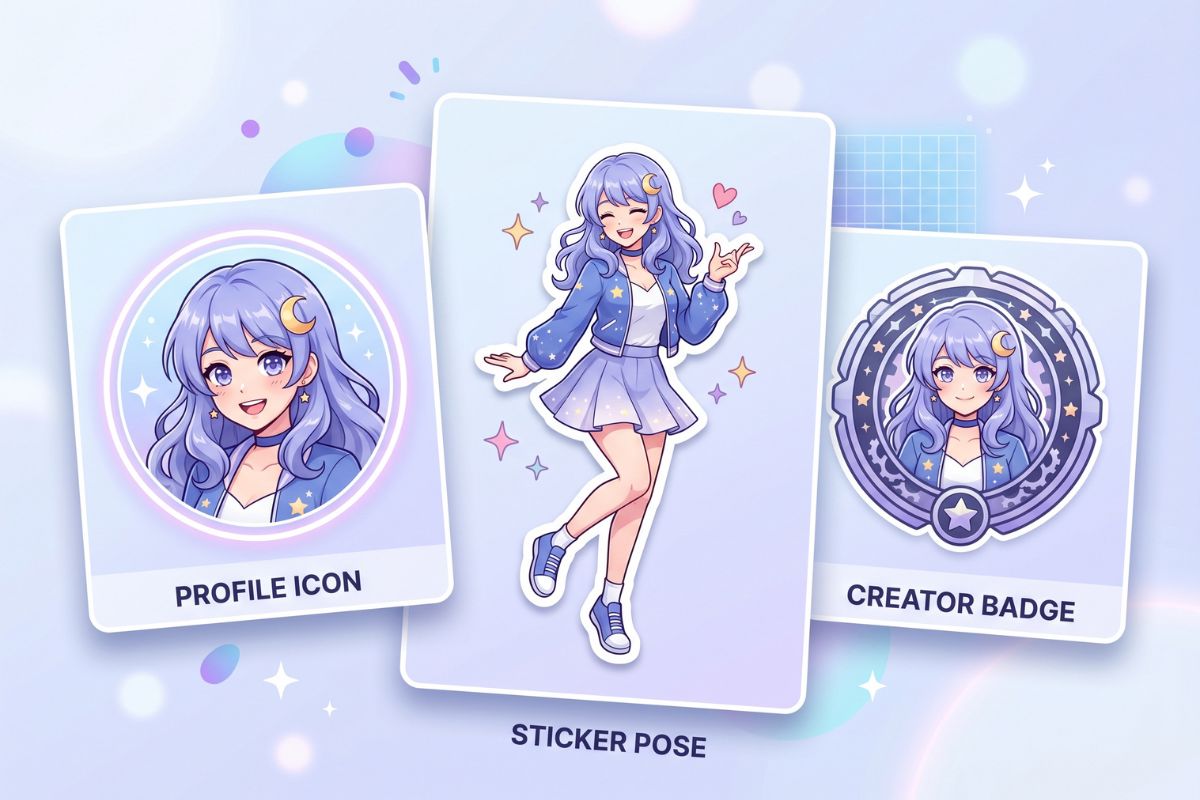
Make Profile and Sticker Assets
Create anime cutouts that can move into Discord icons, chat stickers, creator posts, and visual notes without rebuilding the character from scratch. For broader portrait generation, pair this workflow with the AI anime generator after the cutout style is clear.
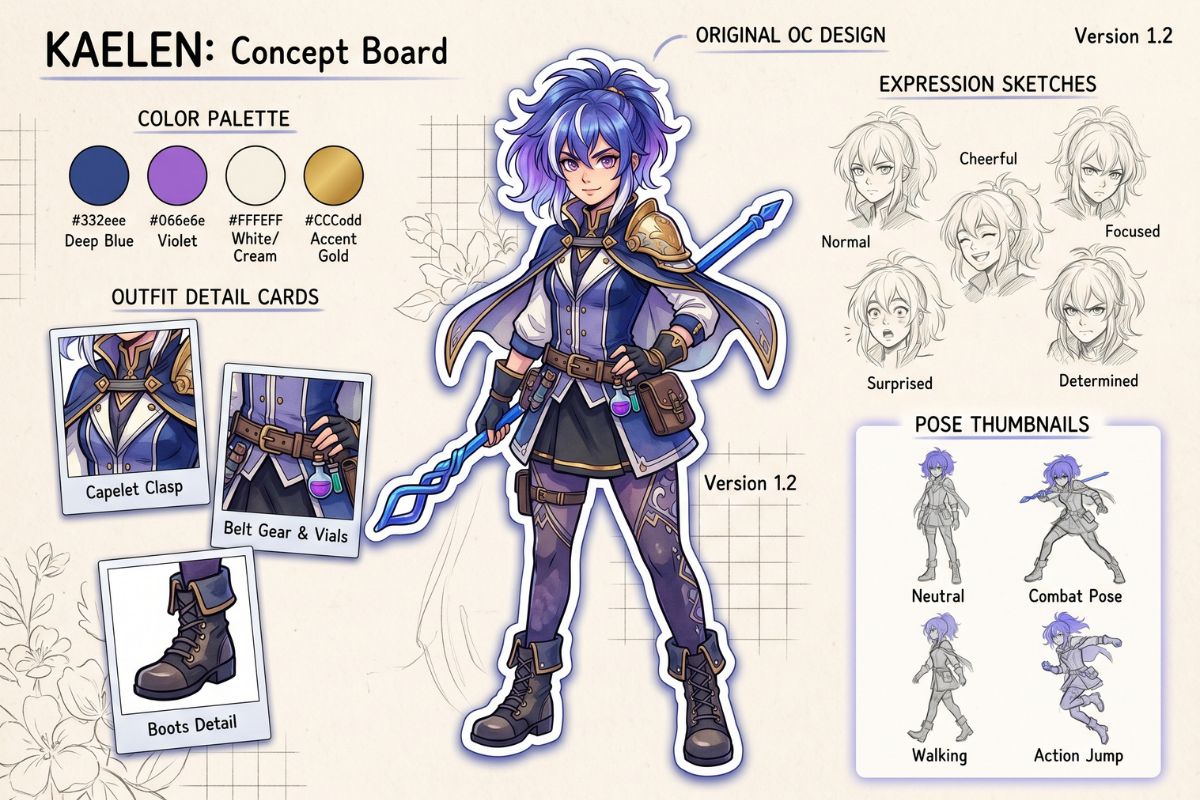
Build Original OC Cutout Drafts
Turn rough character ideas into cutout-ready OC visuals with a recognizable face, outfit shape, and color identity. If the cutout needs deeper personality, backstory, or alternate looks, continue through the OC maker workflow before publishing.
What Makes a Better Anime Cutout
Cleaner Edge Readability
Keep hair, shoulders, sleeves, and accessories separated from the background so the cutout remains easy to reuse.
Profile-Ready Cropping
Choose a portrait or bust crop when the final image must work as a small avatar, profile icon, or creator badge.
Sticker-Friendly Poses
Use bold gestures, expressive faces, and simple silhouettes when the cutout needs to read quickly in chats or thumbnails.
Composition-Safe Backgrounds
Generate with light, low-detail backgrounds so the character can be placed into banners or edits with less cleanup.
Original Character Identity
Build fresh outfits, palettes, and expressions instead of copying protected characters, logos, or recognizable mascots.
Reusable Visual Drafts
Save cutouts as starting points for OC sheets, social posts, sticker packs, thumbnails, and future character edits.
How to Make Anime Cutouts
01
Choose the Cutout Use
Decide whether you need an avatar, sticker, full-body subject, banner asset, or OC reference. The crop and pose should match that use before you add style details.
02
Describe Edge and Pose
Name the hair shape, outfit silhouette, facial expression, gesture, and clean-background requirement. Avoid crowded scenes because they make the cutout harder to reuse.
03
Check Small-Size Clarity
Review the result at avatar and sticker size. If the outline feels muddy, simplify the background, increase contrast, or regenerate with a closer crop and clearer pose.
Anime Cutout Maker FAQ
Create an Anime Cutout for Your Next Design
Generate a clean anime character cutout for avatars, stickers, banners, OC sheets, thumbnails, or reusable creator graphics.