
Pricing
Log In
AI Generator
Free Anime Face Creator: Create Anime Avatars and Expressions
Create anime faces with OCMaker AI for character portraits, avatar faces, chibi face ideas, expressions, hairstyles, and profile-ready designs.
Anime Face Creator
Create anime faces by controlling eye shape, expression, hair framing, chibi proportion, and avatar crop readability before expanding into a full character design.
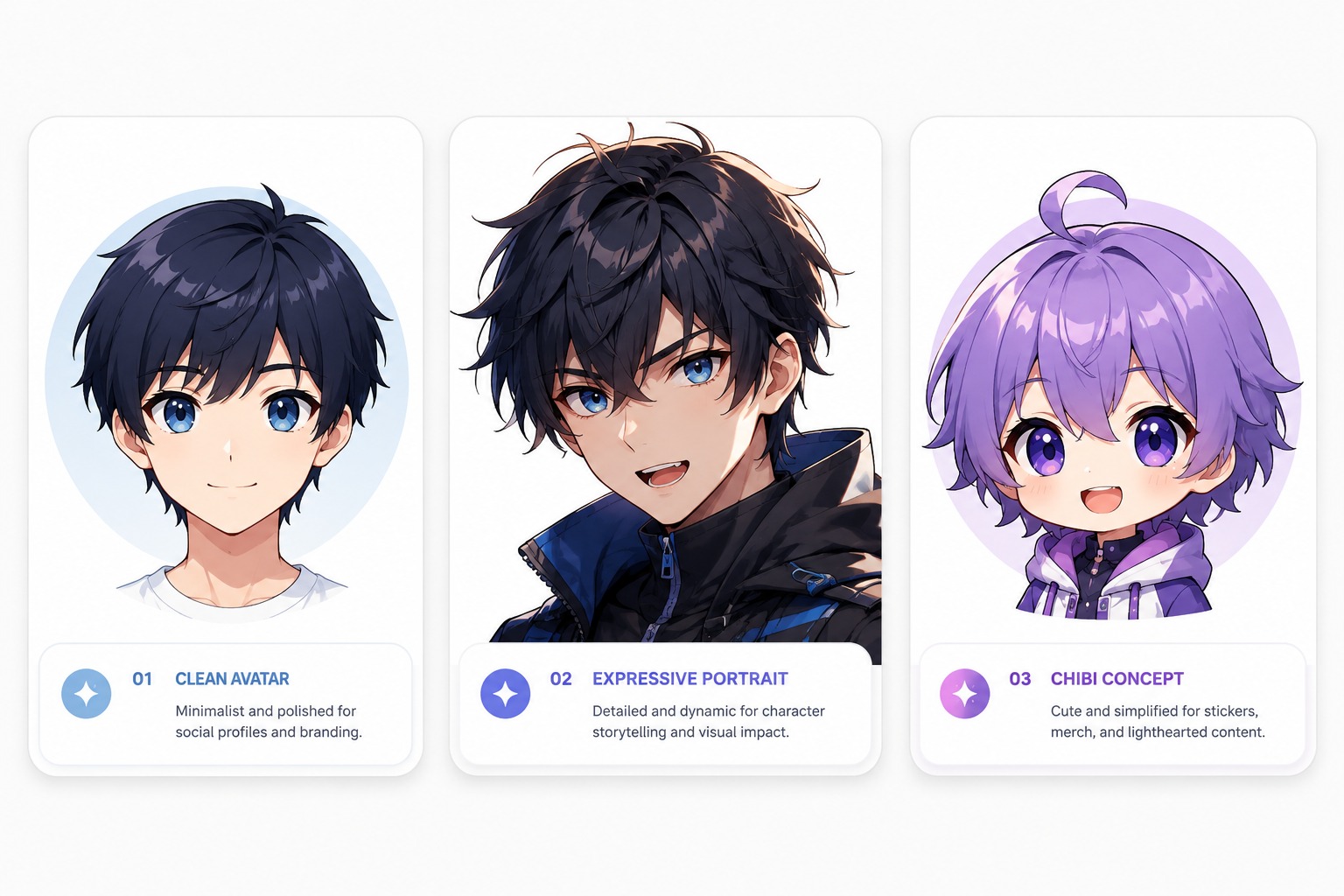
Anime Face and Expression Ideas
Preview face-focused directions: a clean avatar face, an expressive character portrait, and a chibi-style face concept built for small profile use.
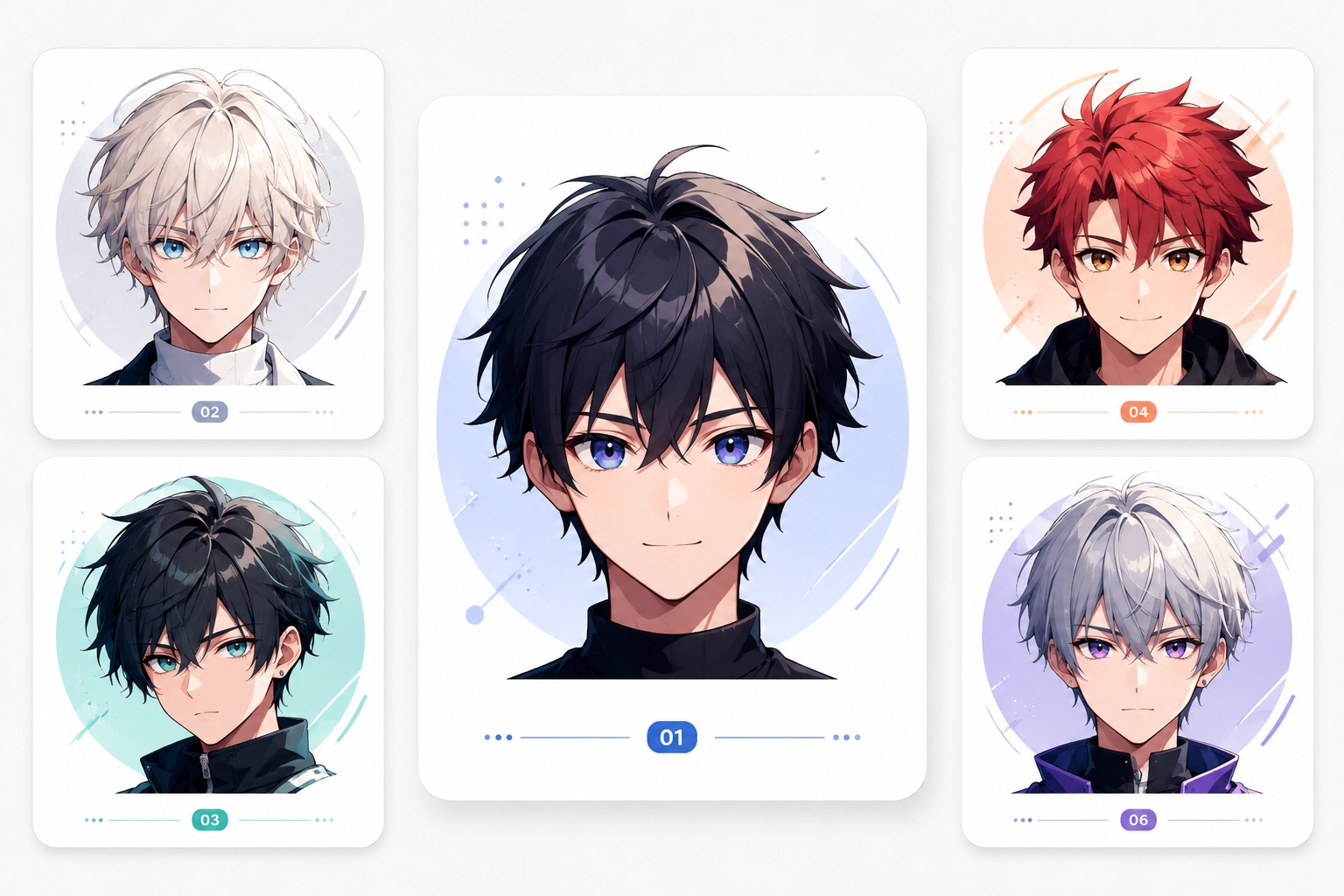
Clean Avatar Face
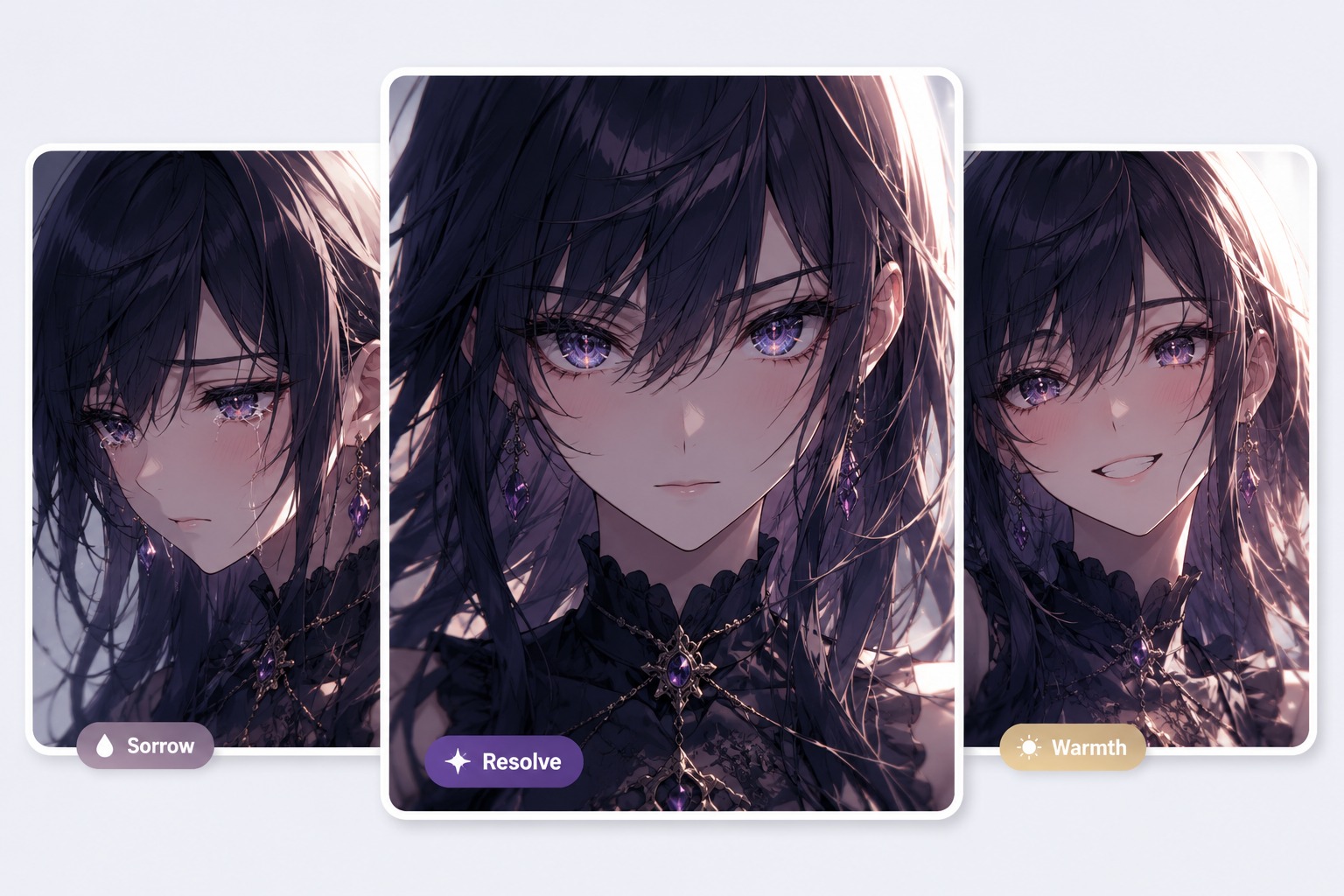
Expressive Anime Portrait
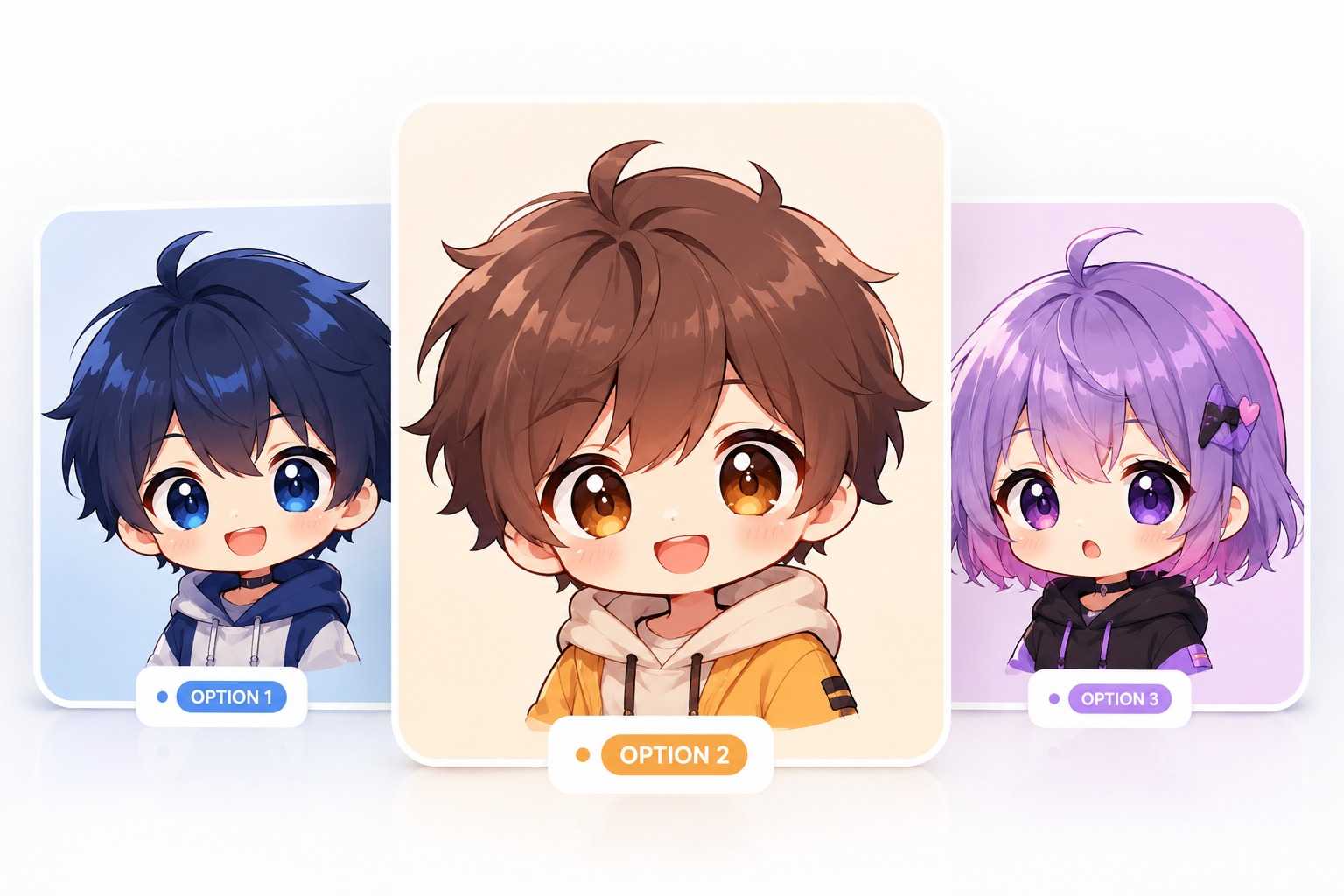
Chibi Face Concept
Face-First Anime Avatar Workflow
Expression Brief First
Start with the emotion or social use: calm icon, cute chibi face, confident OC portrait, reaction sticker, or roleplay avatar. OCMaker AI is strongest when the prompt defines expression and face framing before adding clothing or background detail.
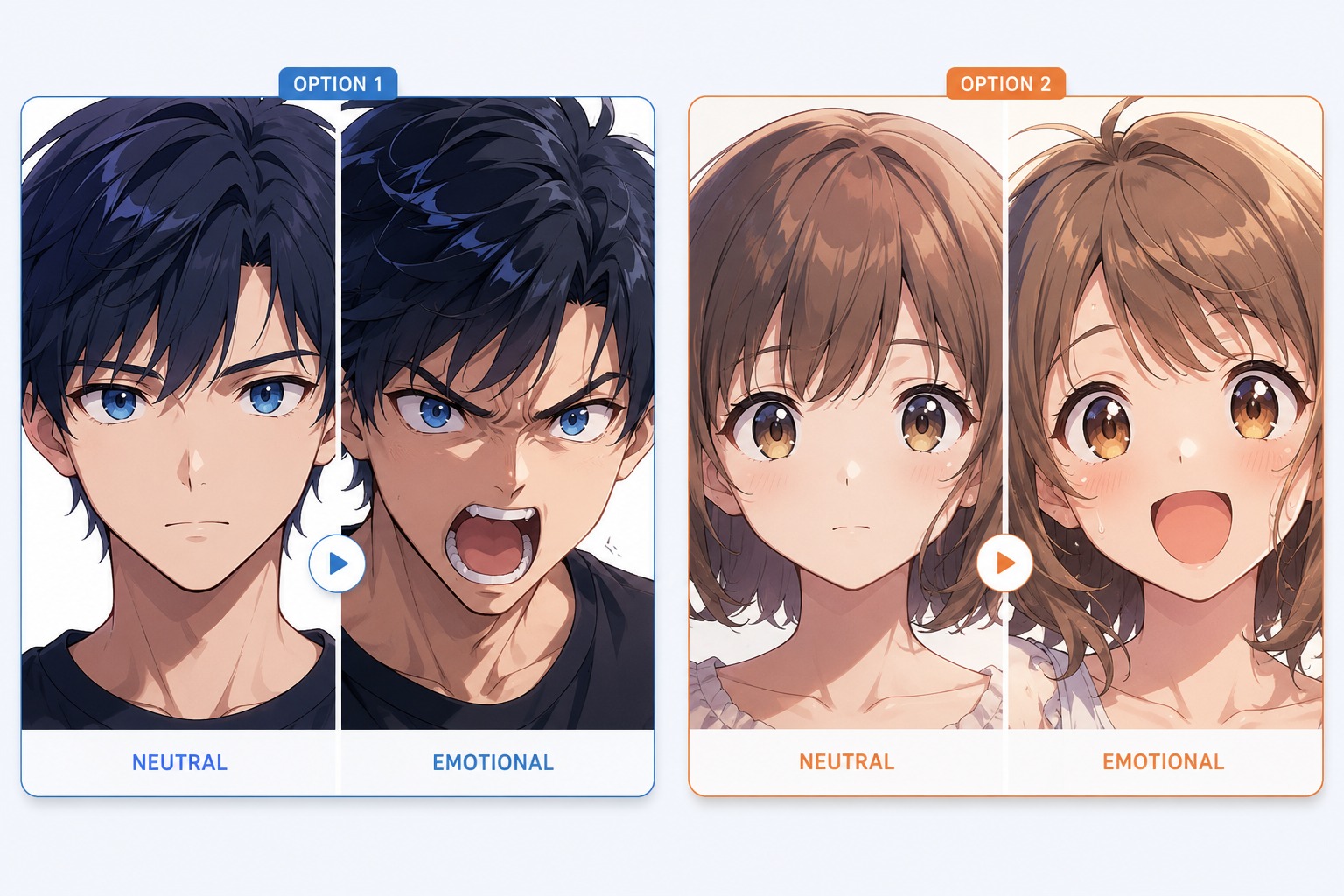
Eyes and Hair Framing
Use the showcase to test how eye angle, lashes, highlights, eyebrows, bangs, and side hair change the perceived personality. This page is not about full-body design; it is about making the face carry enough identity to anchor a later character sheet, avatar set, or expression guide.
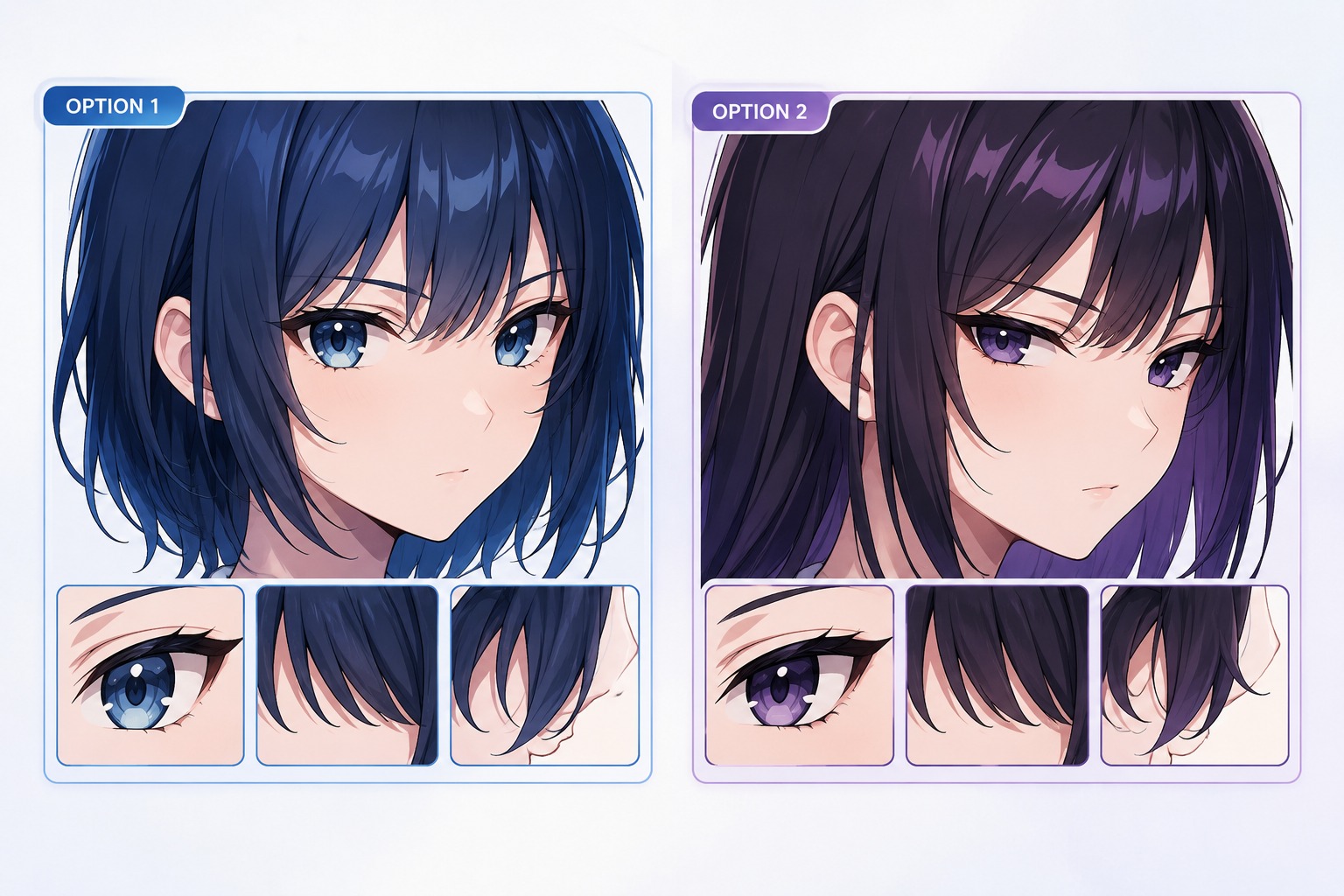
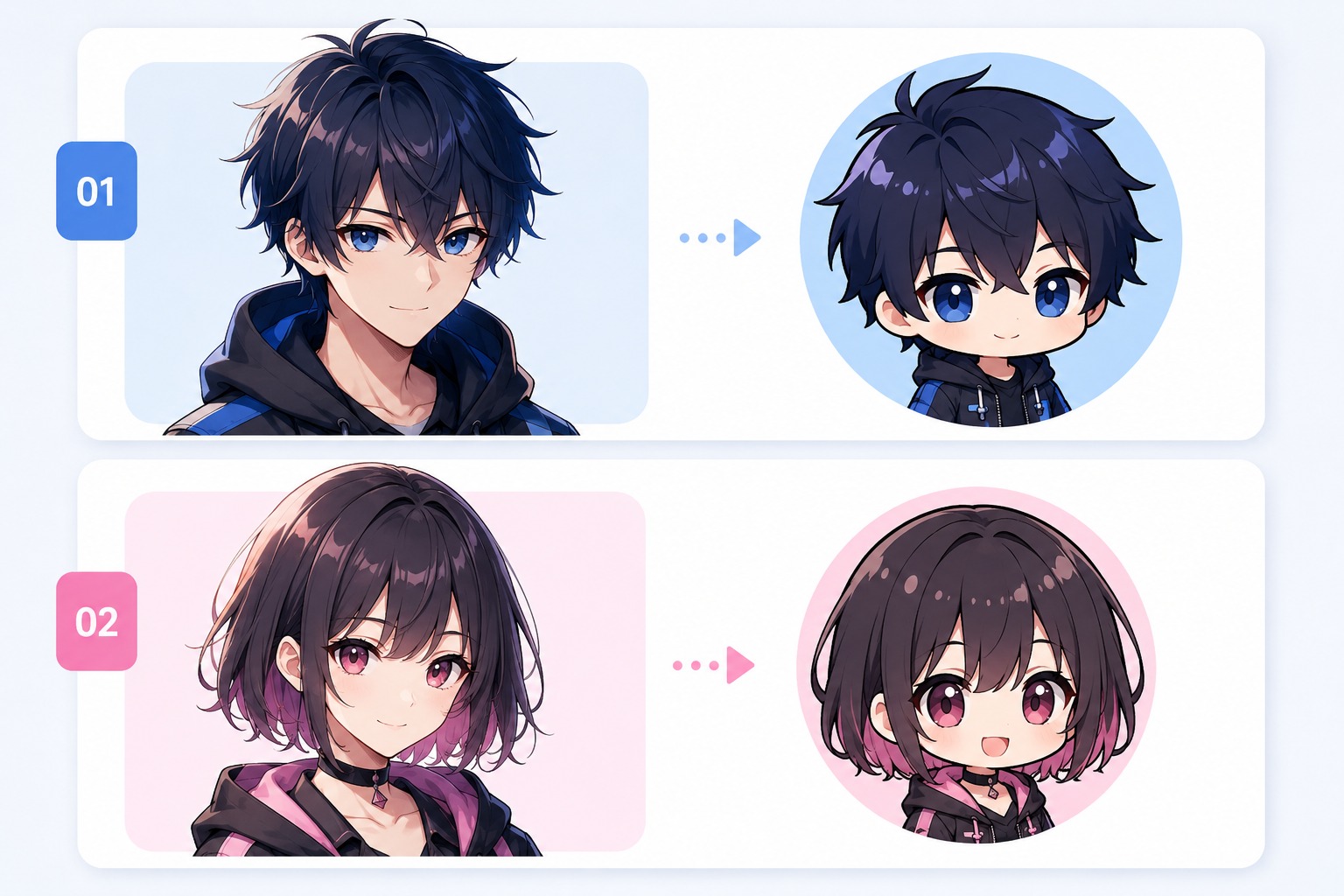
Avatar and Chibi Variants
Anime face chibi creator use cases need simplified shapes and strong expressions. AI anime generator styling can polish the portrait, but the face should still survive icon crops, sticker use, and quick recognition in a small UI.
Face Quality Review
Before using the output, check eye alignment, mouth placement, hair overlap, and whether the expression matches the intended character. A polished face that looks generic or emotionally unclear is weaker than a simpler portrait with a distinct readable identity.
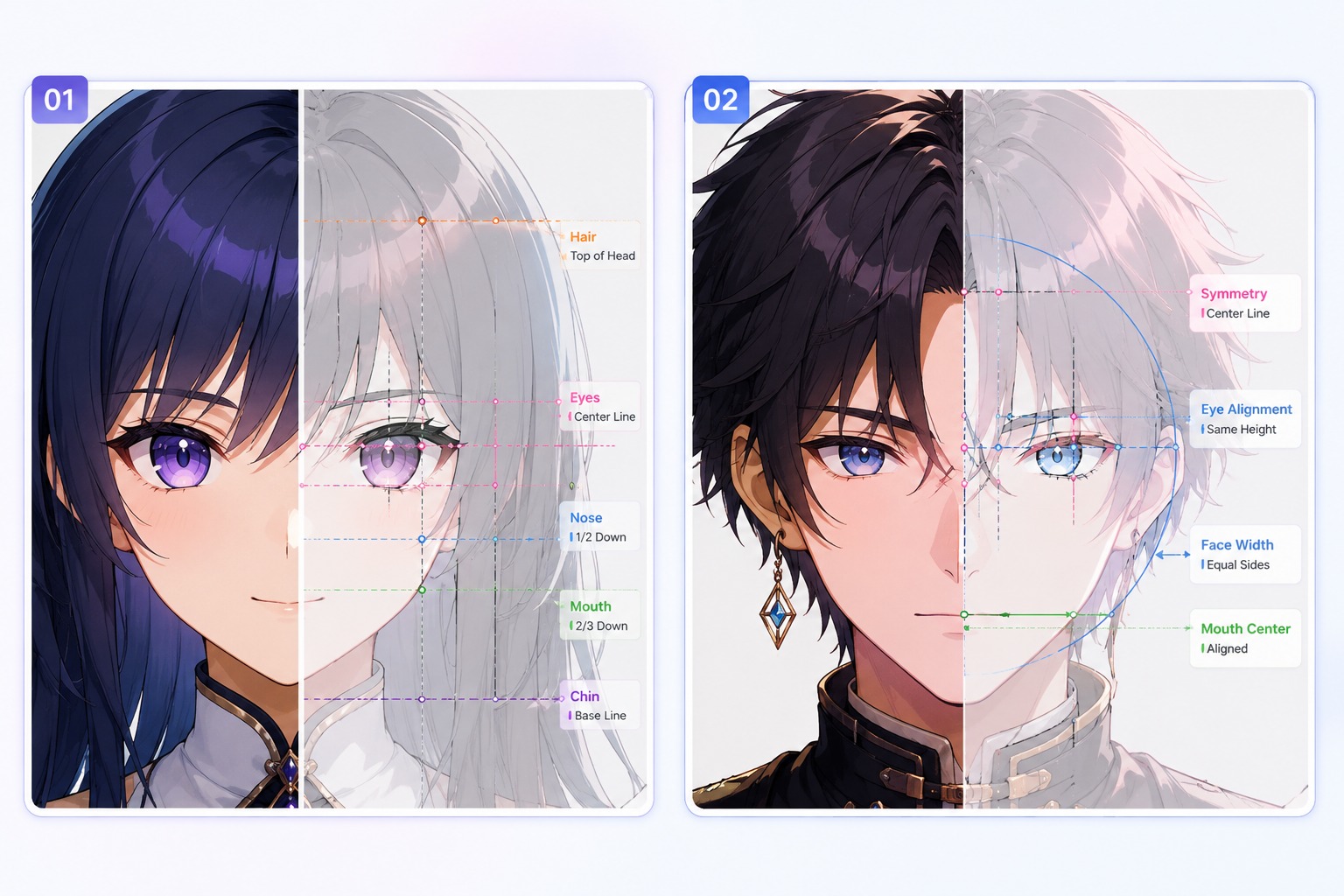
Shape eyes, expression, hair framing, and crop readability before expanding into a full character.
Face Design Features for Anime Avatars
Eye Shape as the Main Signal
Choose eye shape, size, angle, and highlight style before adding extra accessories. Anime faces communicate personality quickly through eyes, so this decision affects whether the character feels gentle, sharp, playful, tired, mysterious, or energetic.
Expression Range Planning
Plan the core expression first: neutral avatar, smile, blush, anger, worry, surprise, smug look, or chibi exaggeration. Clear expression intent helps avoid blank faces and makes the result more useful for profiles, stickers, reaction images, or character sheets.
Hair Framing for Face Readability
Use bangs, side locks, ponytails, short cuts, or soft curls to frame the face without hiding the eyes. Hair can define identity, but too much coverage weakens avatar readability and makes small crops harder to recognize.
Chibi Face Proportion Control
For anime face chibi creator use cases, simplify shapes rather than adding more detail. Larger eyes, rounder cheeks, smaller mouths, and cleaner outlines work better than complex shading when the face needs to stay cute at tiny sizes.
Avatar Crop Compatibility
Check whether the forehead, eyes, mouth, jawline, and hairstyle still read in a square or circular crop. Anime avatar face creator searches usually need a usable icon, so the strongest faces remain clear without full-body context.
Distinct Face Identity
Avoid making every face share the same attractive template. Use specific feature choices such as eye angle, eyebrow shape, mouth style, cheek marks, or hairstyle rhythm so each anime face can become a recognizable character later.
How to Use Anime Face Creator
A focused workflow based on the page intent
01
Define the Use Case
Clarify the output format first: avatar, face crop, creature profile, stat block, item concept, or roleplay reference. The right format changes what details matter.
02
Add Theme-Specific Details
Write the traits that actually separate the subject: identity anchors, expression, markings, pack role, mechanics, abilities, or table-use limits.
03
Review Before Publishing
Check readability, originality, small-detail errors, and whether the result can support the intended profile, sheet, portrait, or tabletop use.
Frequently Asked Questions