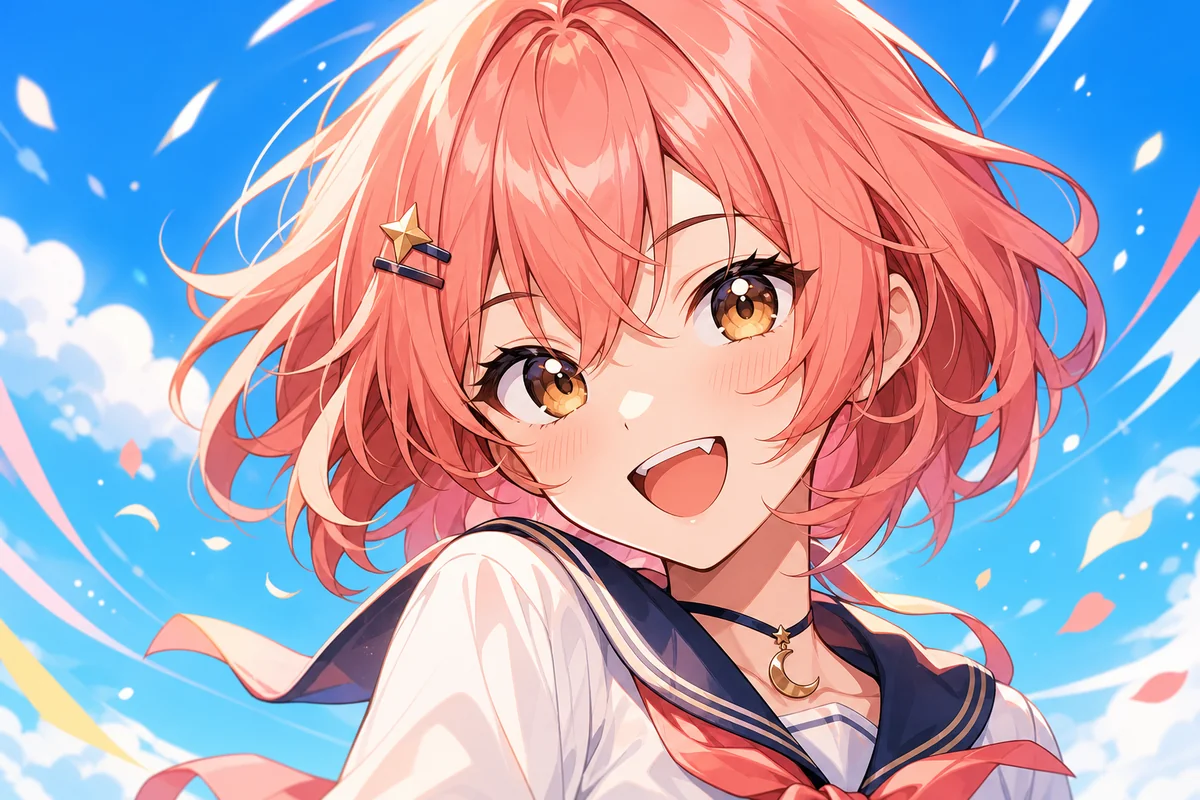
Anime Icon Generator

Use OCMaker AI as an anime icon generator for avatar-ready portraits, profile icons, creator branding, and compact character visuals.

Anime Icon Generator

Anime Icon Generator Examples

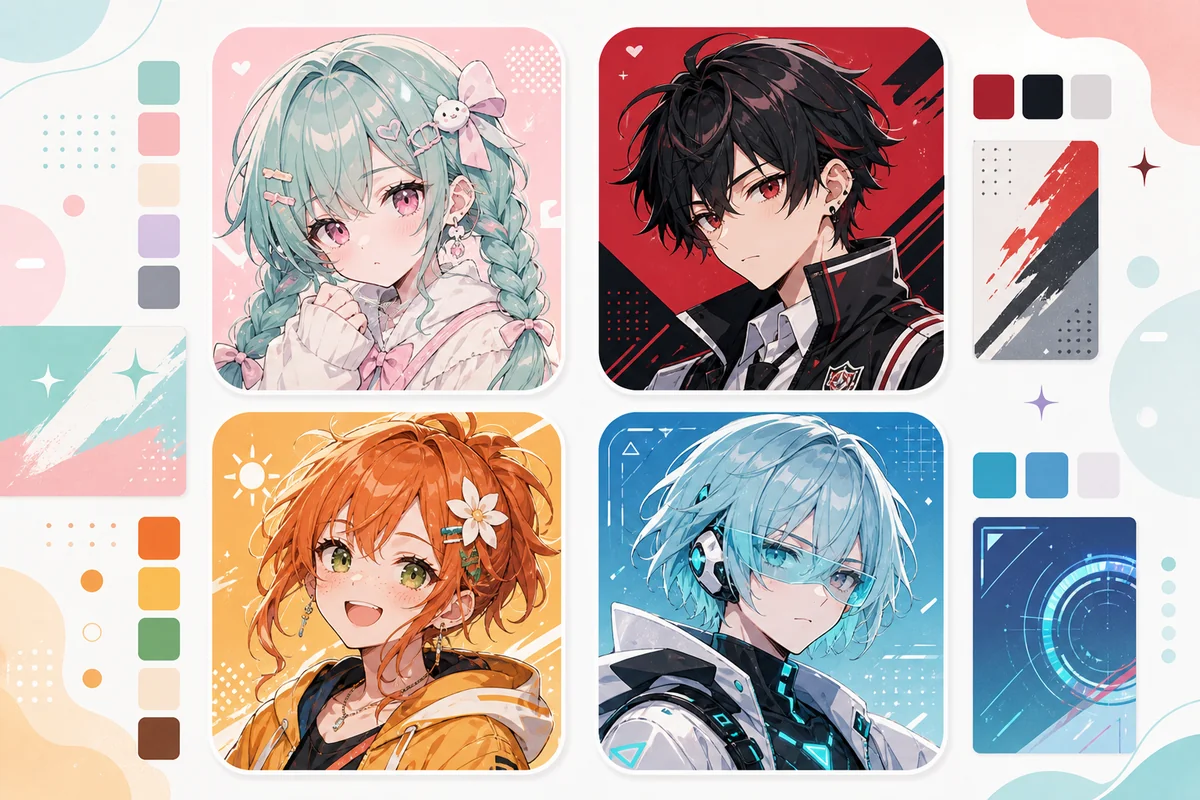
Use these examples to compare composition, readability, and reuse value before saving a final visual direction.

  • Profile Avatar Crop01

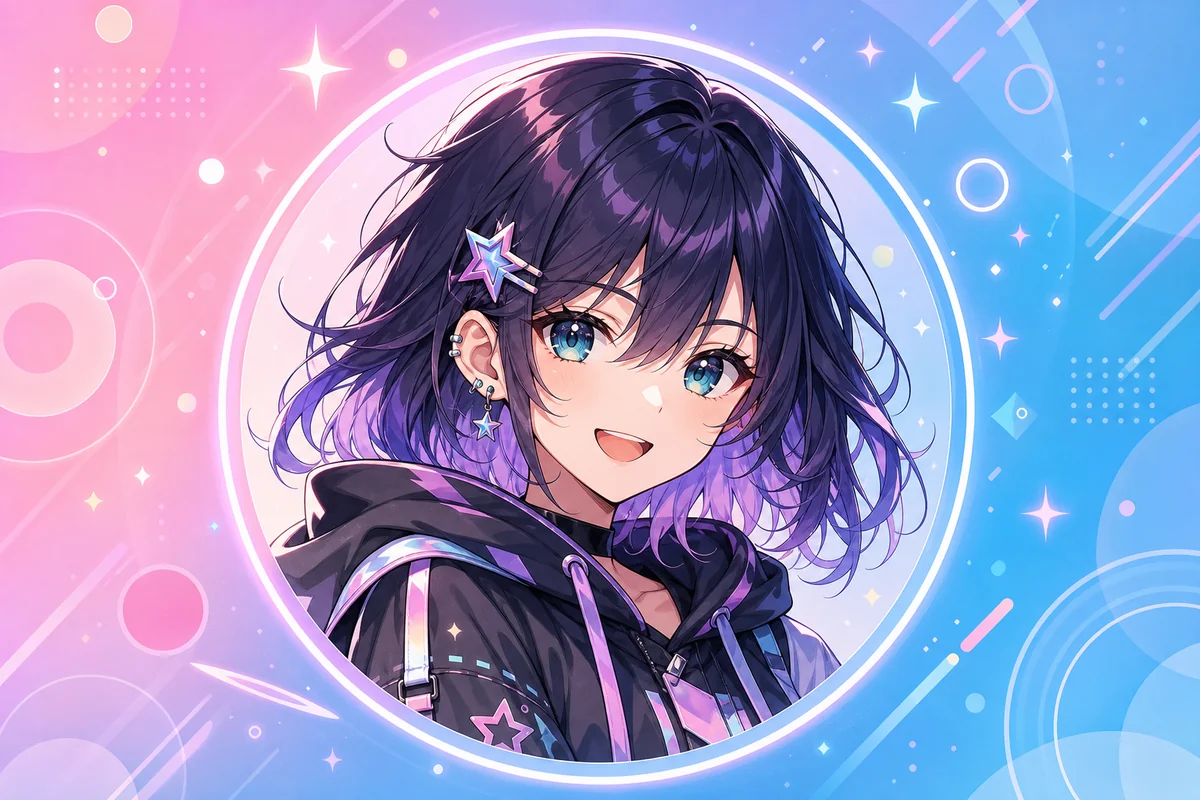
    Profile Avatar Crop

    Generate a close, readable anime icon that keeps the face, expression, and background simple enough for small social profile previews.

  • Creator Brand Icon02

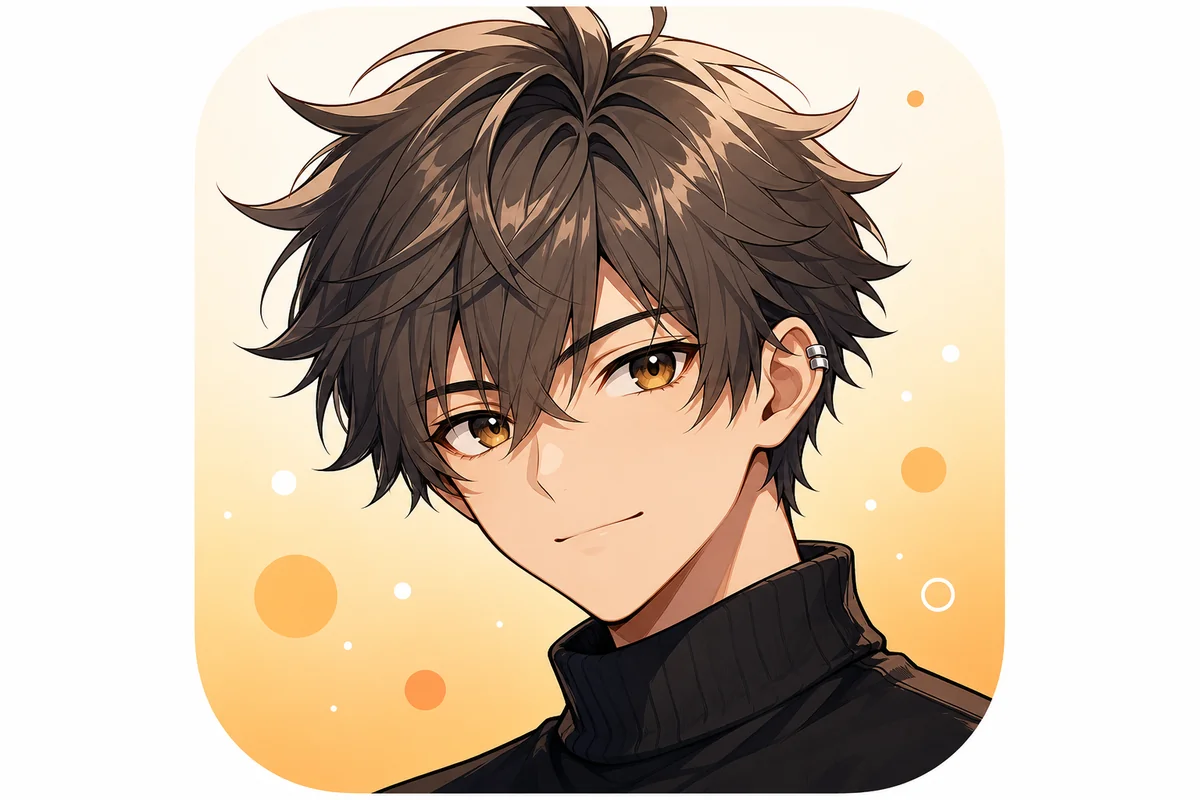
    Creator Brand Icon

    Turn a character idea into a consistent icon direction for channels, community profiles, creator pages, or reusable identity drafts.

  • Animated-Style Icon Look03

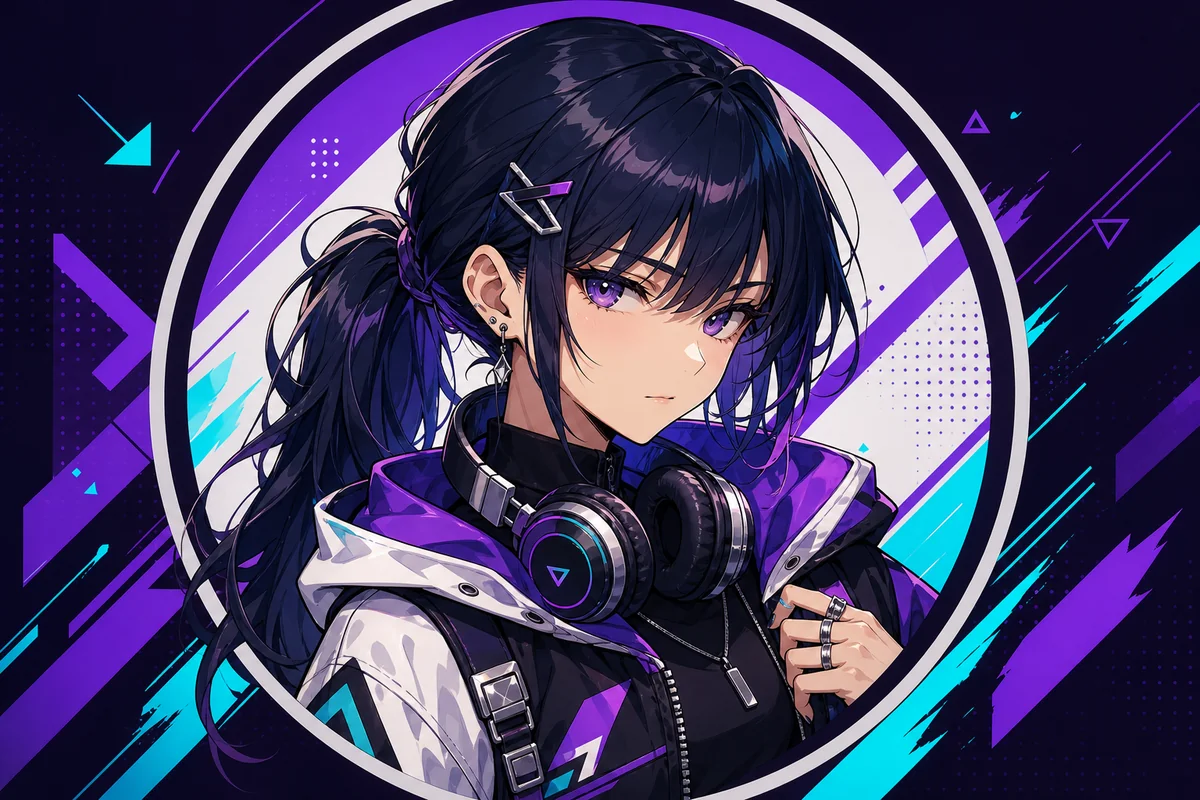
    Animated-Style Icon Look

    Use AI animated icon generator intent to create expressive, polished anime-style visuals without forcing actual motion into a static icon.

Core Results You Can Create

See how OCMaker AI turns rough creative briefs into usable anime visuals, profile assets, and design-ready drafts.

0103

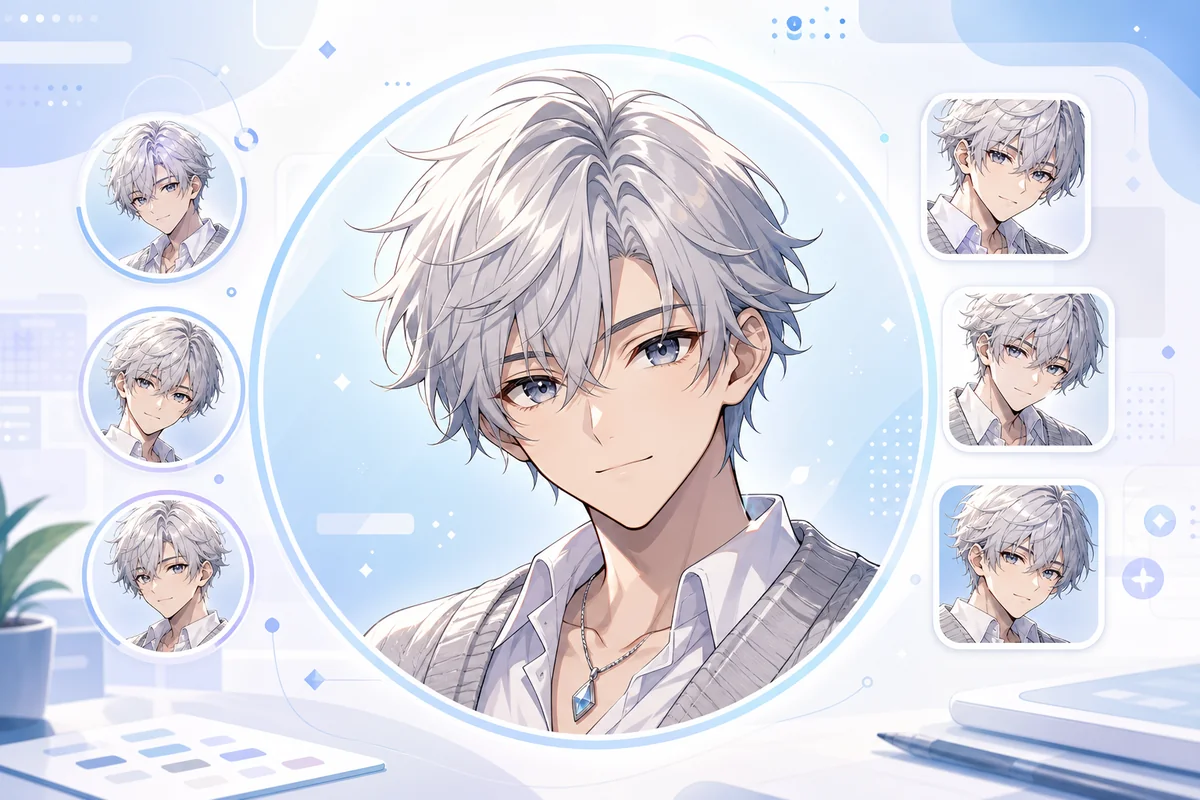
Create Profile-Ready Anime Icons

OCMaker AI helps users turn short character prompts into polished anime icons with readable face crops, clean backgrounds, and expressive mood. As an AI anime generator, it is useful for avatars, creator profiles, fan accounts, and social identity drafts.
Create Profile-Ready Anime Icons

0203

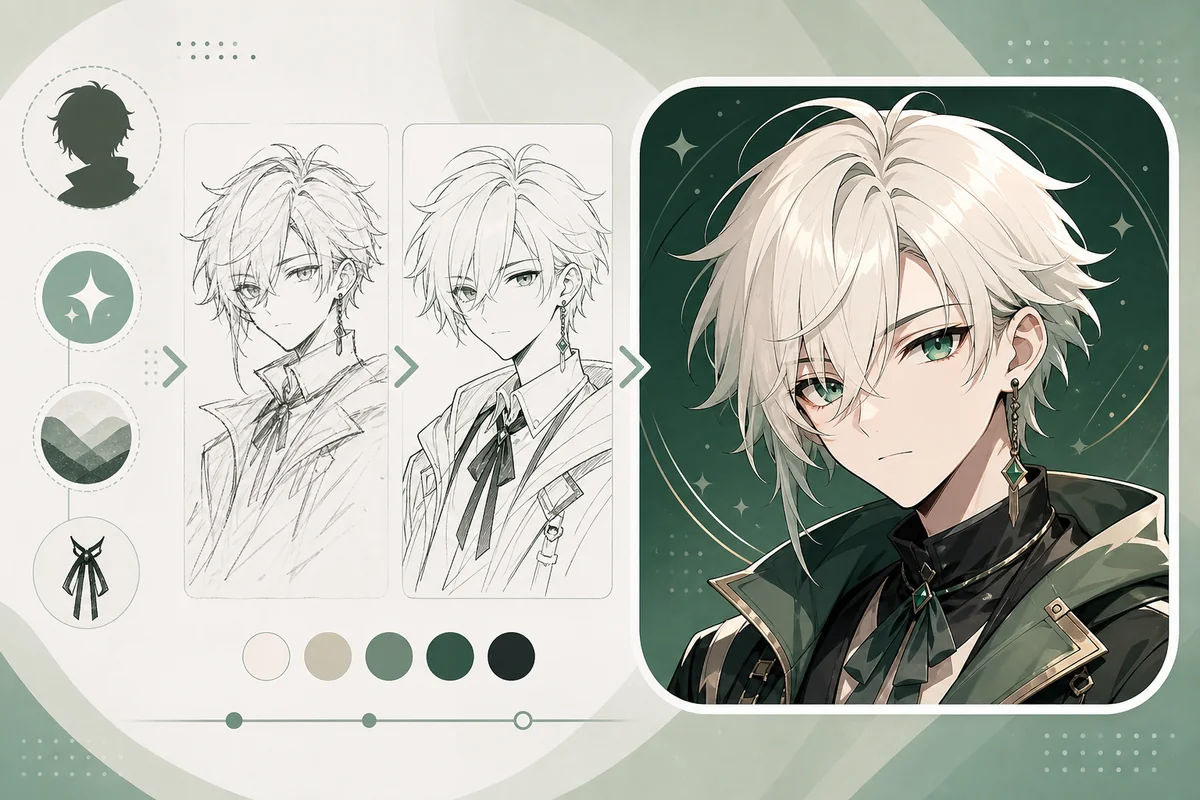
Build Icons From Character Ideas

The tool can translate a character brief, color mood, expression, and style direction into a compact visual output. Users get more useful results because the icon is designed for small previews, profile pages, comment sections, and reusable branding instead of a full scene.

Build Icons From Character Ideas

0303

Keep Crops Clear for Social Use

OCMaker AI can generate icon-focused compositions where the face, shoulders, contrast, and background remain readable at small sizes. This matters for creators who need quick profile art, community icons, sticker-style drafts, or OC maker character identity previews.

Keep Crops Clear for Social Use

Practical Checks Before You Save

Use these checks to make the result easier to refine, publish, or reuse.

  • 01

    Small-Size Readability

    Prioritize face clarity, strong contrast, and simple backgrounds so the icon still works in tiny avatar slots.

  • 02

    Expression-Led Identity

    Use mood, gaze, and color to make the icon recognizable without relying on crowded costume details.

  • 03

    Original Avatar Direction

    Avoid copied characters, logos, and brand marks; use fresh styling so the icon feels reusable across profiles.

How to Use Anime Icon Generator

Start with a focused creative brief, generate a visual draft, then review clarity and reuse value before saving.

  1. Define the output format

    Name whether you need an icon, cover, outfit, avatar, or concept draft before adding style details.

  2. Generate a focused version

    Use one main subject, mood, and layout goal so the first result is easier to evaluate.

  3. Review before publishing

    Check crop, text safety, originality, commercial risk, and whether the image fits the intended platform.

Anime Icon Generator FAQ

Answers to common questions before generating and refining your result.

What is Anime Icon Generator?

Anime Icon Generator is an AI image tool for creating anime-style profile icons, avatars, creator identity drafts, and compact character portraits. It helps users move from a short idea to a profile-ready visual without starting from a blank canvas.

What can I create with it?

You can create social avatars, community icons, fan profile images, sticker-like character portraits, creator branding drafts, and original anime-style identity visuals. It is strongest for close-up icon crops and weaker for complex scenes or multi-character illustrations.

Can it work as an AI animated icon generator?

Yes, if you mean an animated-style icon with expressive anime energy. The output is a static image, not an actual moving animation. For best results, describe expression, crop, color mood, and background simplicity instead of asking for video motion.

Do I need design experience?

No. Beginners can describe a character, expression, color palette, and profile use case in plain language. Designers can use the result as a draft, then refine cropping, brand consistency, background contrast, and final export sizes manually.

Can I use generated anime icons commercially?

Commercial use may depend on OCMaker AI terms, your prompt, source materials, and whether the final icon resembles protected characters, logos, or real people. For paid branding, merchandise, or client work, review platform terms and legal requirements first.

What copyright or likeness risks should I check?

Avoid copying anime characters, brand mascots, logos, or celebrity likenesses. If the icon is for public profiles or commercial pages, review the final image for resemblance, trademarks, and misleading identity use before publishing.

Does Anime Icon Generator offer free credits?

OCMaker AI may offer free credits or a free trial so users can test icon generation first. After credits are used, more generations may require paid credits or a plan. Check the current pricing page because limits and plans can change.

What input creates better icon results?

Use a focused brief with face crop, expression, color mood, background style, and target platform. Avoid asking for tiny text, complex logos, or too many accessories because those details often become unclear at avatar size.

Create a Cleaner Anime Visual Draft

Open OCMaker AI, describe the format, subject, and style direction, then refine the strongest result into a usable visual asset.

Anime Icon Generator: Create Profile-Ready Icons in Seconds