AI Anime Lip Sync for Animation | OCMaker AI

Auto lip-sync anime and animated characters to audio or voice with OCMaker AI. Create more natural dialogue scenes without matching every mouth pose by hand.

AI Anime Lip Sync

Auto lip-sync an anime or animated character to uploaded audio or voice with OCMaker AI. Match dialogue to facial motion faster, then review expression, timing, and character consistency before exporting your scene.

Original animated character performing synchronized dialogue

Create More Convincing Animated Dialogue

OCMaker AI brings ai anime lip sync into the AI Anime Generator hub. Synchronize a prepared character shot to voice, then continue building scenes with the AI Anime Video Generator.

0103

Turn Audio Into Character Dialogue

Add a voice recording or dialogue track and let OCMaker AI align the character’s mouth movement with the spoken rhythm. This anime lip sync workflow helps turn a silent animated shot into a clearer performance while keeping the original scene as the visual anchor.
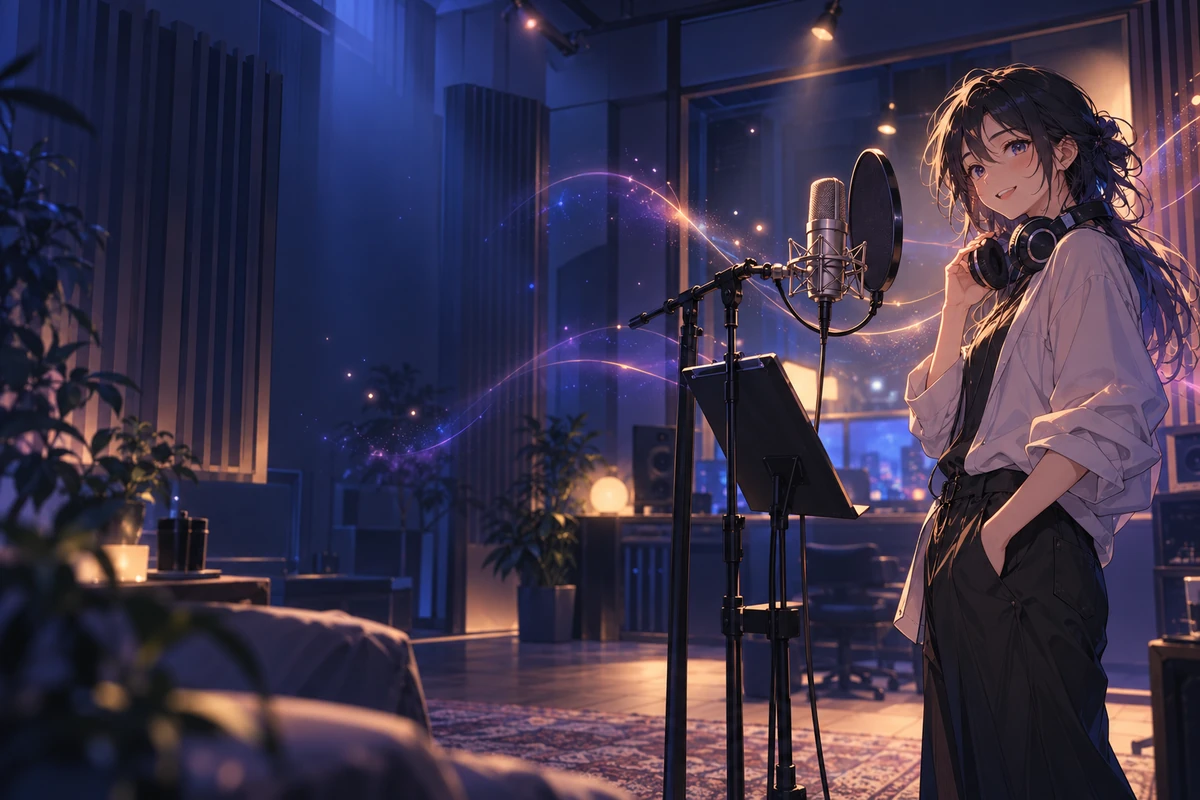
Anime character speaking in sync with a voice recording

0203

Support Emotion Beyond the Mouth

Good lip sync for animation is more than opening and closing a mouth. Start with a shot that already has readable emotion, then check whether the eyes, brows, pose, and vocal energy feel like one performance after synchronization.

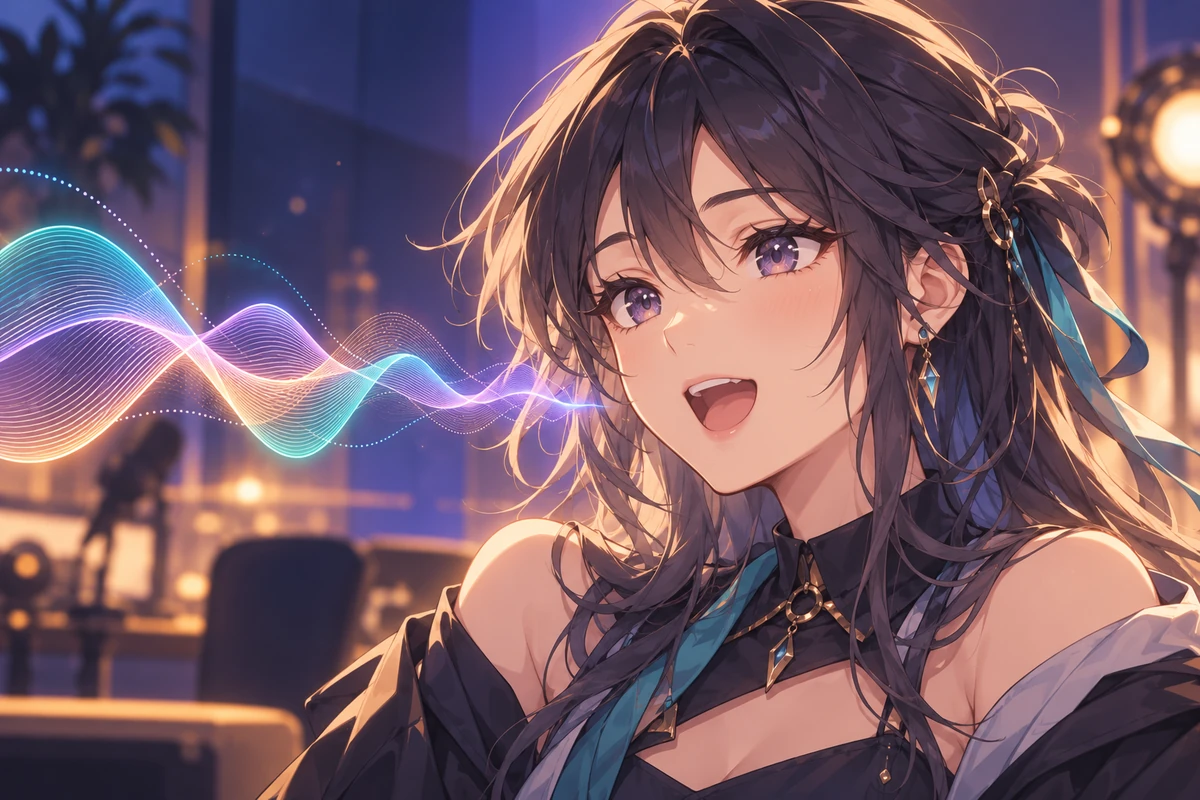
Expressive animated character delivering a close-up line

0303

Check Timing and Character Consistency

Preview the synchronized clip and inspect fast syllables, pauses, profile angles, face stability, and transitions between expressions. If a line feels rushed or flat, adjust the audio or source shot and regenerate only the part that needs a cleaner result.

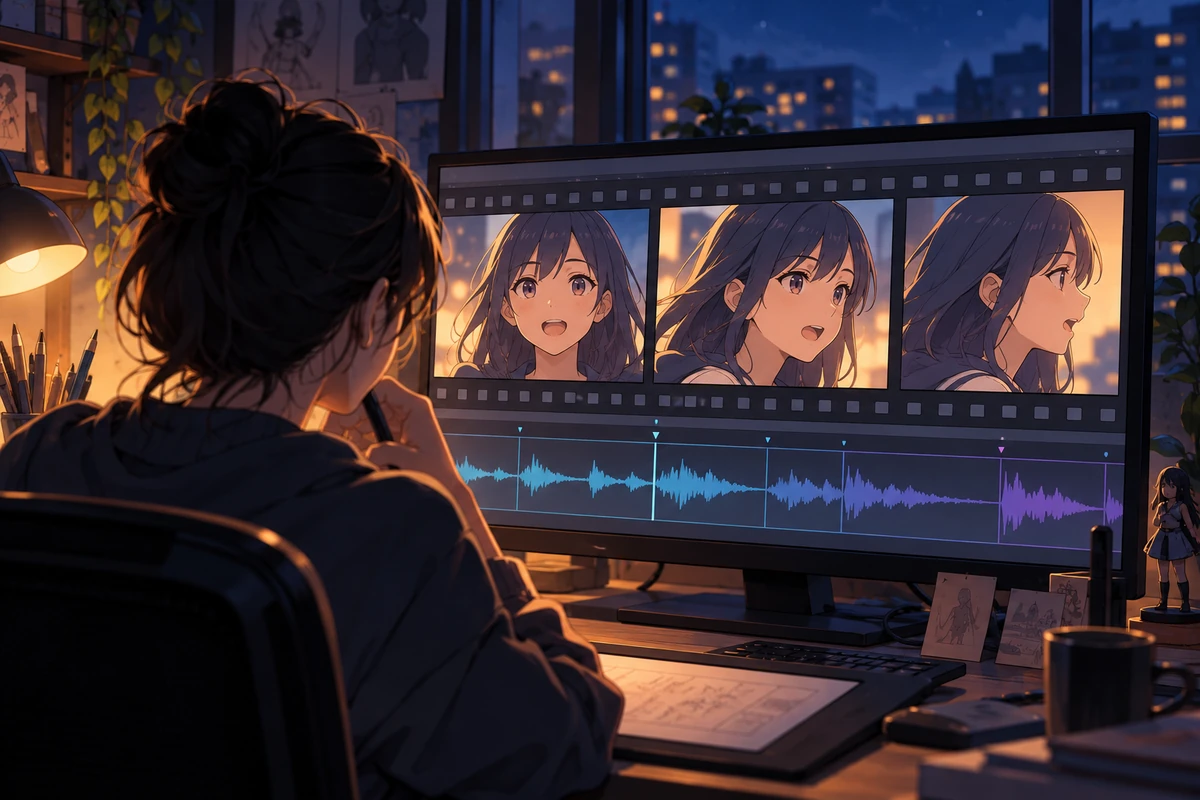
Creator reviewing an original anime dialogue scene

Anime Lip Sync Use Cases

Use animation lip sync for original dialogue scenes, avatars, dubbing drafts, vocal clips, and early story visualization.

  • 01

    Character Dialogue

    Give an original anime character a spoken line for a story scene, introduction, or dramatic exchange.

  • 02

    Animated Avatars

    Sync a stylized avatar to narration, commentary, or a short character message.

  • 03

    Dubbed Animation

    Adapt an animation to a new recorded line, then review timing and performance in the target language.

  • 04

    Music and Vocal Clips

    Match an animated face to a short sung or rhythmic vocal segment while checking rapid mouth motion carefully.

  • 05

    Story Previsualization

    Test how dialogue feels in a scene before investing in detailed frame-by-frame mouth animation.

  • 06

    Short-Form Character Videos

    Create concise talking-character clips for teasers, channel content, or original social storytelling.

How to Lip-Sync Anime With AI

Prepare a readable character shot, pair it with clean voice audio, and review the complete performance rather than judging a single frame.

  1. Add Your Animated Character Shot

    Choose a clear clip with a visible face, stable framing, and enough resolution to review the mouth and expression.

  2. Upload Audio or Voice

    Use a clean dialogue track with limited background noise. Trim long silence and confirm the line fits the length and mood of the shot.

  3. Generate, Preview, and Refine

    Run the anime lip sync, watch the full result, and inspect syllable timing, face stability, profile views, pauses, and emotional fit before keeping it.

Frequently Asked Questions

AI Anime Lip Sync FAQ

Answers about source clips, audio quality, dubbing, singing, character consistency, and responsible use.

What is AI anime lip sync?

AI anime lip sync aligns the mouth movement of an anime or animated character with spoken audio. OCMaker AI uses the character shot and voice track together to create a synchronized dialogue clip that you can preview and review.

What source clips work best for anime lip sync?

Use a clip with a clearly visible face, stable lighting, and limited obstruction around the mouth. Front or three-quarter views are generally easier to review than extreme profiles, very fast camera movement, or faces that leave the frame.

What audio works best for animation lip sync?

Choose clean speech with minimal music, echo, and overlapping voices. Trim unnecessary silence and make sure the emotional delivery suits the expression and pacing already present in the animated shot.

Can I use lip sync for animation dubbing?

Yes. You can pair an animated character scene with a newly recorded line, then check whether pauses, fast syllables, and emotional beats still fit. Translation and dubbing quality should be reviewed separately from the visual mouth synchronization.

Can I lip-sync singing or fast dialogue?

You can try rhythmic vocals or rapid speech, but these clips require closer review because dense syllables and quick expression changes can expose timing issues. Short, clean segments are easier to refine than a long uninterrupted performance.

Will AI lip sync preserve the original character design?

The source animation remains the main visual reference, but generated motion can still introduce inconsistencies. Preview the full clip and check the face, mouth, eyes, hairline, accessories, and profile angles before using the result.

Is OCMaker AI affiliated with an anime studio or franchise?

No. OCMaker AI is an independent creative product and is not affiliated with or endorsed by anime studios, publishers, or franchise owners. Use characters, animation, and audio that you created or have permission to use.

Give Your Animated Character a Voice

Upload an anime or animated character shot, add clean voice audio, and use OCMaker AI to create a synchronized dialogue scene you can preview and refine.

AI Anime Lip Sync for Animation | OCMaker AI