
AI Generator

Free Anime Music Video Maker: Create Anime Music Videos Online

Use this anime music video maker to create anime-style music videos, AMV concepts, rhythm-driven scenes, lyric visuals, character moments, camera moves, and original video prompts with OCMaker AI.

Anime Music Video Maker

Create anime music videos with OCMaker AI. Turn a song mood, character idea, lyric moment, or scene concept into an anime-style music video prompt with rhythm, camera movement, emotional beats, and visual direction.

Anime music video maker

How to Use Anime music video maker

Start with the music mood, build the anime scene, then refine the prompt into a video idea that matches the rhythm and emotion of the song.

  1. Choose the Song Mood

    Start with the feeling of the track. Decide whether the anime music video should feel romantic, dramatic, nostalgic, energetic, dark, dreamy, cinematic, or fast-paced.

  2. Describe the Anime Scene

    Add the character, setting, outfit, lighting, action, camera movement, and key lyric moment. The clearer the visual direction is, the easier it is to create a music-video-ready anime scene.

  3. Refine the Video Prompt

    Compare different versions, then keep the one with the strongest rhythm, scene flow, character emotion, and visual hook. Regenerate if the anime music video generator result feels too static, generic, or off-beat.

Anime music video maker for Better AMV Ideas

Shape your anime music video around the details that matter most: song mood, character emotion, lyric timing, camera movement, scene transitions, and visual storytelling.

0104

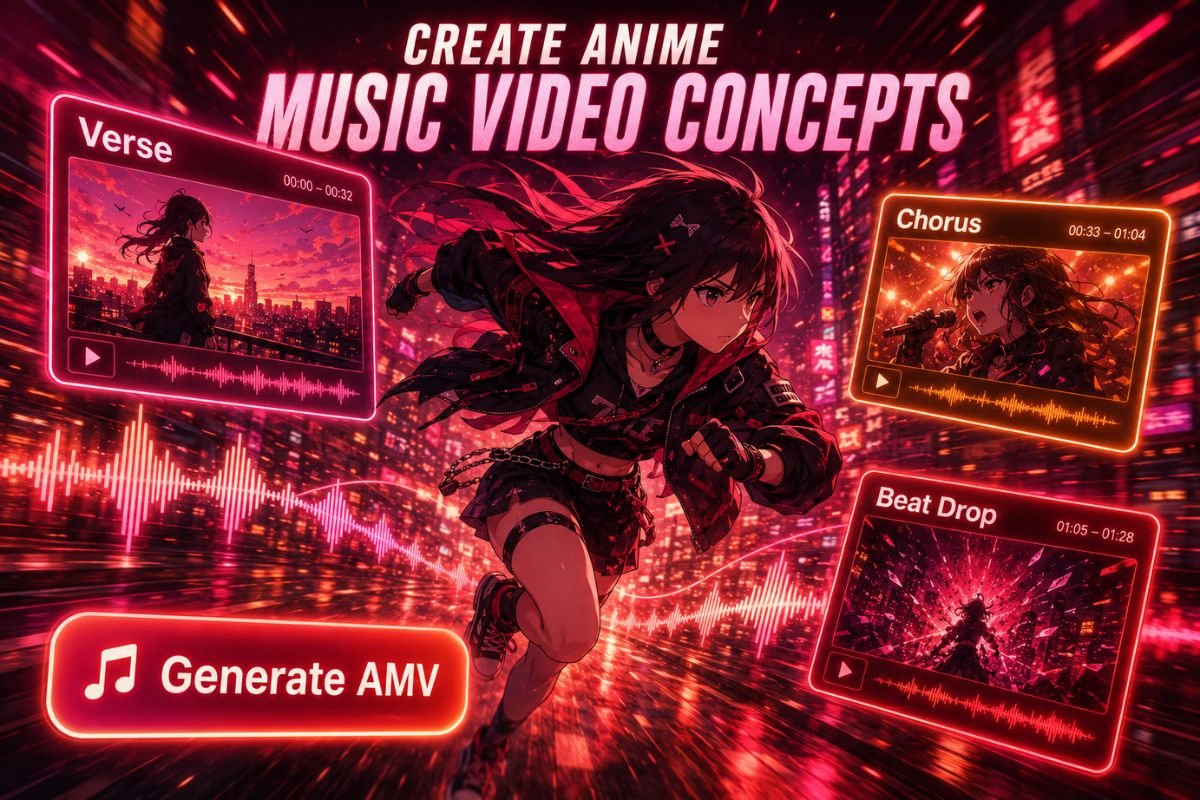
Create Anime Music Video Concepts

Use the anime music video maker to turn a loose song idea into a structured AMV-style concept. Add the character, emotional arc, scene transition, camera move, and visual moment that should hit with the beat. For broader video creation, try the AI video generator.
Create Anime Music Video Concepts

0204

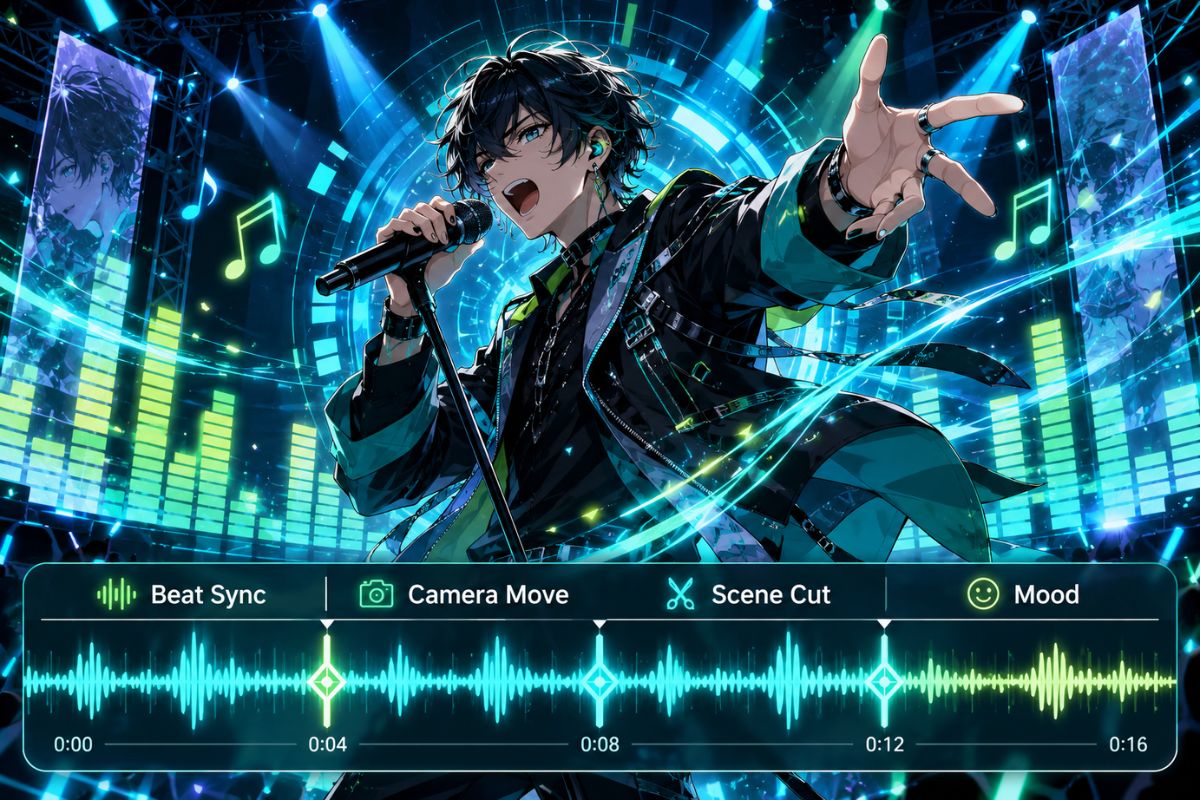
Build Rhythm-Driven Anime Scenes

Create scenes that feel made for music instead of random animation. Describe close-ups, hair movement, city lights, action cuts, slow-motion beats, chorus moments, and emotional pauses. For broader character visuals, try the AI anime generator next.
Build Rhythm-Driven Anime Scenes

0304

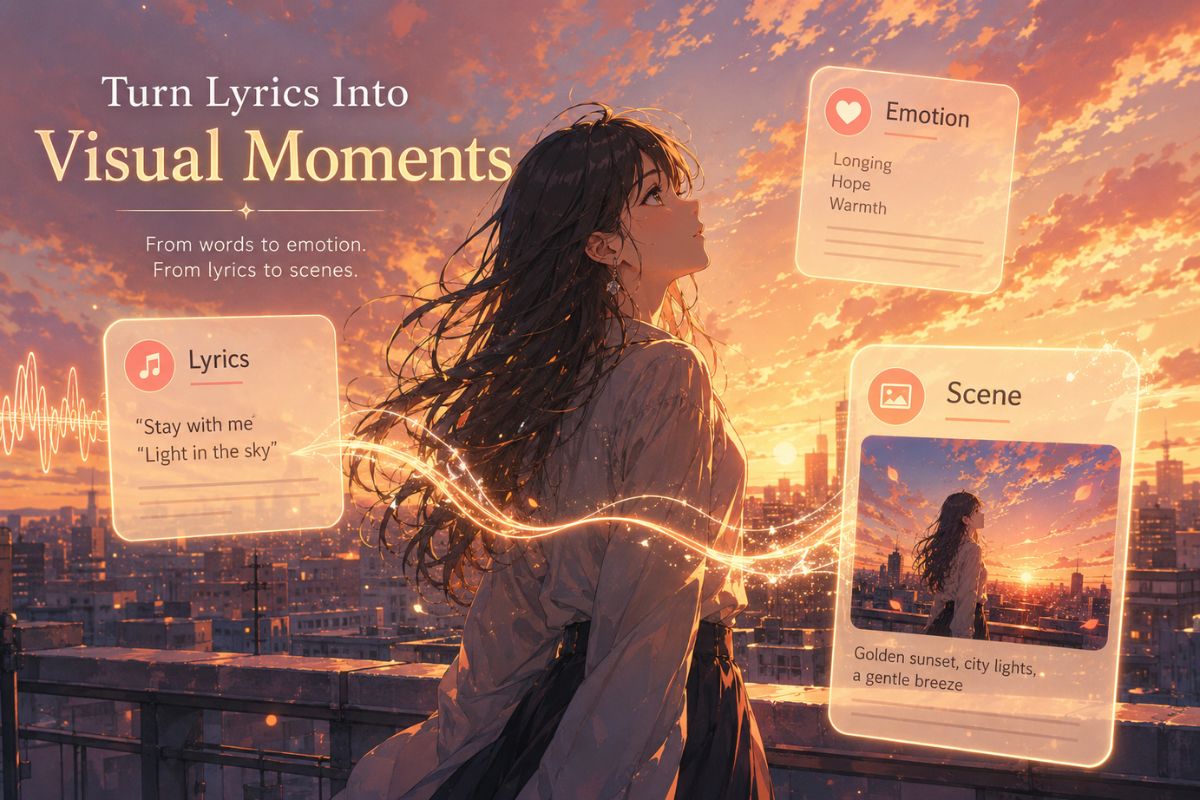
Turn Lyrics Into Visual Moments

Use lyric lines, chorus drops, or instrumental breaks as visual anchors. OCMaker AI can help shape these moments into anime-style shots with stronger mood, clearer framing, and more memorable scene direction.
Turn Lyrics Into Visual Moments

0404

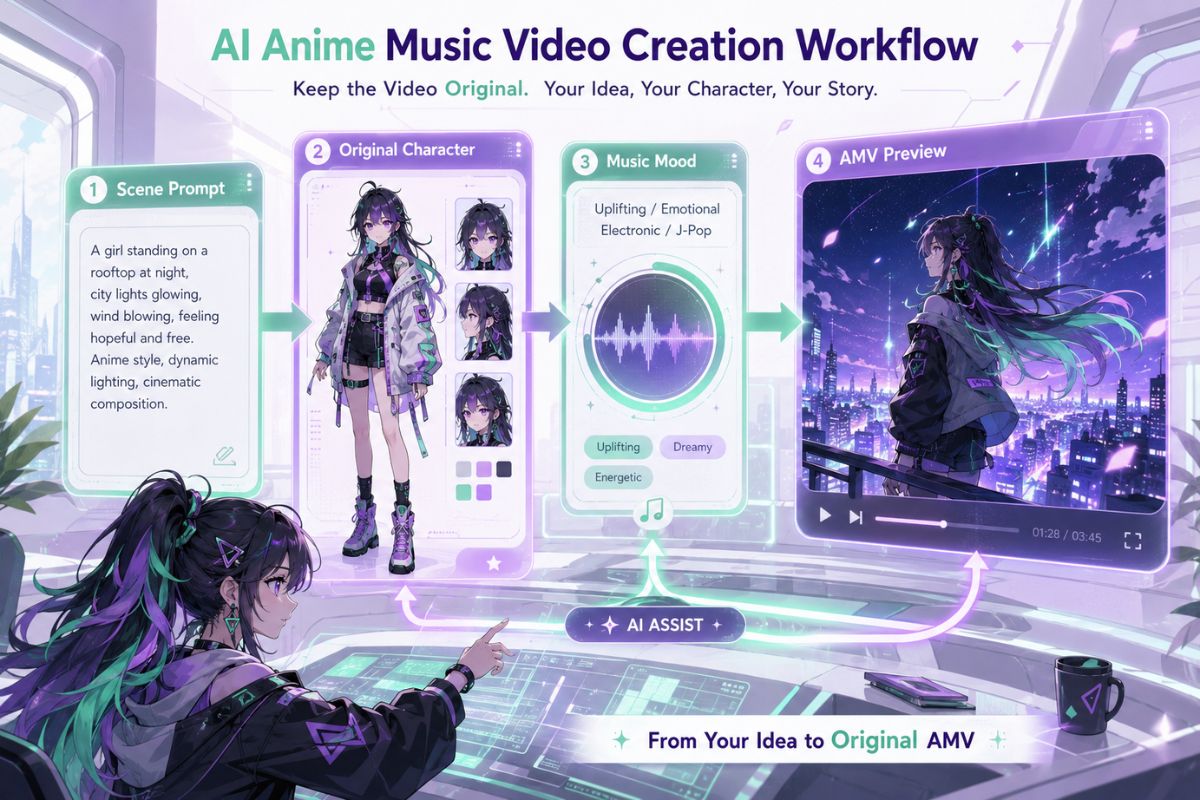
Keep the Video Original

Make anime music video ideas without copying protected characters, official anime scenes, logos, or exact music video frames. Use original characters, fresh settings, custom outfits, and your own visual story.
Keep the Video Original

What Our Users Say

  • OCMaker AI helps me turn simple song ideas into anime-style video concepts much faster. The scene prompts feel more visual, emotional, and easier to edit into a real AMV plan.

    Michael Thompson

    Video Production Director

  • I use the anime music video maker when I need quick visual ideas for edits. It gives me better camera movement, lighting direction, and scene flow than starting from a blank prompt.

    Maya Chen

    AMV Content Creator

  • The best part is how easy it is to match the mood of a song. I can describe the chorus, the character, and the scene, then quickly get a stronger anime music video direction.

    Leo Park

    Music Video Editor

Why Use This Anime music video maker

Use these checks to make your anime music video concept feel more like a real AMV, not just a random animated clip.

  • 01

    Song-First Video Ideas

    Build around the track’s mood, tempo, chorus, lyric line, or emotional shift instead of starting with only a random anime character pose.

  • 02

    Stronger AMV Scene Flow

    Plan how the video moves from opening shot to chorus moment, action cut, close-up, transition, and ending frame.

  • 03

    Better Character Emotion

    Define how the character should look, move, react, and express the feeling of the music across each key scene.

  • 04

    Camera and Motion Prompts

    Add cinematic movement such as slow push-ins, fast cuts, spinning camera, falling light, wind-blown hair, glowing particles, and beat-synced transitions.

  • 05

    Readable Anime Visual Style

    Choose clear lighting, setting, color mood, outfit details, and composition so the video idea looks polished instead of cluttered.

  • 06

    Original Anime Video Direction

    Use the anime music Video generator for original characters, custom scenes, and fresh visual stories without copying official anime footage or protected designs.

Anime music video maker FAQ

Answers about creating anime music videos, AMV prompts, lyric visuals, scene direction, camera movement, and original anime-style video ideas.

What can I make with an anime music video maker?

You can create anime-style music video ideas, AMV prompts, character scenes, lyric-based visuals, emotional story moments, camera movement prompts, and short video concepts for songs, edits, fan projects, or social posts.

Is this also an anime music Video generator?

Yes. This page works as an anime music Video generator by helping you turn a song mood, character idea, or lyric moment into an anime-style video direction with scene details, movement, lighting, and emotional pacing.

What should I include in an anime music video prompt?

Include the music mood, tempo, lyric moment, character appearance, setting, lighting, camera movement, scene transition, and emotional tone. A strong prompt should describe both what appears on screen and how the moment moves with the music.

How do I make an anime music video feel more cinematic?

Use clear camera language and scene rhythm. Add close-ups, wide shots, slow motion, fast cuts, glowing lights, weather effects, moving hair, emotional facial expressions, and beat-matched transitions.

What are good anime music video ideas?

Good ideas often connect a song mood with a simple visual story. Try a rainy rooftop confession, neon city chase, school hallway memory, fantasy battle chorus, lonely train ride, idol stage moment, or dreamlike character transformation.

How do I keep my anime music video original?

Use original characters, custom outfits, new settings, and your own story moments. Avoid copying exact anime scenes, official character designs, music video frames, logos, or protected visual symbols.

Create With Anime music video maker

Generate anime music video ideas with clearer song mood, stronger character emotion, better camera movement, rhythm-driven scenes, and original AMV-style visual direction.

Free Anime Music Video Maker: Create Anime Music Videos Online