Anime Opening Maker: Create Opening Sequence Ideas

Use anime opening maker to create opening keyframes, cast reveals, symbolic transitions, and title-safe shots for series concepts and short videos.

Anime Opening Maker

Create an anime opening concept with establishing shots, cast reveals, symbolic motifs, action beats, and a title-safe ending. Build visual references for story pitches, animatics, short videos, and original series introductions.

Anime Opening Maker

Anime Opening Sequences to Explore

Compare opening directions built around atmosphere, character introductions, and a final title-safe image rather than disconnected action shots.

  • Atmospheric Cold Open — Anime Opening Maker01

    Atmospheric Cold Open

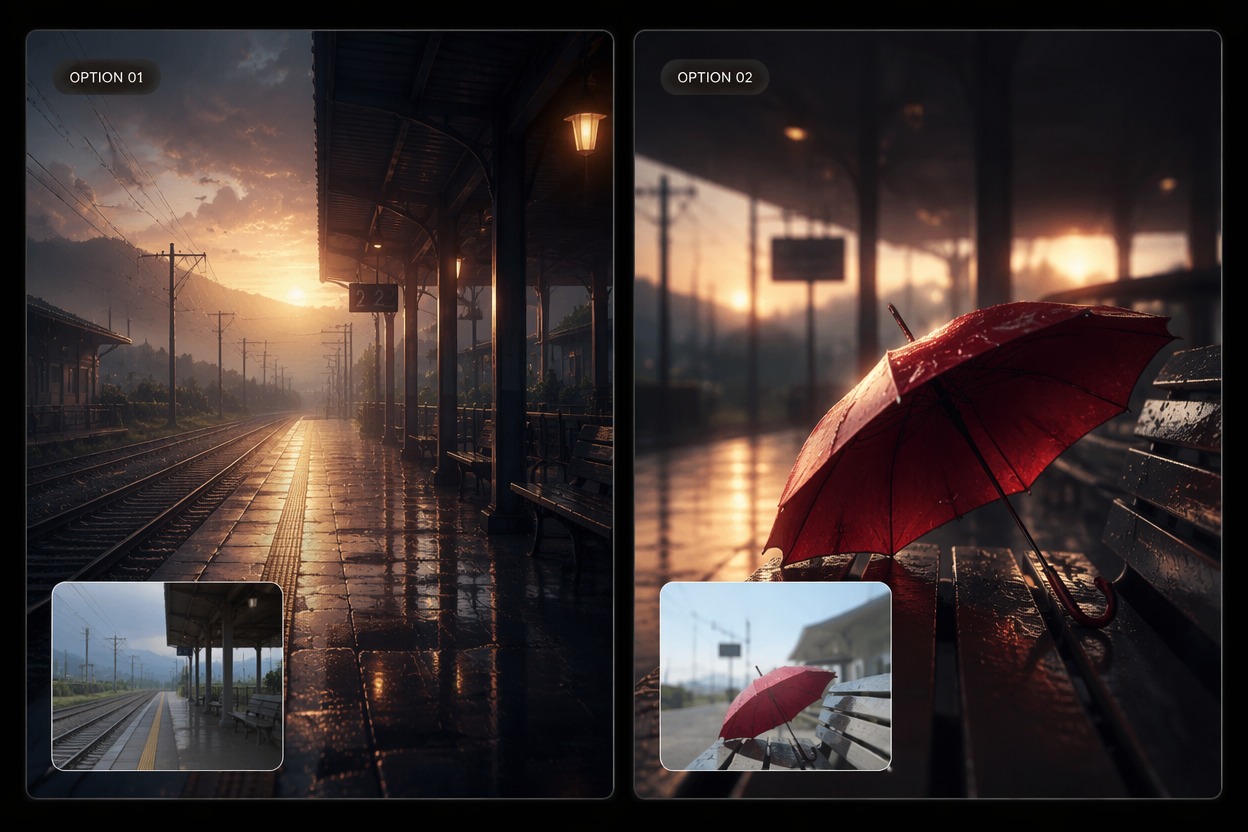
    Begin with weather, architecture, a meaningful object, or an empty location that establishes tone before the main character appears.

  • Cast Reveal Montage — Anime Opening Maker02

    Cast Reveal Montage

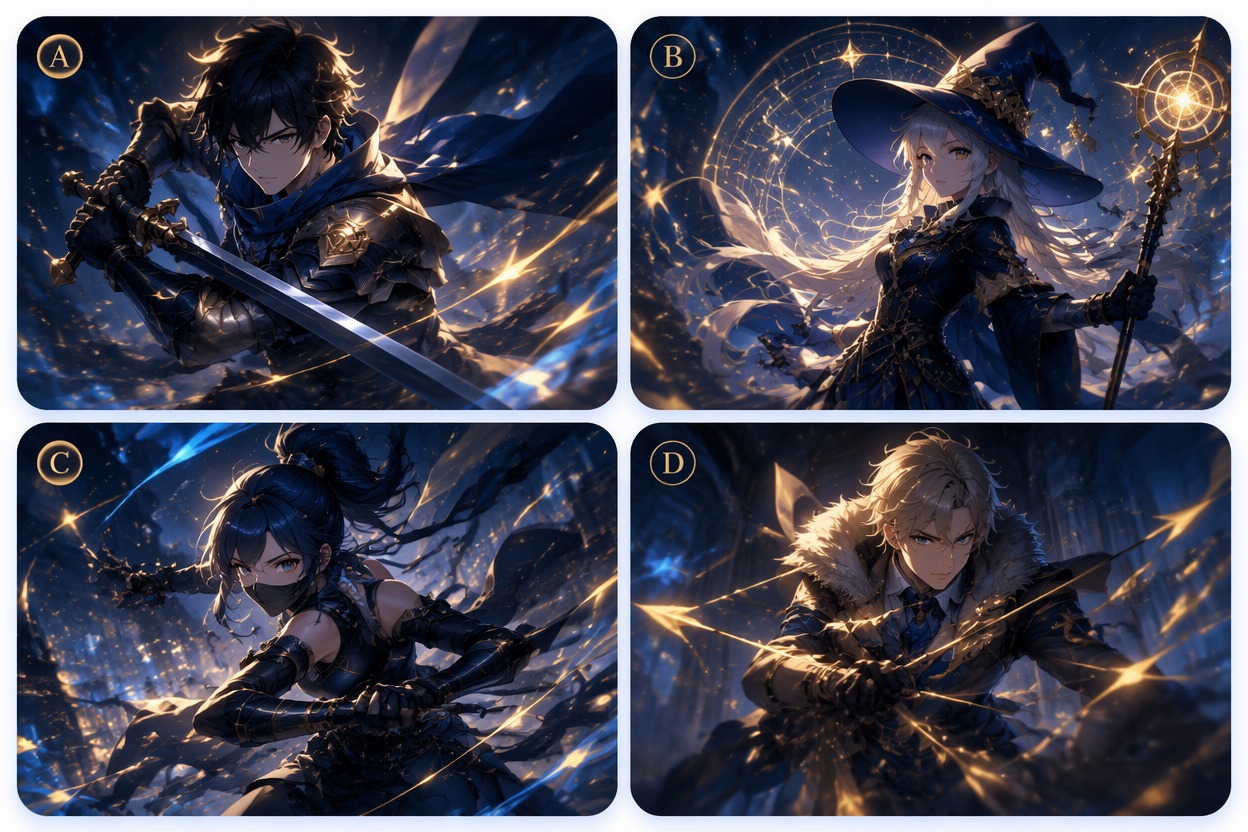
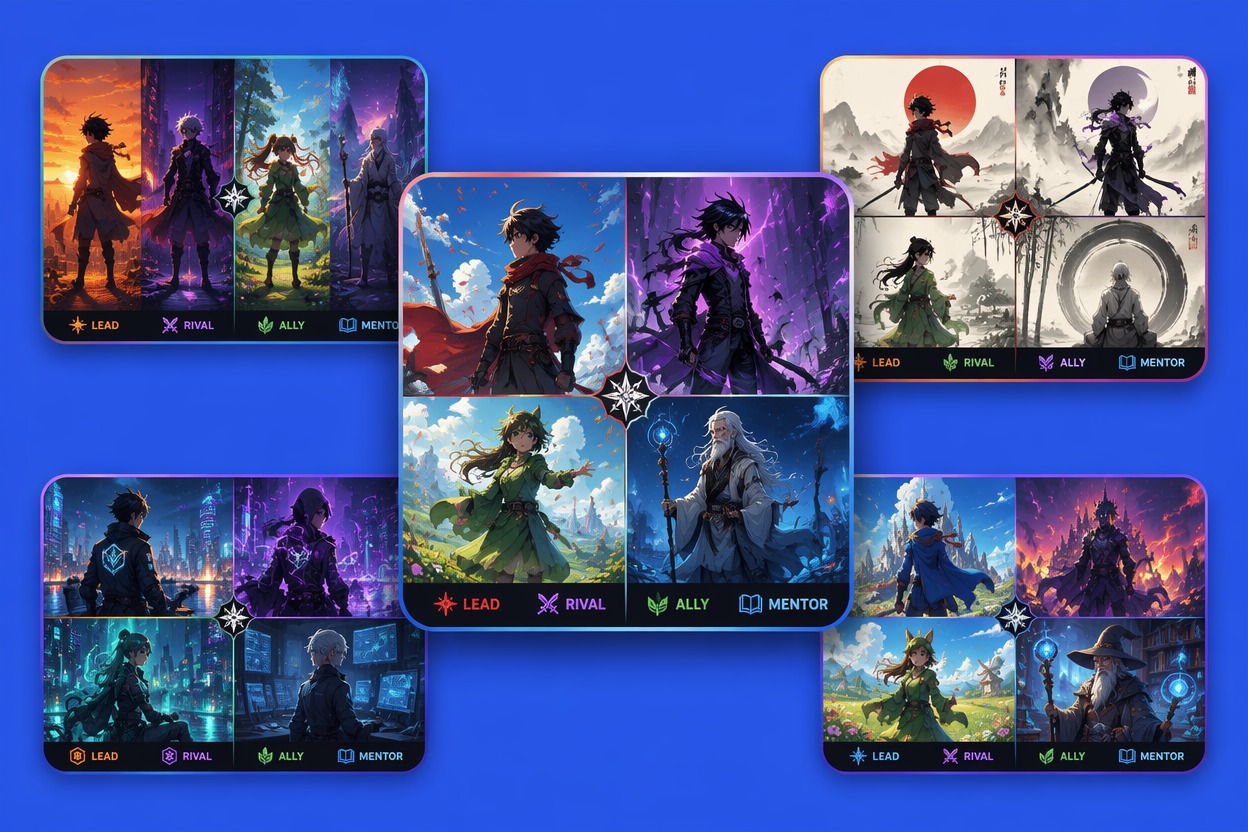
    Introduce the lead, rival, ally, and mentor through distinct poses and locations while repeating one color or visual motif across the sequence.

  • Title-Safe Final Shot — Anime Opening Maker03

    Title-Safe Final Shot

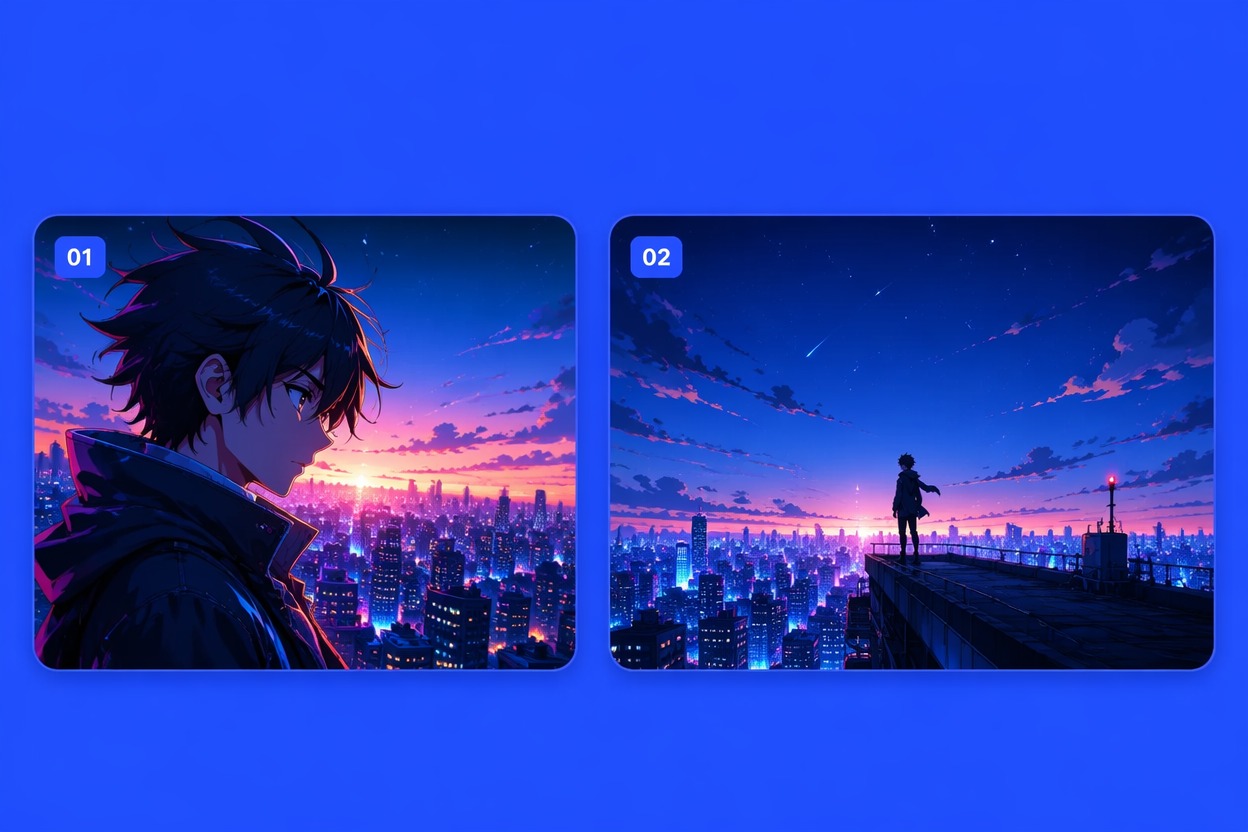
    Close on a clean silhouette, skyline, emblem-like object, or group pose with enough negative space to add accurate typography later.

Shape an Opening With Rhythm and Identity

Turn a series idea into connected opening moments with visual motifs, cast progression, camera changes, and a memorable closing image.

0104

Map Visuals to Song Sections

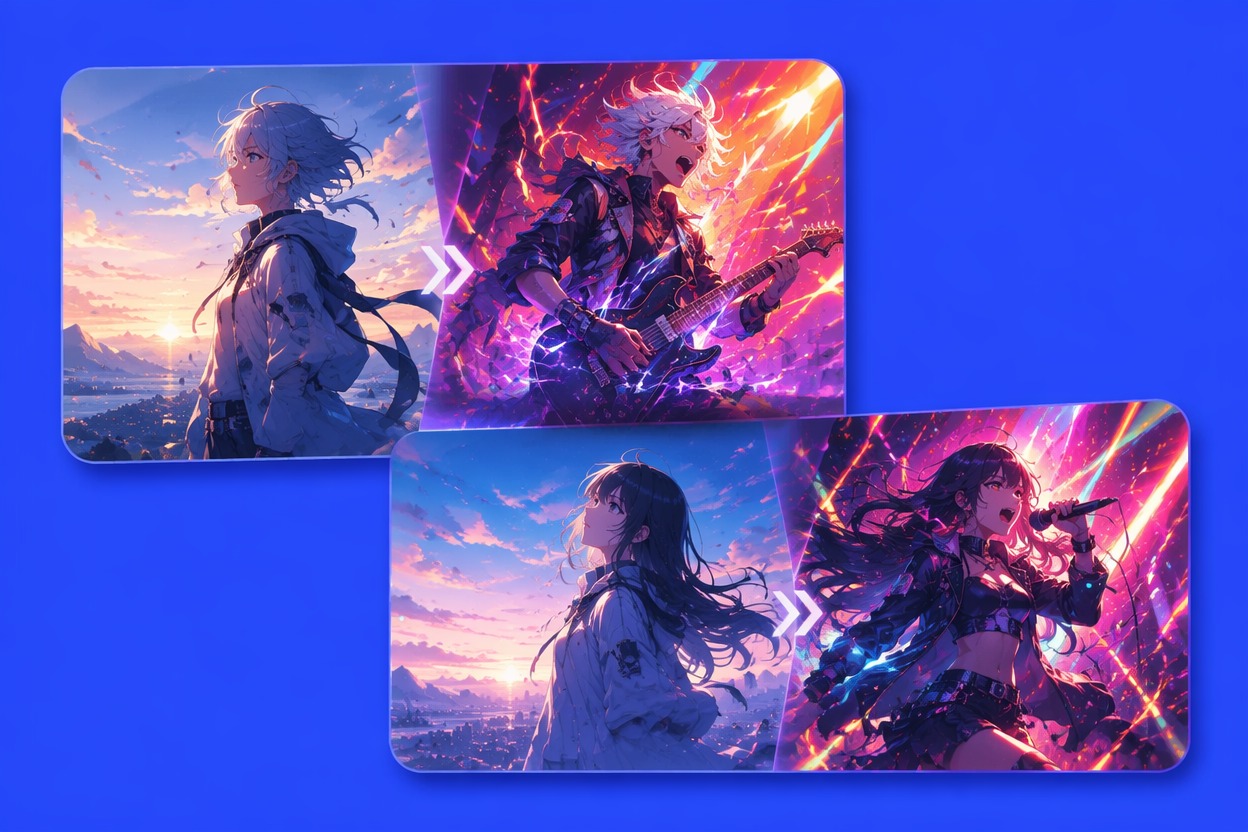
Give the intro, verse, chorus, bridge, and final beat different visual jobs instead of maintaining one intensity throughout. Quiet measures can establish place and symbols, while the chorus reveals movement or the full cast, creating opening keyframes that already suggest an editable rhythm for image to video creation.
Map Visuals to Song Sections — Anime Opening Maker

0204

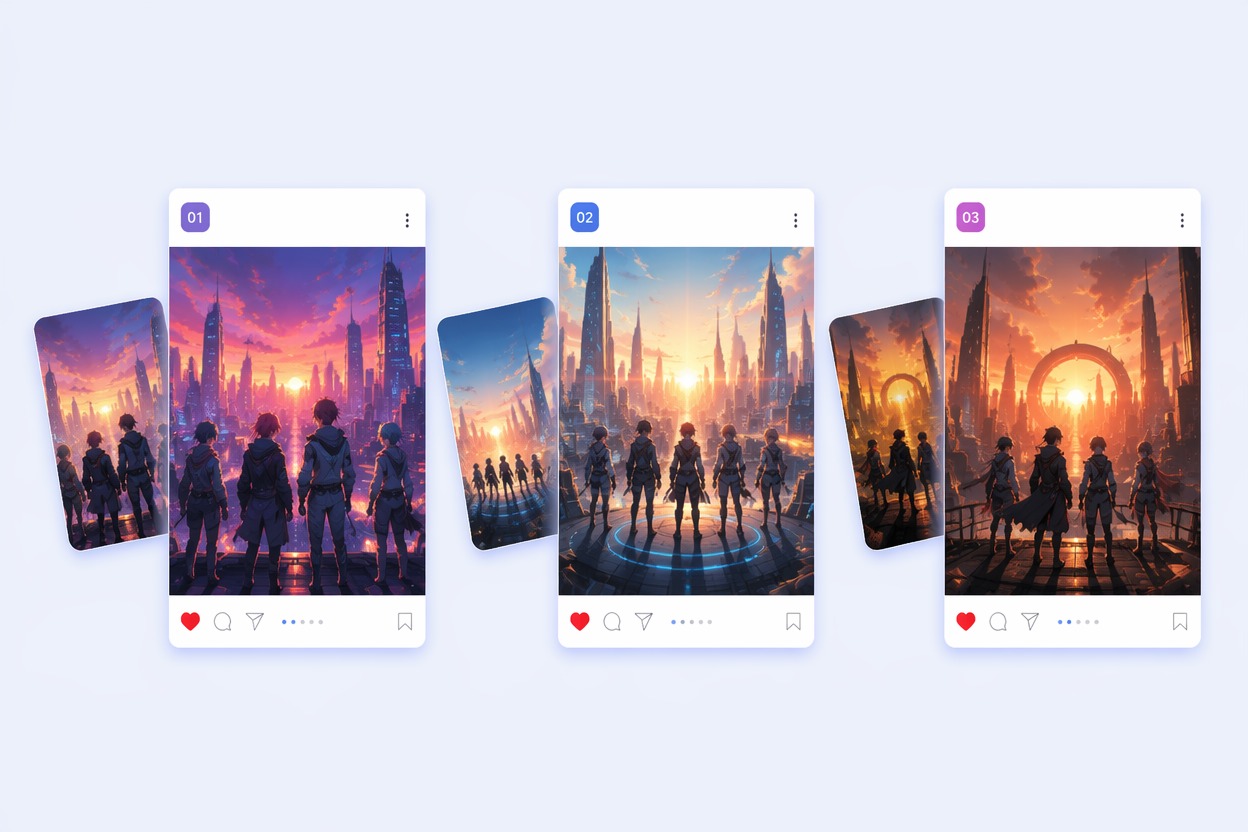
Reveal the Cast With Purpose

Introduce each original character through posture, setting, prop, color, or relationship rather than a line of interchangeable portraits. Build the lead with an OC maker, then give allies and rivals their own visual entrances so the audience can read the ensemble quickly.

Reveal the Cast With Purpose — Anime Opening Maker

0304

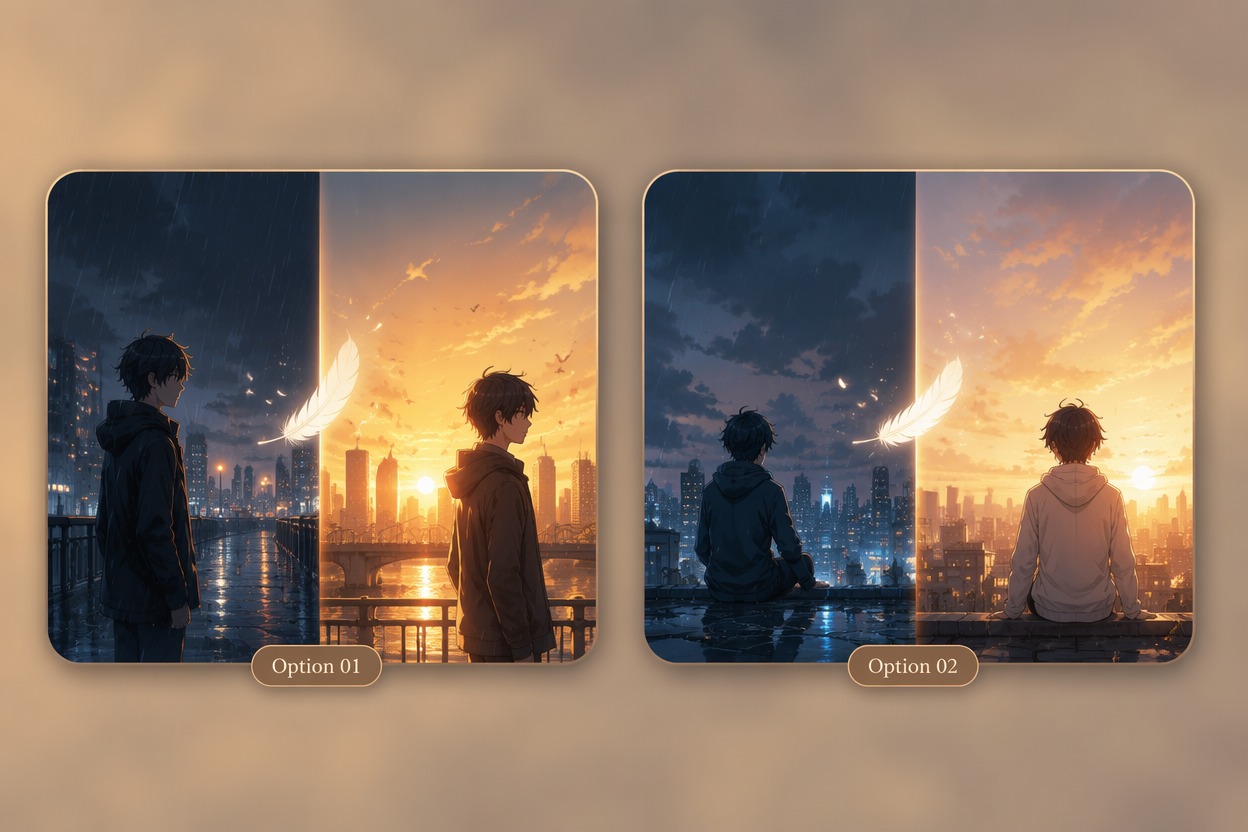
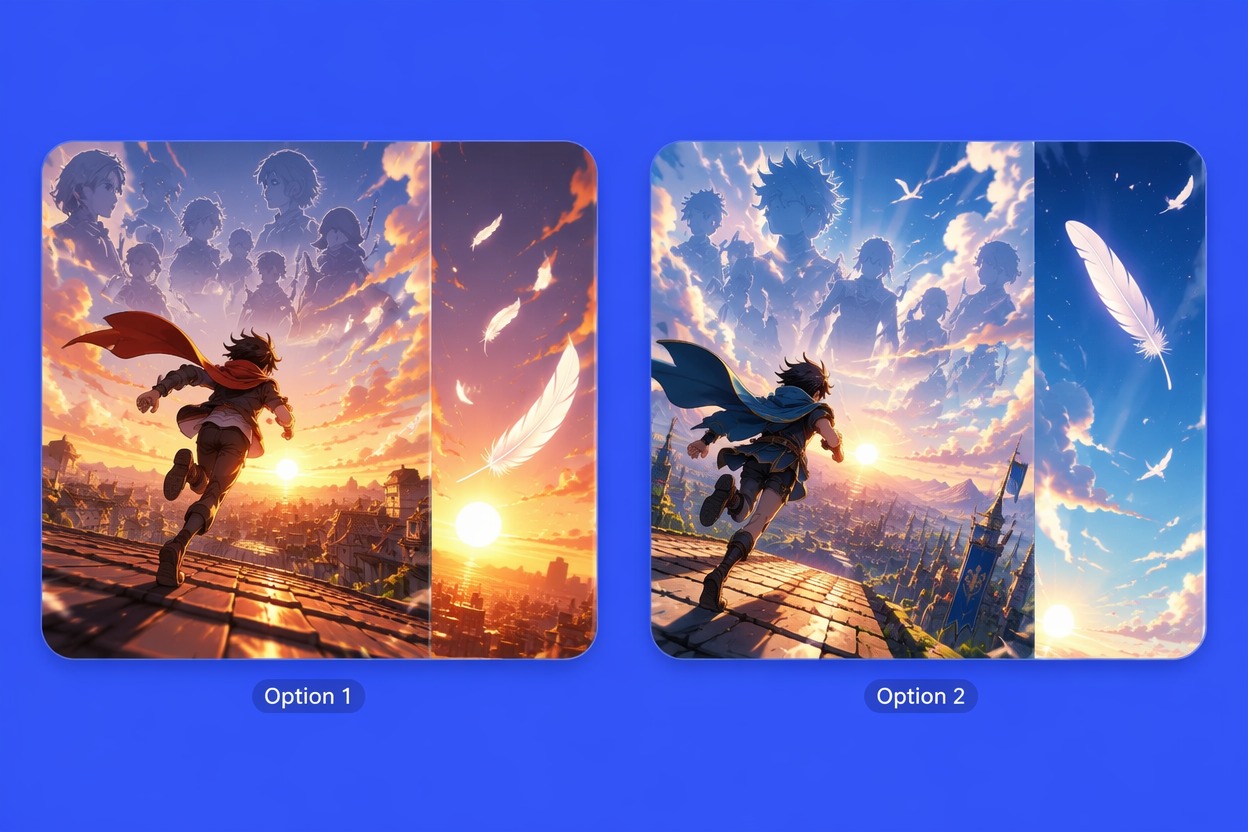
Repeat One Symbolic Motif

Use a recurring flower, mask, train, feather, clock, weapon, season, or color shift to connect otherwise different scenes. The motif can appear quietly in the cold open, transform during the chorus, and return in the final shot, giving the sequence a recognizable visual identity.

Repeat One Symbolic Motif — Anime Opening Maker

0404

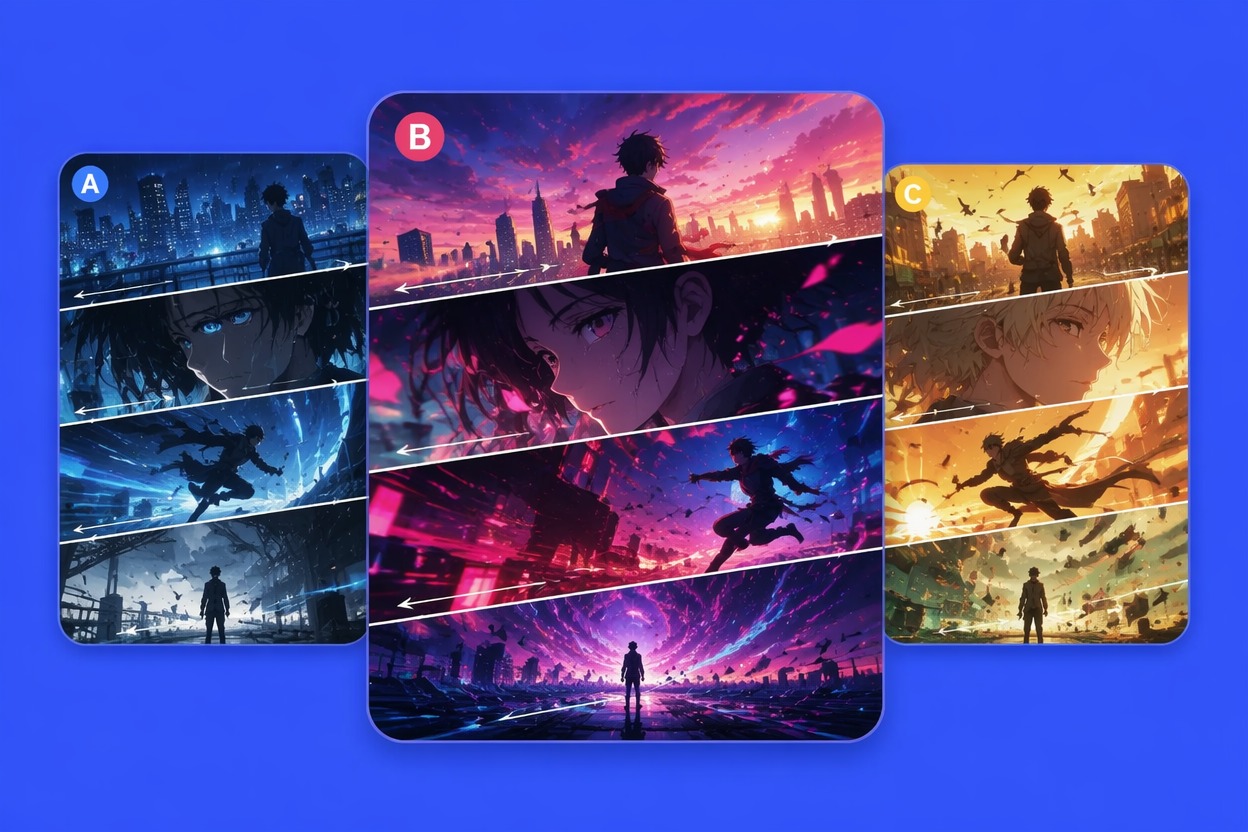
Build Keyframes for an Animatic

Generate an establishing frame, character reveal, motion peak, emotional close-up, group moment, and title-safe ending as separate references. Continue scene development with the AI anime generator, then use the chosen frames to guide an animatic or short edit.

Build Keyframes for an Animatic — Anime Opening Maker

Why Use an Anime Opening Maker?

  • 01

    Opening-Specific Shot Planning

    Organize cold open, cast reveal, chorus peak, emotional beat, and closing frame as distinct parts of one introduction.

  • 02

    Stronger Visual Motifs

    Repeat a color, object, season, symbol, or camera movement so separate scenes feel tied to the same series identity.

  • 03

    Clearer Cast Introductions

    Give leads, rivals, allies, and mentors different entrance moments instead of compressing everyone into one crowded shot.

  • 04

    Music-Aware Scene Rhythm

    Vary calm, buildup, impact, and release across song sections to create a sequence with visible pacing changes.

  • 05

    Animatic-Ready Keyframes

    Prepare focused reference frames that can guide timing, transitions, camera movement, and later animation decisions.

  • 06

    Title-Safe Composition

    Reserve clean negative space in the last frame so accurate series lettering can be added during editing rather than generated into art.

How to Make a Anime Opening

Three practical steps

  1. Outline the Opening Beats

    Choose the cold open, first character appearance, chorus reveal, symbolic transition, emotional close-up, and final title-safe shot.

  2. Assign Motifs and Motion

    Give each beat a camera direction, color mood, recurring symbol, and level of movement that fits its place in the imagined track.

  3. Generate and Sequence Frames

    Create the keyframes separately, remove weak repeats, then arrange them into a visual order for a pitch, storyboard, or animatic.

Common questions

Anime Opening Maker FAQ

How to make a anime opening?

Start with a short sequence plan: cold open, lead reveal, supporting cast, chorus or action peak, symbolic transition, and title-safe ending. Give each beat a camera direction and repeat one visual motif so the opening feels connected rather than random.

What does an anime opening maker create?

It creates visual concepts and keyframes for an anime-style opening, including locations, character entrances, symbolic imagery, action moments, emotional close-ups, and final frames. These images can support a story pitch, storyboard, animatic, or short video edit.

How long should an opening concept be?

For planning, begin with six to ten key moments rather than defining every second. A compact sequence is easier to review for pacing and continuity before expanding it into more frames or animation.

How do I match opening scenes to music?

Assign different visual jobs to the intro, verse, chorus, bridge, and ending. Use calmer establishing images early, stronger movement on a chorus, and a clean final image where the track resolves.

Can I keep the same characters across all frames?

Repeat hairstyle, outfit colors, accessories, height differences, and signature props in every request. Use fewer characters per frame when identity consistency matters, then combine the approved designs in wider cast shots.

Should the generator create the title text?

Generate a clean title-safe frame and add accurate lettering later in an editor. AI-generated text may be misspelled or distorted, while a separate typography step gives you control over font, spacing, and placement.

Can I make several opening styles for one story?

Yes. Compare a mysterious cold open, an energetic cast montage, an emotional character-led sequence, or an action-heavy version. Keep the same core cast and motif so the alternatives still belong to one series.

Can I publish an AI-generated anime opening?

Check current OCMaker AI terms plus rights to music, source images, characters, logos, and other assets. Use original designs and licensed audio, and review every frame before public or commercial release.

Create a Memorable Anime Opening Sequence

Plan cast reveals, symbolic transitions, music-aware keyframes, and a title-safe ending for your original series idea.

Anime Opening Maker: Create Opening Sequence Ideas