AI Anime Translator for Manga and Images

Translate Anime, Manga, and Japanese Image Text
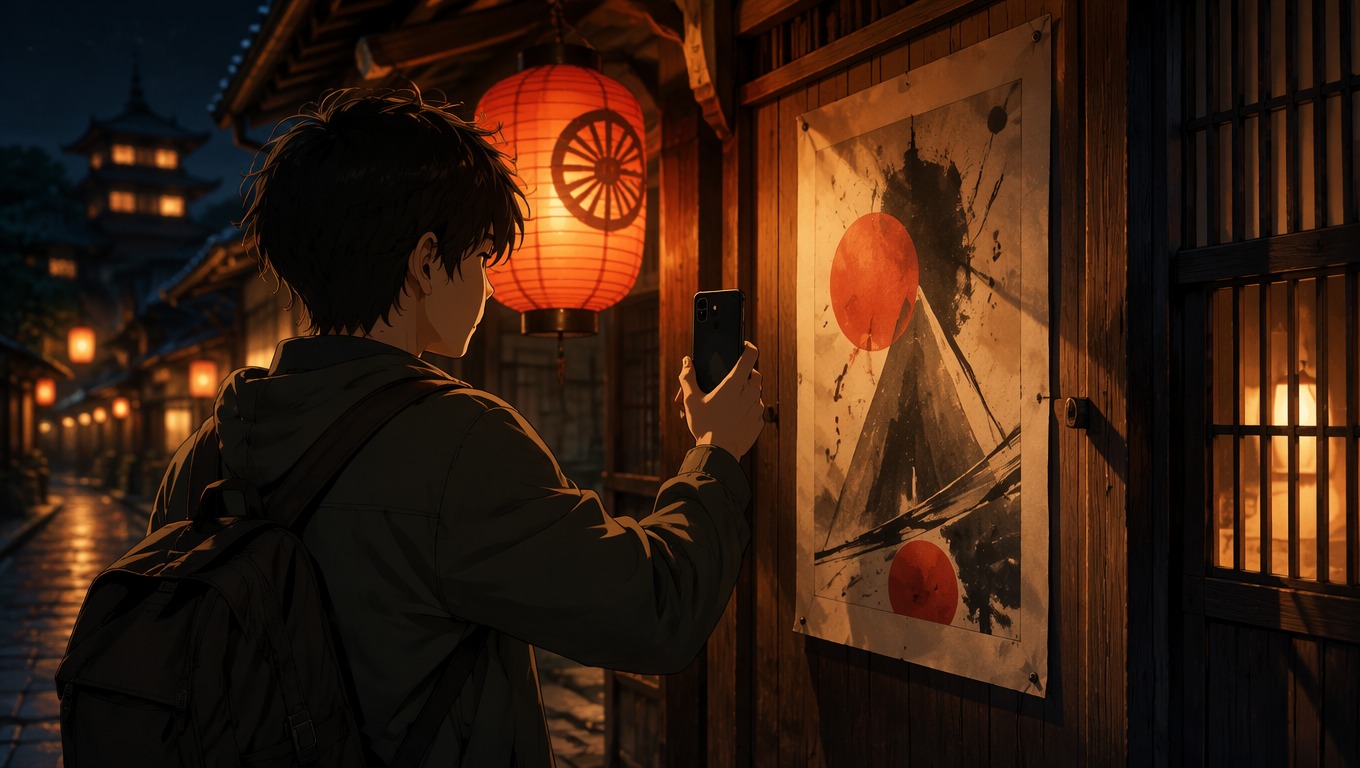
Understand Anime Dialogue in Context
Use the surrounding scene to interpret who is speaking, how a line feels, and whether a literal translation misses the intended tone. OCMaker AI is strongest as a first translation pass that you review against the image.
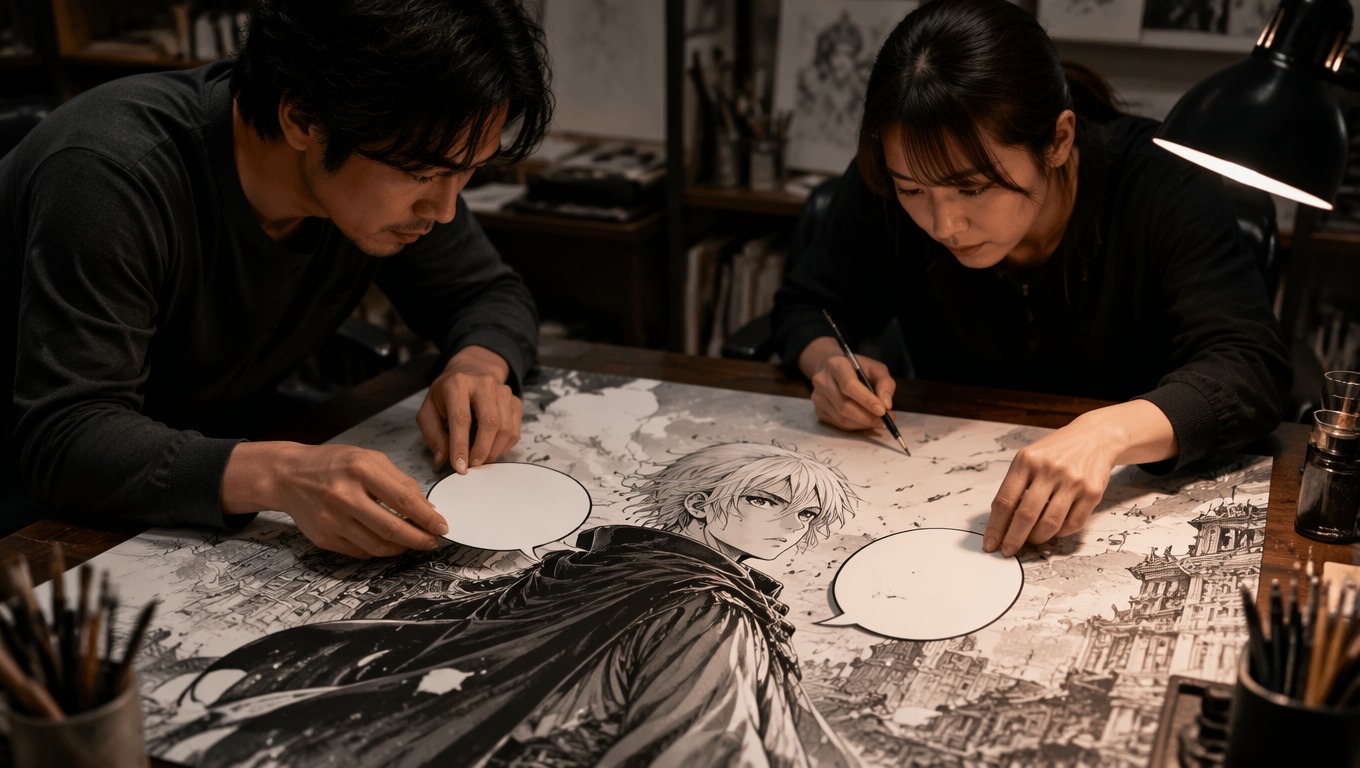
Translate Manga Without Losing the Scene
Translate manga dialogue while keeping character expressions, speech order, and visual pacing in view. Check proper names, sound effects, stylized lettering, and very small text before using the final wording.

Read Japanese Text Inside Images
Use the Japanese image translator for posters, illustrated signs, screenshots, and artwork where the words are part of the picture. Clear, upright text generally needs less correction than curved or heavily decorated lettering.

Practical Uses for a Visual Manga Translator
Anime Screenshots
Manga Pages
Cartoon Frames
Japanese Posters
Fan Translation Drafts
Study References
How to Use the AI Anime Translator
Add a Clear Anime or Manga Image
Choose an image where the dialogue is sharp, upright, and large enough to read. Crop away unrelated margins when tiny lettering is the main obstacle.
Translate the Text in Its Scene
Run the image through OCMaker AI and use the full illustration to interpret speaker order, tone, names, and nearby visual clues.
Review and Refine the Wording
Compare the result with the source. Correct proper nouns, stylized sound effects, vertical text, jokes, and culture-specific phrases before reuse.
AI Anime Translator FAQ
Translate the Story Inside the Image
Use OCMaker AI to translate anime, manga, cartoon, and Japanese image text while keeping the scene, speaker, and tone in view.