Arcane AI Art Generator

Give a character the weight of a painted cinematic frame. Explore expressive portraits and industrial-fantasy city scenes with visible brushwork, sculpted shadows, and a mood that belongs to your own design.

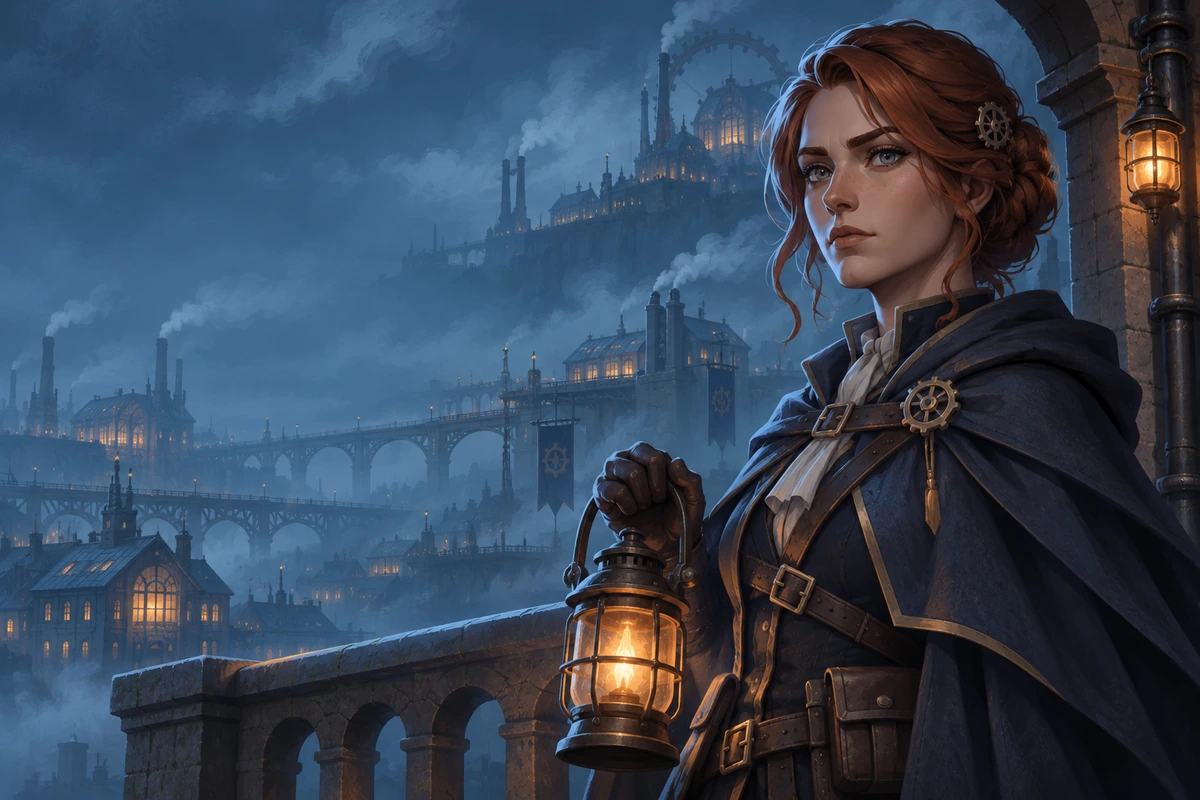
Copper-haired lantern keeper in a dark cape overlooking a layered industrial-fantasy city from a stone balcony.

Painterly Characters With a City Around Them

Four visual directions connect character presence, surface texture, city scale, and dramatic staging.

0104

Portraits With Painted Presence

Painterly portrait prompts bring expressive faces into focus through angular brushwork, restrained color, and sculpted shadow. The AI anime generator supports this character-led direction, giving profile art and personal character studies a cinematic rather than glossy finish.
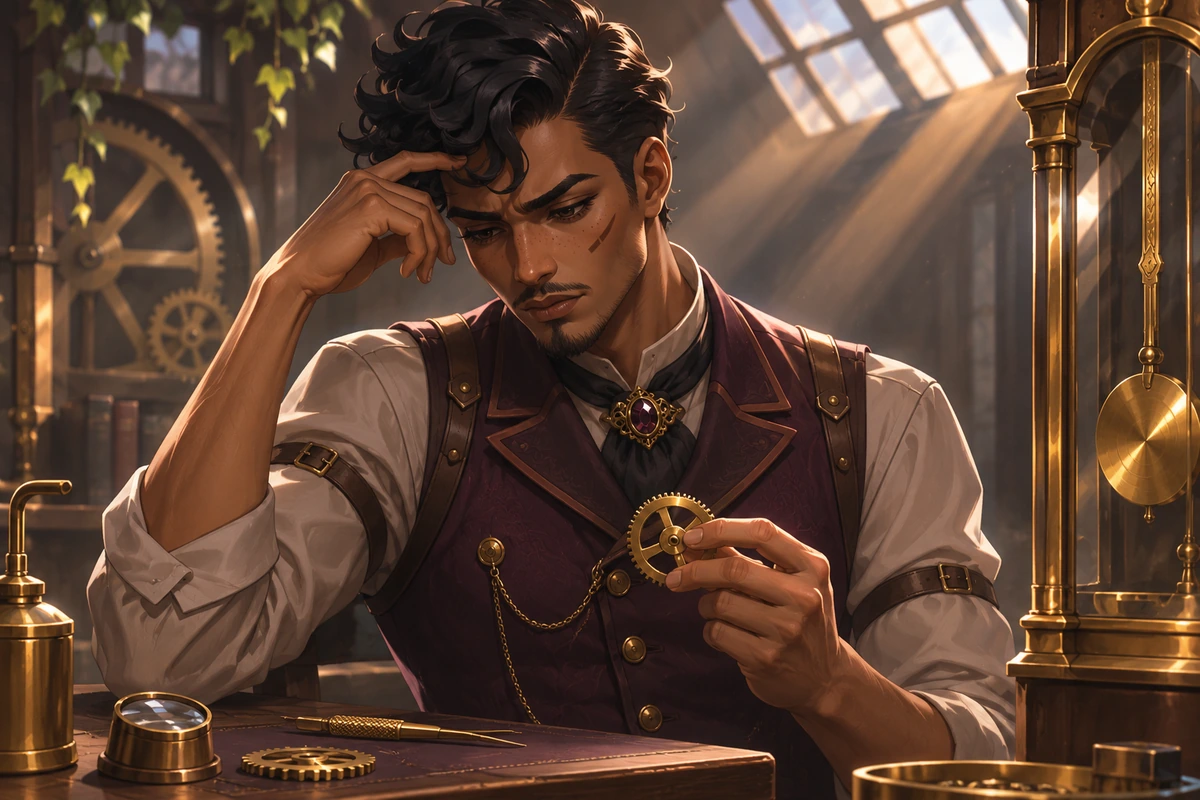
Brown-skinned clockmaker in a plum waistcoat studies a small brass gear beside a pendulum in a skylit studio.

0204

Light That Reveals the Surface

An Arcane art style generator brief can make worn brass, stitched cloth, and painted skin respond differently to the same light. Directional glow and broken color help the materials stay distinct, creating close-up studies where texture adds depth without burying the face in noise.

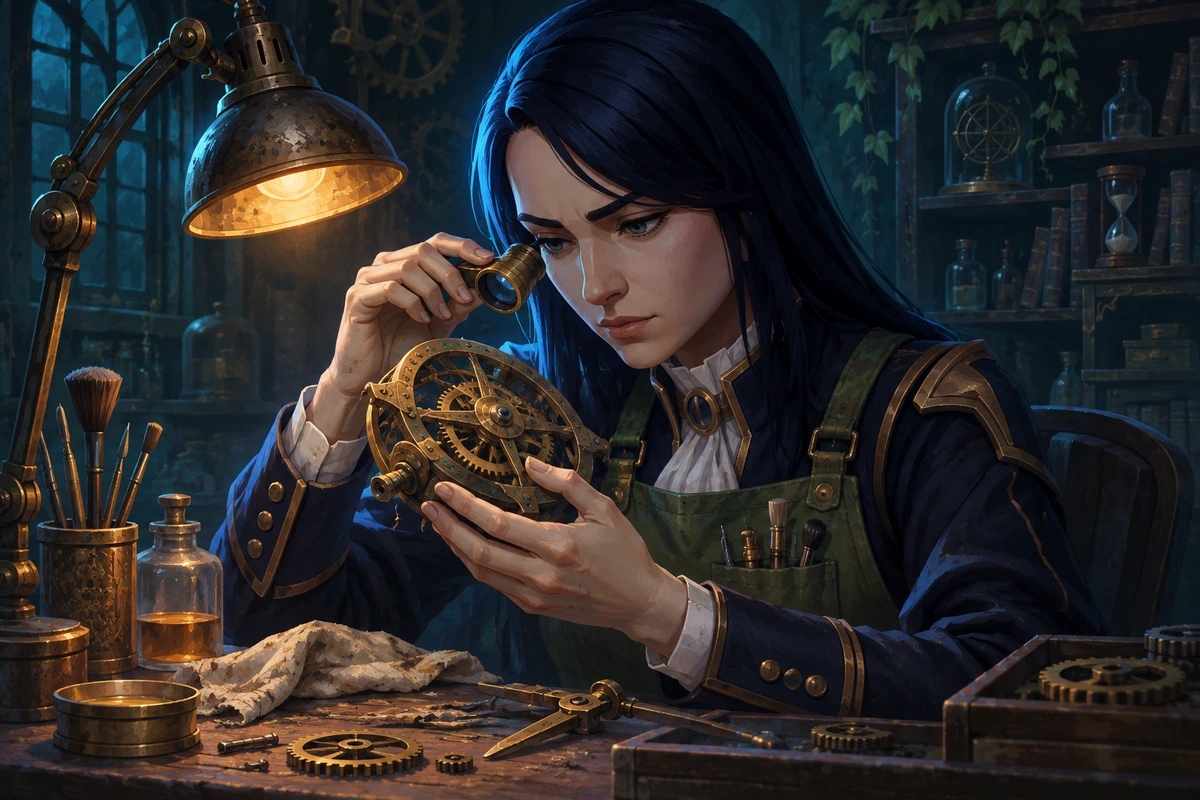
Dark-haired conservator in a moss-green apron examines a brass mechanism under an amber workshop lamp.

0304

Cities With Depth and Atmosphere

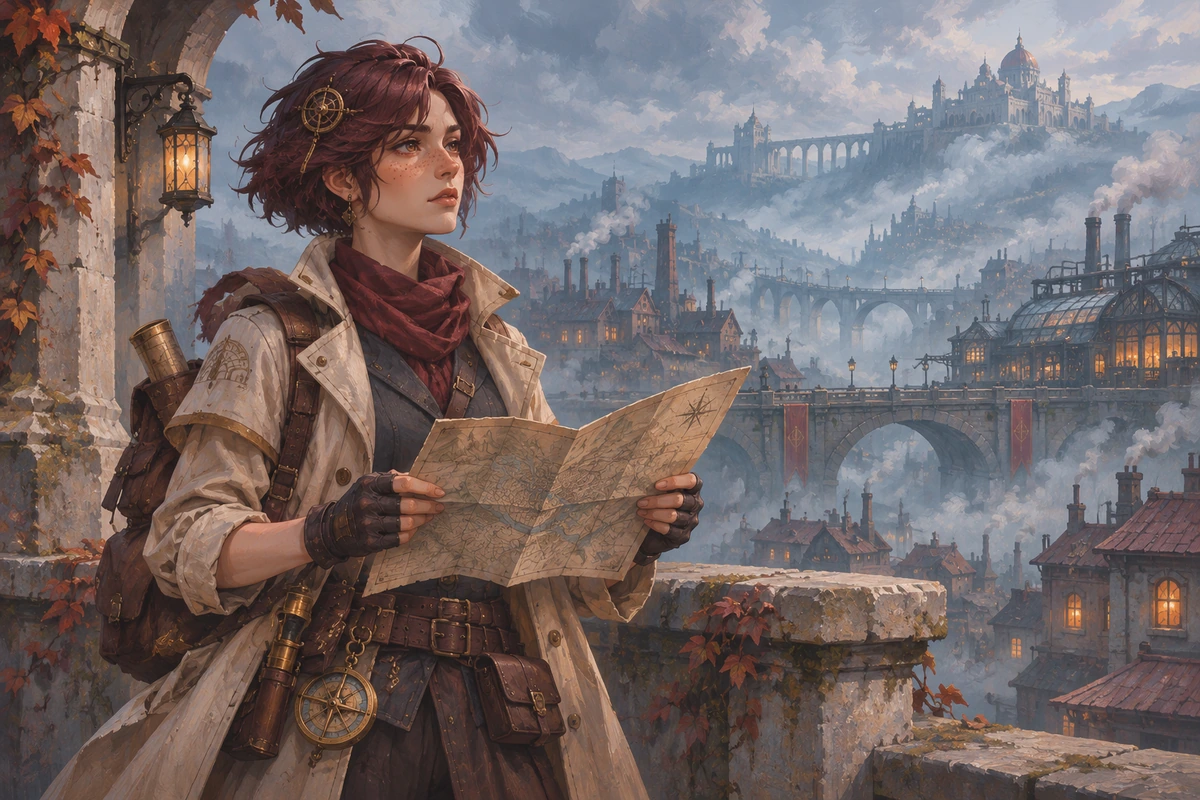
City-scene prompts place a character within layered workshops, elevated walkways, or rain-dark courtyards. For an OC maker project, architecture and atmospheric distance give the figure a believable setting, useful for scene concepts where the surrounding city carries as much mood as the portrait.

Cream-coated surveyor holding a map above a layered industrial-fantasy city of chimneys, bridges, and mist.

0404

Frames Built Around One Moment

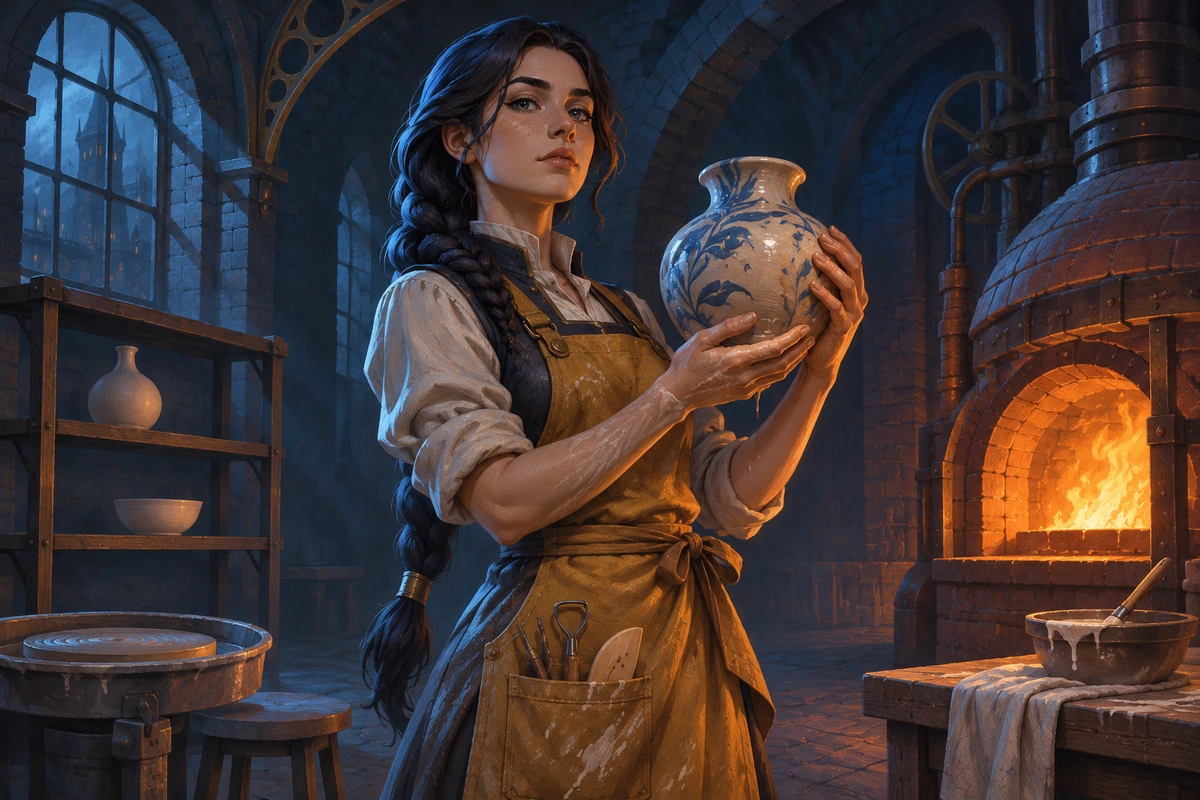
A paused gesture, tilted camera, and carefully placed practical light can make a single scene feel charged. The Arcane AI generator direction supports cinematic staging for a rooftop encounter or quiet workshop pause, helping creators explore tension through composition rather than a crowded field of effects.

Braided ceramicist in an ochre apron holding a glazed clay vessel in a vaulted furnace-lit workshop.

More Room for a Personal Art Direction

Small visual choices help the concept fit its destination and keep the character at the center.

  • 01

    Create Quiet Expressions

    Create portraits with restrained emotion, letting a lowered gaze or slight smile carry a quieter character study.

  • 02

    Get Useful Crop Space

    Get breathing room around the subject for profile crops, keeping important facial details away from the edges.

  • 03

    Produce Costume Studies

    Produce clothing-led concepts where tailoring and accessory scale make a workshop role visible at a glance.

  • 04

    Create Weathered Details

    Create signs of use on a coat or tool, adding lived-in detail without covering the design in random damage.

  • 05

    Maintain a Color Anchor

    Maintain a recurring accent in the written brief so separate experiments have a shared visual point of reference.

  • 06

    Generate Prop Close-Ups

    Generate isolated studies of a lantern or instrument when a small object deserves its own focused design pass.

Build the Frame From Its Light Source

A focused prompt makes painterly decisions easier to inspect and revise.

  1. Locate the Main Light

    Name one visible source, such as a furnace opening or a high window. Add the face or object it should illuminate and where the deepest shadow should fall.

  2. Separate Subject From City

    Describe the character silhouette and two important materials, then give the background a simpler value range. Specify a close portrait or a wider environmental frame.

  3. Inspect the Painted Edges

    Generate a draft and check eyes, hands, and the boundary between face and background. Reduce competing glow or excess texture before changing the camera or costume.

Related Creative Tools

Continue with a verified tool for the next part of your project.

Frequently Asked Questions

Painterly Art Questions

What Is the Arcane AI Art Generator?

It is an Arcane-inspired art direction for painterly character portraits and industrial-fantasy scenes. Prompts describe the subject, composition, surface texture, and light; results vary with the selected model rather than matching a fixed show frame.

How Do I Use This Painterly Art Direction?

Write a short character or city-scene prompt with one light source and a clear camera distance. Generate a draft, then revise the largest visual problem first, such as a face lost in shadow or an overly busy skyline.

Is Arcane-Style Art Generation Free to Try?

OCMaker AI uses tokens and offers a platform free tier, subscriptions, and token purchases. Check current pricing and the selected generation settings for access and cost; a dedicated free allowance for this new page has not been verified.

Can I Sell Prints of an Industrial-Fantasy Portrait?

Check OCMaker AI terms and all input and output rights before selling prints. Arcane characters, series marks, and recognizable costumes raise separate third-party rights issues; a generated result does not establish commercial clearance.

Why Does the Face Look Glossy Instead of Painted?

A prompt dominated by polished skin, studio beauty lighting, or smooth rendering can overpower the painted direction. Favor visible brush planes, broken color, and a matte finish, then reduce competing surface instructions.

How Can I Keep Amber and Teal From Becoming Neon?

Treat amber as a small light source and teal as a broad shadow family, rather than asking both to glow everywhere. Lower the saturation of the surrounding city so the accent remains selective instead of washing over every surface.

Can the Scene Work Without a Character in the Foreground?

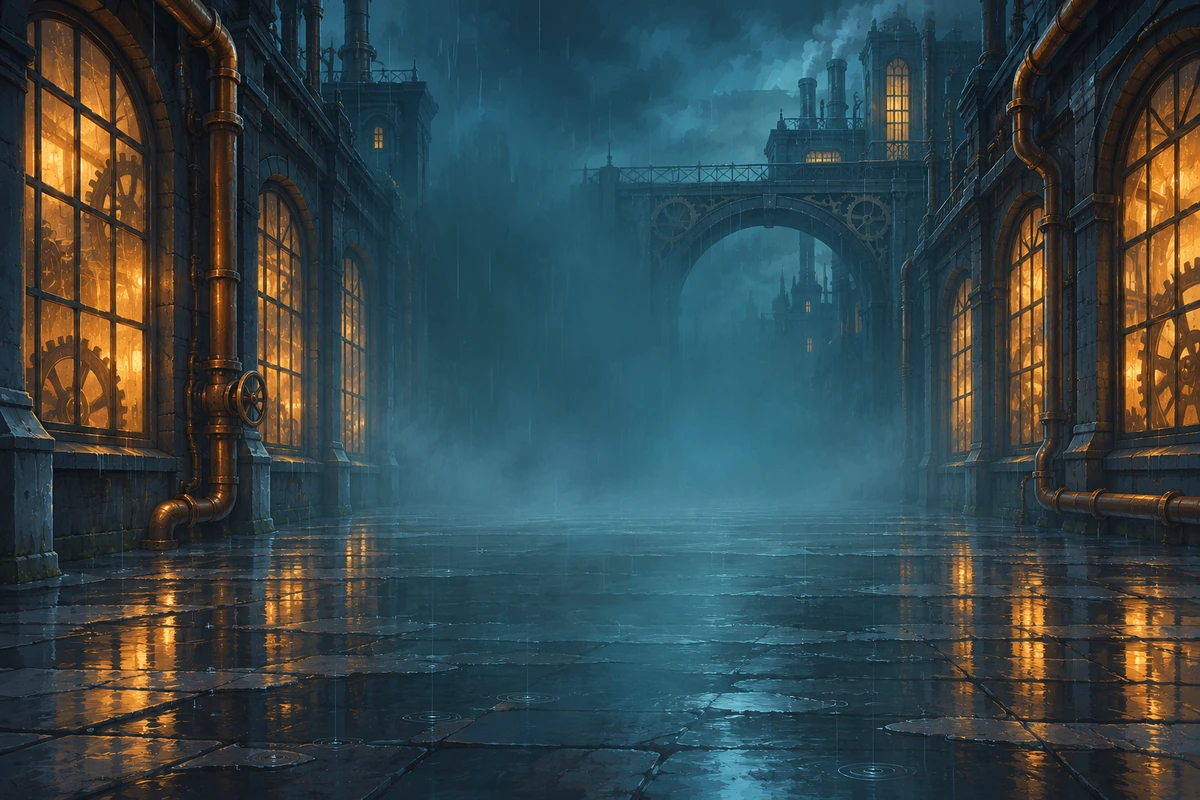
Yes, the visual brief can center on an empty foundry, rooftop passage, or canal-side workshop. Architectural layers, practical lights, and weather can carry the scene; remove character instructions when the setting should be the subject.

What Makes a Workshop Feel Lived In Without Visual Clutter?

A single repaired machine, a scuffed workbench, and localized soot suggest use more clearly than dozens of unrelated objects. Keep the brightest detail near the focal point and let background shelves recede into simpler shapes.

Why Do Tiny Faces Break in a Wide City View?

A small figure has little room for facial detail, especially when the skyline is highly textured. Move the camera closer for expression studies, or judge a wide scene by silhouette and body language rather than expecting portrait-level eyes.

Can I Get Brush Texture Without Losing Facial Structure?

Use broader painted planes across cheeks and forehead while keeping the eyes and nose more clearly defined. If all edges dissolve, reduce texture in the focal area and reserve rougher strokes for clothing and background surfaces.

How Do I Avoid Recreating Jinx or Vi?

Use a different silhouette, profession, hairstyle, and prop language instead of combining their signature braids, oversized gauntlets, tattoos, or weapons. Review the whole design, because changing only the colors can leave a recognizable character intact.

What Should I Remove When the Frame Feels Overlit?

Eliminate secondary glows before adding more shadows. A clear dominant source, a small reflected accent, and a darker background usually give the portrait more depth than rim lights around every object.

Give Your City a Painted Focal Point

Start with one face, one light, and a corner of an industrial-fantasy world worth looking into.

Arcane AI Art Generator: Painterly City Portraits