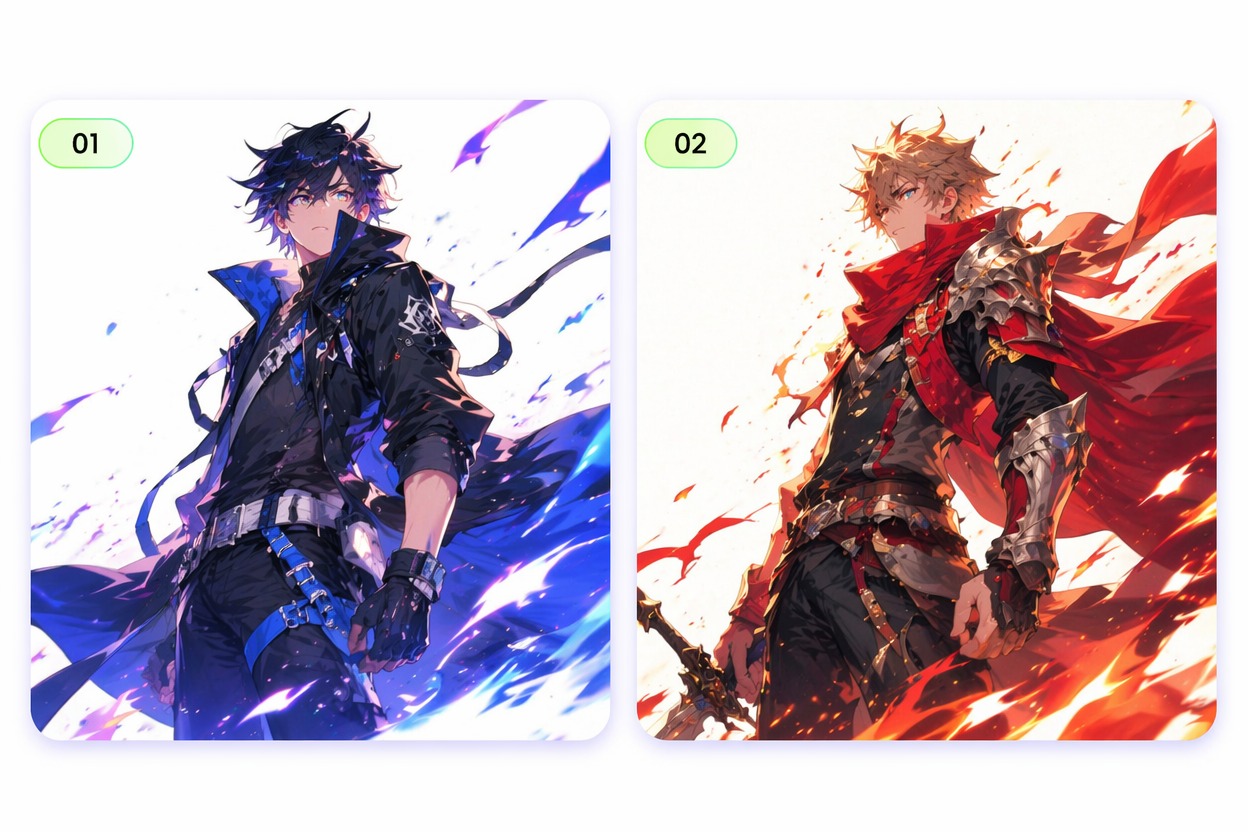
Demo Preview

Canva Anime Generator

Canva Anime Generator

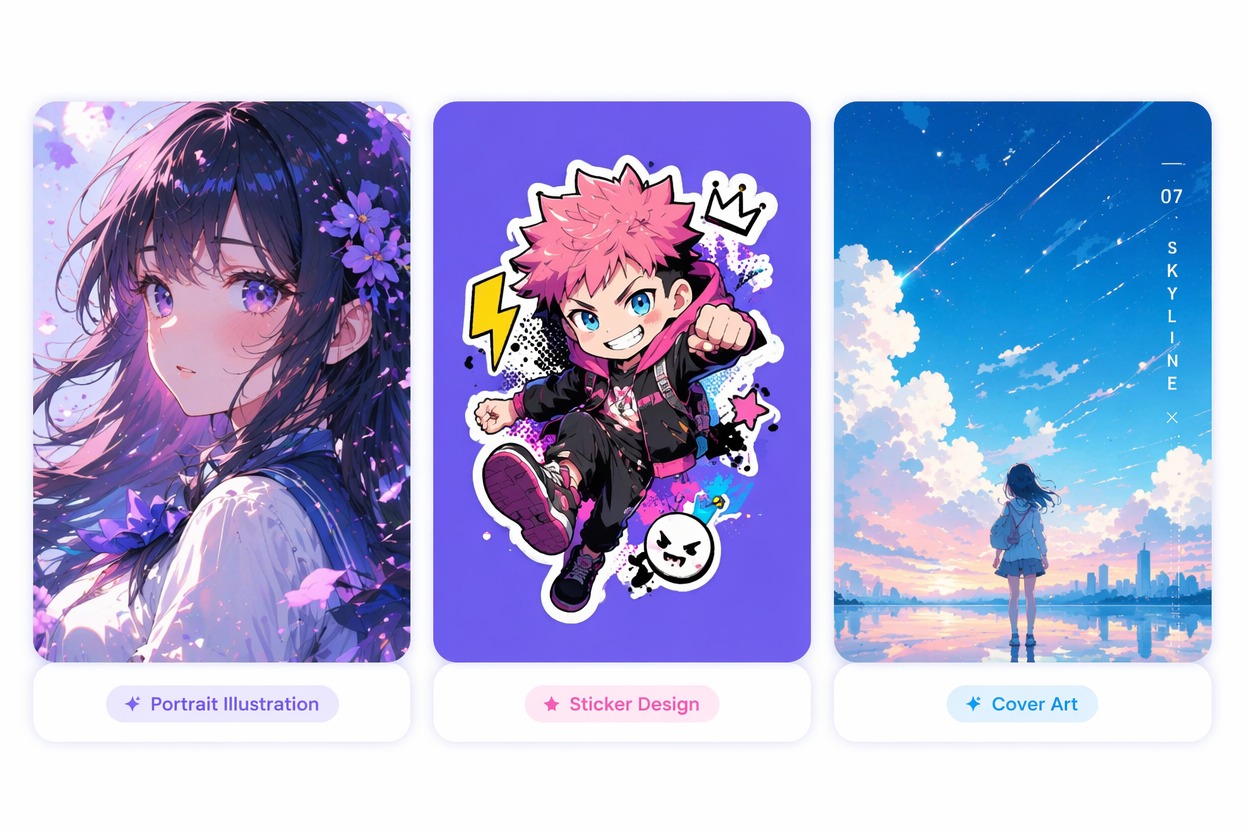
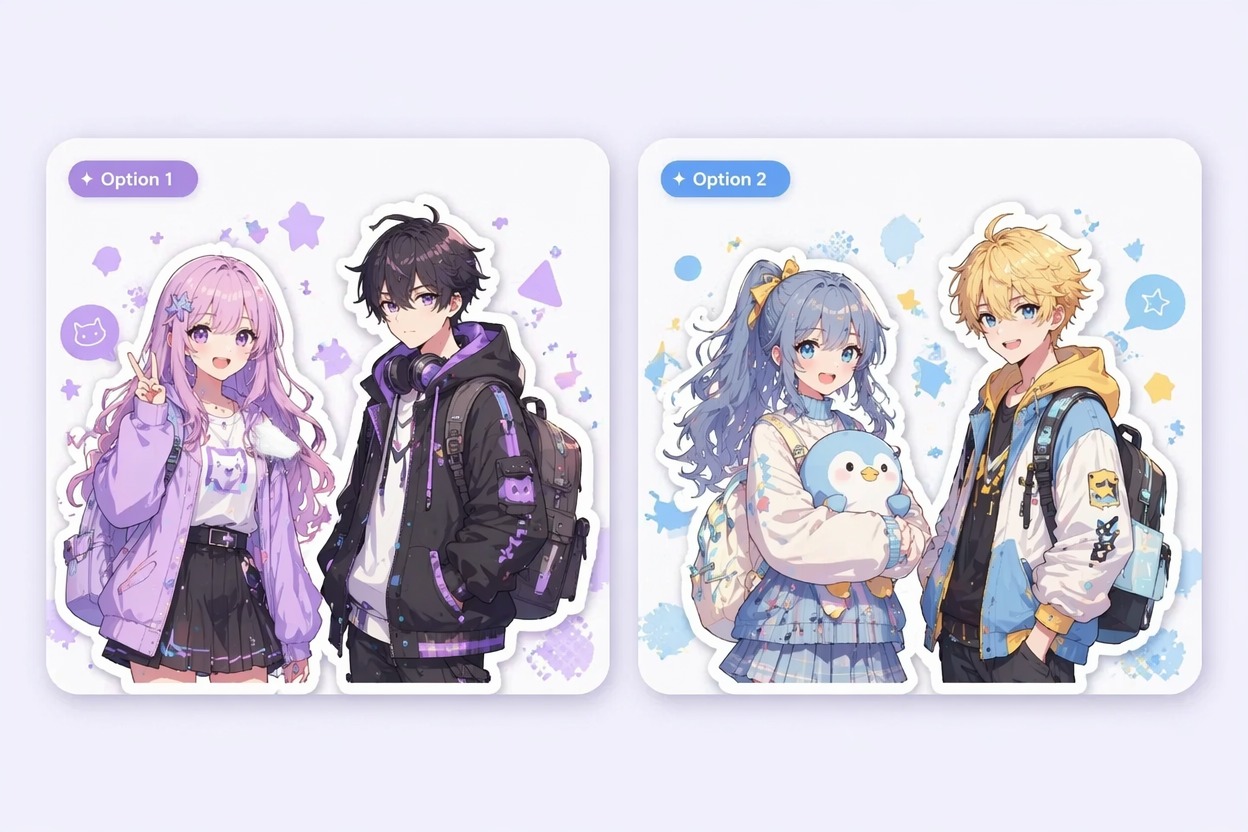
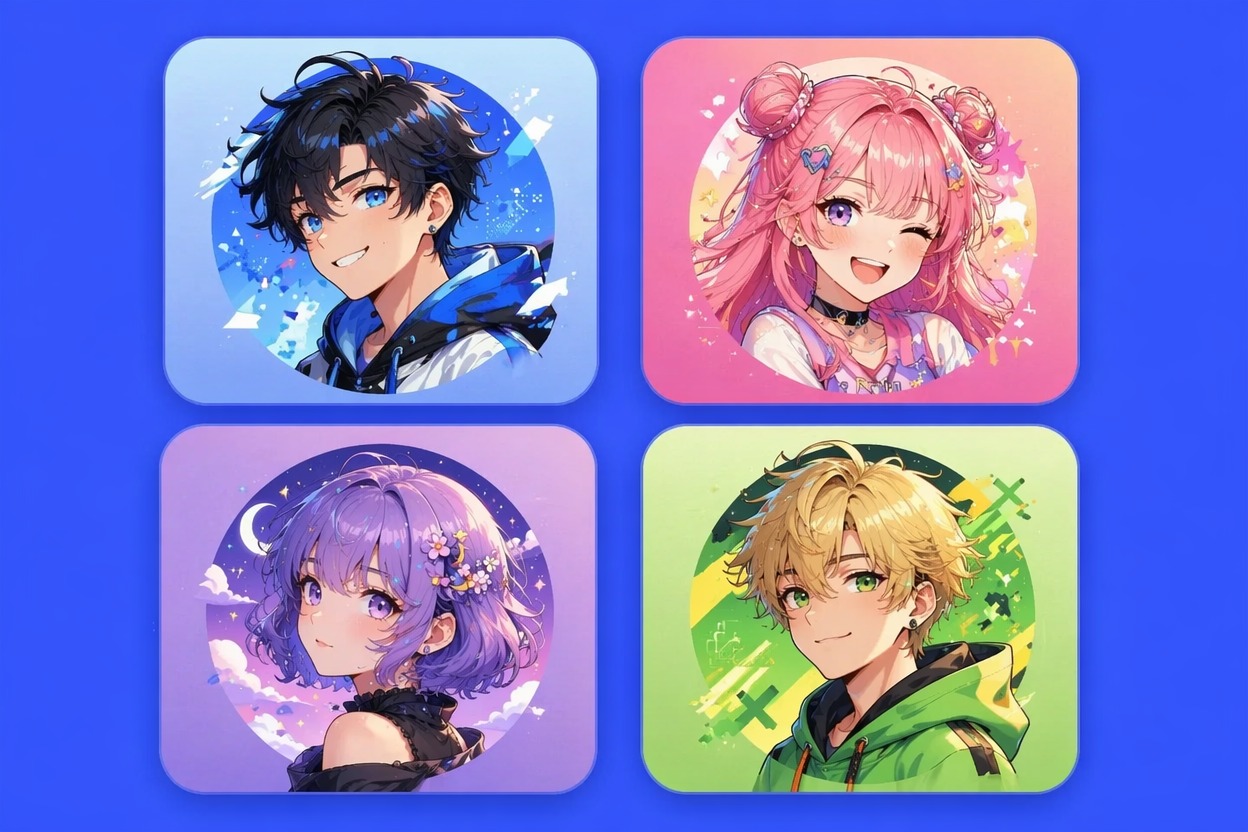
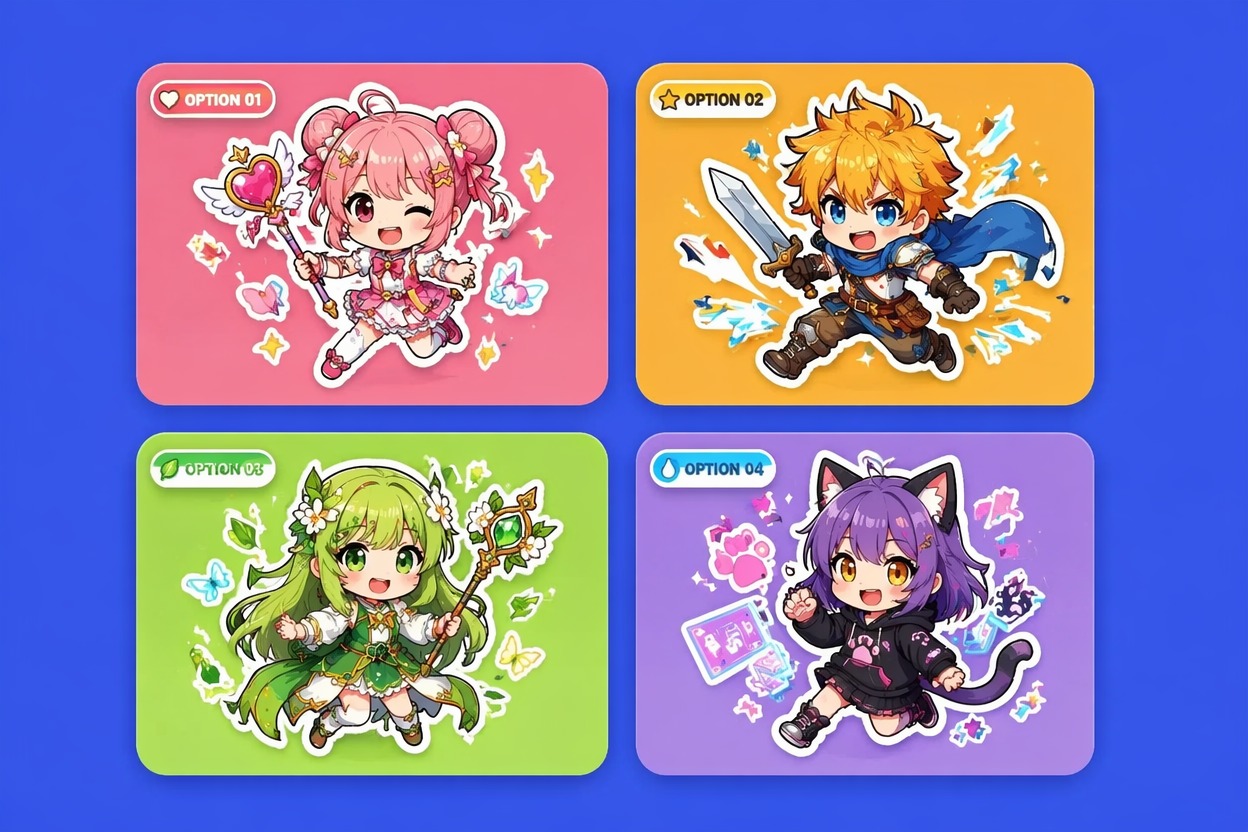
Create anime-style visuals that fit design workflows: avatars, stickers, covers, thumbnails, and social graphics. Build cleaner anime assets for Canva-style layouts without starting from blank artwork.
Canva anime generator design asset concept

Create Anime Visuals for Canva-Style Designs

layout ready anime design assets
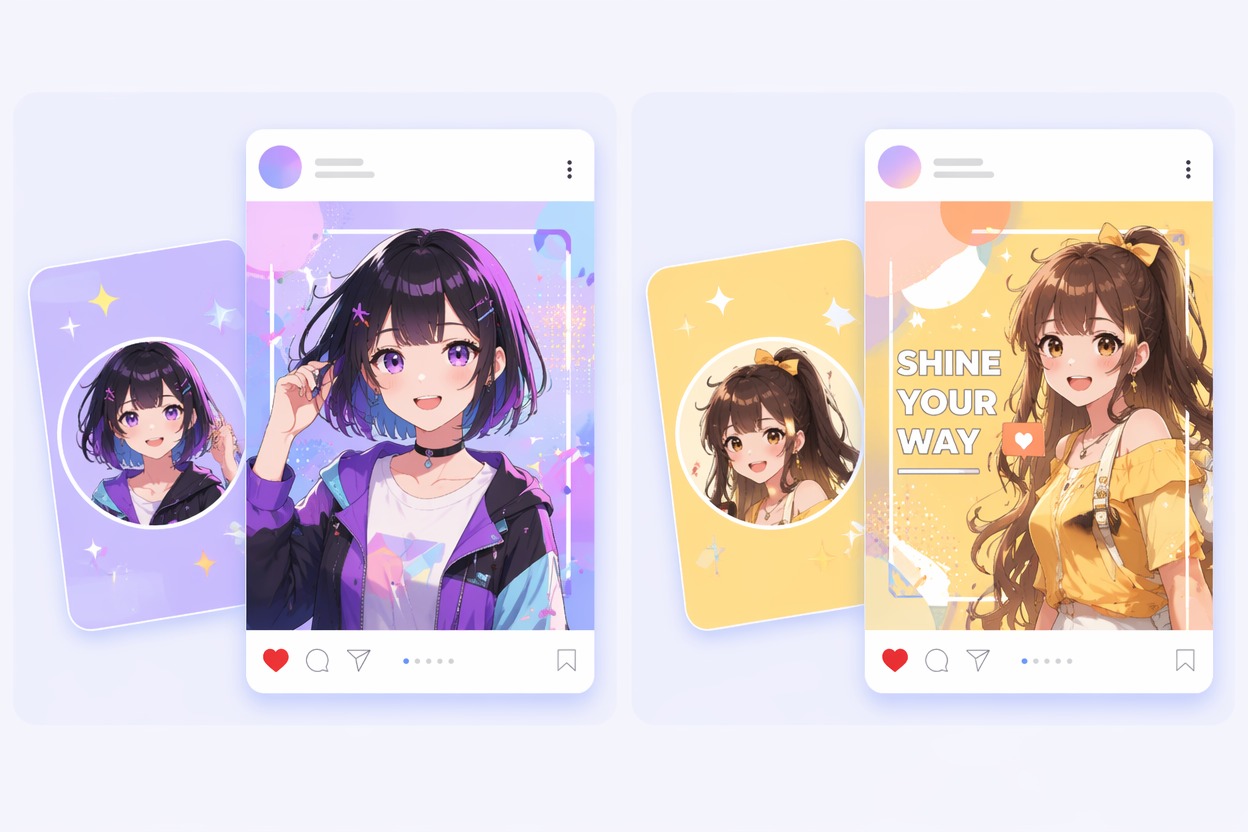
anime avatars and social posts
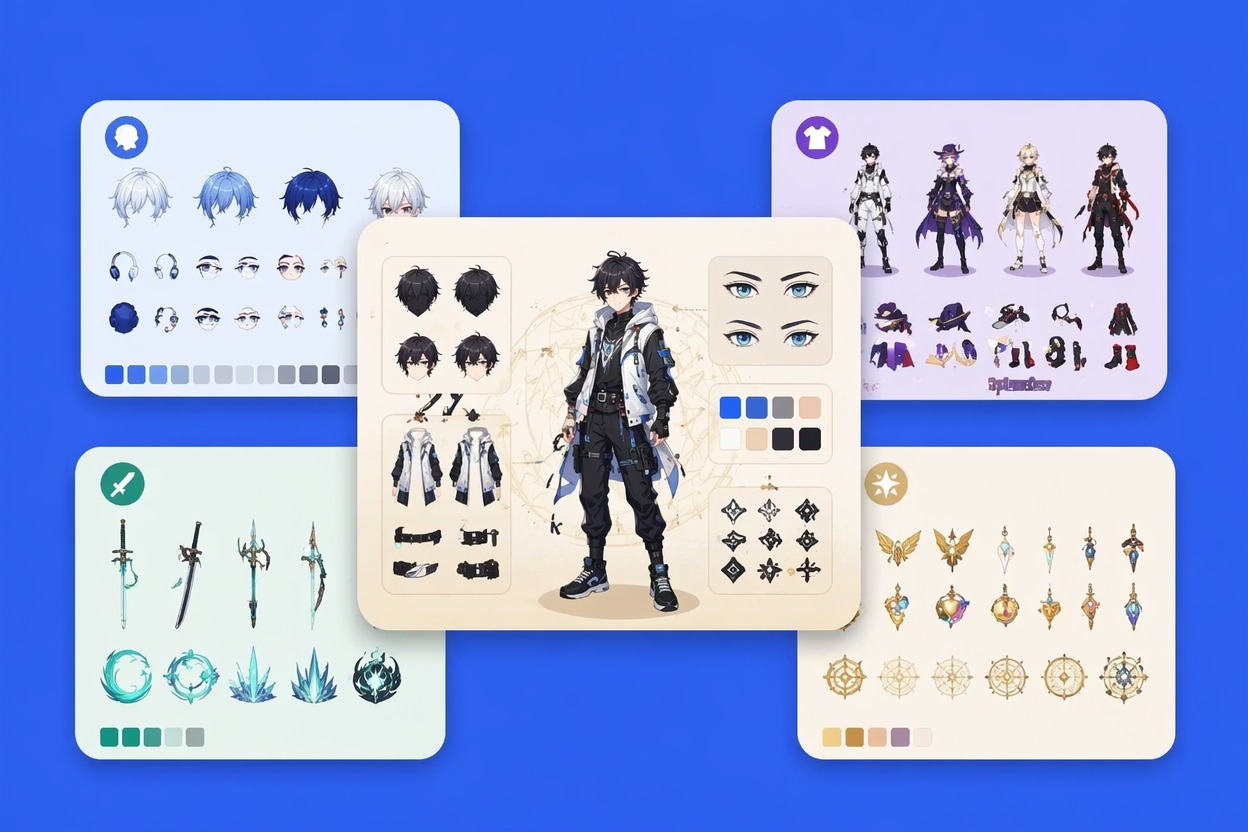
anime image fitting into design template
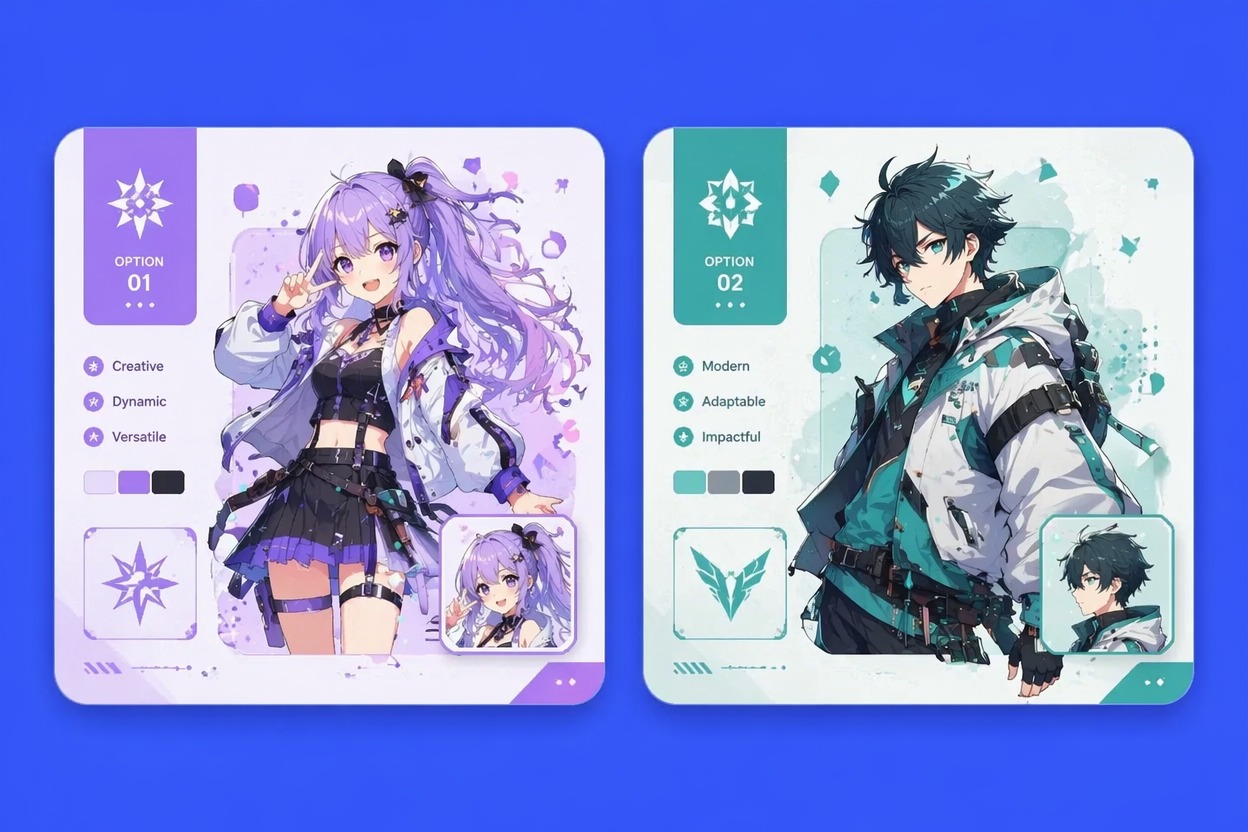
original anime design asset review

How to Use a Canva AI Anime Generator Workflow

01

Choose the Design Slot

Decide whether you need an avatar, sticker, cover image, thumbnail, banner, or presentation visual before writing the prompt.

02

Describe the Anime Asset

Add subject, pose, expression, color mood, background simplicity, and crop. Mention if the image must leave room for text or fit a square layout.

03

Test It in the Layout

Place the generated asset into your design and review contrast, cropping, small-size readability, and whether any protected marks or unwanted text appear.

Canva Anime Generator FAQ

Create Anime Design Assets

Generate anime portraits, stickers, covers, thumbnails, and social visuals that are easier to place into Canva-style layouts.