
Cartoon Avatar Creator: Make AI Cartoon Avatars Online
Create a cartoon avatar from a photo or prompt. Try cute, 3D, full-body, and profile-picture styles with an online AI cartoon avatar creator.
Cartoon Avatar Creator
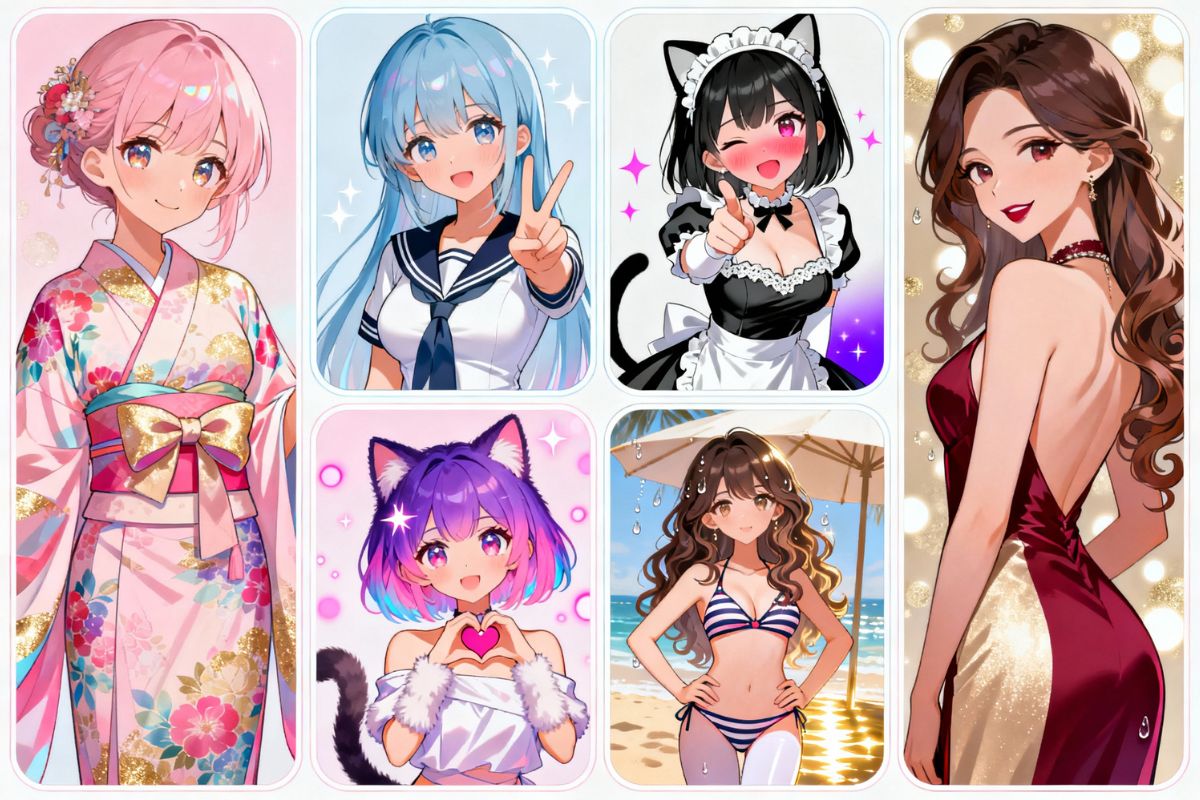
Create a cartoon avatar online from a photo or text prompt. Make cute profile icons, 3D toon portraits, full-body avatars, cartoon face images, or original character-style avatars for social profiles, gaming accounts, and personal branding.
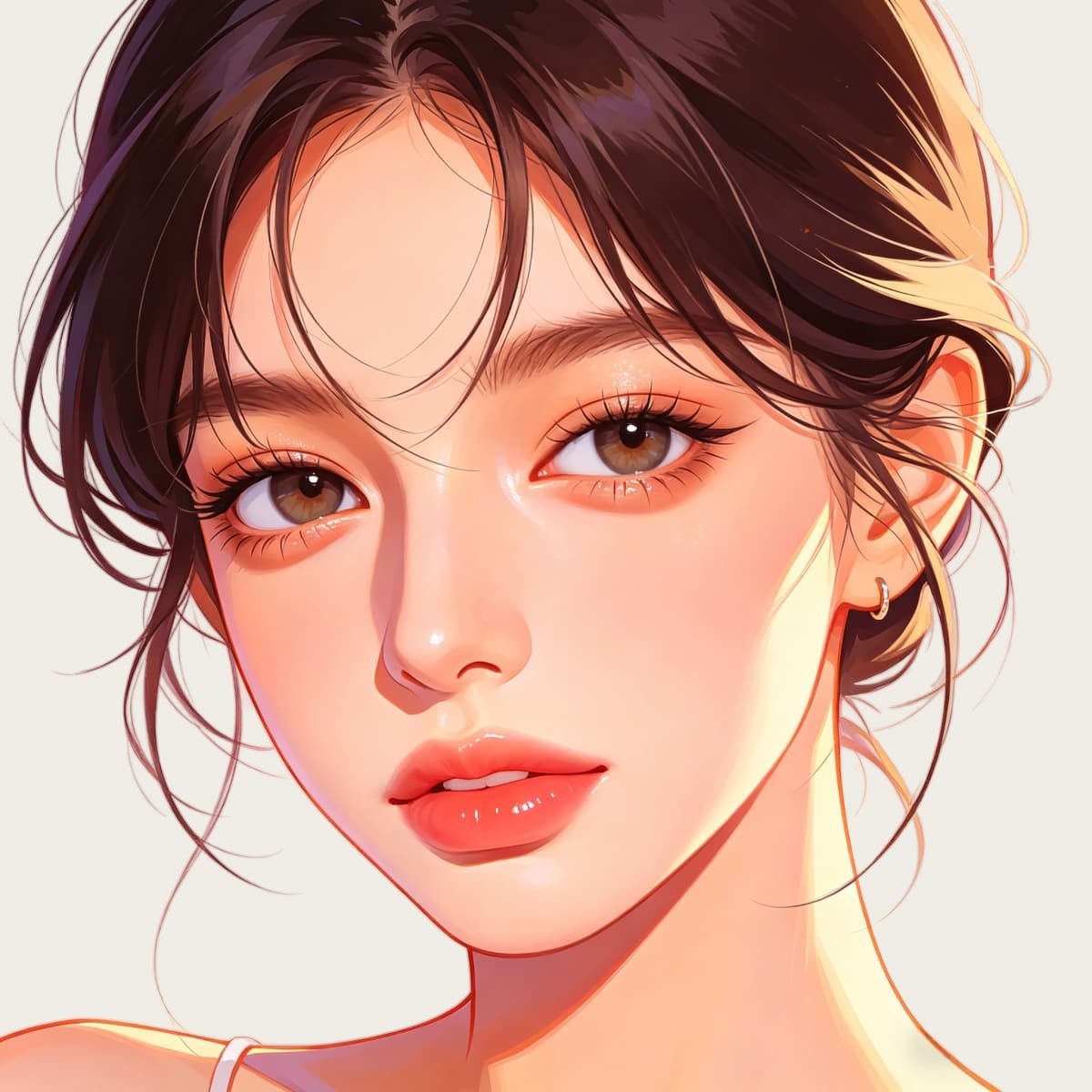
Cartoon Avatar Ideas for Different Profile Styles
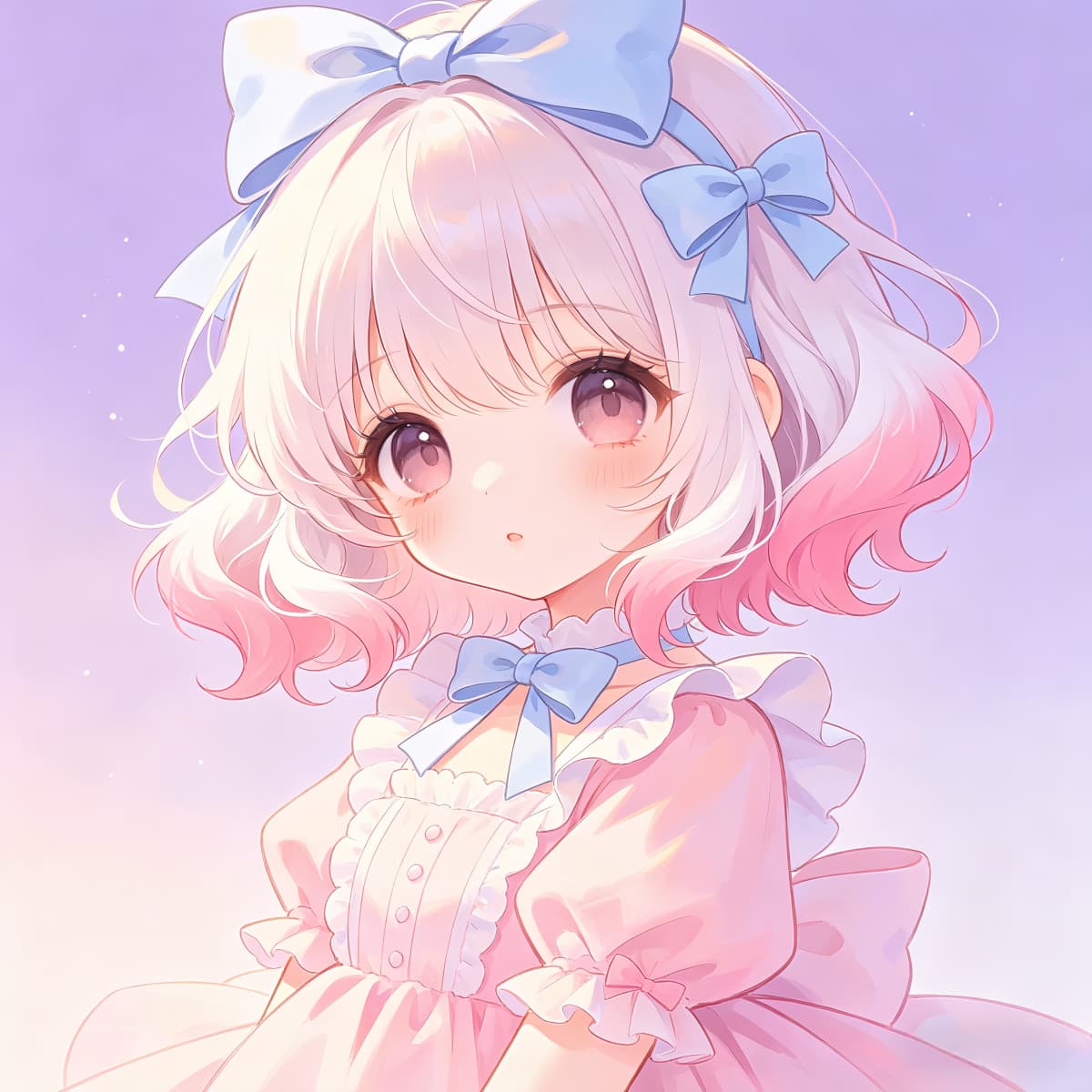
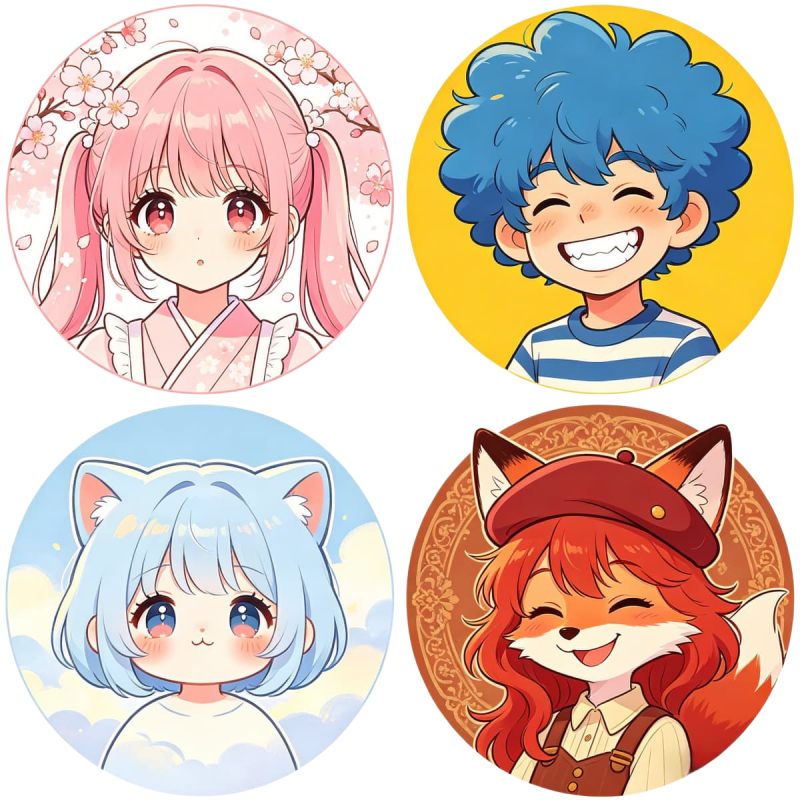
cute cartoon avatar creator, soft smile, pastel hoodie, clean profile picture
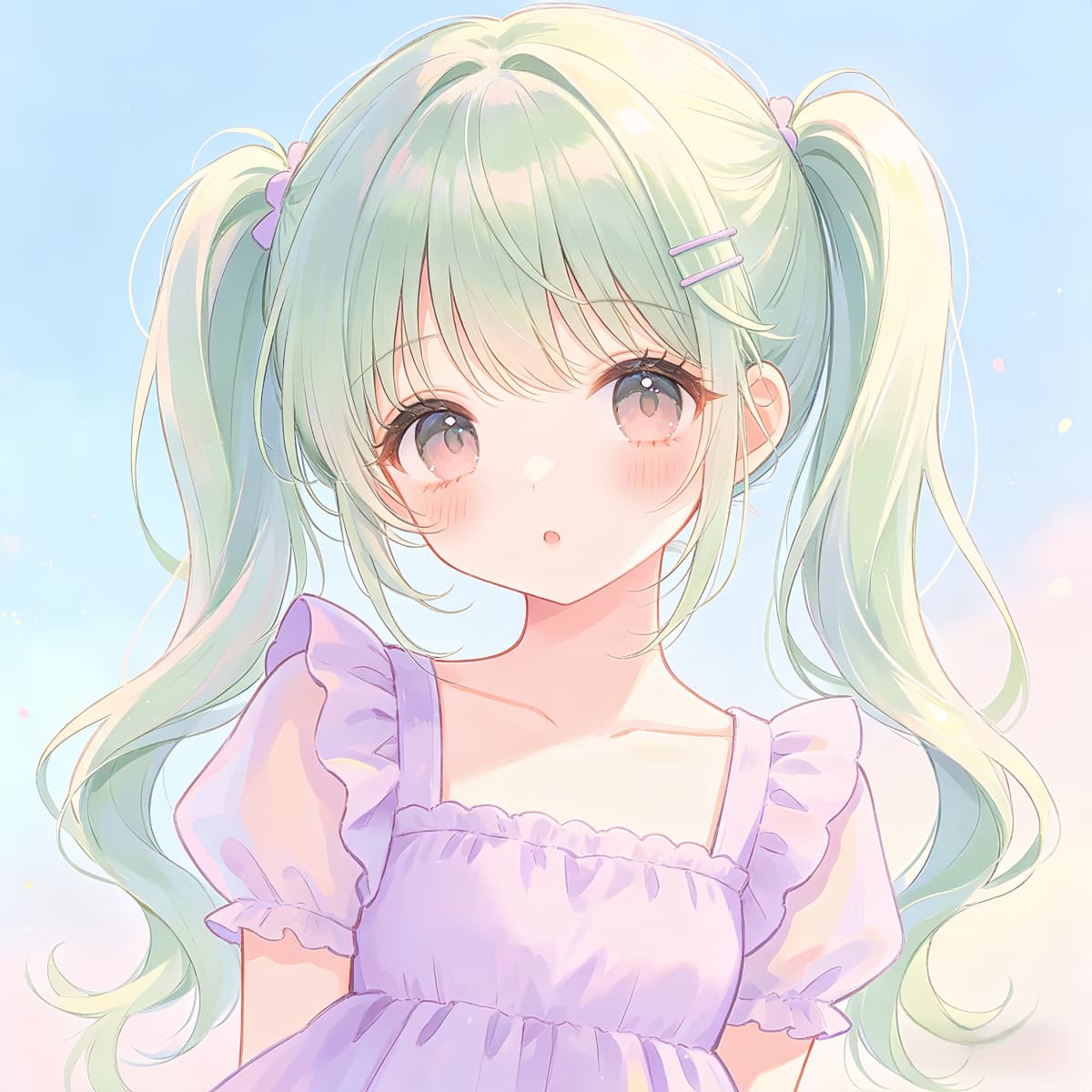
3d cartoon avatar creator, rounded face, studio lighting, polished toon icon
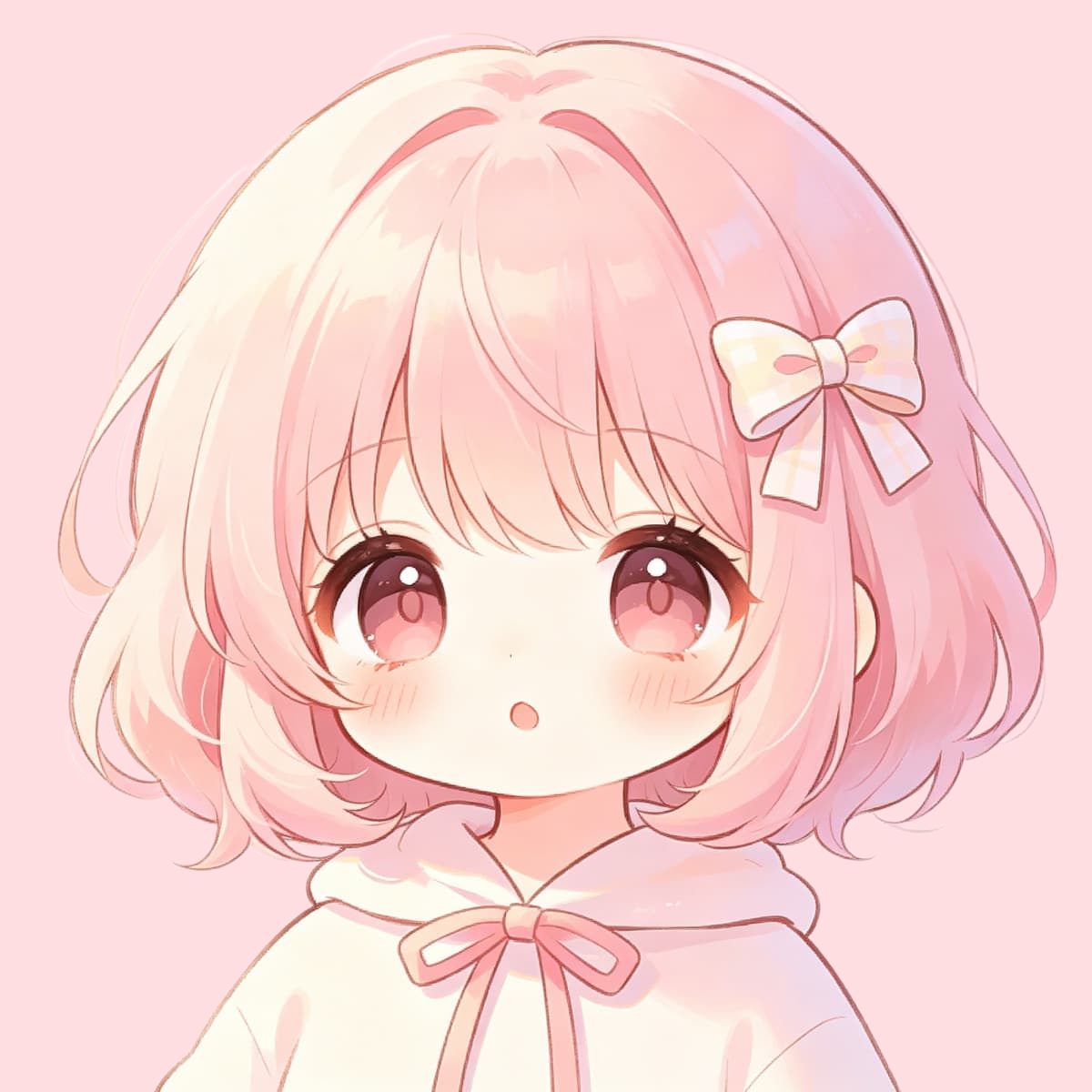
full body cartoon avatar creator, casual outfit, confident pose, simple background
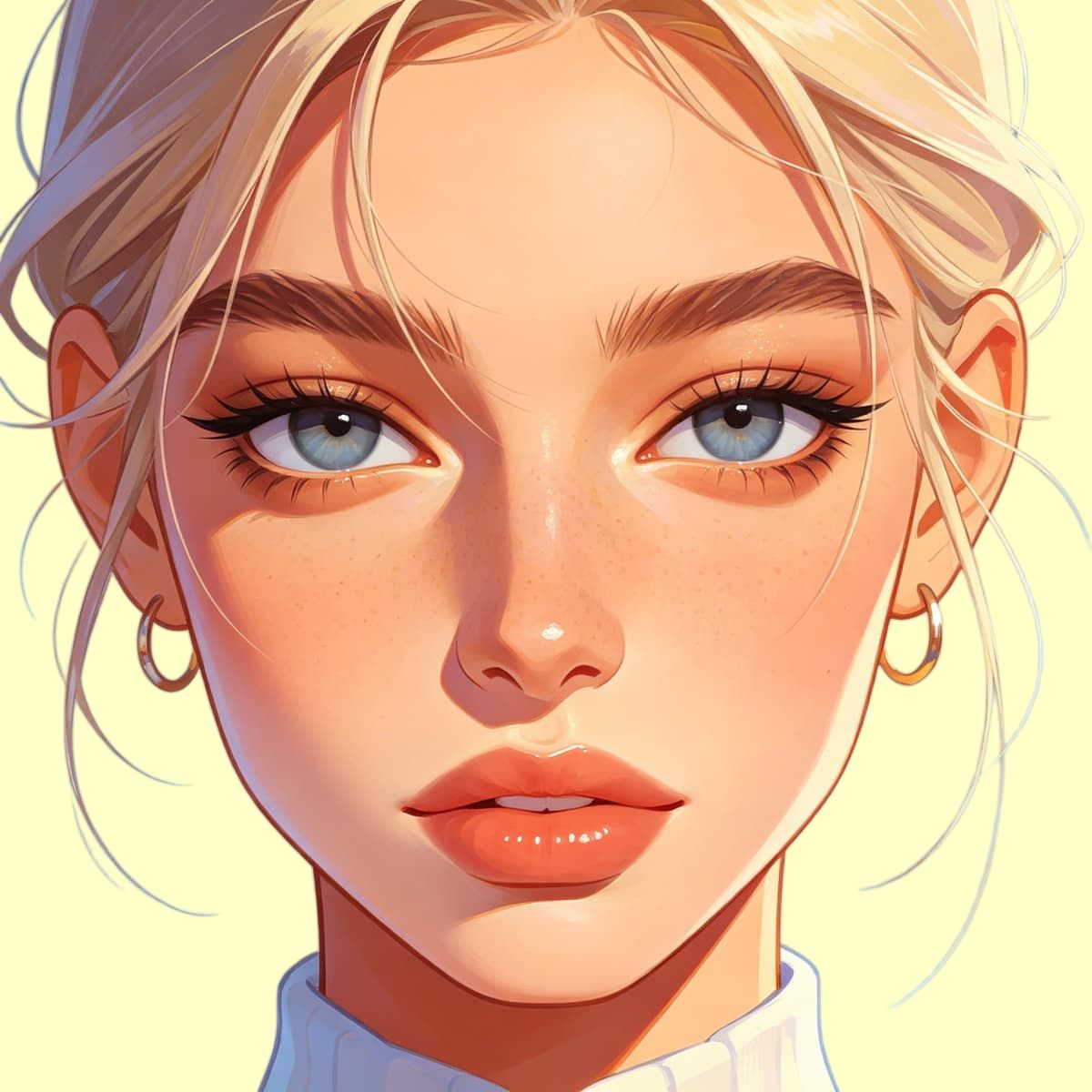
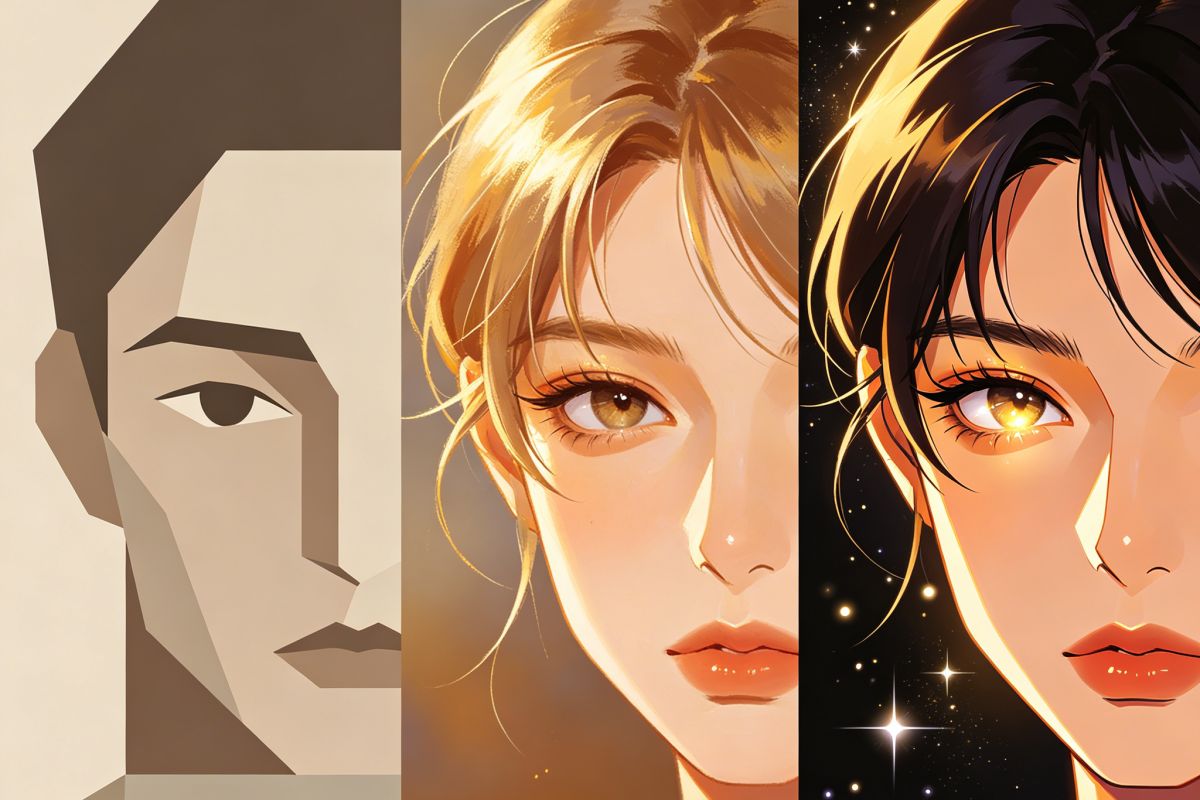
cartoon face avatar creator, expressive eyes, bold outline, close-up portrait
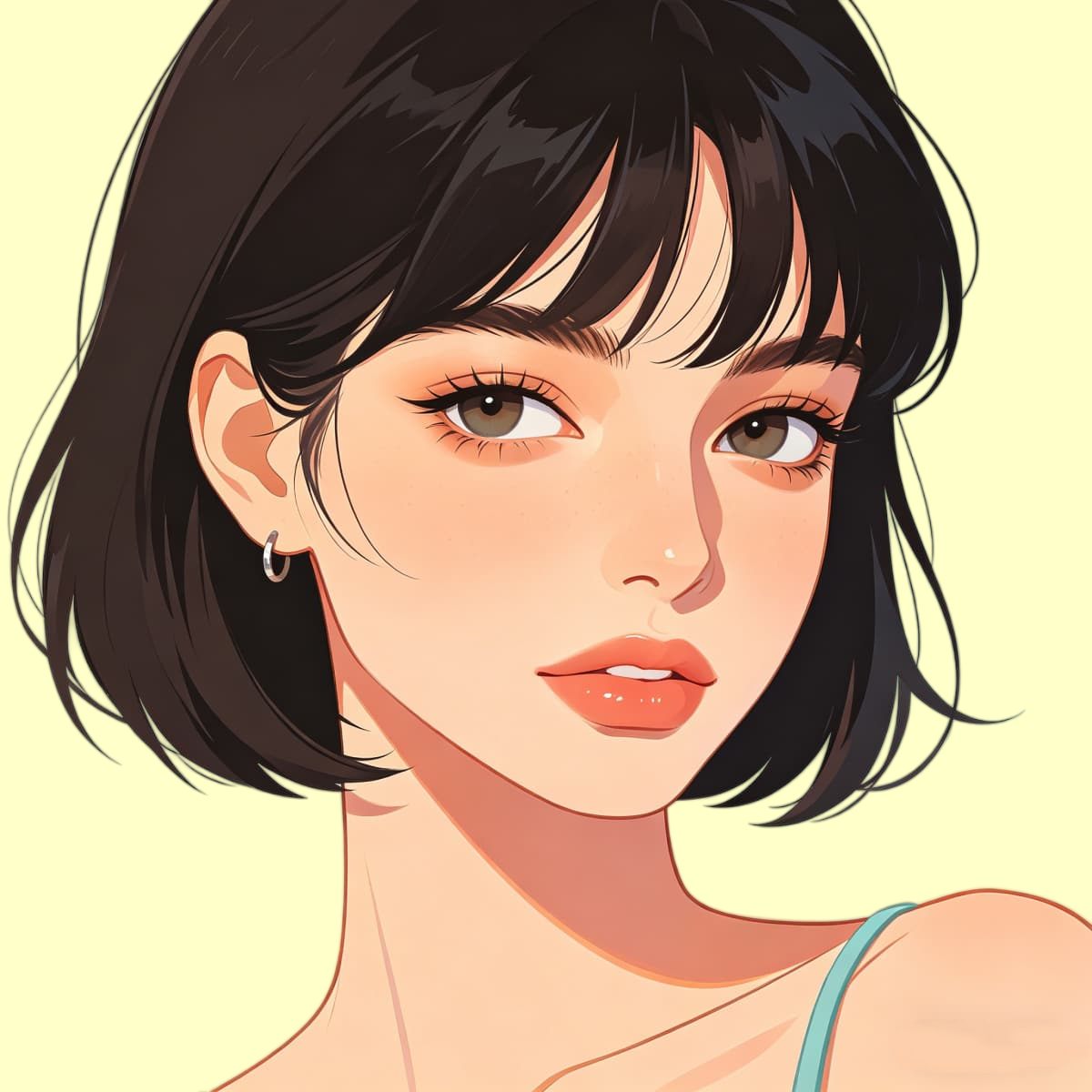
photo to cartoon avatar creator, selfie-based avatar, bright toon style
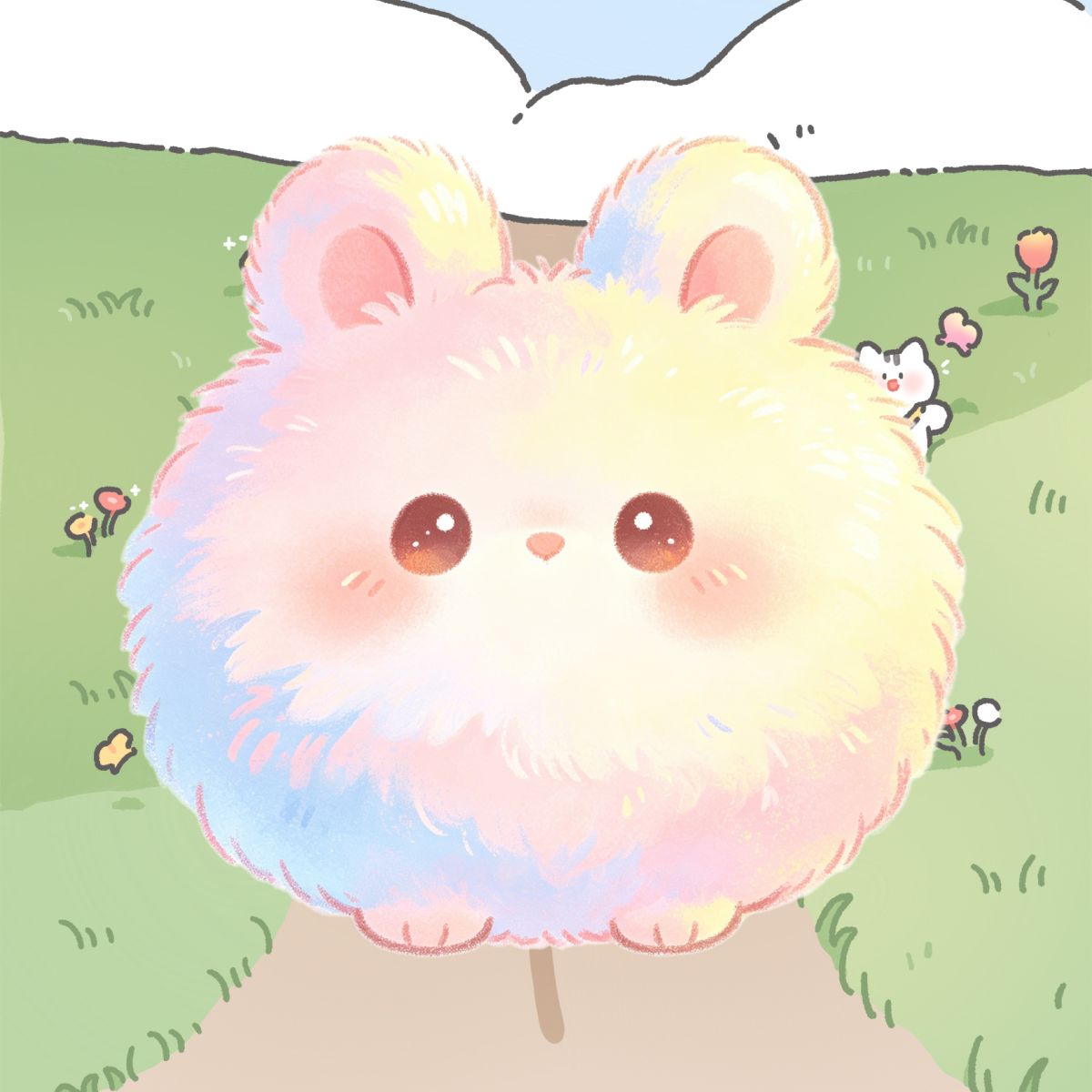
cartoon character avatar creator, original character look, playful outfit
What Makes a Cartoon Avatar Work as a Profile Image
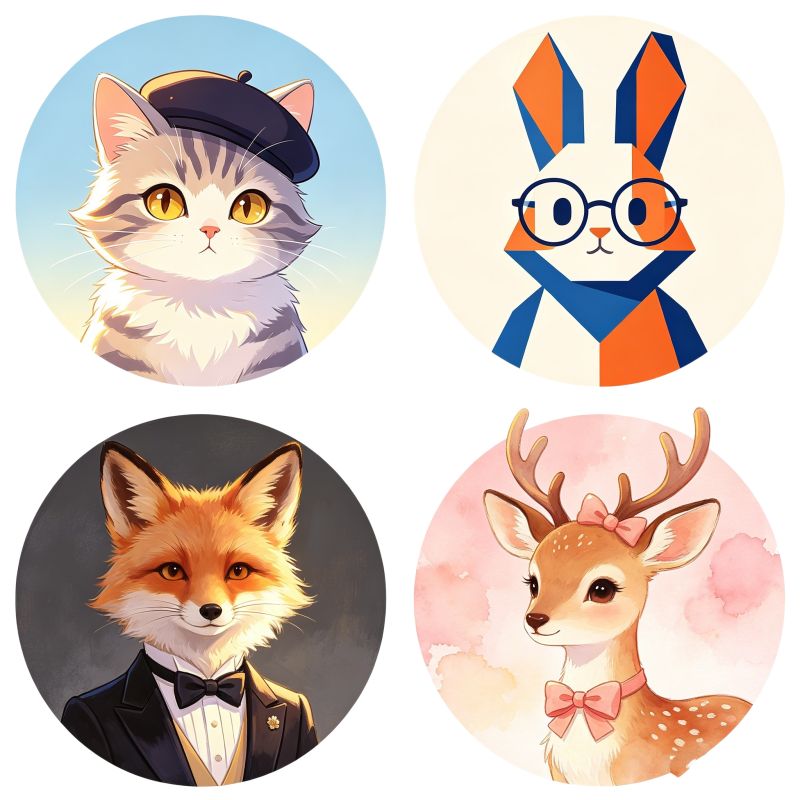
A useful cartoon avatar is not just a nice illustration. It needs a clear face, readable mood, simple shape, and the right level of detail for where it will be used.
Use Photo Input for Recognition
A cartoon avatar creator from photo is better when the final image should still feel like the original person.
Match Style to Platform
Cute, 3D, face-only, and full-body avatars read differently on Discord, TikTok, YouTube, Instagram, and gaming accounts.
Do Not Overload the Prompt
Too many outfit, background, and lighting details can make the avatar harder to read at profile-picture size.
Choose the Right Cartoon Avatar Style Before You Generate
Start With a Cute Cartoon Avatar for Small Profile Icons
A cute cartoon avatar creator direction works best when the final image needs to stay readable in a small circle crop. Keep the face clear, the expression simple, and the color palette soft. If you want to explore more anime-style profile looks, an AI anime generator can also help you test nearby character directions.
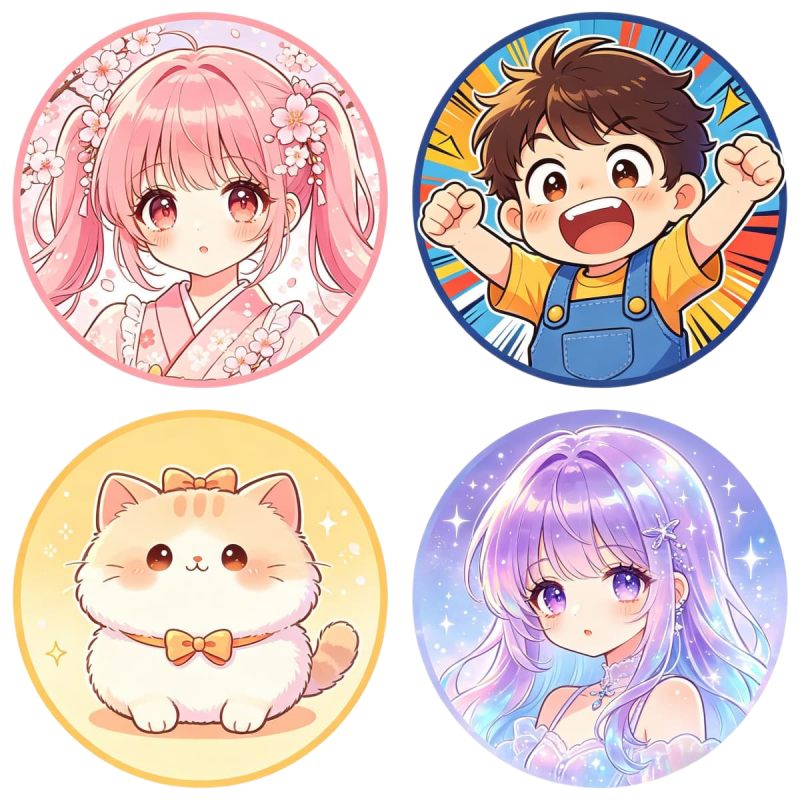
Use a 3D Cartoon Avatar for a Polished Toon Look
A 3D cartoon avatar creator is useful when you want rounded features, smoother lighting, and a cleaner social icon. This style usually looks more polished than a busy illustration, especially for gaming profiles, creator pages, and app avatars. On OCMaker AI, it is worth testing a few clean versions before adding extra background detail.
Go Full Body When Outfit and Pose Matter
A full body cartoon avatar creator is better when the avatar needs more than a face. Use it for cartoon character avatar creator ideas, casual OC looks, gaming characters, or profile designs where clothing and body language help define the character. With text to image, describe the pose, outfit, mood, and simple background before adding small accessories.
Keep the Face Close When Recognition Comes First
A cartoon face avatar creator is often the safest choice for profile pictures because the eyes, mouth, hairstyle, and expression stay clear after cropping. If you want a cartoon avatar creator from photo or a photo to cartoon avatar creator workflow, photo to anime can be a useful starting point before you refine the final cartoon look.
How to Create a Cartoon Avatar Online
Upload a Photo or Start With a Prompt
Use a selfie, portrait, or short text idea. Choose photo input when resemblance matters, and use a prompt when you want a more designed cartoon character avatar.
Pick the Avatar Format
Choose cute, 3D, face-only, full-body, gaming, or character-style direction. The format decides the crop, detail level, pose, and background.
Generate and Check the Small Version
Create a few options, shrink them mentally to profile-picture size, and keep the one where the face, expression, and silhouette still read clearly.
Discover More Styles
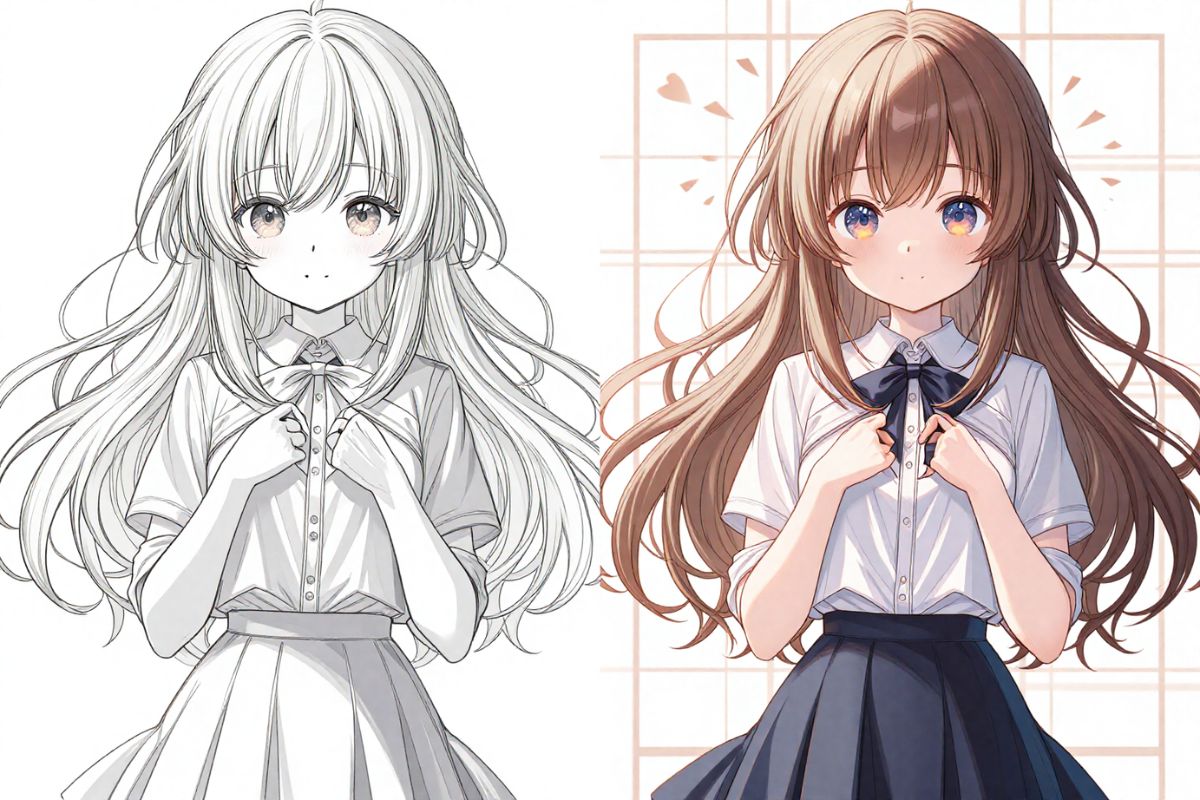
Colorful Line Art
Texture Generator
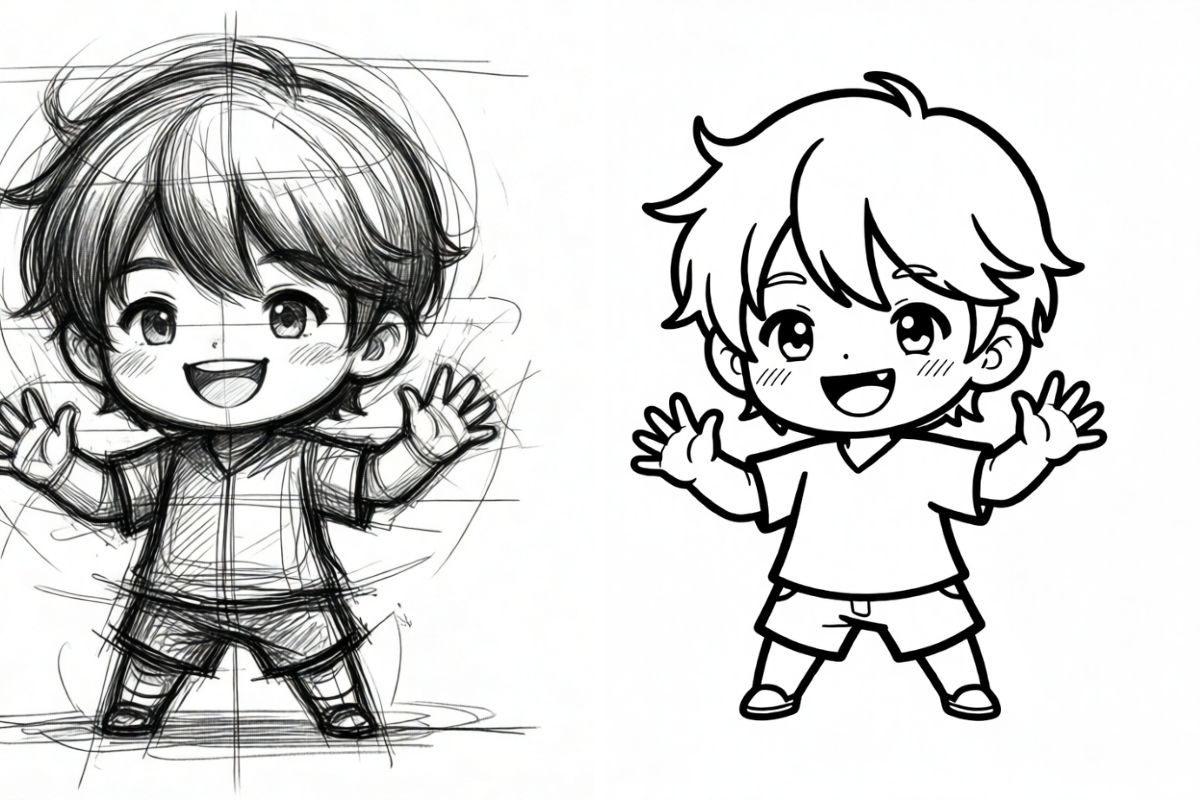
Sketch Simplification
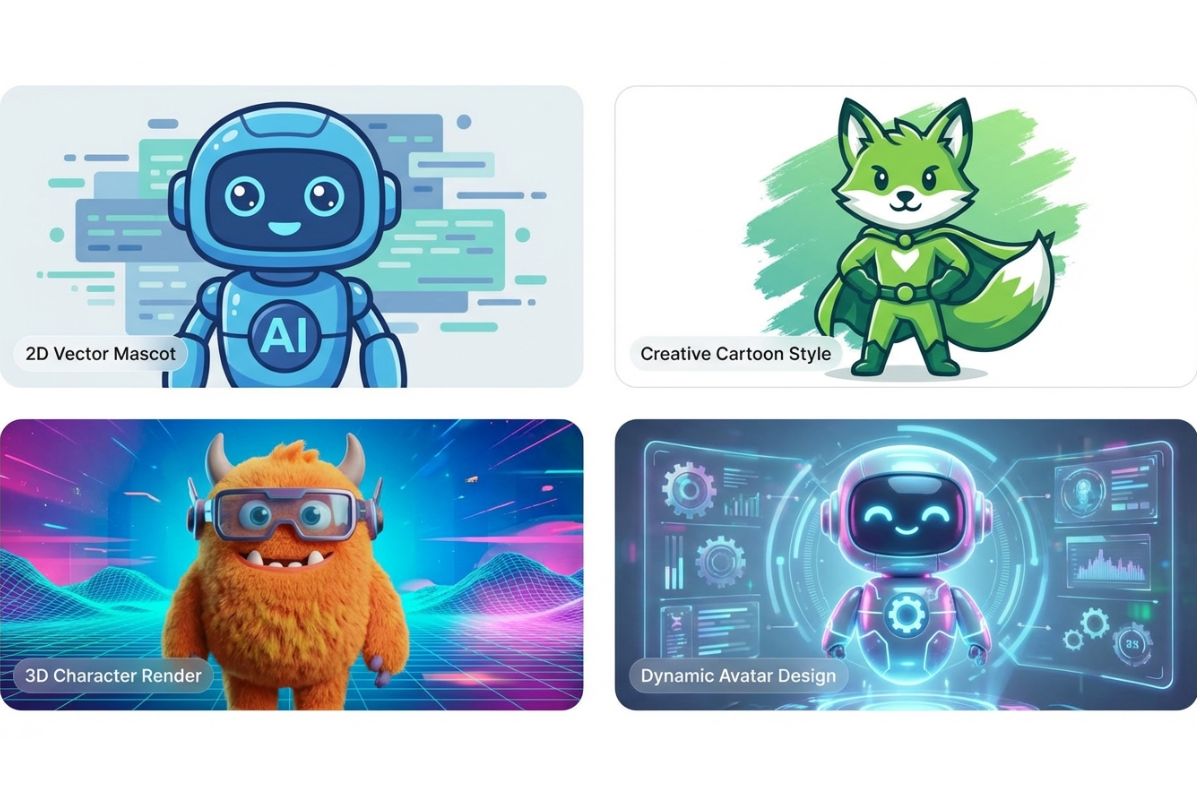
AI Mascot Generator
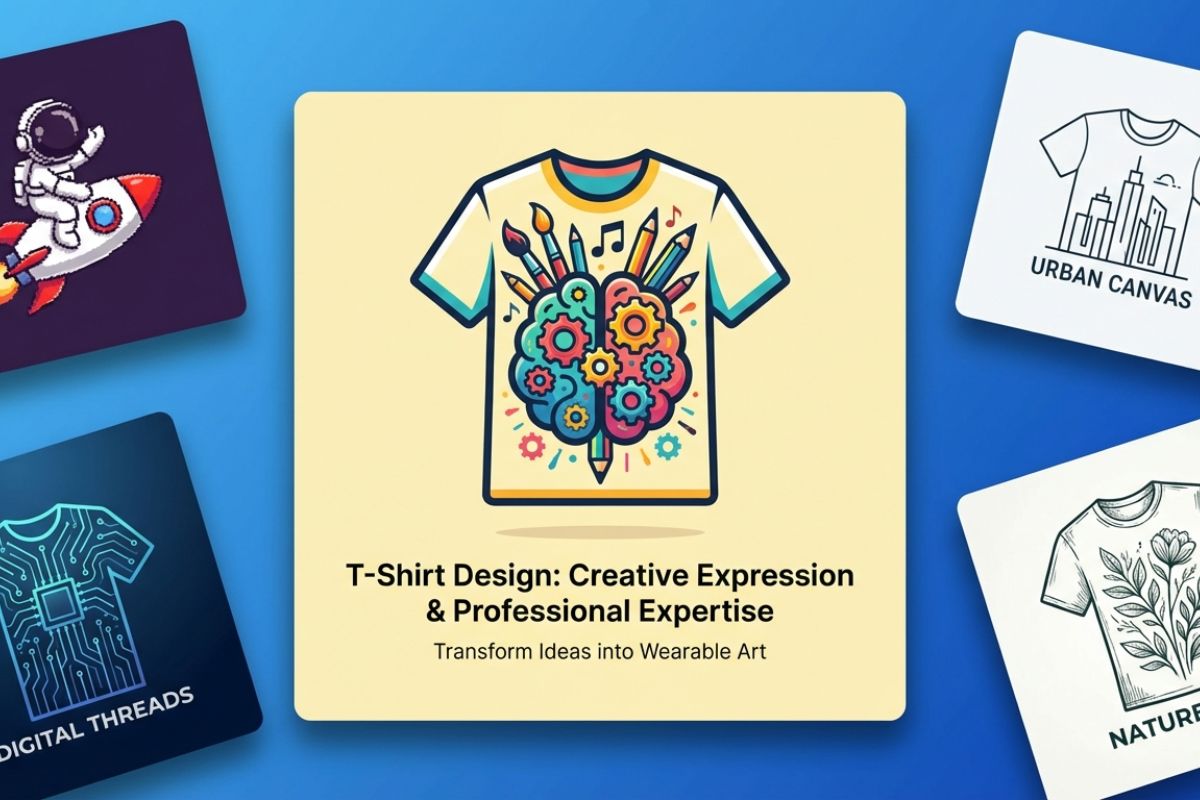
T-shirt Design
AI Selfie Generator
AI Anime Generator
AI Vector Generator
AI Pop Art Generator
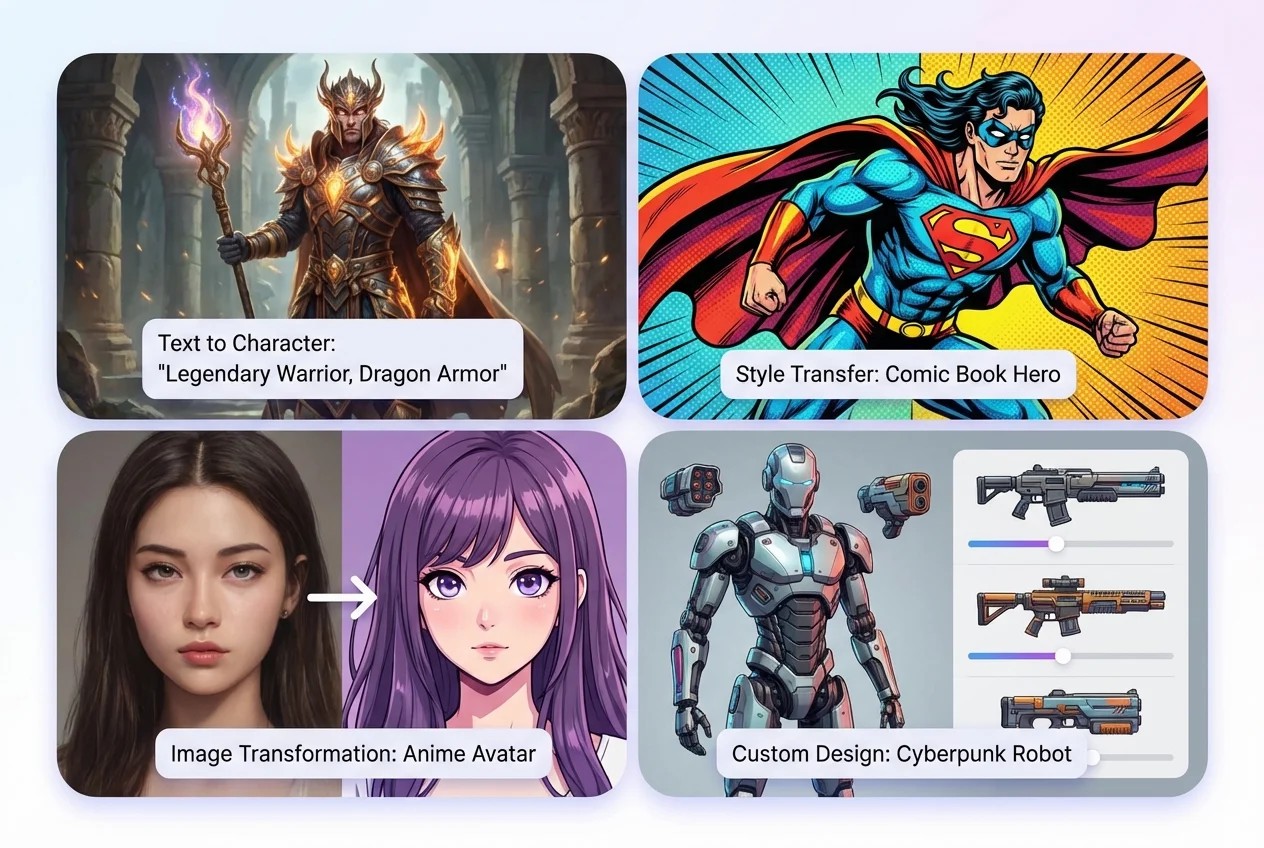
AI Character Creator
AI boyfriend
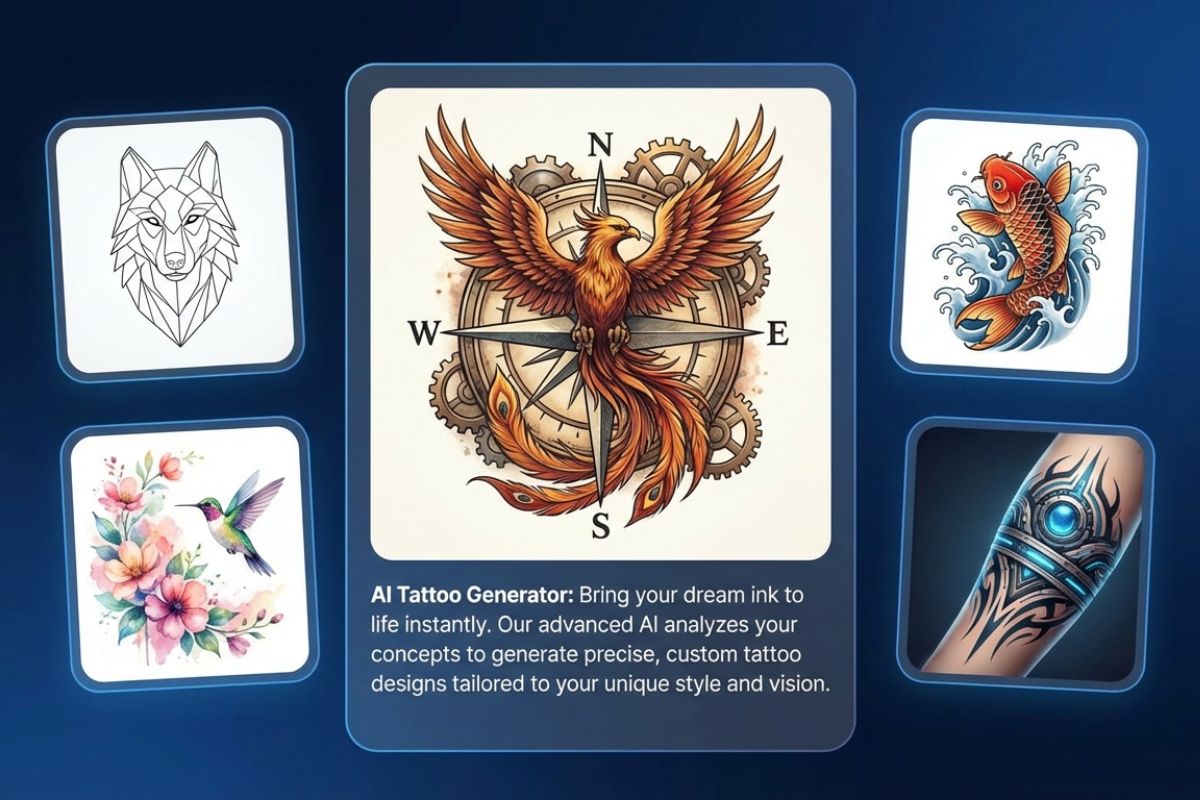
AI Tattoo Generator
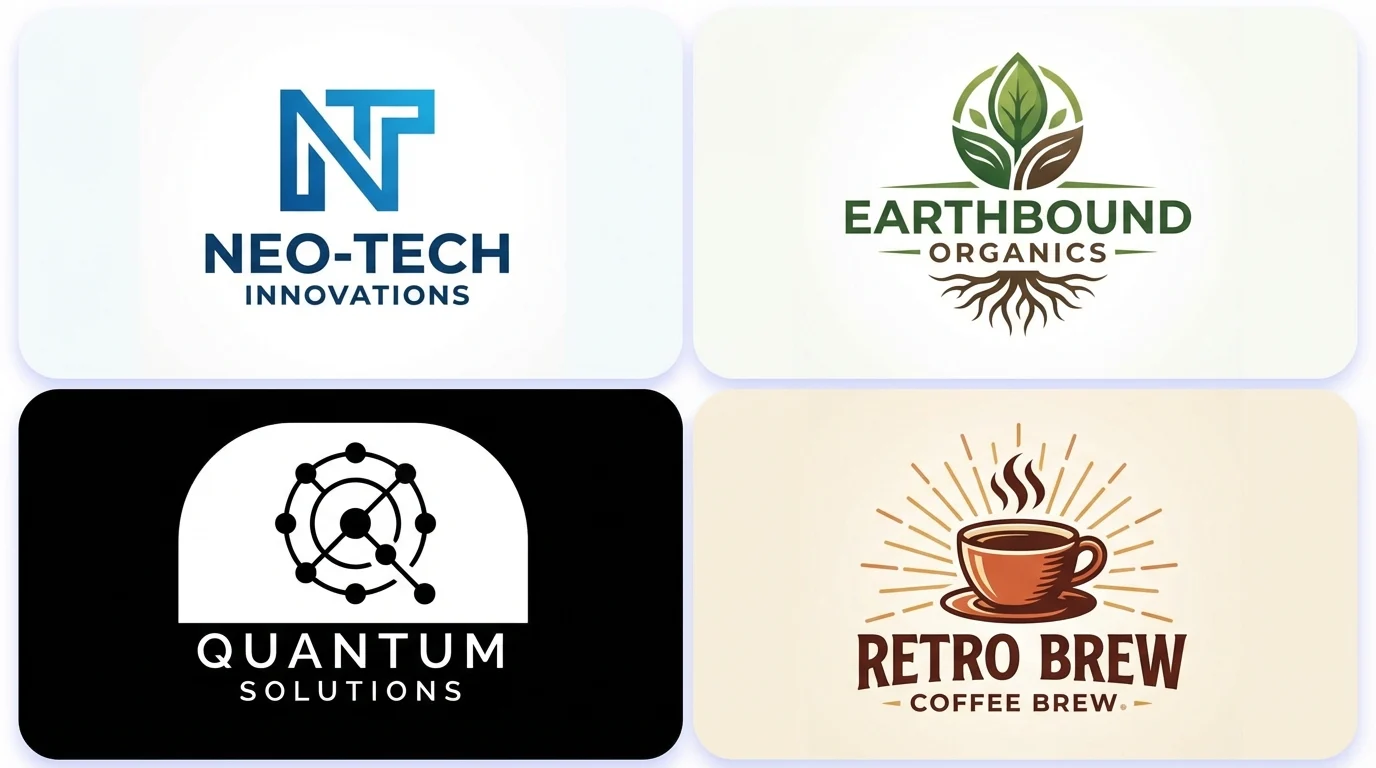
AI Logo Generator
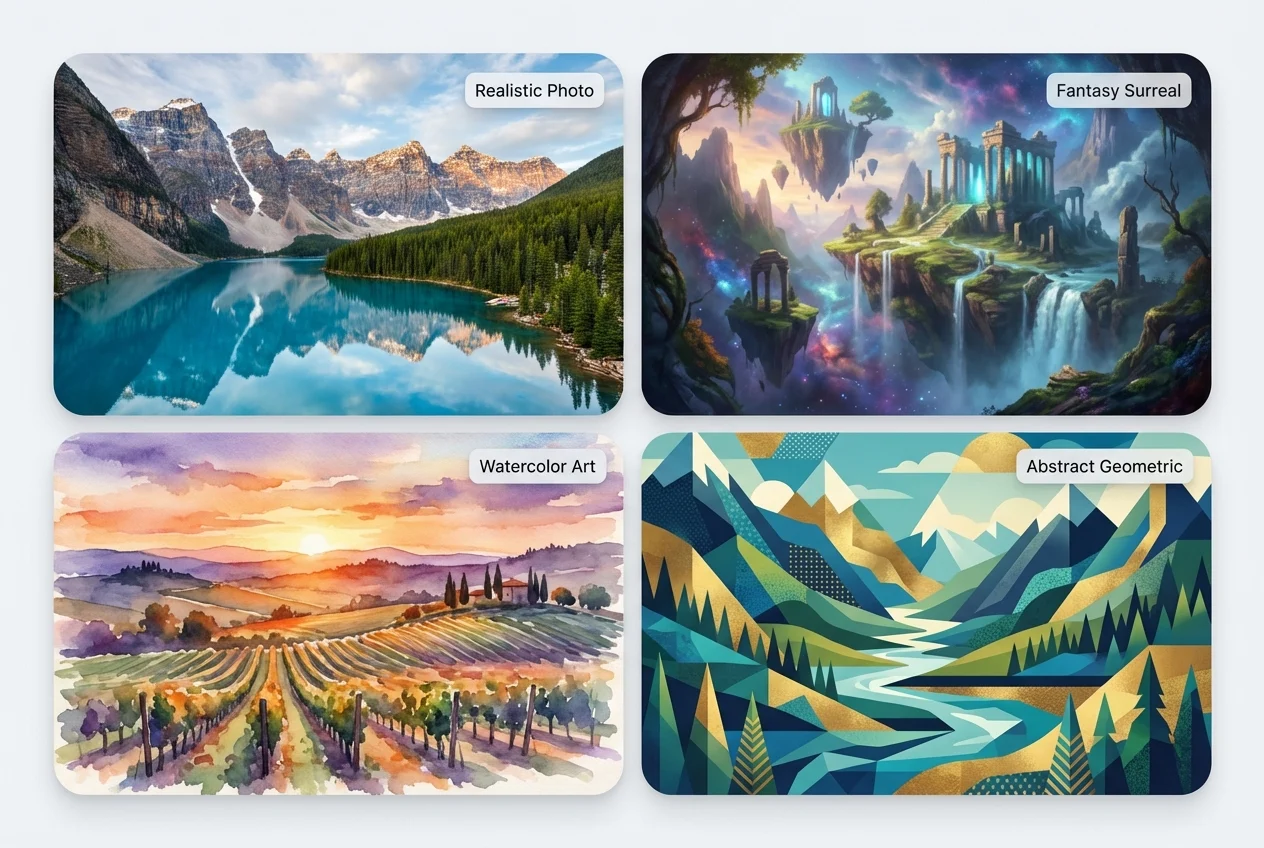
AI Landscape Generator
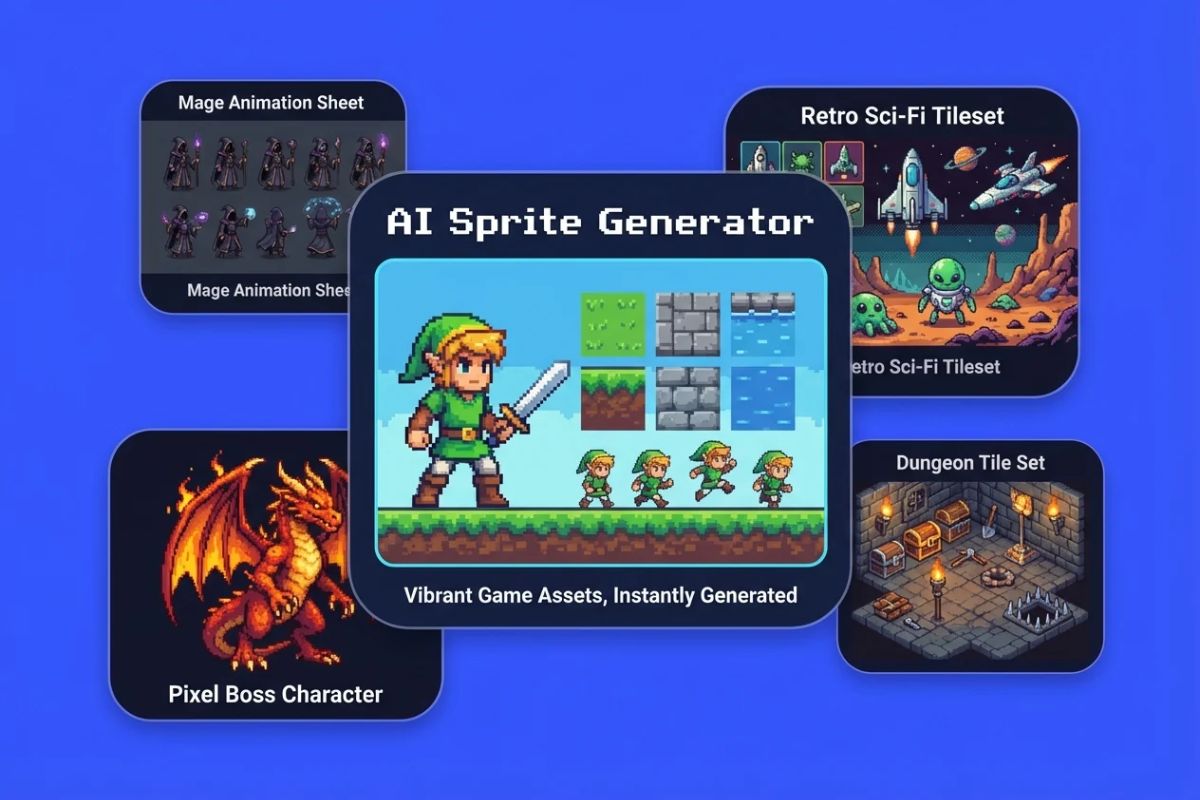
AI Sprite Generator
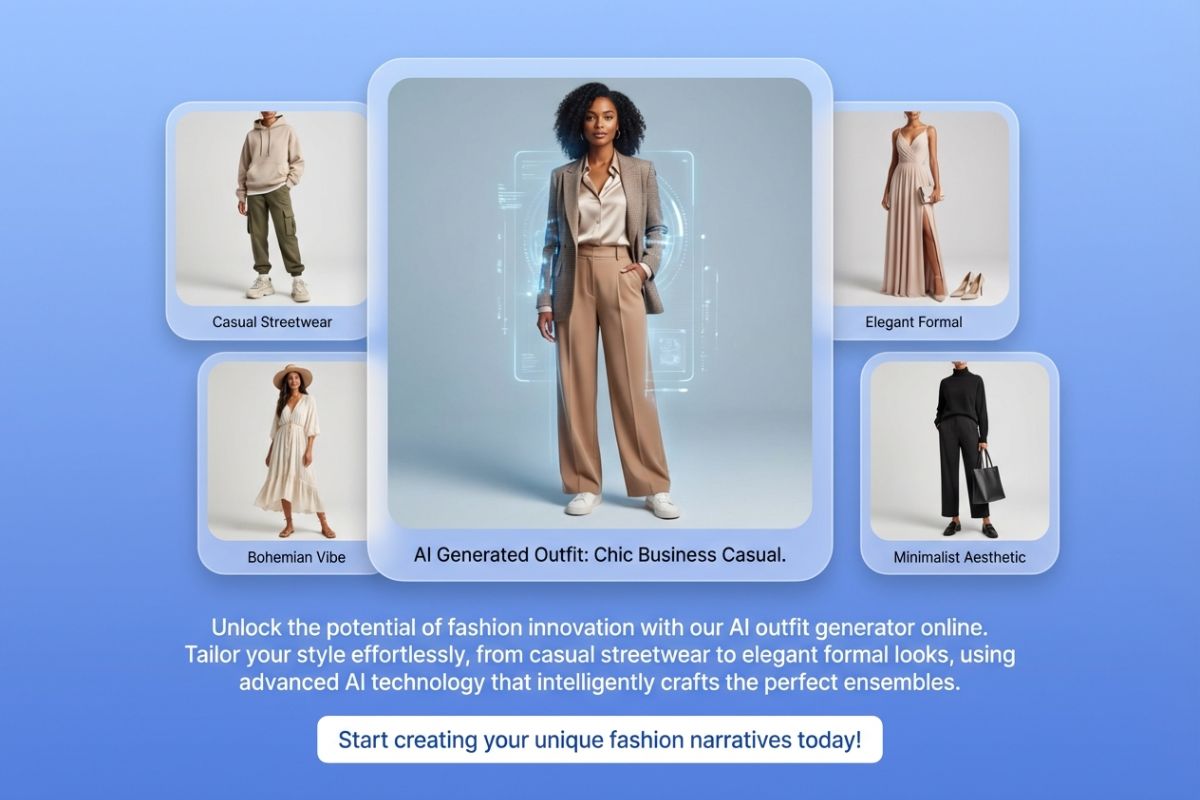
AI Outfit Generator
Animated Wallpaper Maker
AI Comic Generator
Cartoon Avatar Questions That Actually Matter
Create a Cartoon Avatar That Still Reads Clearly
Start with a photo or prompt, choose the right cartoon avatar style, and keep the version that works best as your profile picture, gaming icon, or personal character image.