Free Cartoon Face Maker: Expressive Portraits From Texts

Use Cartoon Face Maker to generate illustrated portraits with custom face shapes, expressive eyes, hairstyles, and accessories from a written idea.

Cartoon Face Maker

A cartoon portrait starts with a face worth noticing. Describe the features and mood you imagine, and generate a face-focused illustration for an avatar or character concept.

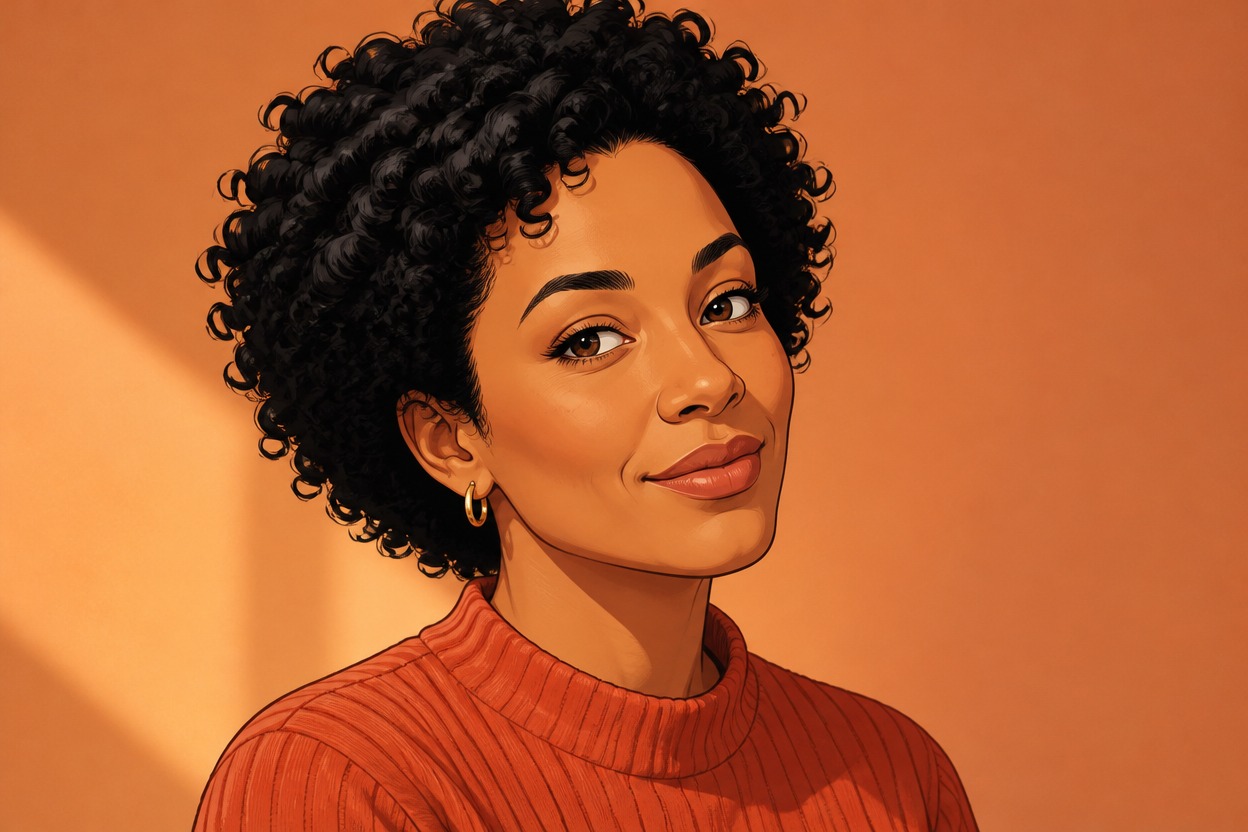
Curly-haired woman in a terracotta sweater giving a knowing closed smile

Cartoon Face Generator For Expressive Portraits

Face structure, expression, and framing come together in a drawn portrait.

0104

Faces Built Around Shape

A written face concept becomes an expressive illustrated portrait. A broad jaw, soft cheeks, or a long oval outline gives the image its foundation, while the portrait framing keeps attention on the features rather than a busy costume or full-body pose.
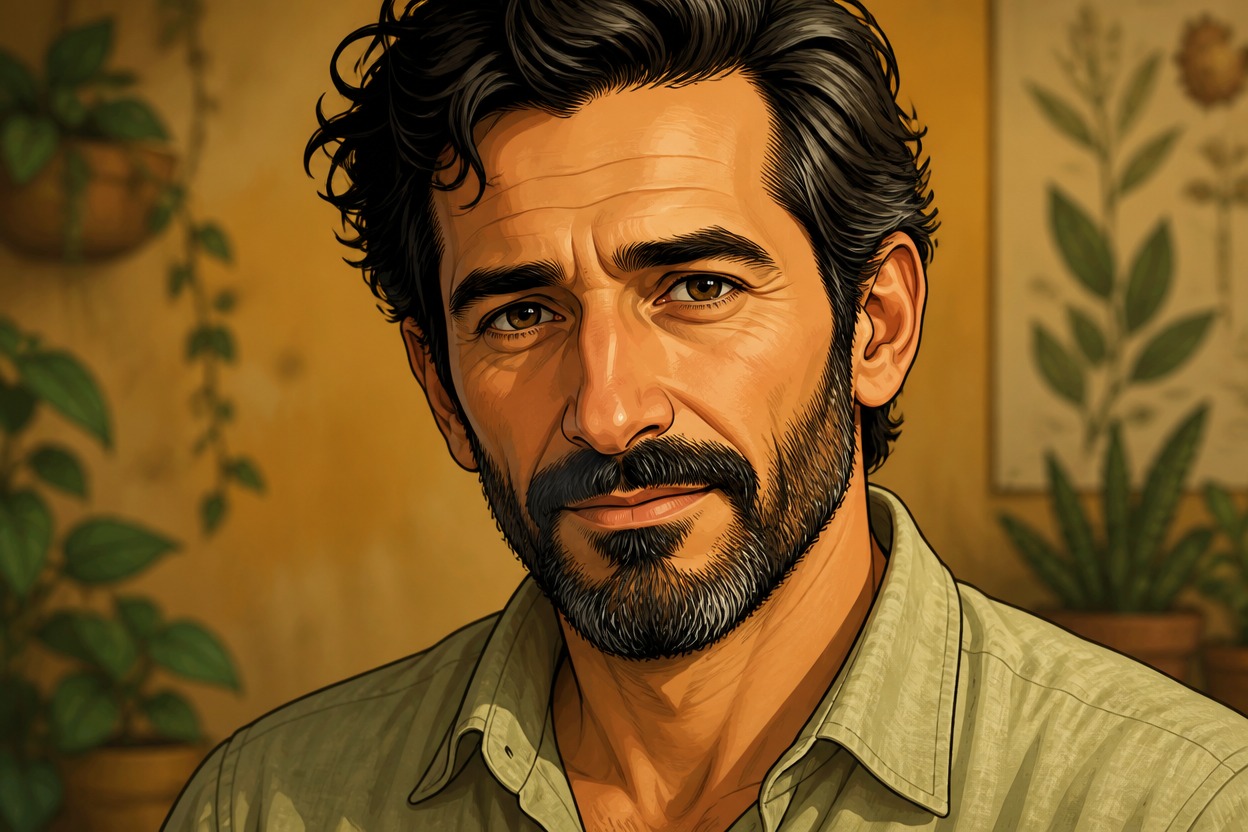
Bearded man with swept-back dark hair and a sage shirt in a warm botanical setting

0204

Expressions With Clear Intent

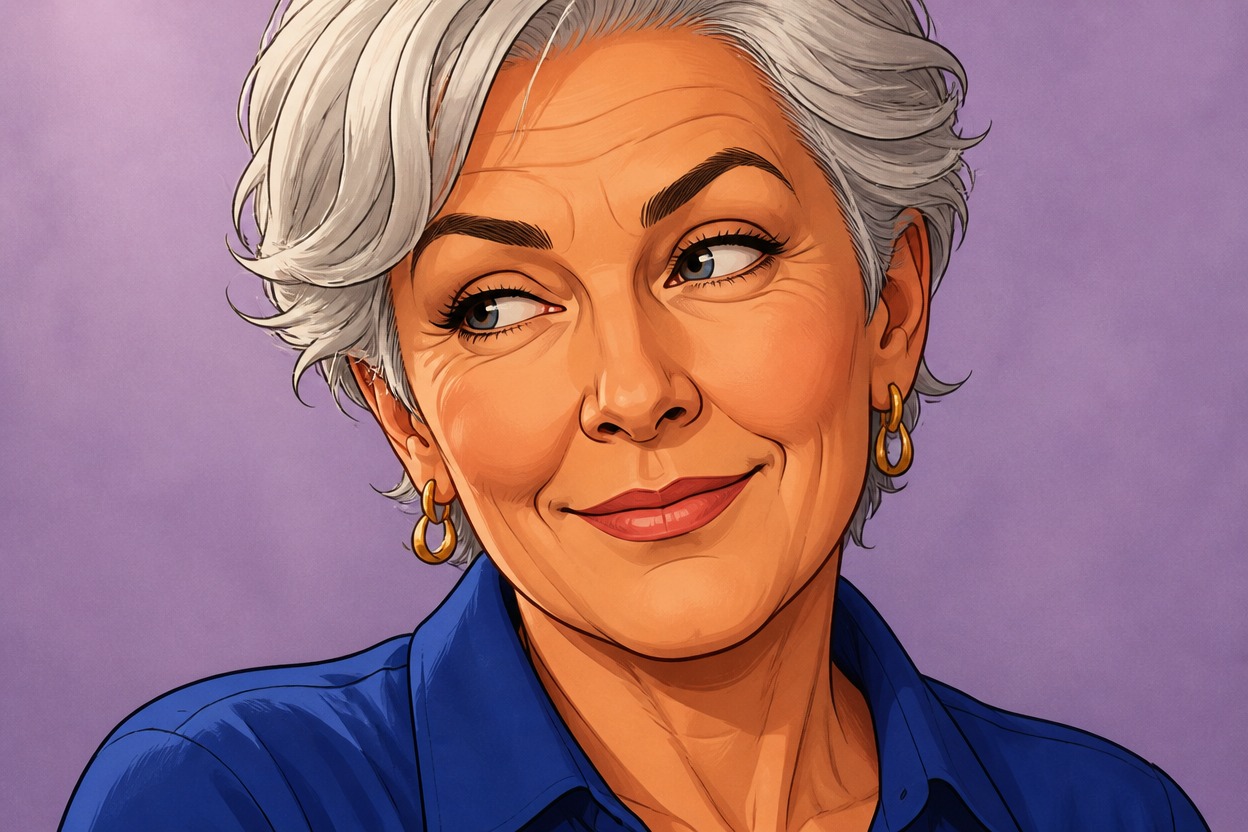
A raised brow and a crooked smile communicate something different from wide eyes and a tense mouth. Expression-focused prompts guide those relationships into a cartoon portrait with a clear mood, useful for character introductions, reaction art, or a more personal profile image.

Silver-haired woman in a cobalt blouse giving an amused sideways glance

0304

Cartoon Face Creator With Personal Details

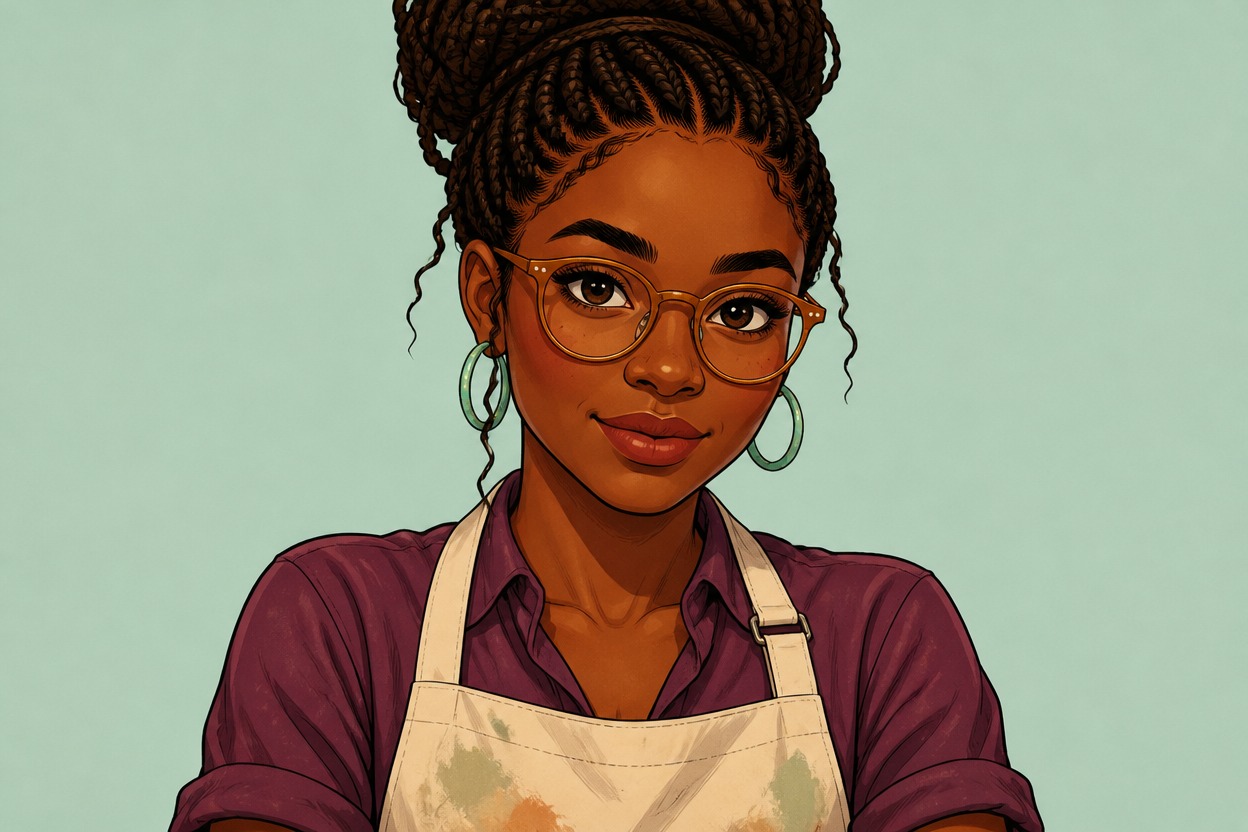
Hair volume, a fringe, glasses, and earrings can frame the face without becoming the whole subject. These personal details appear as part of one illustration. An AI anime generator offers another direction when anime-inspired portrait styling fits the idea.

Ceramic artist with amber spectacles turquoise hoops and a braided updo

0404

Portraits Beyond a Headshot

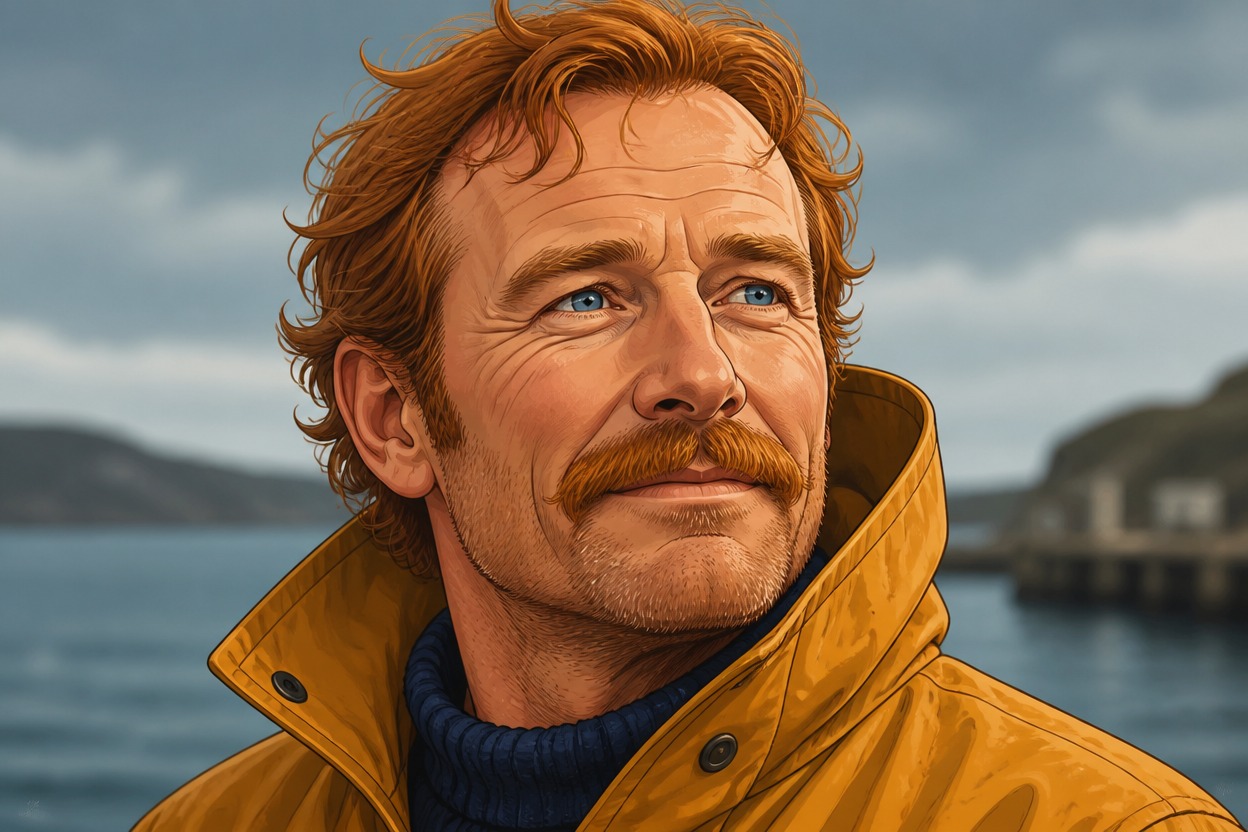
A shoulder-up view gives a face room to feel like a person: a collar, a slight turn, and a restrained background add context. Face-led concepts also work as a starting image direction for the broader OC maker, where clothing and setting can take a larger role.

Auburn-haired coastal guide with a ginger mustache and mustard raincoat

Portrait Details That Work Beyond The Close-Up

Extra context for a portrait that needs to work beyond the first close-up.

  • 01

    Room Around the Hair

    Get portrait compositions with breathing room above the hair, making later profile-picture cropping less likely to cut it off.

  • 02

    Less Background Distraction

    Create a face-led image against a quiet setting so the portrait remains the focus beside a busy social feed or profile.

  • 03

    Everyday Facial Details

    Generate freckles, a visible beard, or smile lines as illustrated details that add character without needing a costume.

  • 04

    Gentler Exaggeration

    Produce a softly stylized face concept when oversized cartoon proportions would feel too comic for the intended avatar.

  • 05

    Color Beyond Skin Tone

    Get coordinated clothing and backdrop colors that frame the portrait without making every element compete for attention.

  • 06

    A Drawing Reference

    Create a visual starting point for an illustrator to interpret further, rather than treating the image as a finished model sheet.

Build A Portrait From Shape And Expression

Put facial structure before fine decoration.

  1. Anchor the Face in Words

    Write the face shape and two defining features first. To make cartoon face concepts feel focused, avoid a long list of equally important details.

  2. Give the Expression a Cause

    Add a mood such as amused disbelief, then describe the eyebrows and mouth that express it. Specify portrait framing, hairstyle, and one accessory.

  3. Inspect the Small Features

    Generate the portrait and inspect eye alignment, glasses, teeth, and hair edges. If details collide, remove one accessory or simplify the expression before trying again.

Frequently Asked Questions

Illustrated Face And Portrait Questions

What Is Cartoon Face Maker?

It is a prompt-based image tool for illustrated faces and portraits. A written description guides facial structure, expression, hair, and styling; the result is an image rather than a collection of editable face parts.

How Do I Use the Cartoon Face Generator?

Give it a short portrait description with a face shape, defining features, and mood. Add framing and cartoon style, generate an image, then revise the facial detail that matters most if the result misses your idea.

Is Cartoon Face Maker Free to Try?

OCMaker AI terms describe a free tier alongside subscriptions and token purchases. Check the current account allowance and generation cost for this tool; a platform free tier does not mean unlimited portrait generation.

Can I Use a Cartoon Face in Paid Client Work?

The pricing page lists commercial use among paid-plan benefits. Check the current plan and terms before client delivery, and consider likeness, publicity, and third-party character rights. A generated portrait is not a rights clearance.

Is This a Selfie Editor or a Face-Swap Tool?

This page focuses on generating a cartoon face from words, not swapping faces or retouching a selfie. For a cartoon interpretation guided by an authorized photo, use an image-to-image workflow instead.

How Can I Describe a Face Without Uploading a Photo?

Use visible traits: an oval outline, deep-set eyes, thick straight eyebrows, and a small closed smile, for example. These cues guide an invented portrait; they do not verify or recreate a real identity.

Why Do My Eyes and Eyebrows Suggest Different Moods?

Expression cues can conflict. A surprised mouth paired with sleepy eyelids may look uncertain rather than excited. Name one dominant emotion and describe the upper and lower face in support of it.

Will Glasses and Earrings Stay Precisely Positioned?

Not always. Thin frames, tiny studs, and overlapping hair can merge or shift in a generated portrait. Larger, simpler accessories and a less obstructed face are easier to inspect; exact placement is not guaranteed.

Can I Make an Exaggerated Face Without a Huge Head?

Specify which feature should carry the exaggeration, such as arched eyebrows, and ask for restrained proportions elsewhere. Cartoon style does not require every feature to be oversized.

Can I Keep the Same Face Across Different Expressions?

Repeating the same facial description can help the direction stay related, but it does not lock identity. Jaw shape, eye spacing, and nose proportions may drift between generations, so compare each result carefully.

Why Does My Cartoon Portrait Look Too Realistic?

Photography terms and detailed skin-texture requests may compete with the cartoon direction. Ask for clean drawn contours and simplified shading, and remove camera or skin-detail cues that work against an illustrated face.

Can the Face Still Work as a Tiny Profile Picture?

A simple silhouette, visible eyes, and an uncluttered background usually survive reduction better than fine jewelry. Preview the image at its intended display size; intricate eyelashes or freckles may disappear.

Give Your Next Avatar a Point of View

Turn a face idea and a specific emotion into a portrait that has something to say.

Free Cartoon Face Maker: Expressive Portraits From Texts