Free Character Card Maker: Anime Portrait Art for OC Cards

Character Card Maker creates anime portrait art for visual OC cards. Shape the face, costume, and composition, then add names and details in your own layout.

FreeCharacter Card Maker

Give your OC card a face worth remembering. Generate anime portrait art with a clear expression and a setting that suits the character, ready for your own layout and lettering afterward.

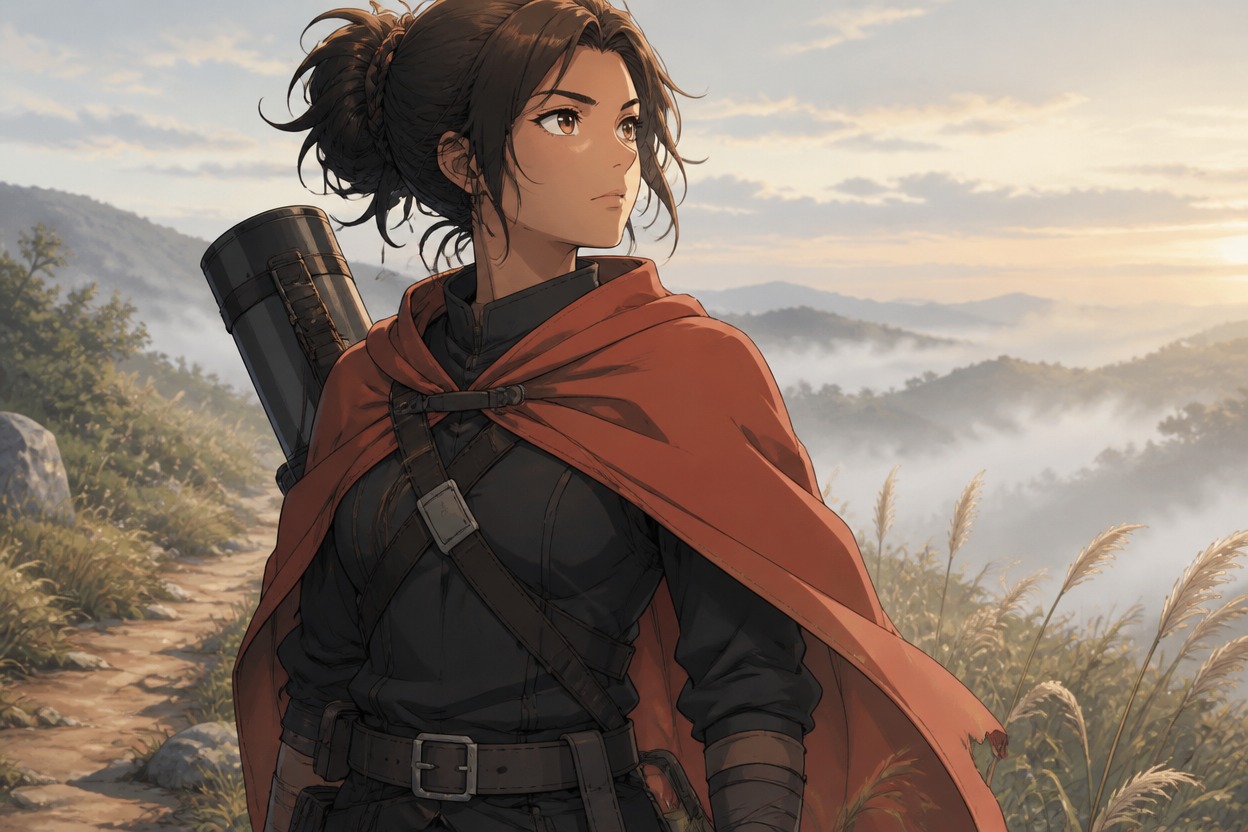
Anime courier in a coral cape carrying a cylindrical case along a misty hillside path

Character Card Maker Portraits With a Visual Focus

The illustration carries the character; names and written details belong in your separate layout.

0104

Portraits That Lead the Card

A character card creator can begin with a face rather than a wall of information. Appearance notes guide an anime portrait with a defined expression and an uncluttered silhouette. The result gives a personal OC introduction or cast reference a visual focal point before any names or details are added.
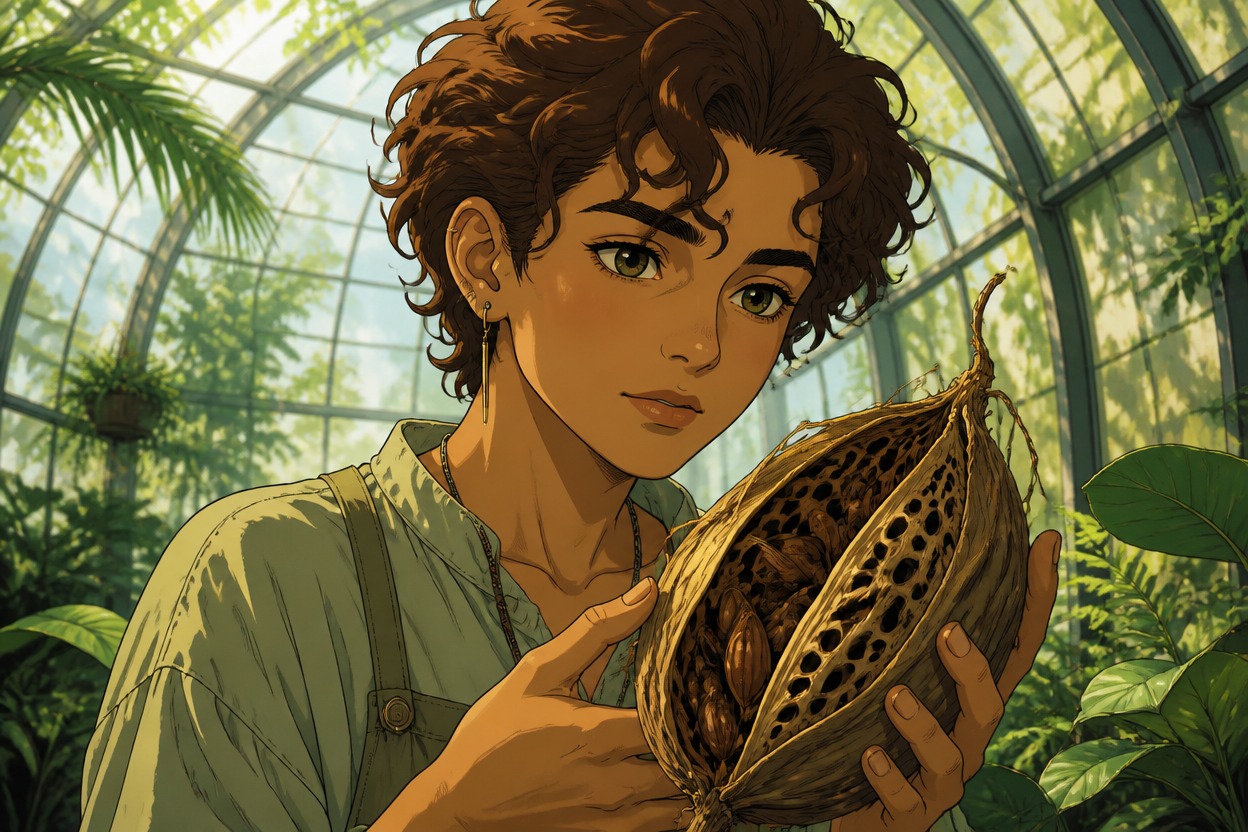
Curly-haired botanist examining a large seed pod inside a greenhouse

0204

Clothing That Signals a Role

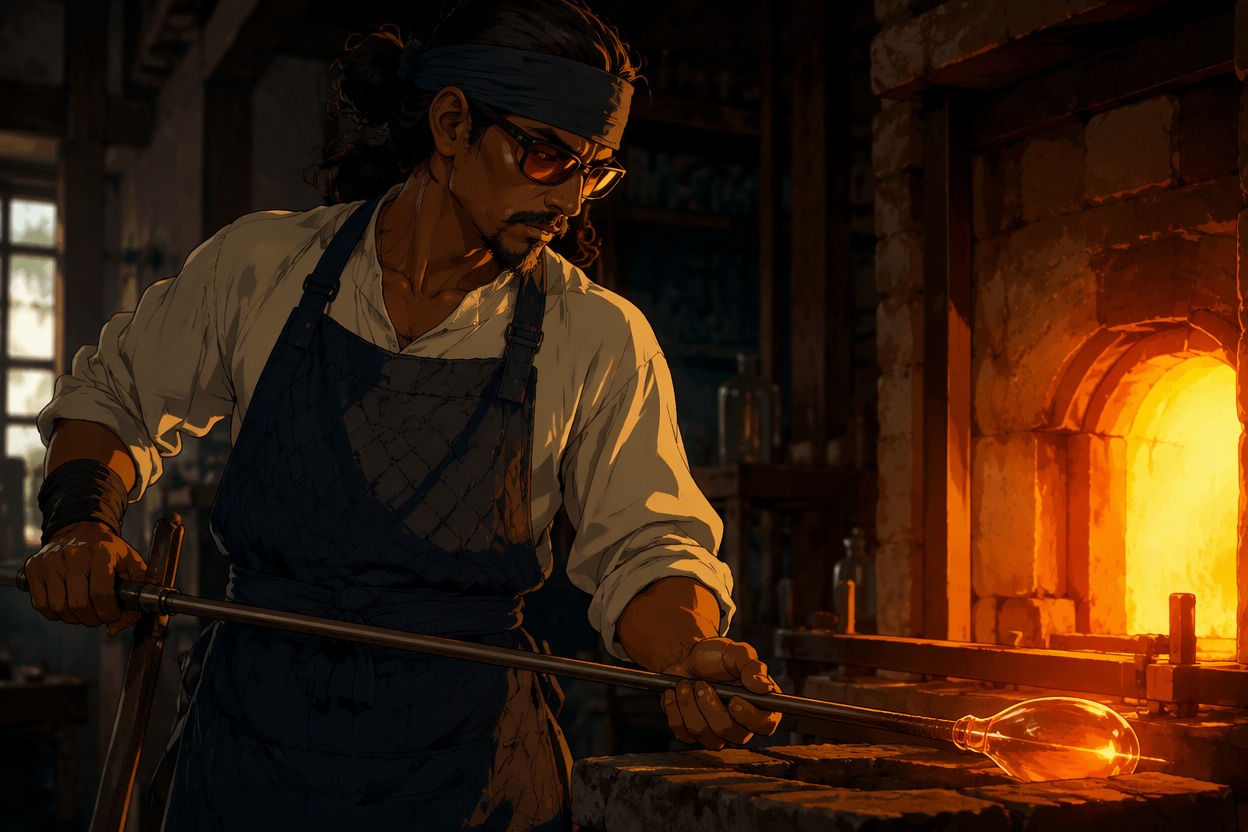
Uniform shapes, fabric choices, and a meaningful accessory make a role visible without a written biography. The AI anime generator interprets those cues as portrait art, giving a card concept a weathered ranger, precise craftsperson, or theatrical performer at its center.

Glassworker in a quilted navy apron holding a rod beside a glowing furnace

0304

Room Around the Portrait

Composition requests can place a character off center against a quiet background. This AI character card generator creates unlettered artwork that leaves breathing room for a later design pass, useful when a creator plans to add a name or short introduction in a separate graphics editor.

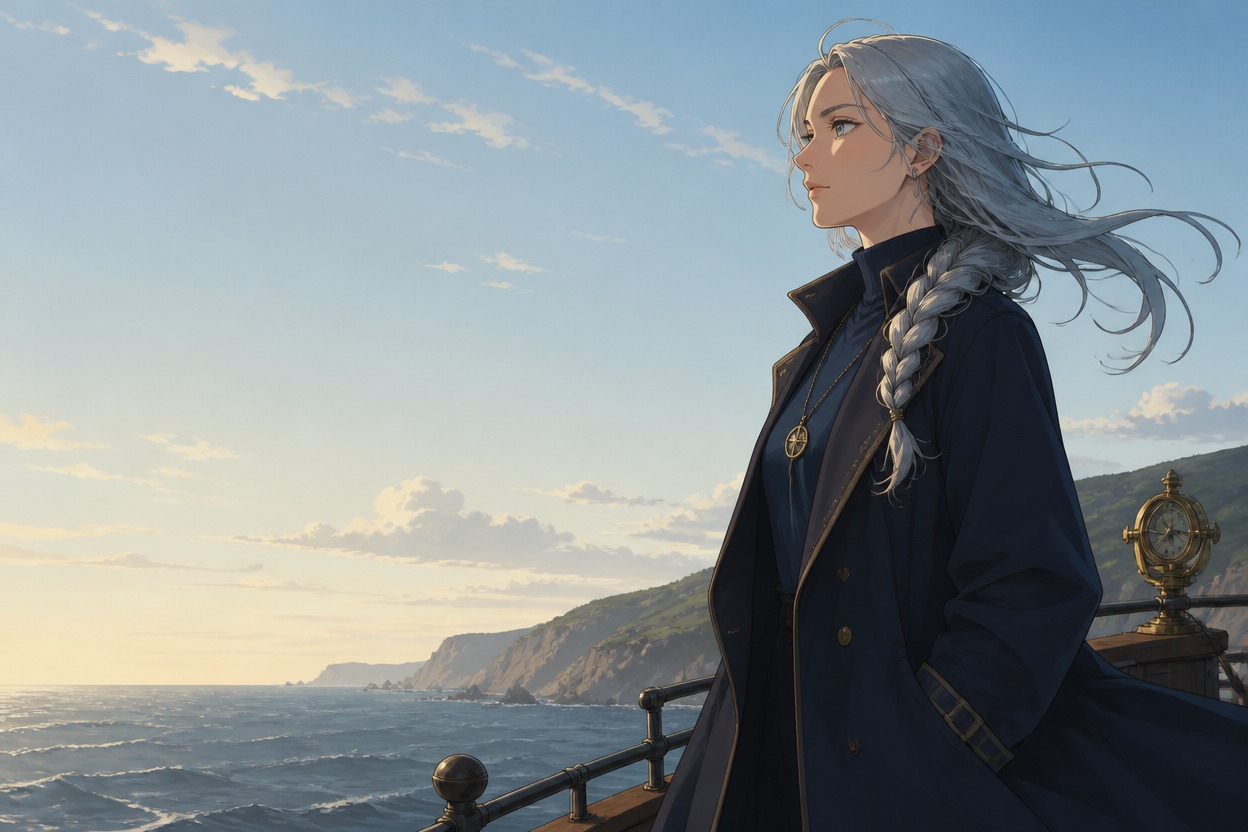
Silver-braided navigator beside open sky on a coastal headland

0404

Portrait Art Beyond Cards

A character card generator can also supply the portrait at the heart of a cast introduction or roleplay profile. The OC maker offers a visual starting point for those uses, with framing and background mood guided by the brief rather than an embedded profile form or a finished card template.

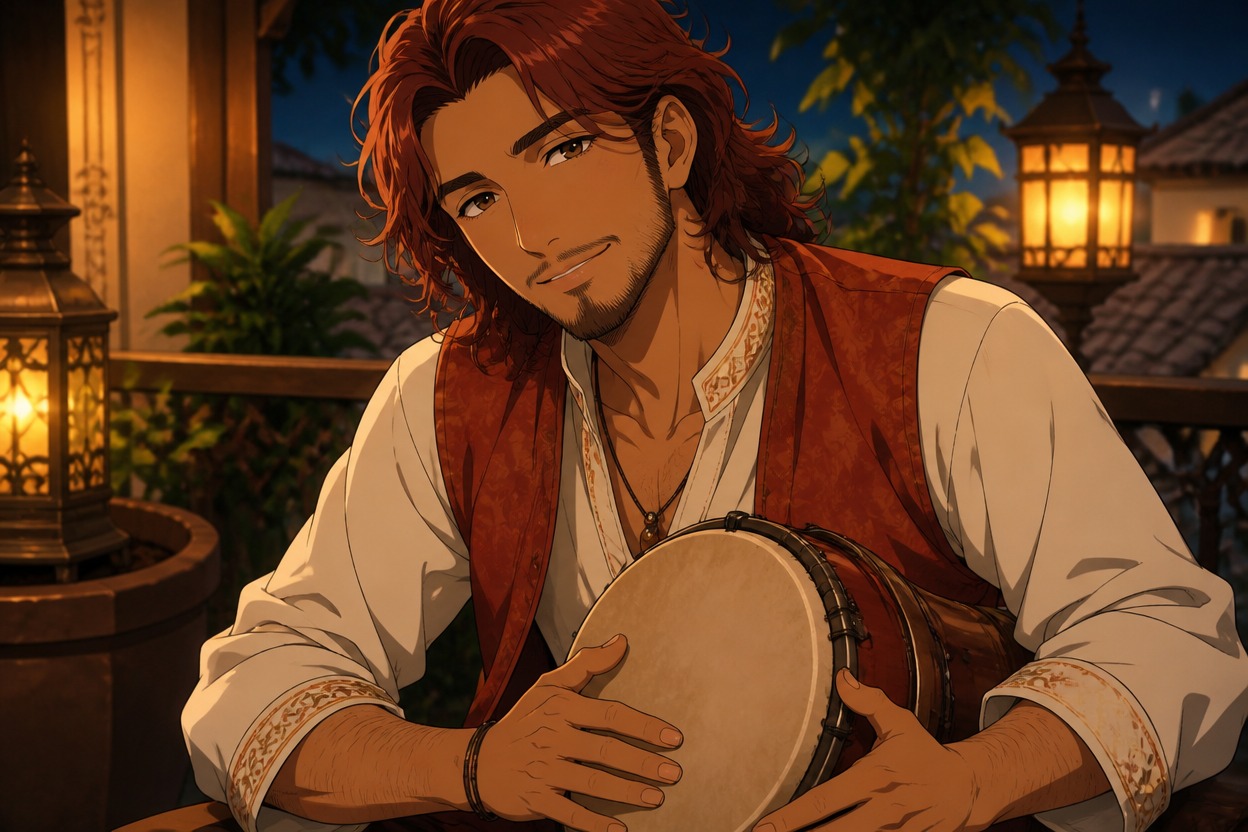
Smiling auburn-haired percussionist holding a hand drum on a lantern-lit terrace

Why Use This Character Card Maker

Additional visual choices that support the portrait beyond its main design.

  • 01

    Get a Clear Thumbnail

    Get a simpler portrait background that helps the face remain the focal point when artwork appears at a smaller size.

  • 02

    Create Prop Clues

    Create a visible clue through a single meaningful object, giving viewers something to notice beyond the costume.

  • 03

    Generate Palette Studies

    Generate a color direction for the illustration that can inform your later choice of page accents and typography.

  • 04

    Produce Lighting Moods

    Produce softly lit or sharply shadowed portraits that support a welcoming introduction or a more guarded impression.

  • 05

    Get Cropping Flexibility

    Get a wider scene around the subject when requested, leaving more options for a later crop in your own design software.

  • 06

    Create Commission References

    Create a portrait reference that makes your intended look easier to discuss with an illustrator before commissioning art.

From Portrait Brief to Your Own Card Layout

Keep image generation and card typesetting as separate parts of the process.

  1. Plan the Portrait Area

    Decide whether the finished layout needs a face close-up or a waist-up view. Keep the intended name and biography outside the image prompt; they will be typeset separately.

  2. Write for the Illustration

    Describe the face, expression, role-specific clothing, and one visual cue. If space is needed for a later layout, request an off-center subject and a quiet background with no lettering.

  3. Inspect Before Laying Out

    Generate the image and inspect the eyes, hands, and crop. Simplify busy props or unwanted marks in a revised prompt, then place the chosen artwork in your own editor to add the card details.

Frequently Asked Questions

Character Card Artwork Questions

What Is Character Card Maker?

It is an image-generation tool for anime portrait art used in visual OC card concepts. Its output is artwork, not a completed character database, a written biography, or an interactive roleplay character.

How Do I Use Character Card Maker?

Describe the portrait you need and the space available in your intended layout. Generate the artwork, check its crop and expression, then add the name and other details separately in your design application.

Is Character Card Maker Free to Try?

OCMaker AI uses tokens and offers a platform free tier alongside paid options. Check current pricing and the token requirement shown for this tool; a platform free tier does not establish unlimited free card artwork.

Can I Sell Cards Made With These Portraits?

Review the current OCMaker AI terms and the rights in your portrait design before selling cards. The retrieved terms do not establish an unconditional commercial license; recognizable characters, borrowed symbols, and likenesses may require separate permission.

Does It Export SillyTavern or Chatbot Character Cards?

No chatbot-card export is specified here. The portrait is not a Tavern JSON file or a PNG containing character metadata. Personality, dialogue rules, and memory must be created in a separate compatible tool if that is your goal.

Will the Image Include a Legible Name and Biography?

The intended result is unlettered artwork. Generated lettering can be inaccurate, so add the name and biography in a layout editor where spelling, font size, and alignment can be checked directly.

Can I Request Blank Space Beside the Face?

Yes, describe which side should contain the subject and which area should stay quiet. This guides the illustration composition, not a measured template; check the result against your planned crop before adding text.

Is This an Editable Character Card Template?

No editable template or structured profile fields are specified. The artwork can be placed into a template you supply, but the card layout and typesetting are separate work.

How Do I Keep a Card Portrait From Looking Like a Passport Photo?

Give the character a small action, such as examining a seed pod, and connect it to the setting. A slightly turned head or a waist-up crop can suggest a role without making the image crowded.

Why Do Tiny Accessories Look Unclear in a Small Card?

Small objects can lose definition when the portrait is reduced. Use one larger visual cue, remove competing details, and check the artwork at the size you actually intend to display.

Can the Artwork Become a Print-Ready Card Automatically?

A portrait alone is not a print-ready card file. Check the available image dimensions, then prepare the final size, bleed, color handling, and text in your own publishing workflow.

Can I Reuse the Same Face Across a Cast Set?

A repeated description can help communicate the intended face, but separate generations may change its details. Review every portrait before treating the set as a matched design; there is no identity-lock guarantee.

Give Your Next OC Card Its Portrait

Start with Character Card Maker artwork, then make the name and introduction your own in a separate layout.

Free Character Card Maker: Anime Portrait Art for OC Cards