
Pricing
Log In
AI Generator
AI Coloring Page Generator: Free Printable Coloring Pages
Create printable coloring pages with AI — describe any scene or upload a photo to turn it into clean black-and-white line art for kids, adults and anime fans.
AI Coloring Page Generator
Describe a scene — an anime girl with her cat, a dragon castle, your pet in a flower garden — and get a printable black-and-white coloring page with clean, bold outlines. Upload a photo instead and the same prompt turns your own picture into a coloring page.
Create a Coloring Page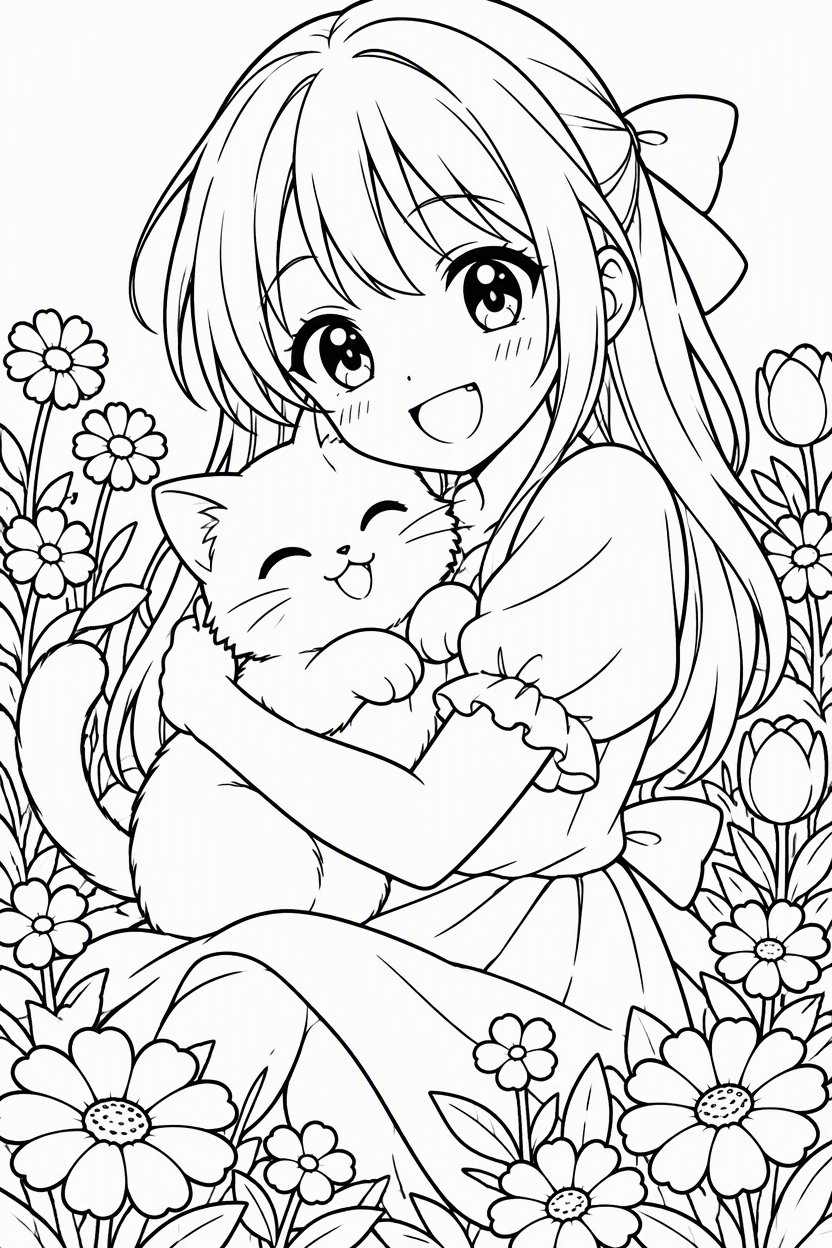
Coloring Pages You Can Make
Anime and manga
Characters, magical girls, mecha and chibi scenes in clean manga line art.
Photo to coloring page
Upload a photo of your kids, pet or family trip and turn it into line art to color.
Pages for kids
Simple shapes and thick lines for young children.
Detailed adult pages
Intricate flowers, patterns and scenery for relaxing coloring.
Themed sets
Birthdays, holidays, classroom topics and fandom favorites.
Your own OC
Upload your character and color it in new outfits and scenes.
How to Create a Coloring Page
01
Describe the scene or upload a photo
Edit the example prompt, or upload a photo to convert. Keep "no shading, no gray, no color" so the lines stay clean.
02
Generate the page
The default 2:3 portrait shape fits a standard sheet of paper.
03
Print and color
Download the image and print it on A4 or US Letter paper, or color it digitally.
Tips for Better Coloring Pages
Ask for bold outlines
Thicker lines are easier to color inside, especially for kids.
Keep backgrounds simple
Fewer tiny details means less clutter on paper.
Say no shading
Gray shading prints as muddy patches; pure line art prints cleanly.
Use portrait orientation
2:3 matches a sheet of paper, so nothing gets cropped.
Match the age
Ask for simple shapes for young kids and intricate patterns for adults.
Print at high quality
Use your printer's best setting for crisp black lines.
Frequently Asked Questions