
Pricing
Log In
AI Generator
Emote Maker: Make Twitch & Discord Emotes with AI
Turn your OC or streamer avatar into chibi Twitch and Discord emotes with AI. Bold outlines, big expressions and square, emote-ready images.
AI Emote Maker for Twitch and Discord
Create chibi emotes that read at tiny sizes: a big head, a bold white outline and one clear emotion. Upload your OC or streamer avatar to keep the design, change the emotion in the prompt — laughing, crying, hype, love, rage — and build a set for your channel or server.
Make an Emote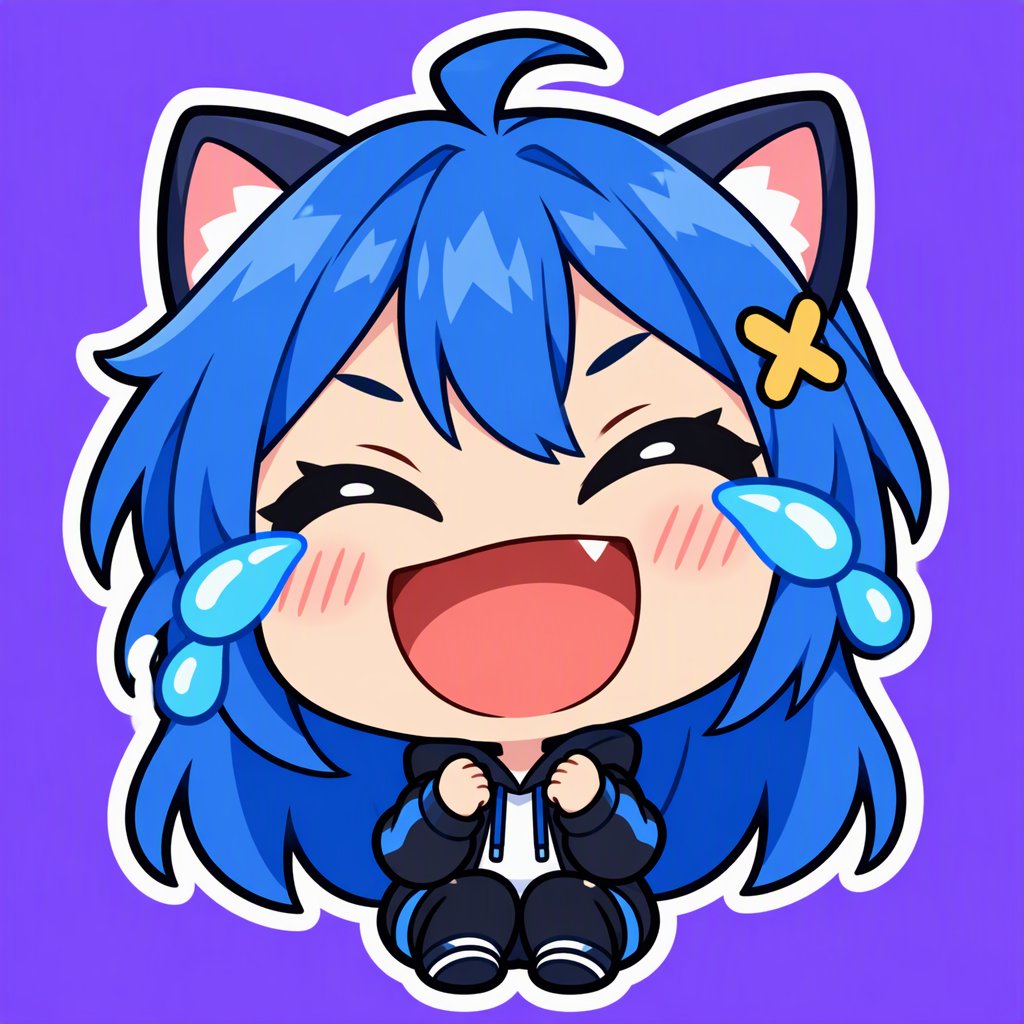
Emotes You Can Make
Reaction emotes
Laughing, crying, shocked and facepalm reactions your chat will spam.
Hype and cheer
Fists up, sparkles and exclamation marks for raids, subs and big plays.
Love and cozy
Hearts, hugs and blushing faces for thank-yous and wholesome moments.
Channel mascots
Your OC or mascot as a recurring emote series.
Discord server emoji
Custom emoji for your community's inside jokes.
Matching sets
Upload the same reference for every emote to keep the whole set consistent.
How to Make an Emote
01
Upload your character (optional)
Add a picture of your OC or avatar so every emote keeps the same design.
02
Change the emotion
In the example prompt, replace "laughing with tears of joy" with the reaction you want.
03
Generate, then resize
Download the square image, remove the background and export it at the sizes your platform needs.
Emote Size Guide
Twitch
Upload a square PNG of at least 112 × 112 px (Twitch also shows 56 × 56 and 28 × 28), up to 1 MB.
Discord
Custom emoji display small; upload a square image of about 128 × 128 px, under 256 KB.
Test at 28 px
If you can't tell the emotion at the smallest size, simplify the pose and thicken the outline.
One emotion per emote
Busy emotes blur when small. Show a single, exaggerated expression.
Remove the background
Chat themes are light and dark, so emotes need a transparent background before upload.
Keep the outline
A thick light outline keeps the emote visible on dark mode chat.
Frequently Asked Questions
Emote Maker FAQ
Give Your Chat Something to Spam
Turn your character into a full emote set for Twitch and Discord.