FNAF PFP Maker: Eerie Animatronic Close-Ups

Create a FNAF PFP with an expressive animatronic face, polished mechanical details, and eerie lighting. Make a still portrait for your gaming profile.

FNAF PFP Maker

A gleam in a mechanical eye can say more than a crowded horror scene. FNAF PFP Maker generates close animatronic portrait images with eerie atmosphere and a face that still reads small.

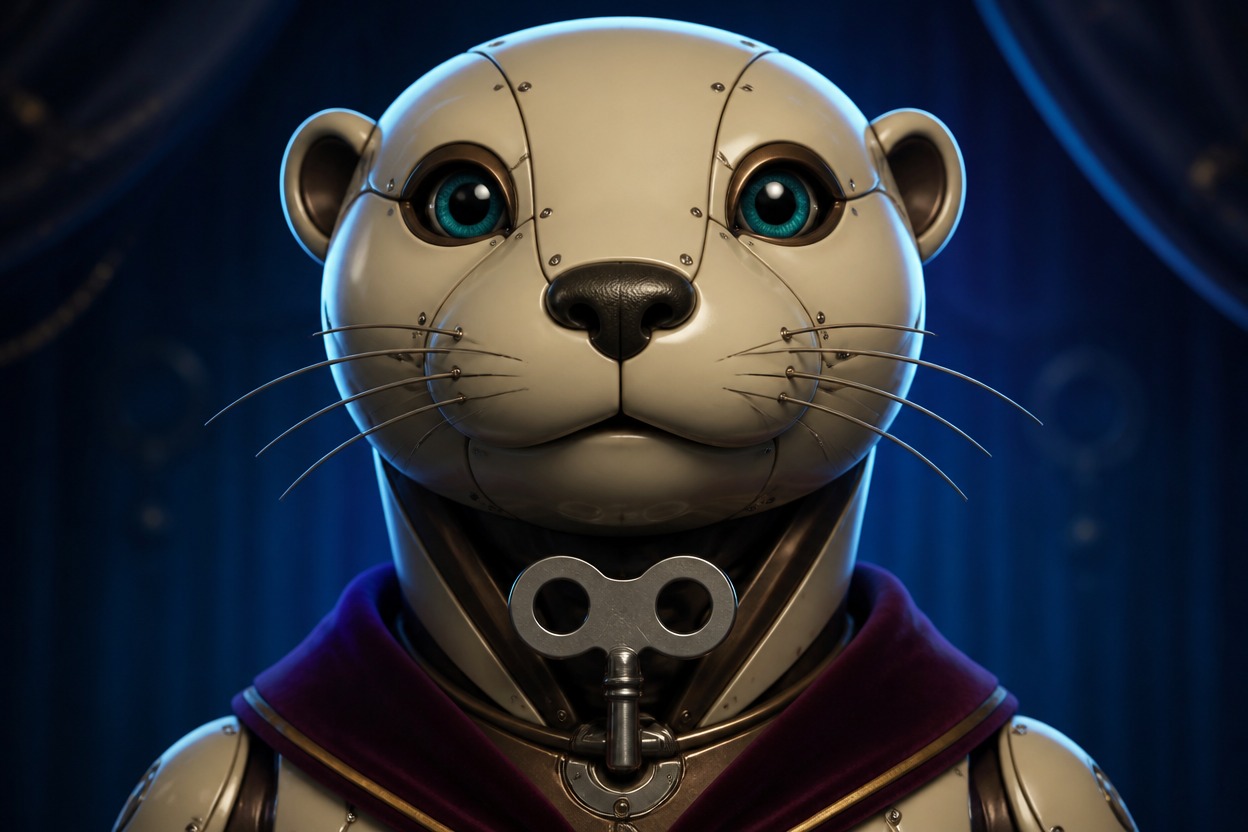
Ivory otter animatronic with teal eyes and a plum stole on a blue rehearsal stage

Animatronic Portraits Between Charming and Eerie

Mechanical expressions carry the mood while light and framing keep the face in view.

0104

Mechanical Faces With Presence

An animal-inspired housing becomes a close animatronic portrait with layered cheek plates, articulated lids, and glossy eyes. The mechanical structure stays visible without swallowing the expression, giving a FNAF PFP a characterful face rather than an indistinct heap of metal.
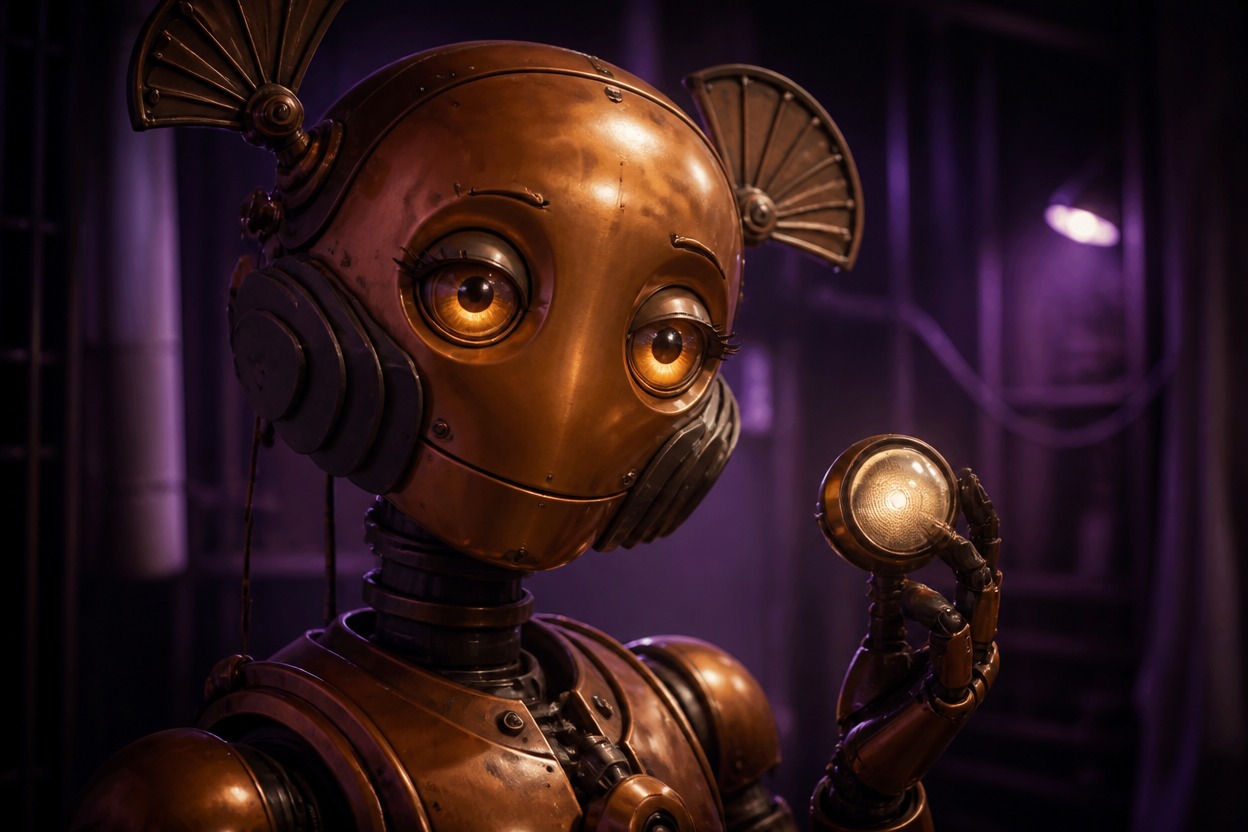
Copper moth animatronic with amber eyes and open fan antennae holding a glowing round lamp beside its face

0204

Light That Leaves Eyes Visible

Rim light and a restrained glow can suggest an after-hours stage while preserving the face in shadow. Color and contrast shape the tension in a Five Nights at Freddy's PFP. The AI anime generator offers a different route when a drawn portrait suits your profile better.

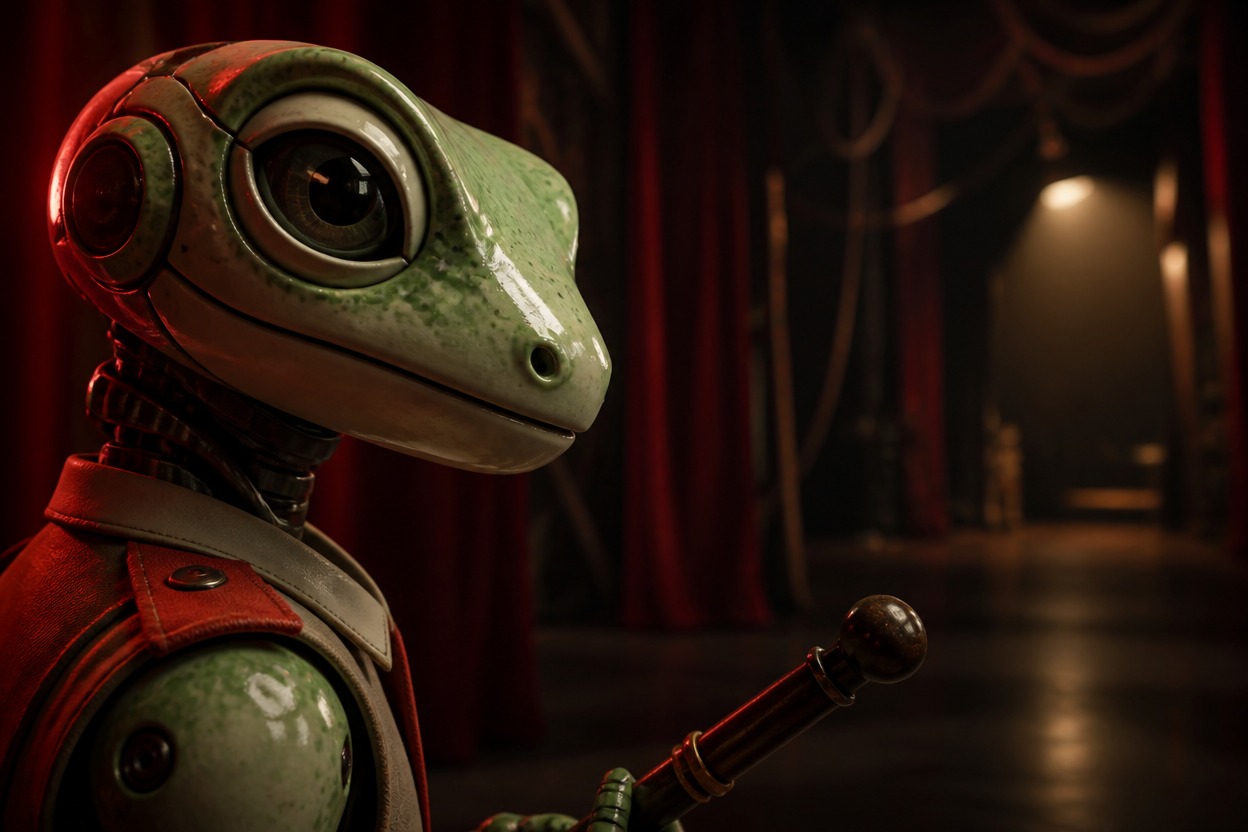
Pale-green gecko animatronic with a terracotta shoulder tab and maintenance baton beside red stage curtains

0304

FNAF Meme PFP Expressions

A deadpan stare, a lifted mechanical brow, or an unexpectedly polite smile can make an animatronic portrait funny without an image caption. The expression does the work, so the picture remains useful as a small gaming avatar rather than depending on a joke written across its face.

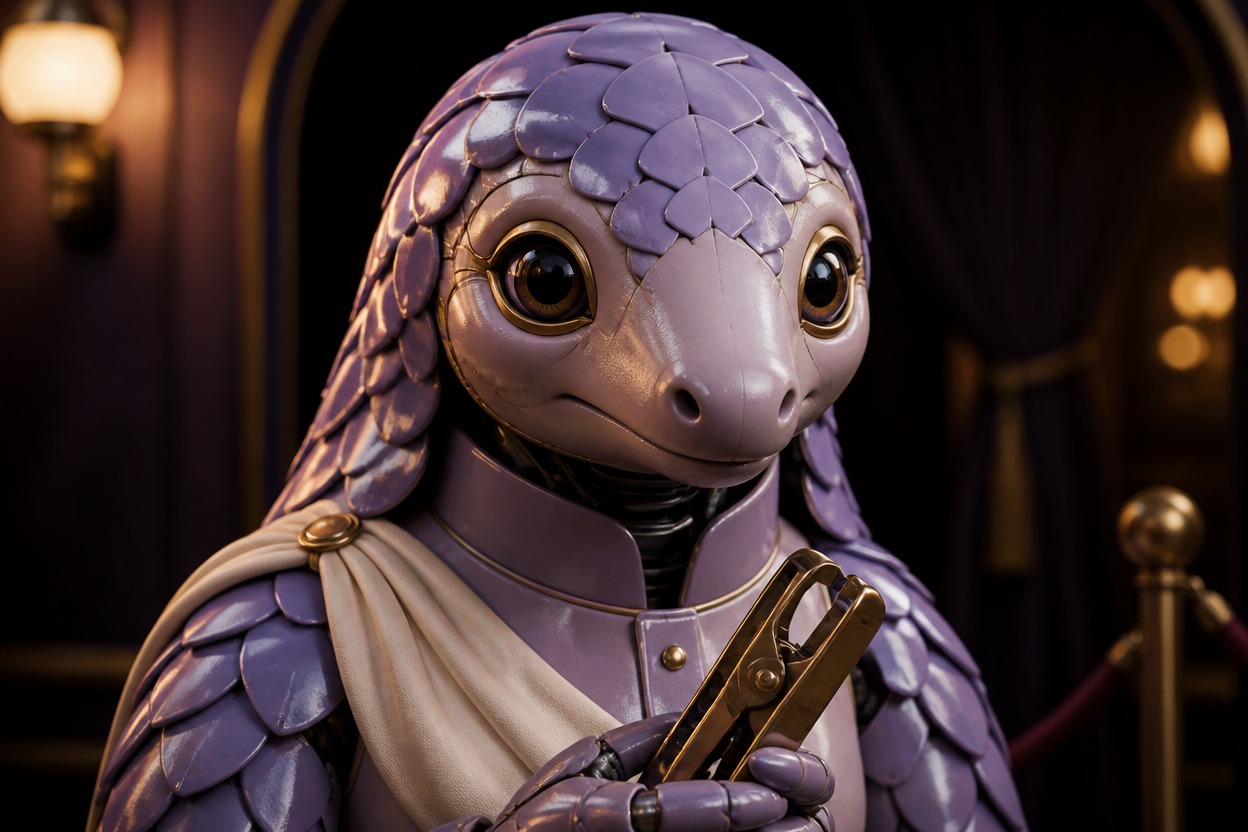
Lavender pangolin animatronic usher with shell plates and a cream drape holding a brass clipping tool in a theater lobby

0404

Alternate Shells, Different Personalities

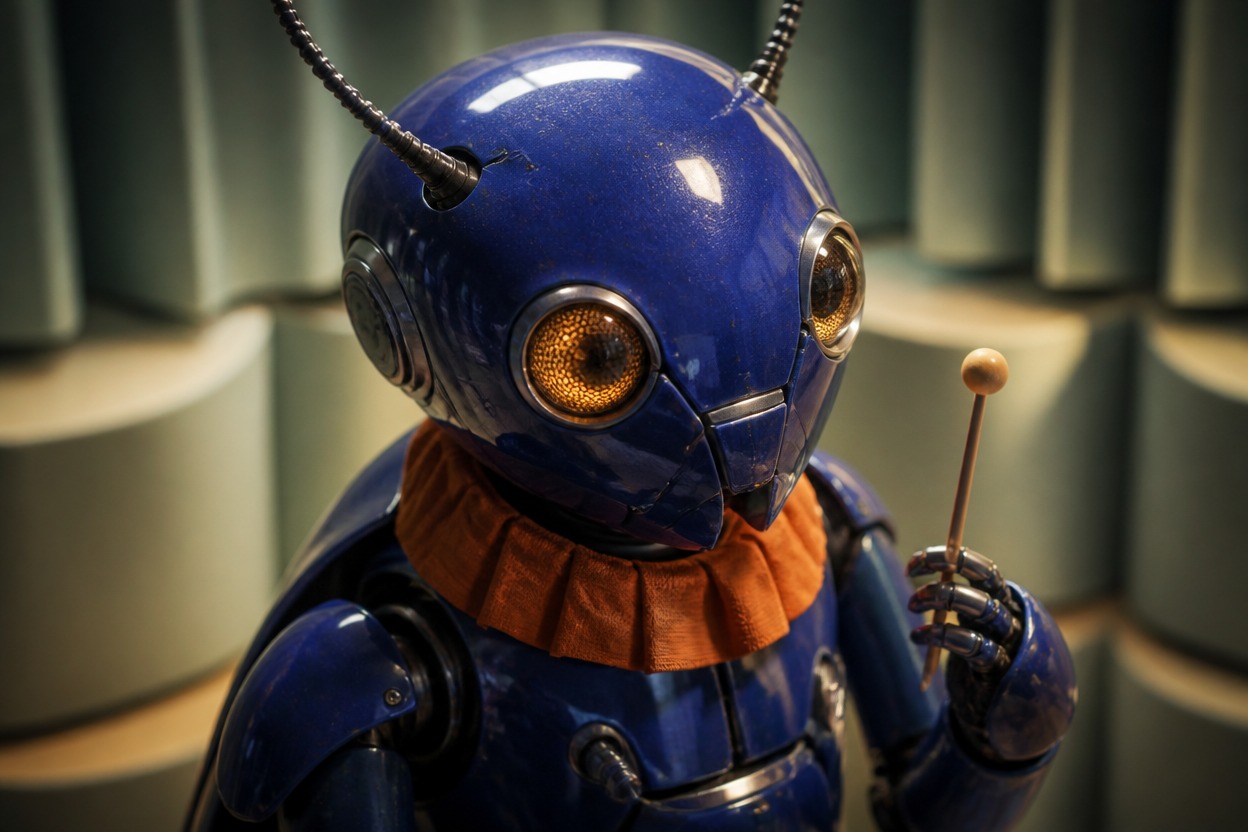
A satin-finished moth housing feels quite different from a ceramic otter shell or a lacquered beetle mask. Material and animal cues open several portrait directions without relying on familiar mascot costumes. A promising mechanical face can become a wider concept in the OC maker.

Cobalt beetle animatronic with honey-colored eyes and an orange collar holding a mallet in a sage acoustic room

Stage Details Without the Visual Noise

Small secondary accents can suggest a performance setting while the animatronic remains the subject.

  • 01

    Restrained Wear Marks

    Get subtle edge scuffs that suggest a working machine without turning its face into wreckage or grime.

  • 02

    Small Performance Props

    Create one plain baton or tuning key below the jaw to suggest a stage role without blocking the eyes.

  • 03

    Lens Reflection Accents

    Generate a soft reflected light shape in glossy eyes to add depth without a screen or interface overlay.

  • 04

    Quiet Costume Trims

    Create a neat fabric shoulder accent that complements the shell rather than hiding mechanical construction.

  • 05

    Backdrop Color Echoes

    Get muted curtain or wall colors that relate to the housing palette without adding a full theater scene.

  • 06

    Design Discussion Images

    Produce a visual reference for explaining your animatronic concept to an illustrator or practical prop artist.

Build the Face Before Darkening the Stage

Separate the mechanical design from the lighting so you can see what needs to change.

  1. Define an Unfamiliar Animal Housing

    Write a species and shell construction, such as a ceramic otter with segmented cheek plates. Leave out recognizable franchise hats, bibs, bow ties, and signature colors.

  2. Set the Gaze and Restrained Lighting

    Add one expression, a tight portrait view, and a small rim light. Ask for visible eyes and non-graphic suspense rather than covering the face in darkness or damage.

  3. Reduce the Image and Rebalance

    Generate the portrait and inspect it at avatar scale. If the eyes vanish, increase face fill light; if plates merge, simplify the shell seams before making another image.

Frequently Asked Questions

Questions About FNAF PFP Maker

What Is FNAF PFP Maker?

It is an AI image tool for animatronic-inspired profile portraits. A description guides the animal housing, mechanical expression, and atmosphere; the output is a still image rather than an animated robot or game asset.

How Do I Use It for an Animatronic Avatar?

Describe a new animal shell, the eye expression, and how much of the face should be lit. Generate a close portrait and revise the most visible problem before adding more stage detail.

Can I Generate a FNAF PFP for Free?

A free tier is described in OCMaker AI’s terms, but model access and the required tokens depend on your account and current pricing. Check the displayed generation cost; free access is not an unlimited-generation promise.

Can an Animatronic Portrait Be Used on a Paid Channel?

Check current OCMaker AI terms and plan benefits alongside the image itself. Existing Five Nights at Freddy’s mascot designs, stage branding, and signature costume combinations may involve third-party rights that a subscription does not clear.

How Eerie Can the Portrait Be Without Gore?

Unblinking glass eyes, a restrained mechanical smile, and a dim stage edge can convey suspense. Keep the shell intact and omit blood, exposed organic tissue, and injury; darkness alone is not needed to make the gaze unsettling.

Why Do the Mechanical Eyes Disappear at Avatar Size?

A very dark face and bright background can erase the eye shape when reduced. Ask for gentle light on the eye housings and a less intense backdrop, then test the small preview again.

Can a Deadpan Animatronic Be Funny Without a Caption?

Yes, a tilted brow plate or a politely closed mechanical smile can carry the joke visually. Keep the gaze and mouth simple; a dozen exaggerated details can make the face harder to read.

Does This Make an Animated or GIF Profile Picture?

This workflow is scoped to still portrait images. It does not promise a moving jaw, blinking eyes, GIF export, or platform-specific animation support; those would require a separate workflow.

Can I Design a Moth or Beetle Instead of a Bear?

An insect-inspired housing is a useful way to explore different head structures. Broad cheek panels or folded antenna bases can support the face without recreating the familiar bear, bunny, chicken, or fox costumes.

Why Does the Jaw Look Like Several Overlapping Mouths?

Too many teeth, vents, and hinge layers can compete in a tight portrait. Reduce the jaw to one articulated opening and a few broad plates, with the lower hinge clearly separated from the cheeks.

Will Tall Antennae Survive a Round Profile Crop?

Only if enough space remains above and beside the head. Preview the platform crop or use an external editor; a generated portrait does not automatically protect long antennae or narrow ear tips.

Can I Show a Metal Shell Without Making It Look Dirty?

Use satin enamel, brushed alloy, or glazed ceramic with controlled reflections. Ask for a maintained stage machine; heavy rust and scattered wires are optional design choices, not requirements for an eerie portrait.

Make the Mechanical Gaze Your Signature

Generate an animatronic close-up with just enough stage tension to make the eyes linger.

FNAF PFP Maker: Eerie Animatronic Close-Ups