Gorilla Tag PFP Maker: Custom Low-Poly Ape Portraits

Use Gorilla Tag PFP Maker to generate low-poly ape portraits with expressive faces, custom hats, cosmetic concepts, and backgrounds for profile pictures.

Gorilla Tag PFP Maker

Give your VR-community profile a low-poly ape portrait with personality. Generate an image shaped around a bold face, a favorite color mood, and an accessory that stays visible at icon size.

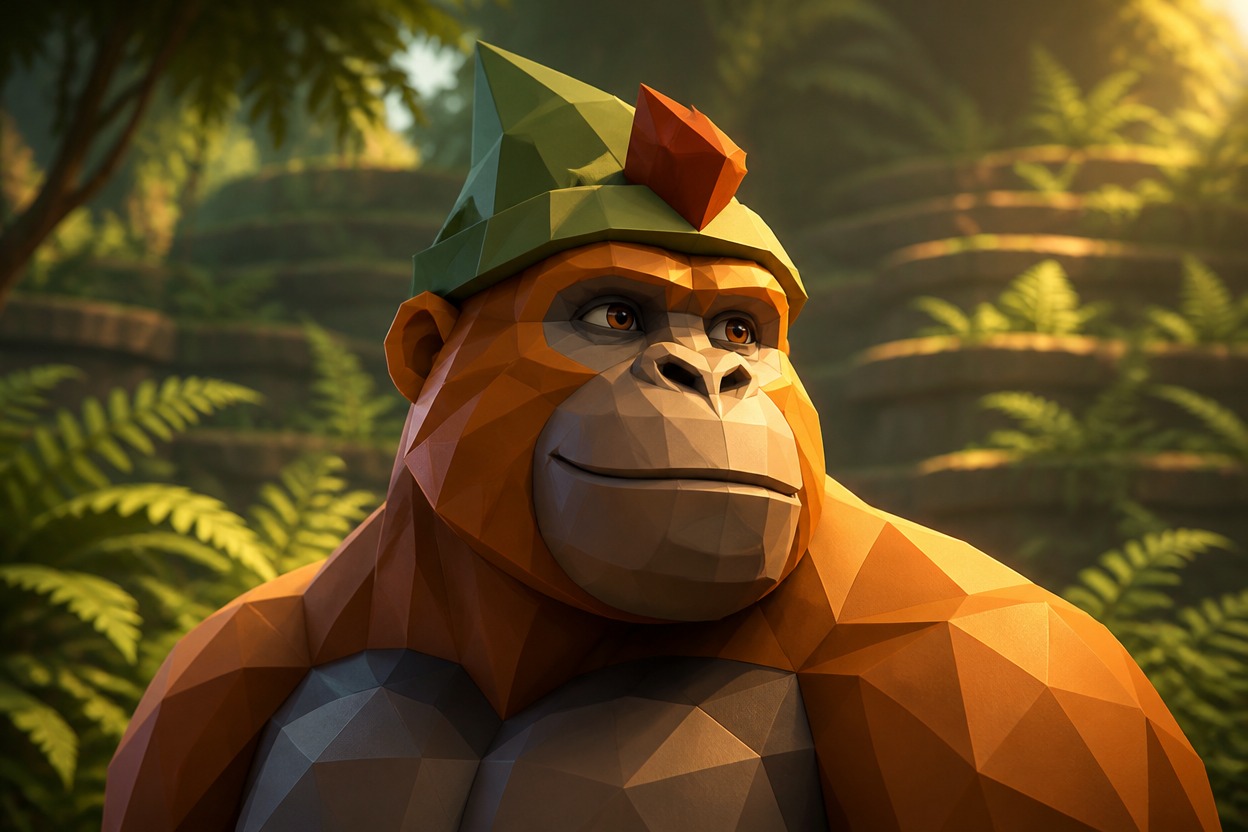
Amber low-poly gorilla in a pointed sage folded cap among softly lit forest ferns

Low-Poly Ape Portraits With Personality Up Front

Faceted faces, expressive silhouettes, and cosmetic concepts make each profile image feel personal.

0104

Ape Faces, Not Human Avatars

The GTag pfp maker turns an ape description into a portrait with a broad muzzle, simplified facial planes, and long-arm shoulder framing. Color and expression shape the result, giving community profiles a game-inspired silhouette instead of a realistic zoo photograph or a human in a gorilla suit.
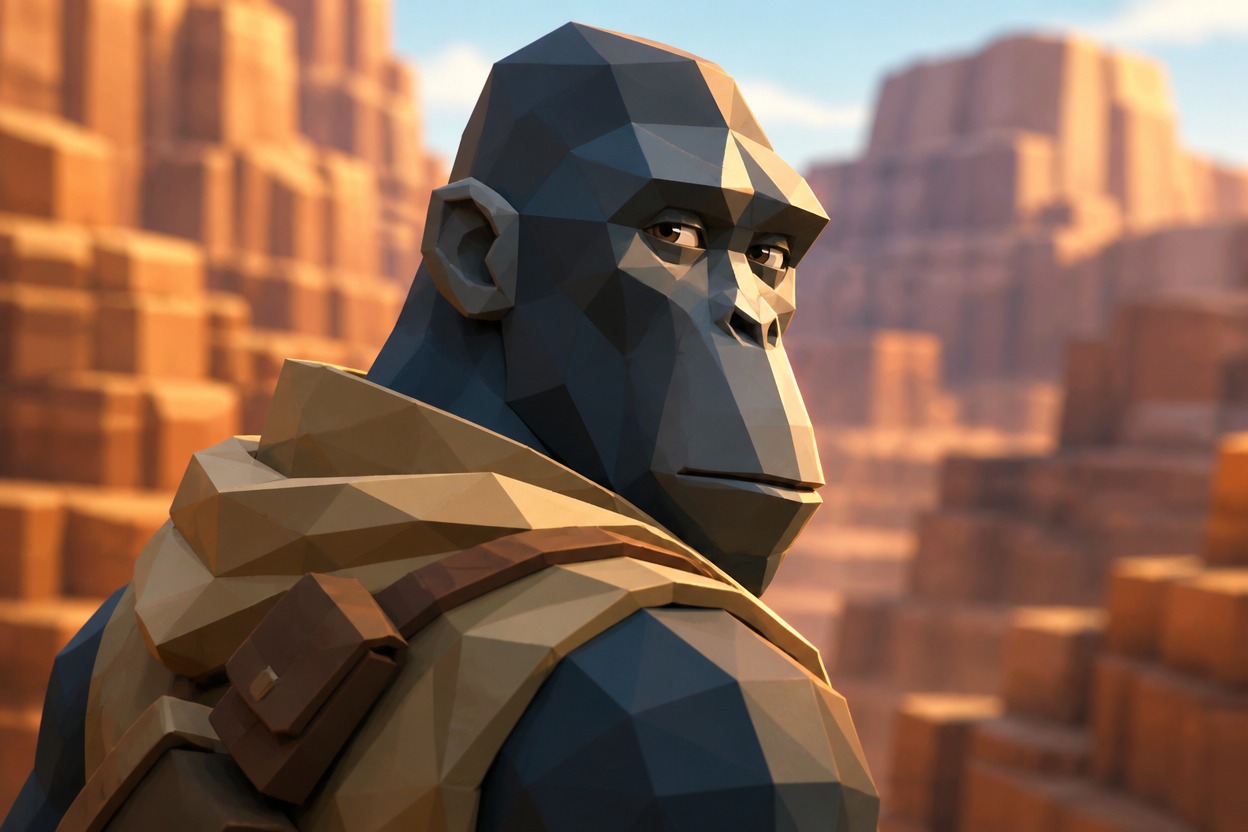
Slate-blue narrow-headed ape looking over a sand shoulder wrap toward sunlit canyon cliffs

0204

Custom Cosmetics in the Spotlight

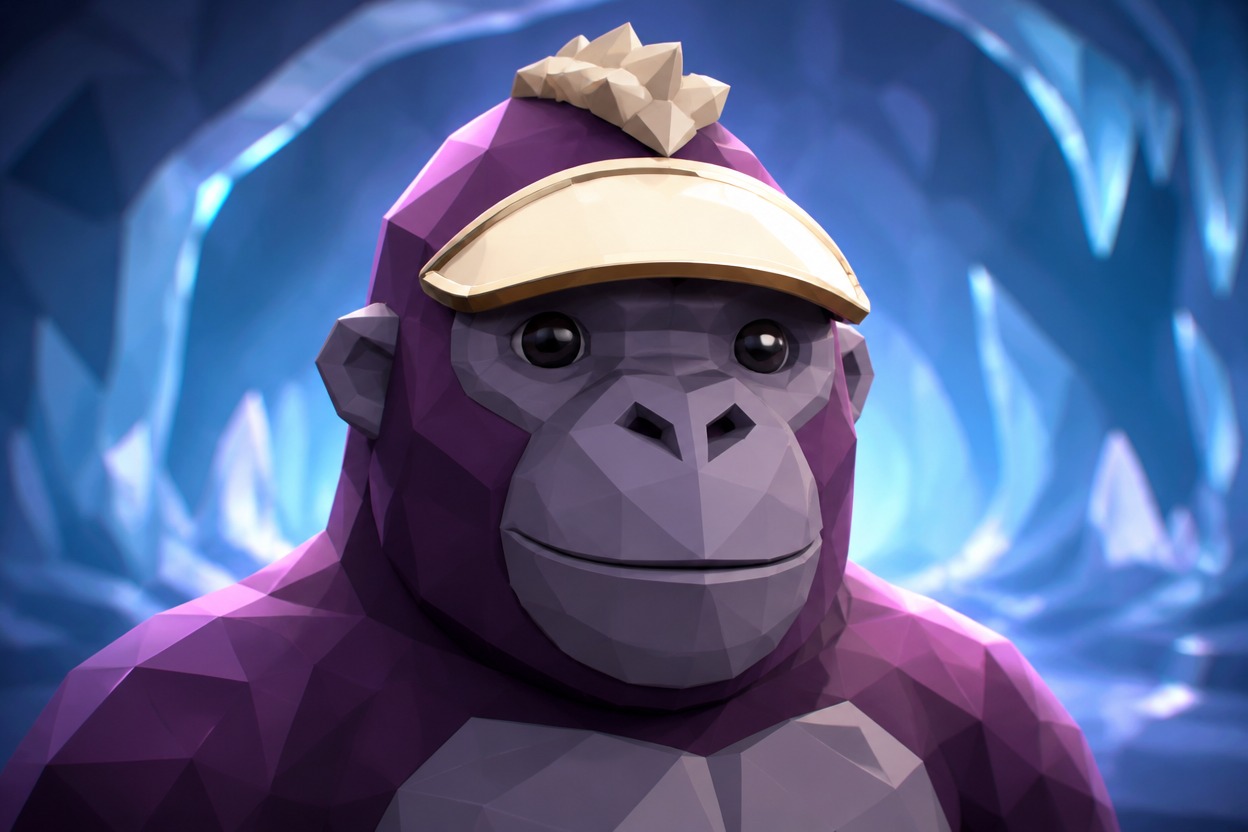
A Gorilla Tag pfp maker with cosmetics can visualize a felt cap, sculpted visor, or scarf as part of the portrait. Accessory scale and material guide the image, giving your ape a focal detail. The OC maker offers a broader starting point for other character ideas.

Plum low-poly gorilla with an ivory forelock and cream visor shading its brow inside a glowing blue ice cave

0304

Expressions That Carry the Icon

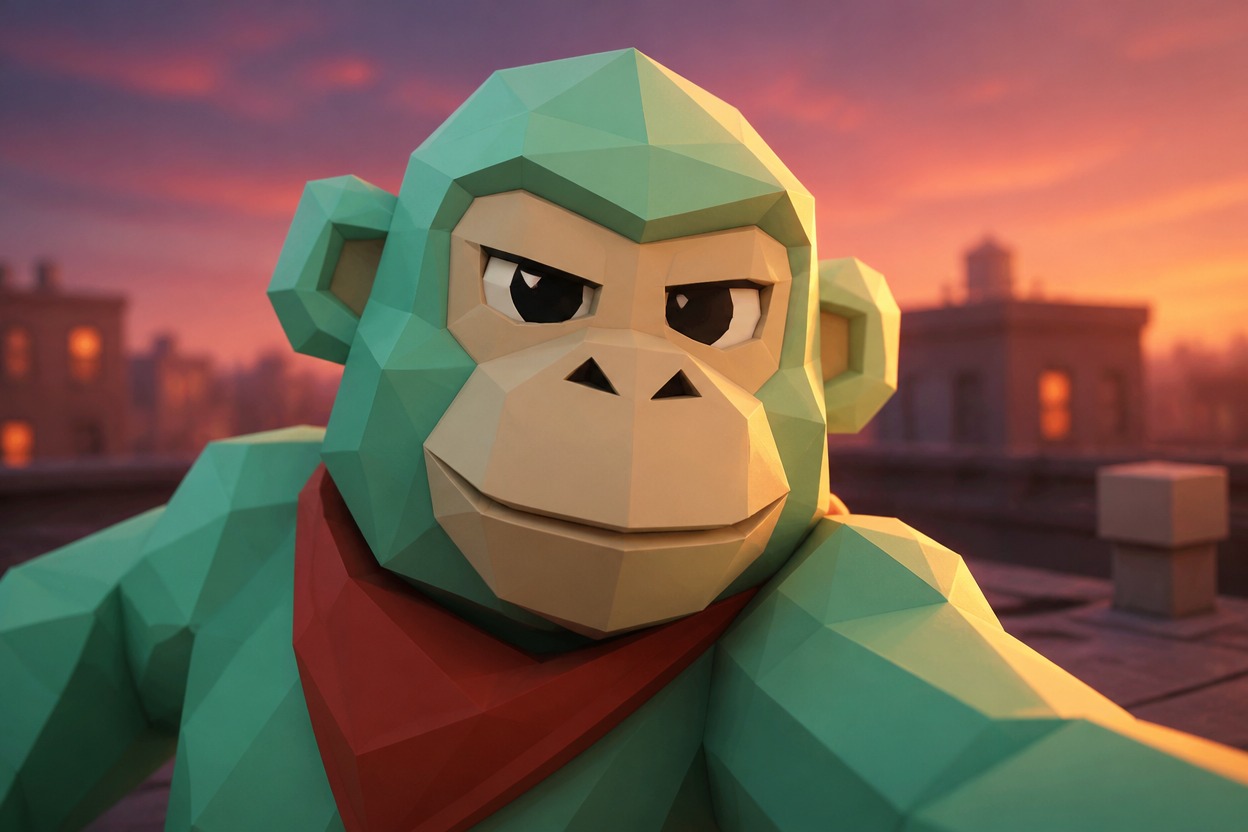
A raised brow, sideways grin, or concentrated stare gives a simple polygonal face its attitude. The Gorilla Tag profile picture maker uses expression and camera angle to shape a close-up image that can carry your playful or competitive mood without relying on tiny props or busy scenery.

Mint low-poly ape with a cheeky closed-mouth grin and rust kerchief leaning forward on a coral sunset rooftop

0404

A Setting Behind the Silhouette

Forest shade, icy stone, or a sunset platform can give an ape portrait its own atmosphere. Background color and rim lighting help separate the face from the scene. For a different illustrated direction, the AI anime generator provides an alternative image workflow.

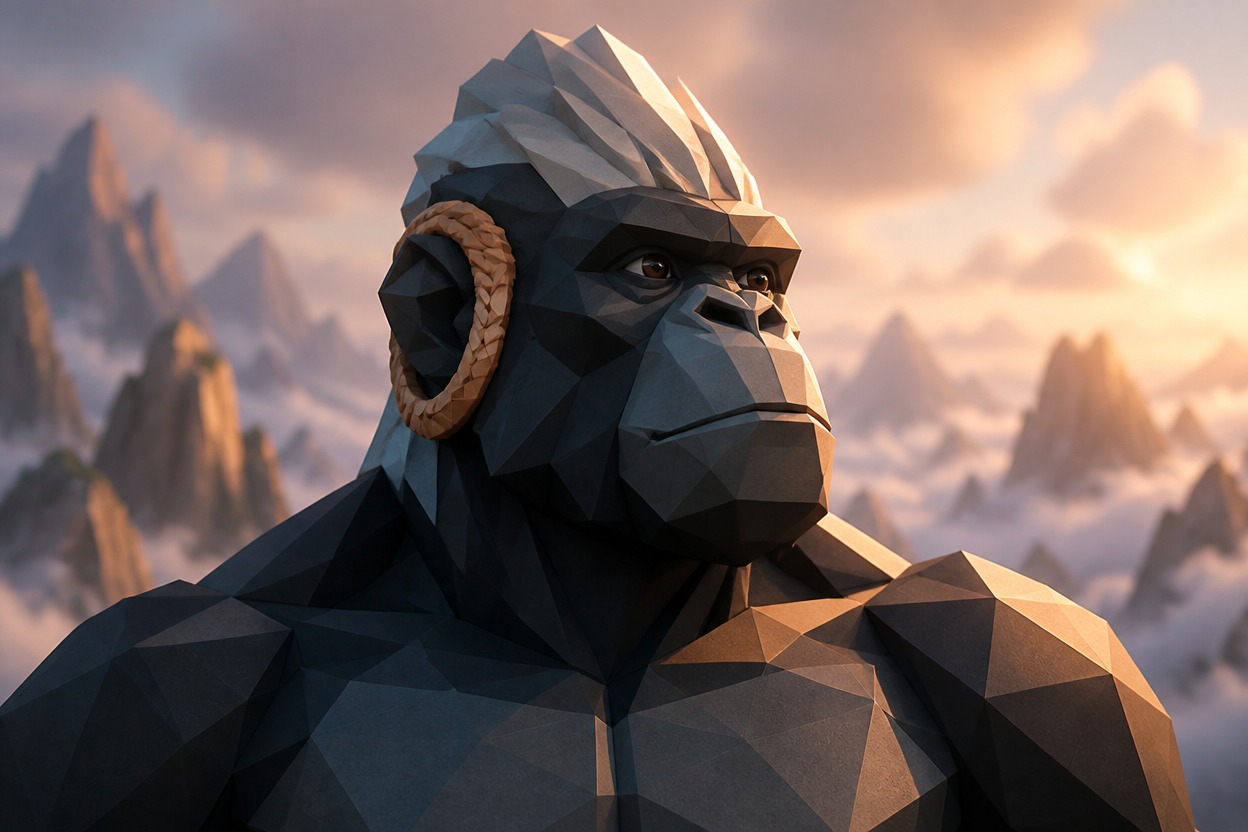
Charcoal faceted gorilla with a swept silver crest and woven apricot ear loop above peach mountain clouds

Extra Range for Your Community Identity

Surface detail and restrained gestures add character without competing with the muzzle.

  • 01

    Get Material Contrast

    Get felt, enamel, and smooth faceted surfaces in one image, adding depth without a crowded accessory pile.

  • 02

    Create Shoulder Gestures

    Create a subtle long-arm shoulder gesture that suggests movement while keeping the ape face as the main subject.

  • 03

    Generate Soft Highlights

    Generate restrained highlights on a dark muzzle so facial planes do not disappear against deep skin colors.

  • 04

    Produce Team Color Ideas

    Produce palette concepts for a community group, with separate image attempts for each member rather than cloned faces.

  • 05

    Get Calm Negative Space

    Get quieter space around the head for profile layouts where surrounding interface elements already add visual noise.

  • 06

    Create Hat Alternatives

    Create alternative brim and crown shapes as separate concepts when a tall accessory overwhelms the portrait.

From Ape Silhouette to Profile Image

  1. Anchor the Ape Anatomy

    Write a short prompt specifying a faceted VR ape, broad muzzle, long arms, and chest-up framing. Name the face shape before adding accessories; leave human legs and realistic fur anatomy out.

  2. Give One Accessory Priority

    Add a color palette, one hat or face accessory, and a simple setting. State whether the hat or the expression matters most, so the prompt does not compete for several focal points.

  3. Test the Small Crop

    Generate the image and preview a small square and circular crop in your intended platform. If the brim hides the eyes or shoulders turn human, revise that specific detail and generate again.

Frequently Asked Questions

Questions About Gorilla Tag PFP Maker

What Is Gorilla Tag PFP Maker?

It is an AI image tool for game-inspired ape profile portraits. A written description guides the faceted face, palette, and accessories; the result is a picture, not a playable ape or a game inventory item.

How Do I Use the Gorilla Tag PFP Generator?

Describe the ape face and one visible accessory, then generate a portrait. Review the muzzle, shoulder silhouette, and small-icon crop before revising details that look too human or too crowded.

Is Making an Ape PFP Free?

OCMaker AI has a token-based service with a free tier. Check current pricing and the generation cost shown in your account; availability for this tool and unlimited free use are not guaranteed.

Can I Sell an Ape Portrait on Channel Merchandise?

Check OCMaker AI terms, your input rights, and the image before selling it. Gorilla Tag branding and recognizable cosmetic designs can raise third-party rights issues; generating an image does not grant those permissions.

Can a Gorilla Tag PFP Maker With Hats Keep the Eyes Clear?

A shallow crown or short brim usually leaves more room for the face than a towering hat. Request space above the head and a visible brow line, then inspect the result inside your platform’s circular crop.

Will Cosmetics Match My Exact In-Game Items?

A prompt can describe a cosmetic concept, but exact shop assets, item geometry, and inventory matching are not guaranteed. Use a custom hat shape or visor design when you want a personal visual direction.

Does This Unlock Cosmetics or Add Them to My Account?

No. The output is an image of an ape wearing a depicted accessory. It does not unlock cosmetics, transfer items, or change your Gorilla Tag account.

Why Does the Ape Have Human Legs or a Human Chest?

A full-body or costume-style prompt can pull the image toward human anatomy. Ask for a chest-up low-poly VR ape with simplified shoulders and long arms; remove human clothing references that suggest a person in a suit.

How Can a Dark Gorilla Stay Visible on a Dark Profile?

Give the muzzle a slightly lighter value and request a narrow rim light behind the head. Avoid black-on-black hats and backgrounds, which merge into one shape when the image is reduced.

Can the Same Ape Have Different Expressions?

You can make separate image attempts with a grin, raised brow, or focused stare while repeating the main facial description. Exact identity matching across generations is not guaranteed.

Do I Need a 3D Model or a VR Screenshot?

A written description is enough for an image concept. A 3D model, rig, screenshot extraction, or game asset export is not part of this page’s output.

Who Can Use This Ape Portrait Tool?

OCMaker AI requires users to be at least 18. The game-inspired appearance does not change the service’s age requirement.

Put Your Ape’s Attitude in the Frame

Generate a low-poly portrait where the muzzle, expression, and signature accessory do the talking.

Gorilla Tag PFP Maker: Custom Low-Poly Ape Portraits