Interlocking Letters Generator: Create Interlocing Logos Quickly

Use this interlocking letters generator to create monogram logos, lettermark drafts, and overlapping initial designs.

Interlocking Letters Generator

Generate interlocking letter logos, monogram initials, badge-style lettermarks, and clean typography concepts for personal brands, wedding marks, social icons, stationery, and logo draft exploration.

Monogram Logo Styles You Can Create

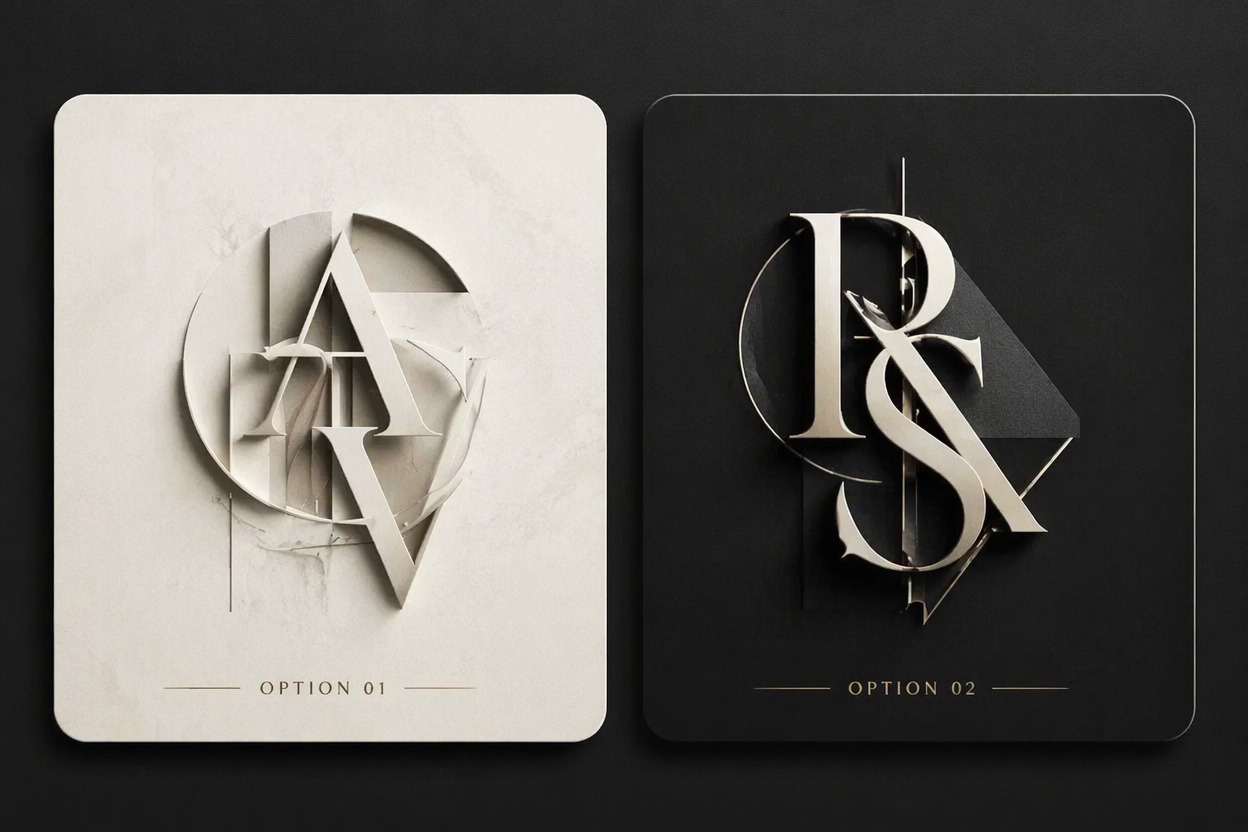
Compare elegant, bold, and minimal interlocking-letter directions before choosing a logo draft to refine.

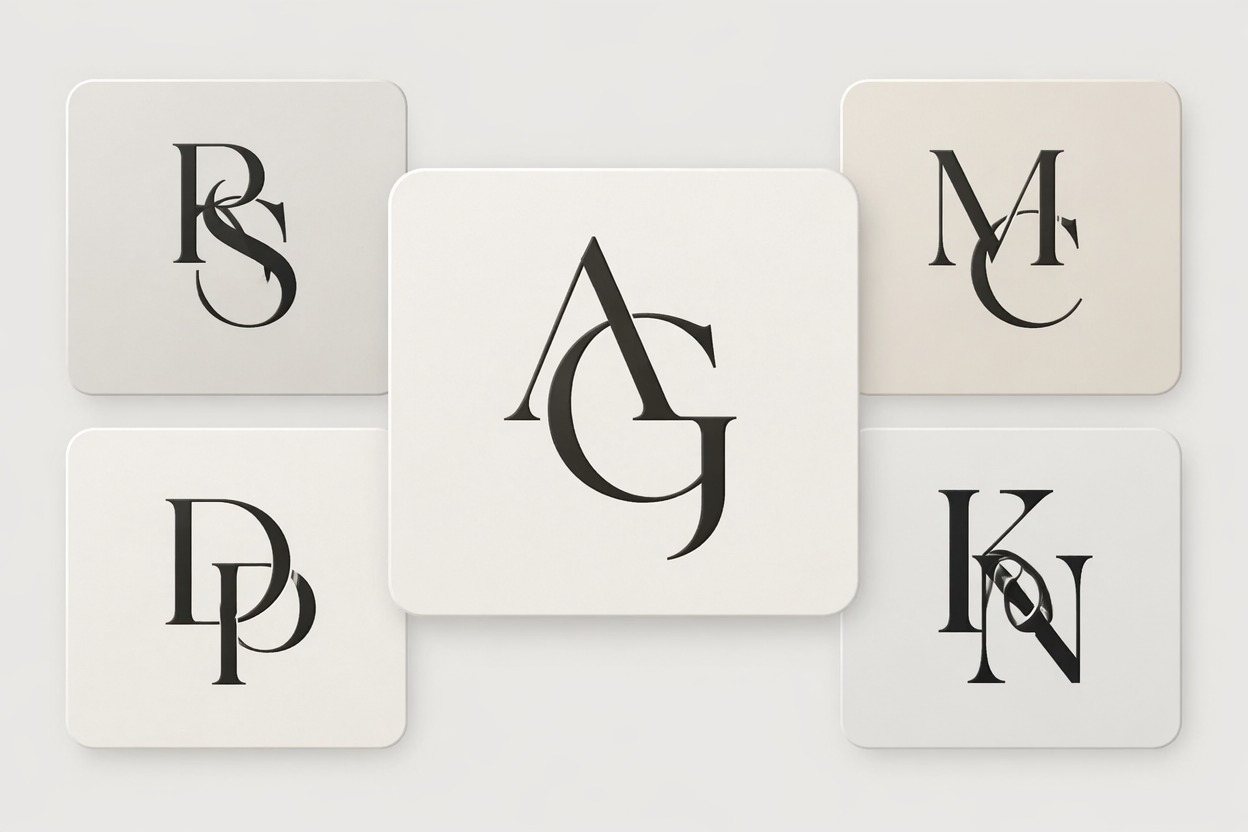
  • Classic Interlocking Monogram01

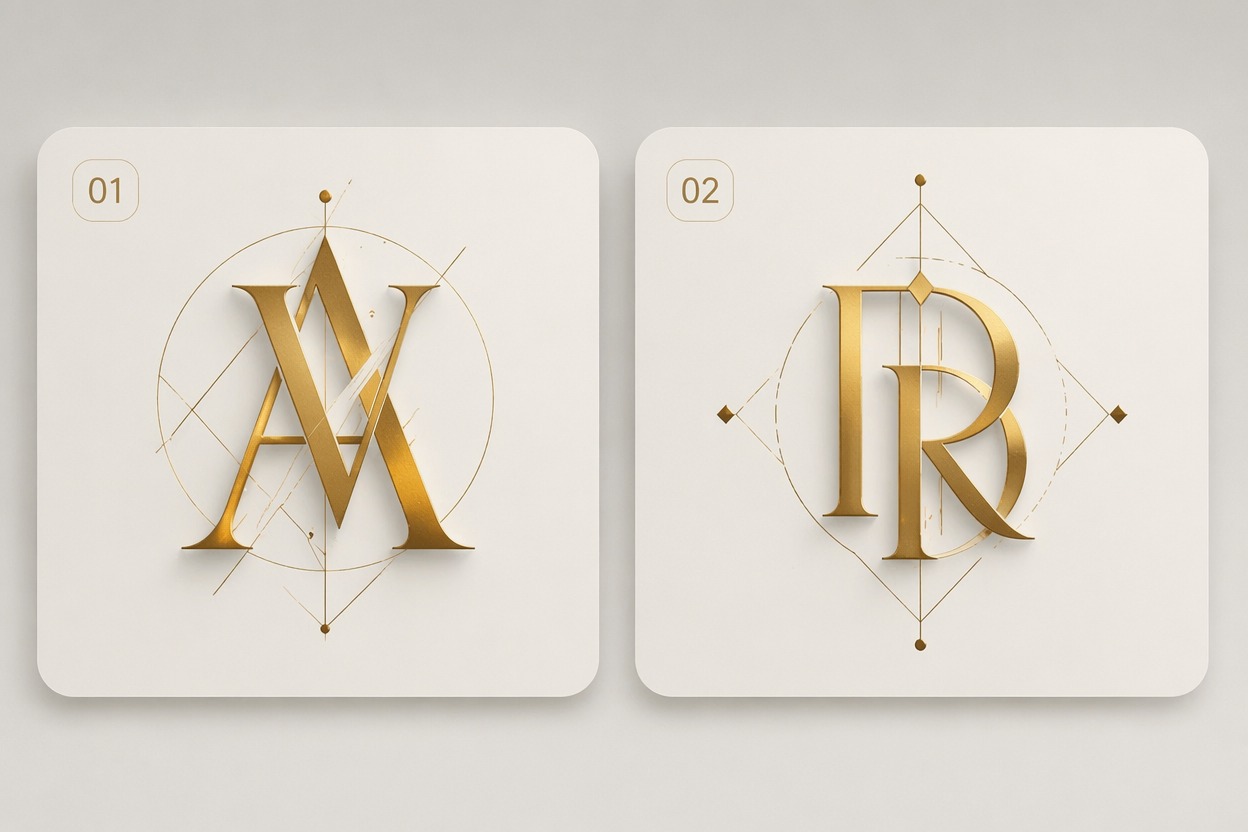
    Classic Interlocking Monogram

    Generate an elegant two-letter monogram with balanced overlap, strong spacing, and a clean logo-ready silhouette.

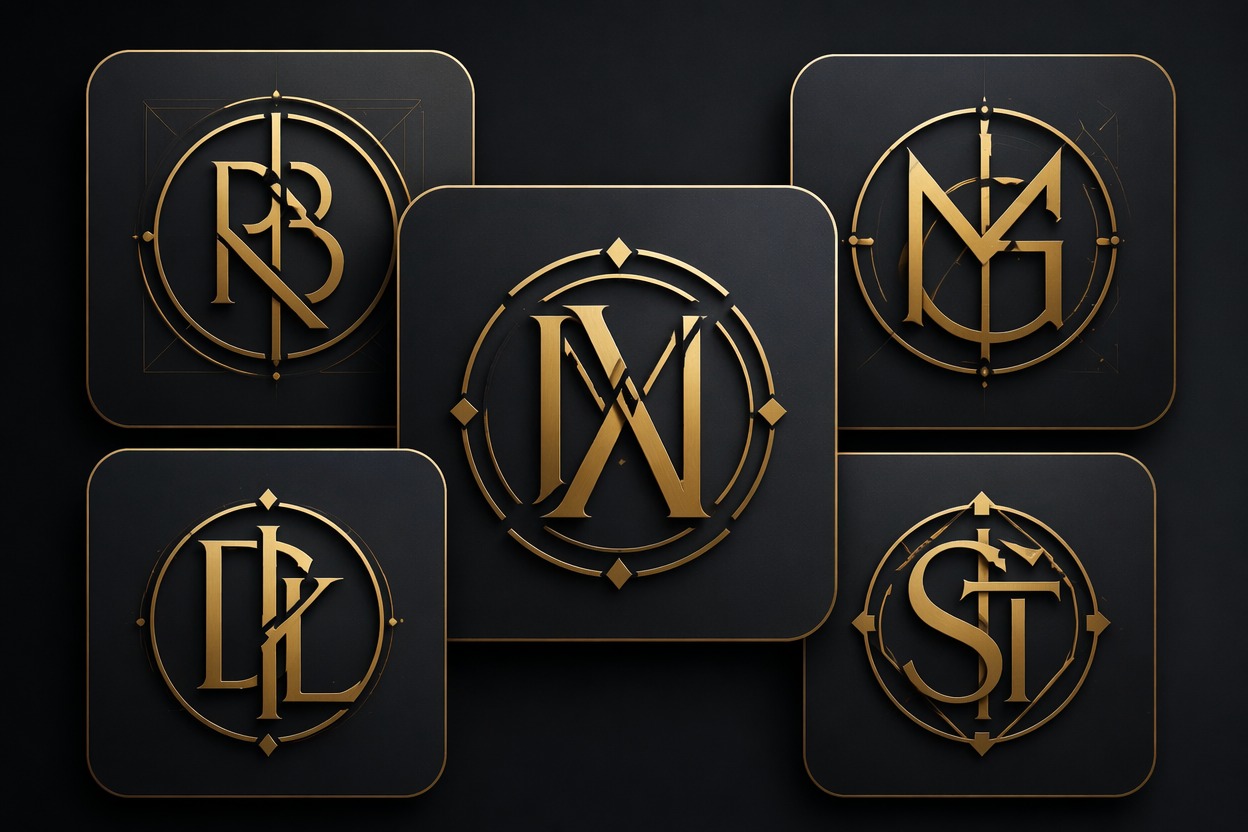
  • Bold Badge Lettermark02

    Bold Badge Lettermark

    Create a stronger badge-style lettermark with thicker strokes, high contrast, and a layout that works for icons or profile images.

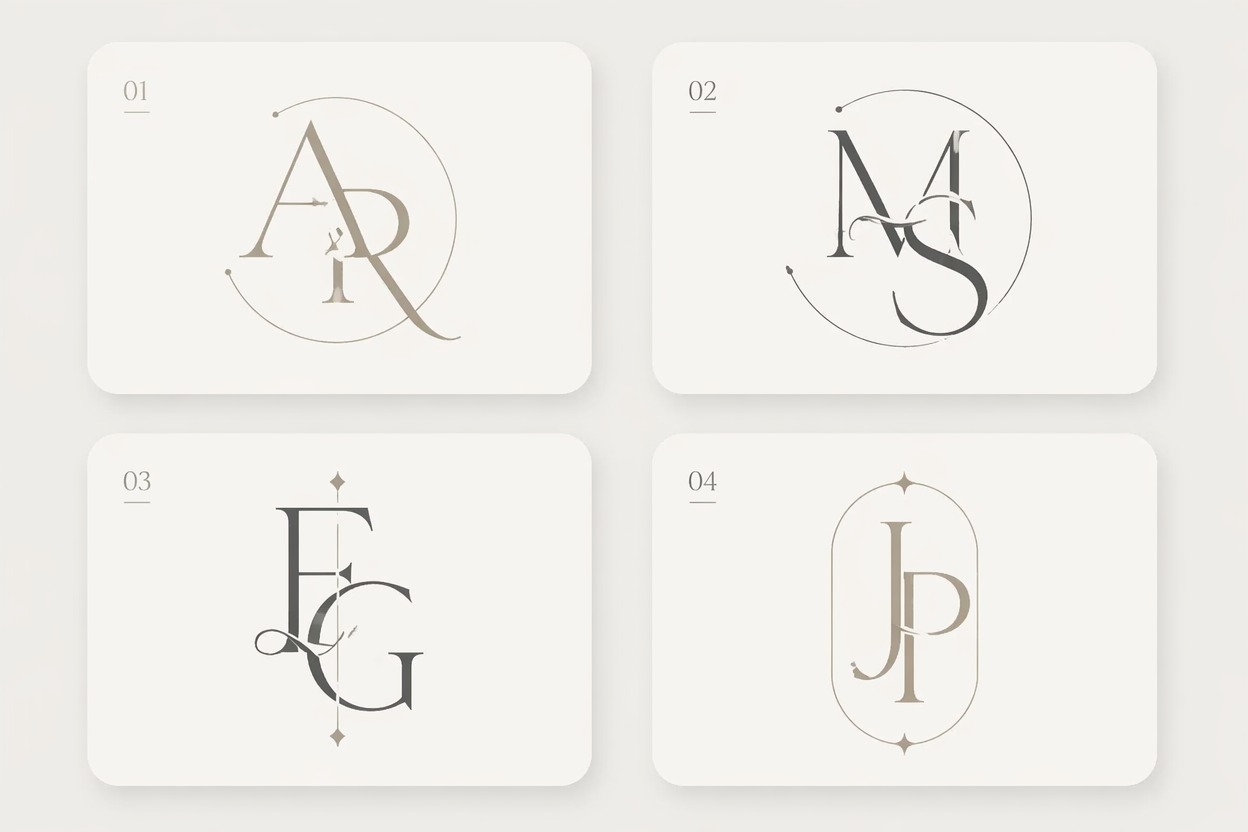
  • Minimal Wedding Initials03

    Minimal Wedding Initials

    Try a softer monogram direction with thin strokes, graceful curves, and a polished invitation or personal-brand feel.

Interlocking Letters Generator for Logo Drafts

Create overlapping-initial concepts that help you judge style, spacing, and small-size readability before final design work.

0104

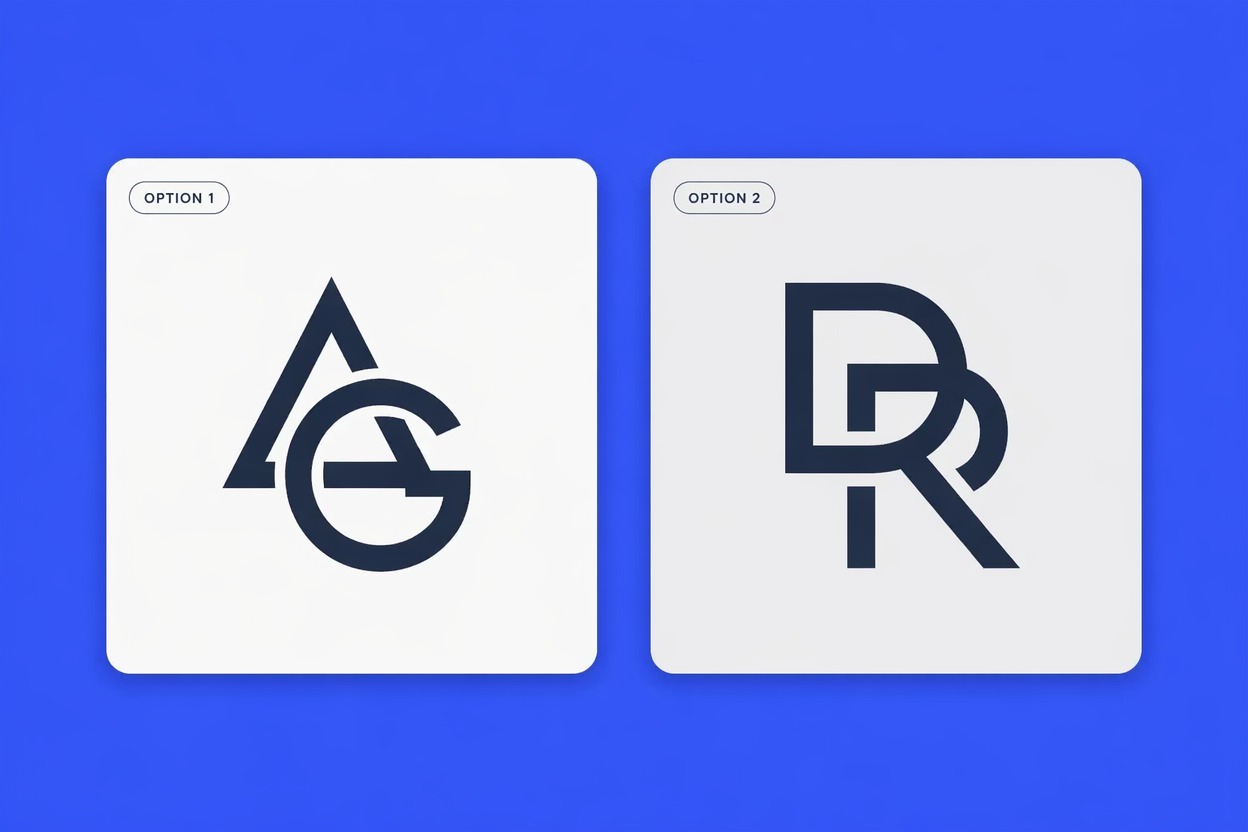
Generate Interlocking Lettermarks

Create overlapping initial concepts for logos, profile marks, wedding monograms, creator brands, and small business identity drafts. The strongest fit is fast visual exploration before a designer refines exact typography and vector geometry.
Generate Interlocking Lettermarks

0204

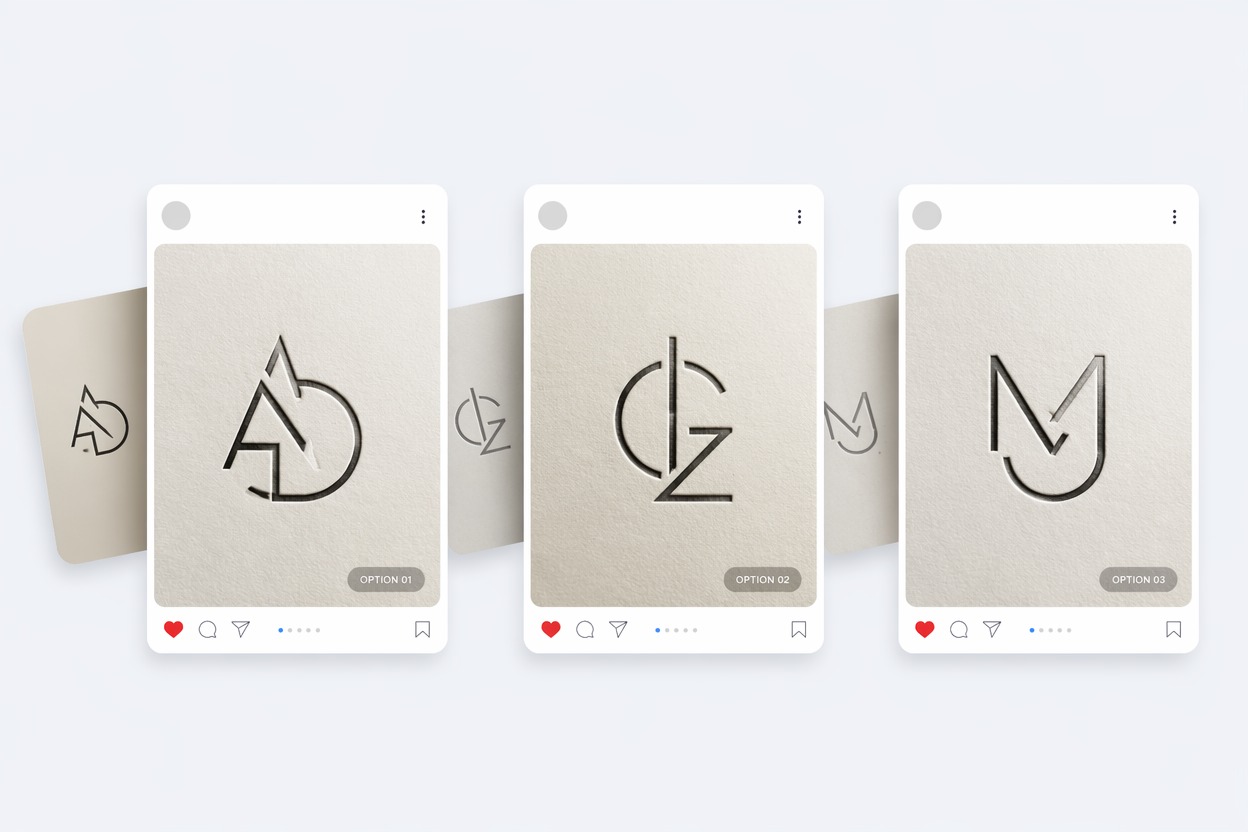
Explore Monogram Maker Styles

Test serif, script, geometric, badge, luxury, minimal, gothic, or sporty monogram directions without building every version by hand. Use this monogram maker workflow when you need many first-pass logo ideas quickly.

Explore Monogram Maker Styles

0304

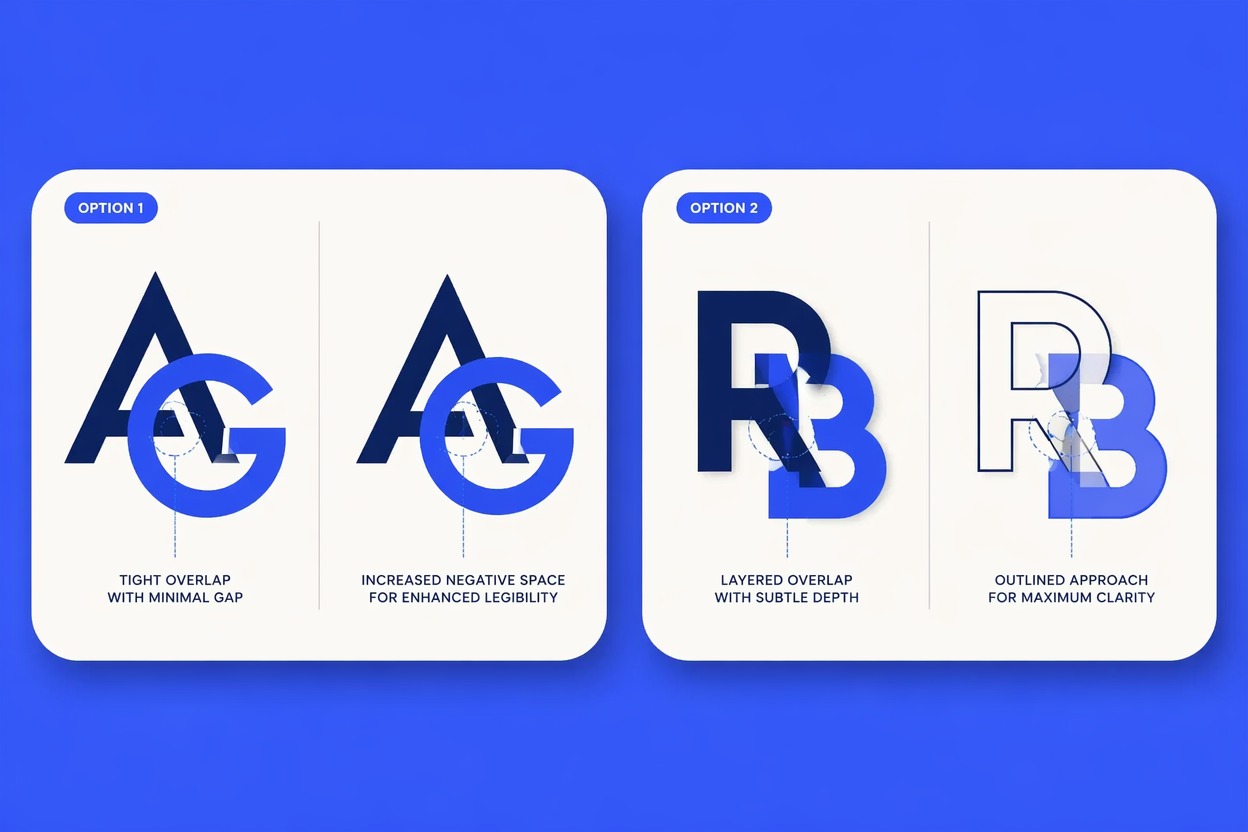
Control Spacing and Readability

Generate versions with clearer overlap, wider counters, thicker strokes, or simpler silhouettes so the letters still read at avatar size. This is a better fit for concept selection than final trademark-ready logo production.

Control Spacing and Readability

0404

Turn Text Into Logo Drafts

Use a monogram font generator direction to convert initials into visual starting points for headers, watermarks, social icons, stationery, and presentation marks. For anime-styled brand visuals, pair the result with the AI anime generator page.

Turn Text Into Logo Drafts

Create an Interlocking Monogram Draft

A useful monogram prompt names the initials, style, overlap level, and final use before generating.

  1. Enter the initials and use case

    Specify two or three letters and whether the result is for a logo, wedding mark, profile icon, watermark, or stationery.

  2. Choose the letter style

    Pick serif, script, geometric, luxury, badge, minimal, gothic, or sporty styling, then describe stroke weight and overlap level.

  3. Check small-size readability

    Review the mark as an avatar or favicon. If the initials blur together, regenerate with simpler strokes and wider spacing.

Why Use a Lettermark Generator

Interlocking letters need style exploration and readability checks before they become useful brand marks.

  • 01

    Fast Initial Exploration

    Generate multiple two-letter or three-letter directions before spending time on manual typography edits.

  • 02

    Overlap Readability

    Compare how much the strokes interlock while keeping initials recognizable at logo, avatar, or watermark size.

  • 03

    Style Range Testing

    Try luxury serif, script, geometric, gothic, sporty, badge, or minimal monogram routes in one workflow.

  • 04

    Cleaner Logo Drafts

    Use generated concepts as visual references for designers, presentations, stationery, social icons, or personal-brand headers.

  • 05

    Spacing and Weight Control

    Ask for thicker strokes, more open counters, tighter overlap, or wider letter spacing to reduce messy shapes.

  • 06

    Pre-Trademark Caution

    Treat outputs as concept drafts and check originality, licensing, and trademark availability before using a mark commercially.

Interlocking Letters Generator FAQ

Answers about monogram logos, font styles, readability, free use, credits, and commercial review.

What is an interlocking letters generator?

An interlocking letters generator creates visual concepts where initials overlap, weave, or connect into a monogram-style logo mark. It is useful for logo drafts, personal brands, wedding initials, social icons, watermarks, and presentation concepts.

Can I use it as an interlocking letters logo generator free?

You may be able to test ideas with free credits or trial access, depending on the current OCMaker AI pricing rules. After free credits are used, more generations may require paid credits or a plan.

How is it different from a monogram maker?

A monogram maker may focus on initials arranged in a decorative mark. This page is specifically useful when the letters should overlap or interlock, so spacing, stroke weight, and readability matter more than decoration alone.

Can it work like a monogram font generator?

Yes, it can help explore font directions such as serif, script, geometric, luxury, gothic, or badge styles. Treat the result as a design draft, not a finished font file or editable vector alphabet.

What should I include in the prompt?

Include the initials, number of letters, style, stroke weight, overlap level, color palette, background preference, and where the mark will be used. Avoid asking for long words because logo text can become distorted.

Will the letters always be perfectly readable?

No. AI can merge strokes too much, invent extra shapes, or distort letterforms. For important logos, generate several options, choose the clearest direction, and refine the final mark manually or with a designer.

Can I use a generated monogram commercially?

Review OCMaker AI terms, font licensing, originality, trademark availability, and local rules before using a generated monogram commercially. A clean-looking concept can still conflict with an existing logo or protected brand mark.

What format is best for final logo use?

Use the generated image as a concept reference first. For final production, recreate or trace the chosen mark as a proper vector file so it scales cleanly for print, web, embroidery, signage, and social profiles.

Generate an Interlocking Letter Logo

Enter initials, choose a monogram style, set the overlap mood, and create lettermark concepts for brands, weddings, icons, or stationery drafts.

Interlocking Letters Generator: Create Interlocing Logos Quickly