
Pricing
Log In
AI Generator
Free AI Kawaii Character Creator: Create Cute Characters
Make a Kawaii character with OCMaker AI: create cute 3D-style avatars, mascot ideas, pastel outfits, and original kawaii character art.
Kawaii Character Creator
Make a Kawaii character with rounded shapes, pastel colors, cute expressions, and 3D-inspired toy-like charm. Best results start with one clear character type, simple outfit cues, and a soft background direction.
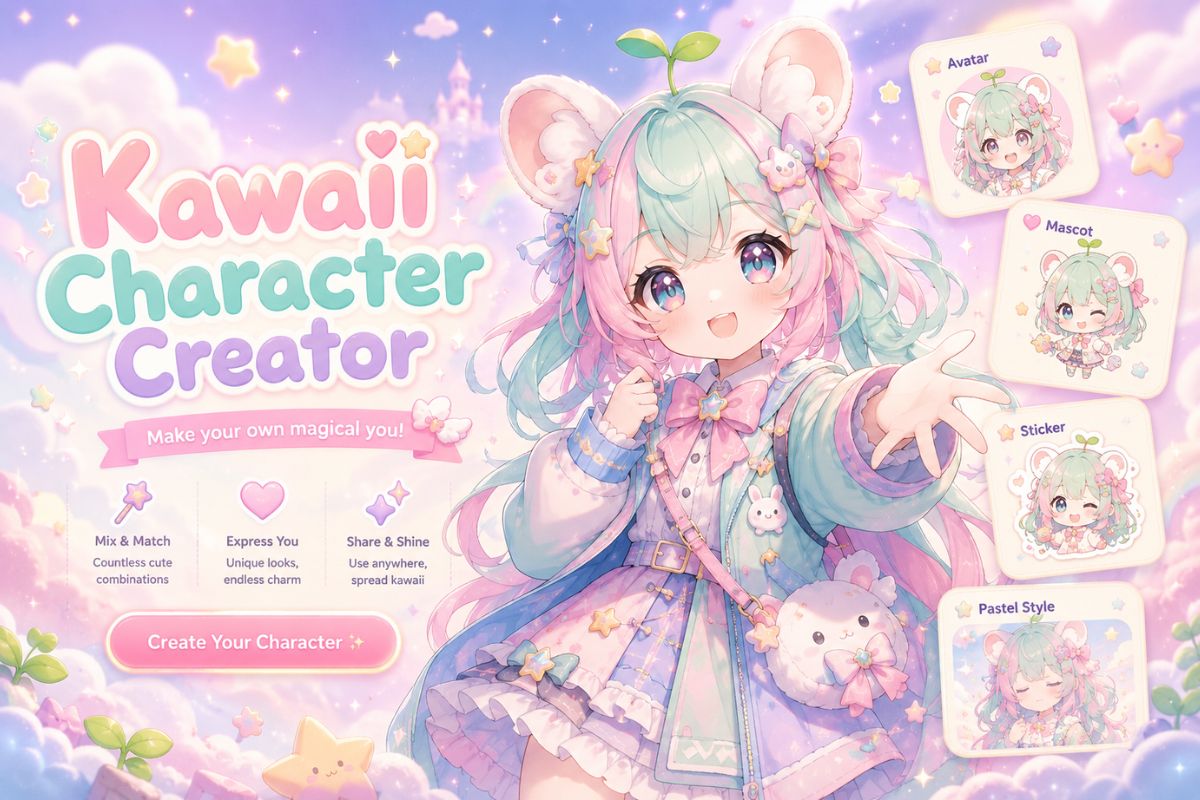
Kawaii Character Maker Gallery Ideas
Preview common kawaii character directions before generating: 3D-style avatars, animal mascots, pastel girls, and chibi sticker concepts. Keep the silhouette simple so the cuteness reads fast.
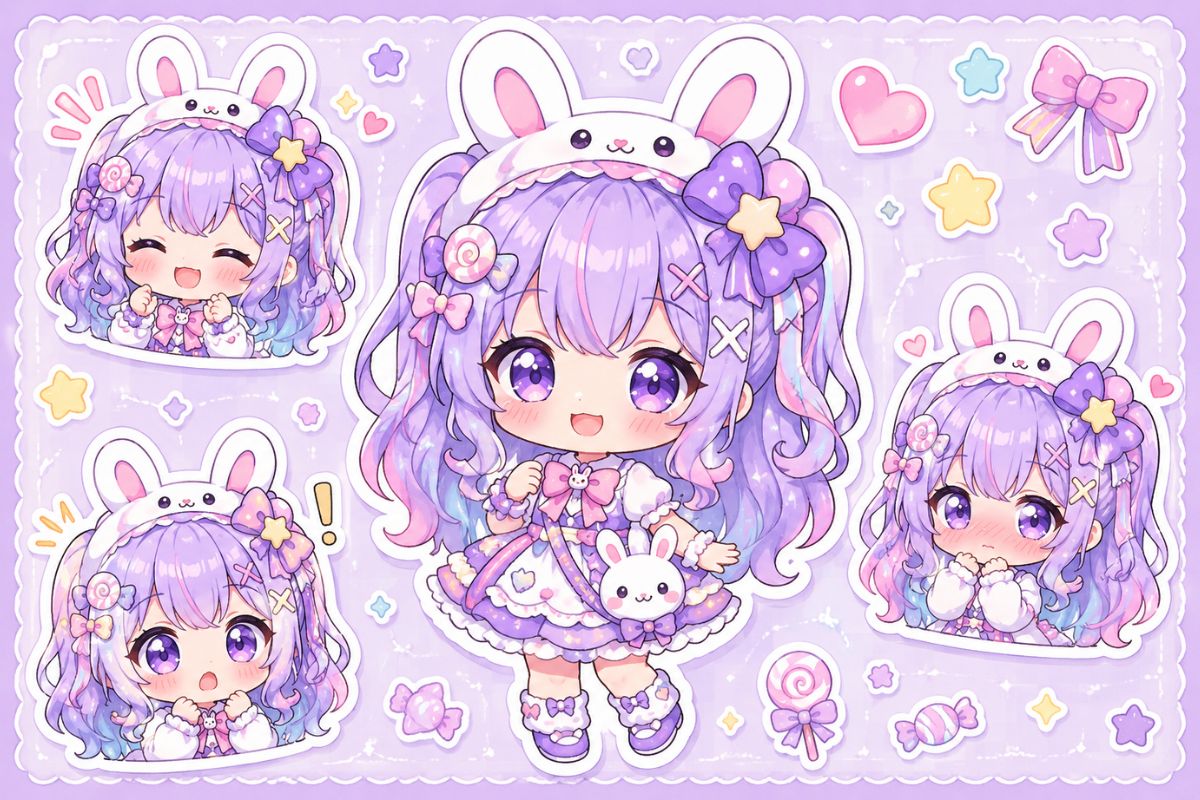
Kawaii 3D Avatar
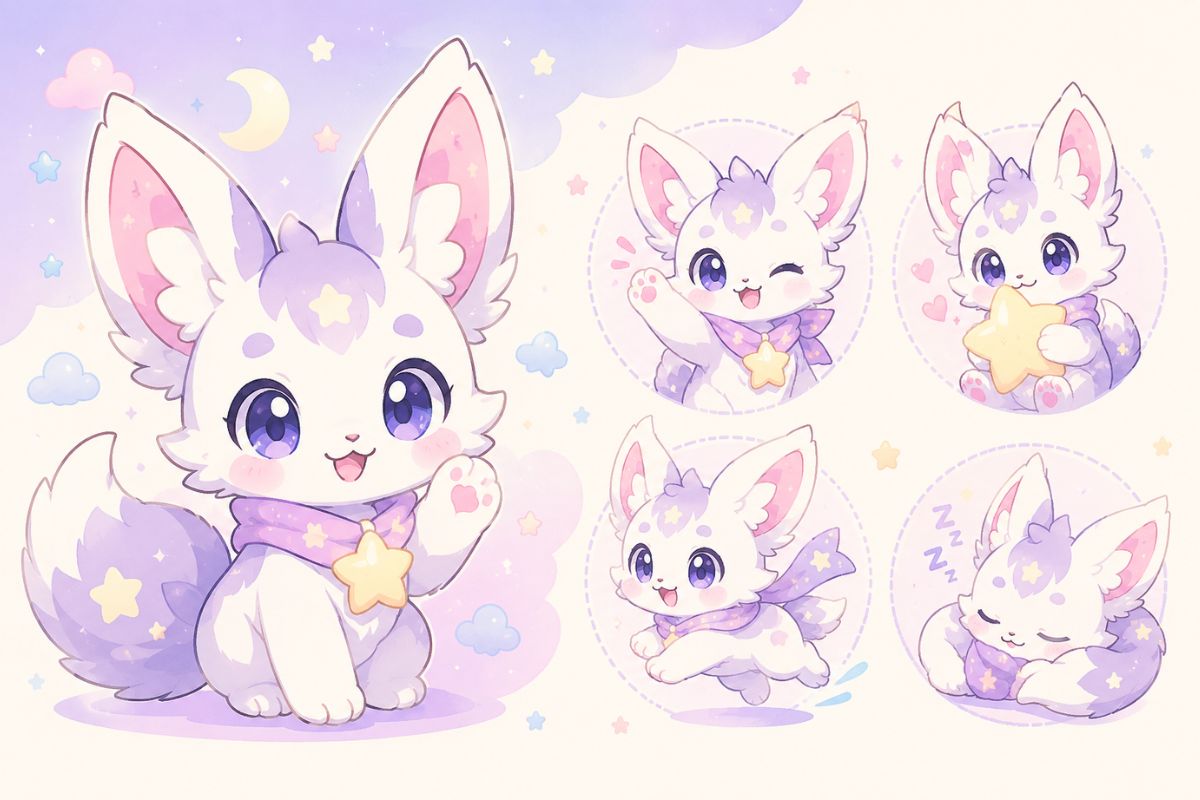
Cute Animal Mascot
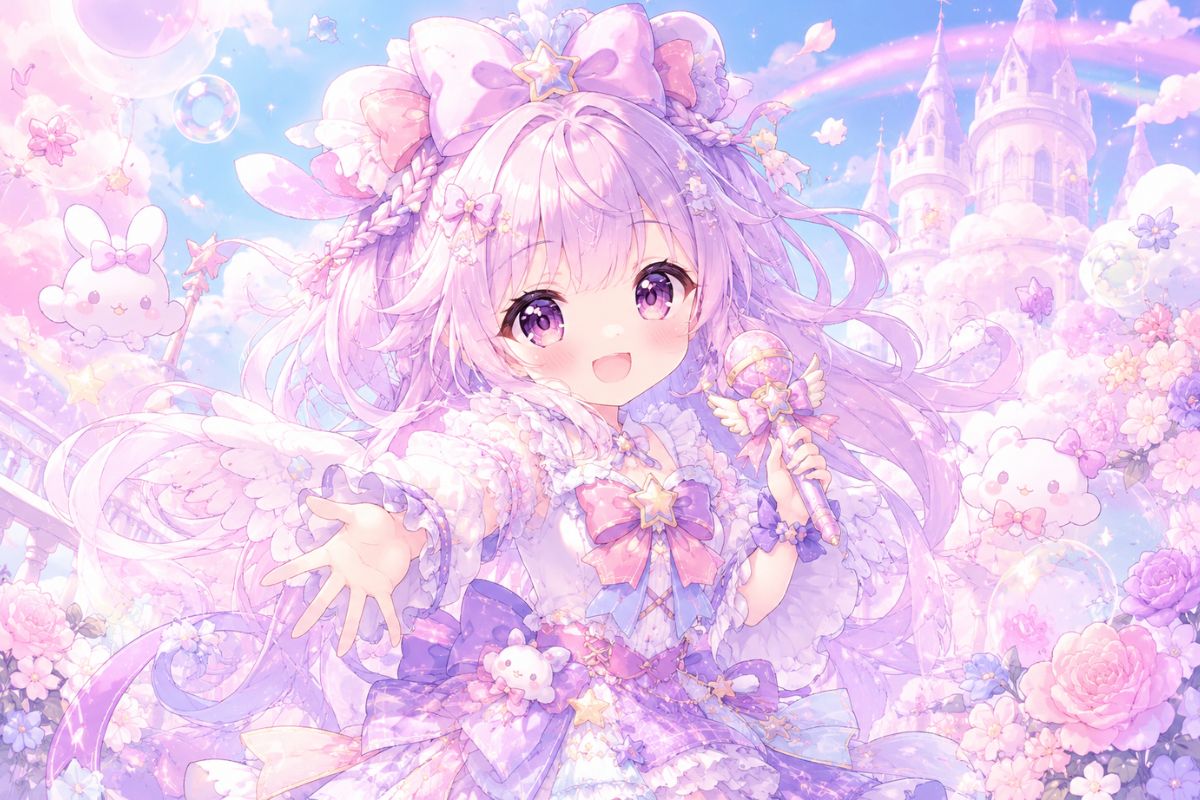
Pastel Kawaii Girl
Core Features for Kawaii Character Creation
Kawaii Identity Design
OCMaker AI helps generate original kawaii characters with big readable expressions, rounded silhouettes, and a clear personality cue. Use the OC maker for creator-owned mascots, avatars, and cute OC ideas rather than copied characters.
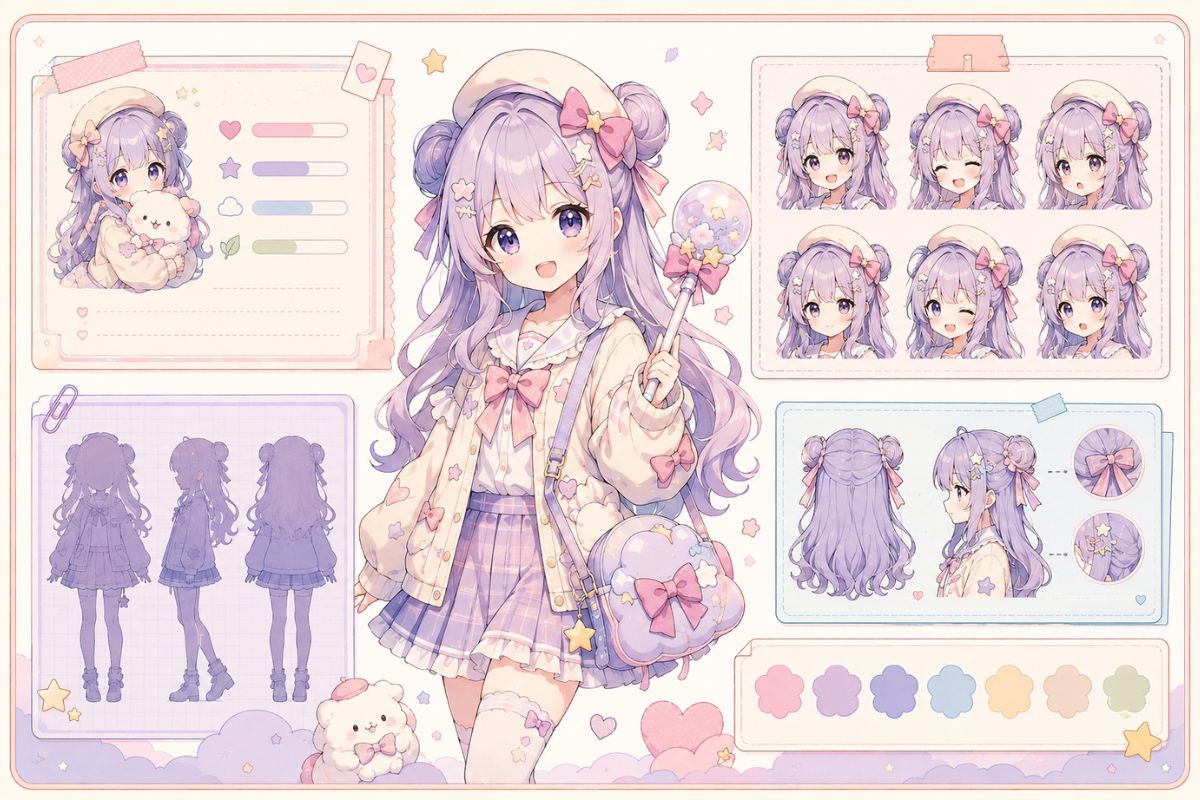
Soft 3D Cute Style
Shape the look with pastel palettes, plush-like forms, glossy highlights, and toy-inspired proportions. This is useful for Kawaii 3D character creator briefs where the output should feel friendly, soft, and instantly readable.
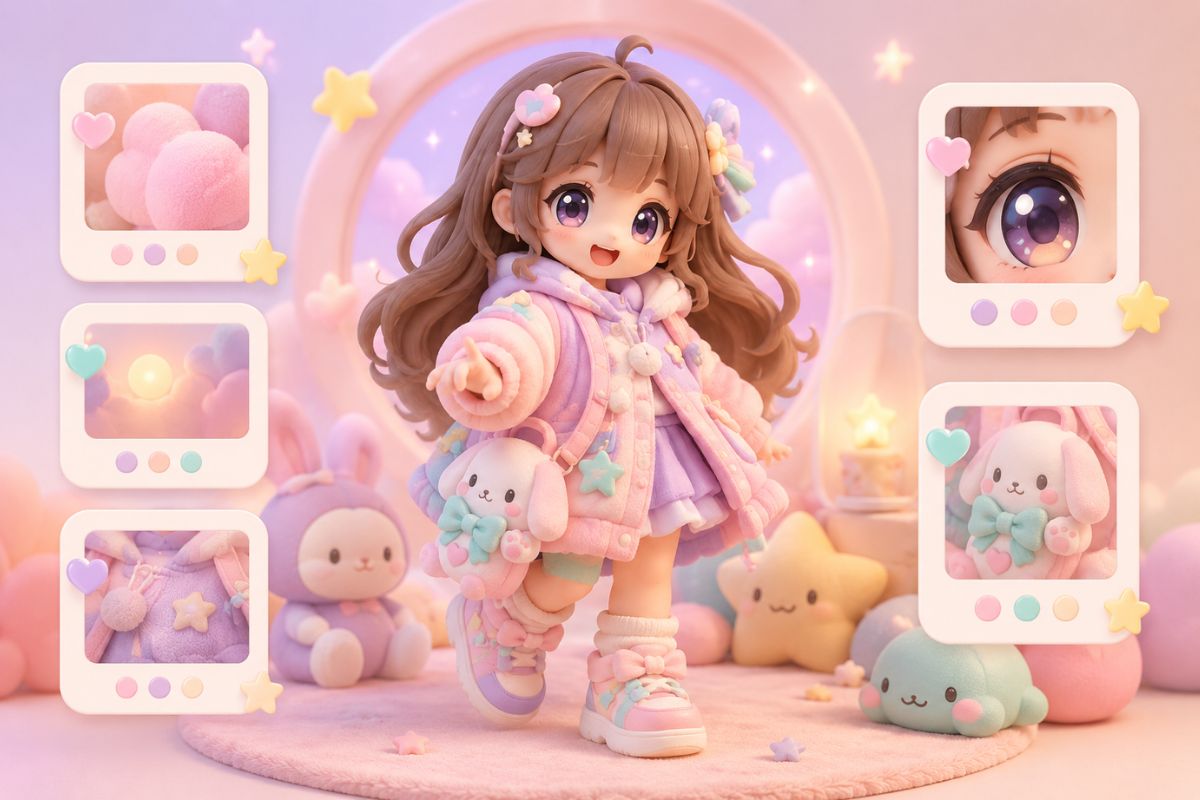
Mascot-Ready Output
Kawaii character maker workflows need small-size readability. OCMaker AI can help create clean faces, simple props, and compact poses for icons, stickers, profile images, and brand-friendly mascot concepts.
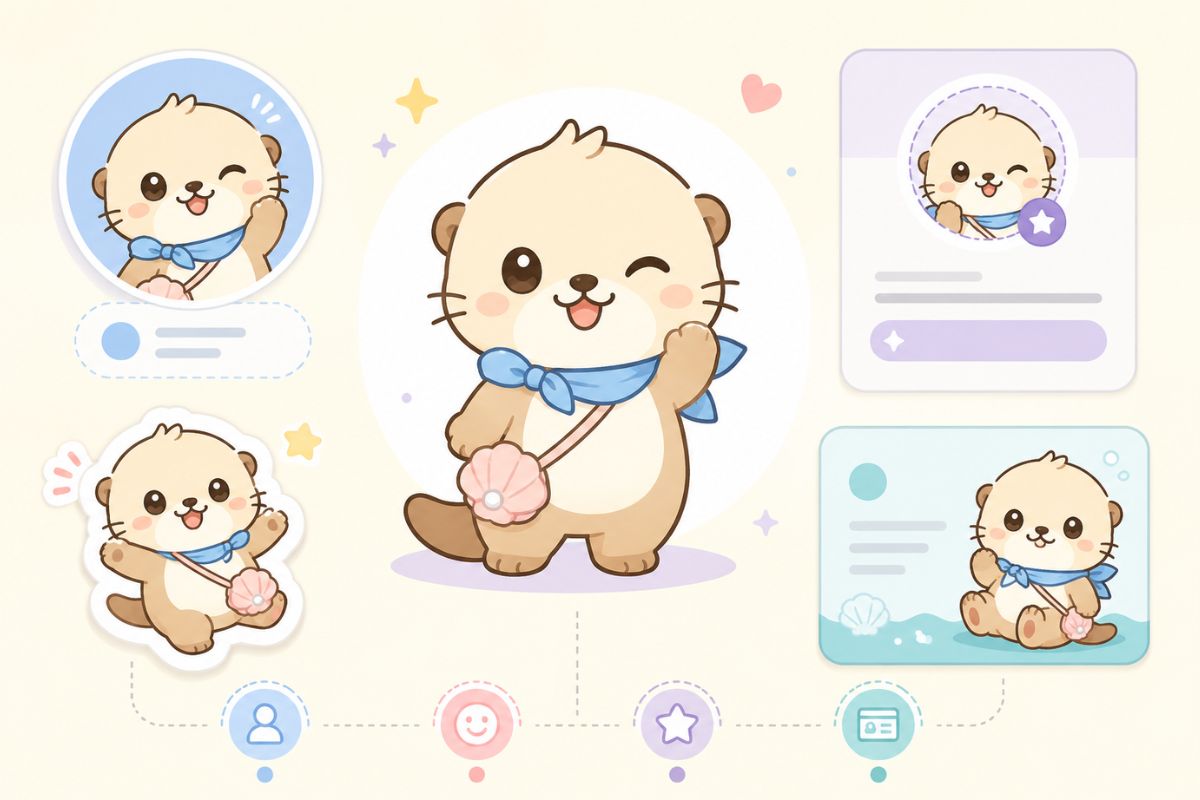
Faster Creative Iteration
Generate several cute directions, compare face shape, palette, and silhouette, then refine the most usable version. The strongest fit is fast concept exploration; exact multi-angle character consistency still needs review.
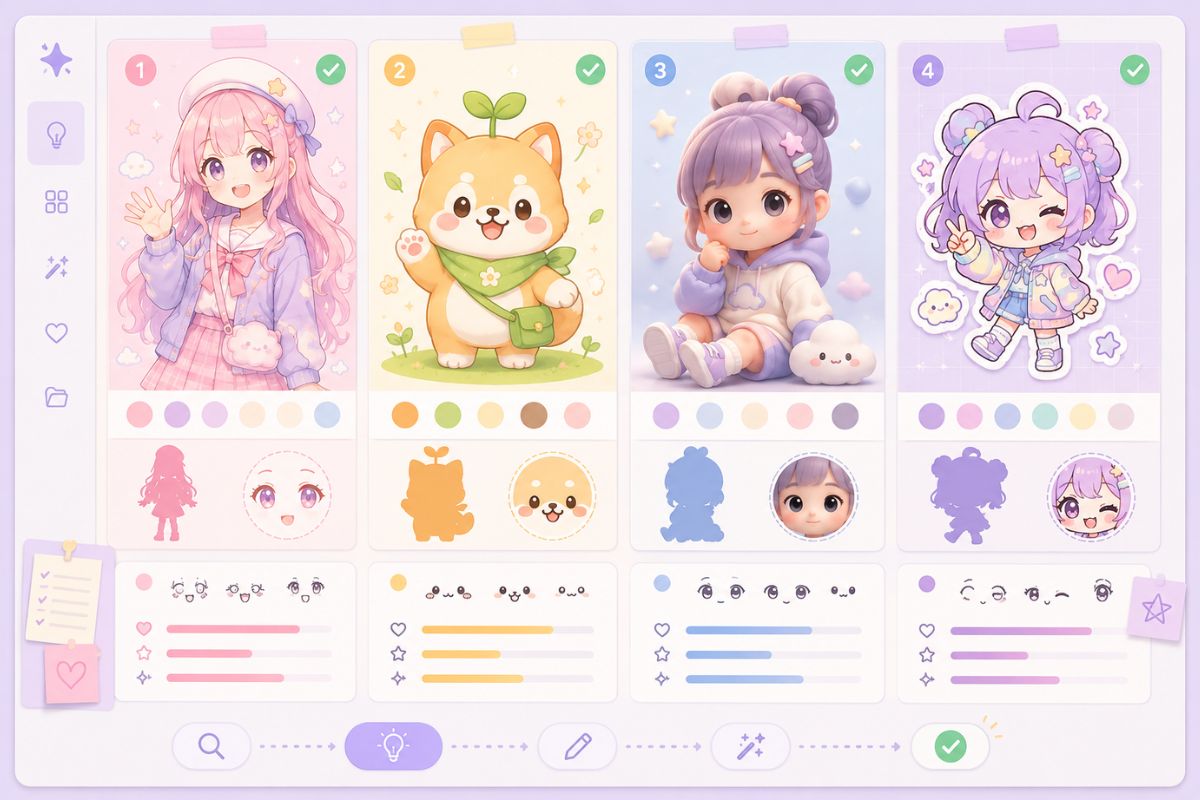
Practical checks before you generate
Kawaii Character Styles That Work Well
3D-Style Avatars
Use rounded forms, glossy highlights, and simple outfits when you want a toy-like profile image.
Animal Mascots
Animal mascots work best when one cute feature carries the design, such as ears, tail, or tiny prop.
Pastel Girls
For cute girl designs, lock face mood, hairstyle, palette, and one outfit cue before adding details.
Chibi Stickers
Sticker concepts need bold silhouettes and clean expressions that remain readable at small sizes.
Creator Icons
Keep the character original and avoid official symbols, copied mascots, or franchise-like details.
Honest Boundaries
Exact 3D modeling, rigging, printable toys, and many-angle consistency require human design review.
How to Make a Kawaii Character in 3 Steps
A quick workflow that avoids the usual redo loop
01
Choose One Cute Concept
Pick one direction: kawaii 3D avatar, animal mascot, pastel girl, chibi sticker, or creator icon. One concept keeps the result coherent.
02
Define Soft Visual Cues
Add palette, face mood, pose, outfit cue, and one signature prop. Avoid stacking too many accessories or style references.
03
Review Small-Size Read
Check whether the eyes, silhouette, and main prop are still clear when cropped as an icon. If not, simplify and regenerate.
Frequently Asked Questions