Lock Screen Maker

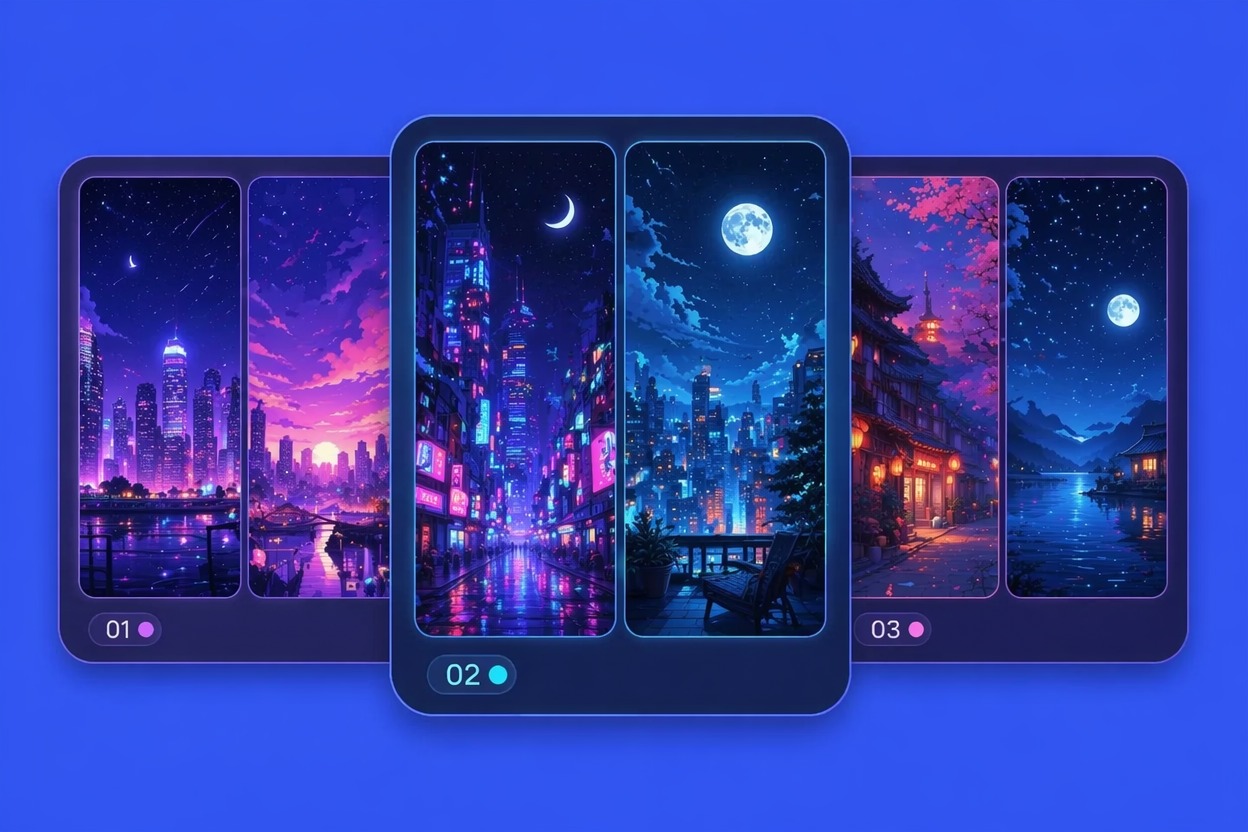
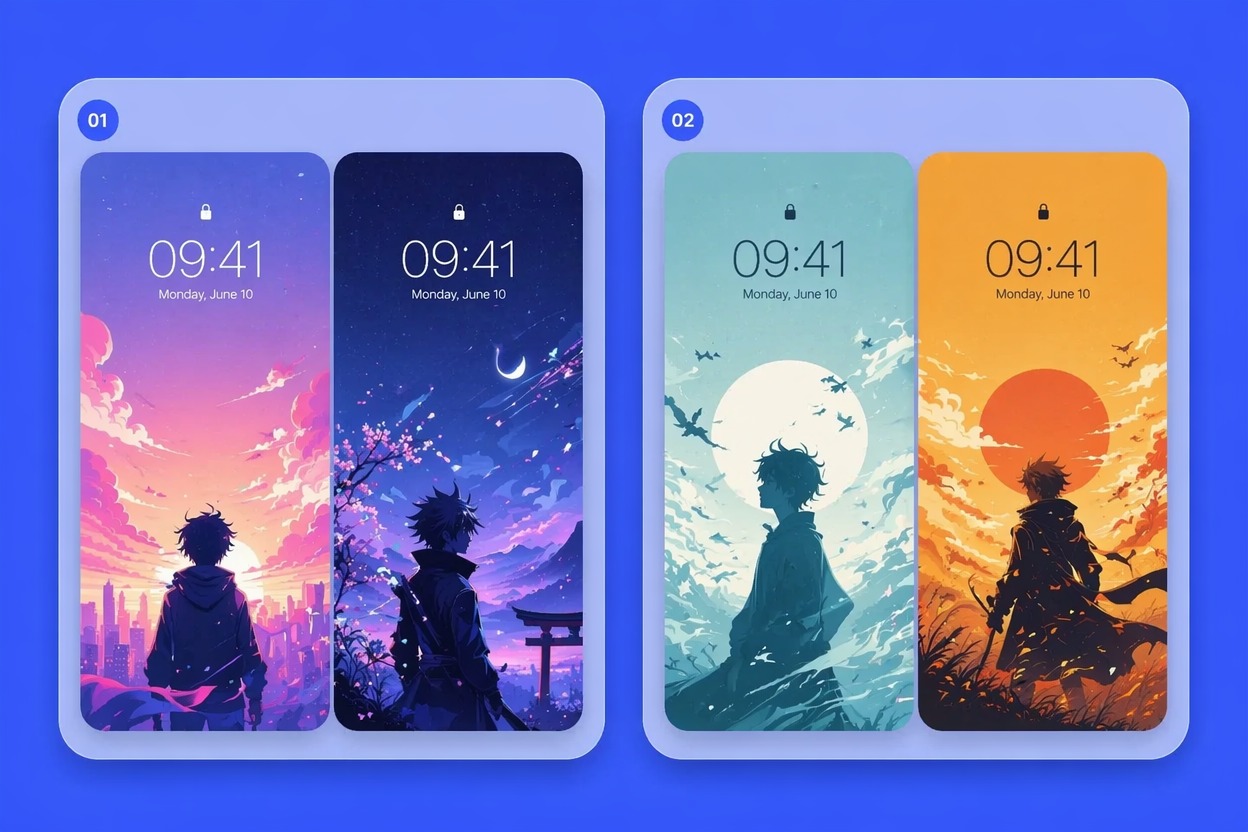
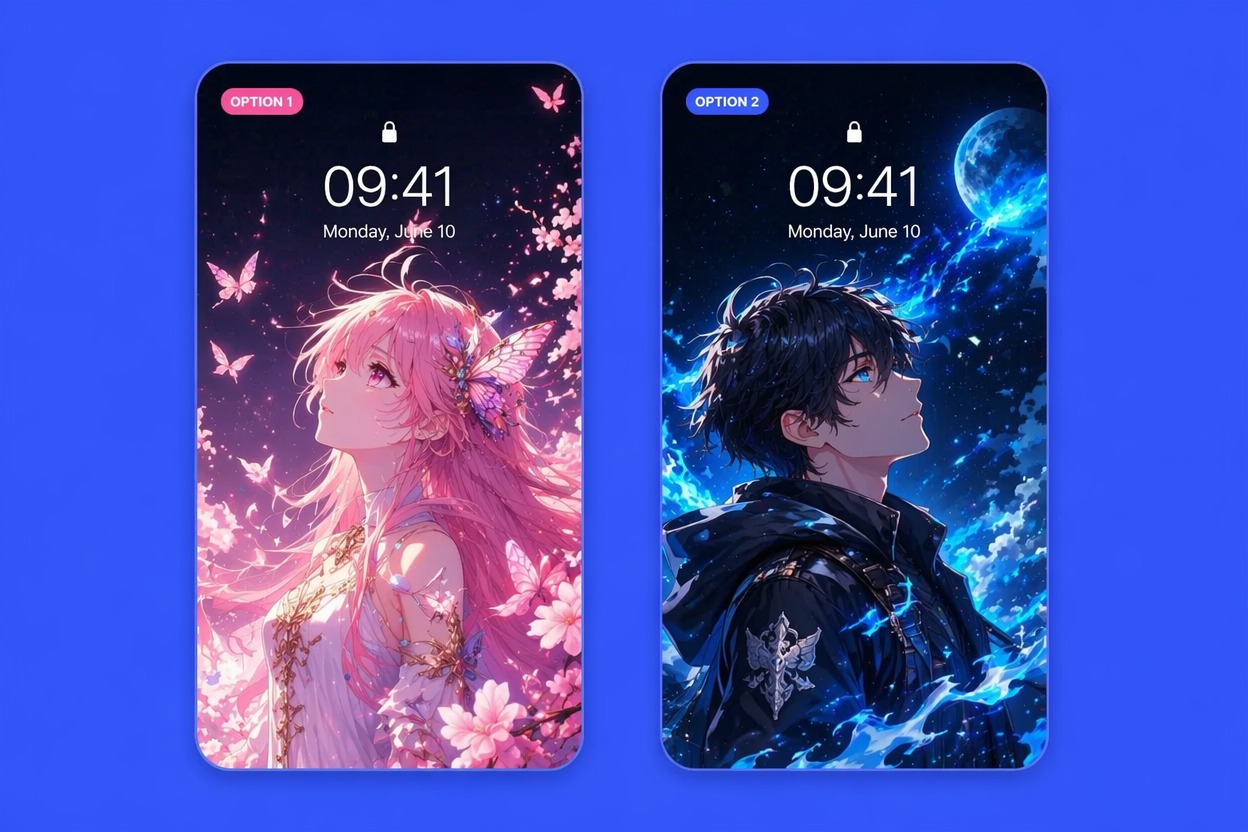
Lock Screen Wallpaper Ideas to Create

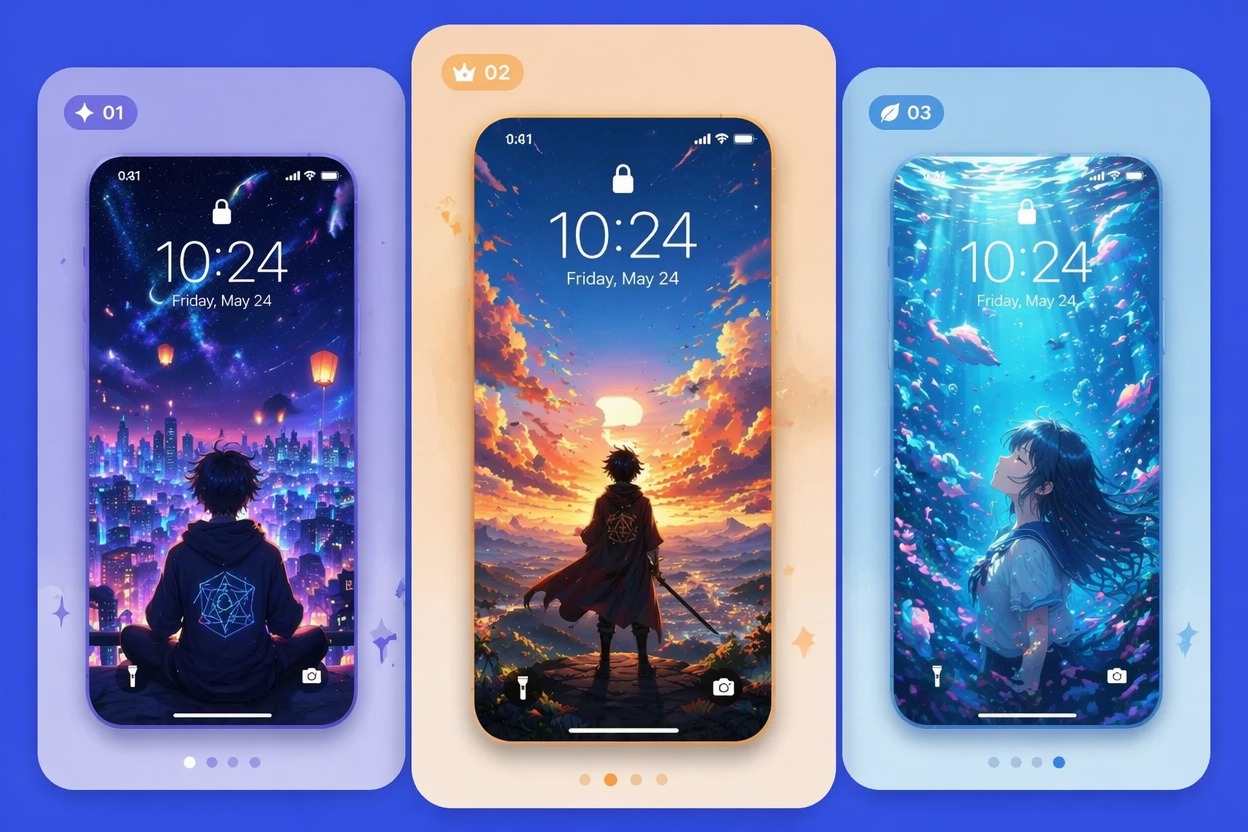
Anime Night Wallpaper

Minimal Cute Lock Screen

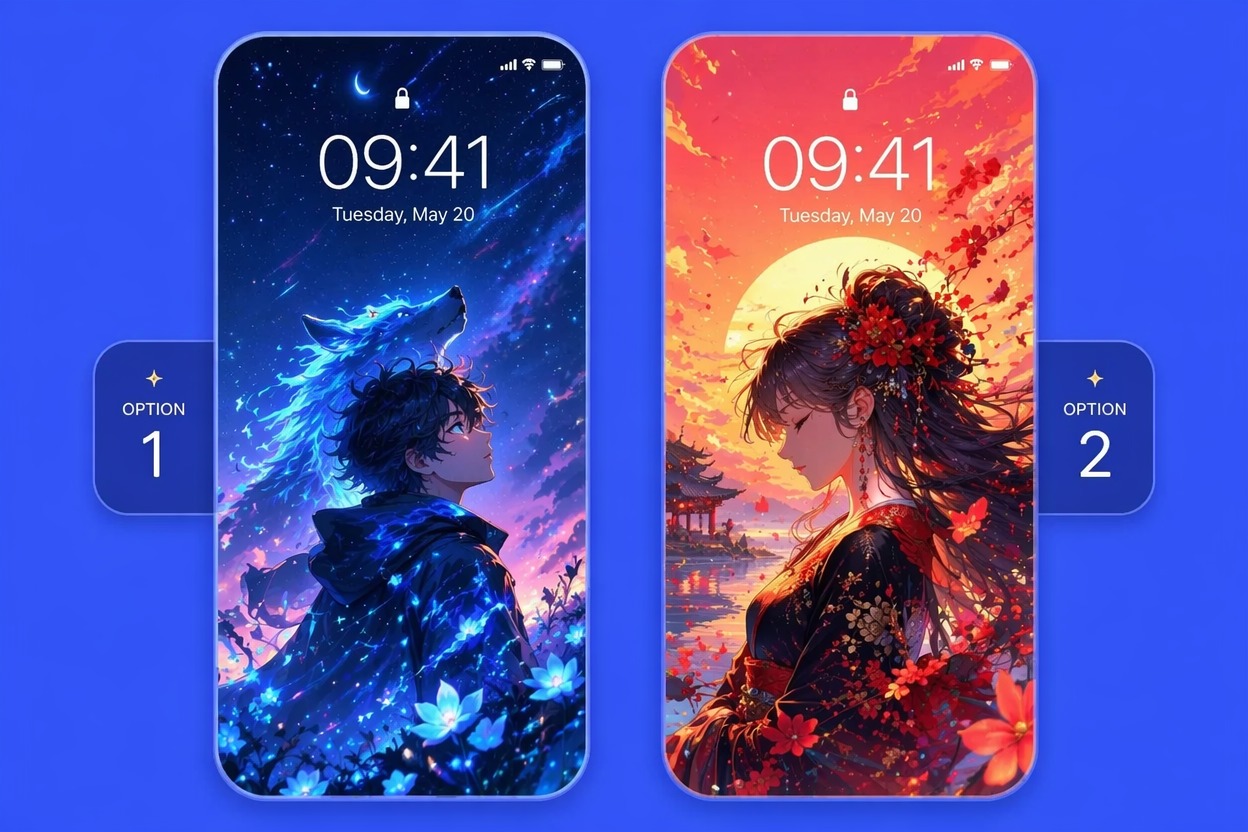
Fantasy Portrait Screen
Design Phone-Ready Wallpapers With Cleaner Framing
Generate Vertical Wallpapers
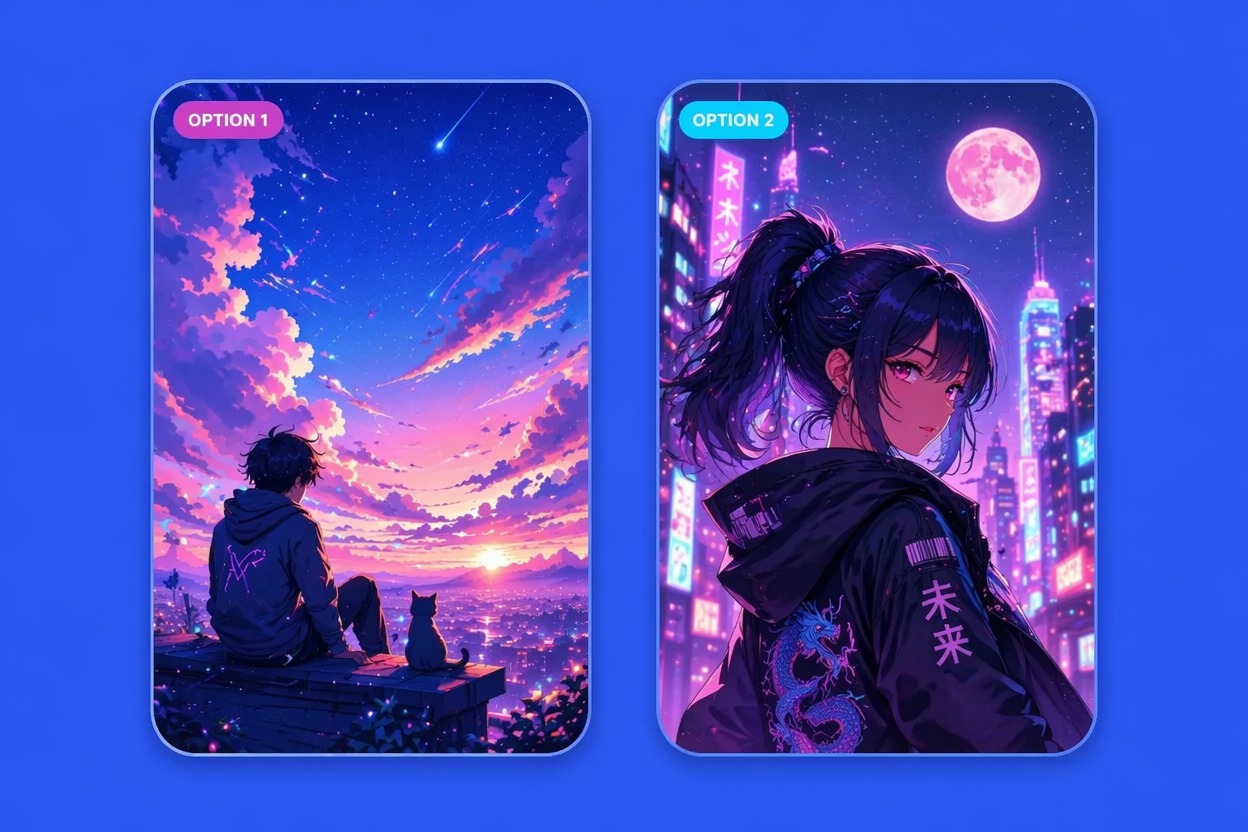
Create a phone-shaped image from a prompt with a text-to-image workflow instead of cropping a wide picture after the fact. The lock screen creator can focus on vertical composition, subject placement, and mood so the result feels made for a phone screen, with enough room for time, date, notifications, and widget overlays.
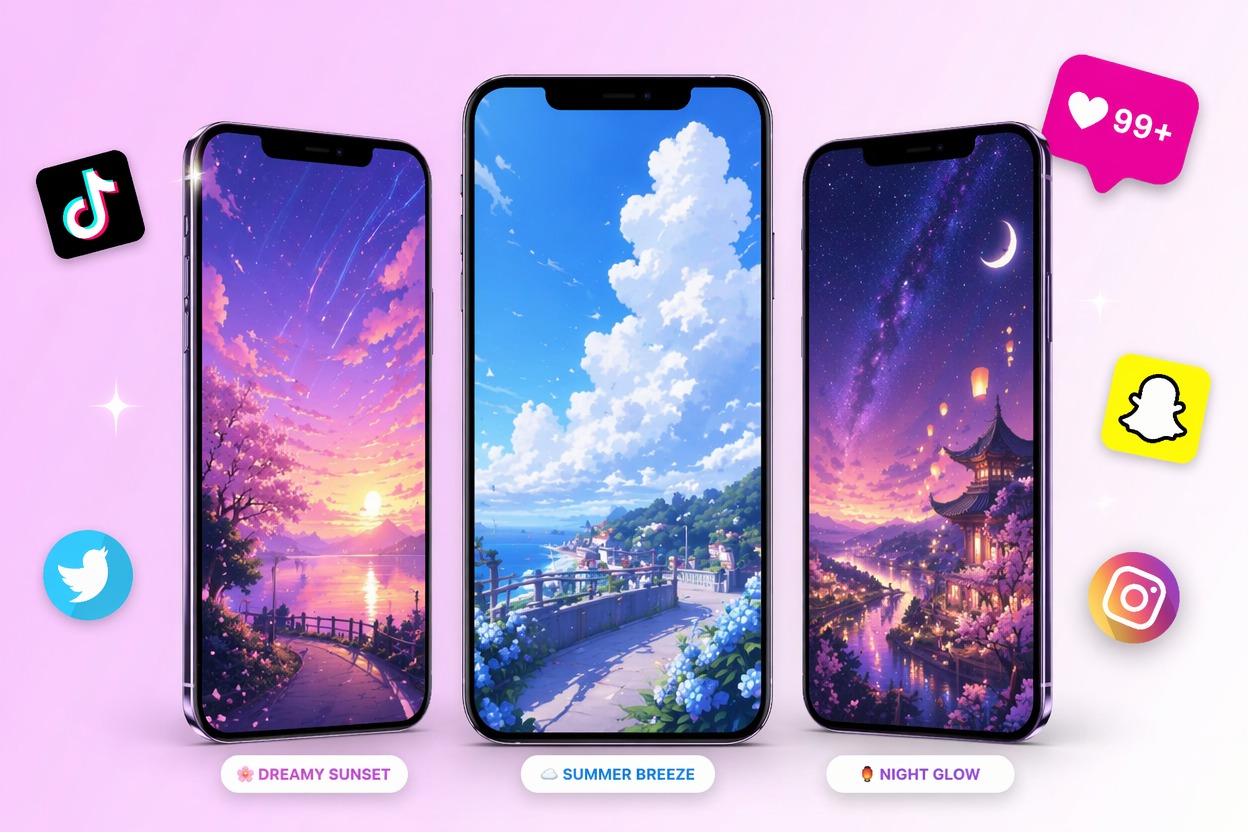
Leave Clock-Safe Space
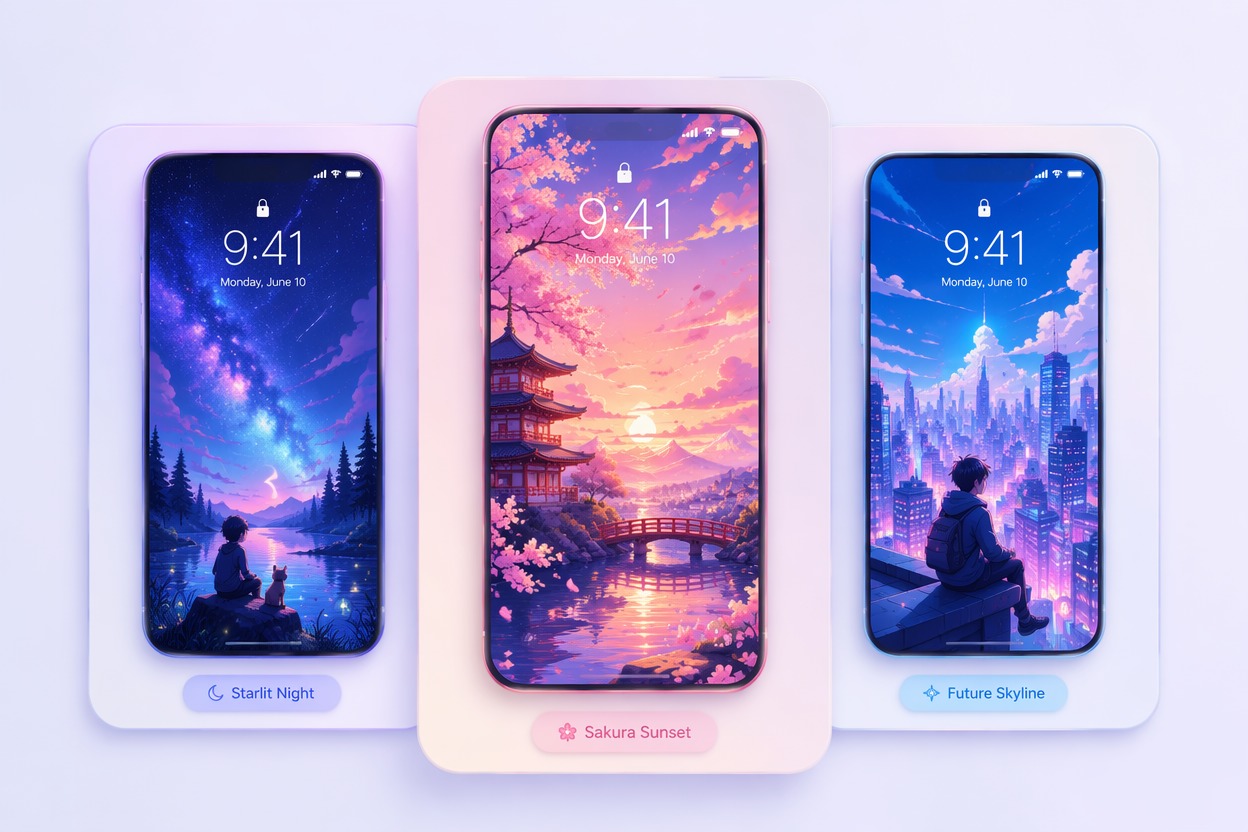
Guide the image with a clear upper area, softer background detail, or subject placement below the clock. This helps when you want to make iPhone wallpaper that still looks clean with time, date, and widgets on top instead of hiding important faces, symbols, or bright focal points.

Match Your Screen Mood
Describe cozy, dark, pastel, cyberpunk, fantasy, romantic, minimal, or anime portrait moods. The tool helps turn that mood into a reusable wallpaper for daily use, profile themes, or matching phone setups, so you can test several aesthetics before saving one to your device.

Create Anime Screen Art
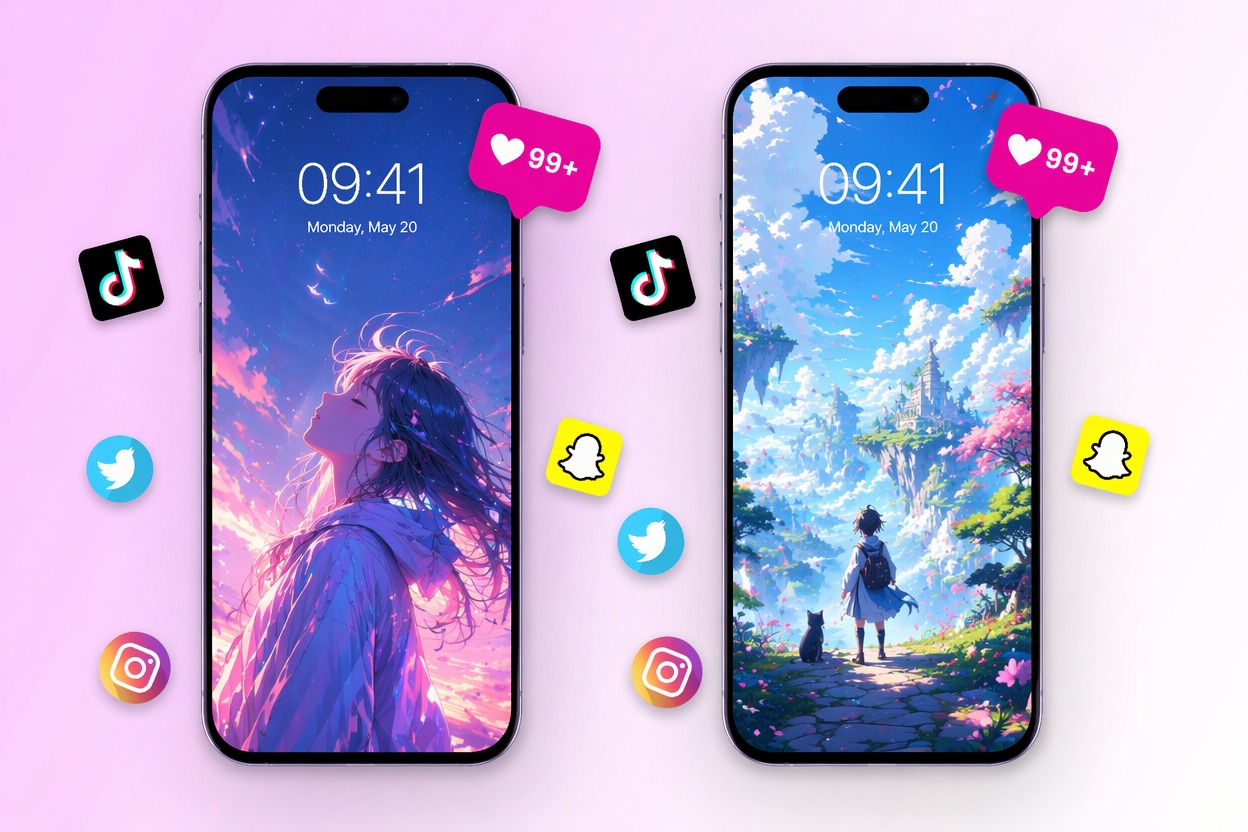
Generate anime-style portraits, mascots, scenery, or soft backgrounds for a personal phone aesthetic. If you want more character-focused art, explore the AI anime generator for portraits and avatars, then adapt the best result into a vertical lock screen crop.

Link Card List
Why Use a Lock Screen Creator?
Vertical Composition
Clock Area Control
Style Variety
Subject Placement
Personal Theme Matching
Fast Iteration
How to Make iPhone Wallpaper
Pick a Phone Mood
Choose the wallpaper type first: anime portrait, city night, cute mascot, soft gradient, fantasy scene, or minimal background.
Set Vertical Framing
Ask for a vertical phone wallpaper, clean top space, subject placement, color palette, and any clock-safe area you need.
Generate and Save
Create several lock screen options, preview the crop on your phone, then save the cleanest version for daily use.