Free Manga Style Generator: Create Manga Style Illustrations

Use the Manga Style Generator to create ink-led images with screentones, crosshatching, dramatic shadows, or selective color.

AI Manga Style Generator

Generate manga-style illustrations from a text prompt. Describe your subject, scene, and composition, then guide the image with ink linework, screentones, crosshatching, dramatic shadows, or a restrained color accent.

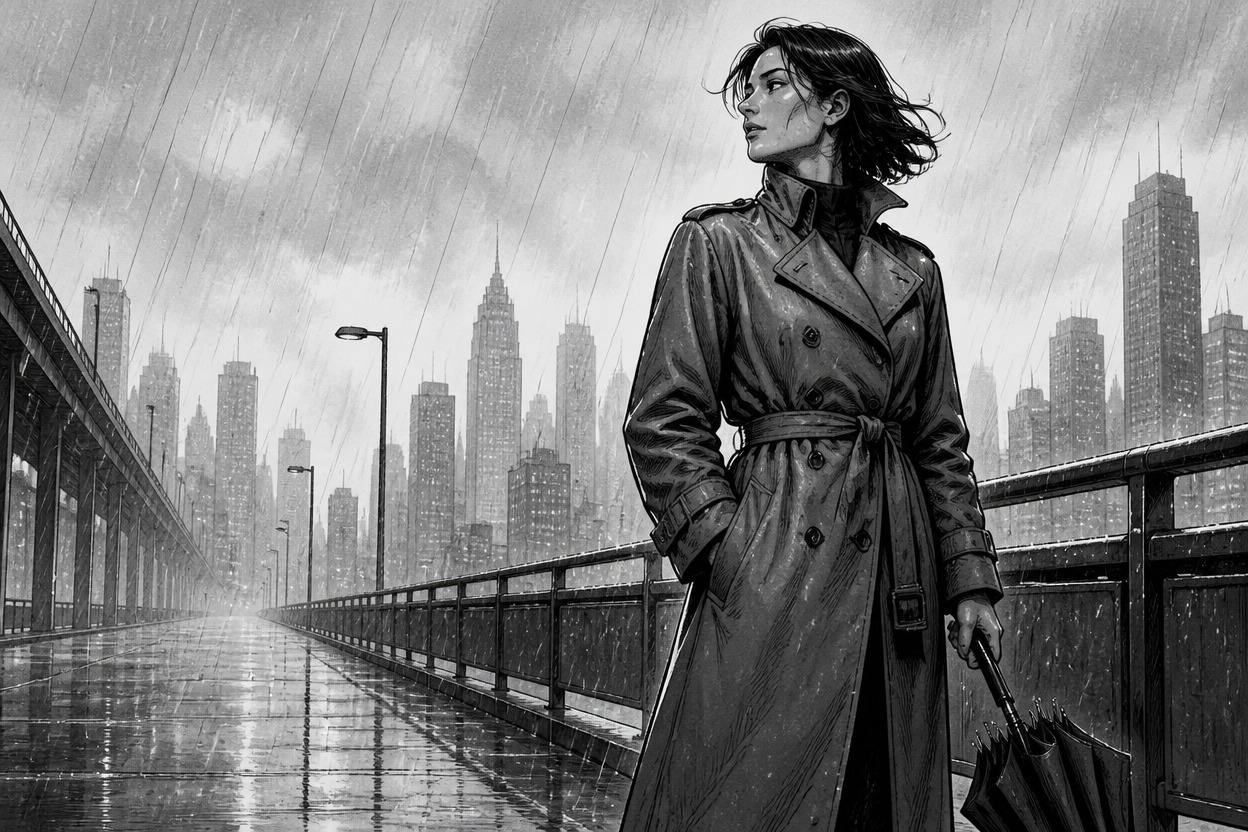
Ink-drawn woman with a closed umbrella on a rain-swept elevated walkway

Explore Manga Linework, Tones, and Shadows

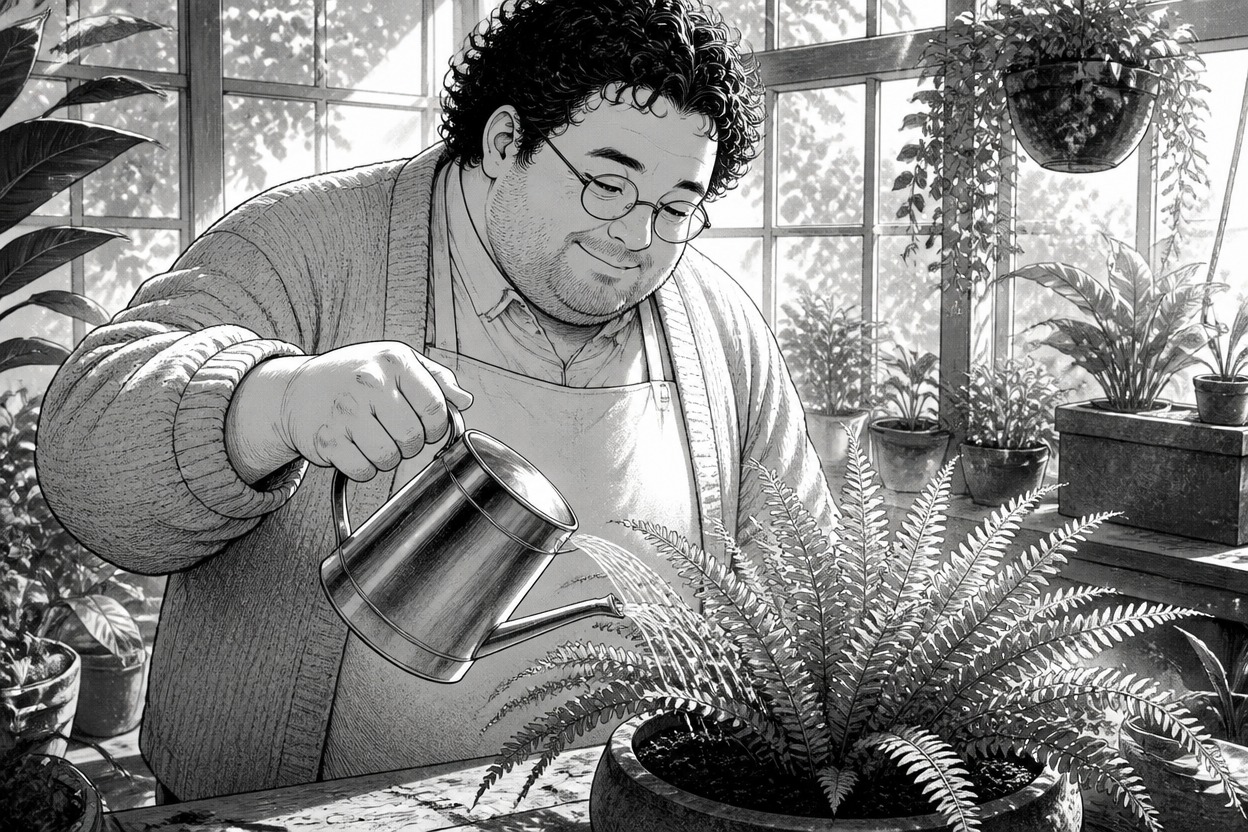
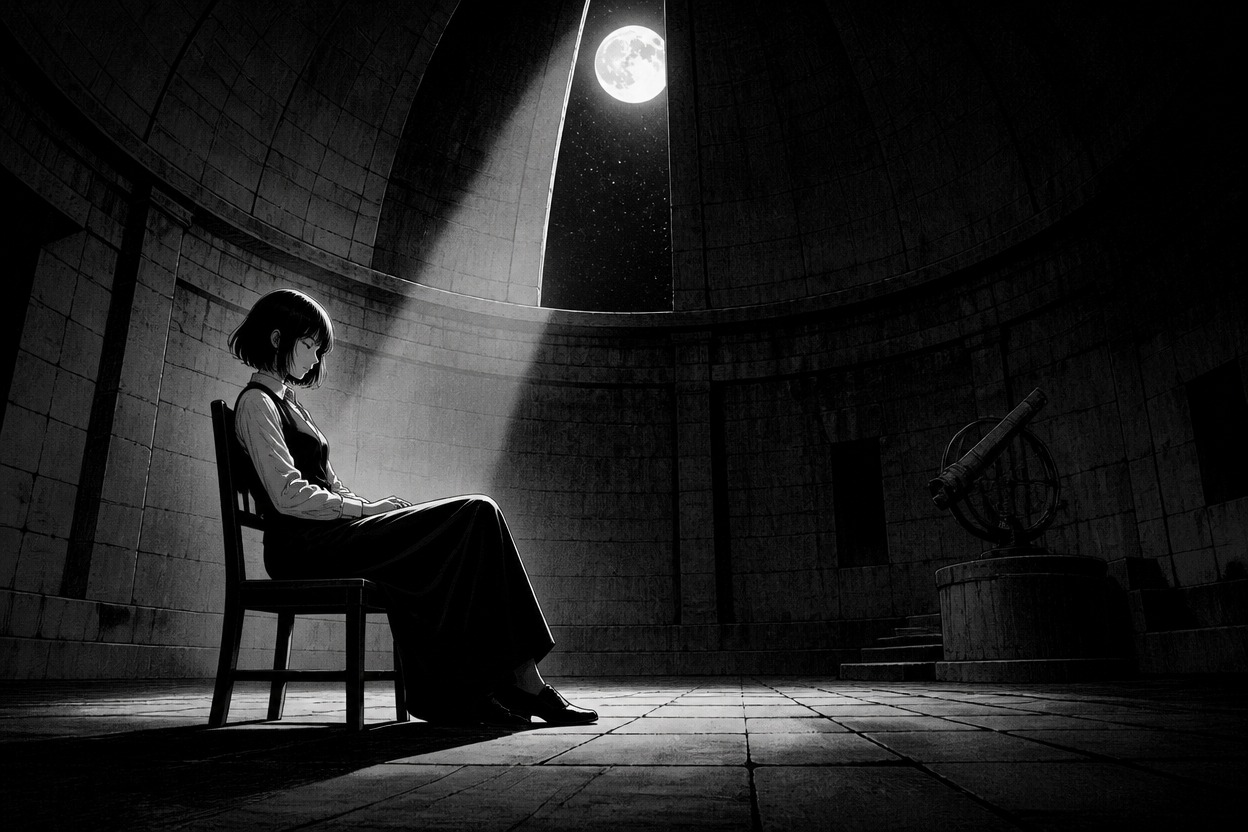
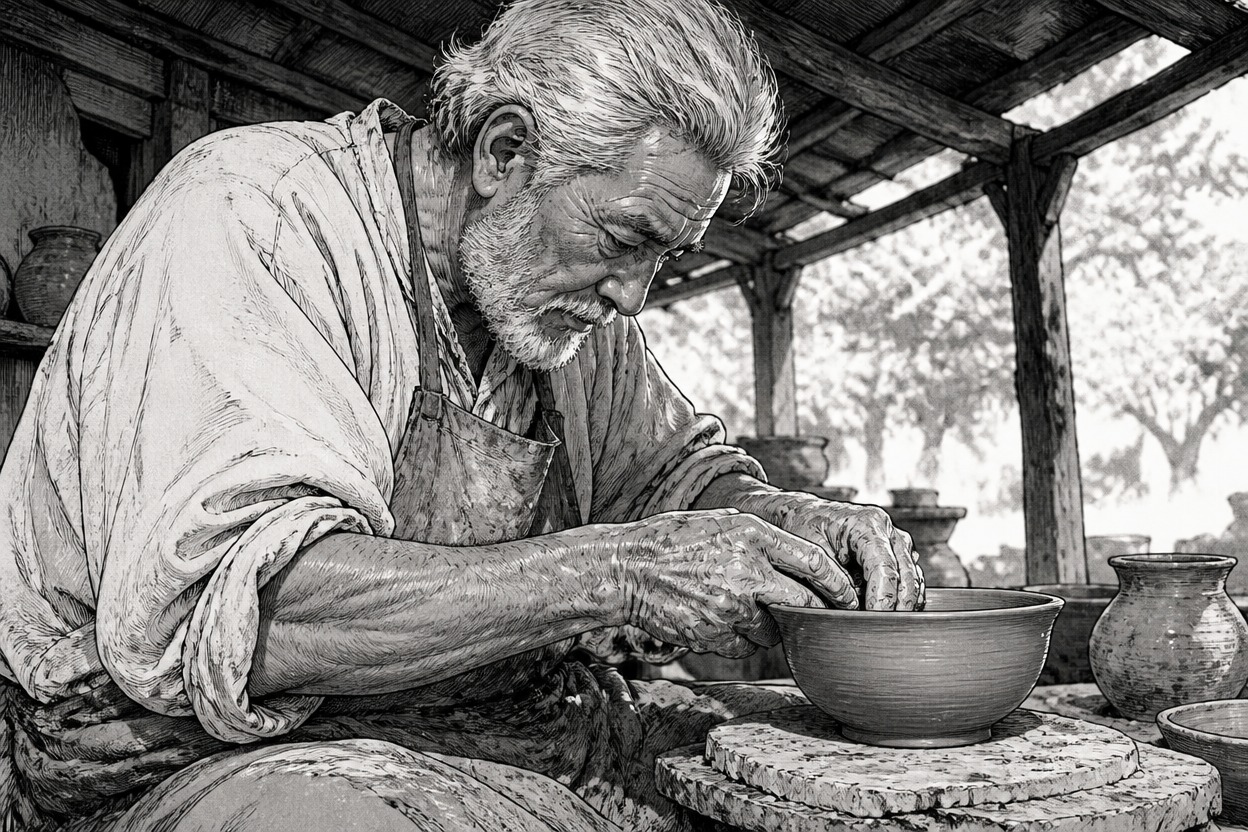
Compare three manga-inspired finishes: soft everyday contours, a high-contrast noir portrait, and textured crosshatching. Use them as starting points for choosing the line and shading treatment for your own scene.

  • Soft contour manga illustration of a gardener watering a fern01

    Soft Everyday Contours

  • High-contrast manga portrait of a seated woman in a moonlit observatory02

    Deep Noir Shadows

  • Crosshatched manga image of a silver-haired potter shaping a bowl03

    Rough Workshop Hatching

How to Generate Manga-Style Art

  1. Describe the Subject and Scene

    Start with the character, object, or moment you want to illustrate. Include the setting and camera view so the image has a clear focal point.

  2. Choose the Manga Treatment

    Add visual direction such as crisp ink contours, light screentone, rough crosshatching, deep black shadows, or mostly monochrome shading. Choose one dominant finish to keep the image cohesive.

  3. Generate and Refine

    Review how the lines, tones, and shadows work together. If the image feels too dark or busy, simplify the background or ask for lighter shading around the focal subject, then generate another version.

Control the Graphic Style of Each Manga Image

Combine a clear subject with specific direction for line weight, tone, lighting, and color. Generate standalone manga-style artwork for character concepts, moodboards, and visual projects.

0104

Set the Linework and Focal Point

Describe bold outer contours, finer interior lines, and simpler background marks to give the subject visual emphasis. This is useful for scenes where you want the character or object to read clearly against its setting.
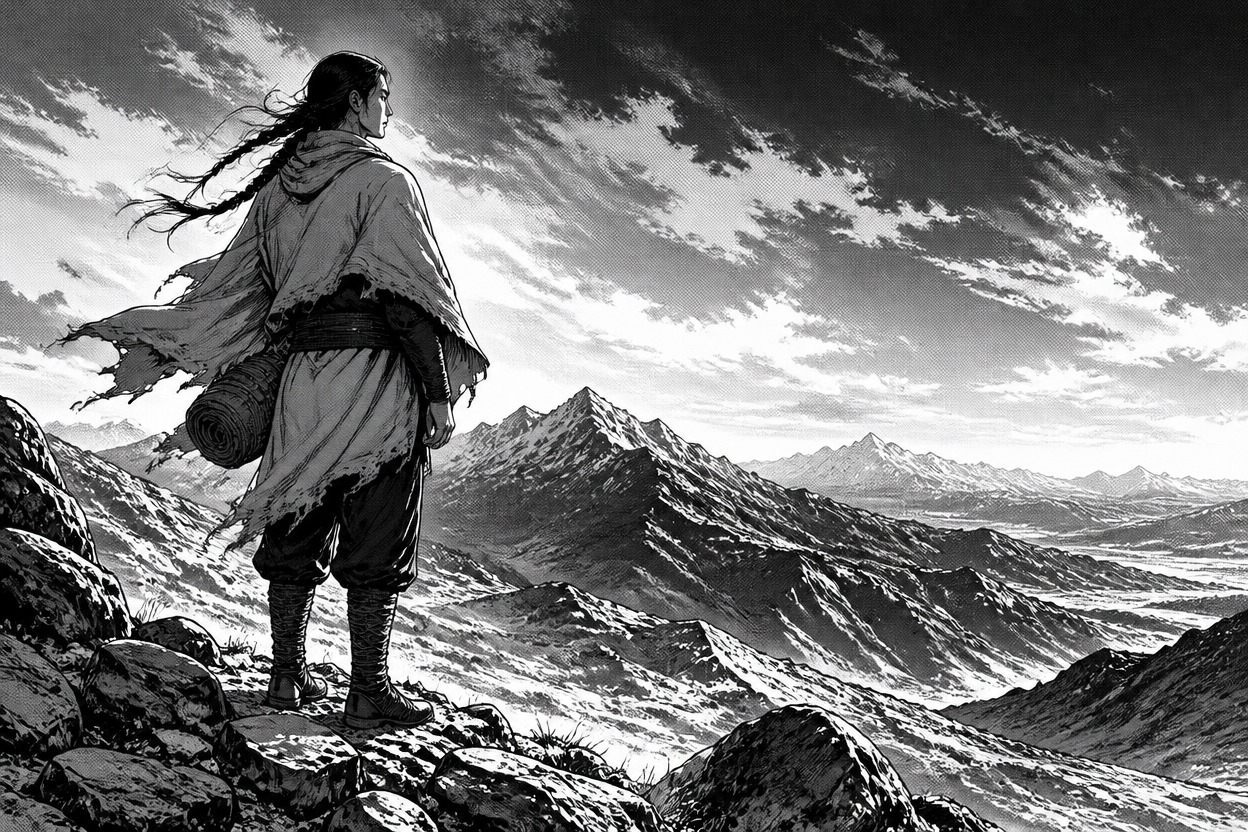
Varied ink weights separating a poncho-clad traveler from mountain scenery

0204

Mix Screentones and Solid Shadows

Ask for light halftone dots, textured gray shading, or broad areas of solid black to shape the mood of a portrait. For another illustration direction, explore the AI anime generator.

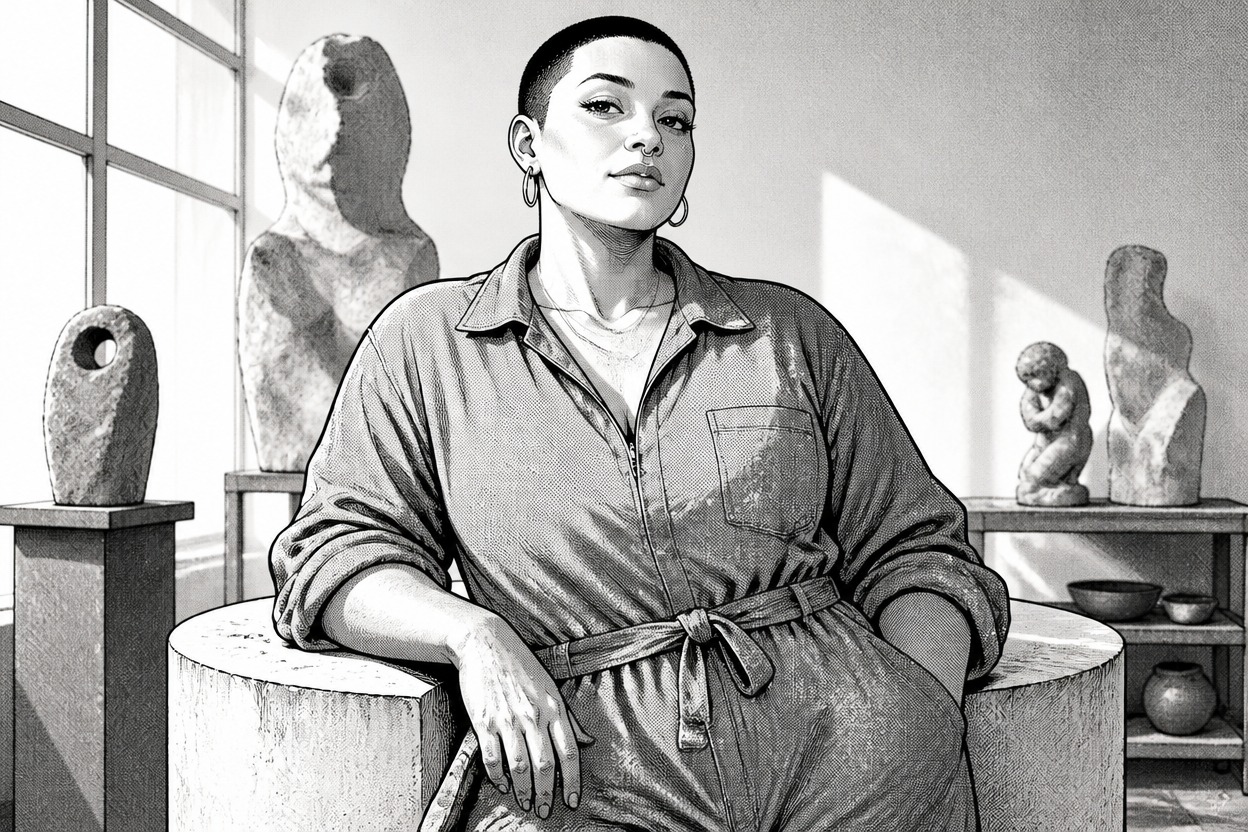
Halftone-shaded manga portrait of a sculptor in a quiet studio

0304

Capture One Moment of Action

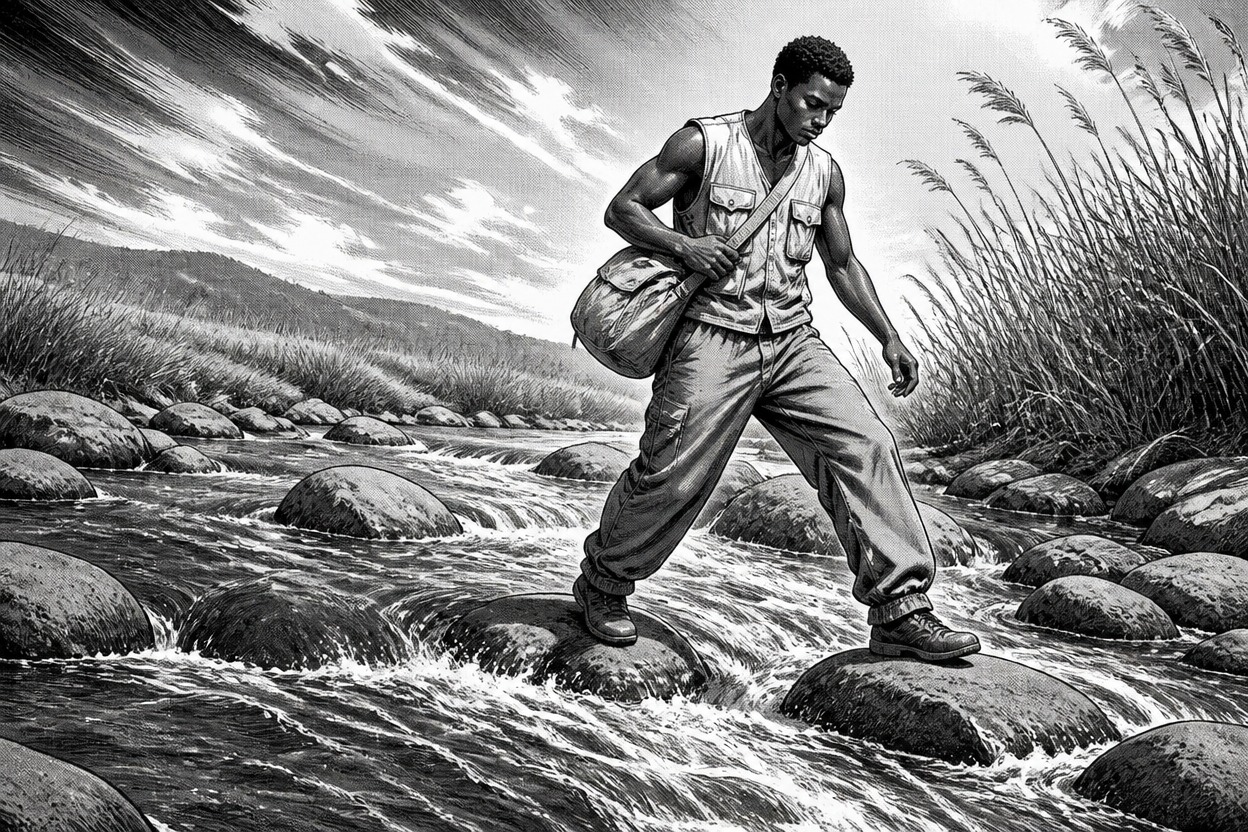
Describe a single decisive movement, the camera distance, and the direction of motion to create a dynamic standalone scene. A courier crossing a rocky stream, for example, gives the composition a clear subject and sense of movement.

Wide manga scene of a courier stepping across a rocky stream

0404

Add a Small Color Accent

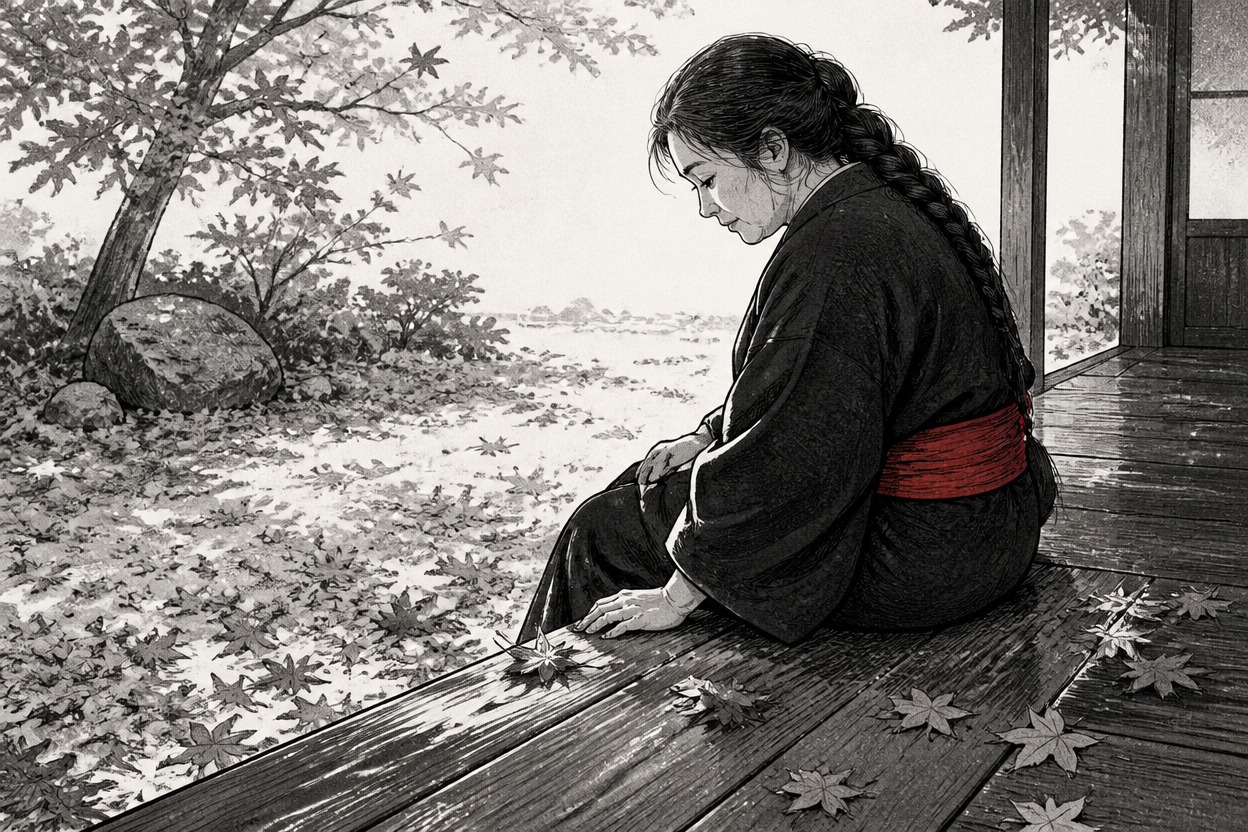
Keep most of the image in black, white, and gray, then describe one accent color on a prop or clothing detail. This can draw attention to a sash or accessory in a character image made with the OC maker.

Black-and-white manga veranda scene with a small vermilion sash accent

Manga Image Styles You Can Explore

Shape the image with prompt details about ink, shading, texture, composition, and atmosphere.

  • 01

    Expressive Ink Linework

    Describe clean contours, rough brush marks, varied line weight, or fine interior strokes to change the image’s graphic feel.

  • 02

    Screentone and Halftone Shading

    Use dotted tones or textured gray areas to add depth and a print-inspired quality to portraits and scenes.

  • 03

    High-Contrast Black Shadows

    Direct where solid black shapes and bright paper-like highlights should fall to create a dramatic focal point.

  • 04

    Distinct Material Textures

    Give cloth, stone, metal, and other surfaces different drawn treatments so forms remain visually distinct.

  • 05

    Clear Scene Composition

    Set the camera distance, subject placement, and background detail to keep the main character or action easy to follow.

  • 06

    Monochrome or Selective Color

    Request a black-and-white image or a mostly monochrome scene with a small accent color on a chosen detail.

Frequently Asked Questions

AI Manga Style Generator FAQ

What is an AI manga style generator?

An AI manga style generator turns a text description into manga-inspired artwork. Describe the subject and scene, then add visual direction for ink lines, screentones, crosshatching, shadows, or color.

How do I generate manga-style images with AI?

Write a prompt with the subject, action, setting, and camera view, then name the drawing treatment you want. For example: “A courier crossing a rocky stream, black ink contours, light screentone, strong shadows under the bridge, wide composition.”

Can I create black-and-white manga art with this generator?

Yes. Describe a monochrome image and specify how you want the blacks, grays, and white areas to be used. You can ask for crisp ink contours, limited gray tone, or bold shadow shapes depending on the mood.

How do I add screentones or crosshatching to an AI image?

Name the texture and where it should appear. For example, request light halftone on the background and denser crosshatching on a coat or shadowed wall. Keeping the treatment focused helps prevent the face and focal details from becoming too busy.

Why does my manga-style image look like a grayscale painting?

A grayscale palette alone may not create a drawn manga look. Add directions for ink contours, flatter tone areas, paper-white highlights, and visible hatching or halftone. If the result still feels painterly, reduce soft gradients and ask for more defined linework.

How can I stop crosshatching from making a face too dark?

Keep the eye and mouth area lightly shaded, and place denser hatching on the hair, clothing, or background. A closer portrait with fewer competing textures can also make facial details easier to read.

Can I make a manga image with one red or other color accent?

Describe the image as mostly black and white, then identify the single item that should have color, such as a red sash. Selective color may vary in the generated result, so review the image and refine the prompt if nearby areas also become colored.

Can this generator create a full manga page with panels and dialogue?

This page generates standalone illustrations rather than laying out a complete multi-panel chapter with lettering. You can create individual manga-style scenes and arrange them with dialogue and panels in a separate editor.

Can I edit the ink and screentone as separate layers?

The output is a finished image, not a layered drawing file. If you need separate ink, tone, or background layers for detailed editing, use a drawing editor that supports those layers.

Create Your Manga-Style Illustration

Generate an image with the linework, tones, and shadow balance that fit your scene.

Free Manga Style Generator: Create Manga Style Illustrations