
Pricing
Log In
AI Generator
Map Animation Maker: Animated Various Maps Free Online
Use a map animation maker to plan animated routes, travel-map scenes, location reveals, and stylized island layouts for videos, stories, and presentations.
Map Animation Maker
Design a stylized map scene and plan how its route, camera, landmarks, labels, and atmosphere should move. Create an animated travel map concept for trip recaps, story journeys, island tours, explainers, and social videos.
Create Animated Map Stories With Clear Routes
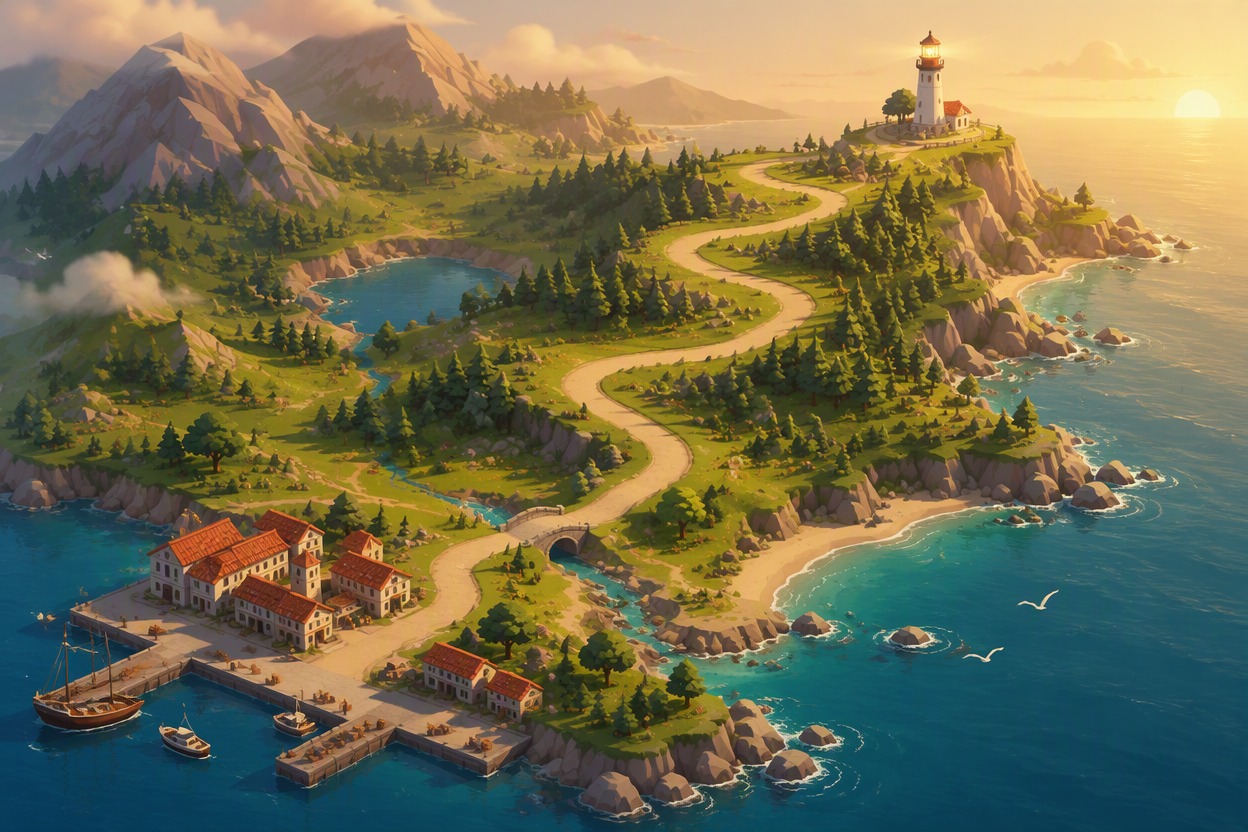
Design a Readable Route
Set the start, destination, waypoints, path shape, travel direction, and visual hierarchy. The map animation maker turns those inputs into a clear route concept that viewers can follow in travel recaps, story journeys, explainers, and location-based social videos.
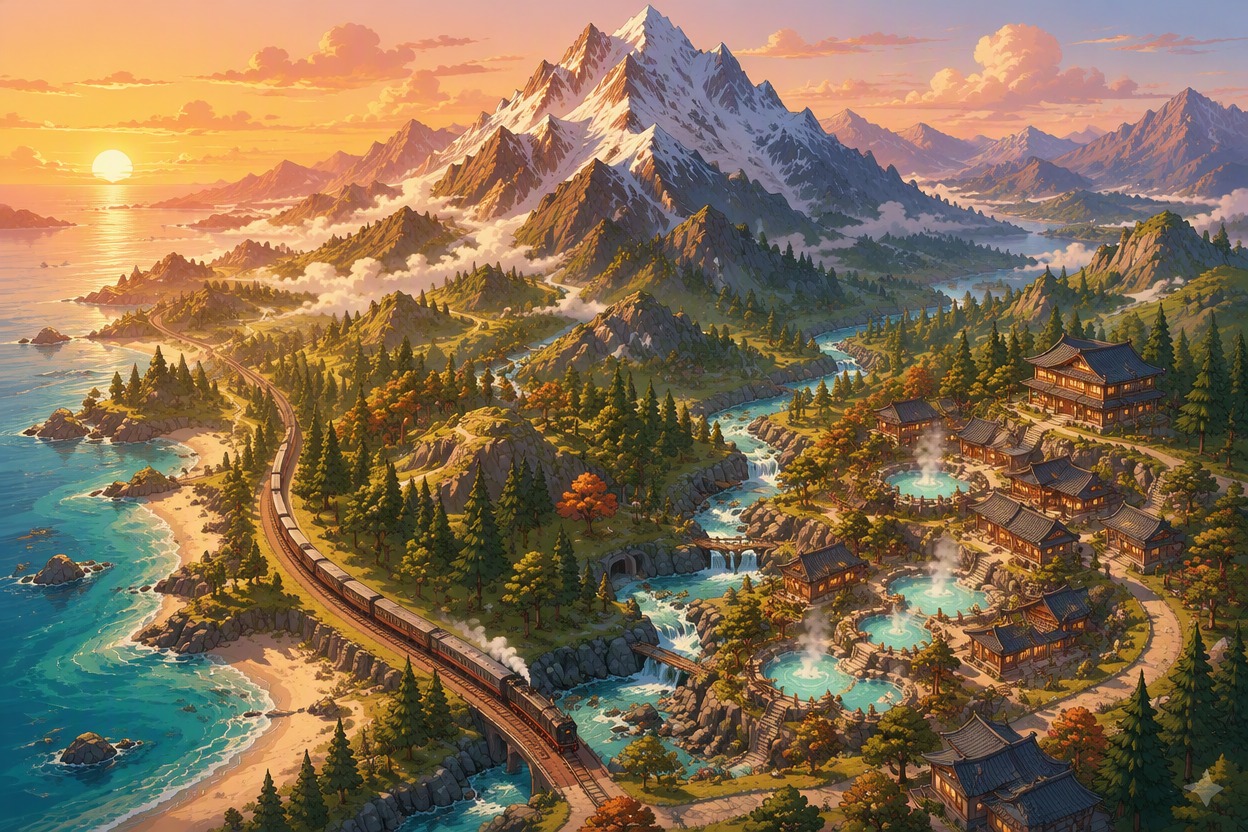
Build Travel Map Atmosphere
Choose terrain, season, palette, landmarks, weather, and the type of journey you want to communicate. Use the AI anime generator to shape a vivid illustrated map frame before adding route motion, camera pushes, and scene transitions.
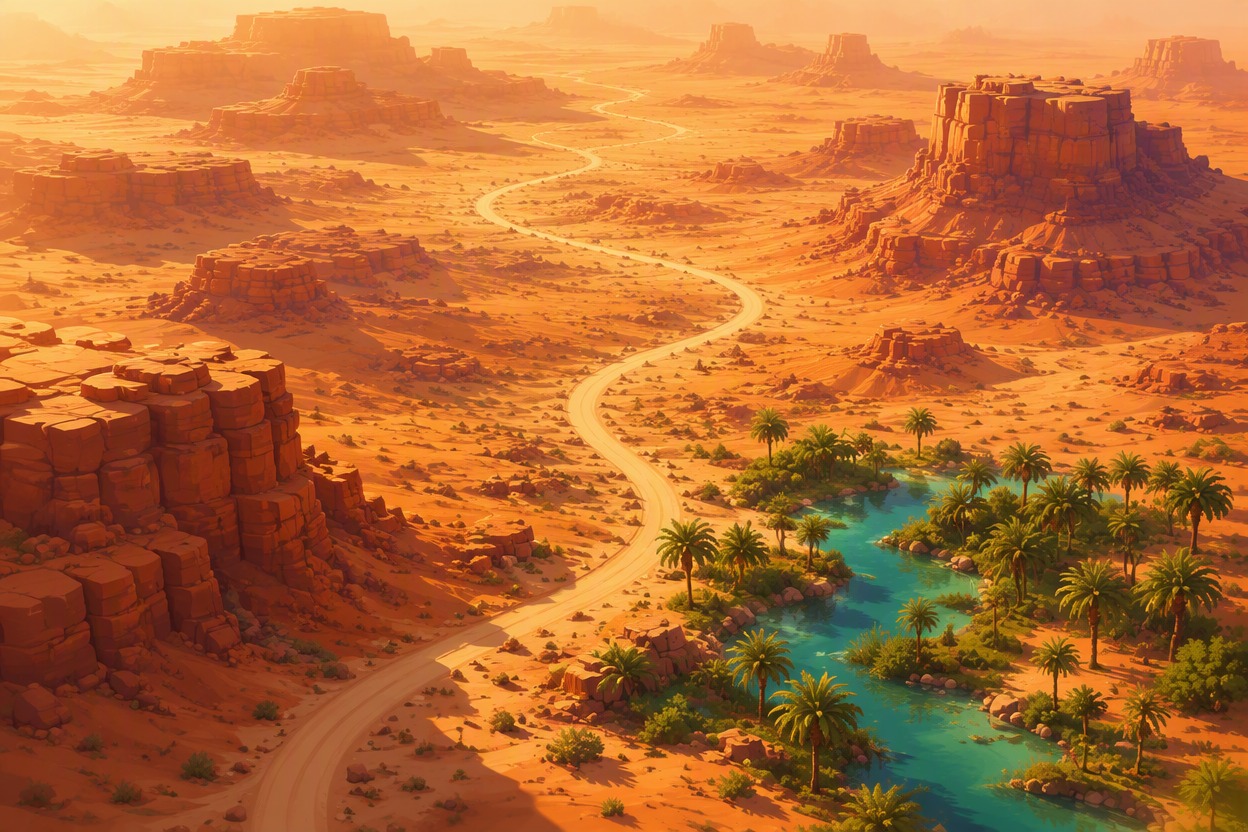
Plan Camera and Timing
Describe when the route draws on, where the camera pans or zooms, which landmark receives emphasis, and how long each beat lasts. This gives an animated map maker a practical shot plan for a smooth reveal instead of an unfocused sequence of moving decorations.
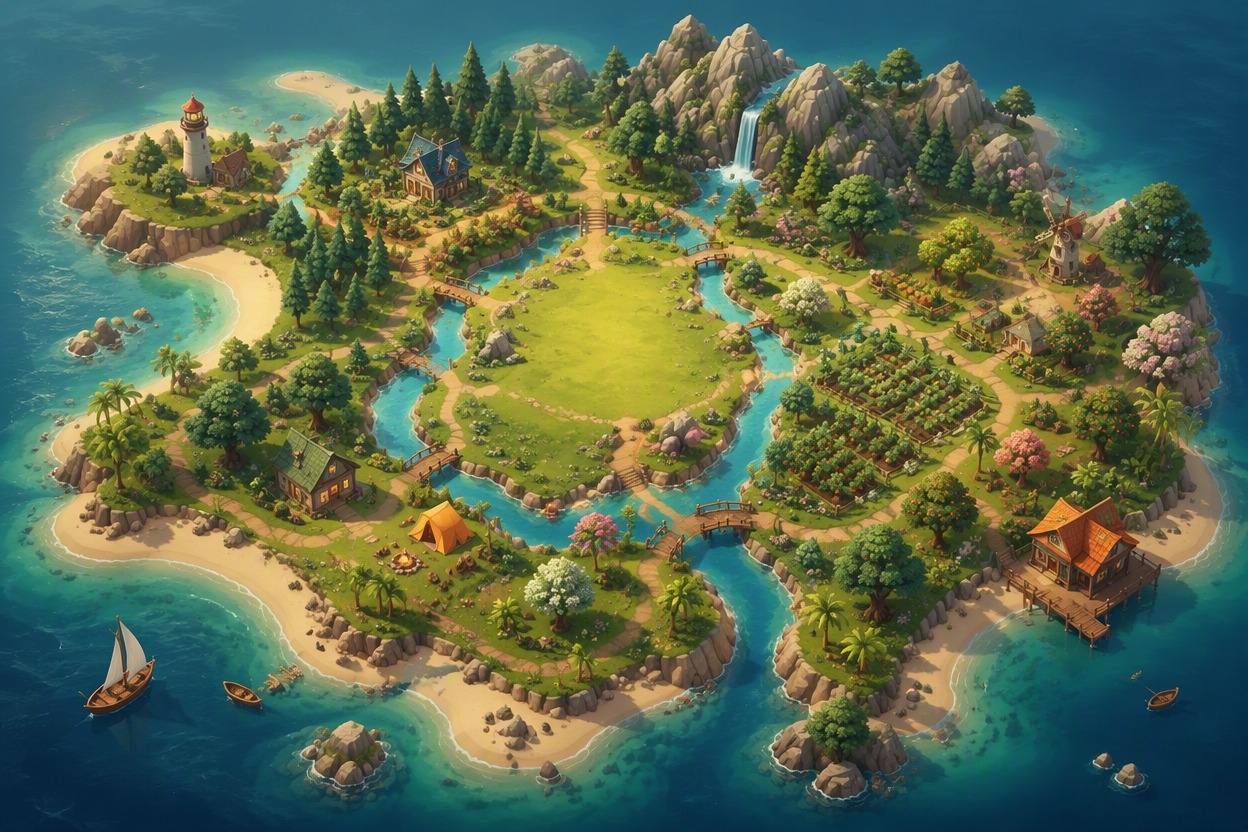
Create Playful Island Layouts
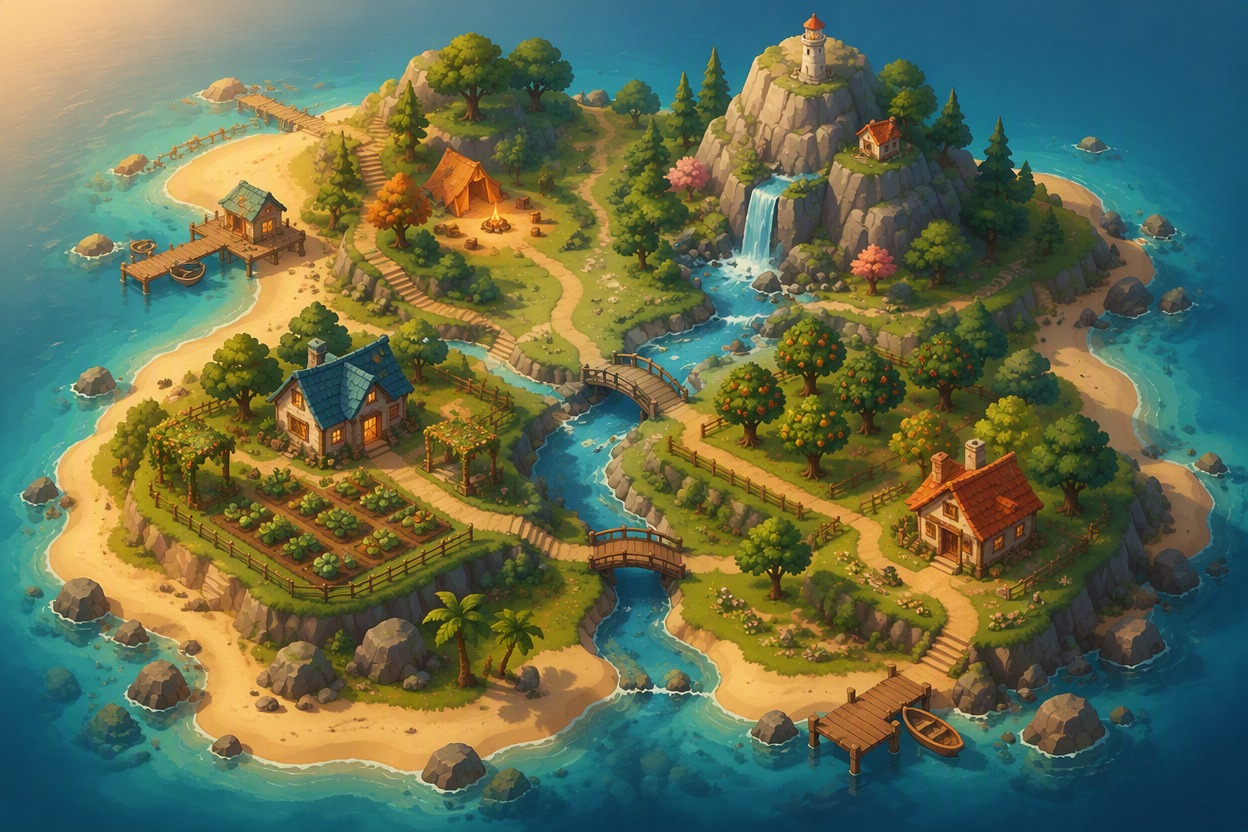
Arrange beaches, rivers, bridges, homes, gardens, shops, cliffs, and paths to explore a cozy island layout. Pair the concept with the broader OC maker workflow when your map story also needs original travelers, guides, mascots, or residents.
How to Make Map Animations
01
Choose the Map Style
Define the region, viewpoint, terrain, palette, landmarks, aspect ratio, and visual treatment for the base map.
02
Plot the Route and Stops
List the start, destination, waypoints, transport method, route shape, and the order in which locations appear.
03
Animate and Review
Add route drawing, marker movement, pans, zooms, and pauses in an editor. Check pacing, readability, and safe space for any labels.
Why Use This Animated Map Maker
Clear Route Direction
Control start points, stops, destination, line shape, and travel direction for an easy-to-follow journey.
Flexible Map Styling
Explore editorial, anime, watercolor, paper-cut, fantasy, or cozy game-like visual treatments.
Landmark-Based Storytelling
Use towns, rivers, mountains, buildings, and natural features to structure each story beat.
Camera Move Planning
Map out pans, zooms, pauses, and reveals before assembling the final animation in an editor.
Travel Video Assets
Create visual concepts for vacation recaps, route intros, documentaries, reels, and presentations.
Original Island Concepts
Test river mouths, paths, bridges, districts, and scenic zones for a playful custom island map.
Frequently Asked Questions
Map Animation Maker FAQ
Plan Your Animated Map Story
Turn a route, island, or travel idea into a clear illustrated map concept ready for motion design.