
Pricing
Log In
AI Generator
Photo to Cartoon Online Free: Make Cartoon Avatars
Turn photos into cartoon avatars, pet cartoons, 3D looks, and anime-inspired portraits online. Use free credits, then upgrade for watermark-free export.
Photo to Cartoon Online Free
Upload a selfie, portrait, or pet photo and turn it into a cartoon-style image online. Use free credits to test cartoon avatars, 2D looks, sketch effects, anime-inspired portraits, and character-style results before choosing your final export.
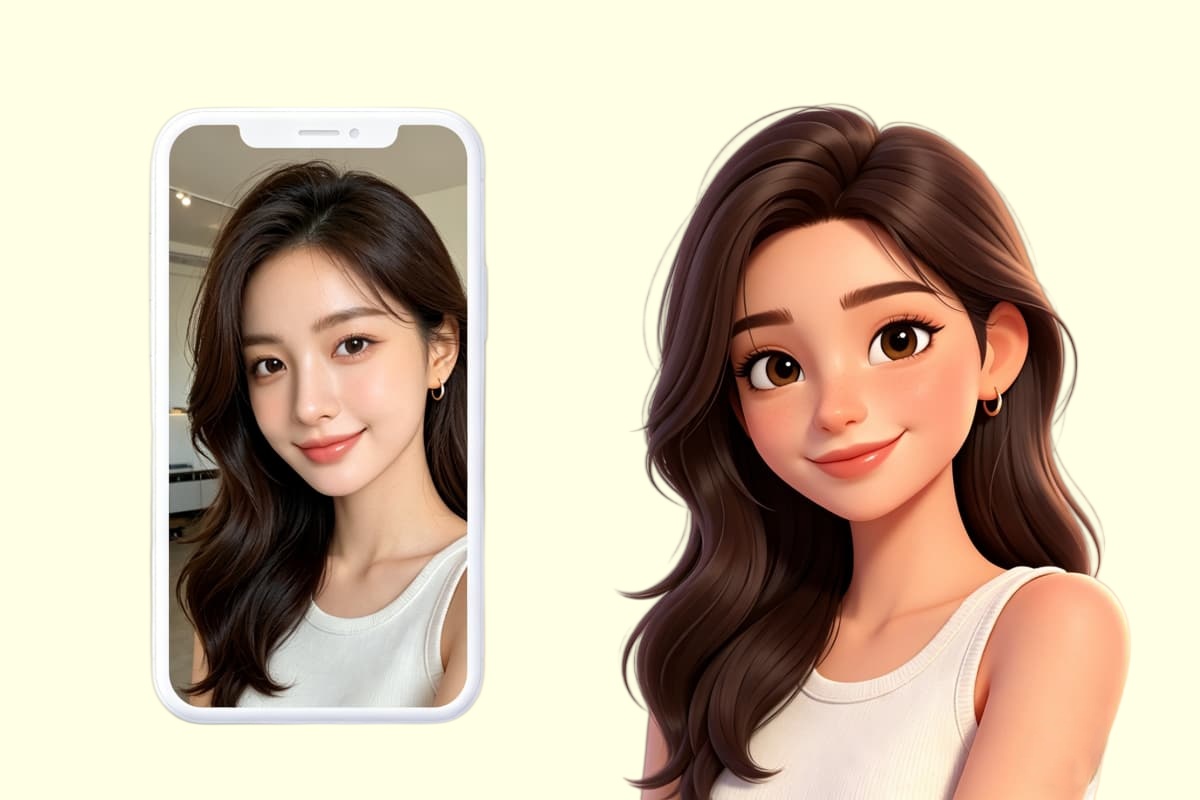
Turn a Real Photo Into the Right Cartoon Result
Make a Cartoon Avatar From a Selfie
Start with a clear selfie or profile photo when you want the cartoon result to still feel like you. This works best for social avatars, profile pictures, Discord icons, and simple creator portraits. If you want to keep building from that cartoon direction, OCMaker AI gives you a broader character-making path after the first photo conversion.
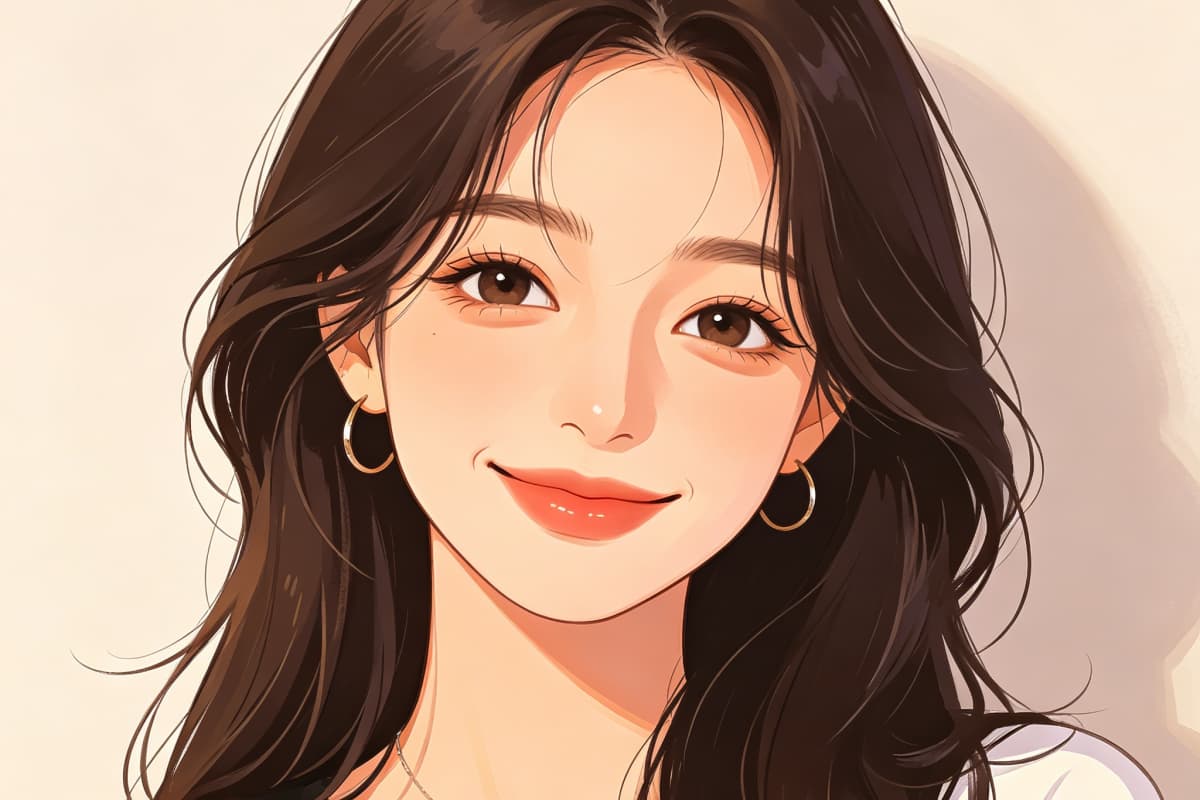
Convert a Photo Into a Cartoon Character Look
Some users do not want a basic cartoon filter. They want a real photo to become a more designed character image, with cleaner expression, stronger styling, and a profile-ready finish. For anime-style character directions, the AI anime generator is a better next step when the result needs to feel closer to an OC or stylized portrait.
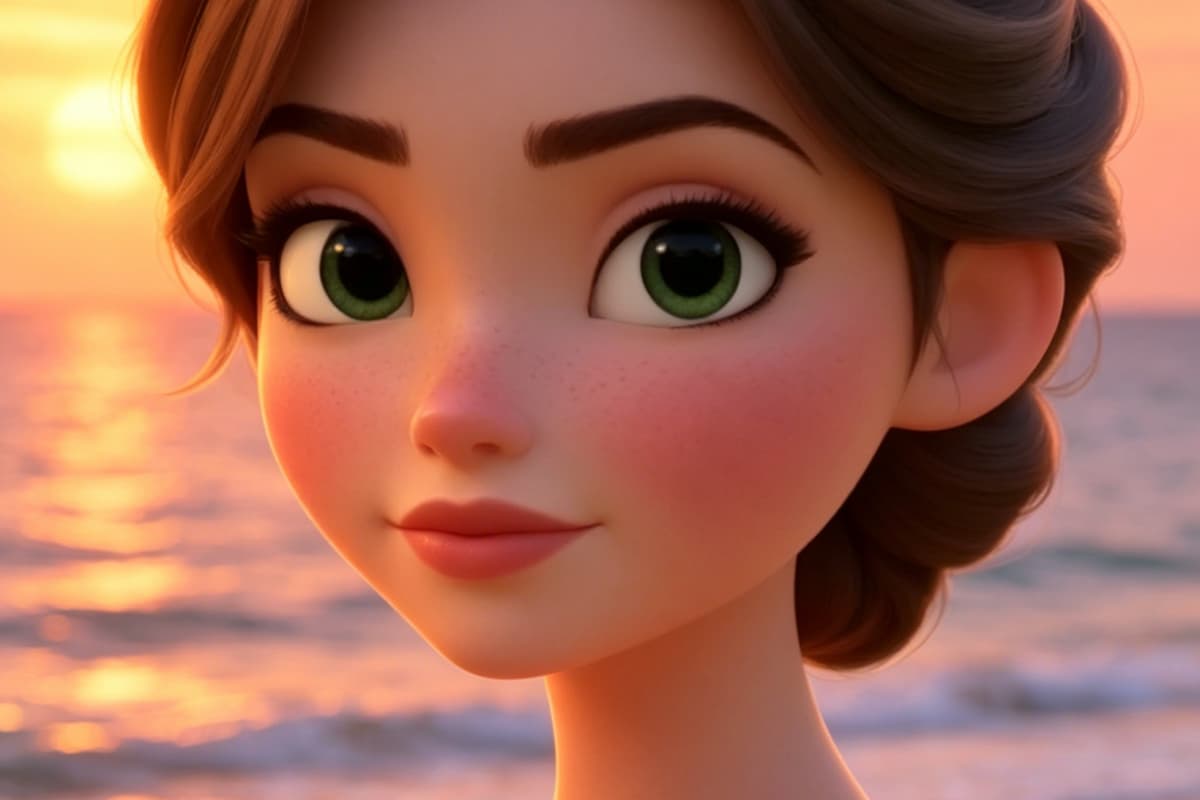
Try 2D, Sketch, and 3D Cartoon Styles
Different photos need different cartoon styles. A front-facing portrait usually works better for a 3D cartoon look. A simple headshot can become a clean 2D avatar. A high-contrast photo may work better as a cartoon sketch. Free credits are useful here because one style rarely fits every photo.
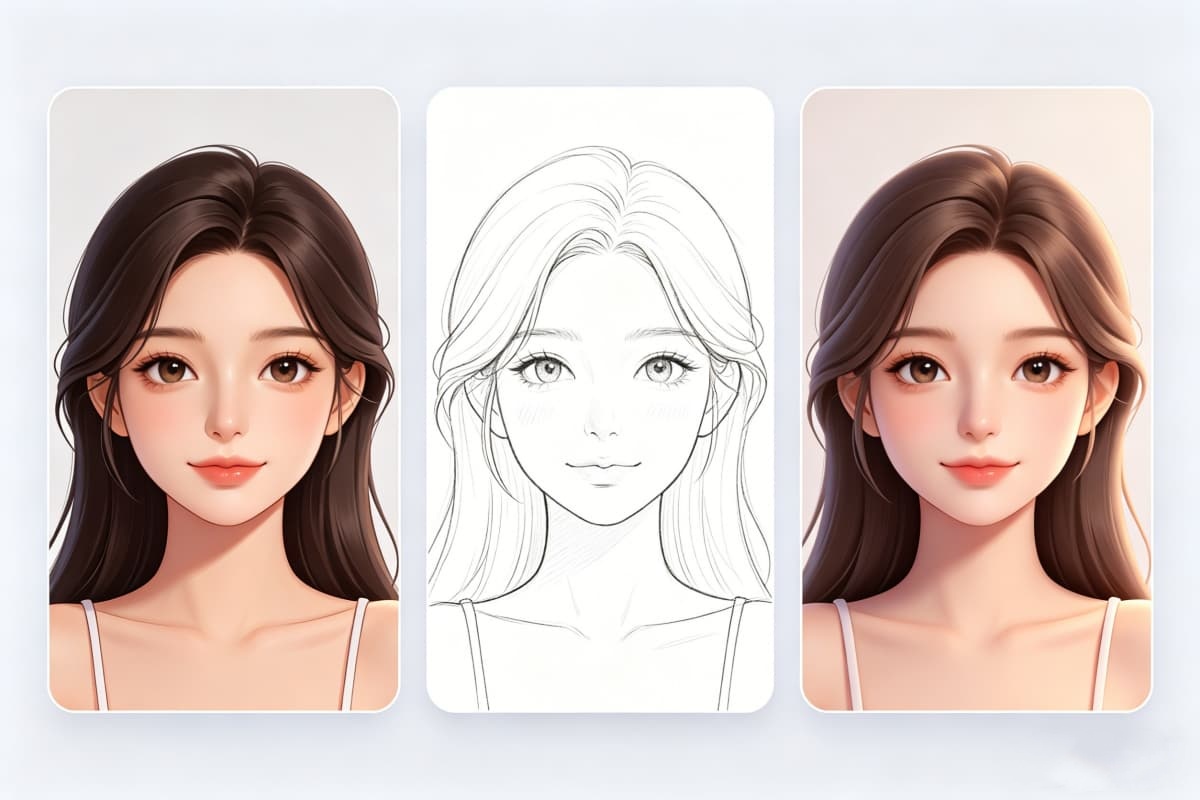
Turn Photos Into Anime-Inspired Cartoon Results
When a photo needs a softer anime-style finish instead of a general cartoon filter, use the first cartoon result as a visual starting point. The photo to anime workflow fits users who want an avatar that feels closer to anime portrait art than a simple photo edit.
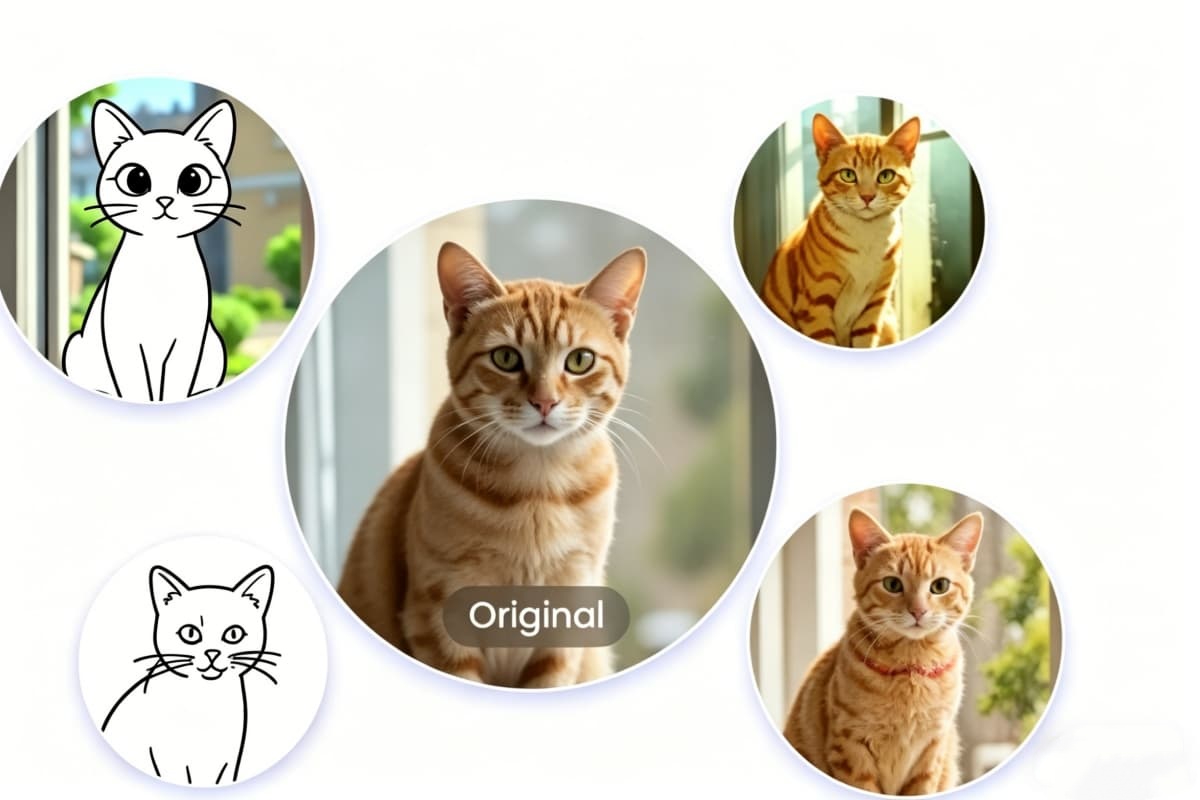
Photo to Cartoon Ideas You Can Make Online
A good photo to cartoon online free tool should handle more than one kind of image. These examples show how selfies, portraits, pet photos, and scenic shots can turn into cartoon avatars, anime-inspired portraits, pet cartoons, and stylized landscape illustrations.
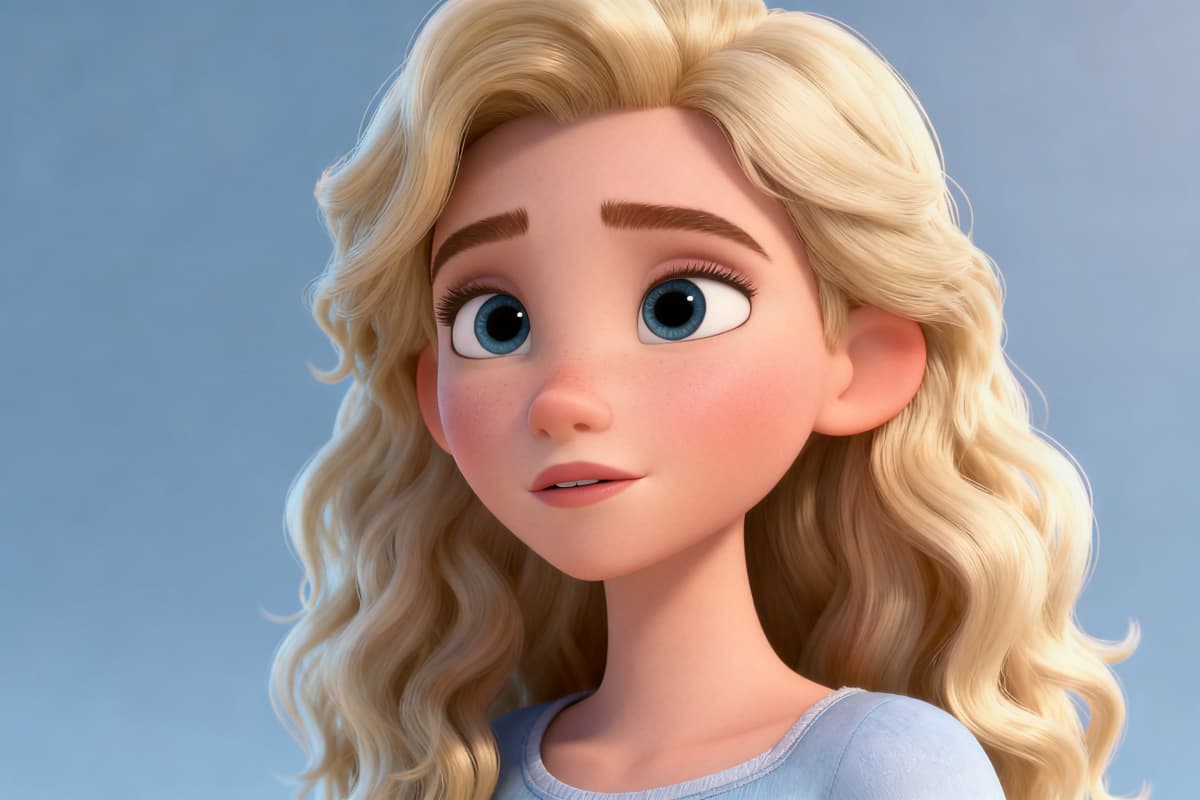
Selfie to 3D Cartoon Avatar
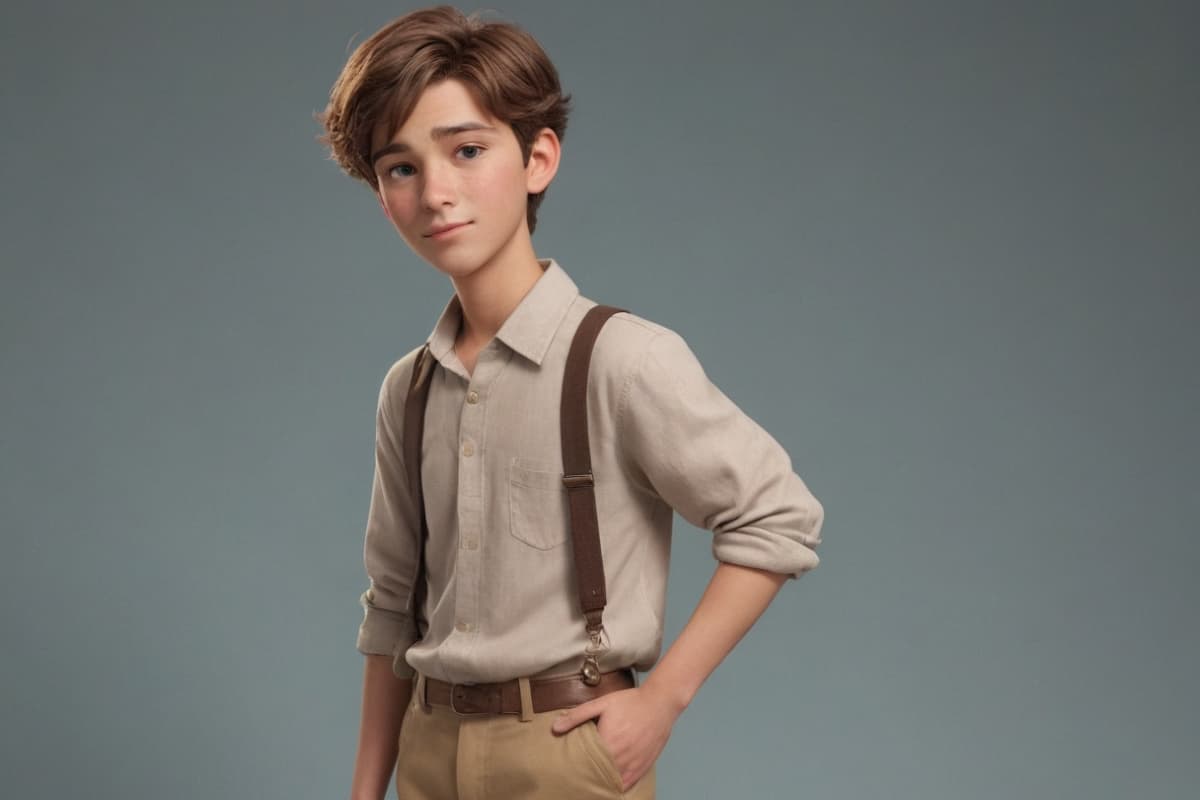
Photo to Cartoon Character Portrait
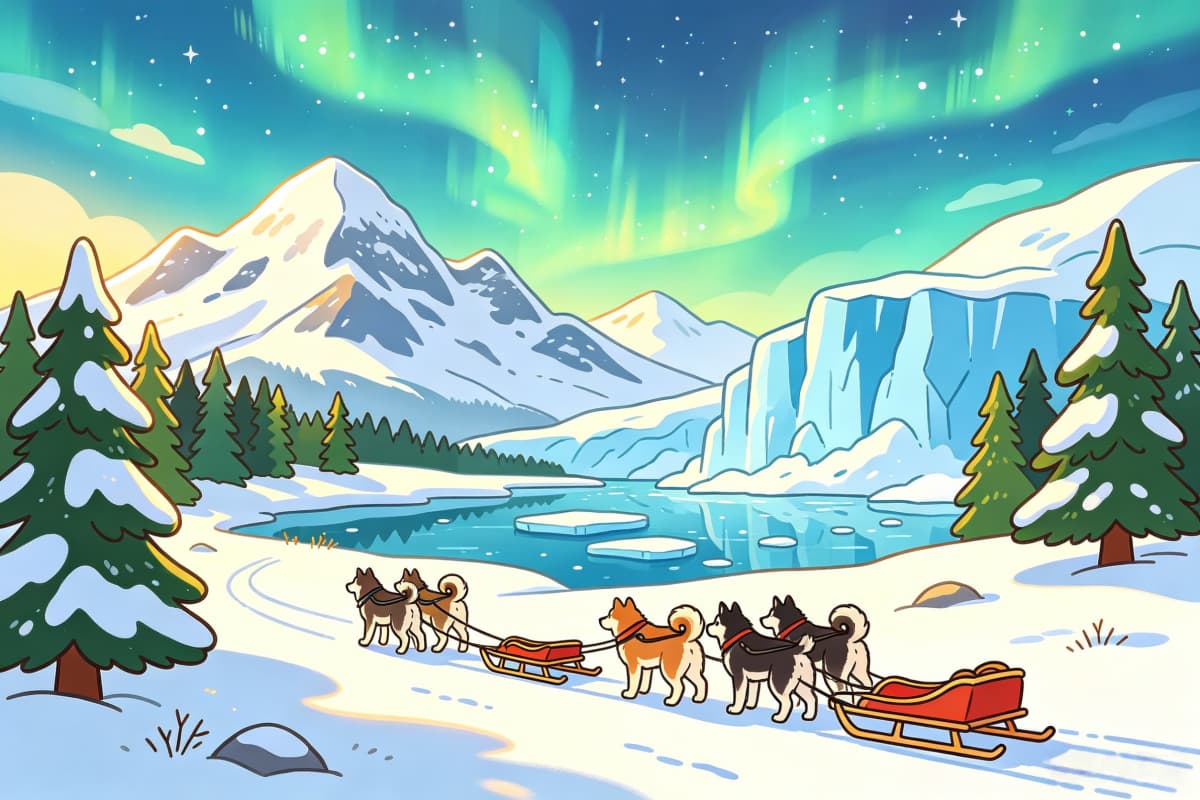
Travel Photo to Cartoon Winter Scene
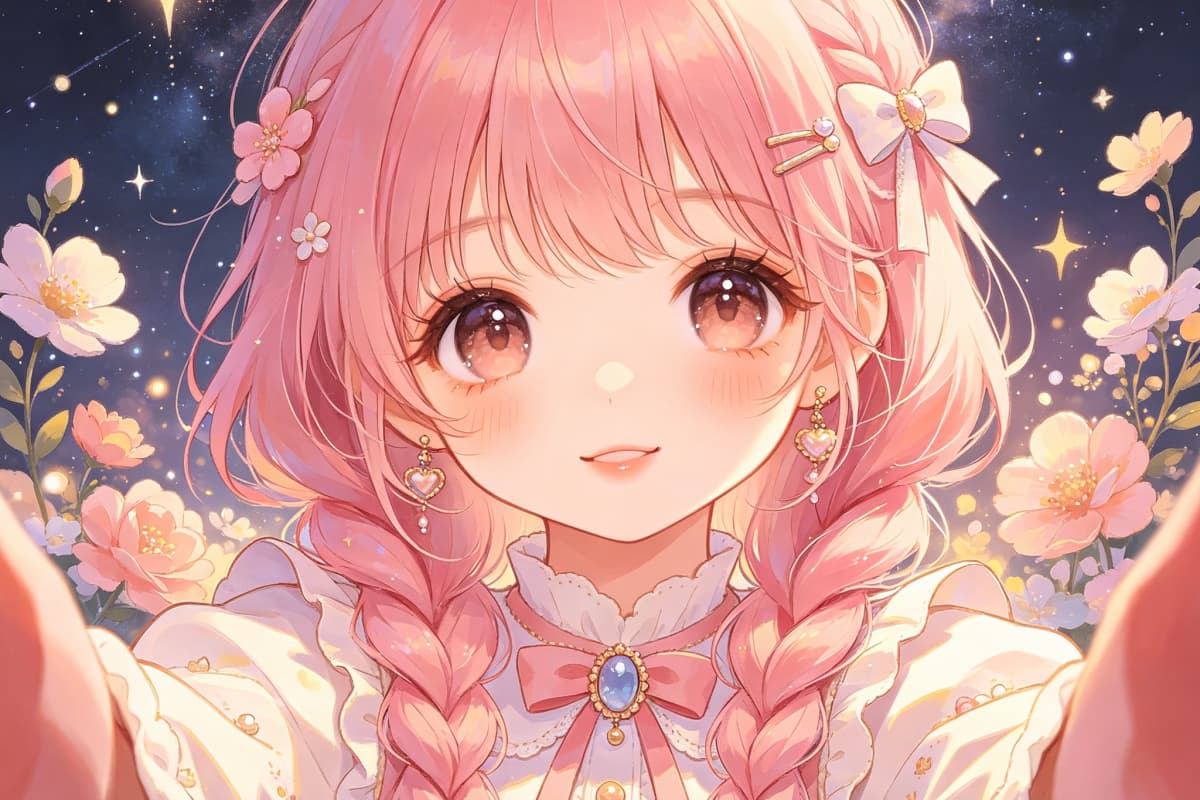
Photo to Anime-Inspired Cartoon
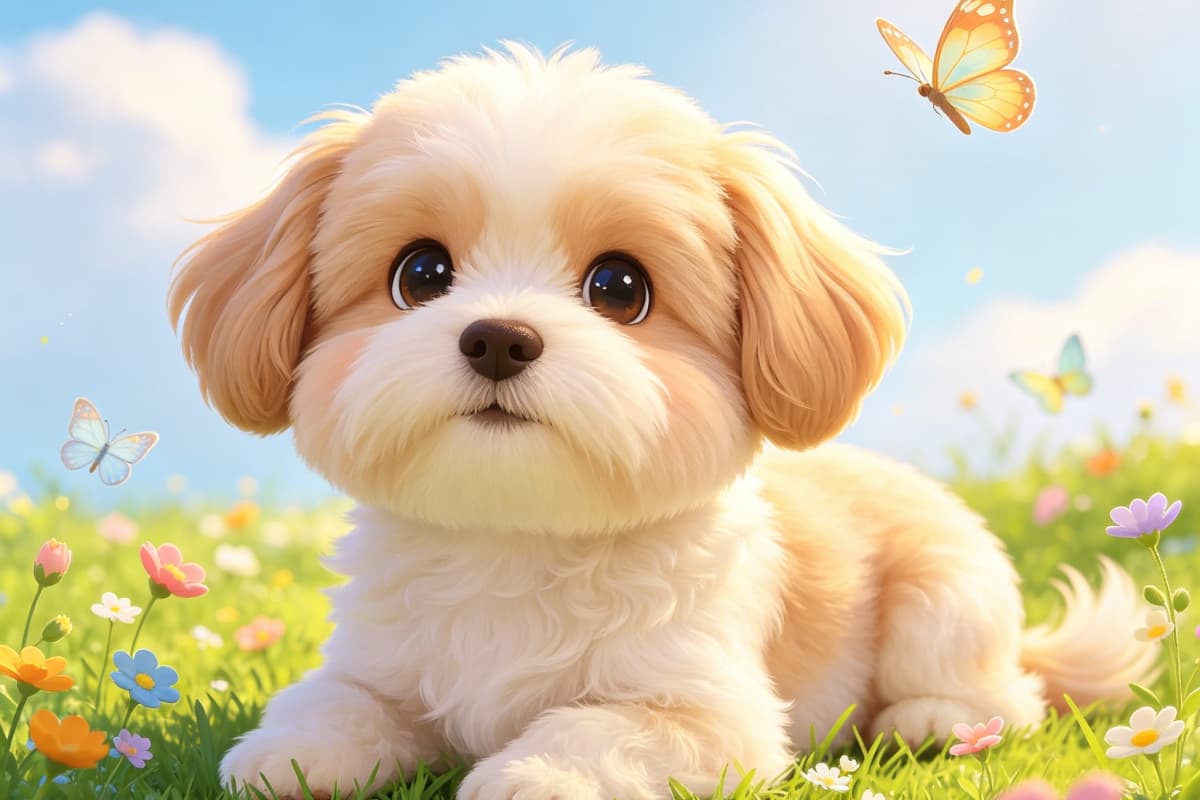
Dog Photo to Cartoon Portrait
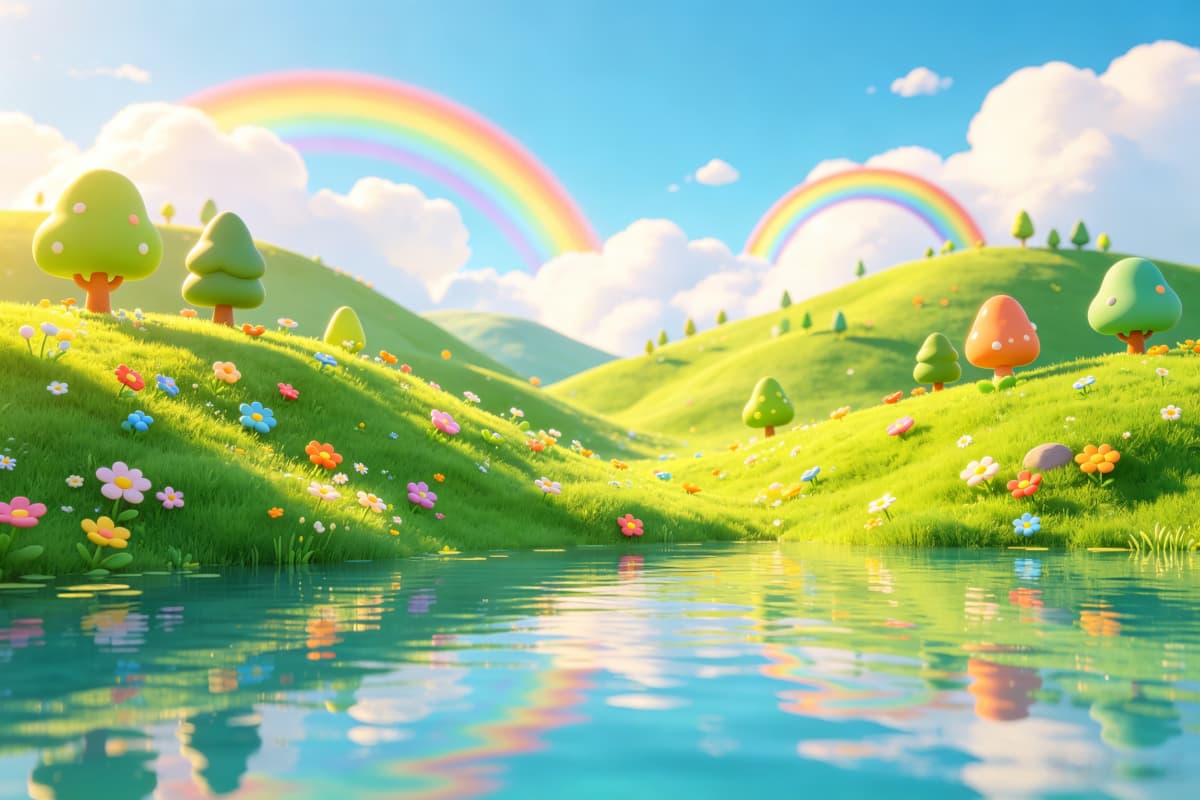
Nature Photo to Cartoon Landscape
Practical quality checks before you export
Why This Photo to Cartoon Converter Works Beyond a Basic Filter
Clear Face Shape Matters
A cartoon avatar works better when the original photo has visible face shape, eyes, and expression. Blurry selfies, sunglasses, and heavy shadows usually make the result less recognizable.
The Use Case Changes the Style
A profile picture needs a clean face and simple background. A pet cartoon can be more playful. A character-style result can handle stronger colors, sharper outlines, and more design detail.
Free Credits Help You Test First
Photo to cartoon results are easier to judge after seeing a few versions. Free credits let users test whether a cartoon avatar, sketch effect, or 3D cartoon look fits the original photo before committing to a final export.
Watermark-Free Export Needs an Upgrade
Free usage is useful for testing the workflow and previewing results. For a clean final image without watermark, upgrading is the better choice, especially for profile pictures, social posts, brand assets, or finished character portraits.
Pet Photos Need Strong Visual Signals
Dog and cat photos work best when the eyes, ears, nose, and fur outline are easy to read. A crowded background can make the cartoon version less clear, especially at avatar size.
AI Cartoon Results Need Review
An AI photo to cartoon converter gives more flexibility than a fixed filter, but small details still need checking. Look at the eyes, mouth, hands, fur edges, and background before using the image publicly.
How to Convert a Photo to Cartoon Online Free
A simple 3-step workflow
01
Upload a Clear Photo
Use a selfie, pet photo, portrait, or character reference with visible face shape, eyes, and lighting. Front-facing photos usually give cleaner cartoon avatar and 3D cartoon results.
02
Pick the Cartoon Style
Choose the result you actually need: cute cartoon avatar, 2D cartoon, 3D cartoon look, sketch effect, anime-inspired portrait, or cartoon character style.
03
Generate, Compare, and Export
Use free credits to test the result first. If the image is for a profile picture, social post, brand use, or final creative asset, upgrading allows watermark-free export.
Answers for free credits, watermark-free export, avatars, pets, 3D cartoon looks, and AI cartoon results
Photo to Cartoon Online Free FAQ
Free Testing First, Clean Export When it Matters
Use free credits to test which cartoon style fits your photo. When the image is ready for a profile picture, post, brand asset, or finished character portrait, upgrade for watermark-free export.