Disney Filter: Turn Your Photo into Disney Art with AI

Free AI Disney filter: turn your photo into a Disney-style character with big expressive eyes and animated-movie lighting. Works for portraits, couples and pets.

Disney Filter: Photo to Disney Character

See yourself as an animated movie character. Upload a portrait, couple photo or pet picture and the AI Disney filter redraws it in a classic animated-film style — big expressive eyes, soft shading and storybook lighting — while keeping the person recognizable.

Photo to Disney

Photo to Disney Examples

  • fashion portrait photo01

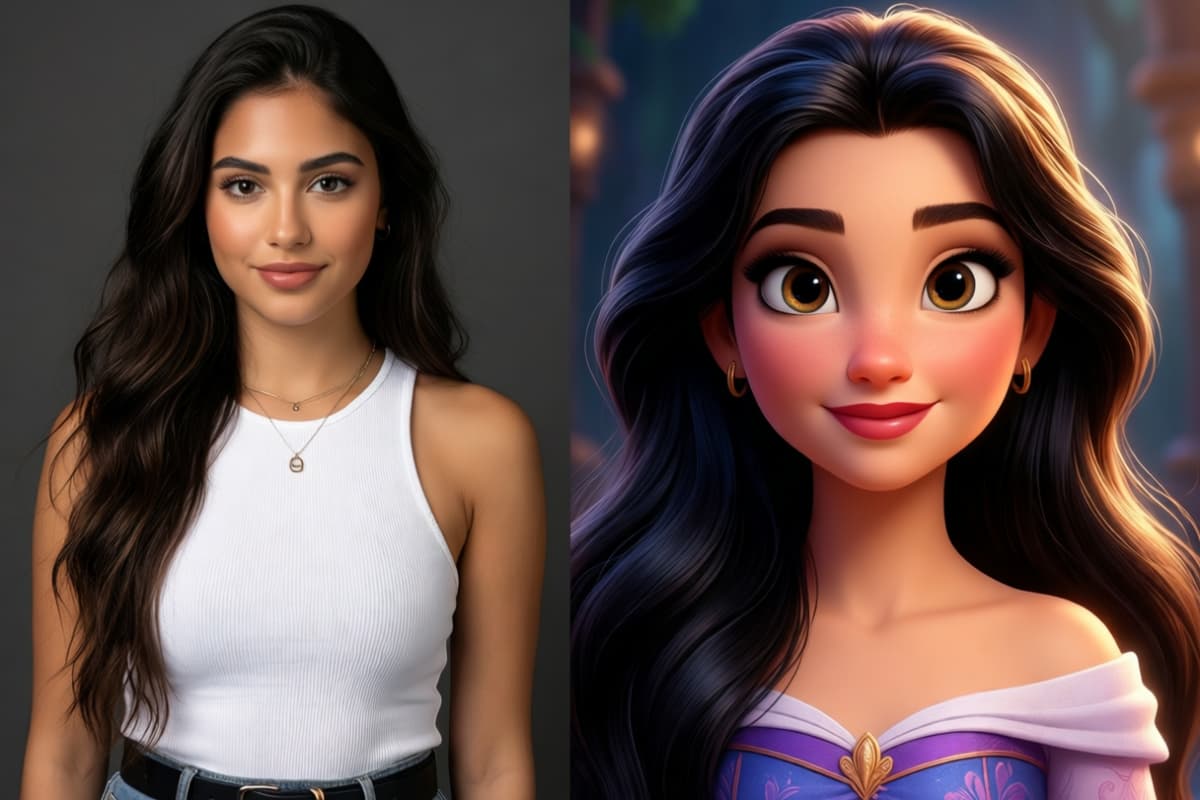
    Split screen transformation image, left side fashion portrait photo of a stylish young woman wearing modern outfit, studio lighting, right side disney inspired animated heroine version, glamorous hair, expressive eyes, cinematic pixar style rendering

  • a young man playing basketball02

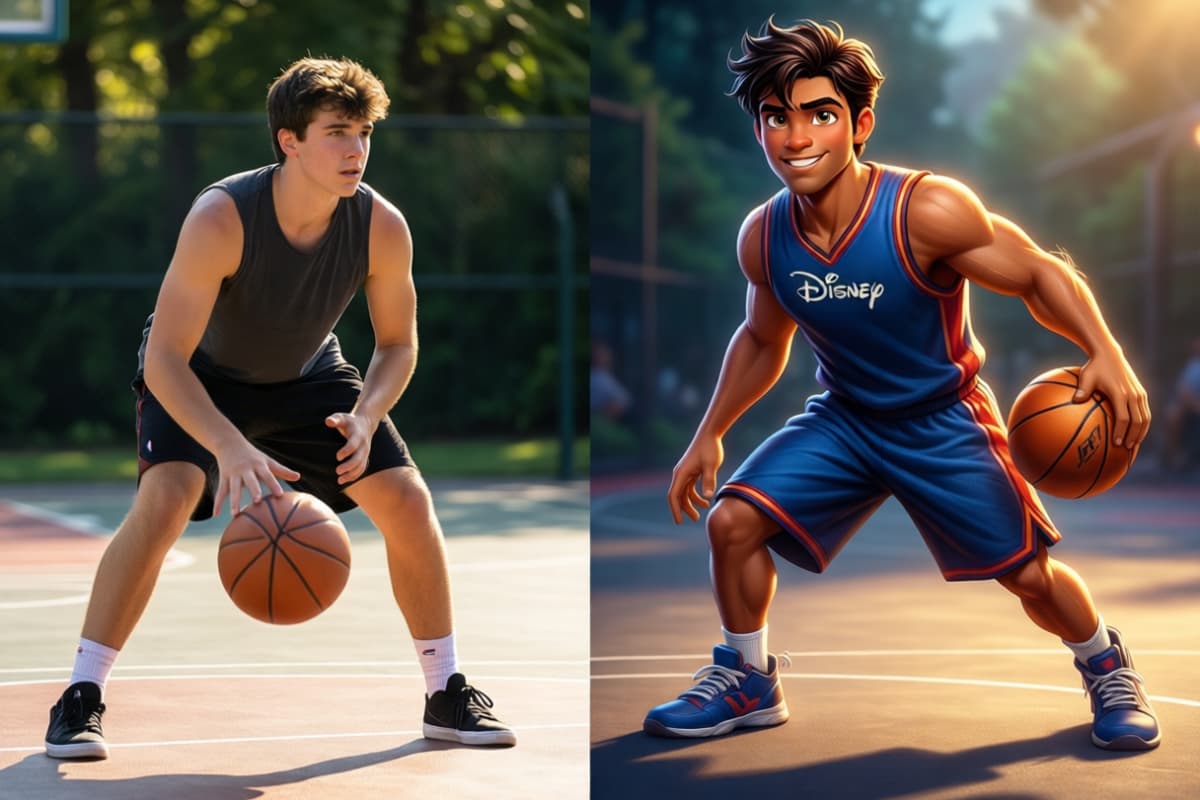
    Before after comparison, left side realistic photo of a young man playing basketball on outdoor court, right side disney style animated sports character version, dynamic pose, cinematic lighting, pixar style animation

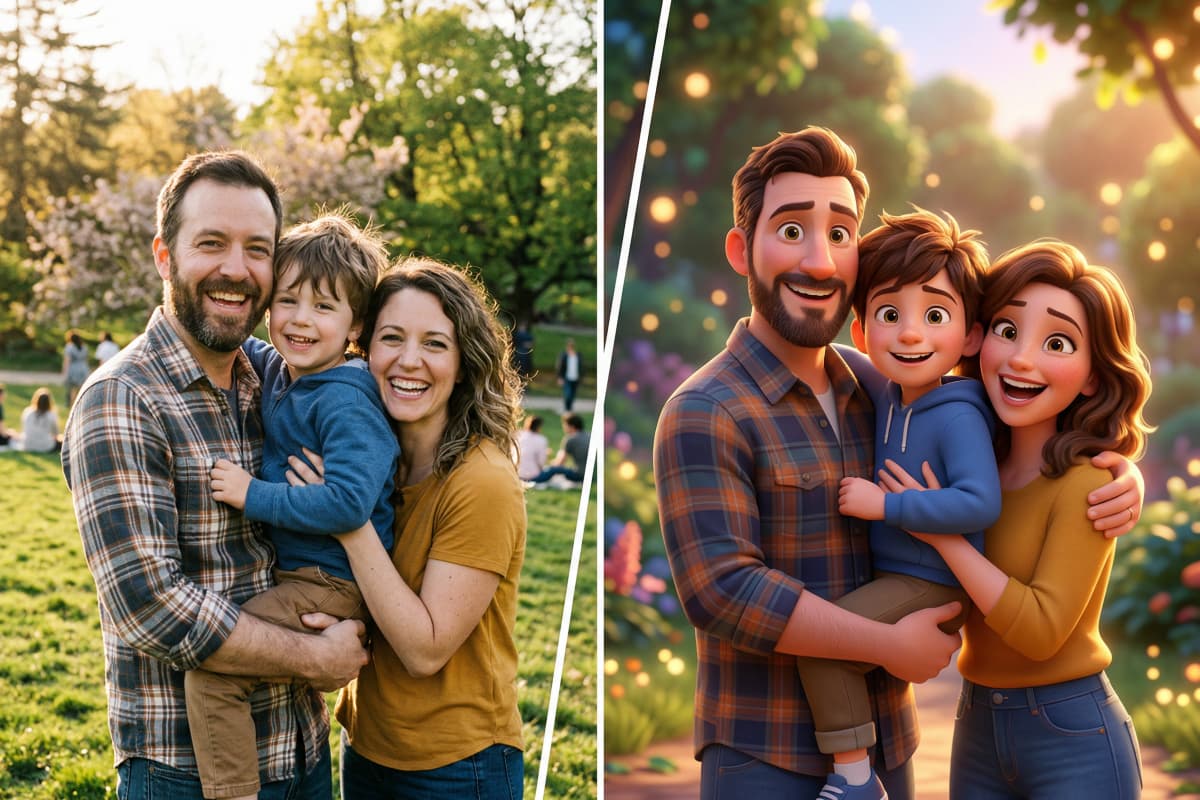
  • real family photo with parents03

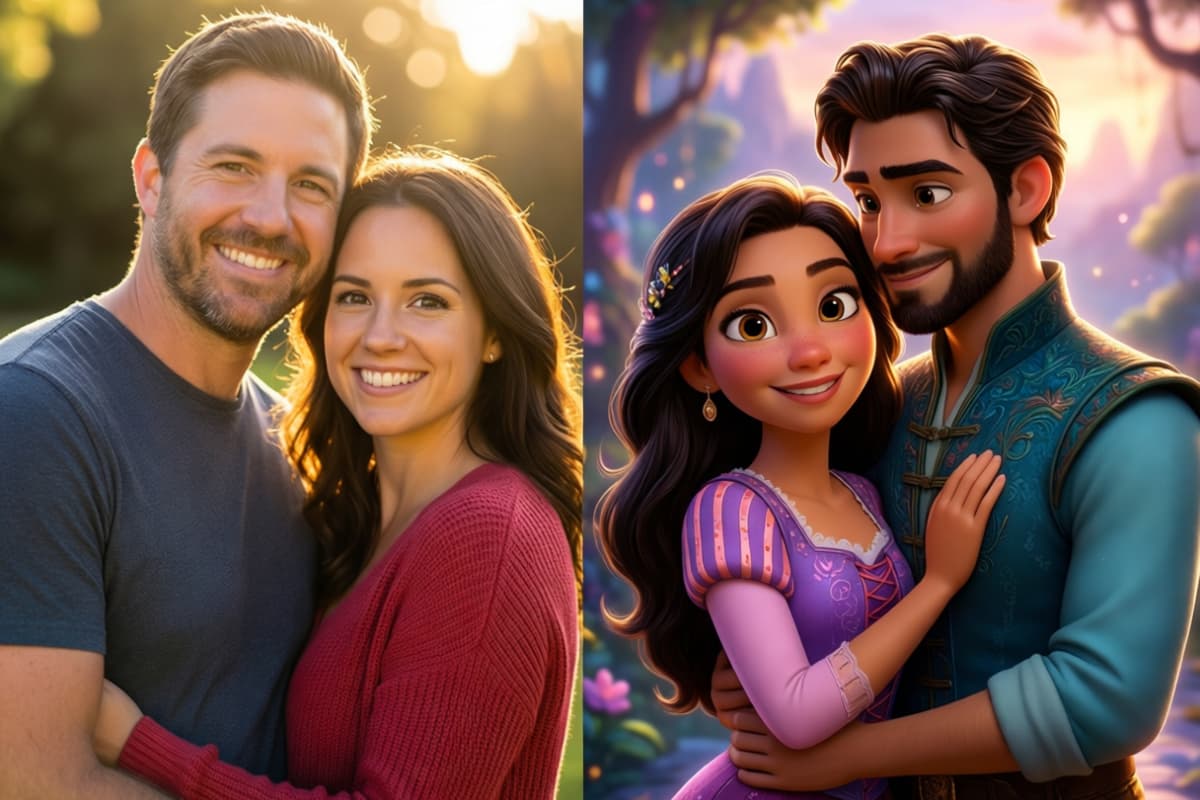
    Split screen comparison image, left side real family photo with parents and child smiling together, warm daylight photography, right side disney style animated family characters, colorful cinematic lighting, pixar quality animation style

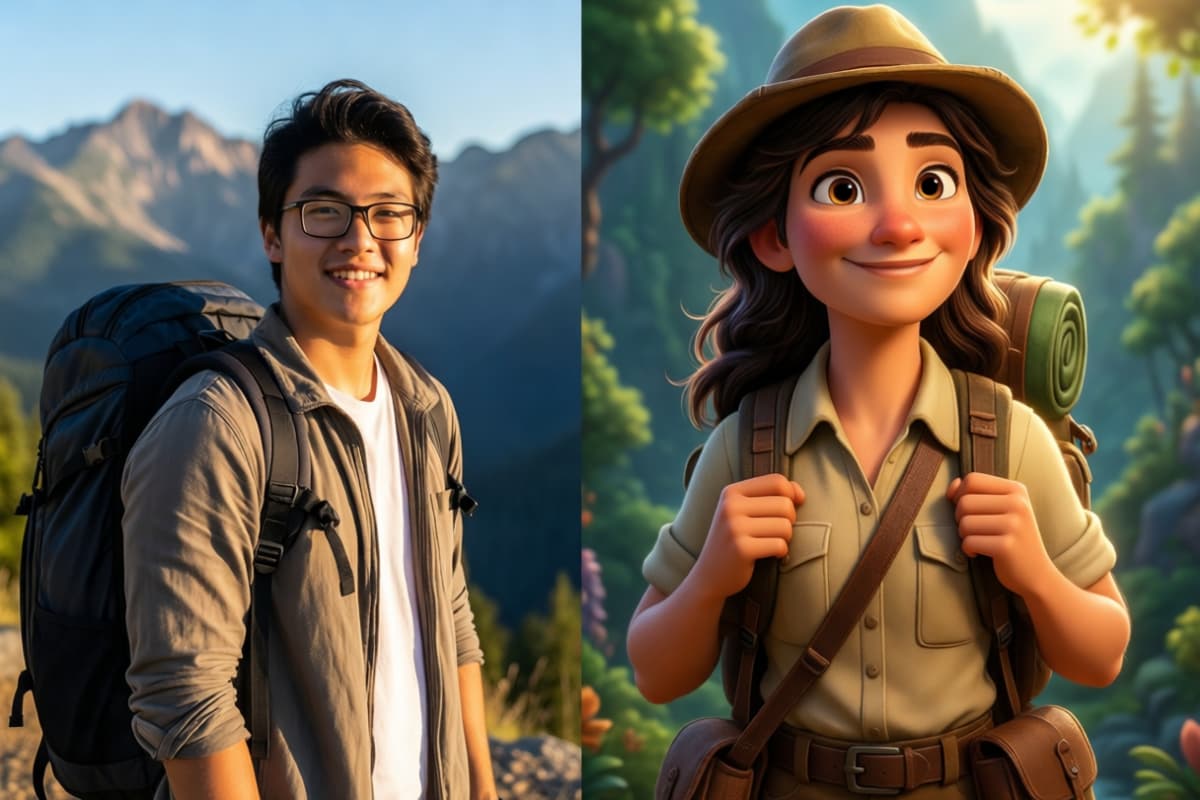
  • travel photo of a young man04

    Side by side transformation image, left side travel photo of a young man standing near mountains with backpack, natural photography style, right side disney style animated adventurer character, cinematic lighting, vibrant colors, pixar animation style

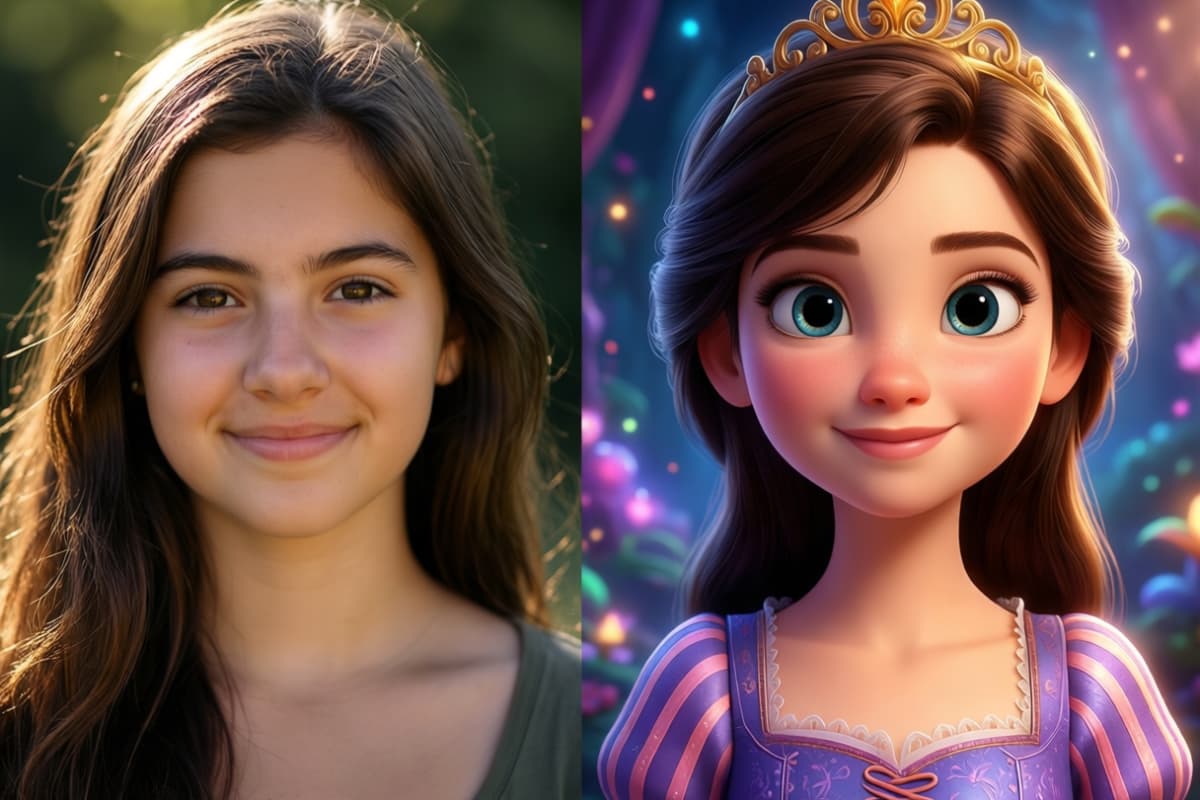
  • a young woman with natural lighting05

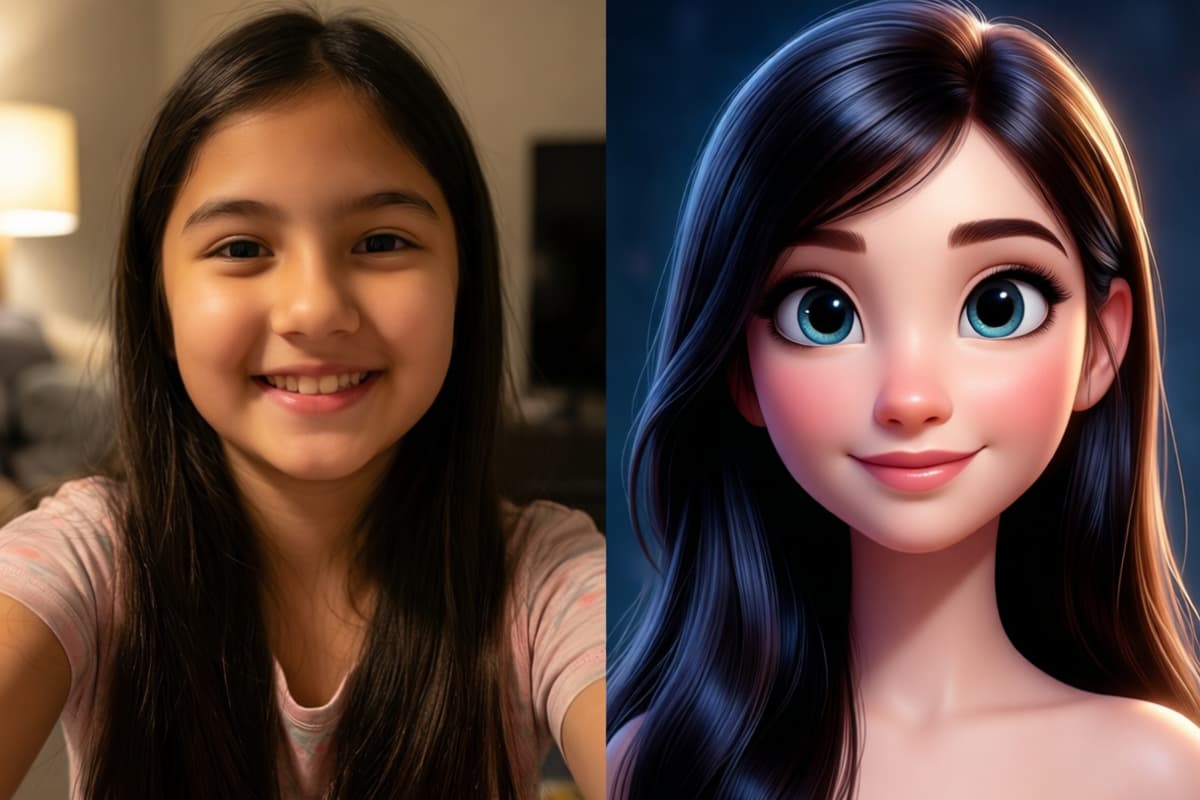
    Split screen comparison, left side realistic portrait photo of a young woman with natural lighting, casual hairstyle, soft smile, right side disney-inspired 3D animated princess style version of the same girl, big expressive eyes, smooth skin, cinematic lighting, colorful magical background, pixar quality, ultra detailed, before and after transformation

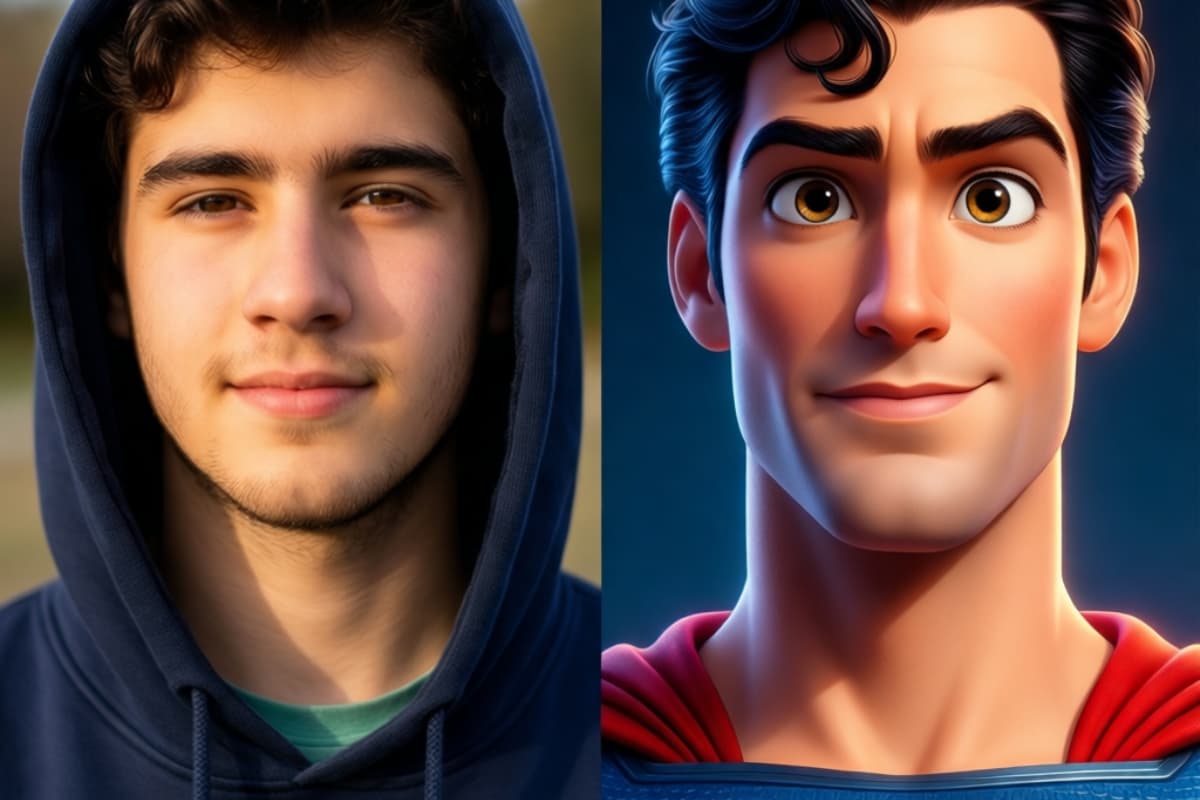
  • a young man wearing hoodie06

    Side by side comparison image, left side real photo of a young man wearing hoodie in natural daylight, right side disney style animated hero version of the same person, expressive eyes, stylized hair, cinematic animation lighting, vibrant colors, pixar style 3D character, transformation showcase

Disney Filter Creations from Your Photos

0103

Create Storybook Concept Art from Photo Ideas

Photos can also become the starting point for larger creative scenes. Upload a reference image and transform it into charming concept art, magical environments, or character scenes inspired by classic animation storytelling. Creators often begin with a photo and refine the visual direction using image to image tools inside OCMaker AI, making it easier to develop consistent story visuals and imaginative worlds.
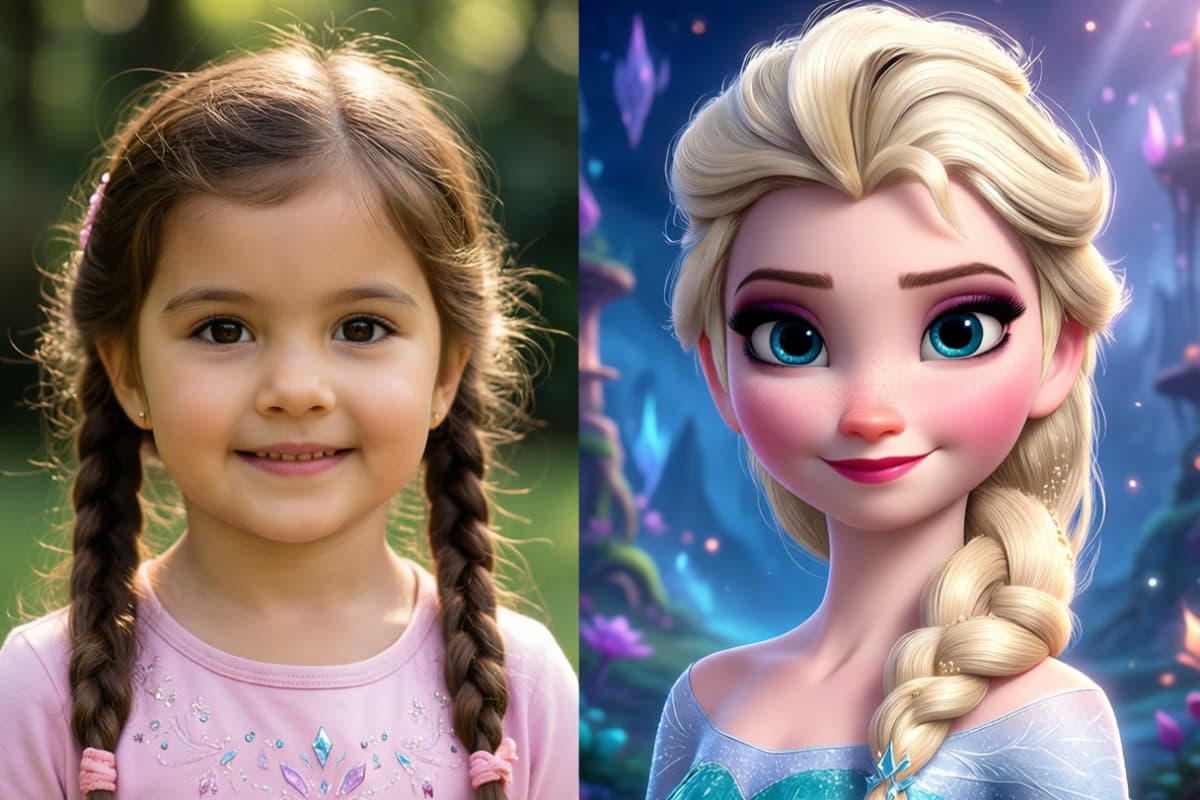
girl to disney

0203

Reimagine Pets as Magical Animated Companions

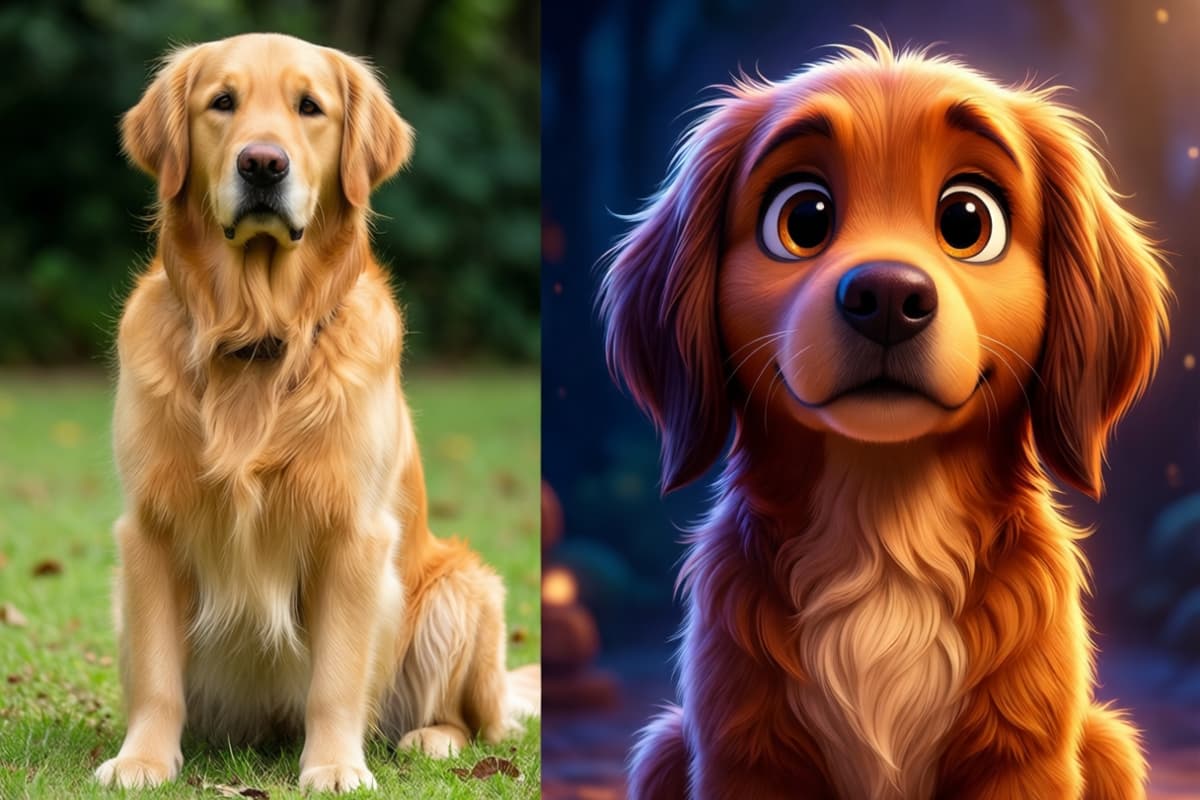
Bring your pets into a playful animated world by turning their photos into adorable Disney-style companions. The AI captures details like fur patterns, ear shapes, and expressions, then recreates them with a whimsical animated look. If you want to experiment with other illustration styles after generating your character, you can also explore additional creative options through an ai-anime-generator.

Transform Pets into disney

0303

Turn Portraits into Expressive Disney-Style Characters

Transform everyday photos into magical Disney-inspired character portraits with soft facial features, bright expressive eyes, and cinematic lighting. The AI keeps the personality of the original photo while adding the warmth and charm often seen in animated films. Many creators use this feature to design unique avatars or character art starting from a simple photo.

Turn Portraits into Expressive Disney-Style

Exciting Features of Disney Photo Transformation

  • 01

    Effortless Transformation

    Experience a straightforward photo-to-art conversion process that requires no technical skills. Simply upload your image and watch as AI performs the magic.

  • 02

    High-Quality Artistry

    Receive crisp, clear, and visually appealing artwork. Every generated image mimics studio-level quality, capturing Disney’s stylistic essence.

  • 03

    Diverse Style Selection

    Choose from various Disney-inspired styles to customize your artwork. Whether it's classic animation or modern digital characters, there's a design for everyone.

How to Create Disney Animation Art from Photos

  1. Upload a Clear Photo

    Start by uploading a portrait photo with good lighting and a visible face. Photos with natural expressions, clear eyes, and simple backgrounds usually produce the most accurate Disney-style results.

  2. Describe Disney Animation Style

    Describe the Disney-inspired animation look you want. Some tools allow options like classic animation, Pixar-style 3D characters, or soft storybook illustrations. Adjust facial emphasis or color tone if available to better match the character.

  3. Generate and Download Your Disney Artwork

    Click Generate and let the AI convert the photo into a Disney-style character. In a few seconds, the system will create a polished animation-style image that you can download or share.

Disney Filter FAQ

What is the Disney filter?

It is an AI photo filter that turns your photo into artwork in the style of classic animated films. It is a fan-art style tool and is not affiliated with or endorsed by Disney.

Can I make a Disney-style character of my own?

Yes — to design an original character in this style rather than convert a photo, use the Disney OC Maker.

How can AI convert photos into Disney art?

AI utilizes advanced algorithms to stylistically reinterpret photos, preserving important elements while adopting Disney-themed aesthetics. The AI's programmed understanding of animation nuances allows it to generate results that closely emulate Disney's signature style.

What makes AI-generated Disney art unique?

Each converted photo retains personal depth and originality by combining user input with AI’s expansive library of Disney designs, resulting in uniquely artistic interpretations.

What types of photos work best for a Photo to Disney transformation?

Portrait photos usually work best. The AI performs better when the face is clearly visible and centered. Photos taken in natural lighting produce smoother skin tones and more expressive Disney-style eyes. If the face is too small or heavily shadowed, the generated character may look less accurate.

Why do some Photo to Disney results look more Pixar-like than classic Disney?

Many modern AI models interpret "Disney style" as a Pixar-like 3D animation look because most training data contains modern animated characters. That means the result may have softer lighting, detailed hair, and cinematic rendering rather than flat 2D animation. If you prefer a more classic look, try prompts like "storybook Disney illustration style" instead.

How does AI ensure high-quality Disney-style images?

AI utilizes a high-resolution framework, modeling after Disney’s intricate art techniques, ensuring that each output maintains a polished and professional look.

Can Photo to Disney keep the person's identity recognizable?

Yes, but it depends on the photo quality and the AI model. When the face is clear and front-facing, the AI can usually preserve key traits like eye shape, hairstyle, and facial structure. Extreme angles, sunglasses, or heavy filters may reduce similarity in the final Disney character.

Are Photo to Disney images better with simple backgrounds?

Yes. Simple backgrounds help the AI focus on the subject's face and expression. Busy environments can sometimes introduce extra elements or color distractions in the generated artwork. Many creators upload portraits with neutral backgrounds for cleaner results.

Can Photo to Disney work for couples, pets, or family photos?

Yes. Many AI tools can convert couple photos, family portraits, and even pets into Disney-style characters. However, the best results usually come from images where each subject is clearly visible. If people overlap too much in the original photo, the AI may simplify details when generating the animated version.

Try the Disney Filter on Your Photo

Unleash the creative potential of AI with OC Maker AI and watch your photos transform into whimsical Disney wonders. Ready for you to start now!

Disney Filter: Turn Your Photo into Disney Art with AI