
Pricing
Log In
AI Generator
Speech Bubble Maker: Turn Images Into Funny Reactions
Make speech bubble memes, Discord reactions, anime captions, comic dialogue, and pixel-style bubbles online. Add the line, place the bubble, share the joke.
Speech Bubble Maker for Memes, Comics, and Reactions
Use OCMaker AI as a speech bubble maker for memes, Discord reactions, comic panels, anime-style images, pixel dialogue, and shareable character posts. Add a line of text, choose the right bubble style, and turn a plain image into something that feels readable, funny, or story-driven.
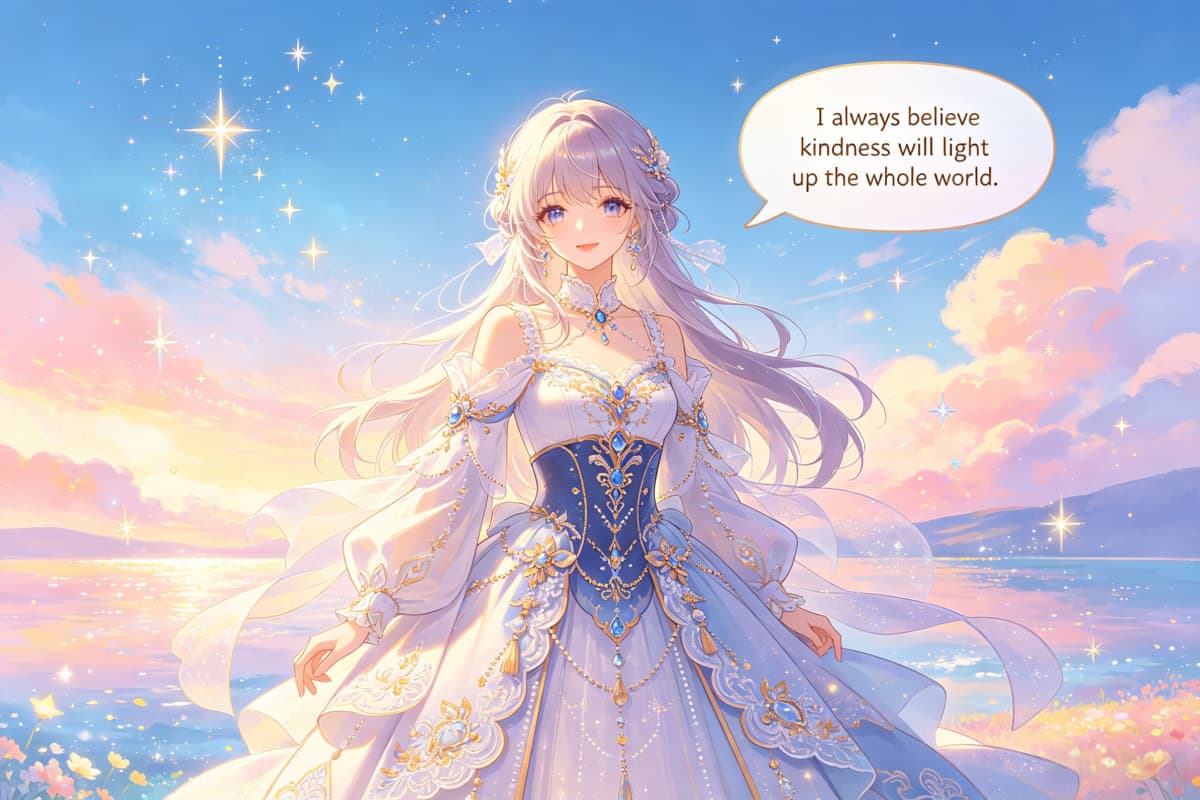
Speech Bubble Ideas You Can Make
A good speech bubble does more than place text on top of an image. It changes how the image reads. Use these directions for meme captions, Discord reactions, comic dialogue, anime character moments, and pixel-style speech bubbles.
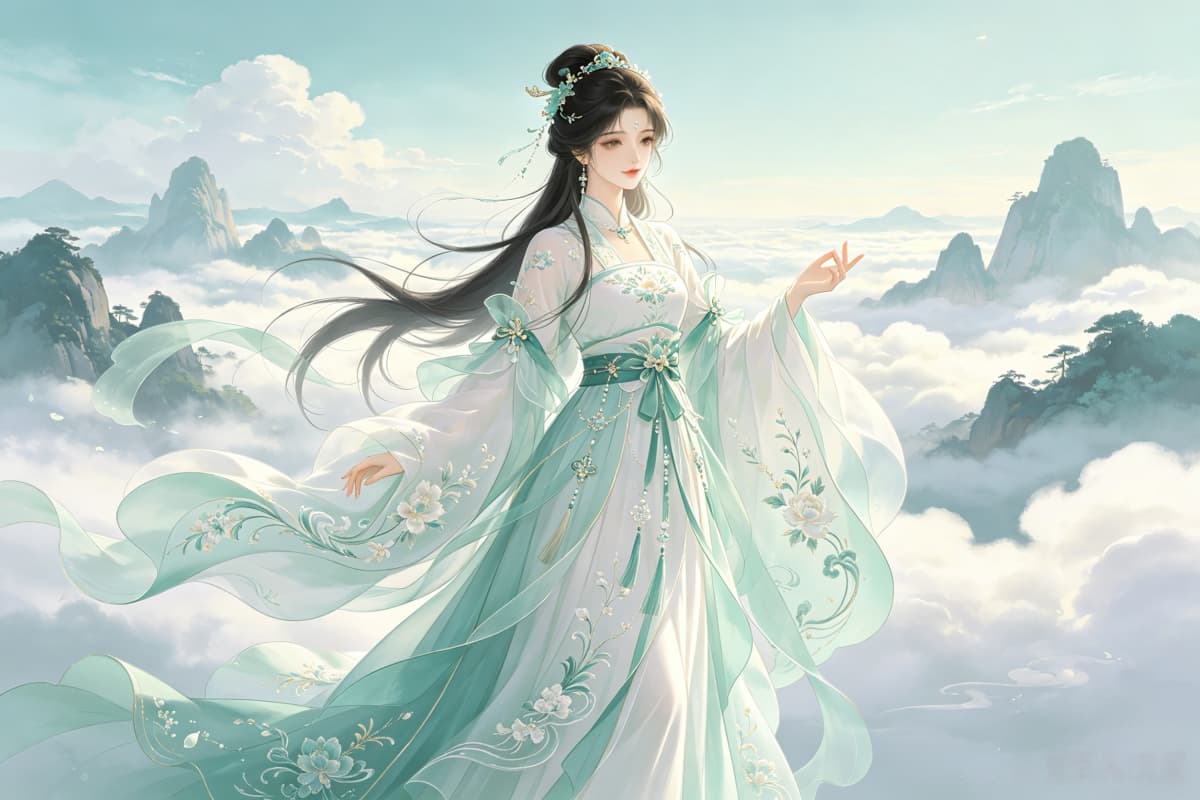
Discord Reaction Bubble
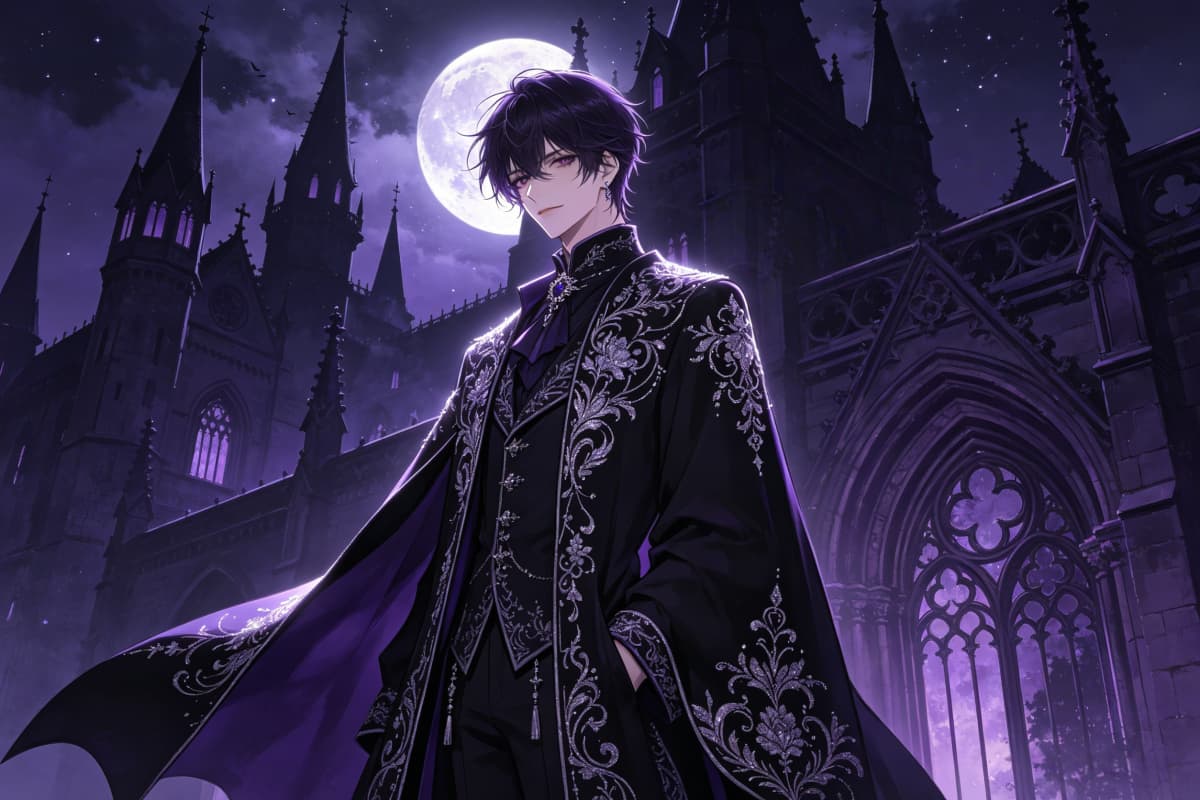
Speech Bubble Meme
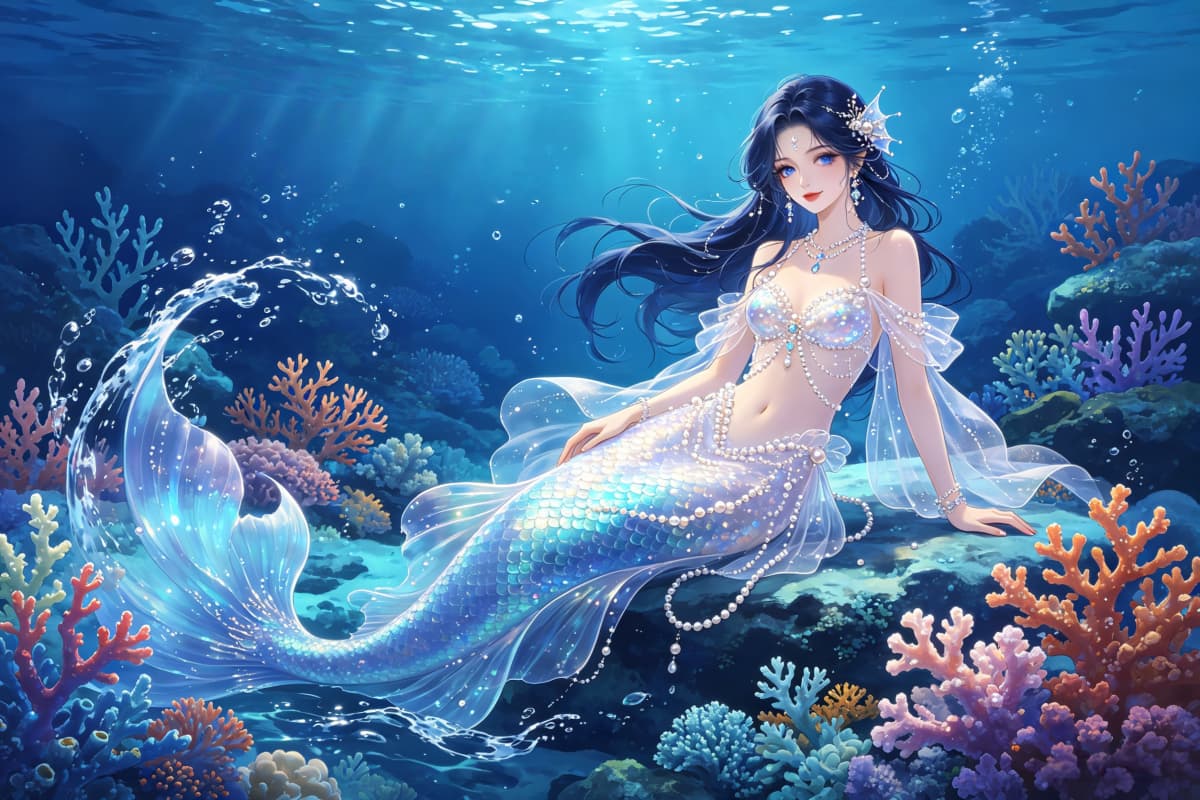
Comic Panel Dialogue
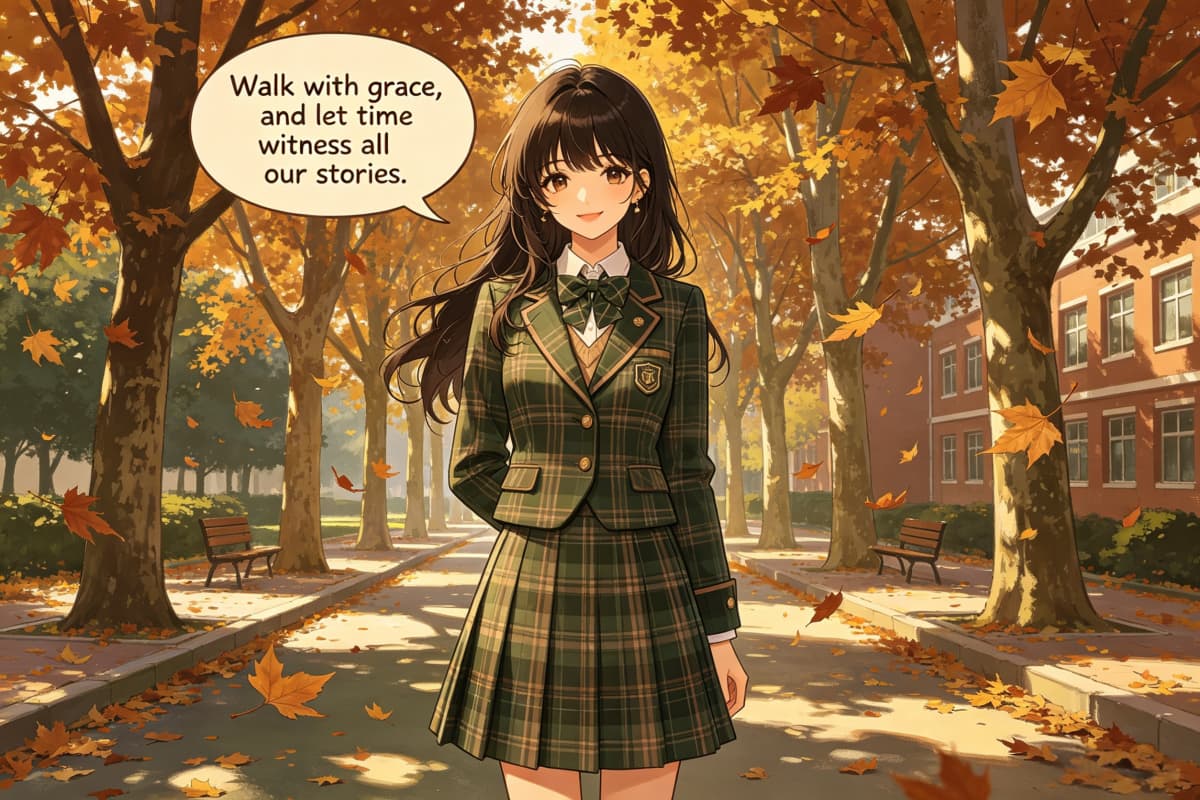
Anime Character Line
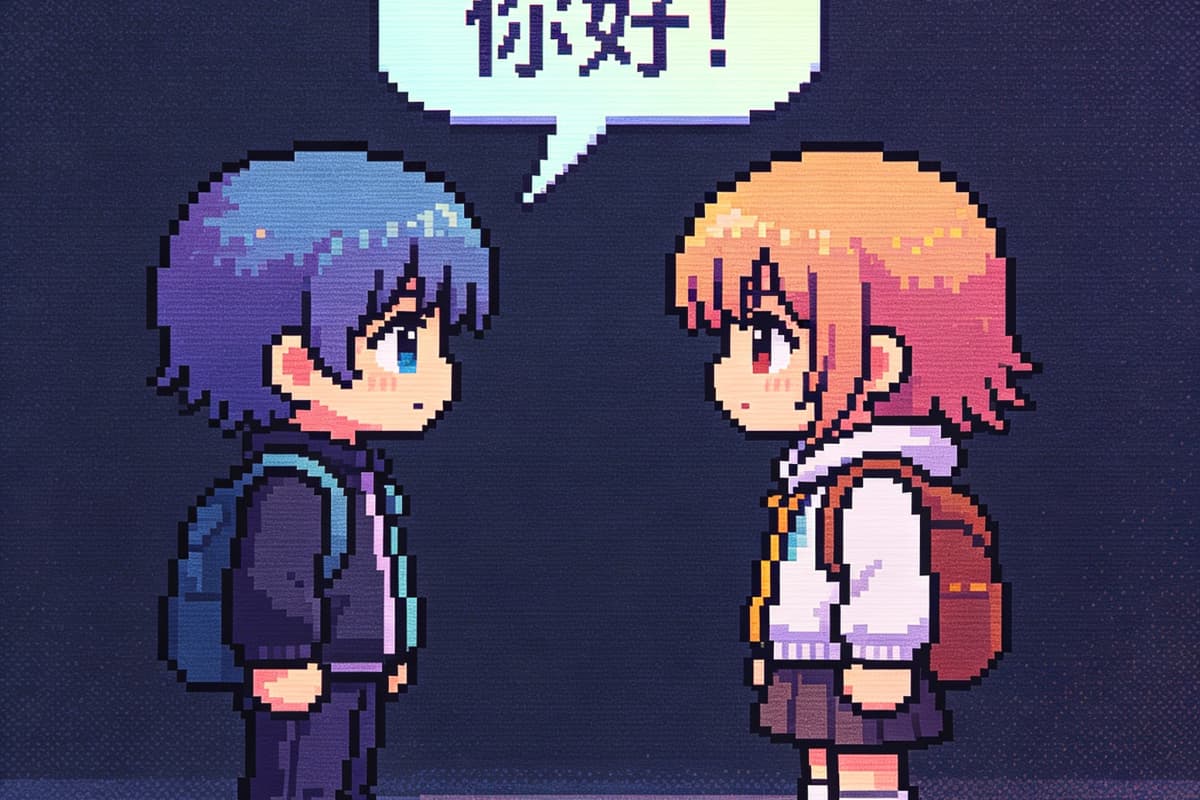
Pixel Game Dialogue
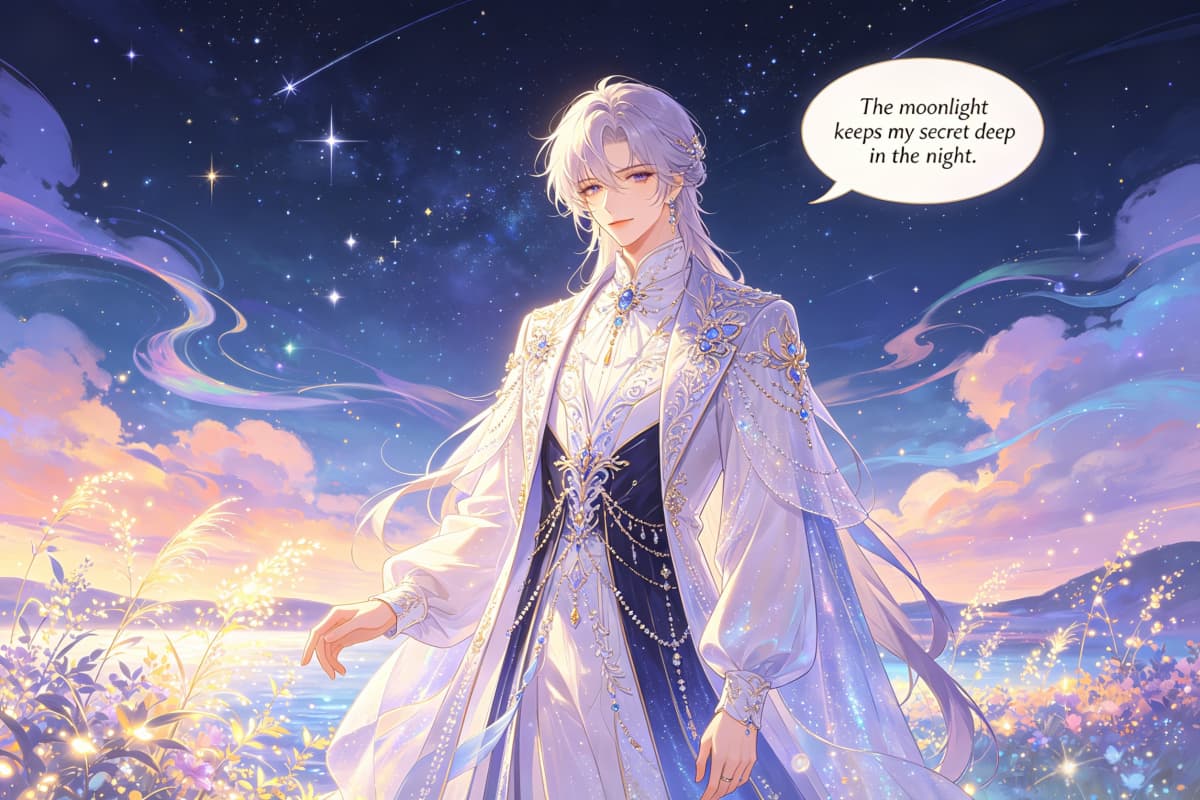
Choose the Right Speech Bubble Style for the Image
Make Speech Bubble Memes That Land Fast
For users searching speech bubble meme maker or meme maker with speech bubbles, the main goal is not a polished poster. It is a readable joke. Start with a reaction face, character image, or screenshot, then add one short line that explains the awkward moment, punchline, or dramatic overreaction. In practice, the best meme bubble is usually short, high-contrast, and placed where the eye lands first.
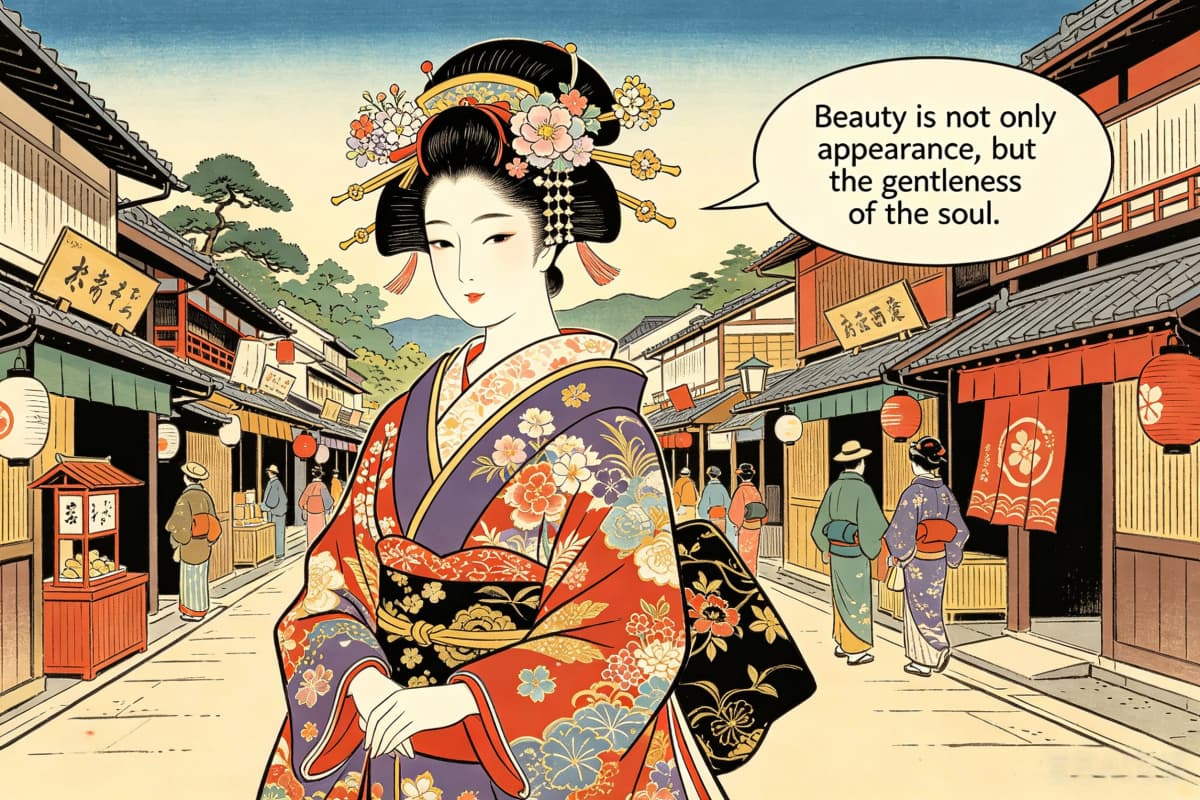
Create Discord Speech Bubble Reactions
Searches like discord speech bubble maker and speech bubble discord meme maker usually come from users who want something quick for a server joke, group chat reply, or reaction image. OCMaker AI fits this use case when you want to turn a character face, avatar-style image, or funny screenshot into a compact speech bubble reaction that feels native to chat culture.
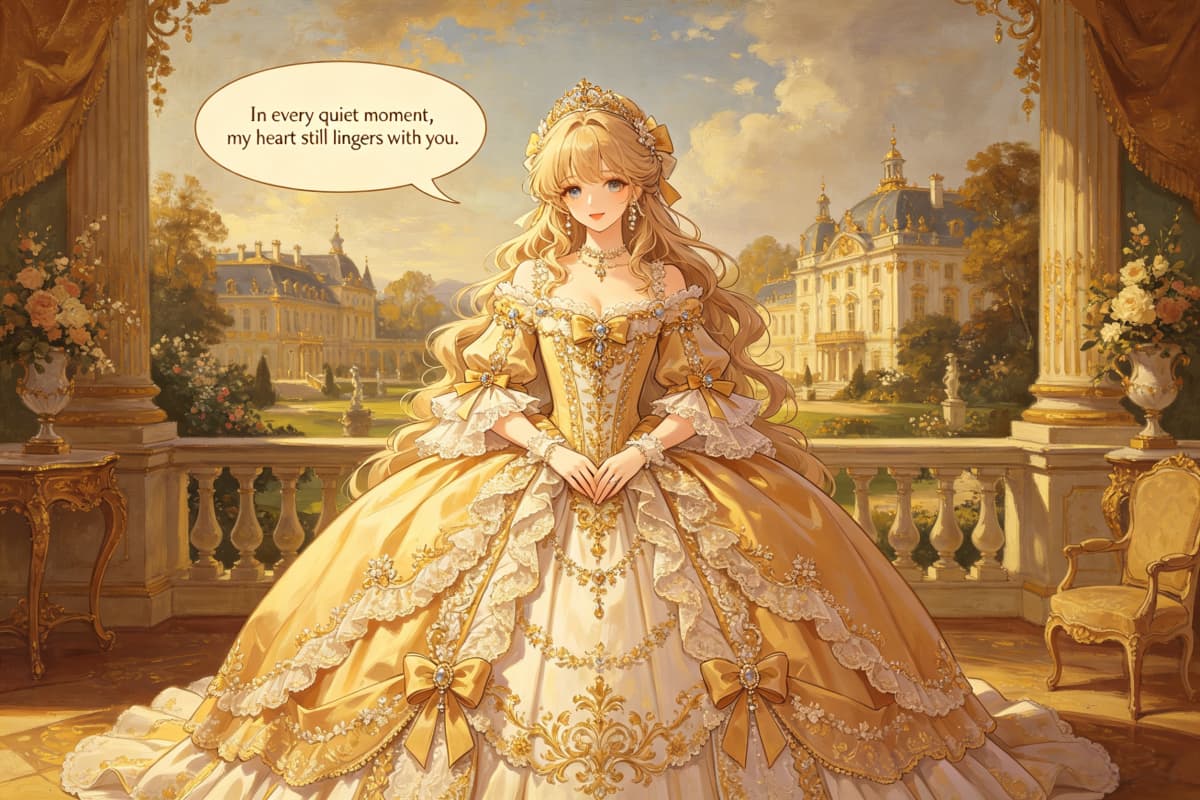
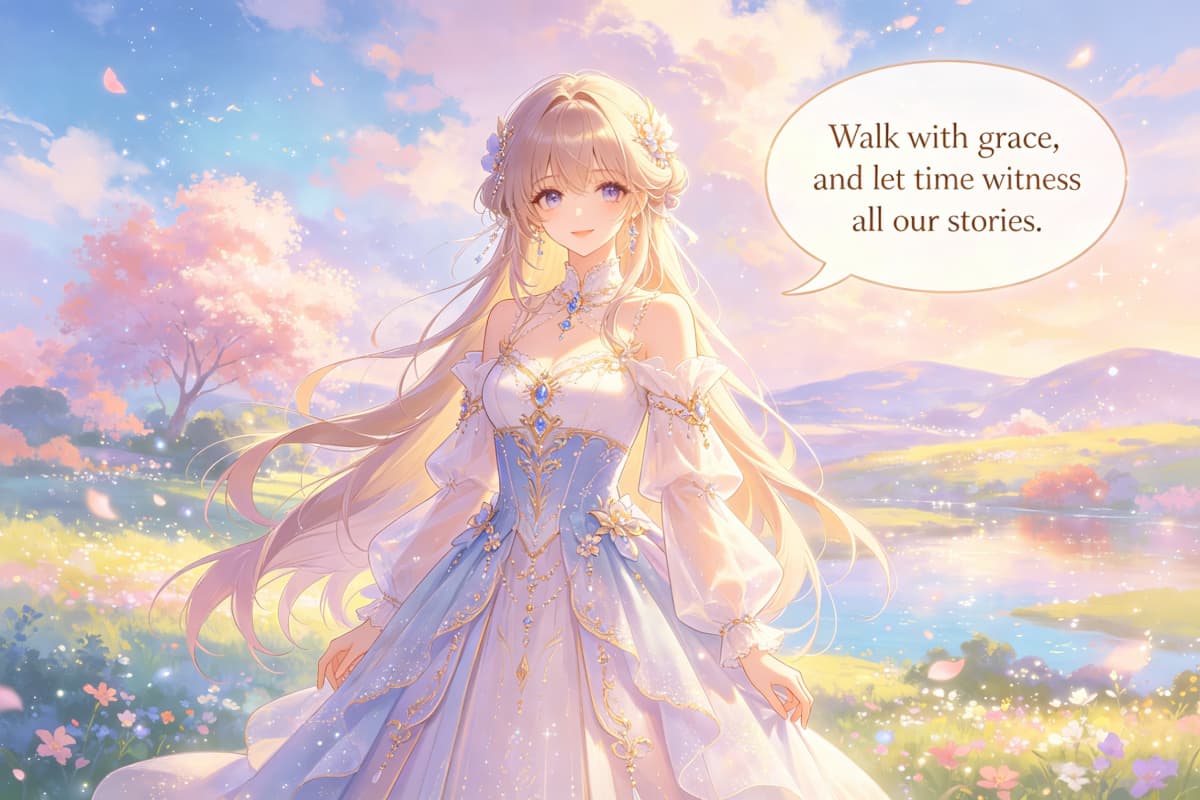
Add Comic and Anime Dialogue to Character Images
A comic speech bubble maker should help the image feel like a scene, not just a decorated picture. Use AI anime generator workflows when you want anime-style characters, dramatic expressions, manga-inspired moments, or OC dialogue. This supports comic speech bubble maker, comic book speech bubble maker, and anime speech bubble maker intent without pretending the page is a full publishing layout tool.
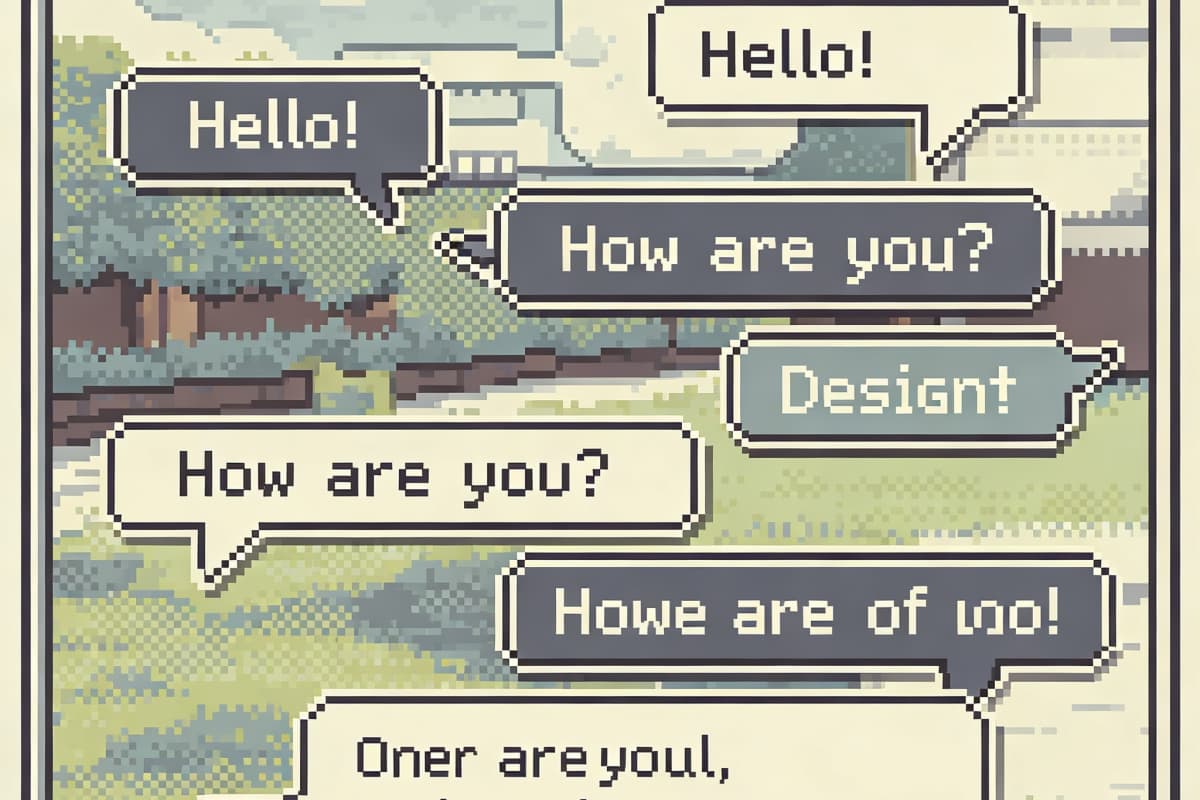
Build Pixel Speech Bubbles for Retro Images
Pixel speech bubble maker searches are usually more specific than general meme searches. Users want a retro game feel, RPG dialogue look, pixel avatar caption, or old-school UI style. Keep the text short, leave enough space around the character, and make the bubble feel like part of the image rather than a modern sticker pasted on top.
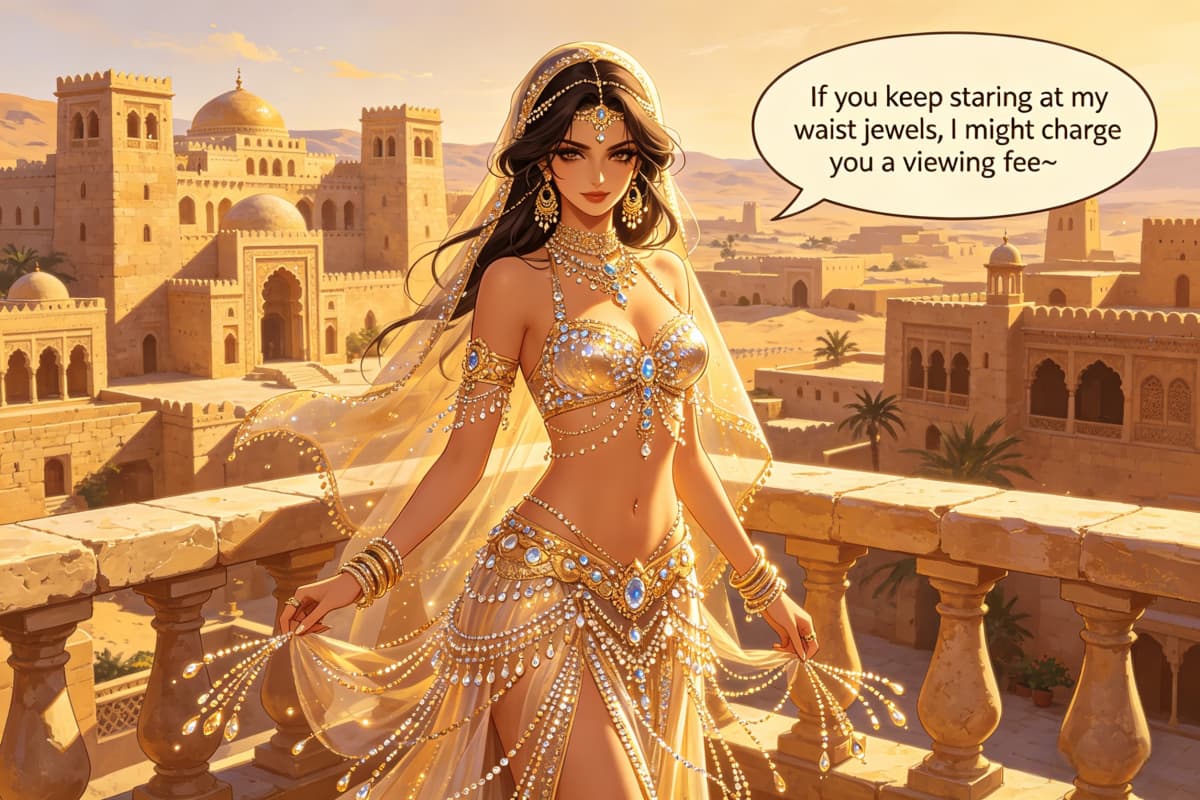
Turn Photos and Character Images Into Bubble Graphics
For searches like speech bubble image maker, photo speech bubble maker, speech bubble png maker, and transparent speech bubble maker, the intent is usually export-focused. Users want a clean result they can post, reuse, or place into another design. OCMaker AI is useful when the image itself matters: character expression, face direction, empty space, and the relationship between the text bubble and the subject. If you want the image to start from a real portrait or reference photo, the photo to anime workflow can help create a stylized character base before you add the final speech bubble.
Practical choices based on meme, Discord, comic, anime, and pixel use cases
What Makes a Speech Bubble Actually Work
For meme captions that stay readable
A speech bubble meme works best when the text is short enough to read at a glance. Instead of writing a full paragraph, use one sharp line, one awkward reply, or one exaggerated thought that makes the image funnier.
For Discord reactions and chat jokes
Discord speech bubble images need to work small. The bubble should not cover the face, expression, or main joke. This is why reaction-style images often work better with a simple bubble, bold text, and a clear character expression.
For comic and manga-style dialogue
Comic speech bubbles need reading order. Place the bubble where the viewer naturally looks after seeing the character. For manga or anime-style images, leave breathing room near the head or upper body so the text feels like dialogue, not a label.
For anime character and OC scenes
If the image is built around an original character, the speech bubble should support the character's role, mood, and relationship to the scene. A shy line, villain line, or surprised reaction can make the same character image feel completely different.
For pixel speech bubble layouts
Pixel bubbles need simpler wording and stronger shape clarity. They are useful for retro avatars, game-style dialogue, RPG scene jokes, and pixel character posts where a modern rounded bubble would feel out of place.
For clean image or PNG-style exports
Many users searching speech bubble png maker or transparent speech bubble maker want a result they can reuse. Keep the bubble edge clean, avoid covering important image details, and export a version that still reads clearly when shared on social platforms.
How to Make a Speech Bubble Online
From image to meme, comic panel, or Discord reaction
01
Start with the image and the joke or line
Upload or create the image first, then decide what the speech bubble needs to do. Is it a meme punchline, a Discord reaction, a comic dialogue line, an anime character quote, or a pixel game message? The answer changes the bubble style.
02
Add short text and place the bubble carefully
Write the line in a way that can be read quickly. Place the bubble near the speaker, but avoid covering the face, eyes, mouth, hands, or the detail that makes the image funny. Bad placement can ruin a good meme. Very quickly.
03
Export the finished speech bubble image
Save the result for Discord, social posts, comic drafts, reaction images, thumbnails, or personal character content. If you plan to reuse the bubble graphic elsewhere, keep the background, border, and text contrast clean enough for reposting.