AI Video to Anime Converter

Convert Real Clips Into Anime-Style Video
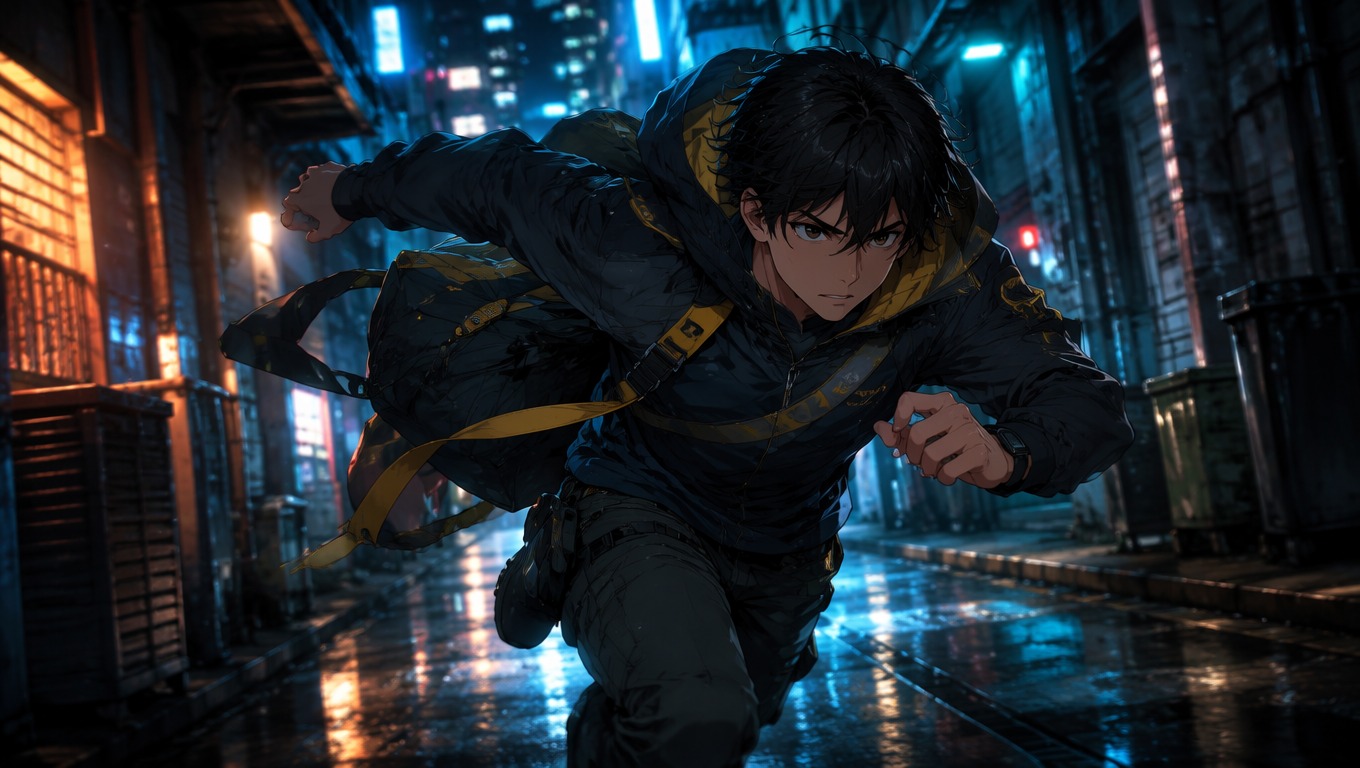
Turn Live Action Into Anime Motion
Use the movement already present in your clip as the foundation for an anime-style sequence. Running, turning, fabric motion, and camera movement can become a more expressive animated scene without reducing the idea to a static picture.
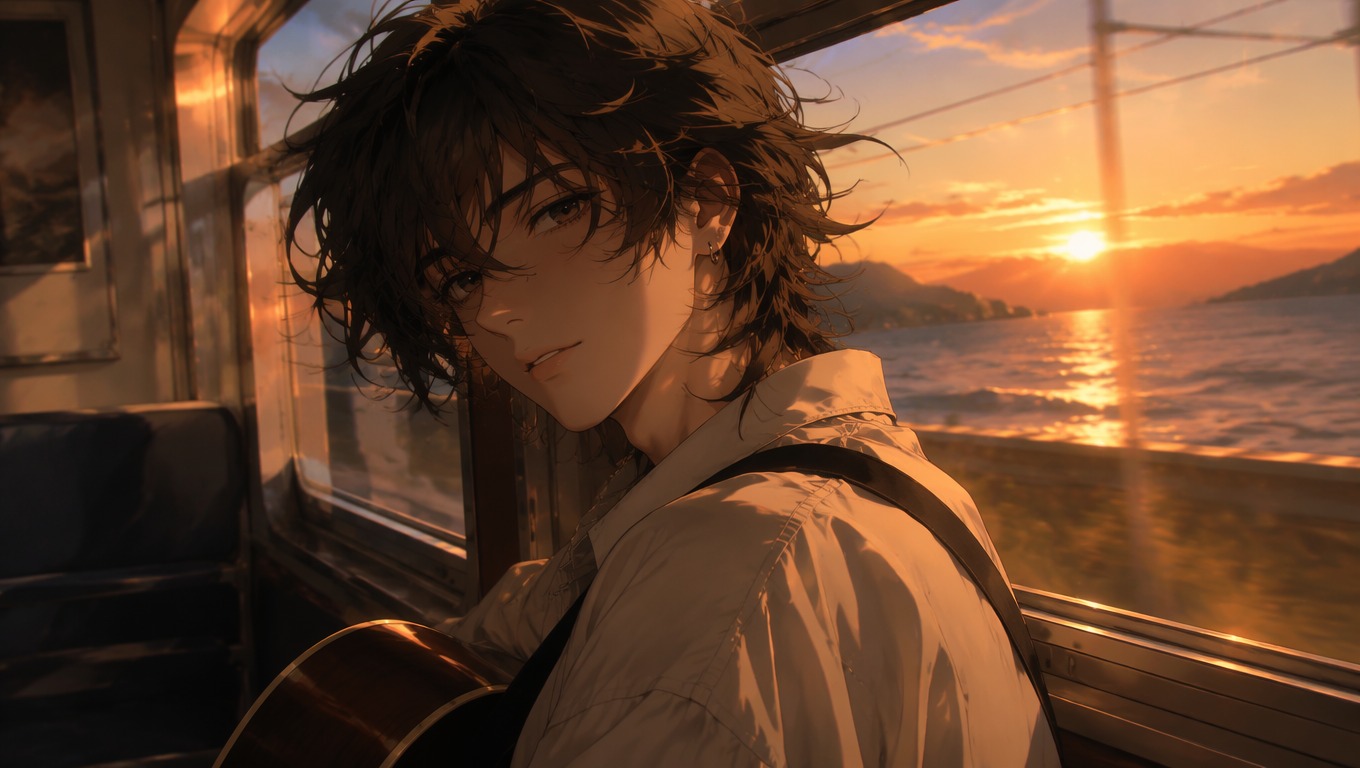
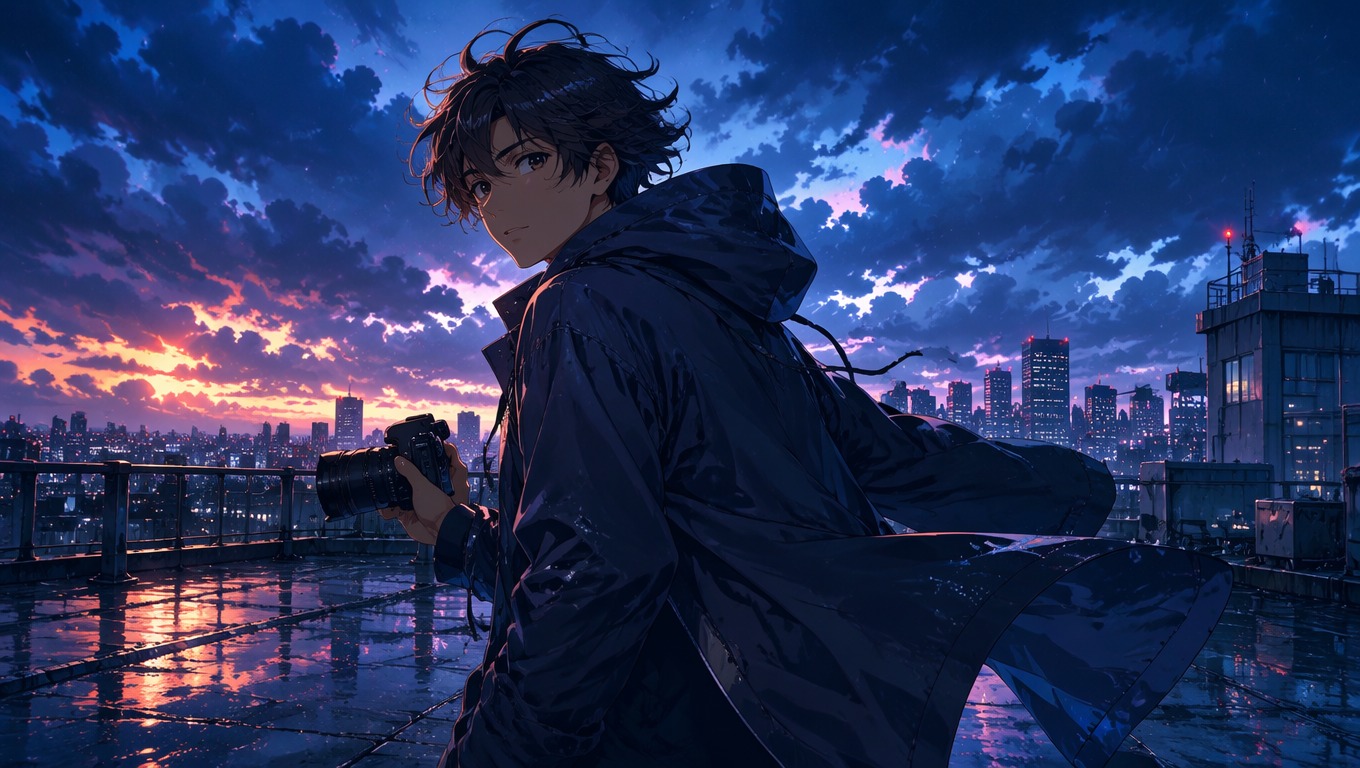
Reframe Character Moments
Transform portraits, reactions, and quieter performance clips into illustrated character moments. Clear faces, stable framing, and readable expressions give the conversion a stronger visual anchor.

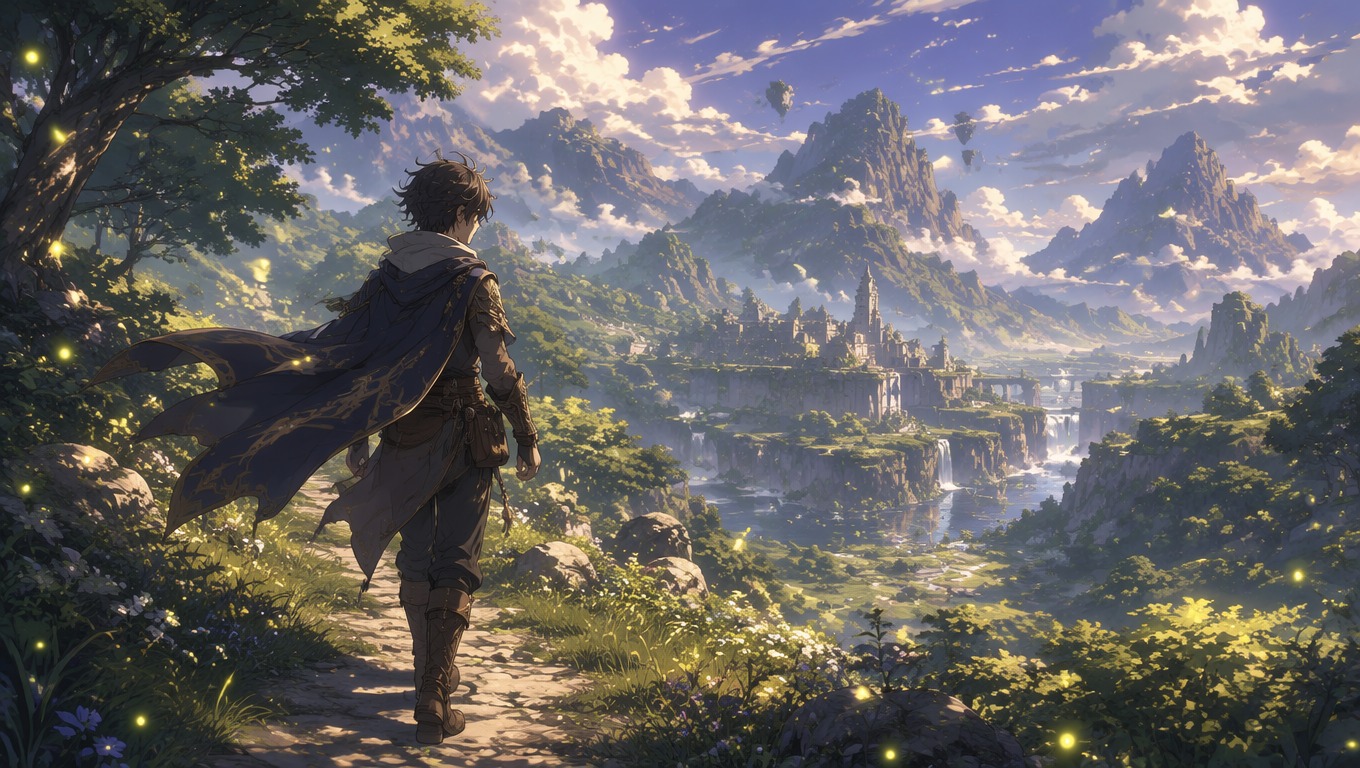
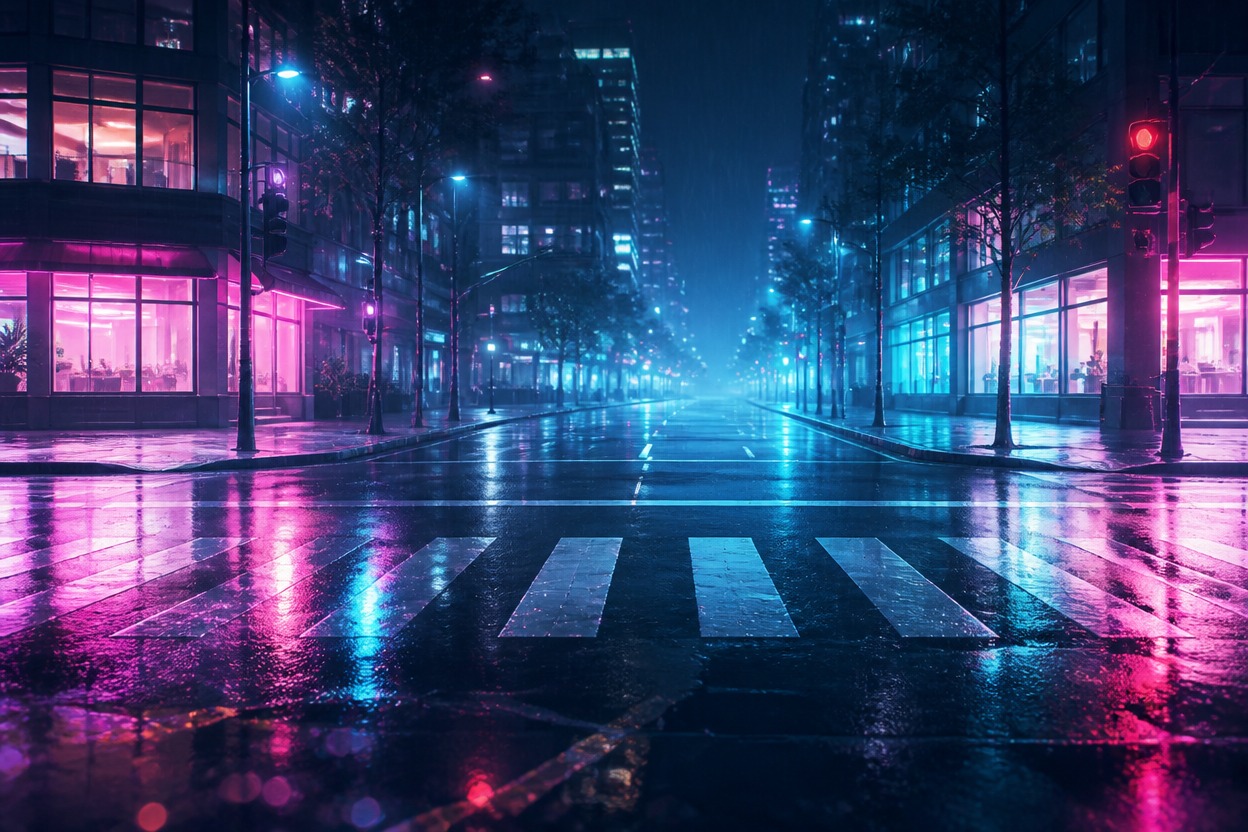
Restyle Real Places as Anime Worlds
Turn streets, rooms, landscapes, and travel footage into scene-ready anime environments. The original composition guides the setting while the generated look reshapes color, linework, atmosphere, and depth.

Ways to Use Video to Anime AI
Character Reels
Action Edits
Travel Scenes
Story Previews
Music Visuals
Social Video Experiments
How to Turn Video Into Anime
Upload a Clear Video Clip
Choose a clip with a visible subject, steady framing, and enough light to read faces, clothing, movement, and the surrounding scene.
Create the Anime-Style Version
Run the video to anime converter and let the source clip guide the action, camera flow, and scene structure of the transformed result.
Review the Motion and Export
Check faces, hands, scene continuity, and fast movement. Keep the strongest version, or try another pass when important details drift.
Video to Anime Converter FAQ
Turn Your Video Into an Anime Scene
Start with a real clip and use OCMaker AI to create an anime-style video with recognizable action, atmosphere, and story potential.