
Pricing
Log In
Style*
Background
4tokens•~30s
2D Anime Maker
Create crisp 2D anime character art with expressive faces, clean linework, readable outfit shapes, and flat-color polish for avatars, concept drafts, and story visuals.
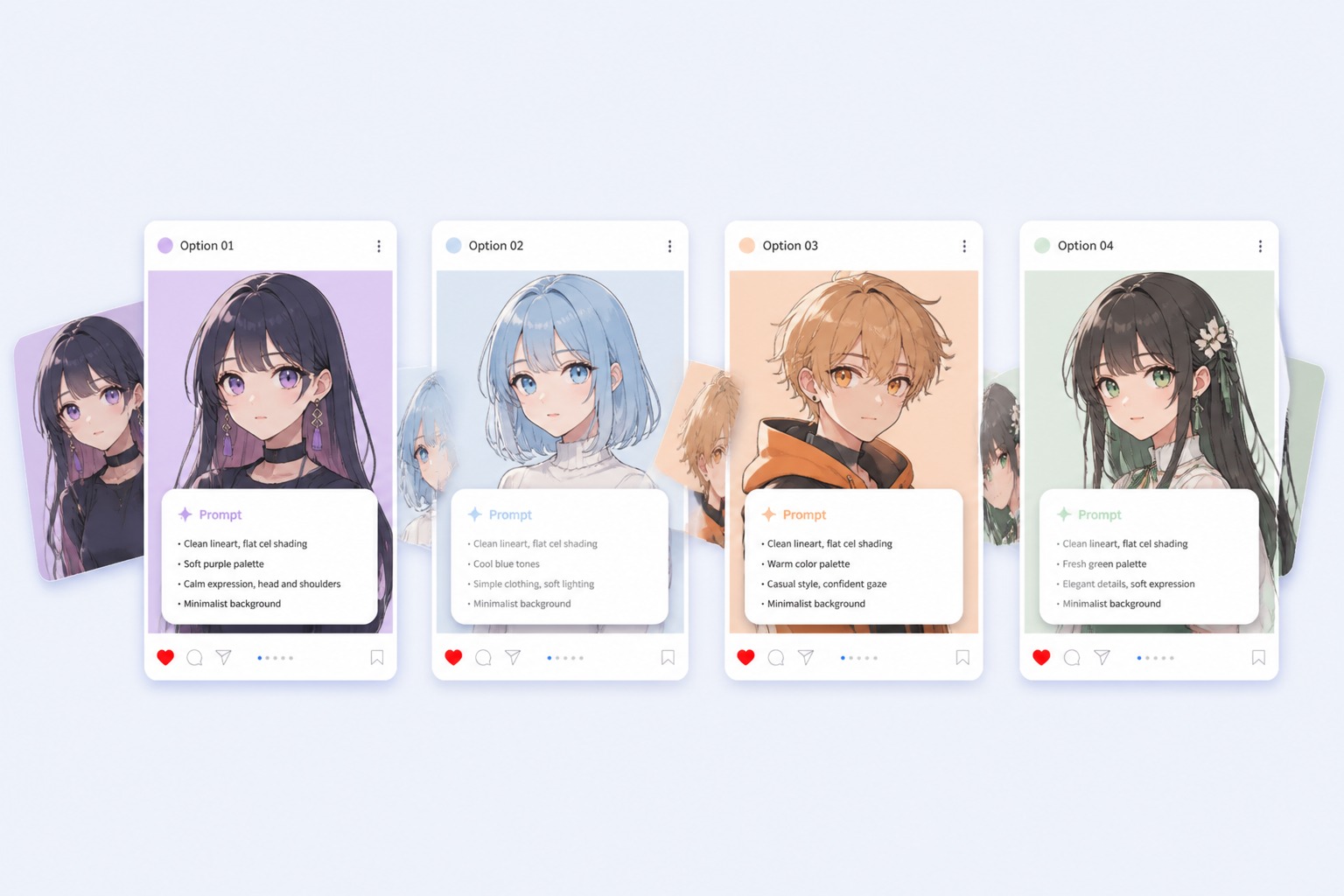
2D Anime Art Styles to Generate
Try different flat anime looks before choosing the face, pose, palette, and linework direction that fits your character idea.
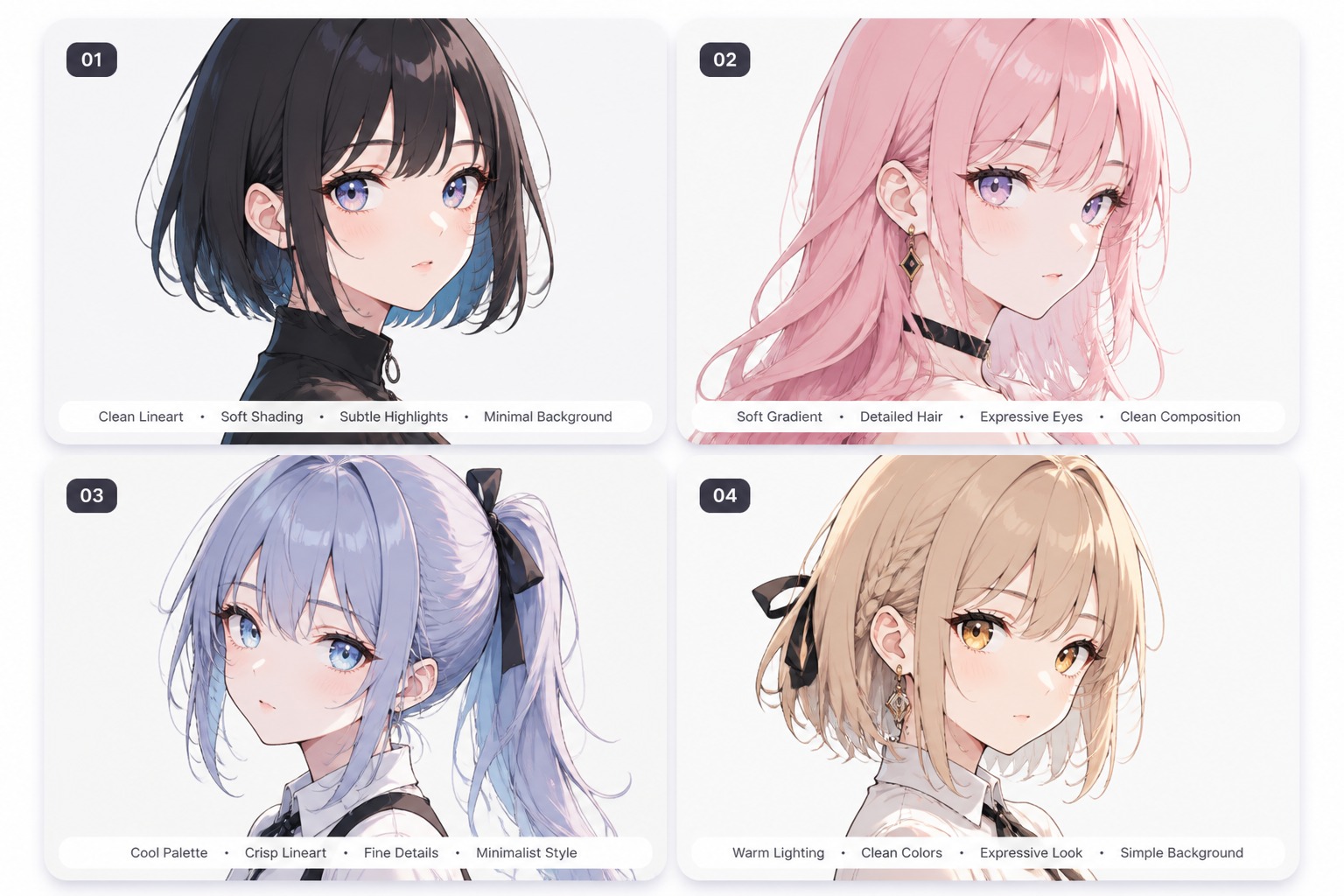
Clean Portrait Art
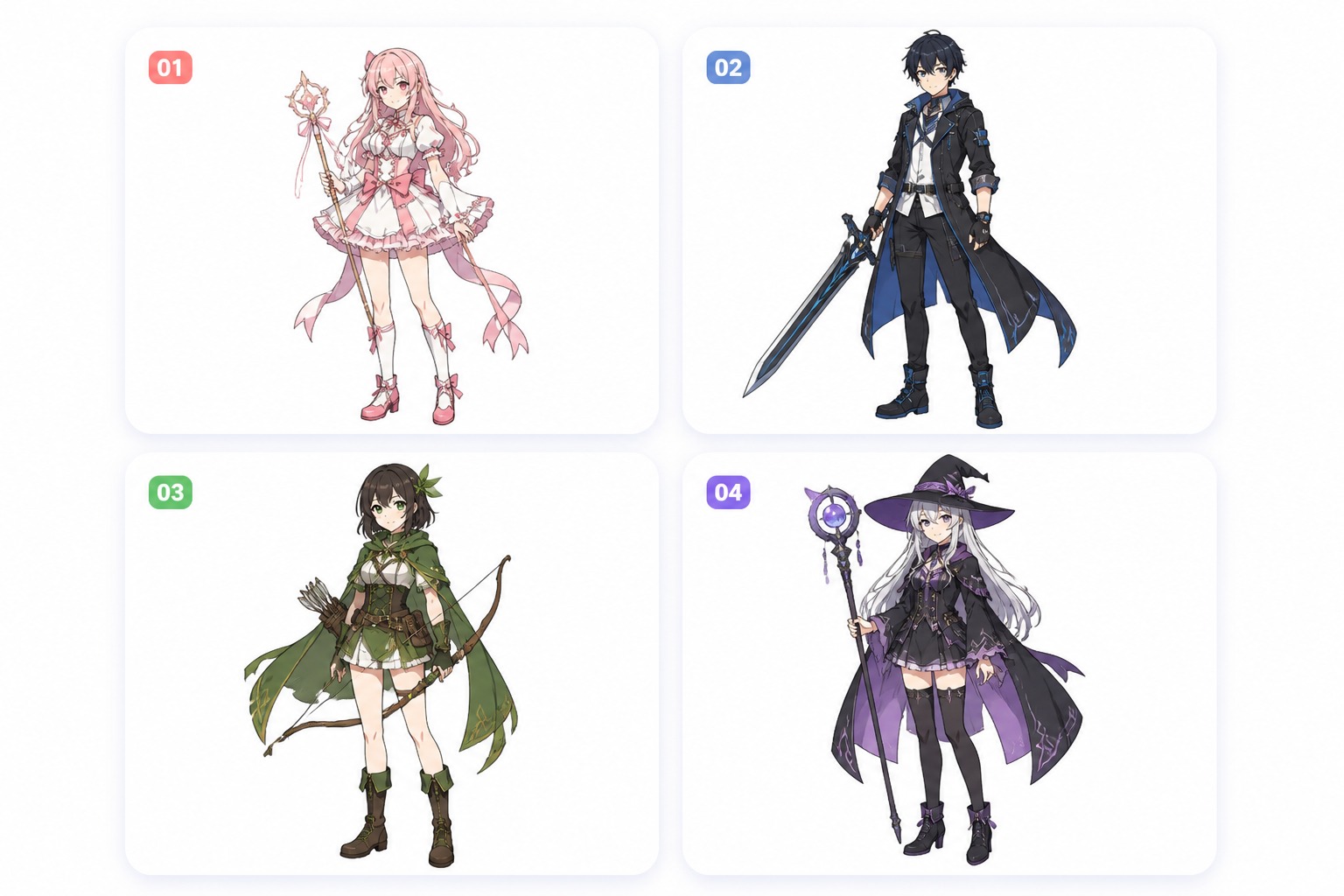
Full-Body Character
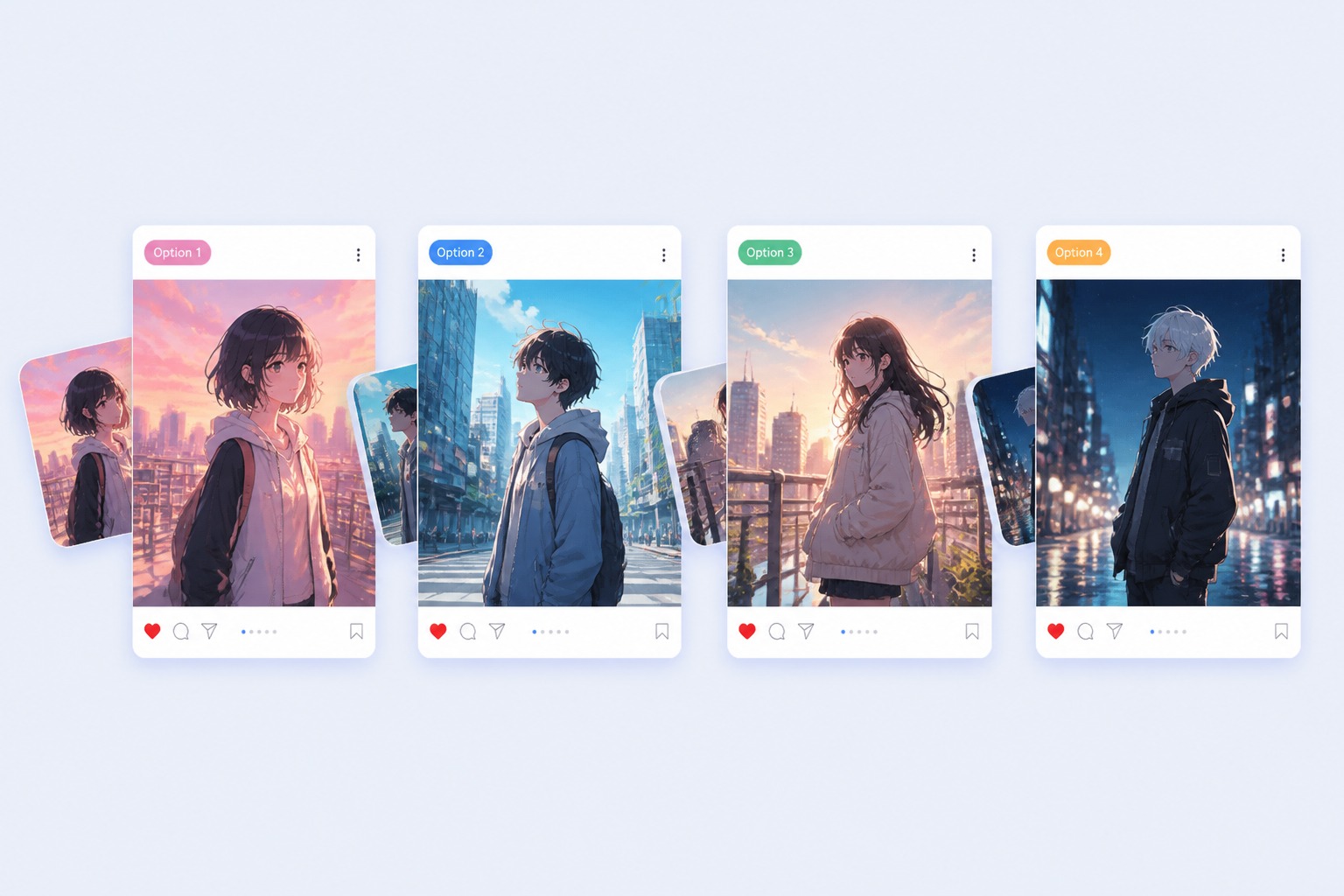
Scene Mood Draft
What Makes 2D Anime Art Look Better
Face-First Readability
Keep eyes, hair shape, and expression clear so the character still works as an avatar or story thumbnail.
Crisp Outline Direction
Choose clean lineart or bolder outlines when you want a flat anime look rather than a soft painted finish.
Limited Color Palette
Use a few strong colors to make the outfit, hair, and background separate without overwhelming the design.
Pose With Purpose
Pick a simple pose that explains the character mood instead of forcing complex action into every image.
Background That Supports
Use gradients, school halls, city lights, or simple rooms only when they help the character stand out.
Cleaner Regeneration Checks
Review hands, eyes, hair edges, and clothing seams before saving the result for profile or reference use.
Create Flat Anime Art With Clear Style Control
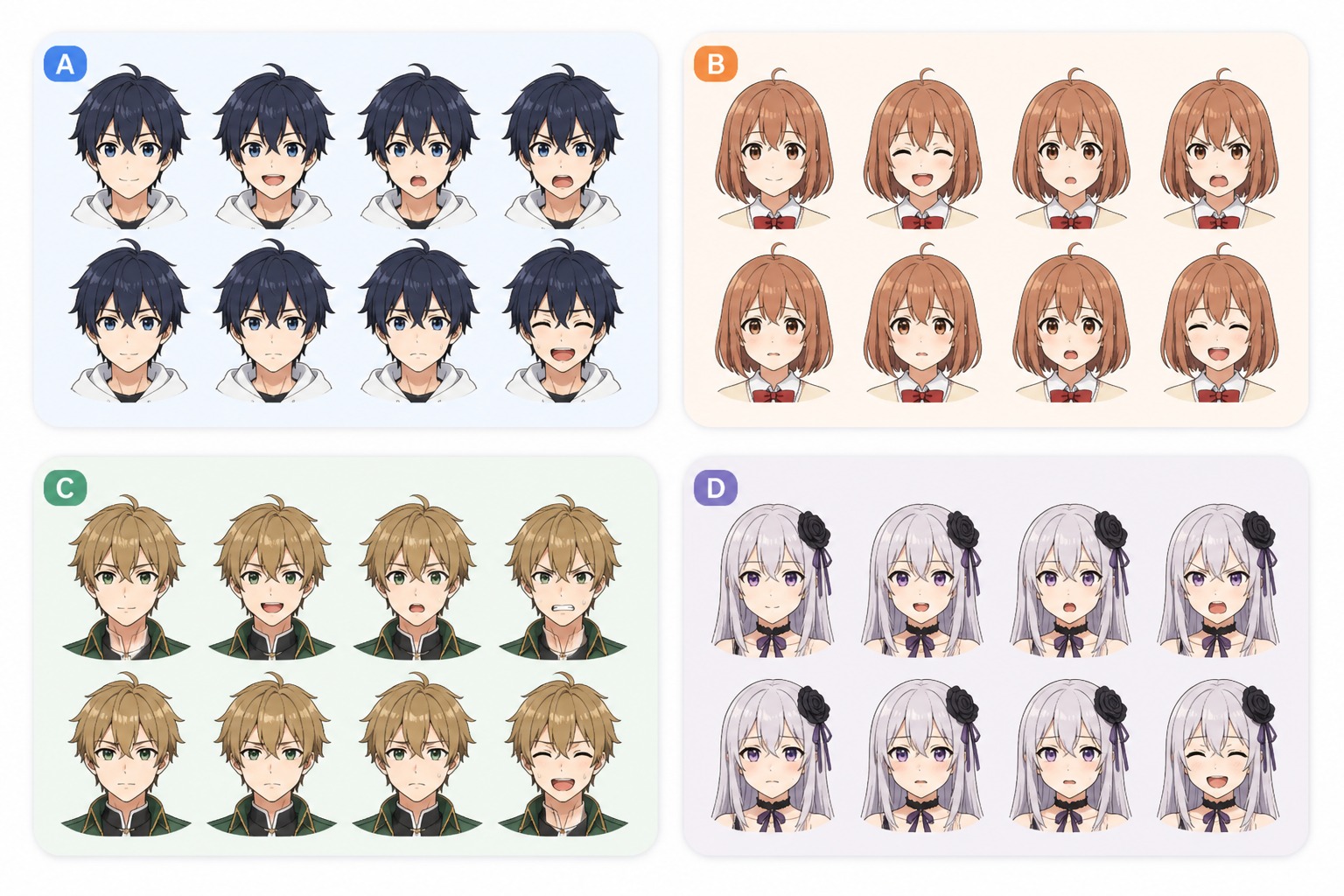
Shape Expressive Faces
Use the AI anime maker to define eye shape, mouth detail, eyebrow angle, blush, hair framing, and emotion. This works best for avatars, reaction images, and character sheets where a small expression change carries the whole design.
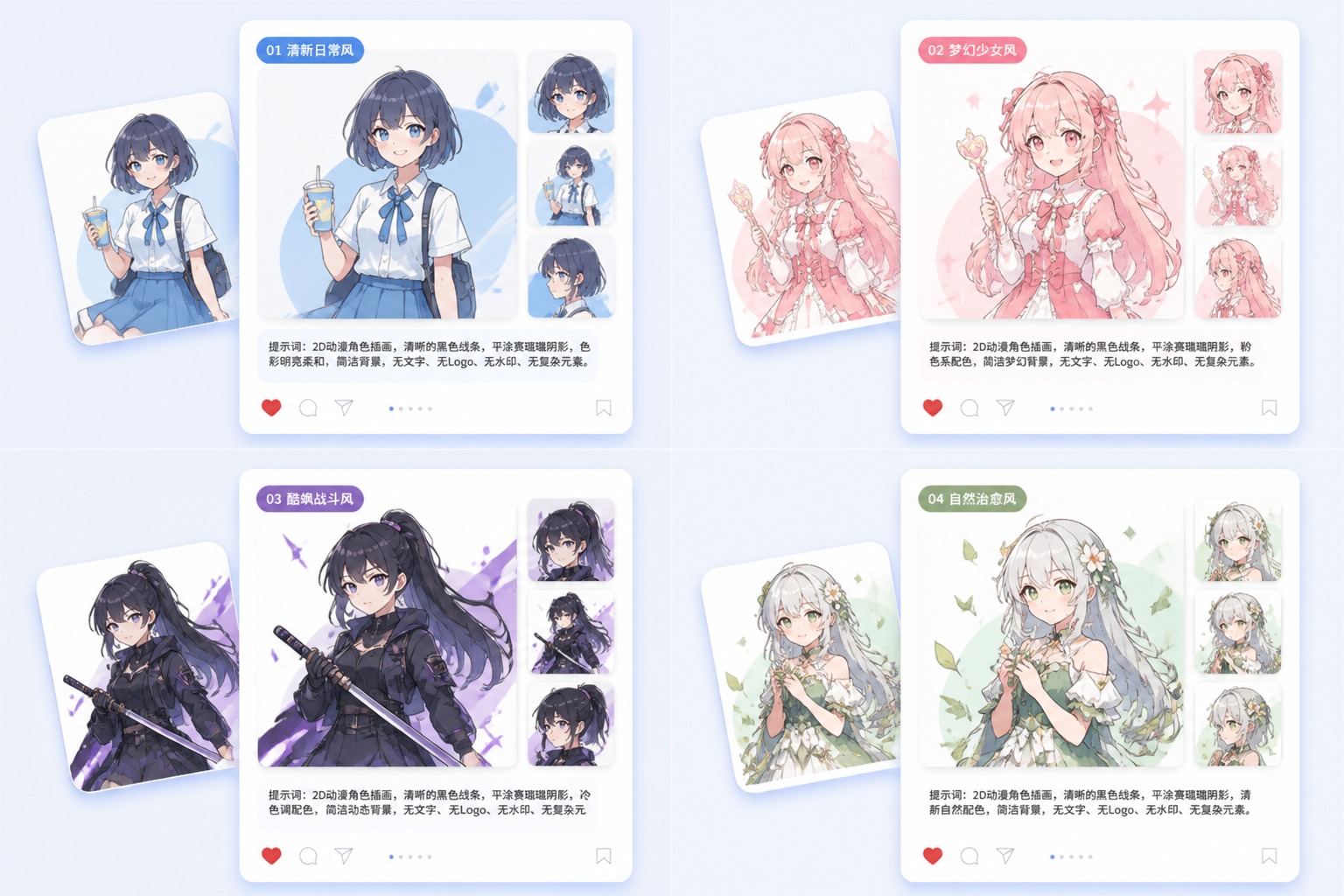
Control Clean Linework
Ask for thin ink lines, bold outlines, soft cel shading, or manga-like strokes depending on the final use. Cleaner line direction helps the output feel intentionally 2D and easier to refine than painterly or over-rendered anime art.
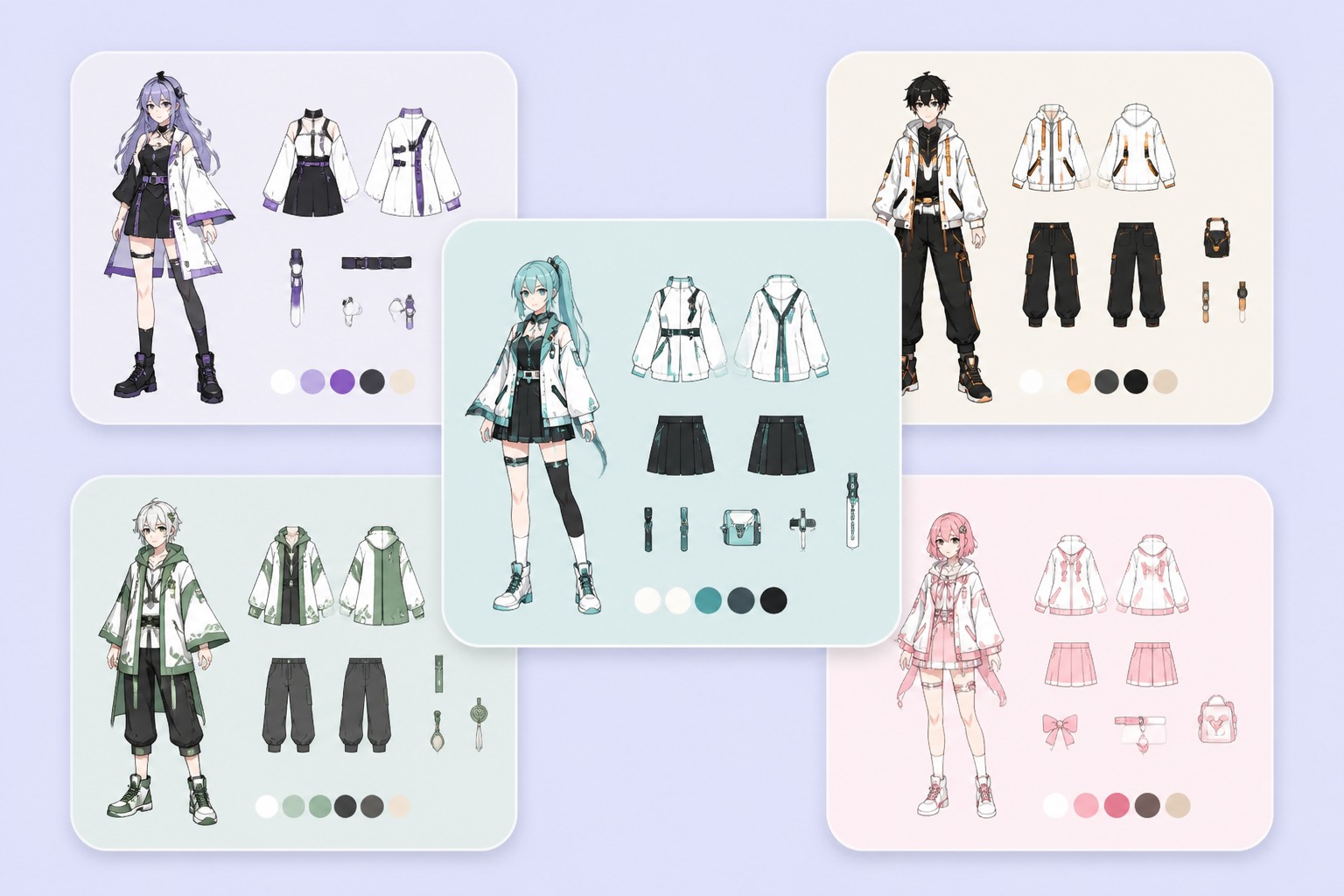
Build Readable Outfits
Describe the character role, jacket shape, skirt or pants cut, accessories, and two or three color accents. A strong outfit silhouette matters more than piling on tiny details that disappear in a portrait crop or confuse the composition.
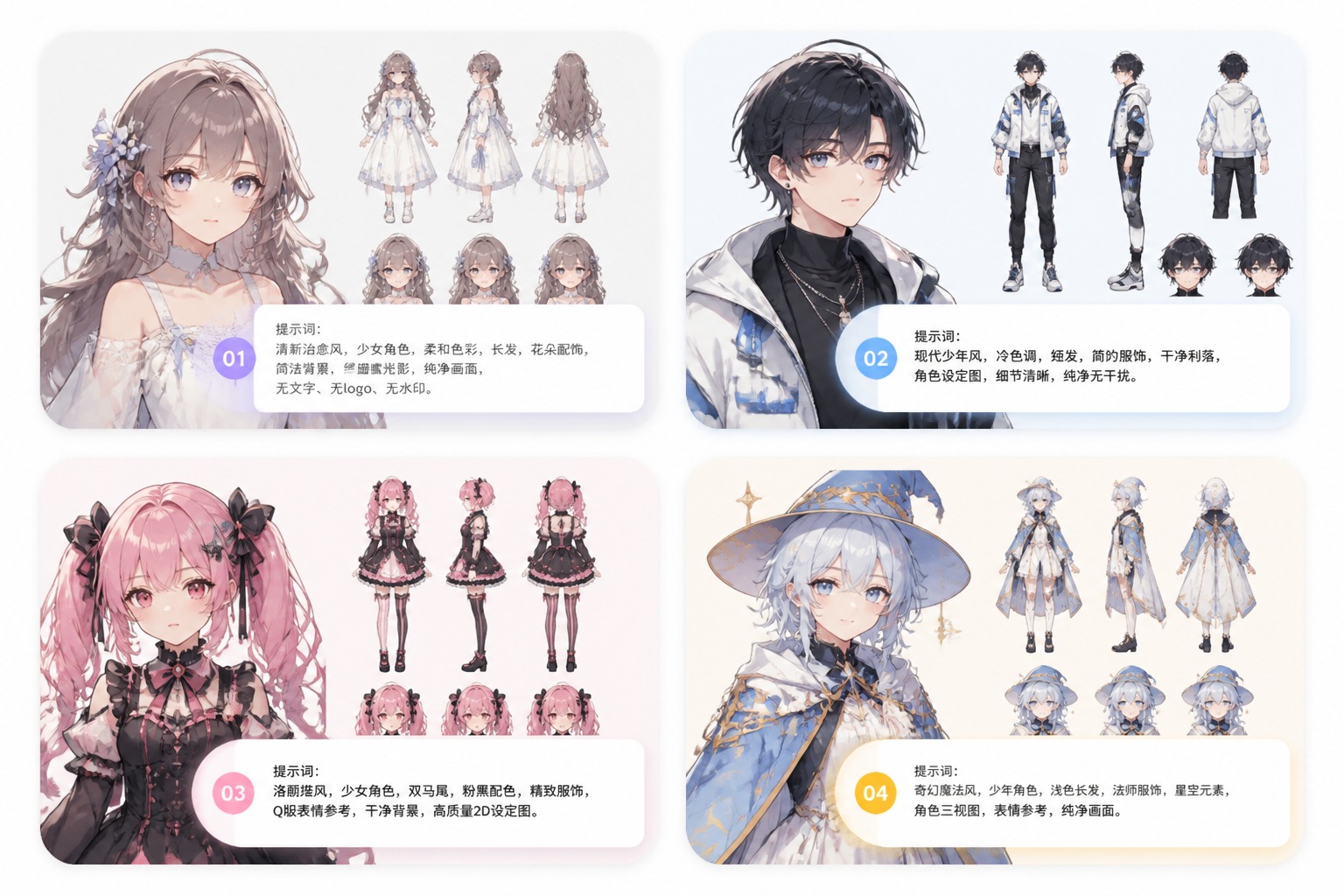
Prepare Art for Reuse
Create versions for profile icons, OC references, social posts, story thumbnails, or visual brainstorming. The strongest 2D anime results keep the face, pose, and color mood consistent enough to reuse without heavy editing.
How to Make 2D Anime Art
01
Choose the Character Role
Describe whether the character is a student, idol, mage, fighter, casual lead, mascot, or original OC. The role helps decide pose, outfit, and expression.
02
Set the Drawing Style
Mention clean lineart, cel shading, flat colors, manga influence, soft pastel lighting, or bold outlines so the result stays in a clear 2D anime direction.
03
Refine the Final Image
Check face clarity, hand shape, clothing edges, and crop size. Regenerate with fewer props or a simpler background if the art becomes crowded.
2D Anime Maker FAQ
Create Clean 2D Anime Character Art
Turn a character idea into expressive anime art with crisp linework, flat colors, readable pose, and avatar-ready framing.