Style*
Background
4tokens•~30s

Ace Attorney OC Maker

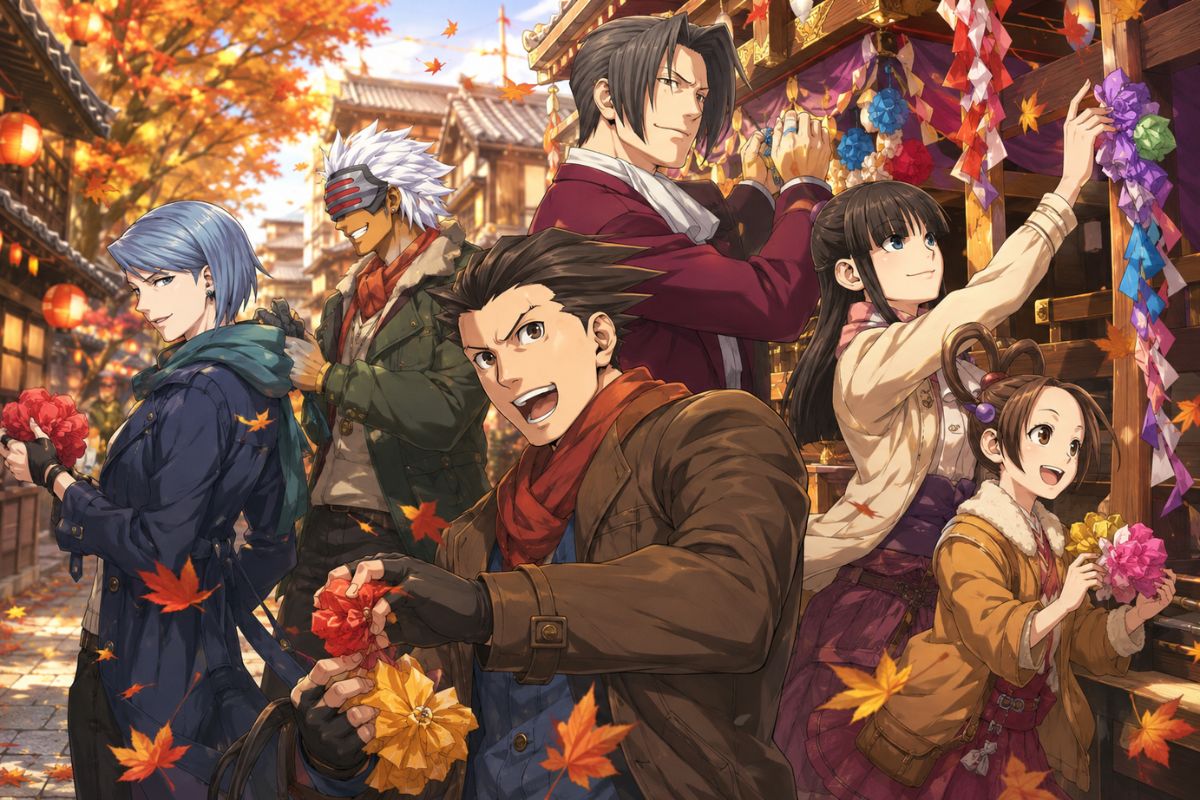
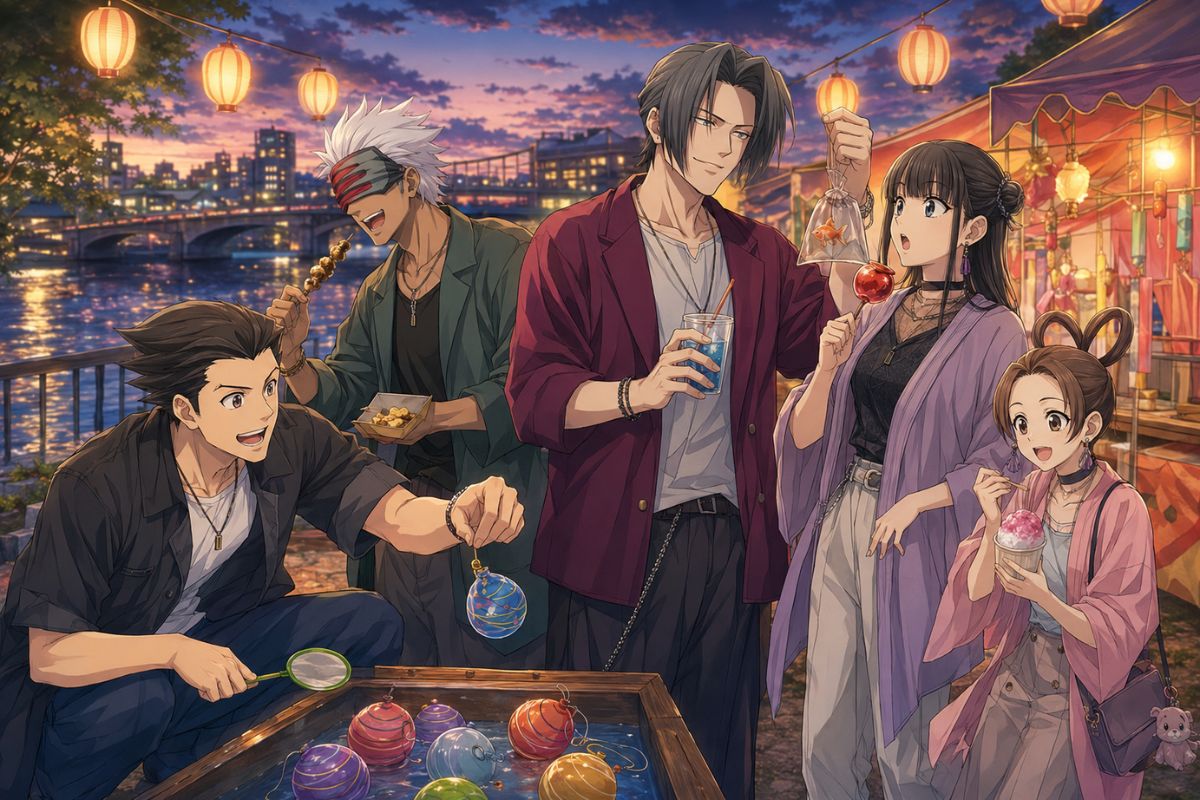
Generate an Ace Attorney OC image around a clear legal role, tailored silhouette, signature evidence prop, expressive pose, and courtroom or investigation setting. Create solo portraits, full-body references, or focused anime scenes with a visual identity of your own.

Original female defense attorney OC in polished anime art

Ace Attorney OC Image Ideas

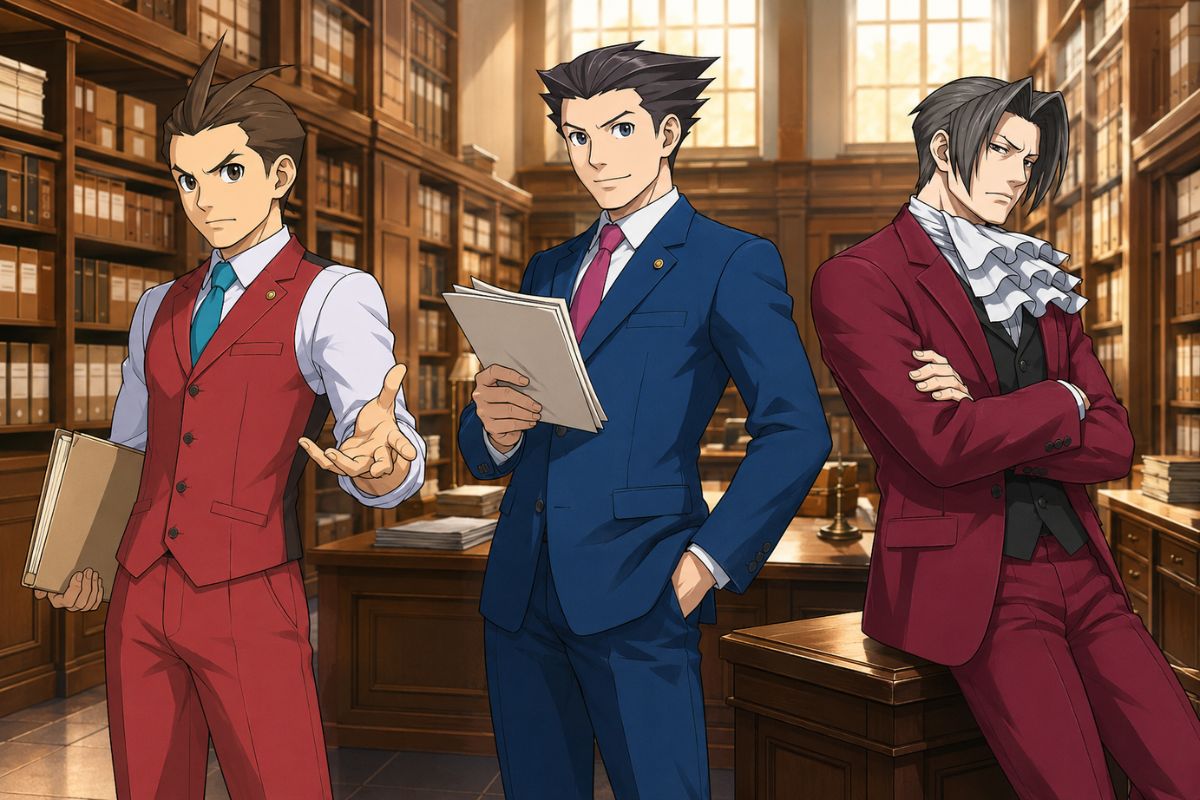
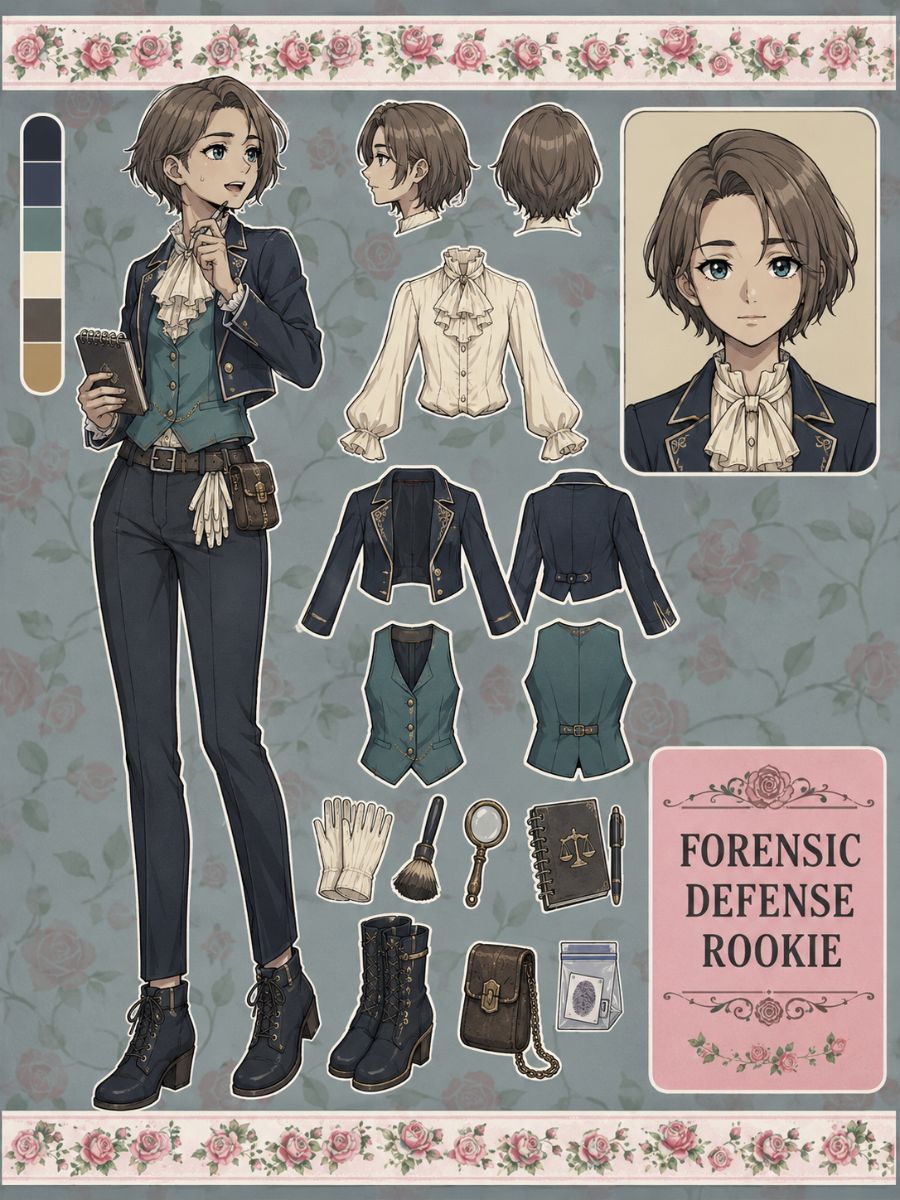
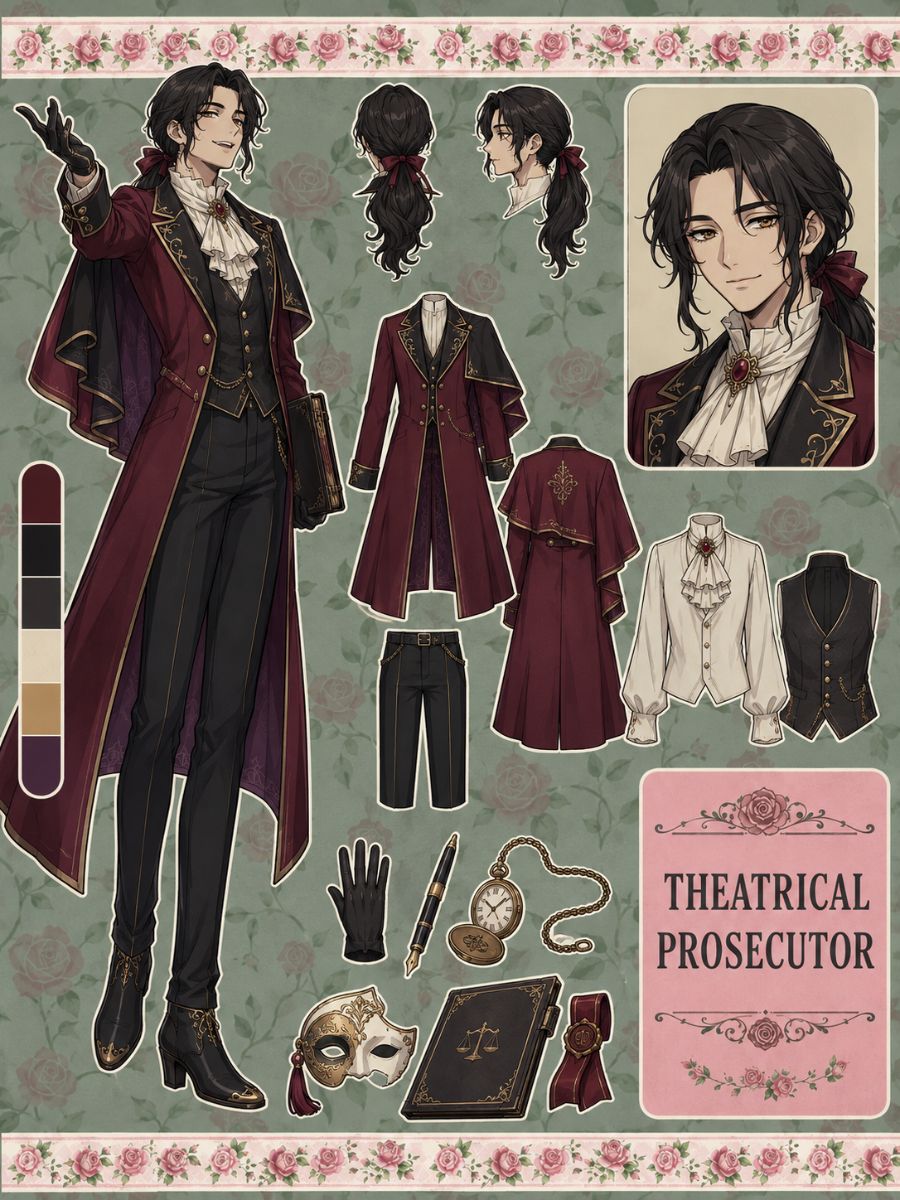
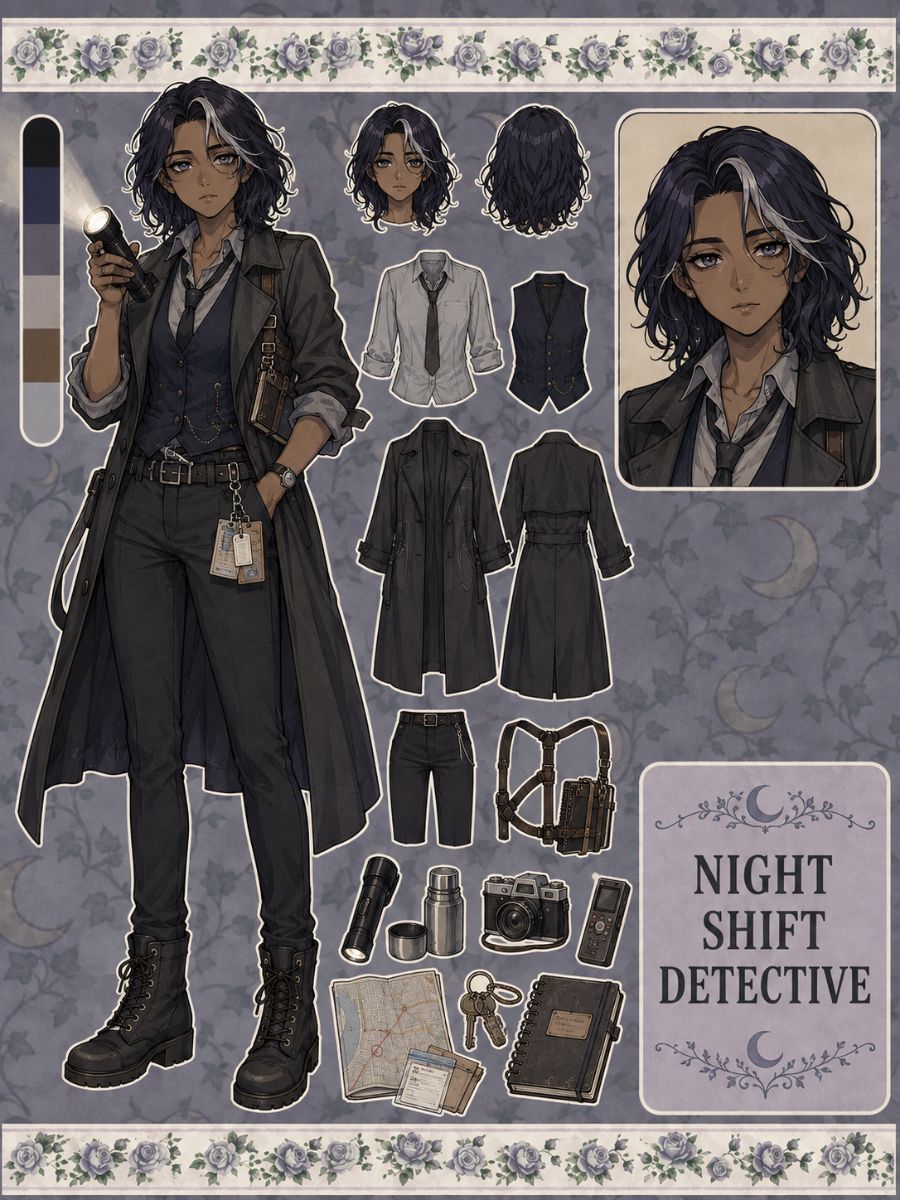
Compare three visual directions for Ace Attorney OC art: a forensic defense rookie, a theatrical prosecutor, and a night-shift detective. Each example uses a different silhouette, outfit structure, prop, pose, and professional setting.

  • Original forensic defense attorney OC01

    Forensic Defense Rookie

  • Original theatrical prosecutor OC02

    Theatrical Prosecutor

  • Original night shift detective OC03

    Night Shift Detective

Create Ace Attorney OC Artwork

Turn a legal role and visual concept into portraits, full-body references, expressive courtroom poses, investigation scenes, and outfit variations. Keep the character’s silhouette, professional cues, and evidence prop clear from image to image.

0104

Give the Design a Legal Role Cue

Choose a defense attorney, prosecutor, detective, forensic analyst, witness, judge, clerk, or legal assistant, then show that function through clothing, props, posture, and framing. The OC maker turns those cues into portraits, full-body references, and focused courtroom scenes.
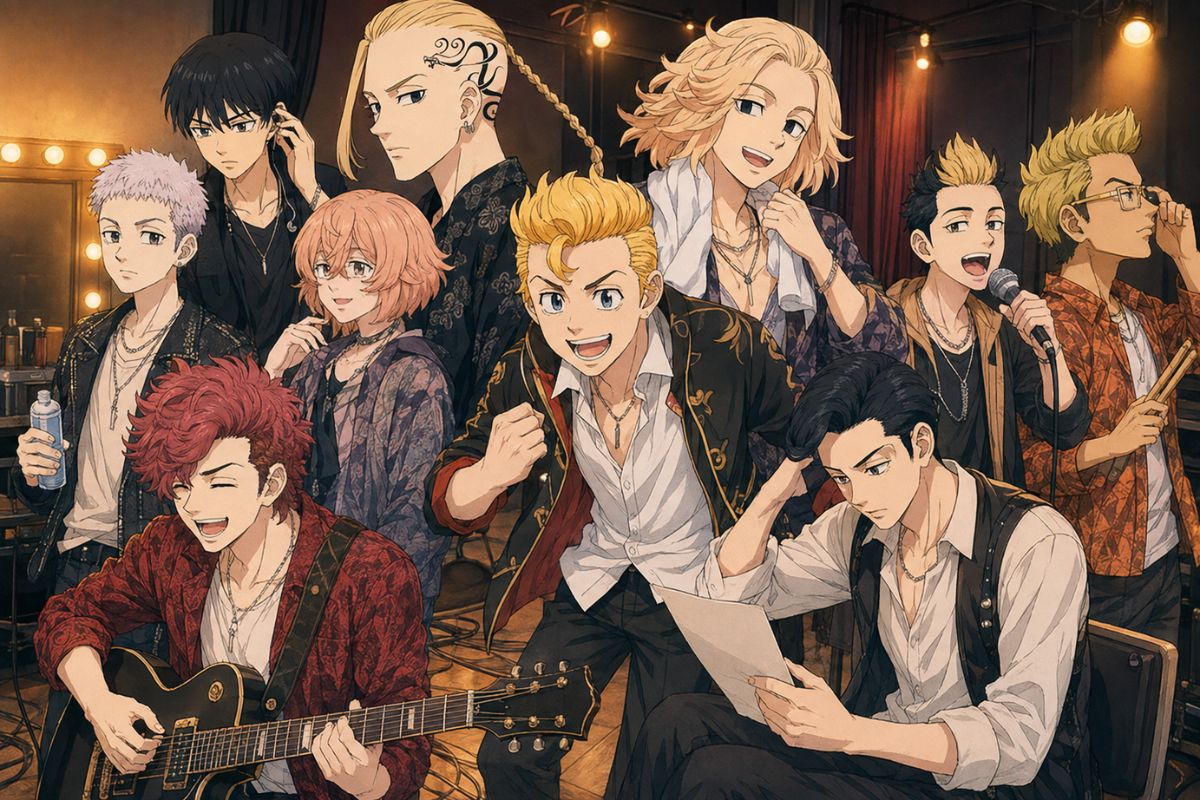
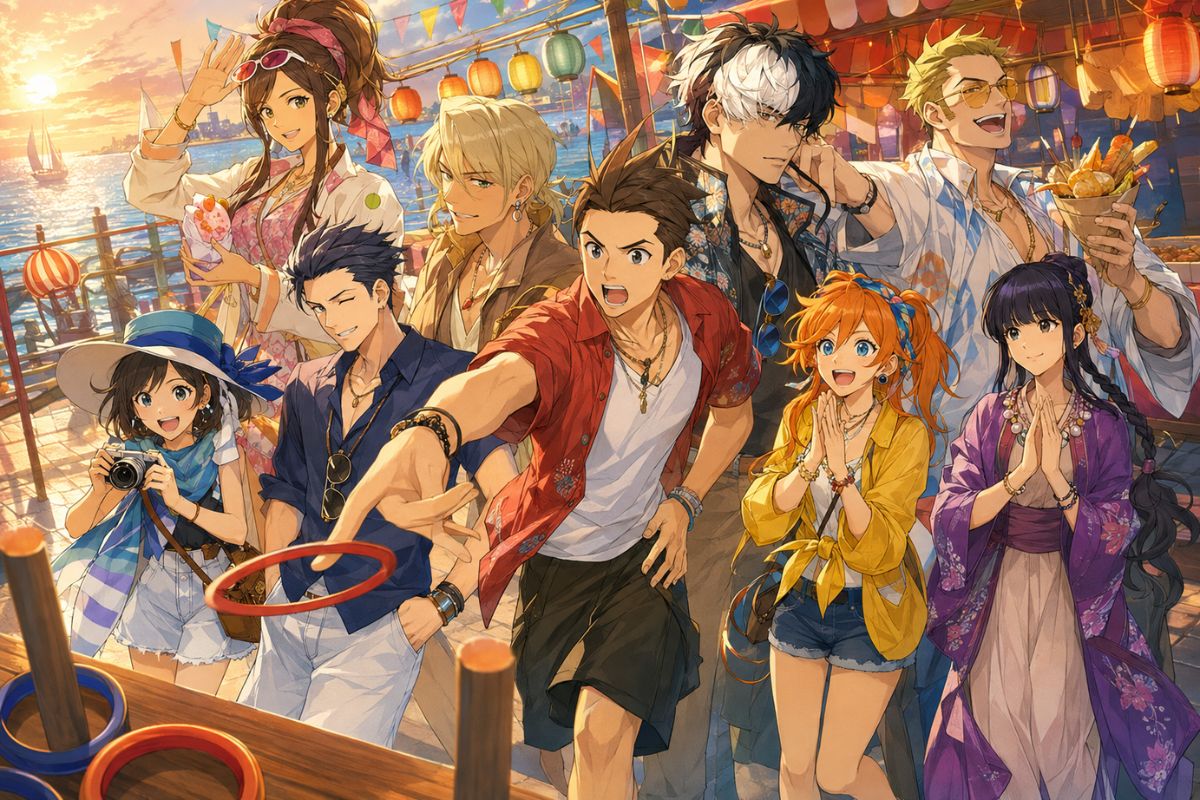
Original legal-drama OC with role-specific clothing and props

0204

Make Evidence Visible in the Frame

Use one disputed object, forensic detail, document, or unusual clue as the image's focal prop. Place it in the character's hand, on an evidence table, or inside an investigation setting so the scene created with an anime character creator communicates what they are examining without crowding the composition.

Original legal character examining evidence in an investigation room

0304

Direct Courtroom Expressions

Generate confident arguments, startled discoveries, skeptical glances, nervous testimony, quiet deductions, and decisive rebuttals as separate image variations. Specify the hand position, eye direction, camera crop, and facial intensity while preserving the same face and outfit anchors.

Original courtroom OC making an expressive argument pose

0404

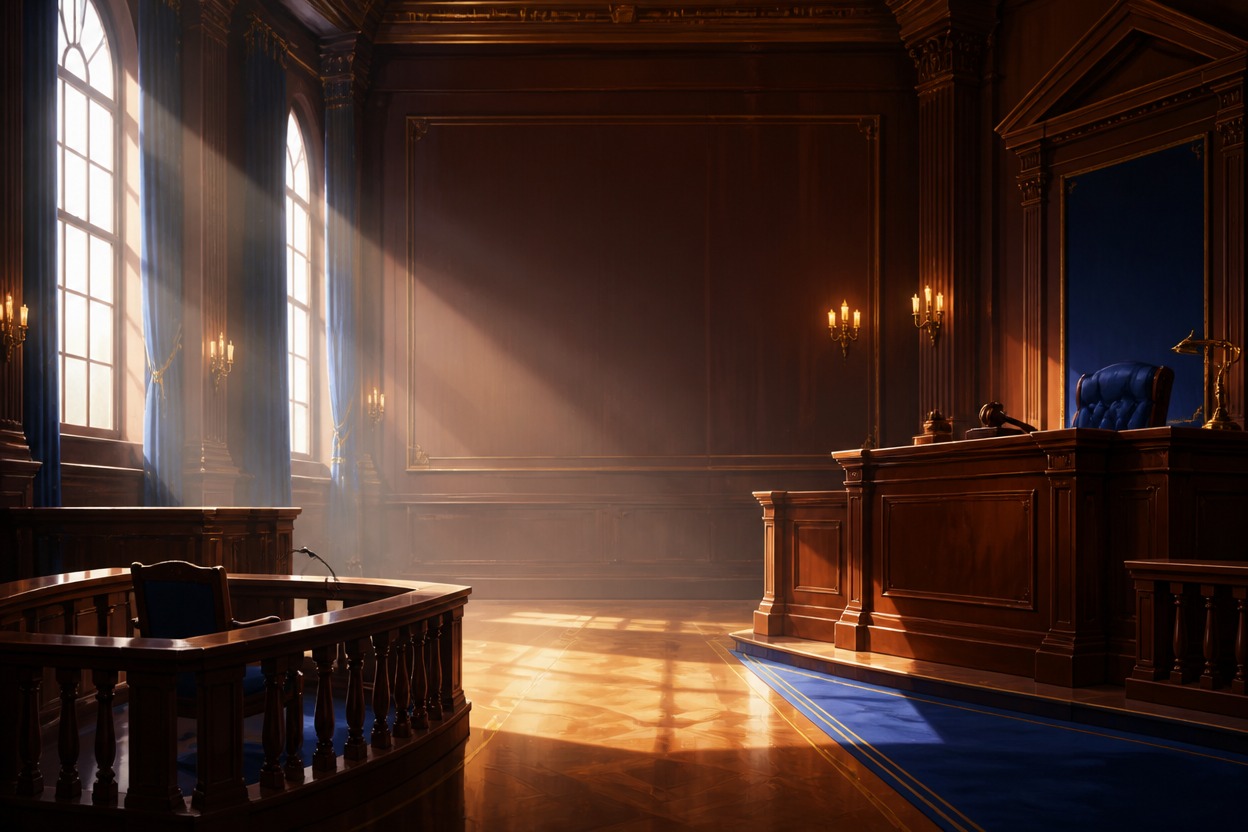
Compose Courtroom and Investigation Scenes

Create profile portraits, full-body references, evidence-room shots, witness interviews, and courtroom confrontations with one clear focal character. Continue a selected look in the AI anime generator, then verify recurring hair, lapels, jewelry, evidence prop, and expression cues across the images.

Original legal-drama OC in a story-ready courtroom scene

Ace Attorney OC Image Features

Build visual references with professional silhouettes and controlled legal settings

  • 01

    Portrait and Full-Body Framing

    Create close portraits, waist-up shots, and full-body references while keeping the face, professional outfit, and signature evidence prop visible.

  • 02

    Evidence Prop Placement

    Place a document, sample, device, photograph, or disputed object in the character’s hand or scene without obscuring the face or silhouette.

  • 03

    Expressive Argument Poses

    Explore pointing, objection, hesitation, examination, surprise, and deduction poses with controlled eye direction, hand position, and facial intensity.

  • 04

    Courtroom and Off-Duty Looks

    Create professional and casual outfit variations while retaining the same hair shape, color accents, jewelry, and facial anchors.

  • 05

    Solo and Group Compositions

    Start with a clean solo reference, then expand to witness interviews, attorney benches, evidence-room scenes, or courtroom group shots.

  • 06

    Consistent Case-Scene Variations

    Compare different expressions, camera angles, lighting, locations, and evidence props while keeping the same legal OC recognizable.

How to Generate an Ace Attorney OC Image

Move from a visual role cue to a clean character reference, then refine the pose, prop, and legal setting

  1. Choose the Main Role Cue

    Pick the clearest visual signal—a tailored lapel, evidence folder, forensic kit, badge, glasses, or courtroom stance—and decide how it should appear in the image.

  2. Describe the Character and Frame

    Specify age range, build, hair, eyes, professional outfit, color palette, evidence prop, expression, hand position, camera crop, lighting, and courtroom or investigation setting.

  3. Generate, Check, and Refine

    Inspect the face, hands, clothing seams, prop placement, expression, silhouette, background, and unwanted text. Change one visual detail at a time before regenerating.

Ace Attorney OC Image FAQ

Practical answers before you generate a legal character or courtroom scene

What images can an Ace Attorney OC maker create?

Generate solo portraits, waist-up art, full-body references, tailored courtroom outfits, evidence-room scenes, witness interviews, attorney benches, and expressive objection or deduction poses. A focused legal role usually produces a clearer image than combining several professions in one character.

How do I make an Ace Attorney OC visually memorable?

Start with one professional signal, such as a lapel shape, evidence folder, forensic kit, glasses, jewelry, or distinctive gesture. Repeat two or three anchors across portraits and scenes, and avoid copied costumes, logos, or official character likenesses.

How can I create Ace Attorney fanfiction OC artwork?

Create a solo reference first, then use the same face, outfit anchors, and evidence prop in investigation rooms, witness interviews, or courtroom scenes. Describe the intended action and composition rather than trying to place every plot detail into one crowded image.

What details should I include in an image prompt?

Include age range, build, hairstyle, eyes, legal role, professional outfit, color palette, evidence prop, expression, hand position, argument pose, camera crop, lighting, and courtroom or investigation setting. Keep the first image focused so anatomy, clothing, and props are easy to review.

Can I create attorneys, detectives, and analysts?

Yes. Treat each profession as a separate visual direction. Attorneys can use tailored silhouettes and objection poses, while detectives or analysts can use practical layers and evidence-handling props. Repeat stable anchors when creating career variations.

Can I generate courtroom expressions and poses?

Yes. Request one visual beat per image, such as an objection, skeptical glance, startled discovery, pressured hesitation, quiet deduction, or decisive rebuttal. Specify the hand position, eye direction, camera crop, and facial intensity, while avoiding speech bubbles or unreadable courtroom text.

Should I create a solo reference before a courtroom scene?

A solo portrait or full-body reference is usually easier to inspect first. Once the face, professional outfit, evidence prop, and visual anchors are stable, reuse them in courtroom, investigation, or witness-interview compositions.

Can I use my generated legal-drama OC commercially?

Commercial use depends on OCMaker AI’s current terms, the originality of your prompt and output, and applicable copyright and trademark rules. Avoid official character likenesses, copied costumes, franchise emblems, logos, named props, or close recreations of recognizable courtroom scenes. Review the platform terms and relevant rights before selling merchandise, accepting paid commissions, or publishing the character in a commercial comic, game, or other project.

Generate Your Ace Attorney OC Art

Turn a legal role, tailored silhouette, signature evidence prop, expressive pose, and courtroom setting into an Ace Attorney OC portrait, full-body design, or anime scene.

Ace Attorney OC Maker: Create a Legal Drama OC