
Pricing
Log In
Style*
Background
4tokens•~30s
Animal OC Maker
Create an original animal character from a focused description. Choose the species, body shape, markings, colors, clothing, expression, and personality, then generate a polished avatar or full-body OC with OCMaker AI.
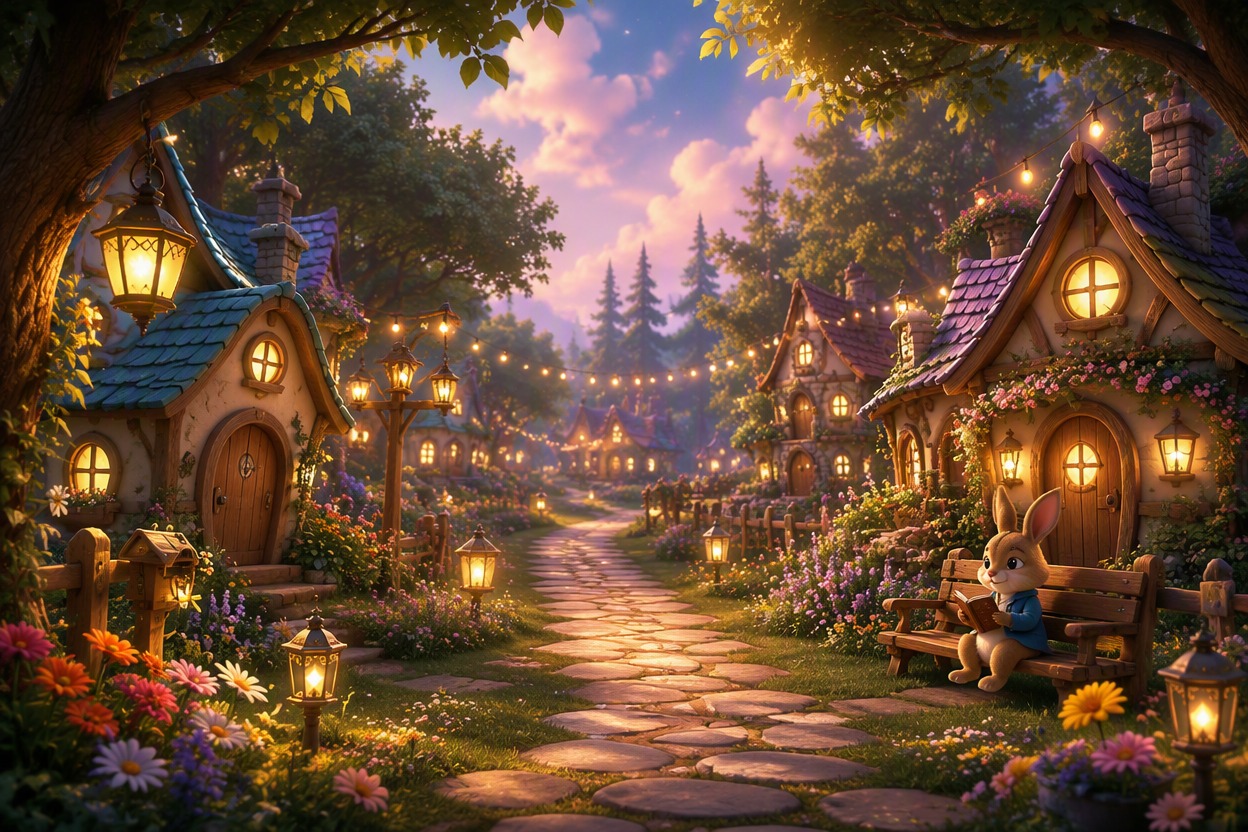
Animal OC Styles to Explore
Compare species, portrait, and cozy-village directions to find the visual approach that best fits your original animal character.
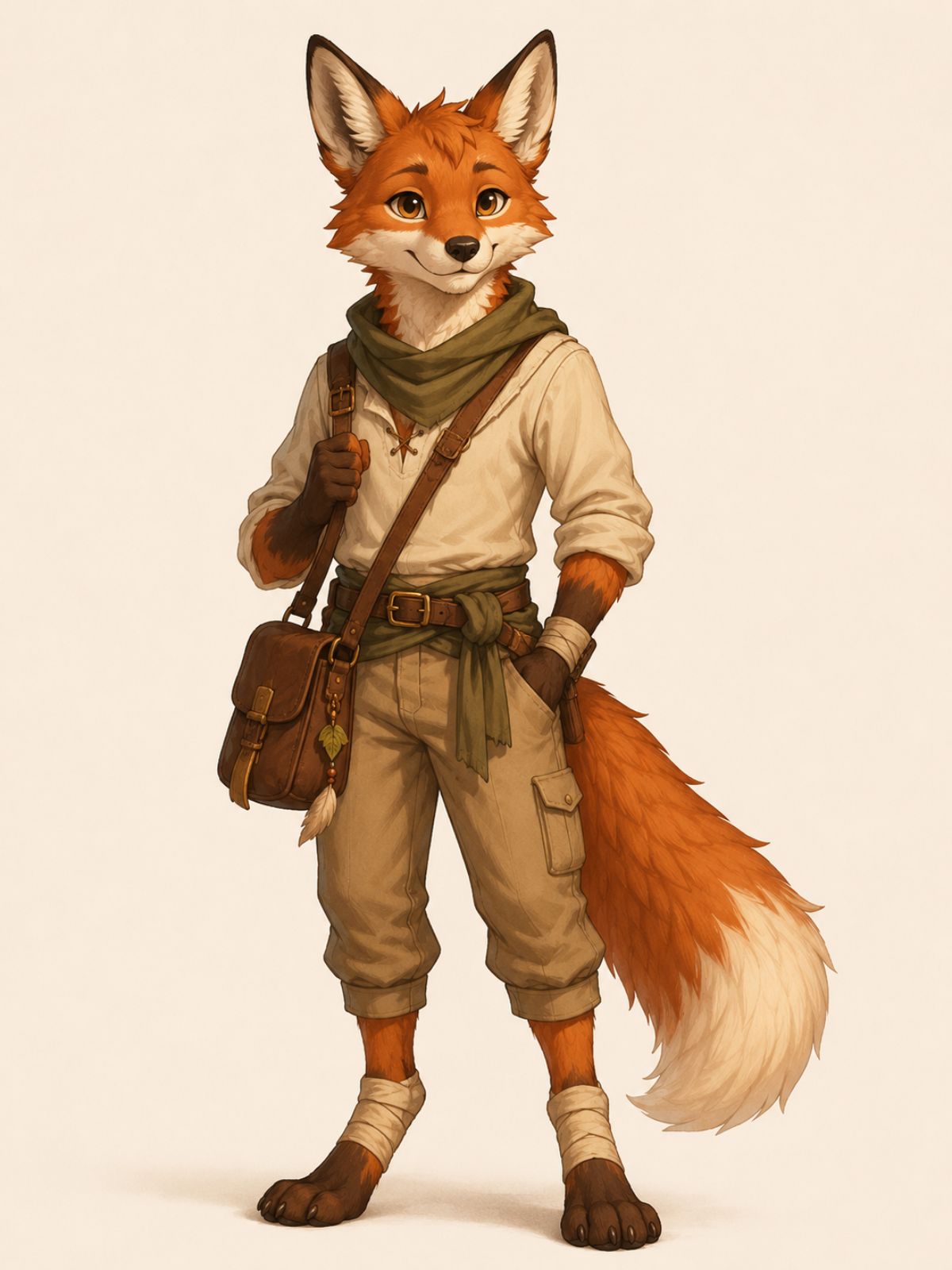
Red Fox Adventurer OC
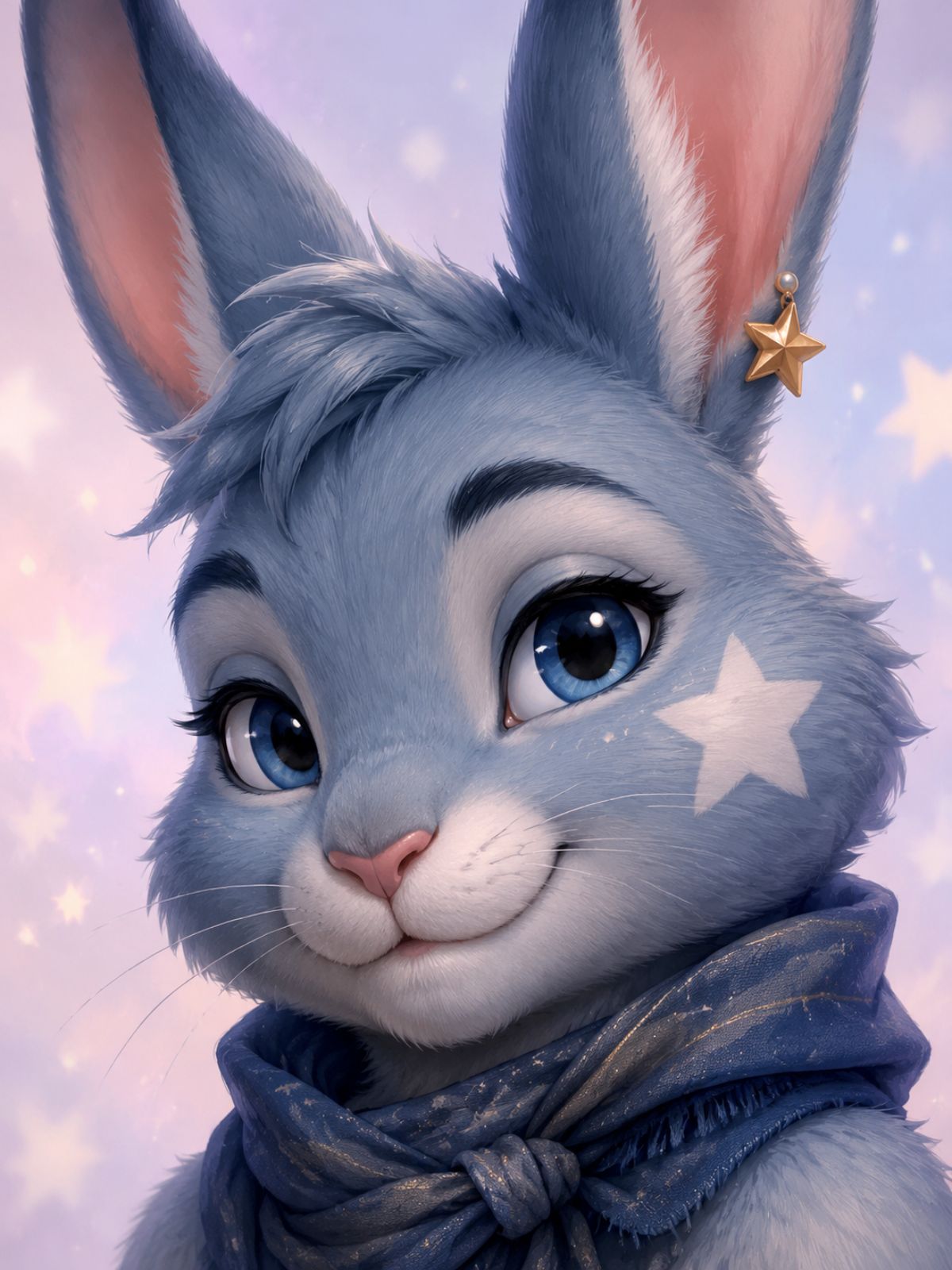
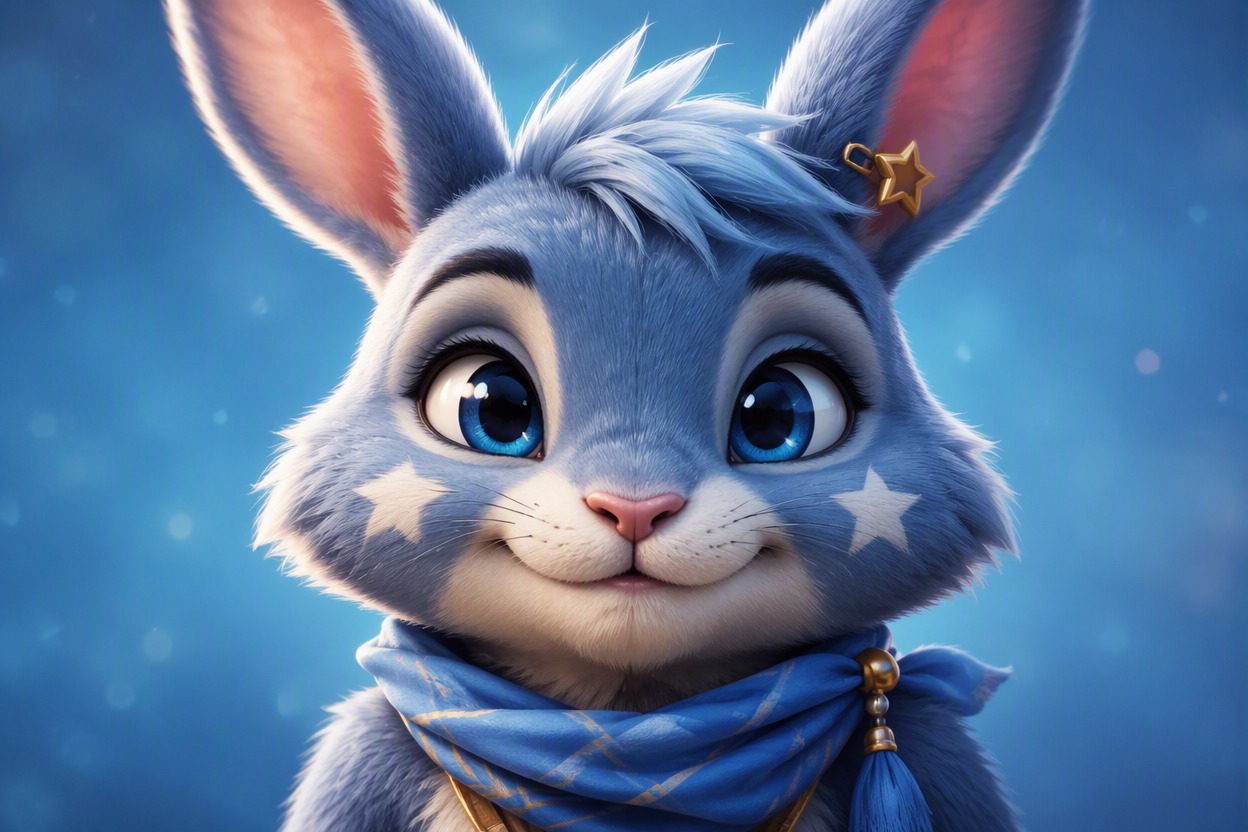
Blue-Gray Rabbit Avatar OC
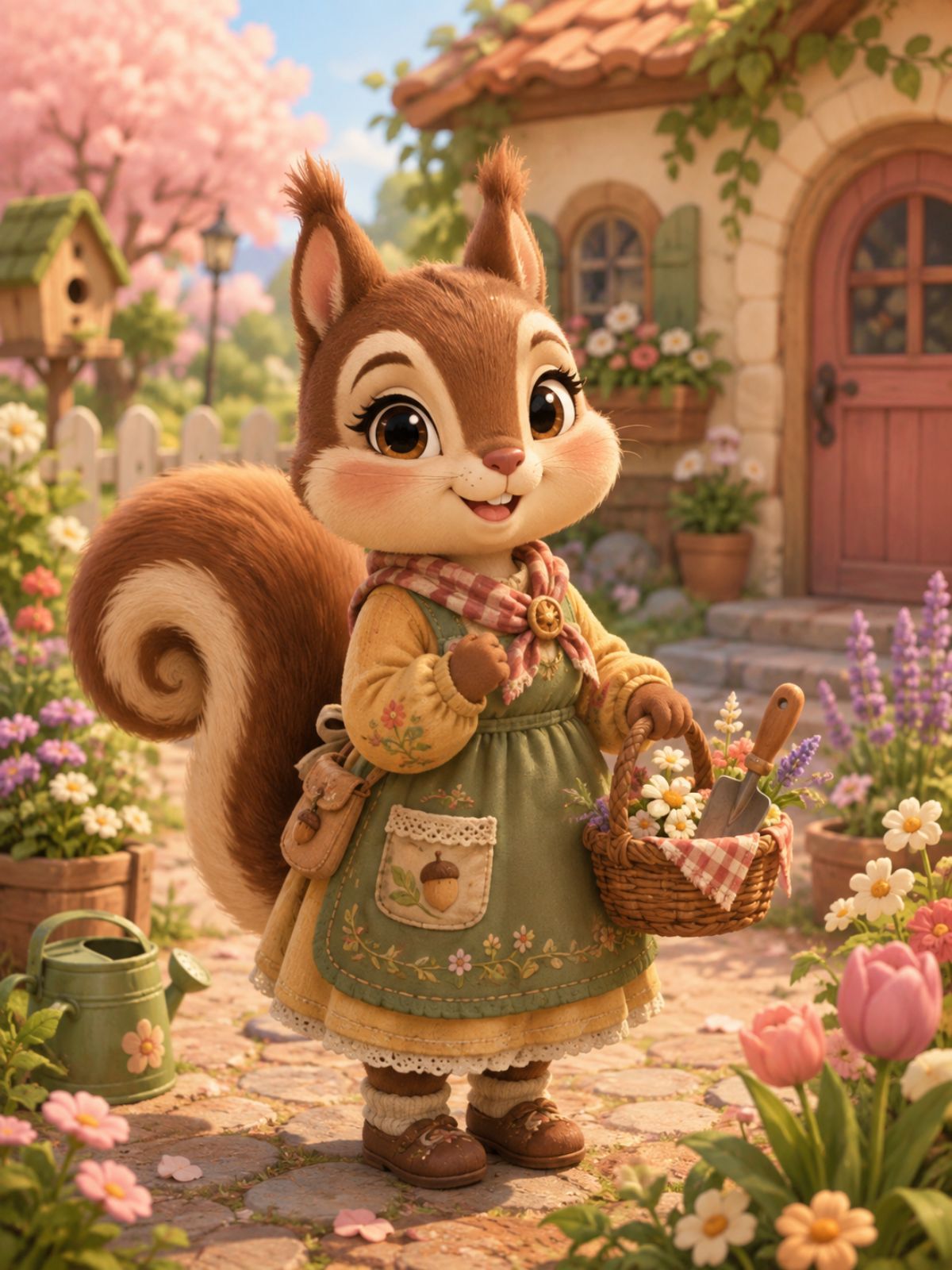
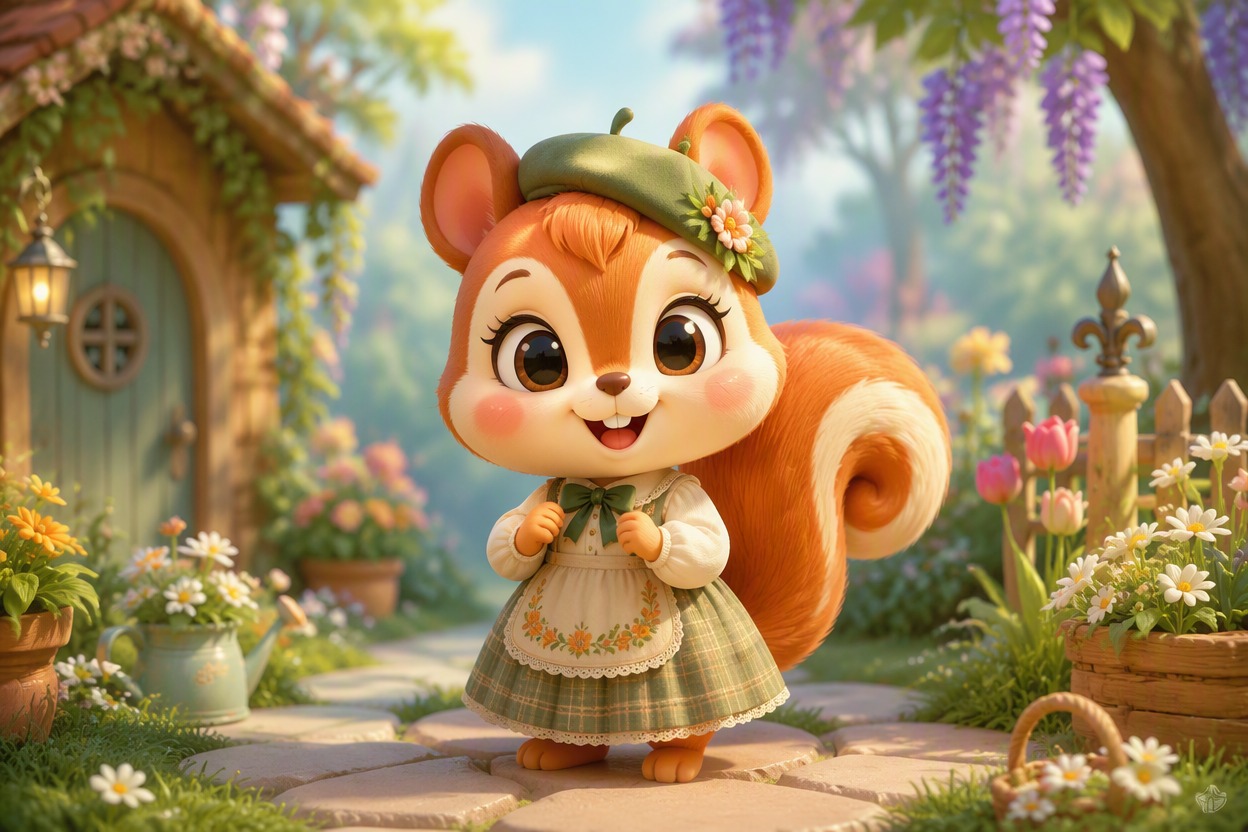
Cozy Squirrel Villager OC
How to Use the Animal OC Maker
01
Describe the Animal Identity
Name the species, proportions, fur or scales, markings, colors, eyes, ears, tail, outfit, and personality.
02
Generate a Clear Base Design
Start with one character in a neutral portrait or full-body pose so anatomy and signature traits are easy to review.
03
Create Focused Variations
Keep identity traits fixed while changing one variable at a time, such as expression, clothing, pose, or setting.
Design Animal Characters With Recognizable Traits
Define Species and Silhouette
Choose a cat, fox, rabbit, wolf, bird, reptile, hybrid, or invented creature, then build your perfect anime character with clear species details. Clear ear, muzzle, wing, paw, and tail directions make the result easier to evaluate.
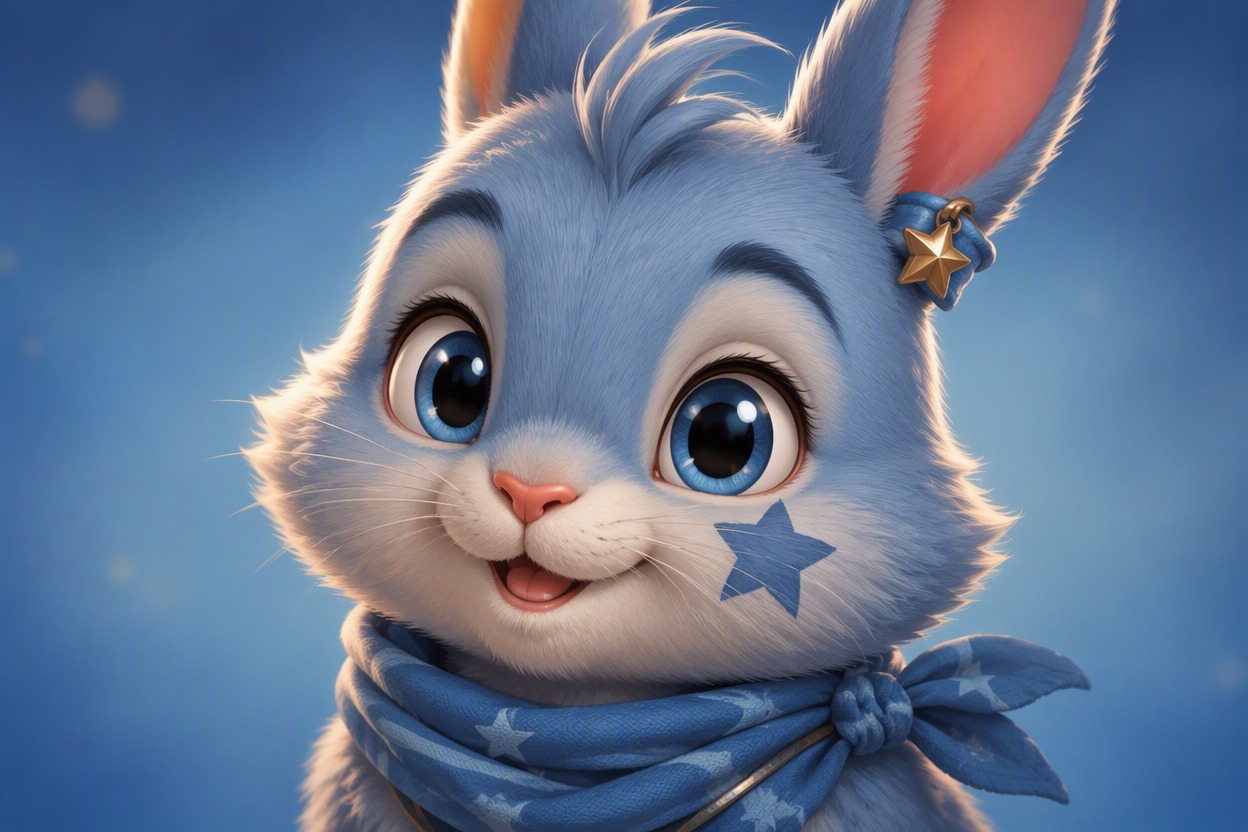
Build a Memorable Animal Avatar
Use the animal avatar maker for profile portraits with readable eyes, facial markings, accessories, and mood. A close crop is the strongest fit when recognition matters more than a complex scene. Try the OC maker when you want a simple way to build and refine the character.
Create Cozy Game-Inspired OCs
Develop an animal crossing OC maker concept with a friendly village mood while keeping the species, clothing, colors, and personality original. Treat it as inspiration, not a replica workflow.
What You Can Create
Profile Avatars
Create a close-up animal persona for social profiles, chats, or community accounts.
Mascot Concepts
Explore memorable species, colors, silhouettes, and accessories for an original mascot.
Roleplay Characters
Design animal heroes, rivals, shopkeepers, travelers, and magical companions.
Sticker References
Generate clear expressions and poses that can guide sticker or emote artwork.
Cozy Village OCs
Imagine friendly residents with original outfits, hobbies, homes, and personalities.
Creature Design
Mix real animal traits with fantasy horns, wings, patterns, or elemental themes.
Frequently Asked Questions
Animal OC Maker FAQ
Make an Animal OC With a Personality
Create an original animal avatar, mascot, or story character from your own description.