
Bayonetta OC Maker
Create an original occult-action character with dramatic fashion, expressive poses, magical effects, and cinematic settings. Shape a portrait or full-body image by choosing the details that define your character.
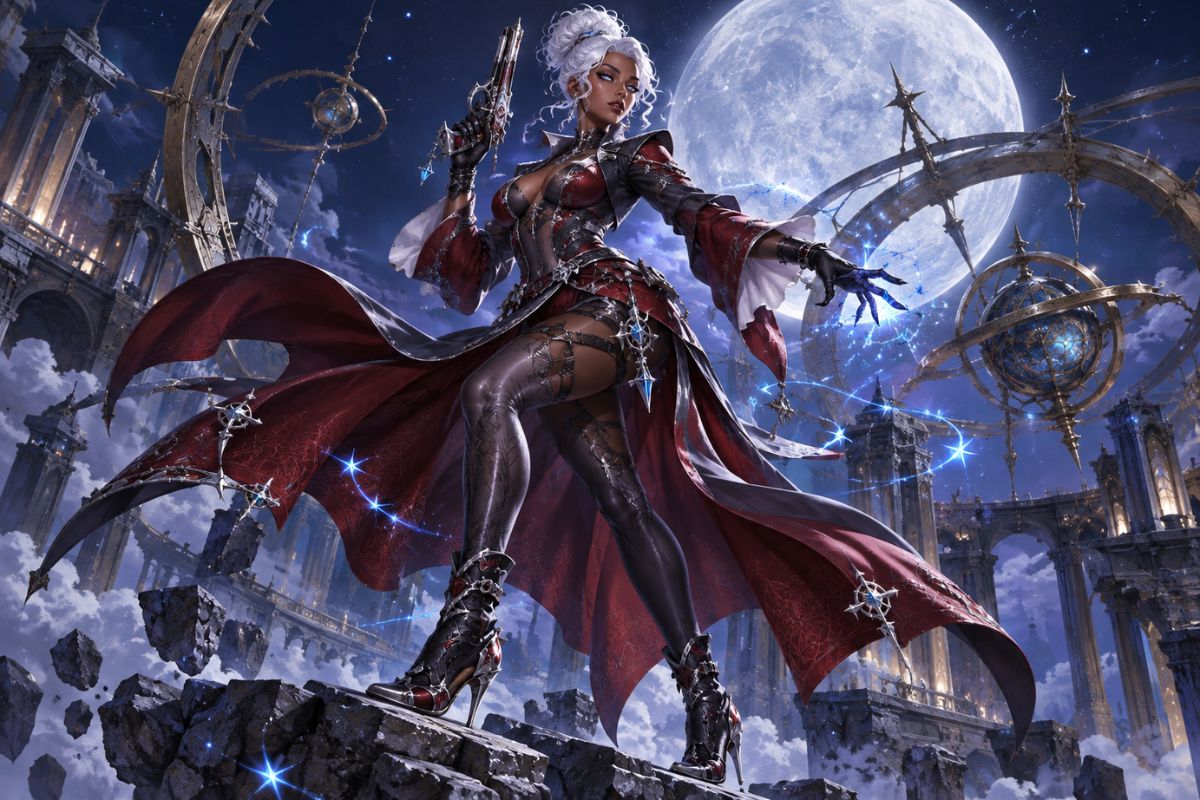
Create an Occult-Action Character Image
Explore Fashion Silhouettes
Combine layered garments, statement jewelry, rich textures, and distinctive footwear to create a memorable character silhouette. Use the anime OC creator to explore elegant couture, bold occult styling, or a more theatrical look for your original character.
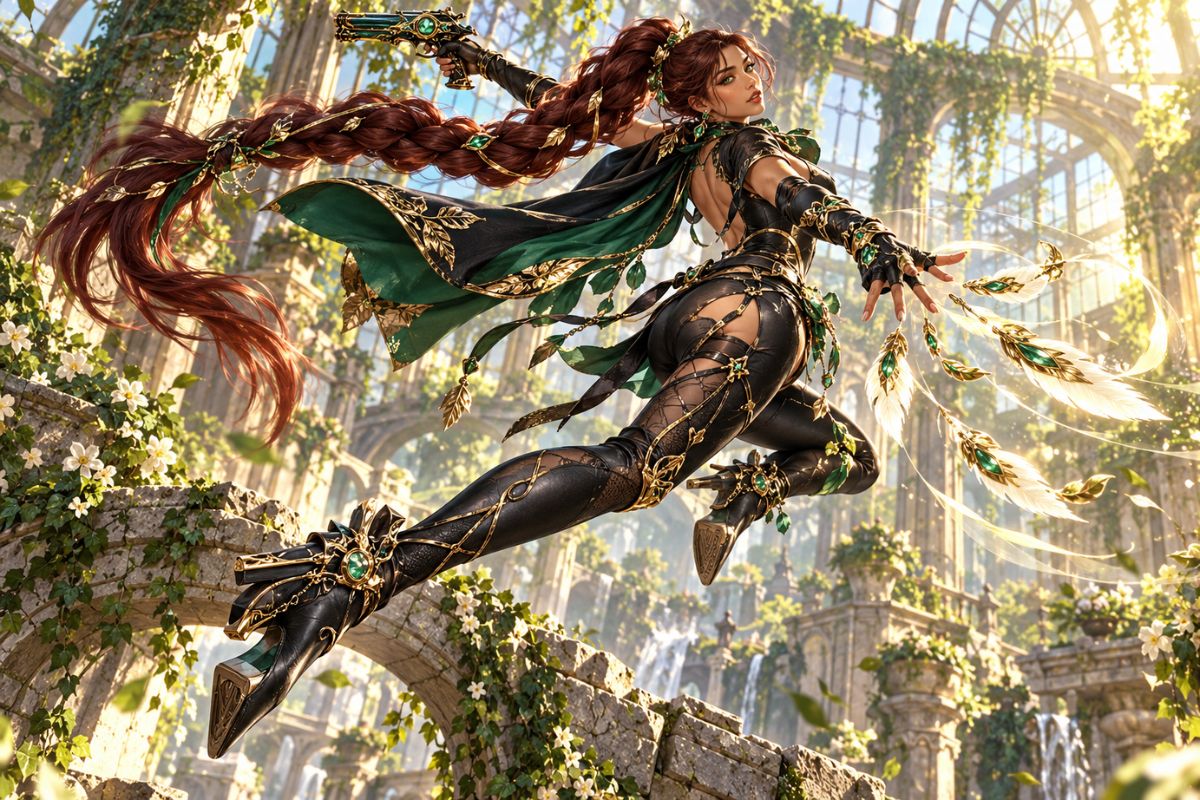
Create Dynamic Poses
Describe the character's movement, expression, camera angle, and flowing costume details to create an energetic action image. The AI anime generator can bring together dramatic poses, magical effects, and fashion details in a single composition.
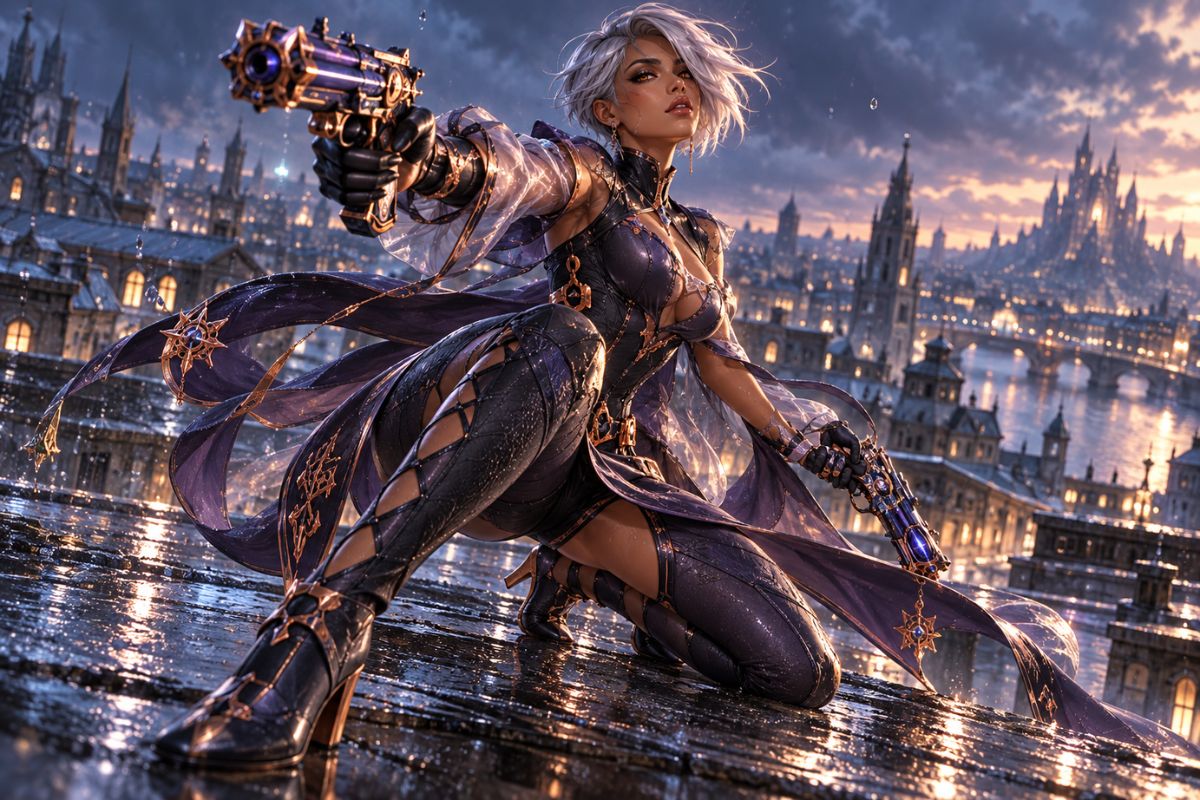
Choose a Cinematic Setting
Place your character in a moonlit city, mirrored hall, greenhouse, archive, or another atmospheric location. Add dramatic lighting, reflections, or distant scenery to give the image depth and make the setting feel connected to the character.
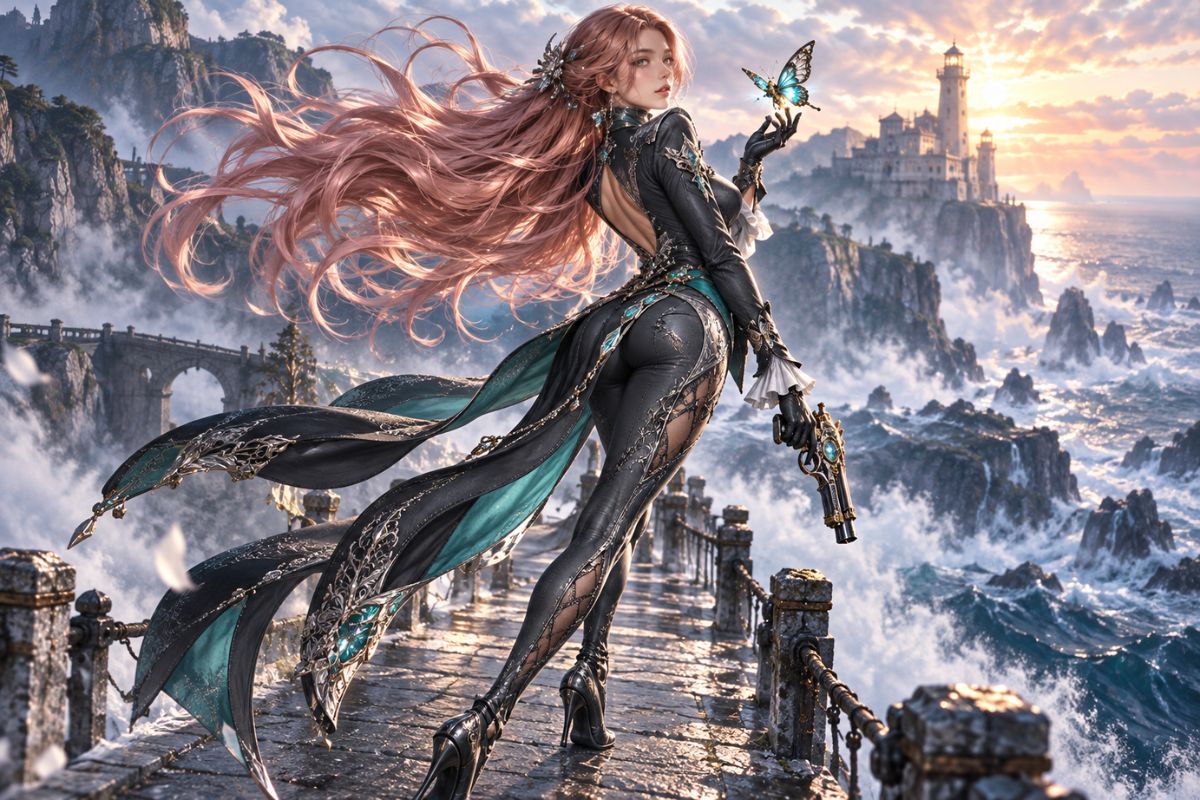
Try Different Character Looks
Explore alternate outfits, color palettes, accessories, props, and settings to find a direction for your original character. Small changes to the clothing or scene can create a fresh look, from an elegant portrait to a vivid action image.
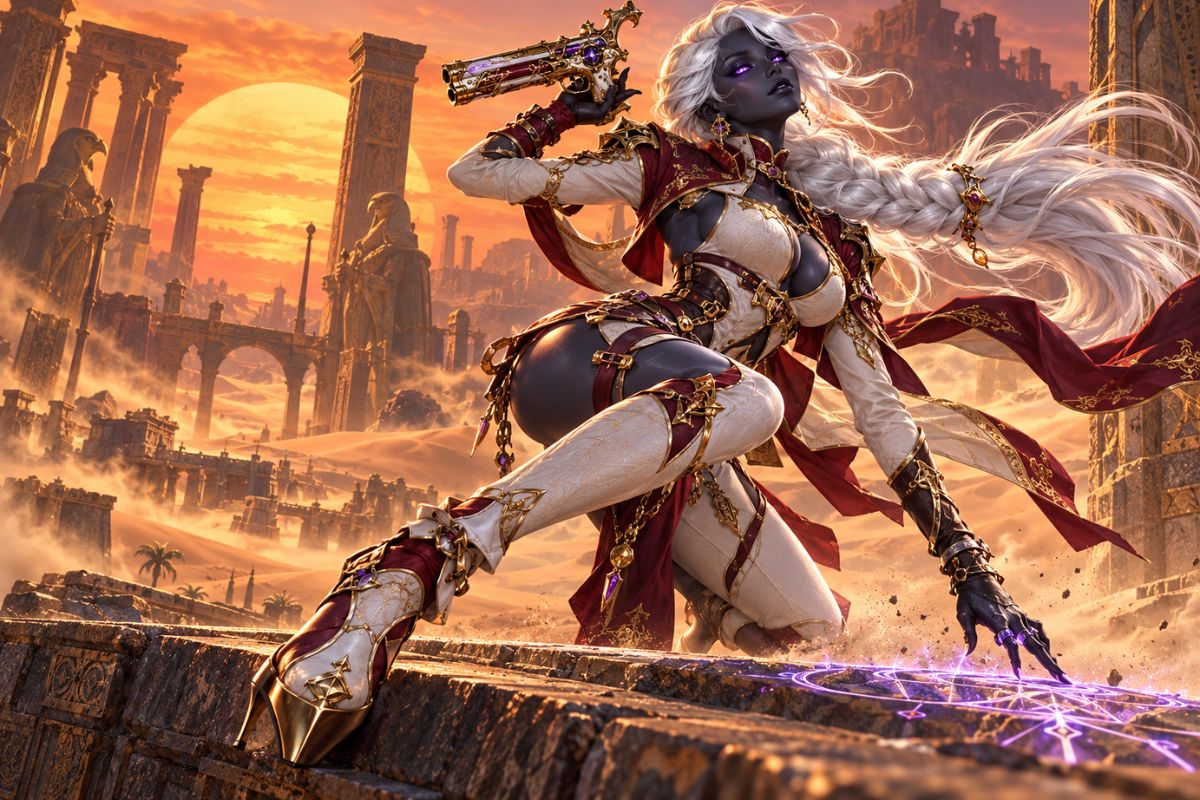
Character Image Options
Fashion Details
Character Poses
Magical Effects
Expressions and Mood
Props and Accessories
Cinematic Backgrounds
How to Use the Bayonetta OC Maker
Describe the Look
Add the character's outfit, hairstyle, palette, and defining details.
Set the Pose and Scene
Choose an expression, action, magical effect, and background.
Generate and Adjust
Create the image, then refine details to explore another version.
Bayonetta OC Maker FAQ
Bring Your Character Concept to Life
Choose a look, pose, and setting, then create a cinematic character image.