
Pricing
Log In
Style*
Background
4tokens•~30s
Bee OC Maker
Create original bee OCs, anime OC bee concepts, wing shapes, fuzzy palettes, mascot outfits, cute expressions, and character profile ideas with OCMaker AI. Start with role, silhouette, palette, expression, pose, and reuse goal so the generated concept stays original, readable, and easier to refine.
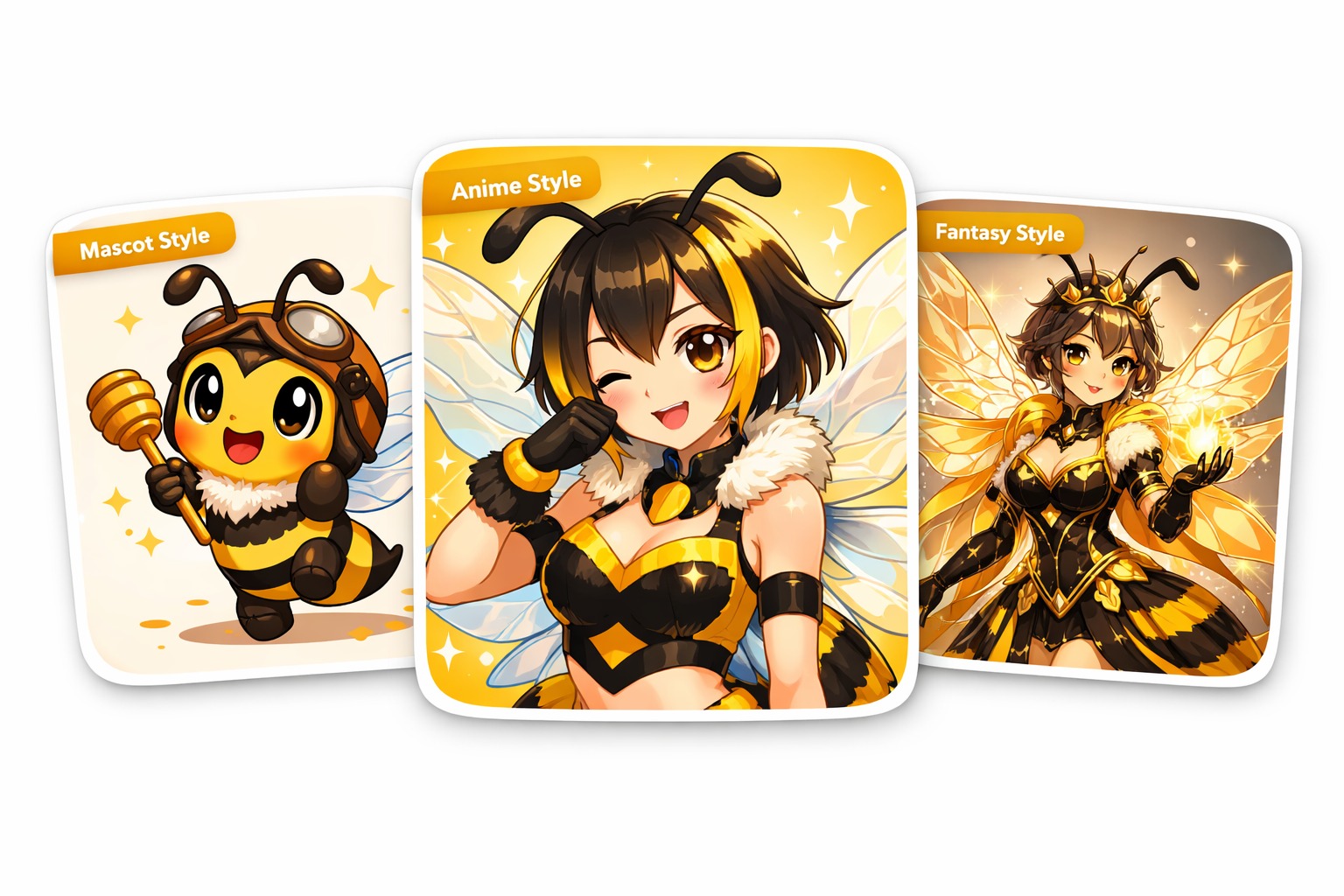
Bee OC Maker Gallery Ideas
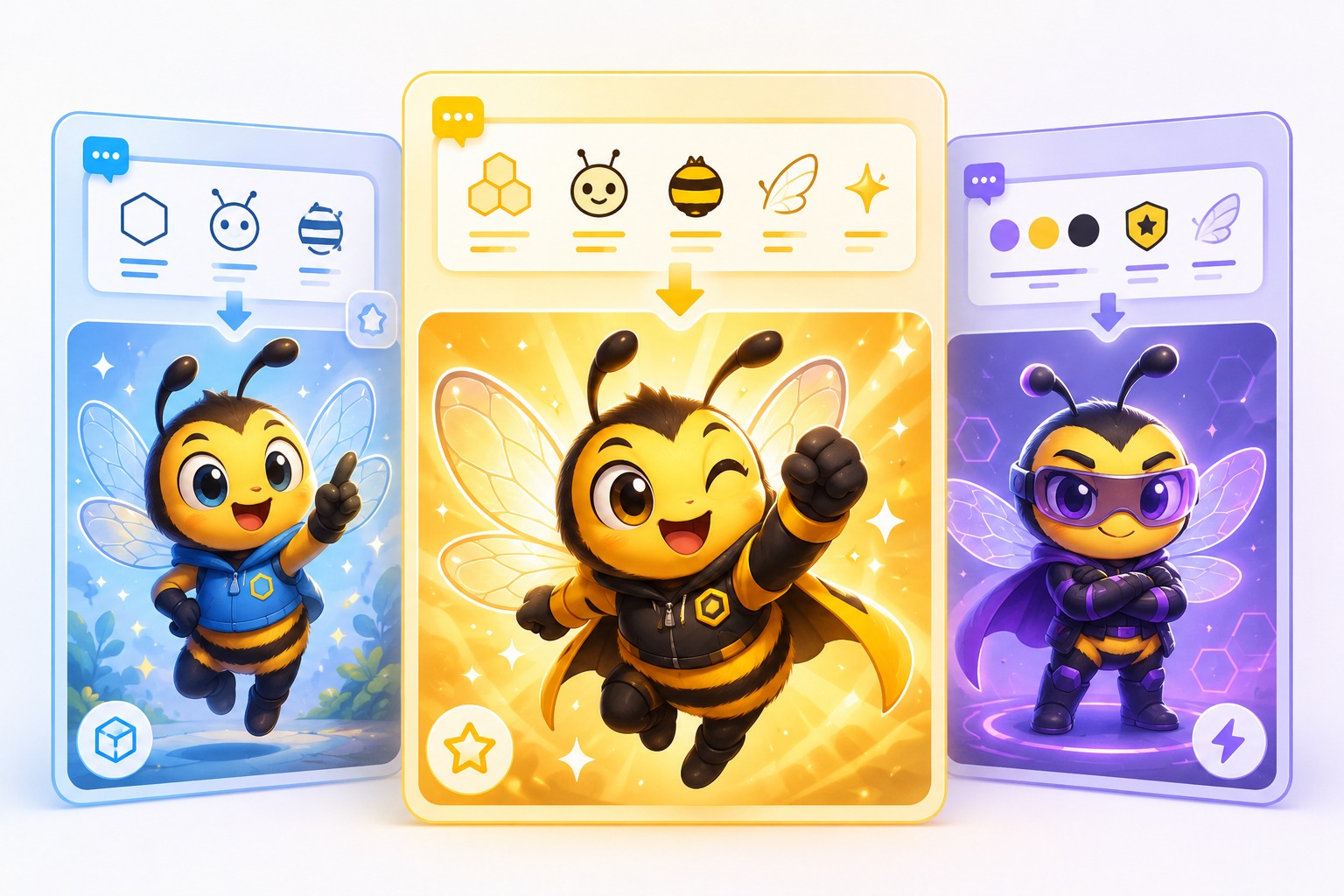
Preview three distinct directions for bee OC maker concepts before generating final art. Each example keeps the visual brief focused, original, and easy to review.
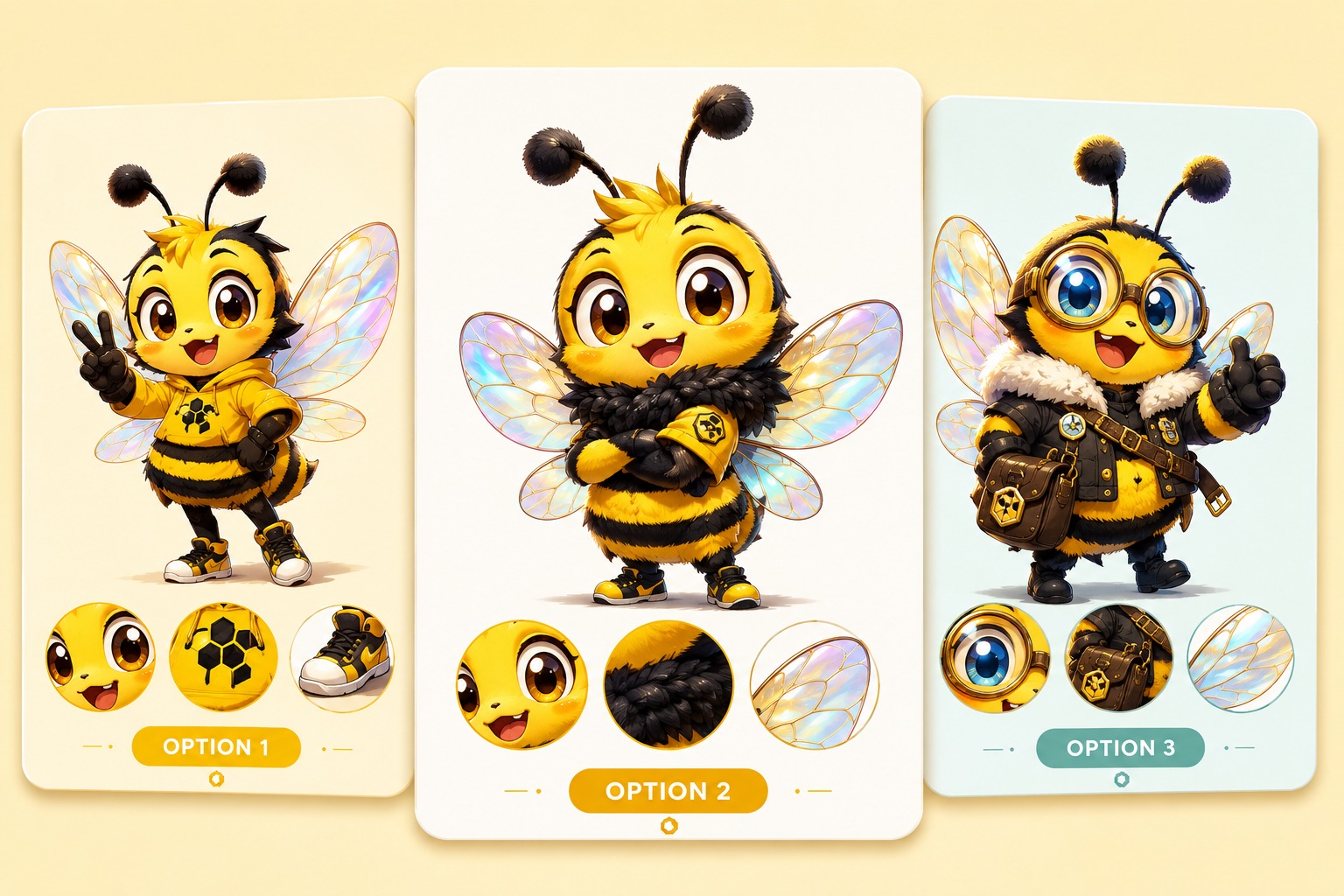
Cute Bee Mascot OC
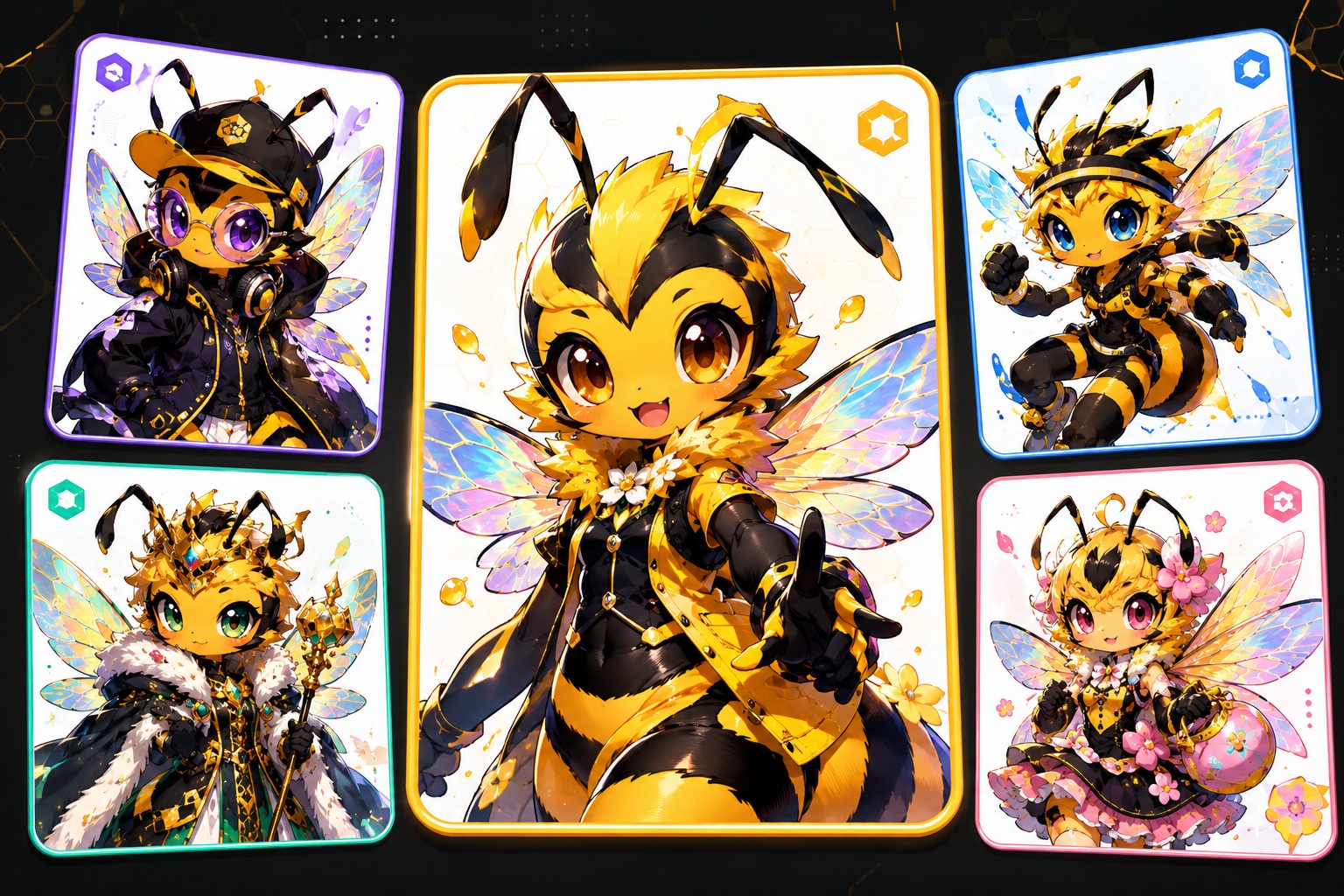
Anime Bee Character
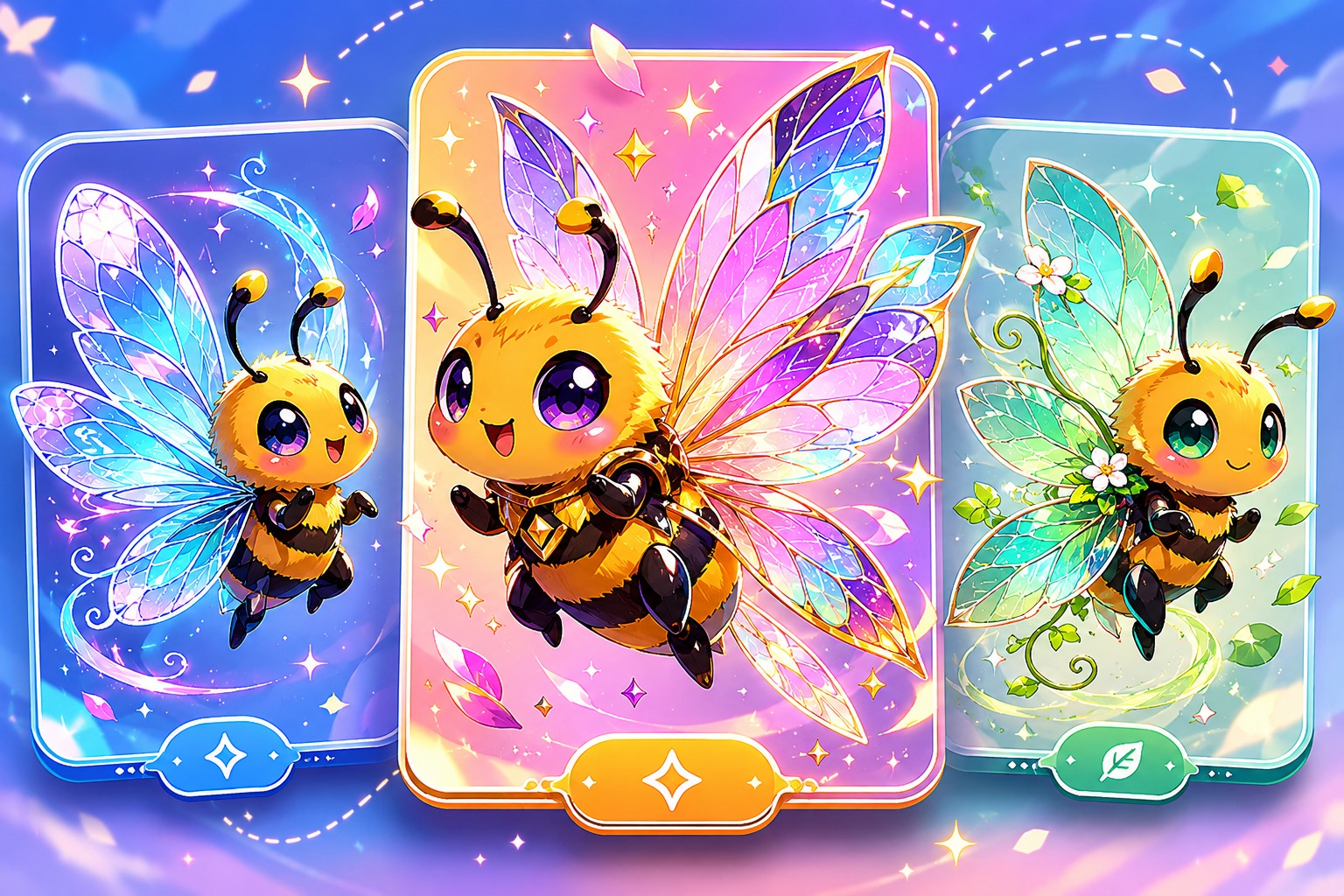
Fantasy Wing Design
Core Features for Bee OC Maker
Brief-to-Character Workflow
Use OCMaker AI to turn bee OC maker ideas into a focused brief with role, silhouette, palette, pose, and one memorable hook. It works best when the output needs a reusable character identity, not just a pretty single image, and when future revisions need a clear starting point.
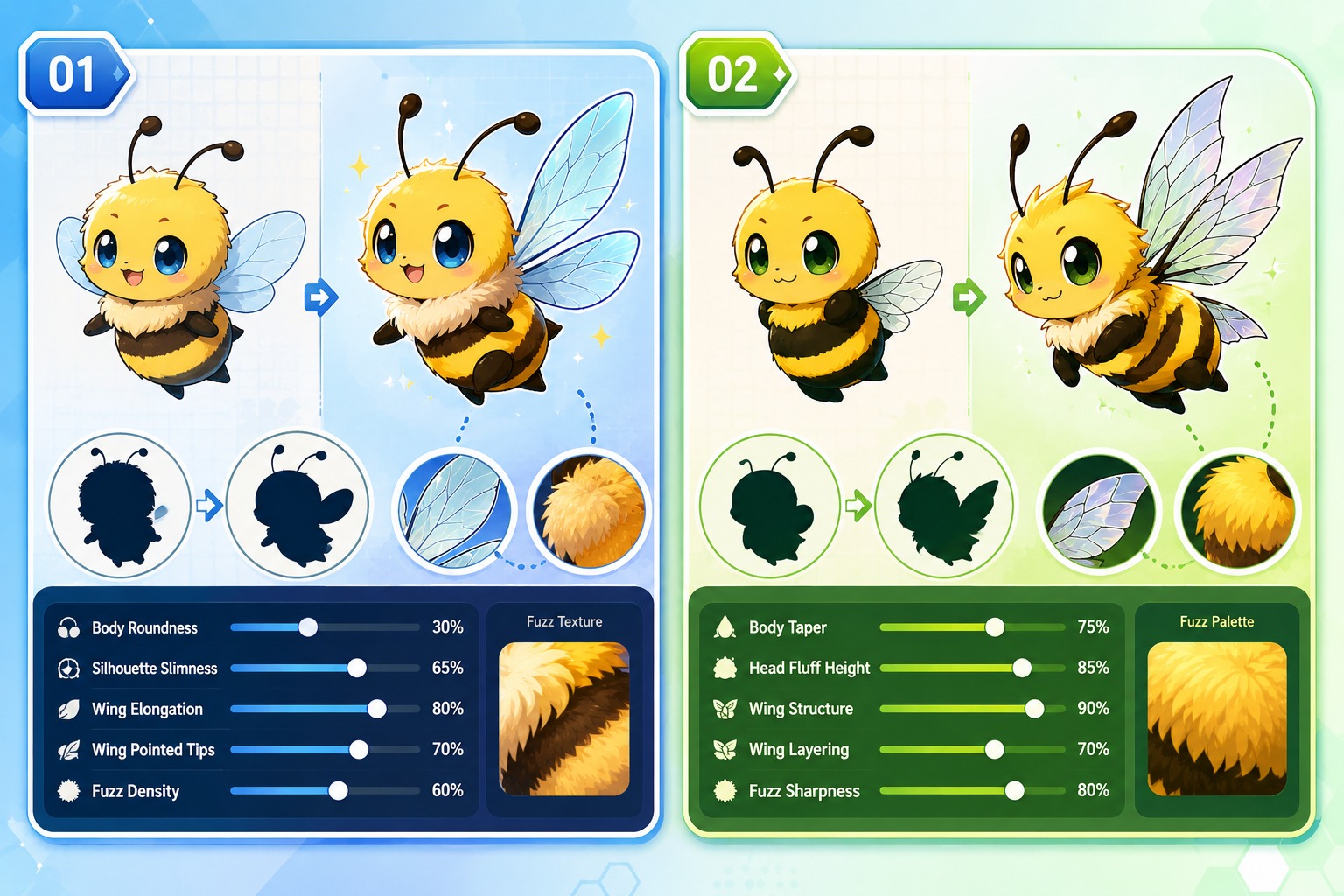
Shape and Detail Control
Shape Control helps refine original bee OCs, anime OC bee concepts, wing shapes, fuzzy palettes, mascot outfits, cute expressions, and character profile ideas. Strong prompts define visible traits and a clear mood; weaker prompts overload tiny details, copied symbols, or vague style words that make the result harder to reuse.
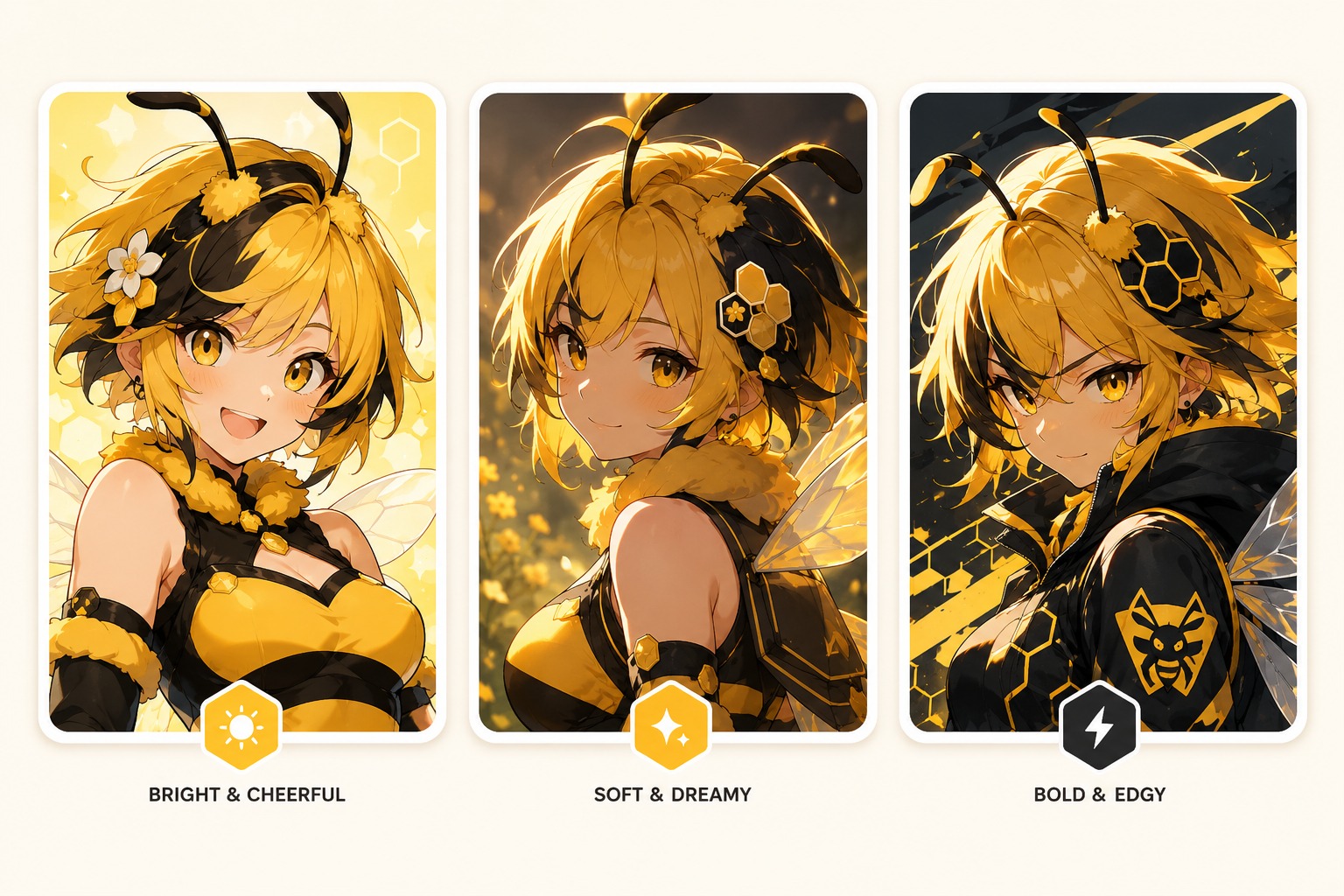
Stylized Portrait Options
For stylized portraits, avatars, or cleaner character-art variations, AI anime generator gives the most relevant next workflow. Lock the main identity first, then test expression, lighting, outfit, and profile-image framing.
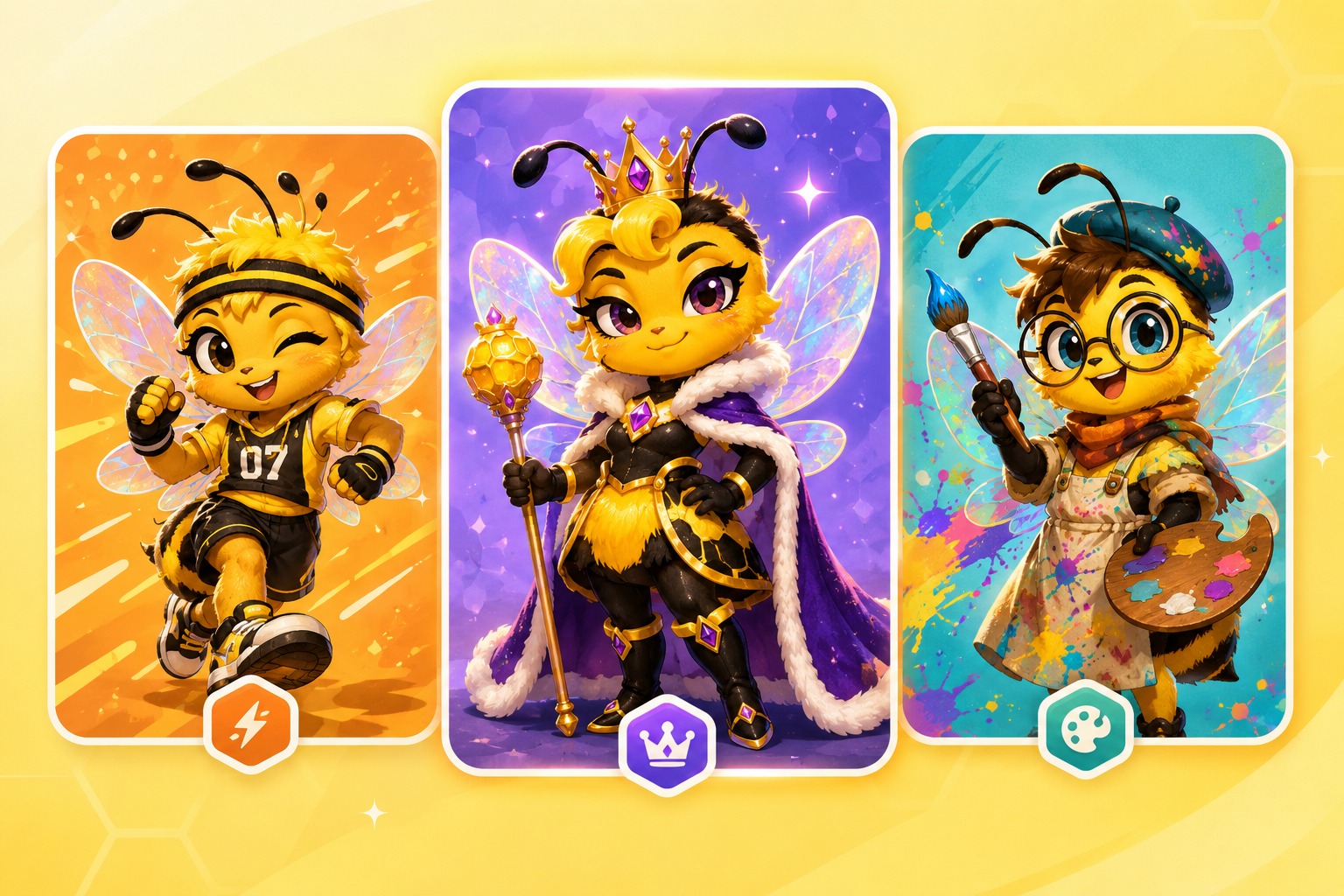
Creator-Ready Review
Creator-Ready Review turns each result into a stronger draft by checking anatomy, silhouette, small details, and originality before publishing. Treat outputs as concept art unless you need exact multi-image consistency, final production assets, or rights-cleared commercial materials.
Practical checks before using an output publicly
Bee OC Maker Design Checks
Define the role, species, or character type
Define the role, species, or character type before adding accessories, outfits, colors, or extra details.
Keep the silhouette readable
Keep the silhouette readable at avatar or thumbnail size so the character is easy to recognize at a glance.
Use a small number of signature details
Use a small number of signature colors, markings, or props instead of adding too many competing visual elements.
Avoid official logos and copied designs
Avoid official logos, copied outfits, protected symbols, and named-character likenesses when creating an original character.
Review small details before publishing
Review hands, paws, wings, faces, markings, accessories, and other small details before publishing or sharing the result.
Treat the output as a concept draft
Treat the output as a strong concept draft when exact consistency is required, especially for comics, games, avatars, or repeat character use.
How to Use the Bee OC Maker in 3 Steps
A simple workflow that reduces messy retries
01
Define the Brief
Choose the character type, role, mood, framing, and intended use.
02
Generate Variations
Add palette, outfit or markings, pose, expression, prop, and one story hook.
03
Review and Refine
Review originality, anatomy, readable details, and whether the concept can be reused.
Frequently Asked Questions