
Pricing
Log In
Style*
Background
4tokens•~30s
Big Hero 6 OC Maker
Create an original tech-hero character with style presets, character options, background settings, and a prompt field. Explore invention-inspired looks and character concepts set in a bright futuristic city.
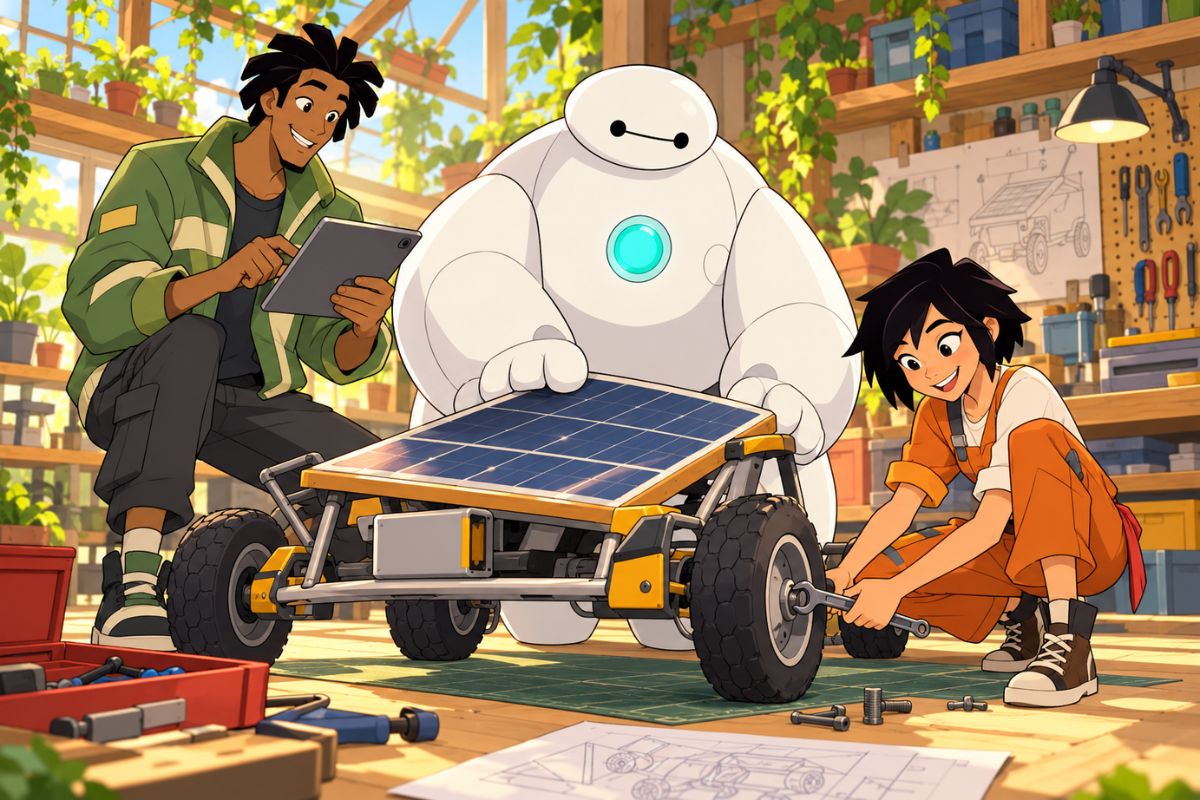
Explore Three Tech-Hero Character Ideas
Browse original character concepts with different roles, outfits, equipment, and futuristic settings.
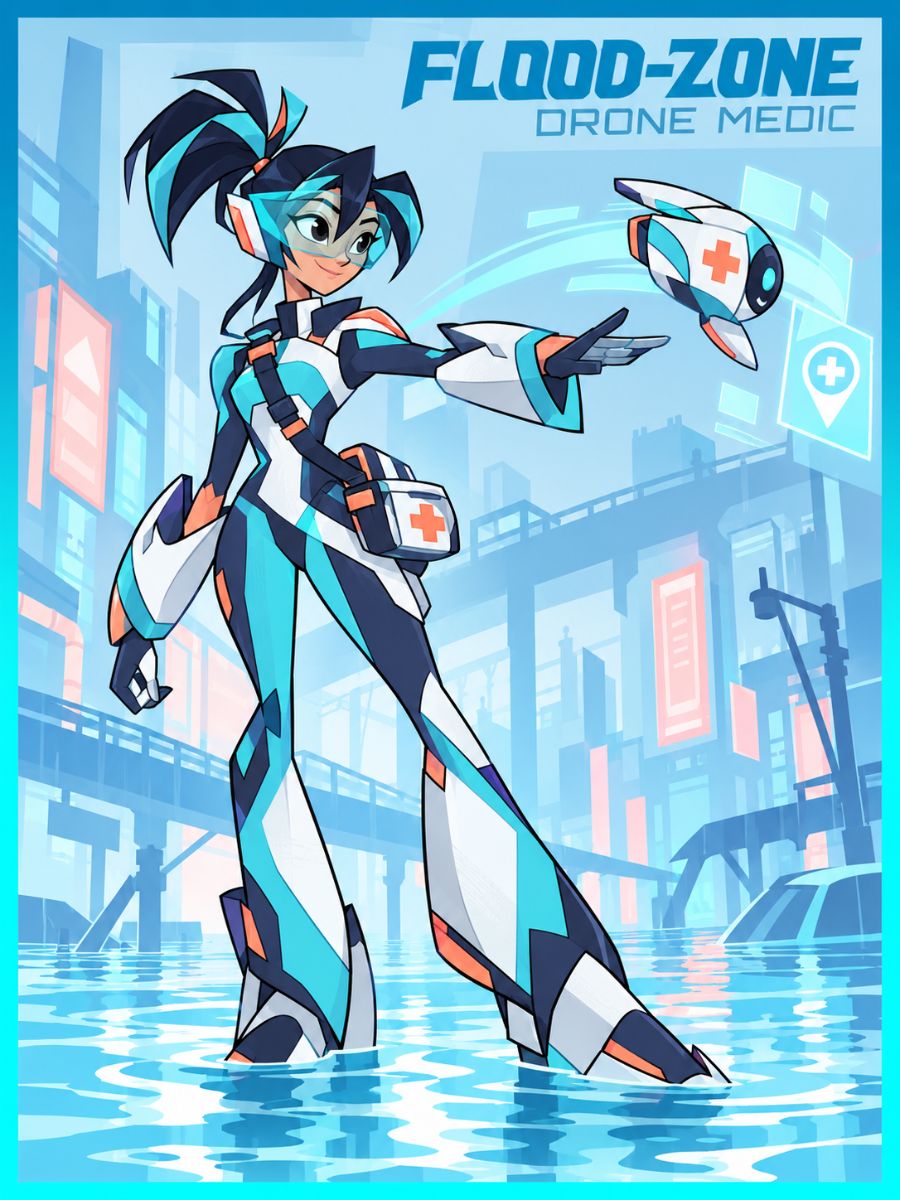
Flood-Zone Drone Medic
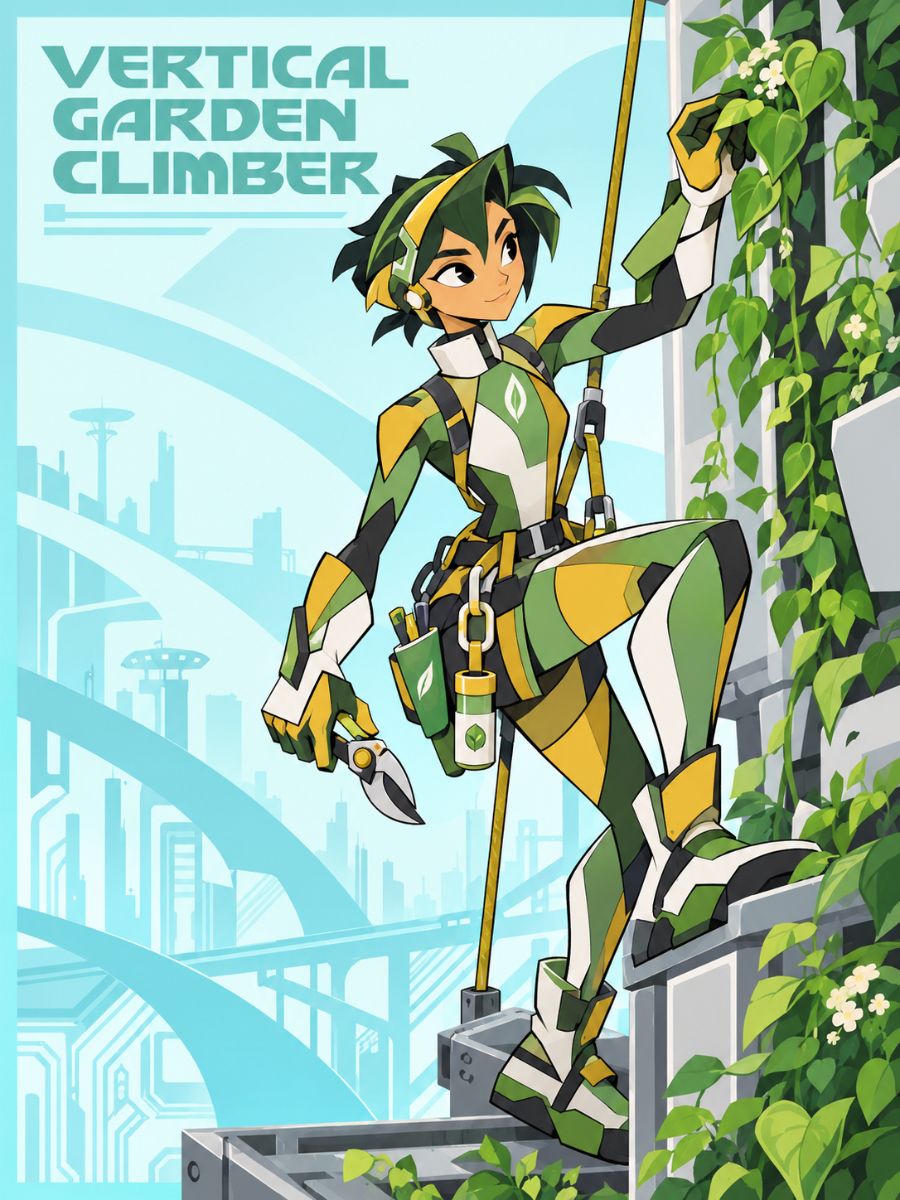
Vertical Garden Climber
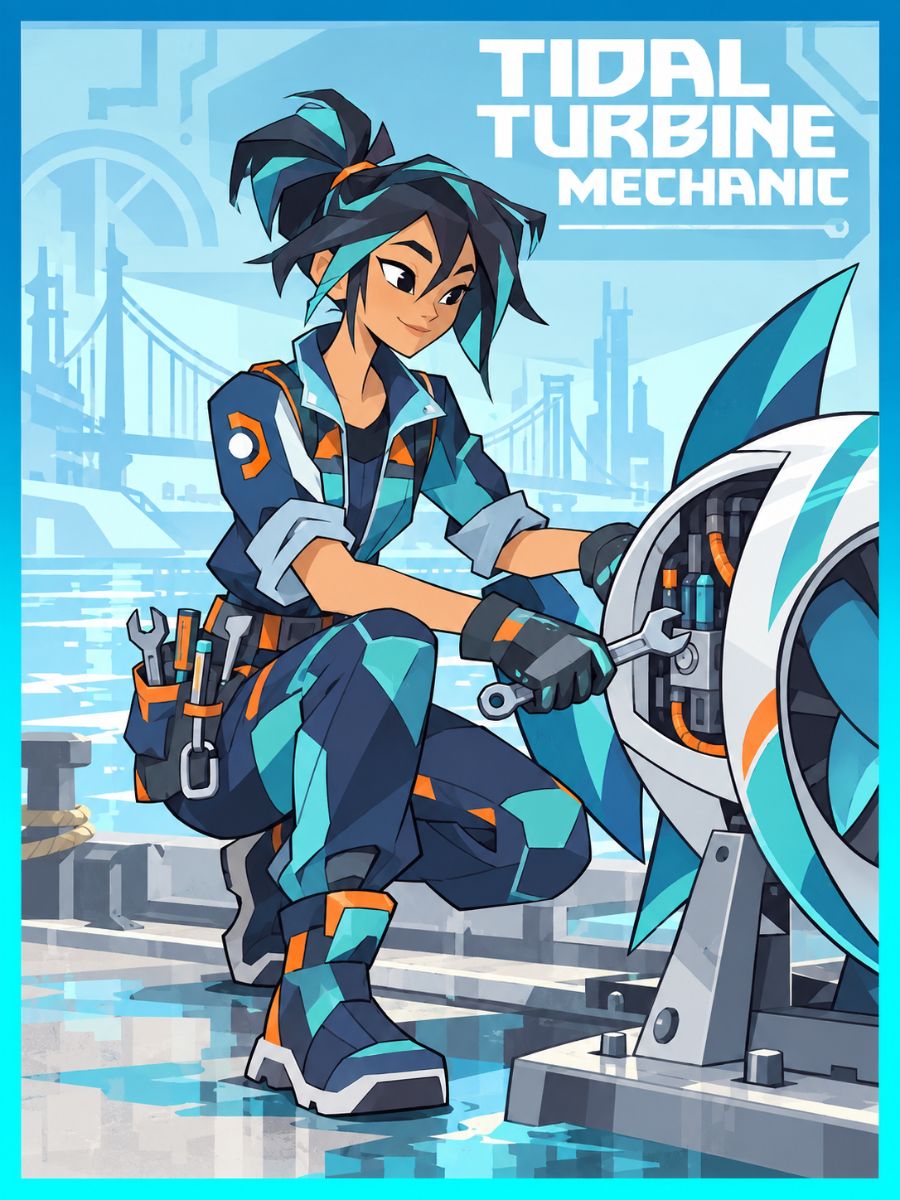
Tidal Turbine Mechanic
From Tech-Hero Idea to Character Image
01
Choose Character Settings
Select a visual style, character type, gender, and background to set up your starting concept.
02
Describe Your Tech Hero
Use Prompt to add details about the character’s appearance, invention, outfit, or city setting.
03
Generate and Review
Generate the character image, review the result, and download it or continue with an available creation option.
Create a Tech-Hero Character with Flexible Options
Find a Style for Your Tech Hero
Explore available styles such as Modern Anime, Realistic, and Stylized 3D. These presets offer different visual directions for a character concept, from illustrated hero art to a more lifelike or dimensional look.
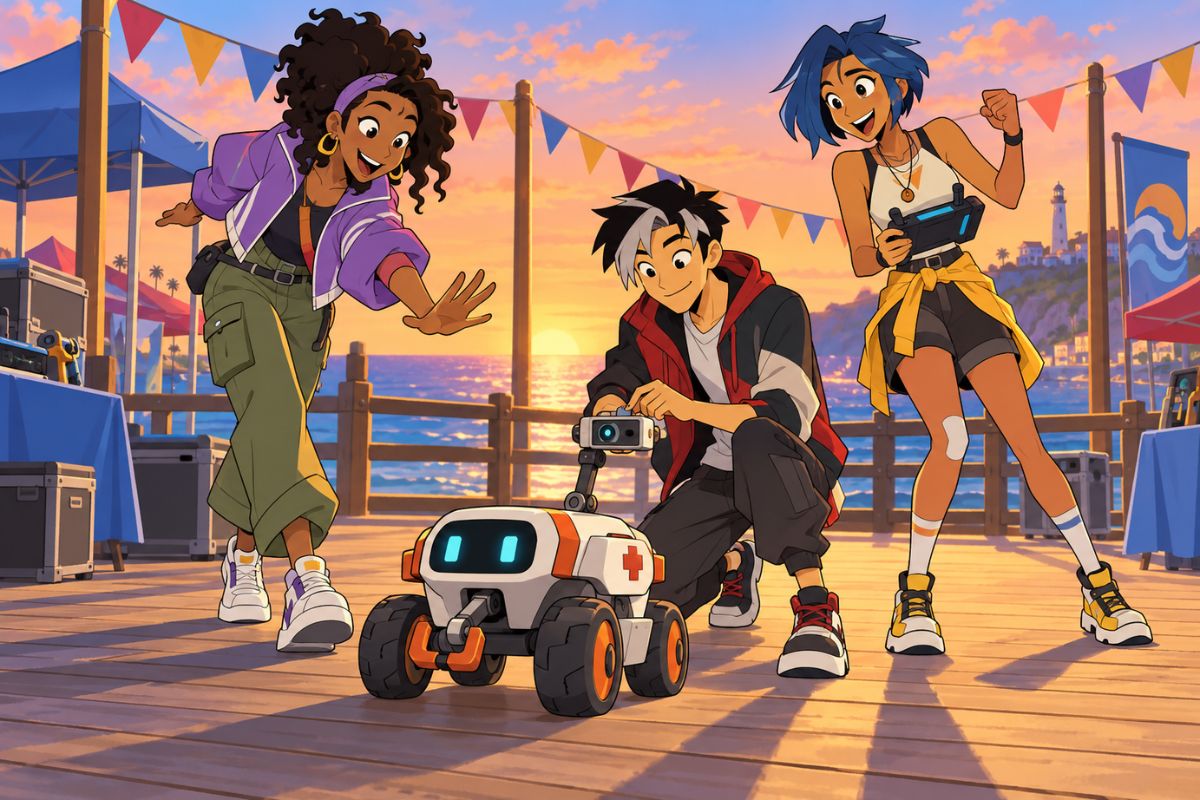
Set Your Character’s Basics
Choose from character types such as Human, Alien, Elf, or Reptile, and select a gender in Builder. For more anime-style character art, visit our AI anime generator.
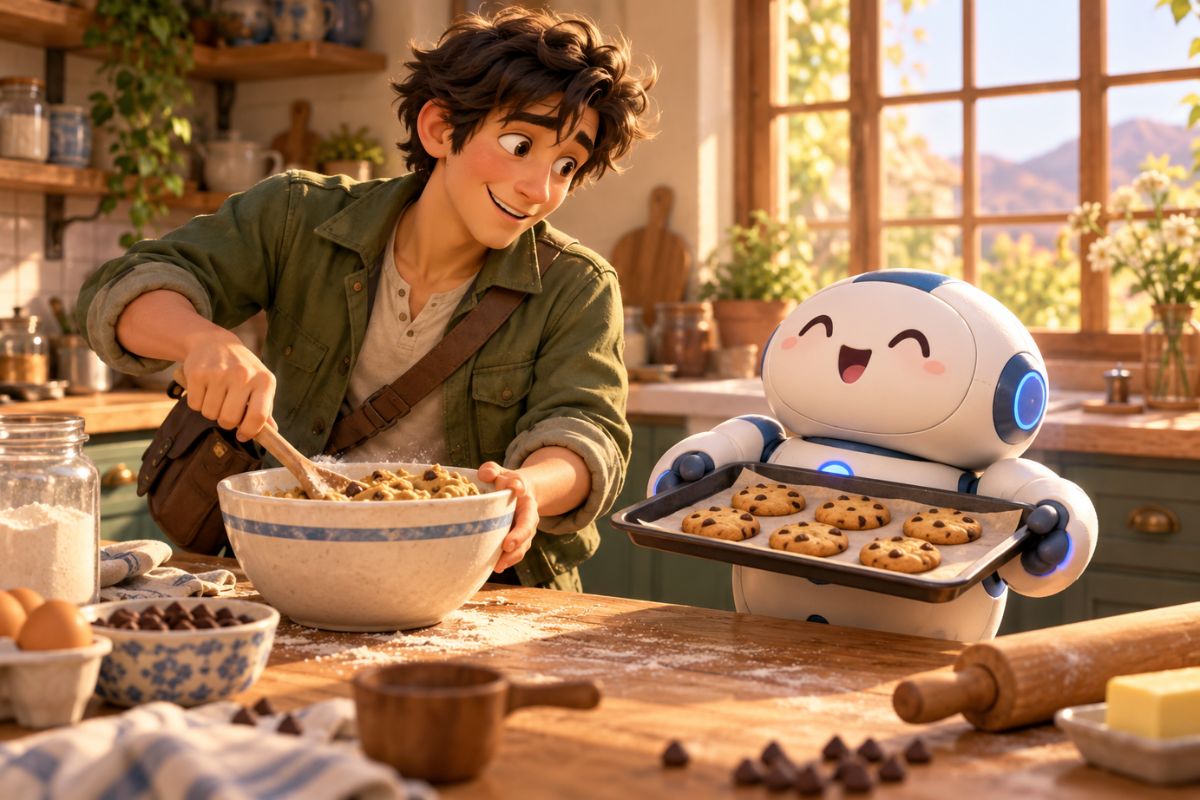
Choose a Character Background
Select Auto for a generated background or Pure White for a plain backdrop. The setting can give your tech-hero concept a scene or keep the focus on the character.
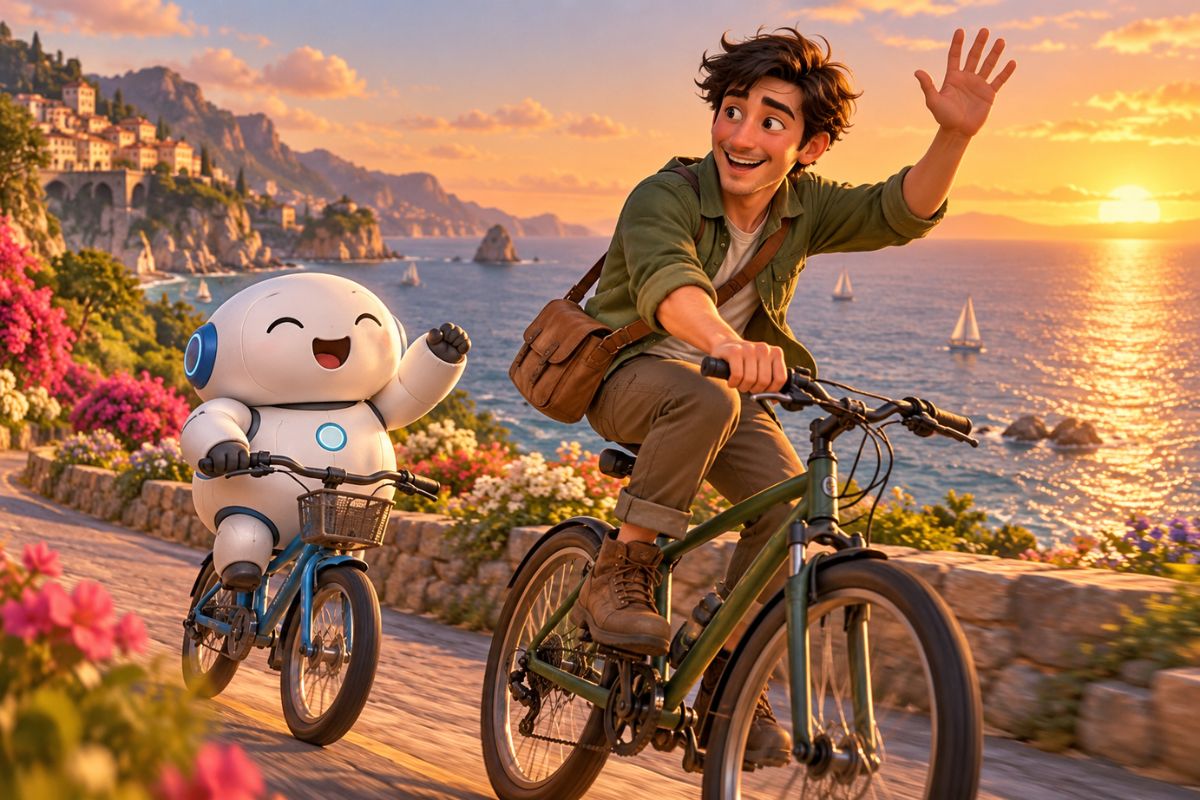
Add Your Own Character Details
Use Prompt to describe details such as the character’s role, outfit, equipment, or setting. This gives you room to personalize an invention-focused hero concept beyond the basic Builder options.
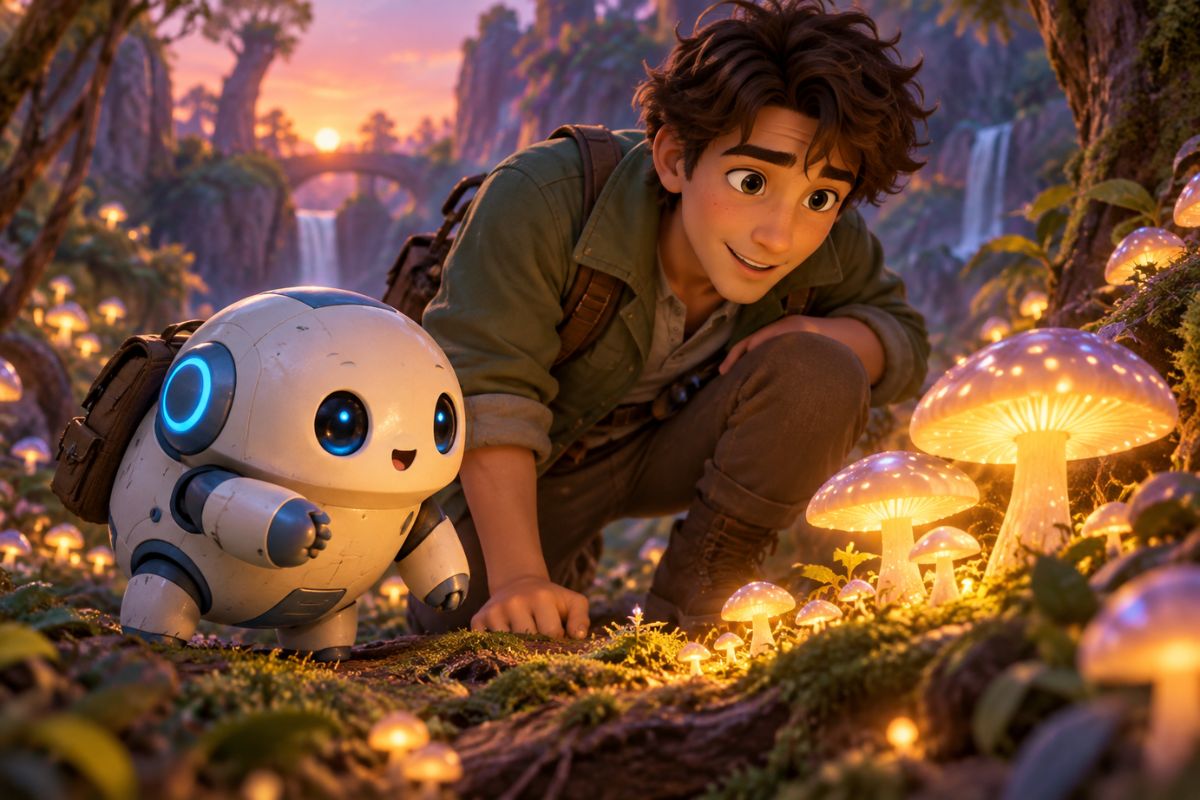
Character Creator Features
Multiple Visual Styles
Explore available presets such as Modern Anime, Realistic, and Stylized 3D to give your character different visual treatments.
Character Type Options
Start with options such as Human, Alien, Elf, or Reptile, then add more character details through Prompt.
Gender Selection
Choose Male, Female, or Non-Binary in Builder as a starting point for your character design.
Two Background Modes
Use Auto for a generated background or Pure White for a simple, plain backdrop.
Prompt and Advanced Options
Add a custom description in Prompt, or open Advanced options for additional settings.
Download and Continue
Review the generated character, download the image, or select Film with this to continue to the available video workflow.
Frequently Asked Questions
Big Hero 6 OC Maker FAQ
Create Your Tech-Hero Character
Choose a visual style, set the character basics, and add your own invention-inspired details.