0104
Choose a Character Direction
Create modern, historical, wuxia, or fantasy-inspired characters. Describe the role, clothing, and setting to shape the image around your concept.

Create original Chinese character images for portraits, full-body designs, and story scenes. Choose a modern, historical, wuxia, or fantasy direction, then describe the character and setting you want to see.
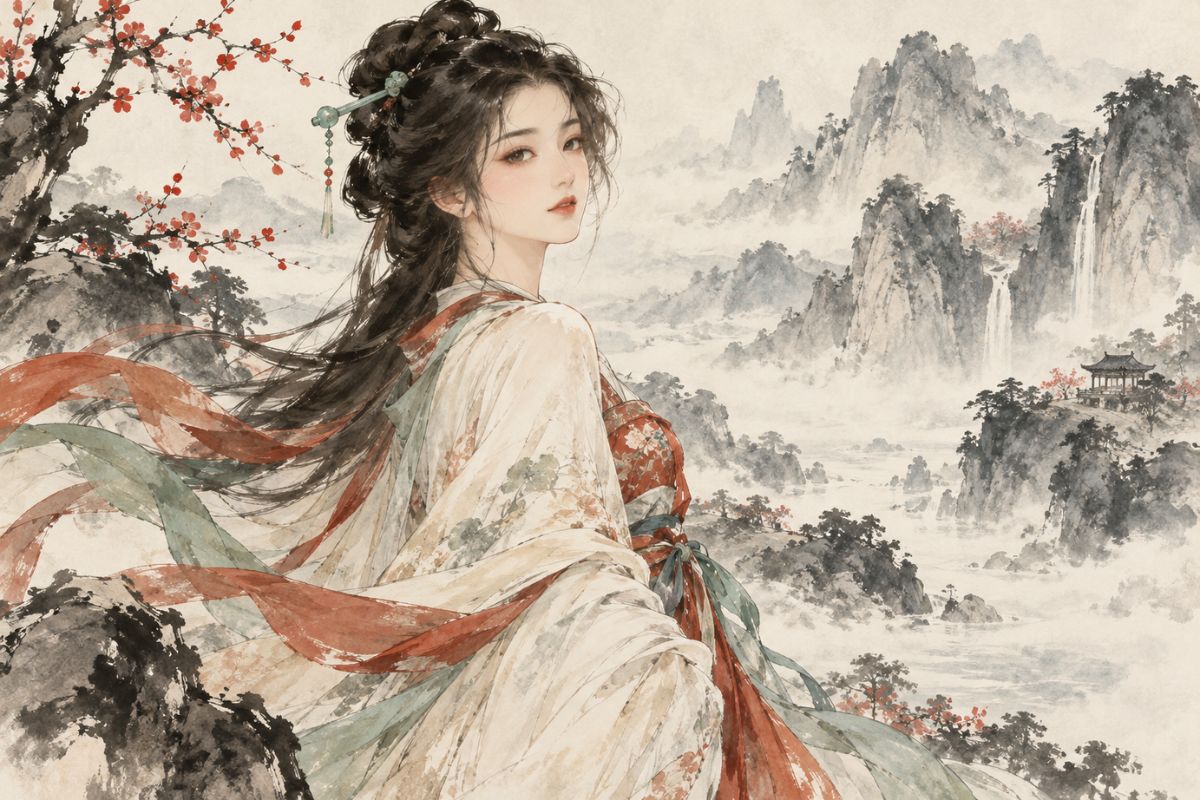
Explore three character concepts with different roles, settings, and visual styles.
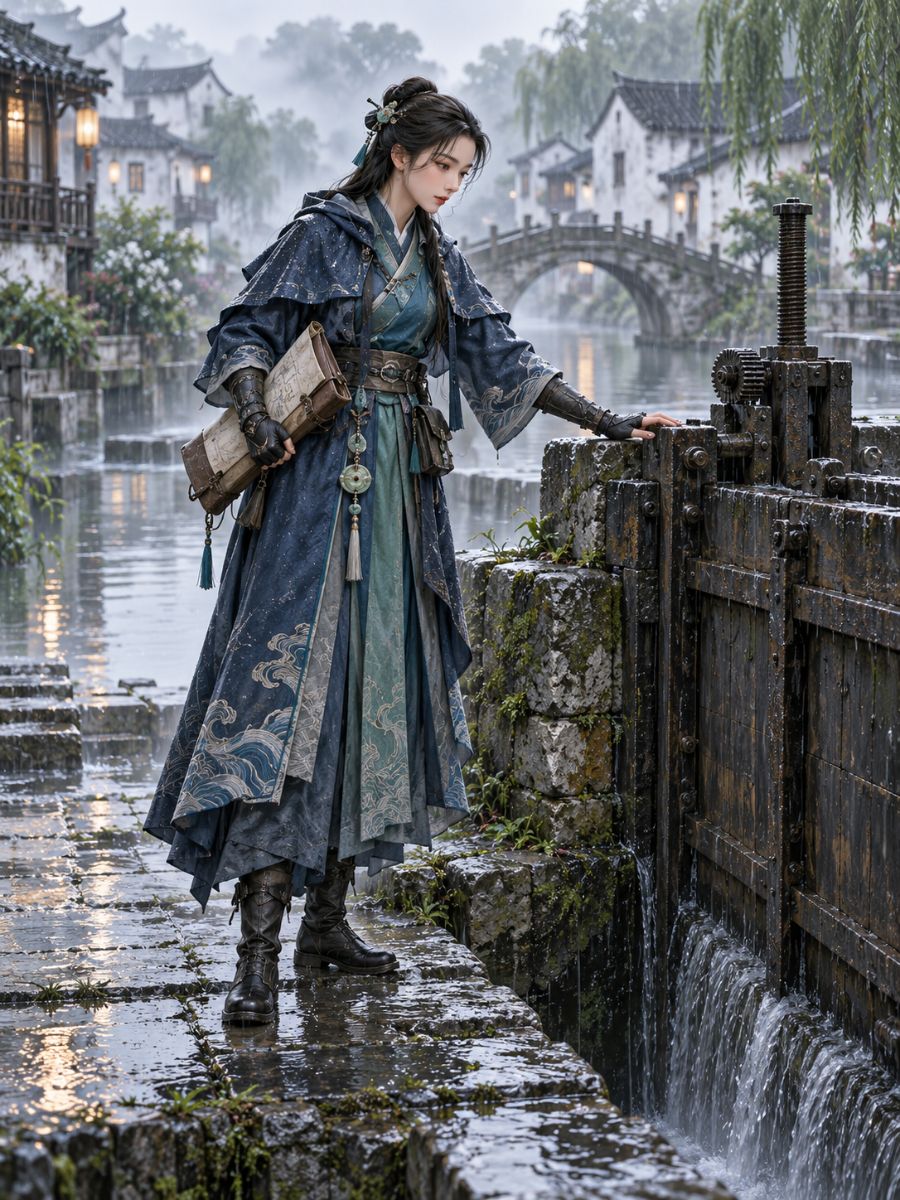
01Jiangnan Canal Conservator
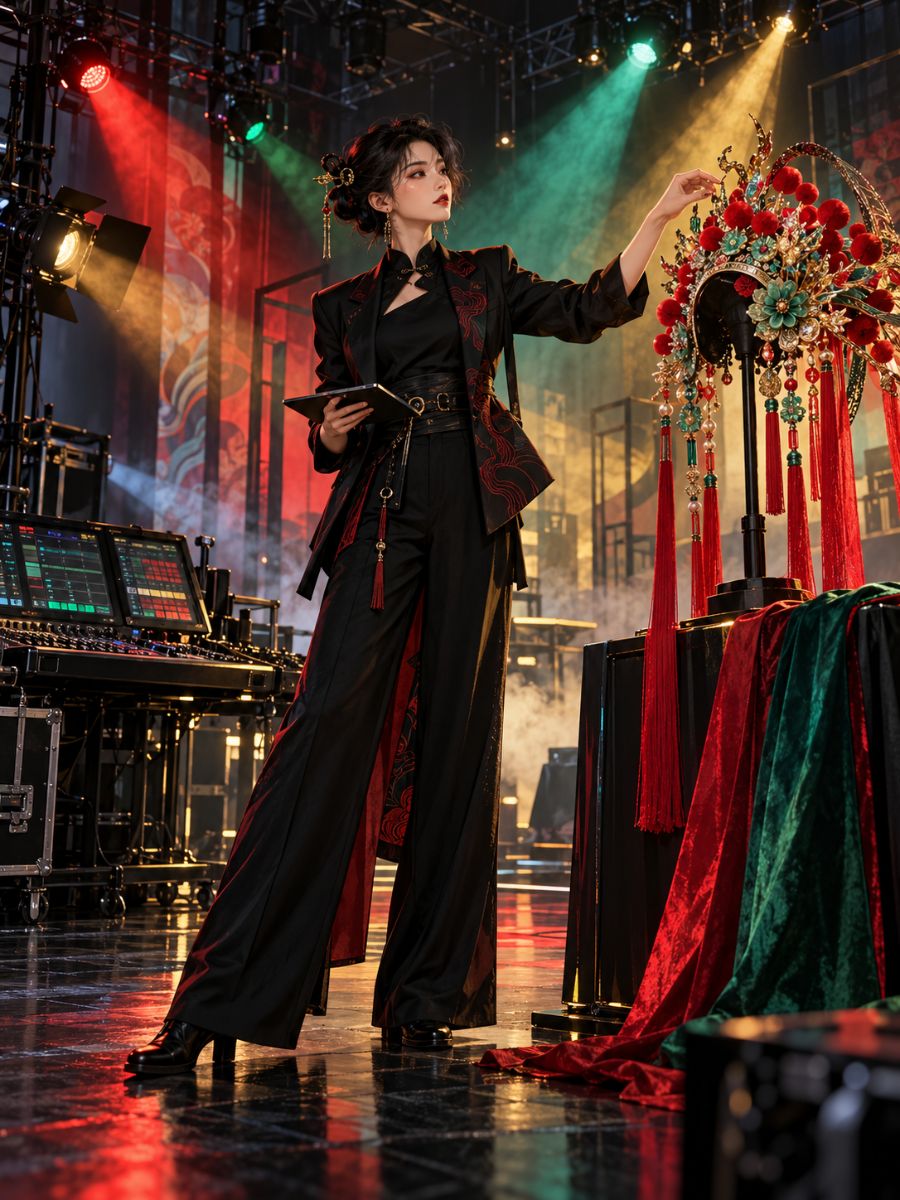
02Opera Lighting Designer
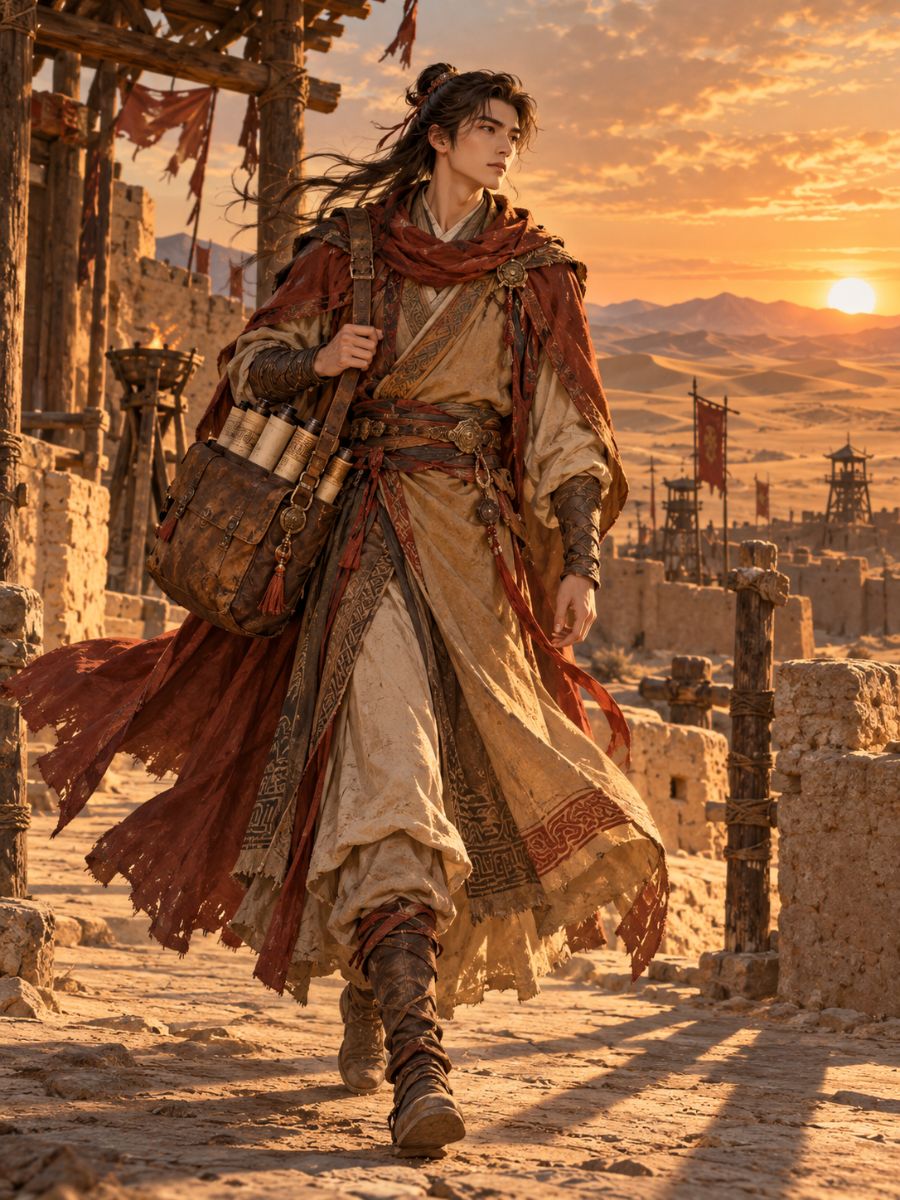
03Silk Road Archive Courier
Build a character image around a role, setting, and visual style you choose.
0104
Create modern, historical, wuxia, or fantasy-inspired characters. Describe the role, clothing, and setting to shape the image around your concept.
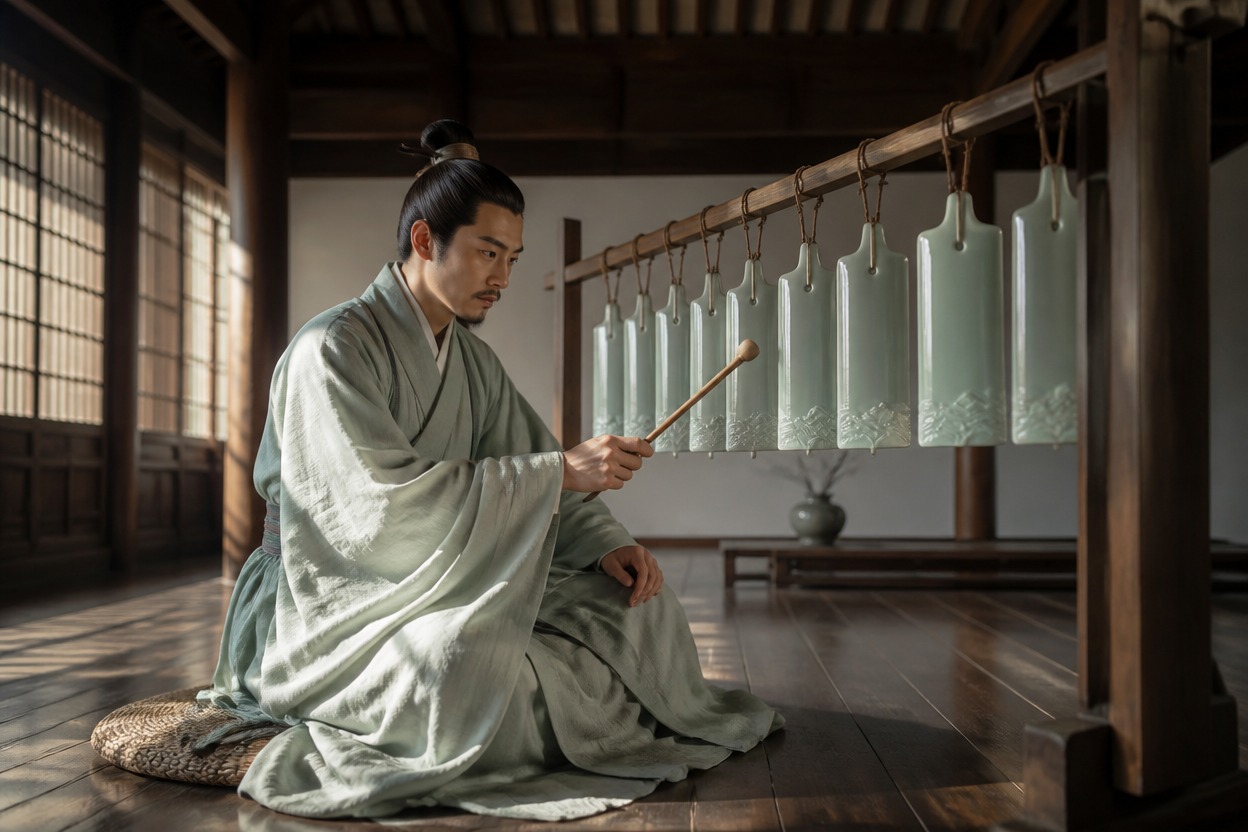
0204
Bring materials and patterns such as lacquer, porcelain, bamboo weaving, or kesi into an original design. An AI anime generator can help explore the concept as a portrait or full-body illustration.
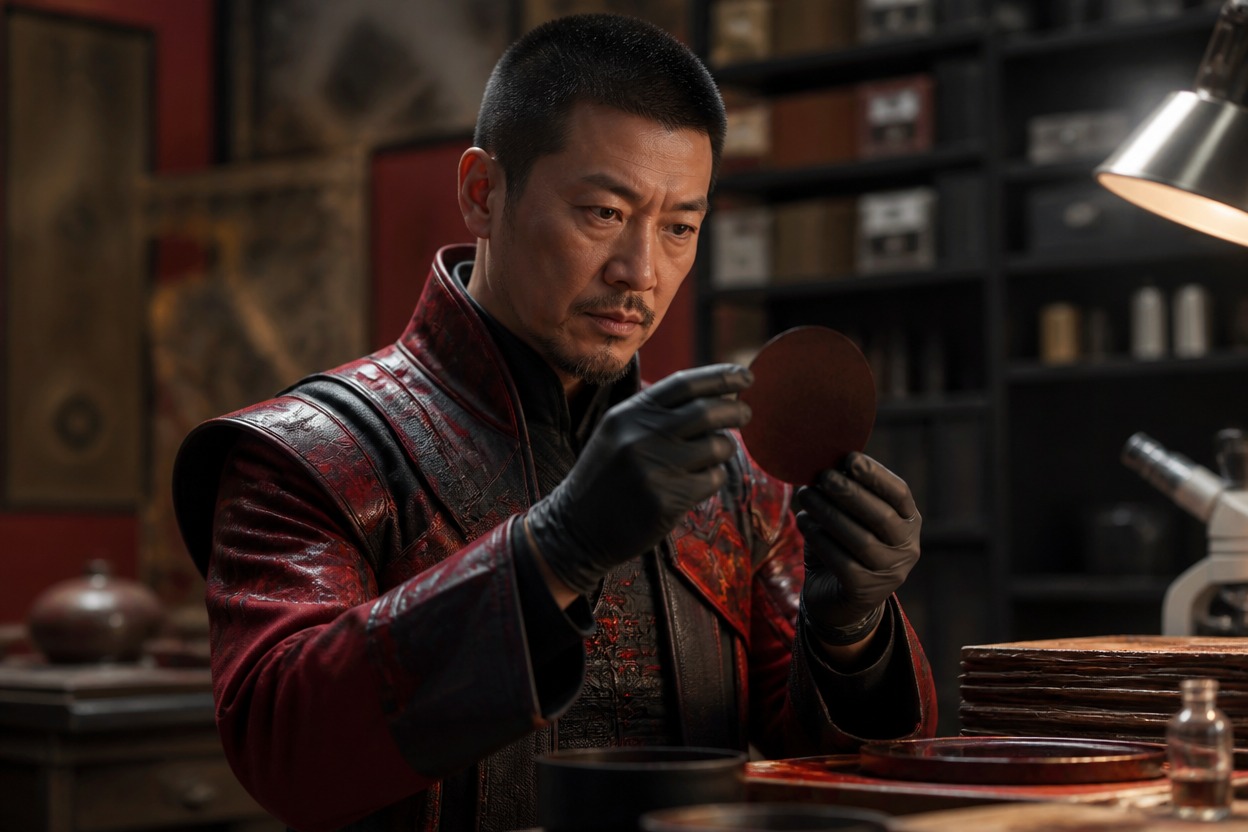
0304
Create a character in motion, set against a bridge, mountain path, courtyard, or other scene. Add details such as clothing, props, lighting, and camera framing to guide the result.
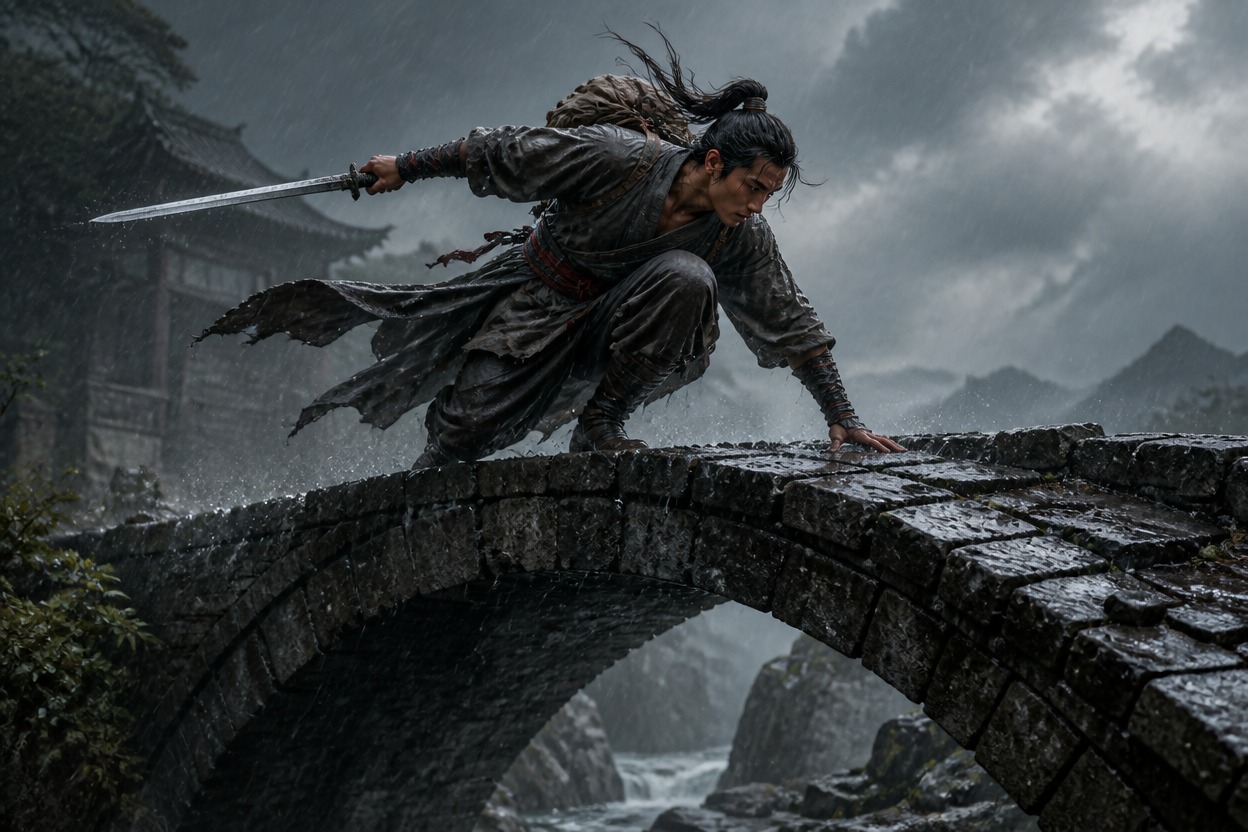
0404
Explore illustration, anime, cinematic fantasy, or contemporary editorial looks. The broader OC maker offers another way to develop original character concepts.
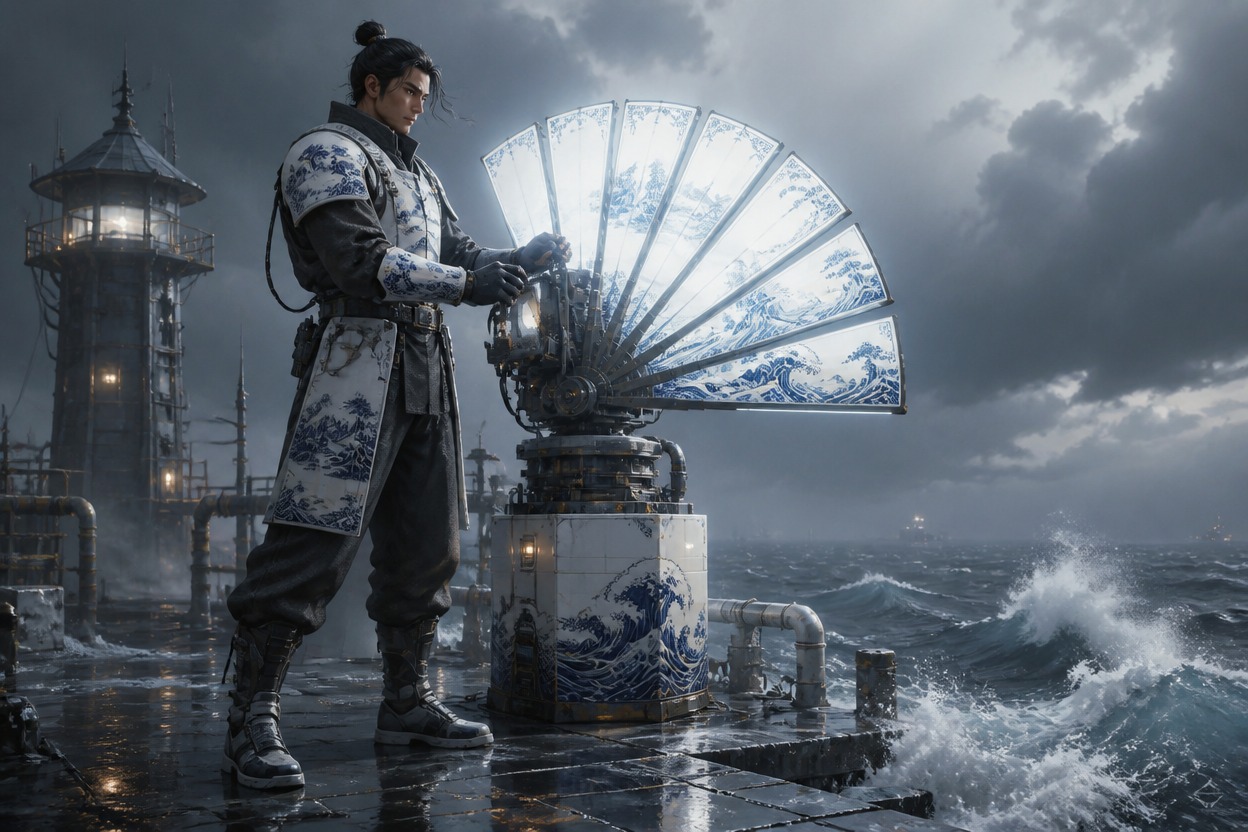
Explore different character concepts, framing options, and visual styles.
Create close-up, three-quarter, or full-body portraits for an original character.
Explore contemporary outfits, period-inspired silhouettes, or fictional designs.
Place a character in an action pose or an atmospheric fictional setting.
Choose a character idea, add a few visual details, and generate an image to explore.
Add a role, appearance, outfit, setting, and preferred art style.
Specify a portrait, full-body design, or story scene.
Review the image and refine details in another prompt if needed.
Common Questions
Quick answers about creating and refining Chinese OC images.
A Chinese OC maker helps you develop original Chinese characters and turn their descriptions into images. You can describe a character's appearance, background, clothing, personality, and setting to create a portrait, full-body design, or story scene.
You can create adult character portraits, full-body concept art, modern character designs, historical or fantasy-inspired looks, wuxia scenes, and environment-led illustrations. The result depends on the details and visual direction in your prompt.
Start with the character's age range, appearance, role, and personality. Then describe the setting, clothing, materials, colors, pose, lighting, and image style. Specific visual details usually give you more control than a broad phrase such as “Chinese-inspired.”
Choose a particular region, period, community, or profession, then connect it to visible design choices such as garment construction, fabric, accessories, architecture, landscape, and climate. Treat these details as references to research rather than interchangeable decoration.
Name the Chinese tradition or visual reference you intend to use, and describe the garment, accessories, setting, and motifs you want. If needed, say that you do not want unrelated clothing construction, symbols, or accessories from other cultures. Review the generated details for accidental mixtures.
Yes. Describe a present-day adult character, their city or regional setting, occupation, contemporary clothing, personal accessories, and the kind of portrait or camera style you want. A Chinese OC can be modern, everyday, professional, or futuristic without using historical clothing.
Yes. Describe the character's role, abilities, movement, clothing materials, and environment. For a more coherent design, specify whether the image is historical, fantasy-inspired, or an original fictional setting instead of combining unrelated periods and traditions.
Reuse a concise character sheet with stable details such as age range, face shape, hairstyle, eye color, clothing, accessories, and palette. Change only the pose, expression, setting, or camera angle when you want a new scene, and use the same reference image when the tool supports it.
State which details must stay the same—such as the character's face, hairstyle, outfit, colors, and accessories—then list only the changes you want, such as a different pose, background, expression, or lighting. Clear instructions help limit unintended redesigns.
Remove signs, scrolls, labels, screens, and text-bearing decorations from the prompt, or ask for blank surfaces and non-letter decorative patterns. Image generators can produce malformed characters, so inspect visible writing and remove or replace it before using the image.
Build an original adult character from traits such as face shape, hairstyle, expression, posture, occupation, and clothing. Avoid asking for a real person's likeness, and review the result to make sure it does not closely resemble a celebrity or historical figure.
Commercial use depends on the tool's current terms, the rights to any reference images or other input material, and applicable third-party rights. Check the current OCMaker AI terms and confirm that your intended use is permitted before publishing or selling the image.

Create a portrait, character design, or story scene from your idea.