
Pricing
Log In
Style*
Background
4tokens•~30s
Danganronpa OC Maker
Create original mystery school OCs, dramatic student roles, full-body outfit ideas, sprite-like poses, expressive portraits, and profile-ready concepts with OCMaker AI. Start with role, silhouette, palette, expression, pose, and reuse goal so the generated concept stays original, readable, and easier to refine.
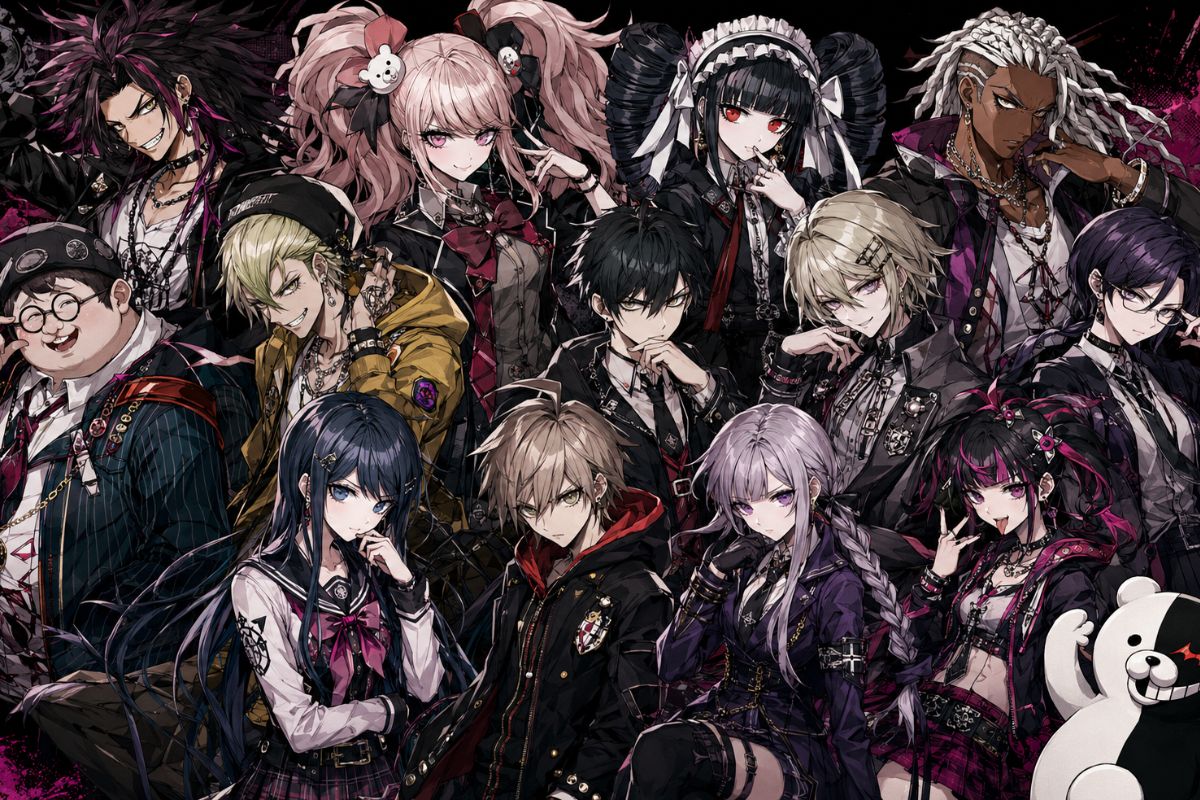
Danganronpa OC Maker Gallery Ideas
Preview three distinct directions for mystery school OC maker concepts before generating final art. Each example keeps the visual brief focused, original, and easy to review.
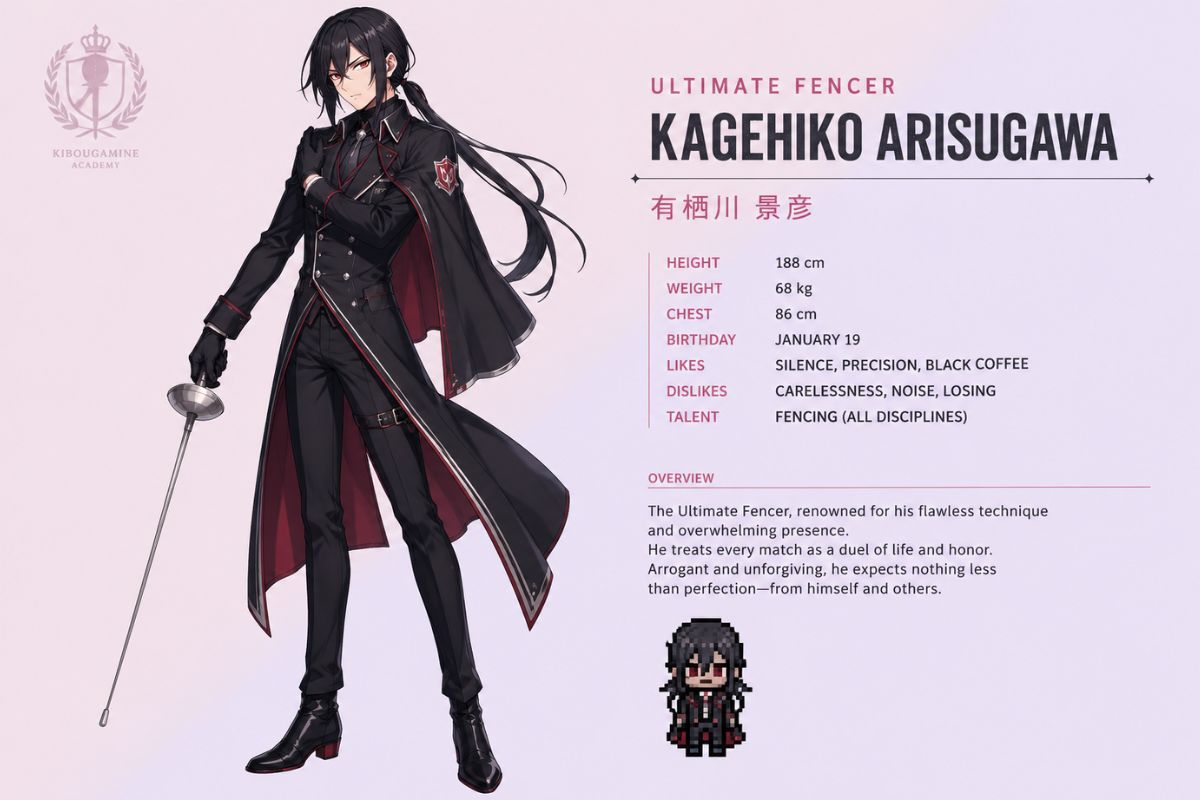
Ultimate Fencer Kagehiko Arisugawa
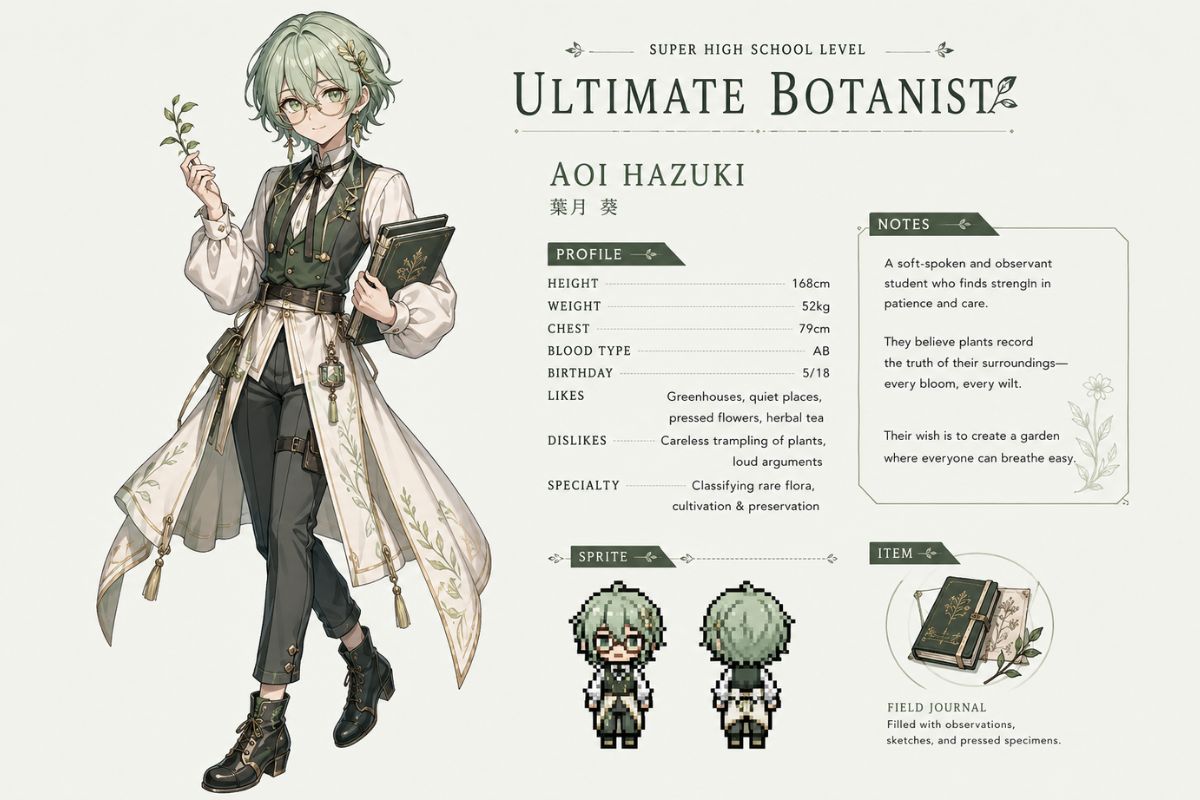
Ultimate Botanist Aoi Hazuki
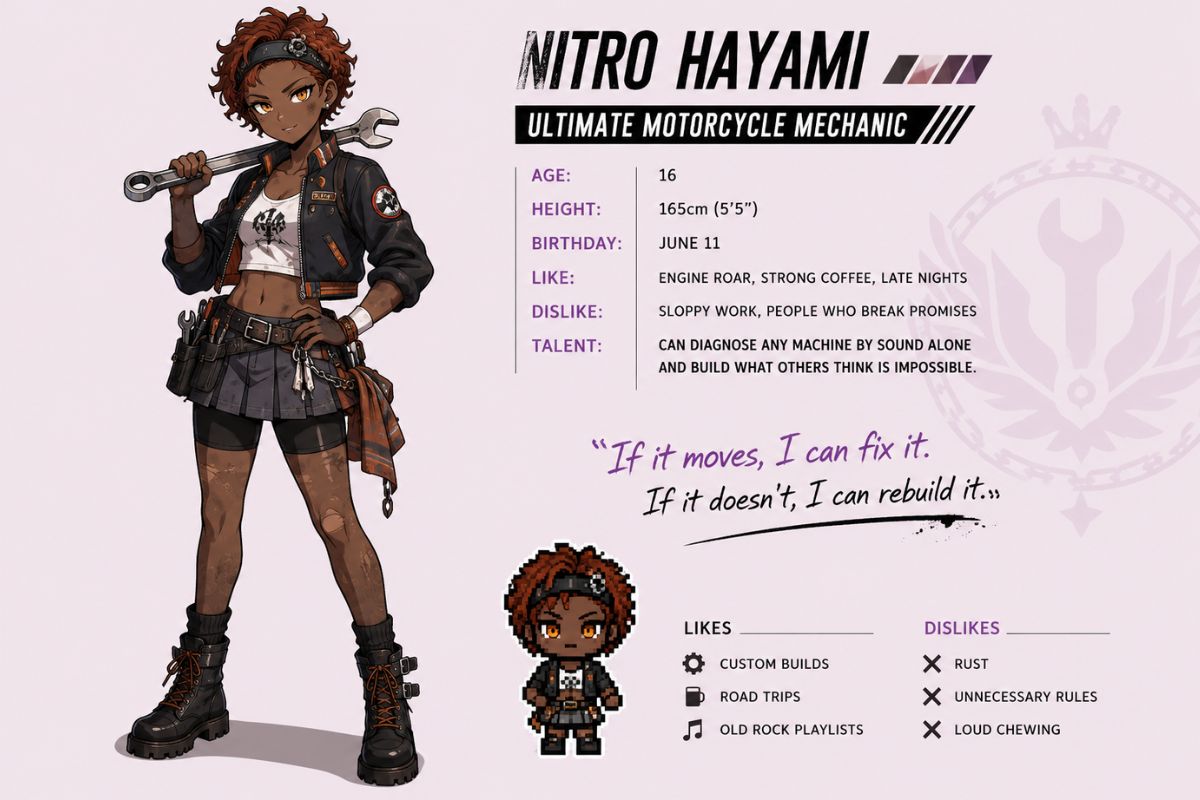
Ultimate Motorcycle Mechanic Nitro Hayami
Core Features for Danganronpa OC Maker
Ultimate Talent Brief
Define the talent as a visual system: tools, posture, outfit cues, confidence, and contradiction. OCMaker AI is strongest when the prompt explains how the talent should appear on the body, not just when it names a dramatic student archetype.
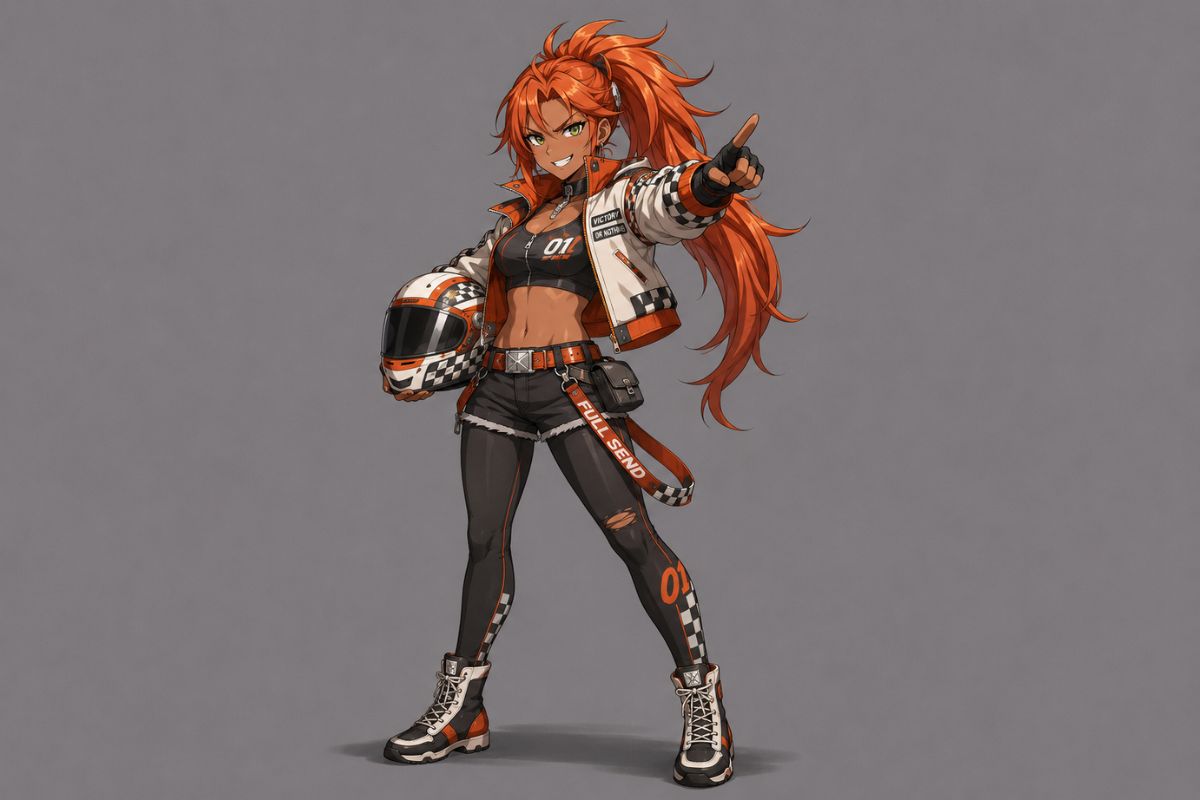
Full-Body Mystery Design
A full-body Danganronpa OC maker use case needs readable silhouette, symbolic props, and enough asymmetry to feel memorable. The weaker fit is a plain school portrait with no talent evidence, because it gives roleplayers little to build into bios or trial scenes.
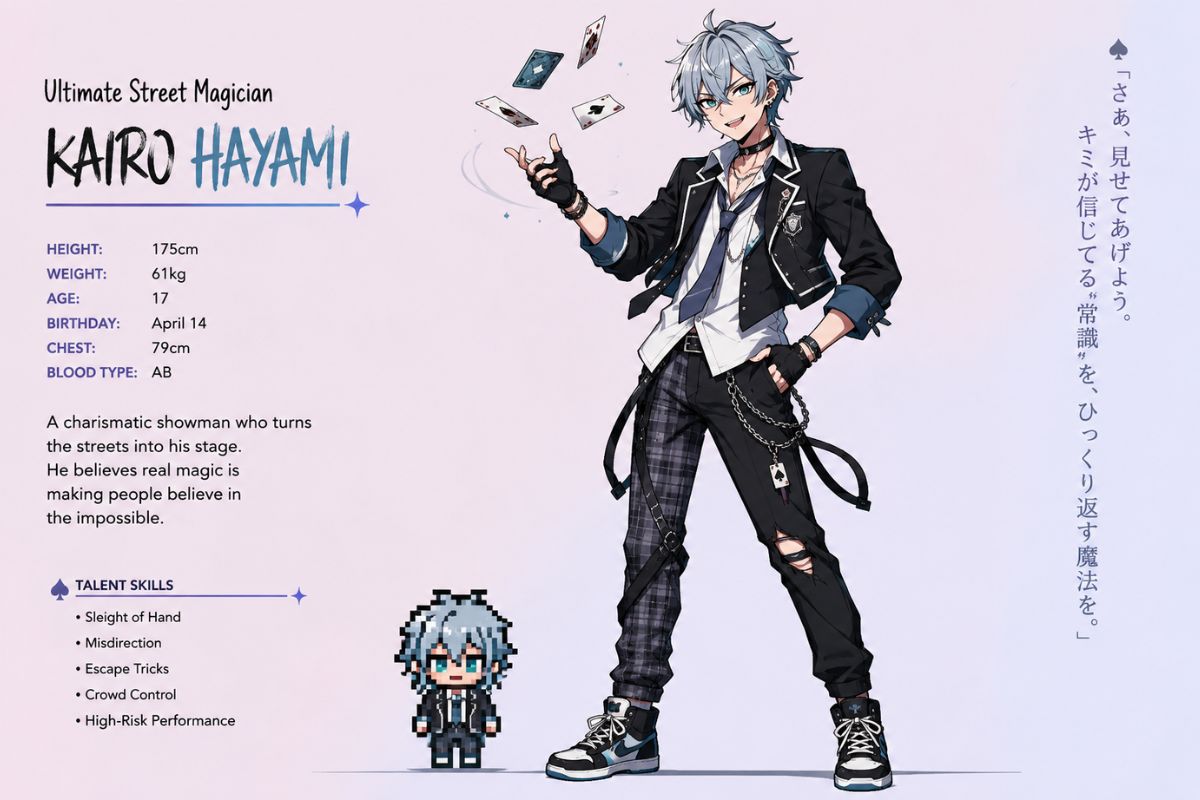
Sprite and Expression Testing
Use the showcase to compare a confident pose, nervous reaction, and dramatic accusation-ready angle. AI anime generator styling can help with portrait polish, but the sprite logic should keep hands, eyes, and shoulders readable.
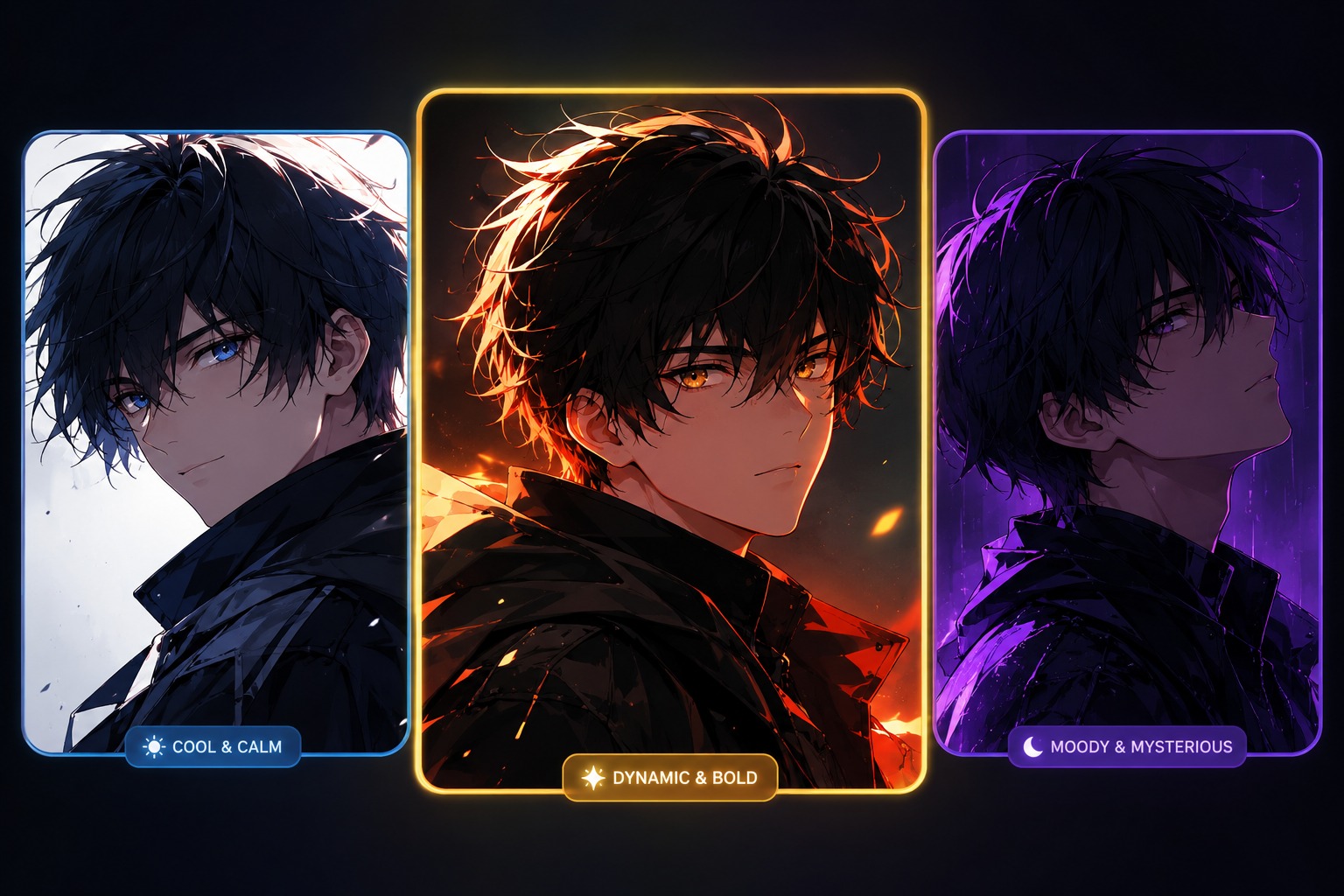
Originality and Profile Review
Before publishing, check whether the OC can stand without canon references: unique talent angle, distinct color palette, original accessories, and a profile hook. If the image only resembles an existing student, revise the brief around personality conflict or talent symbolism.
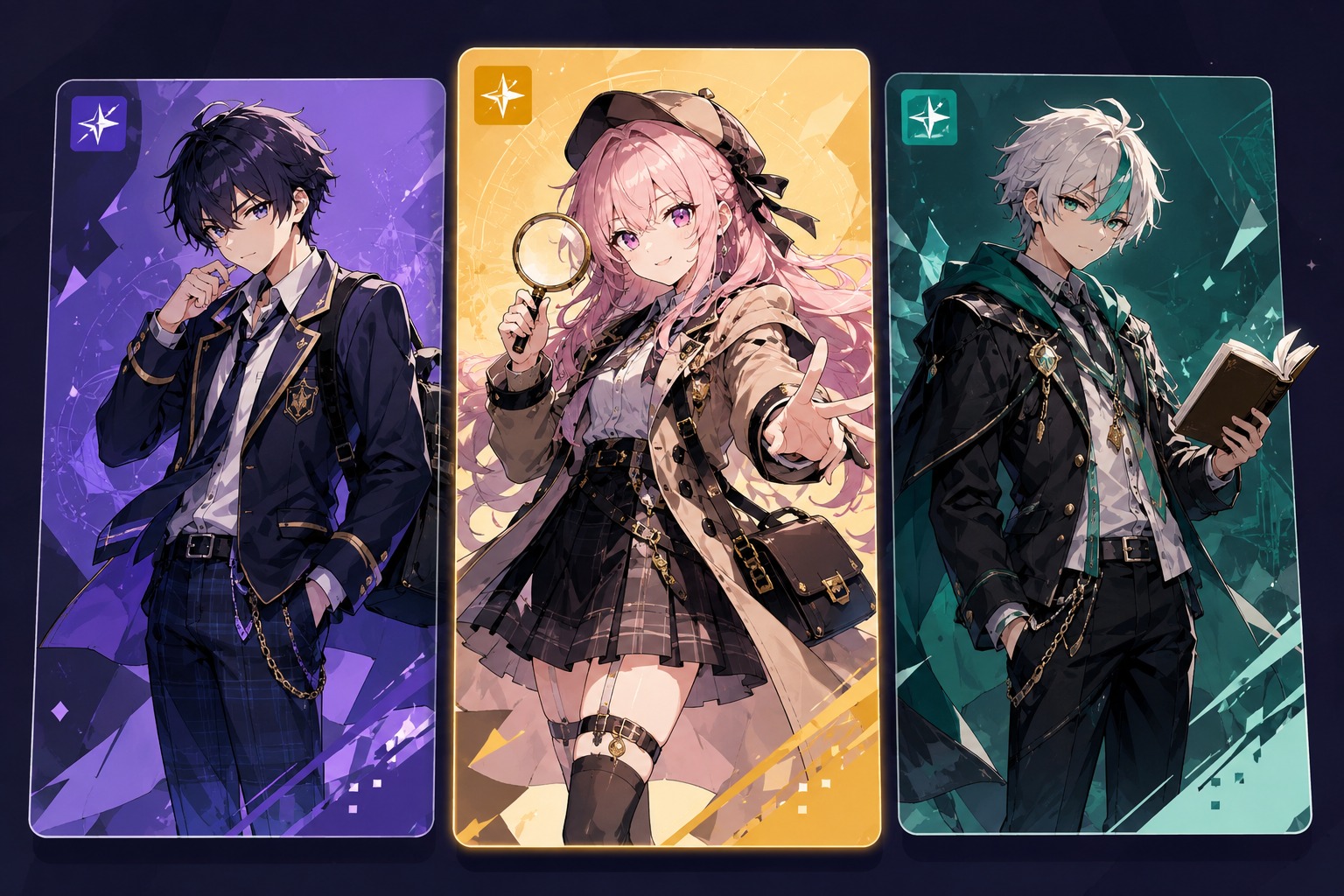
Practical feature benefits that help each character stay original, readable, and easier to reuse
Danganronpa OC Maker Features for Better OC Results
Clear Character Direction
Define the Danganronpa OC role, species or character type before adding accessories, so the output feels like a usable OC concept instead of a loose costume idea. A clearer brief also makes later avatar crops, profile text, and redesign passes easier to judge.
Readable Silhouette for Avatars
Keep the main shape readable at thumbnail size by choosing one strong pose, one recognizable body outline, and a few signature traits. This helps the character hold up as a profile image, gallery preview, sticker, or OC reference without losing identity.
Memorable Color and Detail Choices
Use a focused palette with a small set of markings, props, or outfit details that support the character concept. Too many tiny elements can make AI outputs noisy, while a controlled visual hook makes the OC easier to remember and refine.
Originality-Safe Design Guidance
Avoid official logos, copied outfits, protected symbols, and named-character likenesses when shaping the prompt. Safer original details make the result more useful for personal profiles, fan communities, storytelling drafts, and publishable OC showcases.
Cleaner Details Before Publishing
Review hands, paws, wings, faces, props, and small accessories before using the result publicly. These are common AI error areas, and a quick detail check helps prevent awkward anatomy, confusing markings, or flaws that weaken an OC sheet or avatar.
Reusable Concept Drafts
Treat each output as a strong concept draft that can guide names, bios, poses, and future image variations. For exact multi-image consistency or final production assets, keep the best design notes and rerun with tighter references instead of relying on one image.
How to Use the Danganronpa OC Maker in 3 Steps
A simple workflow that helps you build a clearer original character with fewer messy retries.
01
Define the Brief
Start with the basics: gender, role, talent, personality, mood, pose, and how you want the character to be used. A clearer brief makes the first result easier to control.
02
Generate Variations
Create several versions by changing the palette, outfit, hairstyle, expression, prop, pose, and one story hook. This helps you explore different OC directions before choosing one.
03
Review and Refine
Check whether the design feels original, readable, and reusable. Refine anatomy, silhouette, small details, outfit logic, and avoid copied canon looks or official symbols.
Frequently Asked Questions