Digimon OC Maker

Digital Monster OC Ideas

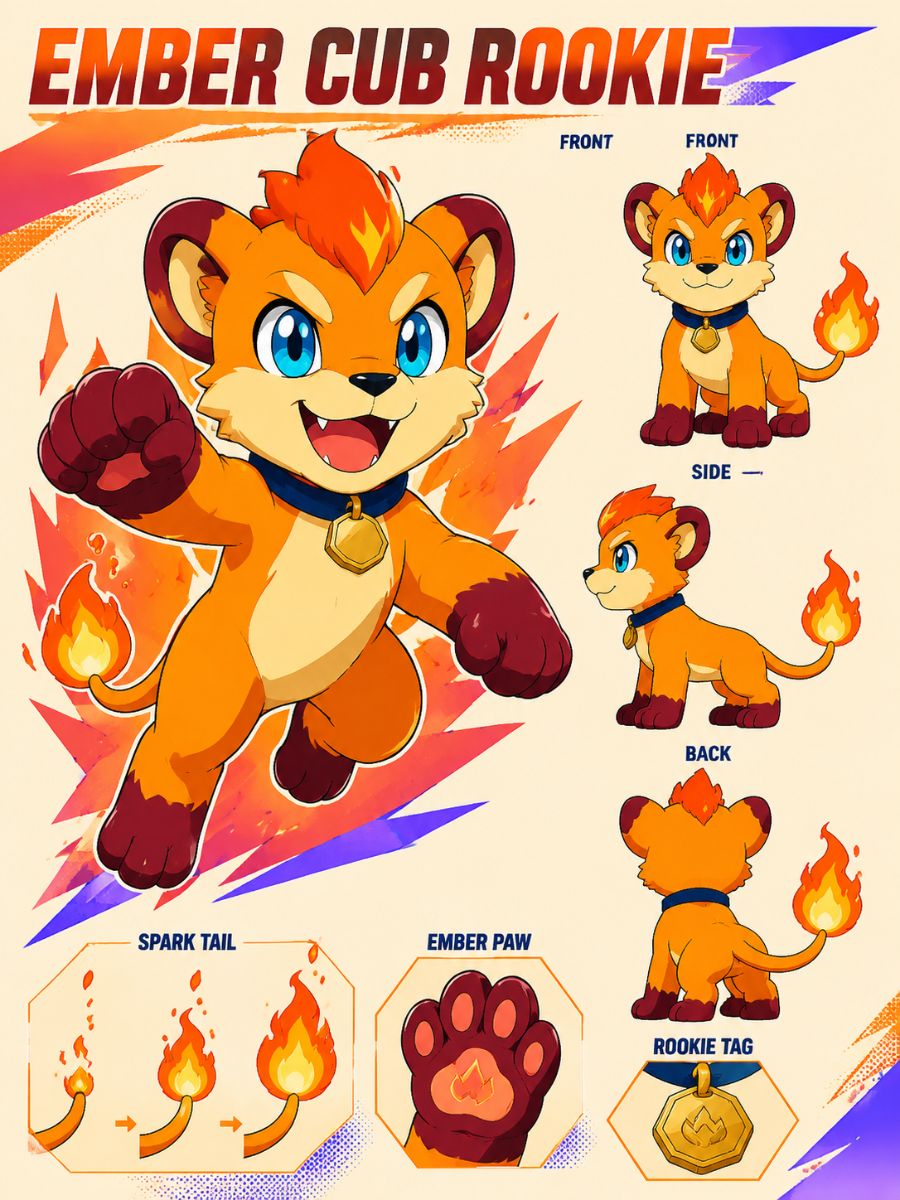
Ember Cub Rookie

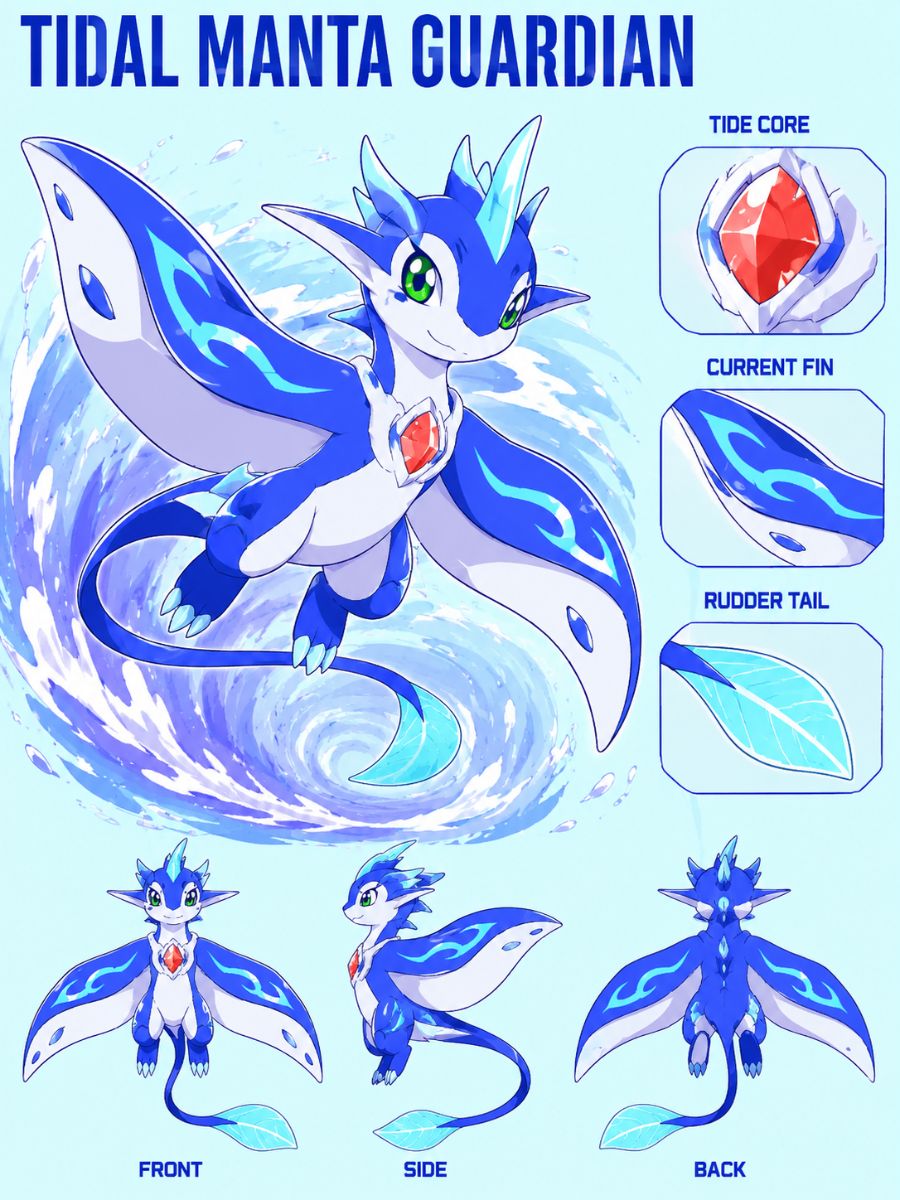
Tidal Manta Guardian

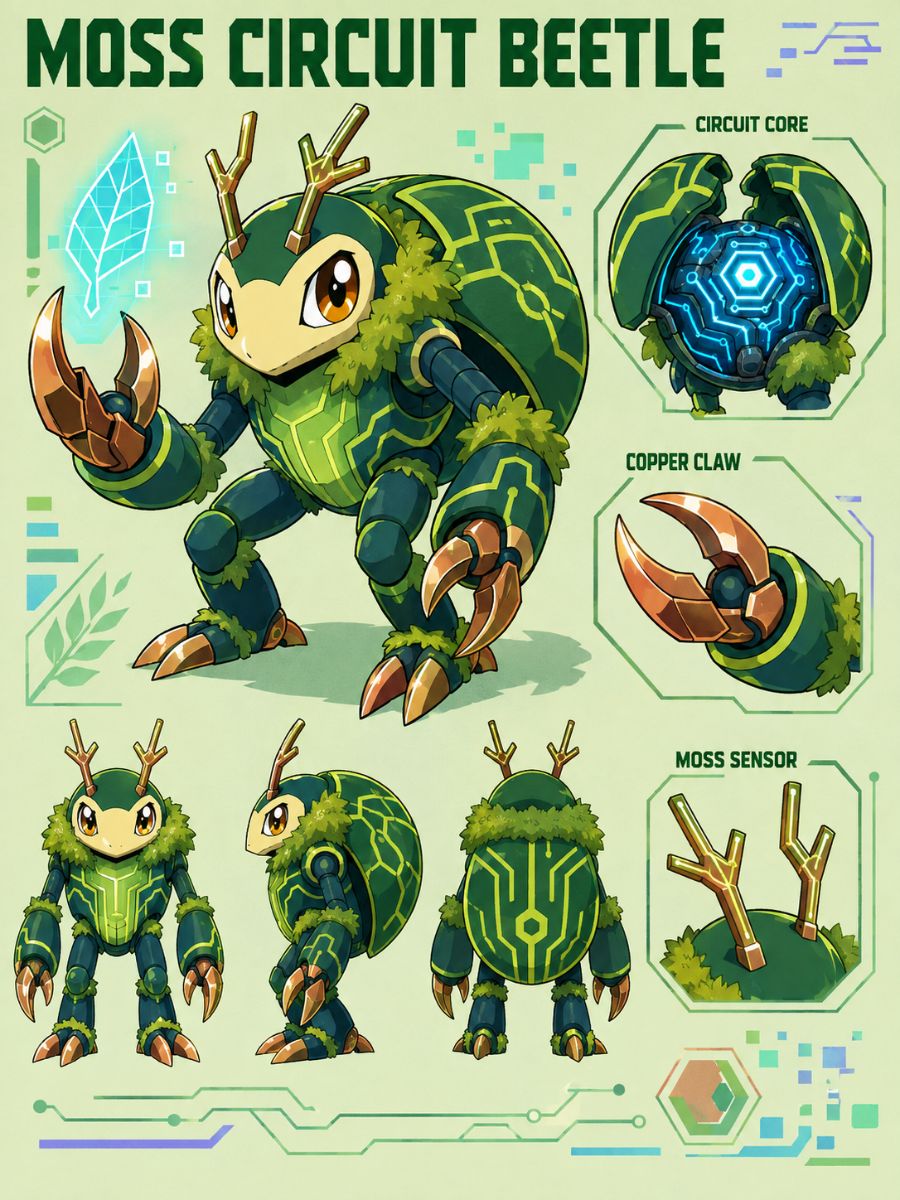
Moss Circuit Beetle
Build a Complete Digital Monster Identity
Generate a Memorable Rookie Form
Turn a creature idea, habitat, and elemental theme into a readable first-stage design with clear eyes, compact proportions, one signature marking, and a recognizable color pattern. The OC maker helps produce profile-ready art that leaves enough visual room for later forms to grow more complex.

Connect the Evolution Line
Create later forms that inherit visible anchors from the rookie, such as ear shape, chest symbol, tail structure, wing pattern, or core palette. Increase scale, armor, and attack effects gradually so the line feels related rather than like four unrelated monsters placed under the same name.

Visualize Signature Attack Effects
Give the OC one attack effect that grows directly from its anatomy and element: ember breath from furnace-like markings, sonar rings from manta fins, or luminous spores from forest armor. Generate a clean action pose, then check that the effect remains readable without hiding the face, limbs, or defining silhouette.

Create Partner-Ready Character Art
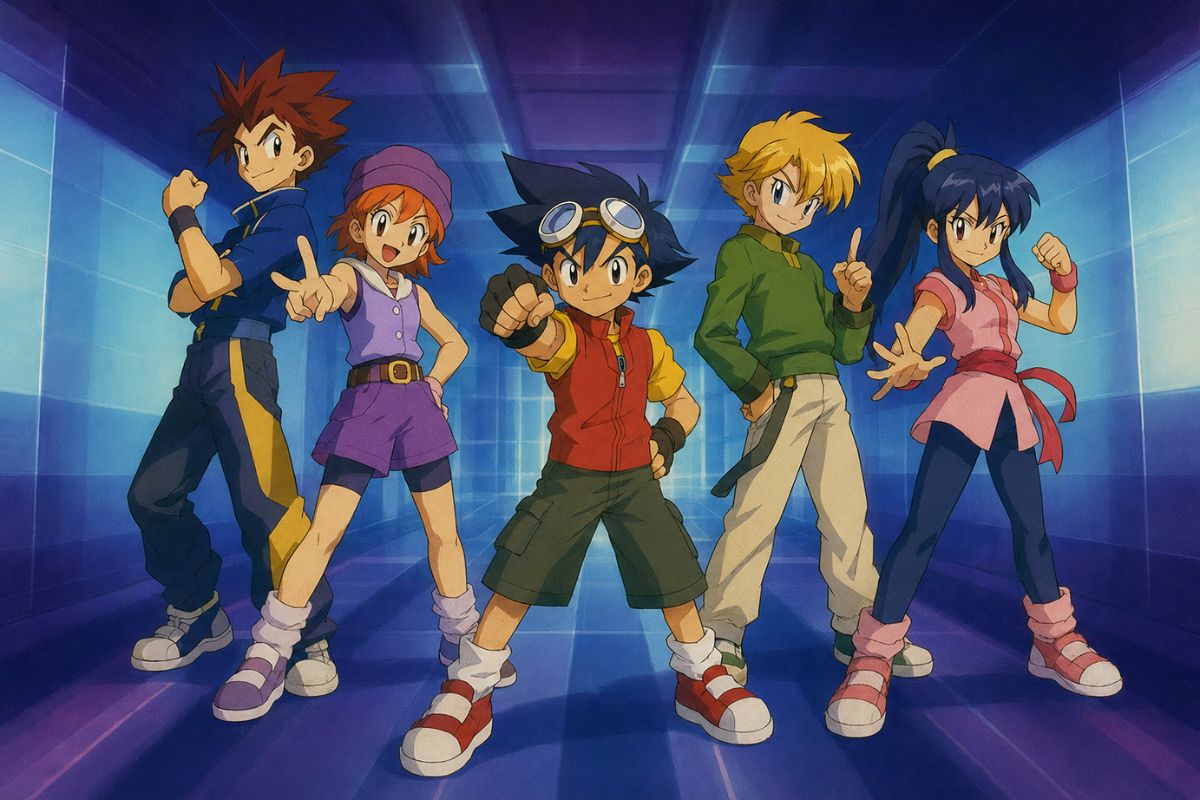
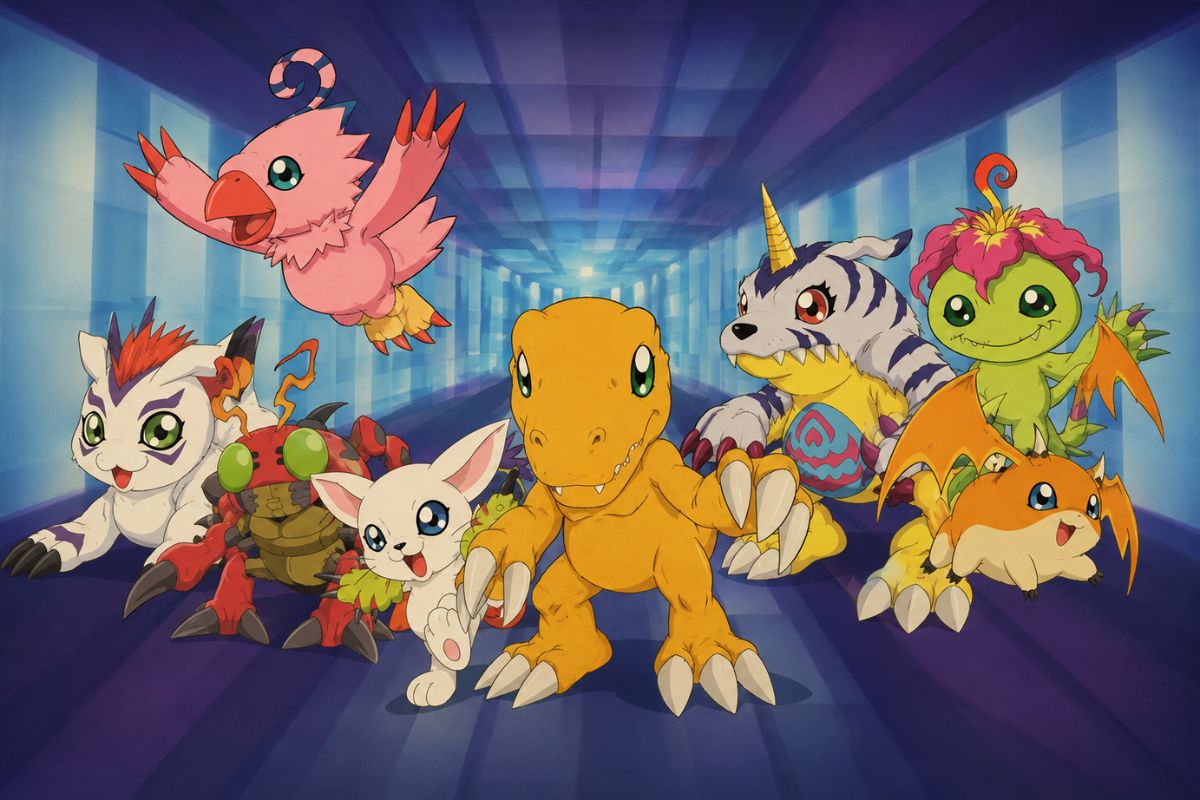
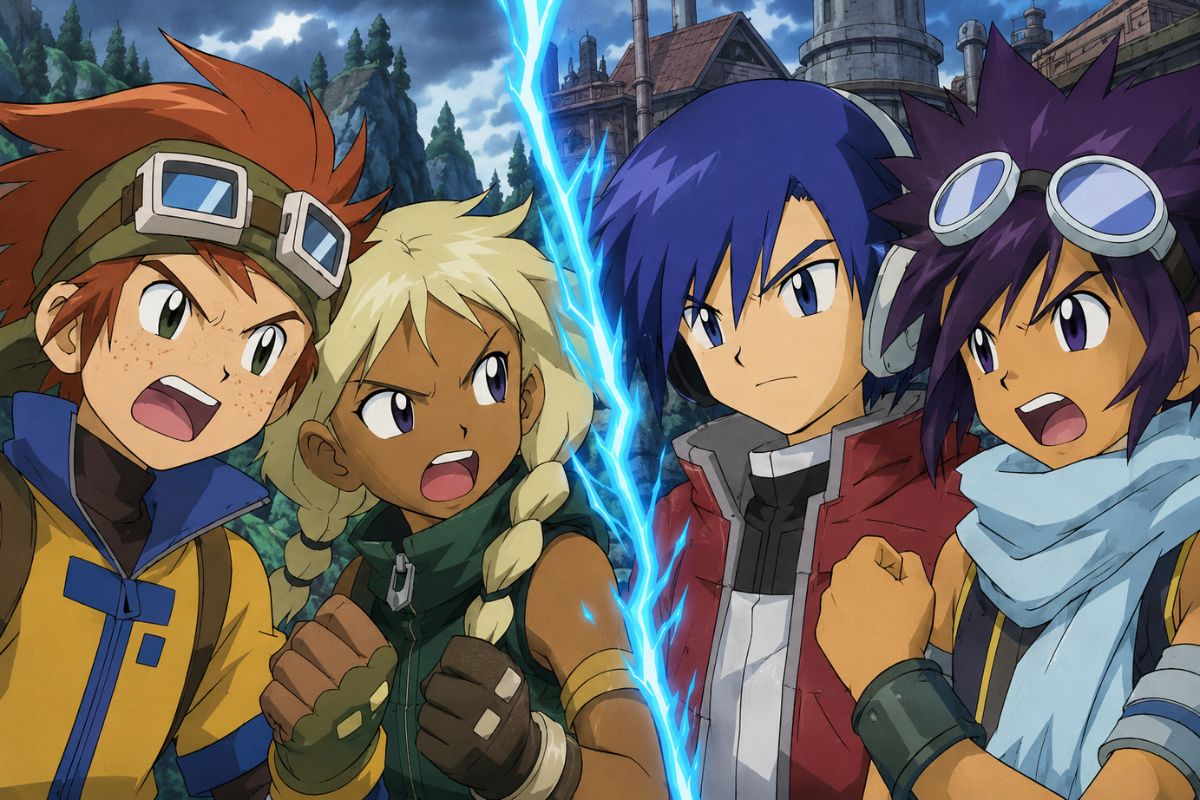
Generate expressive portraits, full-body references, and habitat scenes that show how the creature behaves beside a human partner without copying a known character pair. Continue a chosen design with the AI anime generator, then compare markings, anatomy, and scale before reusing it in stories.

How to Make a Digimon OC in Three Steps
Choose Species and Element
Define the creature’s animal, plant, machine, or hybrid base, then add its habitat, temperament, element, and story role.
Describe Traits and Attack
Add body proportions, markings, palette, horns, wings, armor, expression, signature move, and one evolution anchor.
Generate and Compare Forms
Create several versions, keep the clearest silhouette, then refine anatomy, repeated traits, attack readability, and later stages.