
Pricing
Log In
Style*
Background
4tokens•~30s
ENA OC Maker
Create ENA-inspired OC ideas by planning split visual logic, emotional contrast, surreal shapes, abstract accessories, and originality checks before refining the character.
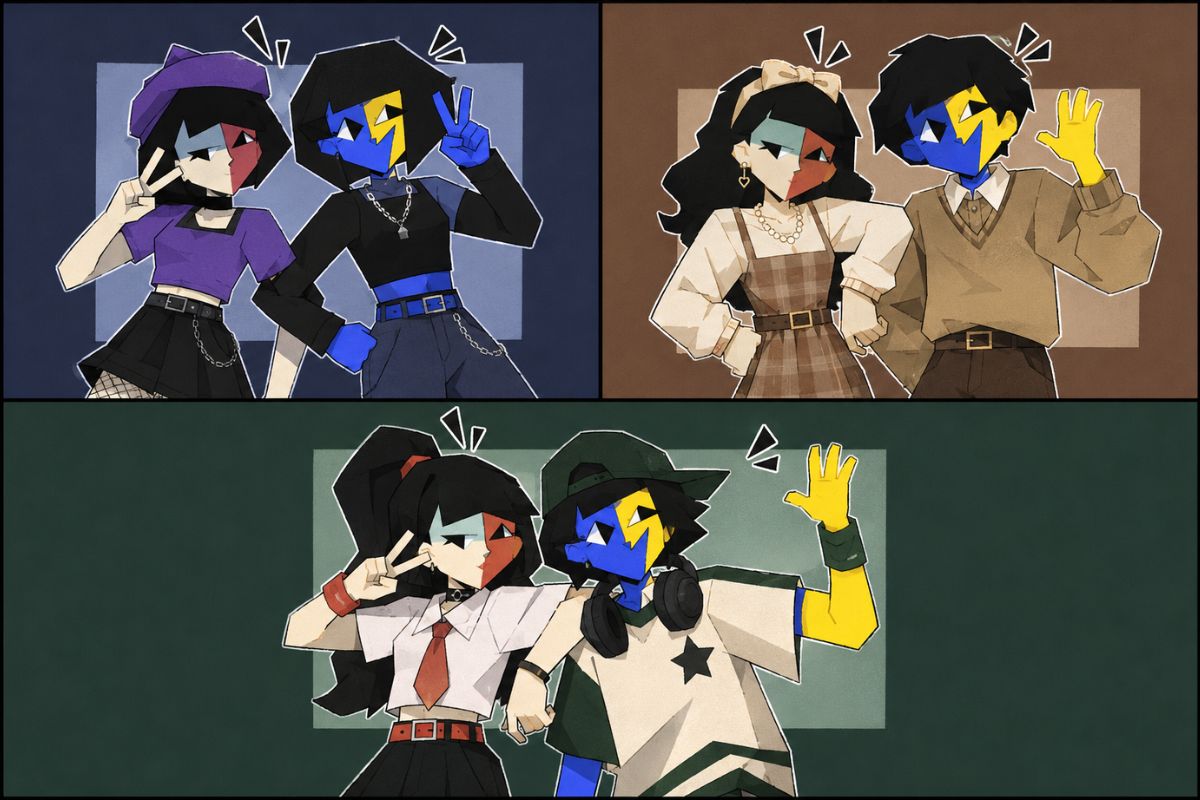
Surreal ENA OC Concept Directions
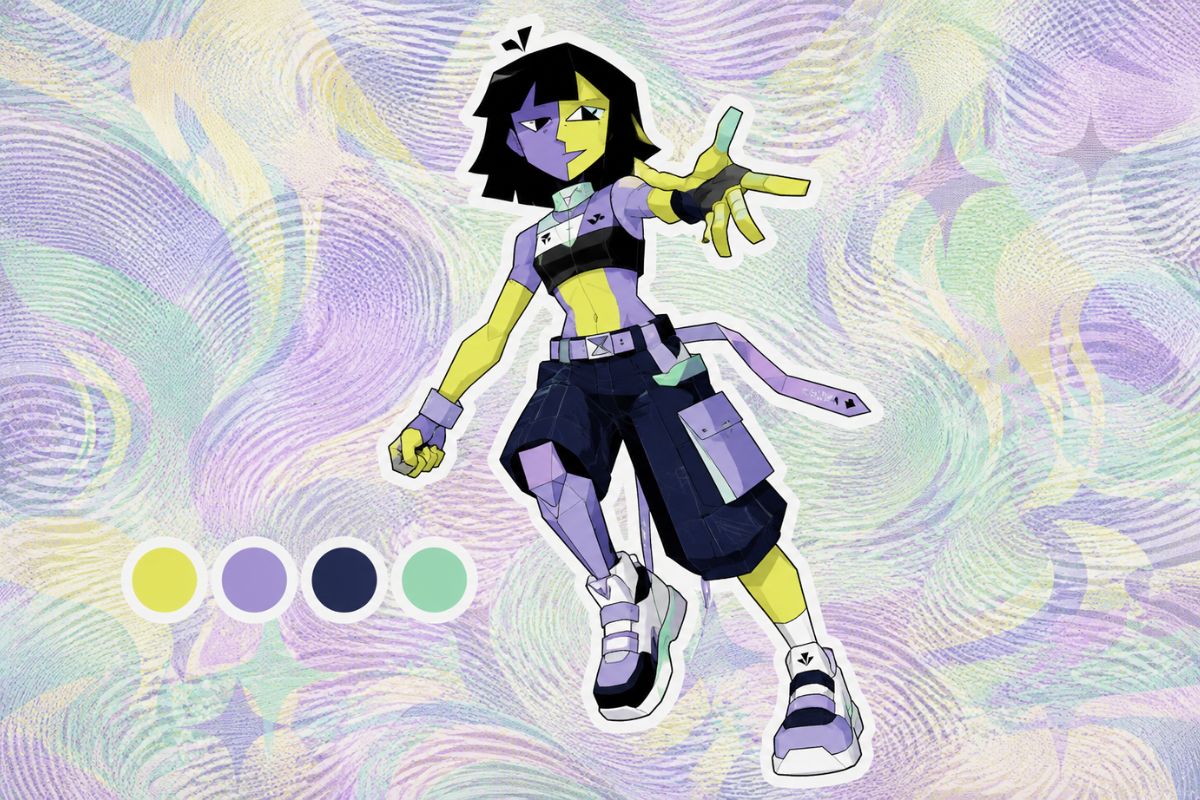
ENA OC Character Design
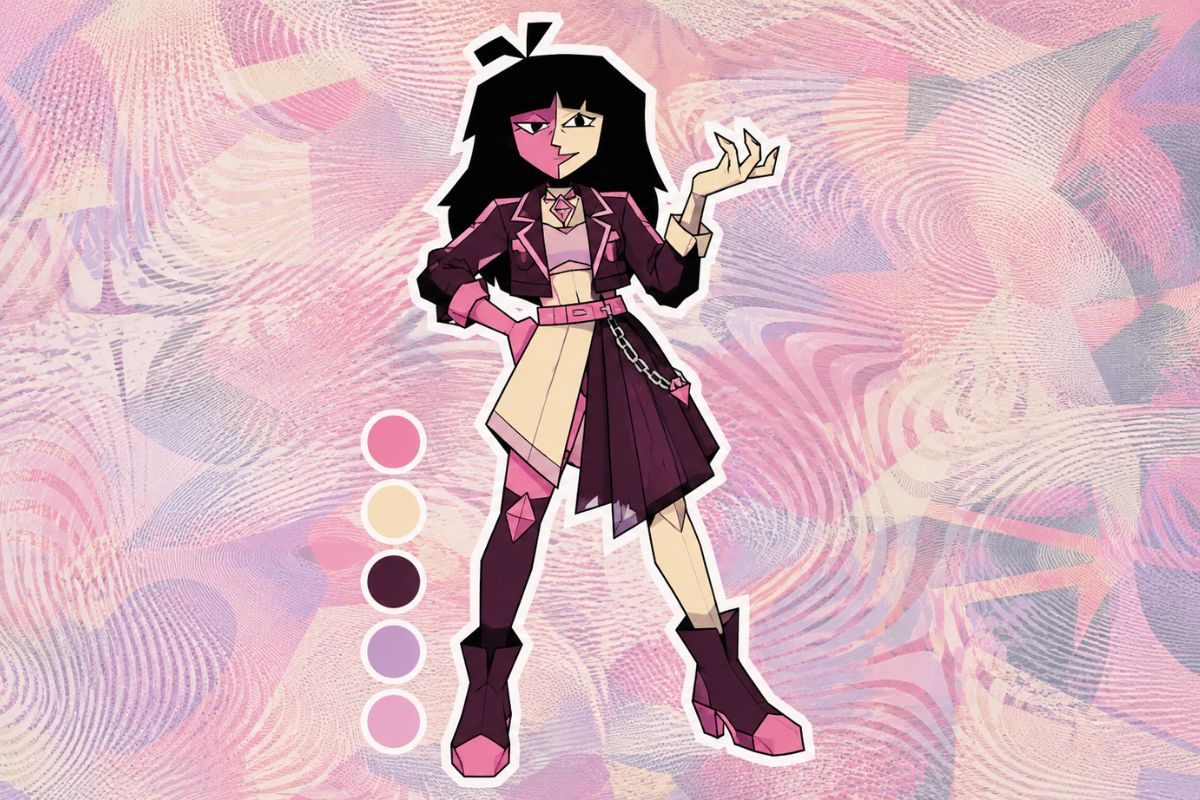
ENA OC Girl
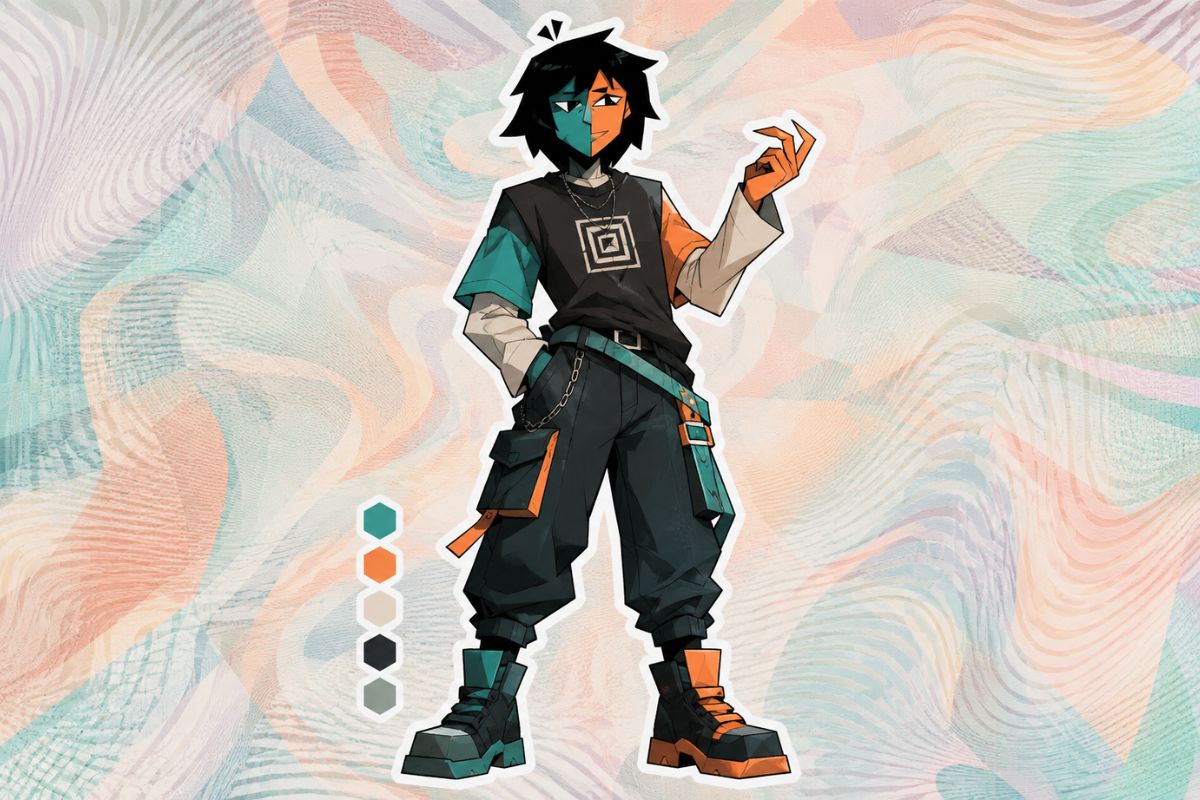
ENA OC Boy
From Emotional Split to Surreal OC Profile
Duality Concept
Start with the character’s internal split: polite versus panicked, joyful versus blank, helpful versus glitchy, or performer versus observer. OCMaker AI can then translate that emotional contrast into palette, pose, and shape language.
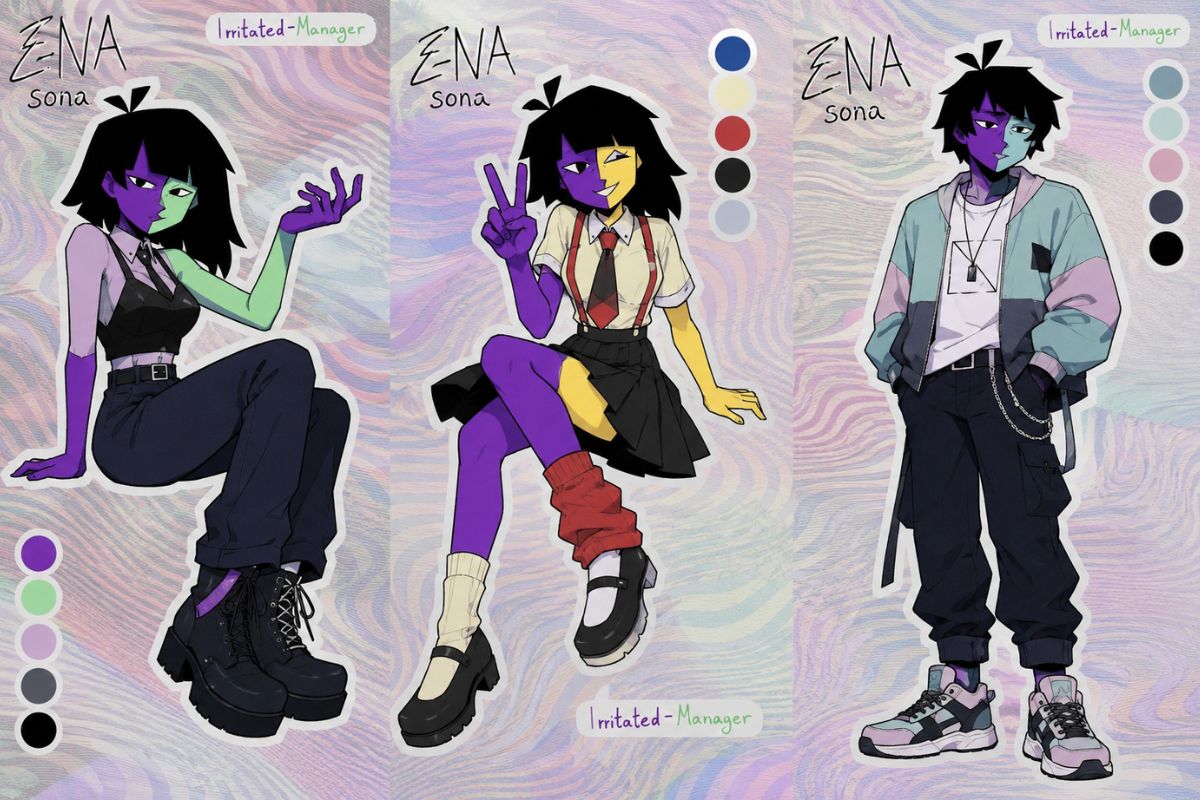
Color and Geometry System
Use split colors, asymmetry, blocky forms, mask-like faces, or floating pieces as a visual system rather than random weirdness. ENA OC ideas become stronger when the viewer can infer emotional rules from shape and palette decisions instead of seeing disconnected abstract decoration.
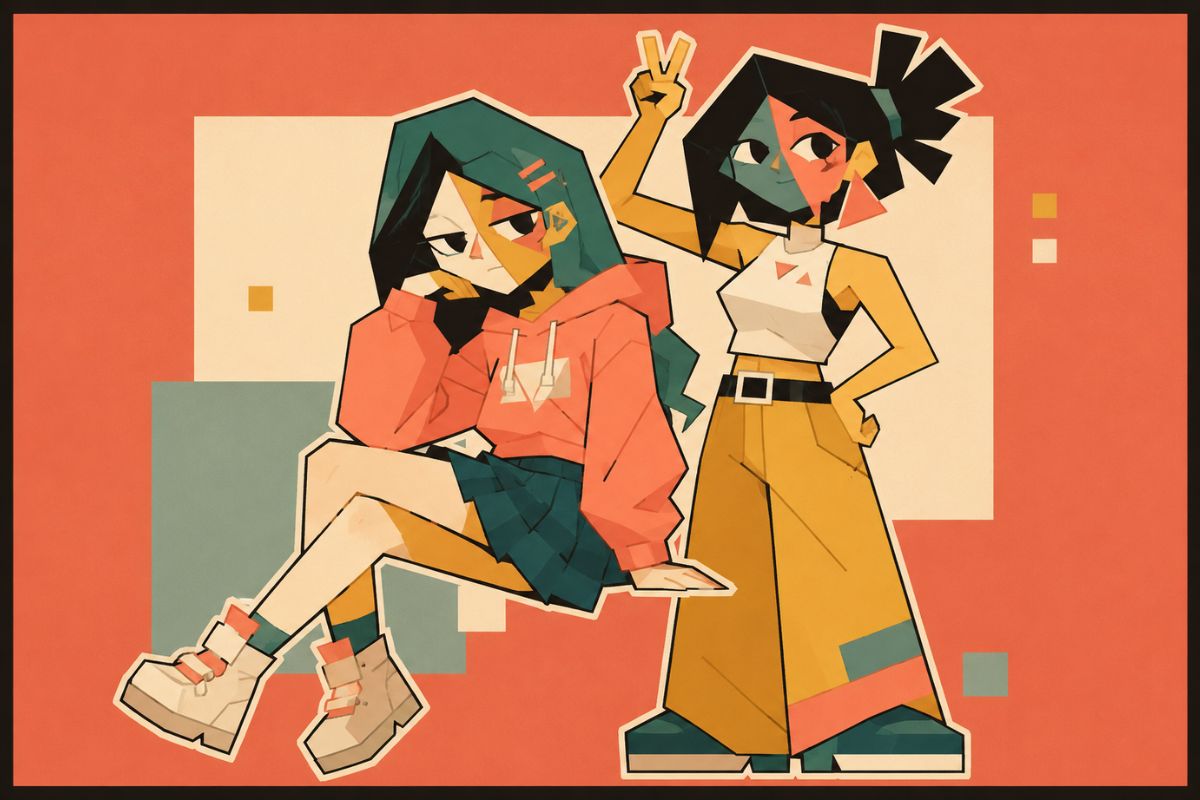
Symbolic Prop Layer
Add one or two symbolic props such as a clock, ticket, mask, ribbon, key, or abstract tool. Too many surreal objects create noise, while a restrained symbol gives the OC a memory hook and helps the profile feel intentional, readable, and easier to reuse in bios or reference sheets.
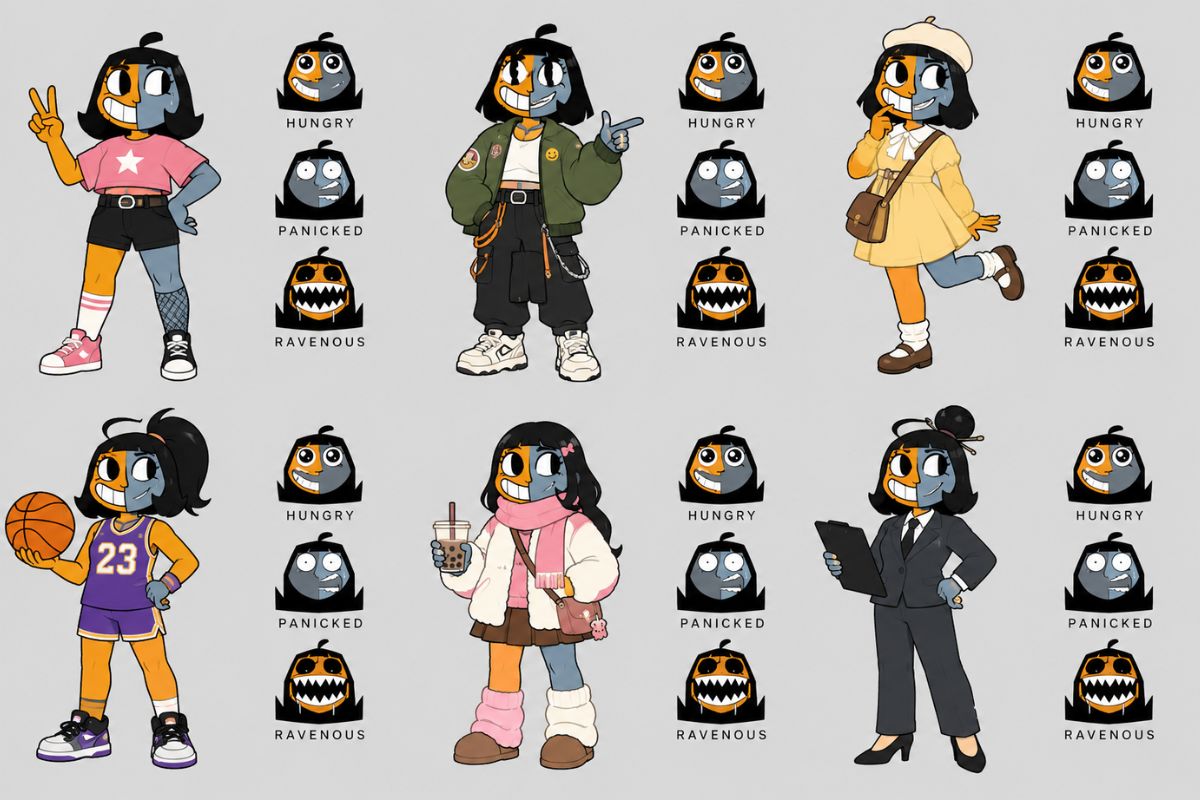
Canon-Safe Surreal Review
Before publishing, compare the design against originality and readability. If the OC depends on exact protected colors, face shapes, or named-character traits, change the emotional rule, palette layout, and accessory symbolism until it stands apart as a separate surreal character.
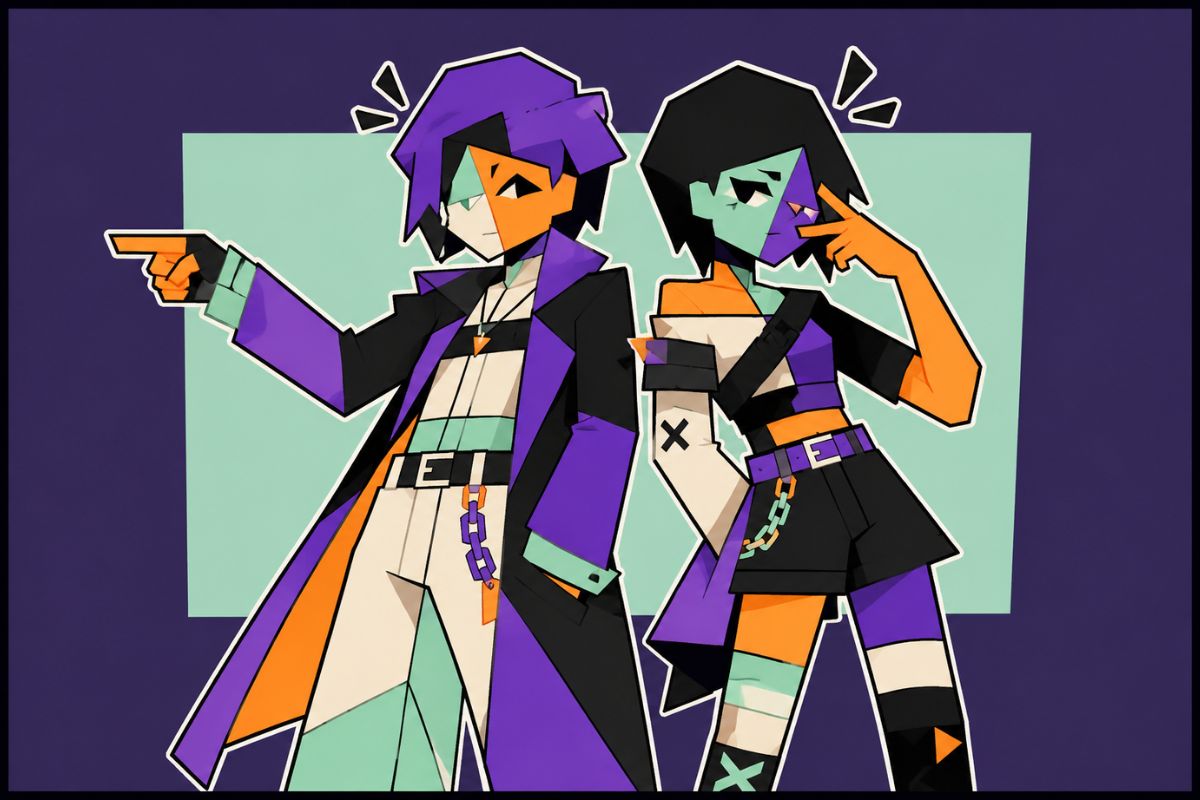
Build the OC through split logic, emotional contrast, geometry, symbolic props, and original abstraction.
Surreal Identity Features for ENA OCs
Split Palette With Meaning
Use two or more color zones to represent emotional states, social masks, or conflicting impulses. ENA OCs feel stronger when the color split has a reason instead of acting as random decoration.
Emotion Contrast Drives the Character
Decide how the OC shifts between cheerful, anxious, polite, glitchy, empty, theatrical, or overwhelmed states. The design should make those emotional contrasts visible through face shape, posture, palette, and accessory choices.
Geometry Replaces Normal Anatomy
Use blocky limbs, asymmetrical silhouettes, mask-like faces, floating shapes, or impossible proportions with intention. Surreal character design works best when the viewer can still read the character’s mood and role through the abstraction.
Accessories Act Like Symbols
Choose props that behave like metaphors: broken tickets, floating clocks, masks, icons, keys, ribbons, or abstract tools. Strong ENA OC ideas use accessories to hint at memory, identity, routine, performance, or emotional conflict.
Originality Beats Direct Imitation
Avoid copying exact faces, palettes, symbols, or named-character traits. Use the search intent as a surreal design prompt, then create a separate OC with its own emotional rule, visual rhythm, and profile hook.
Profile Logic Keeps It Usable
Even surreal OCs need a readable profile: name idea, mood shift, social role, weakness, repeated symbol, and how they react under stress. This prevents the design from becoming only an abstract picture with no character use.
How to Use ENA OC Maker
A focused workflow based on this page intent
01
Define the Real Output
Choose whether the result should work as a portrait, panel concept, quote draft, surreal OC profile, avatar, or story reference before adding decoration.
02
Add Theme-Owned Details
Include details that only matter for this topic, such as portrait anchors, panel beats, character voice, relationship tension, split palette, or symbolic props.
03
Review for Reuse
Check the result for small AI errors, readability, originality, crop safety, and whether it can support the intended profile, panel, quote post, or publishing use.
Frequently Asked Questions