
Pricing
Log In
Style*
Background
4tokens•~30s
Gravity Falls OC Maker
Create an original mystery-solving character, quirky town resident, or strange woodland creature. Choose a look, outfit, expression, and setting to shape your image.
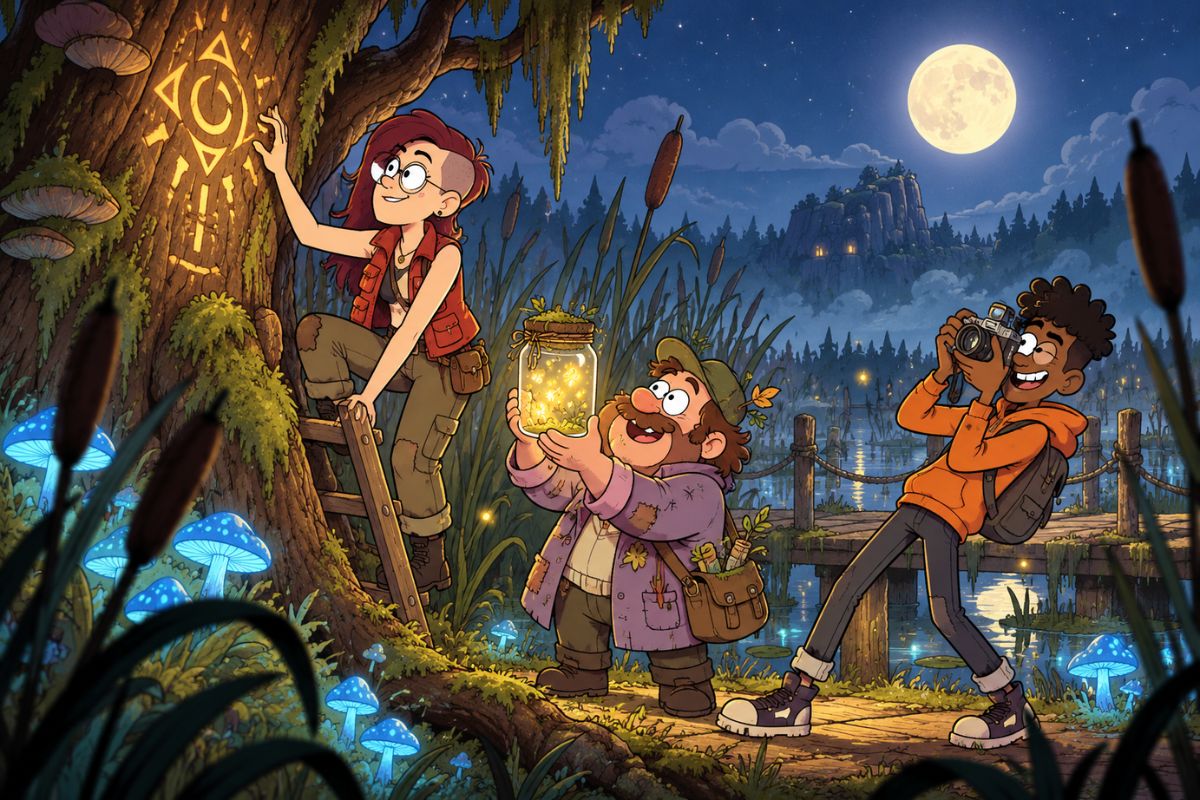
Explore Character Ideas
Try different roles, creatures, props, and settings as starting points for your own character image.
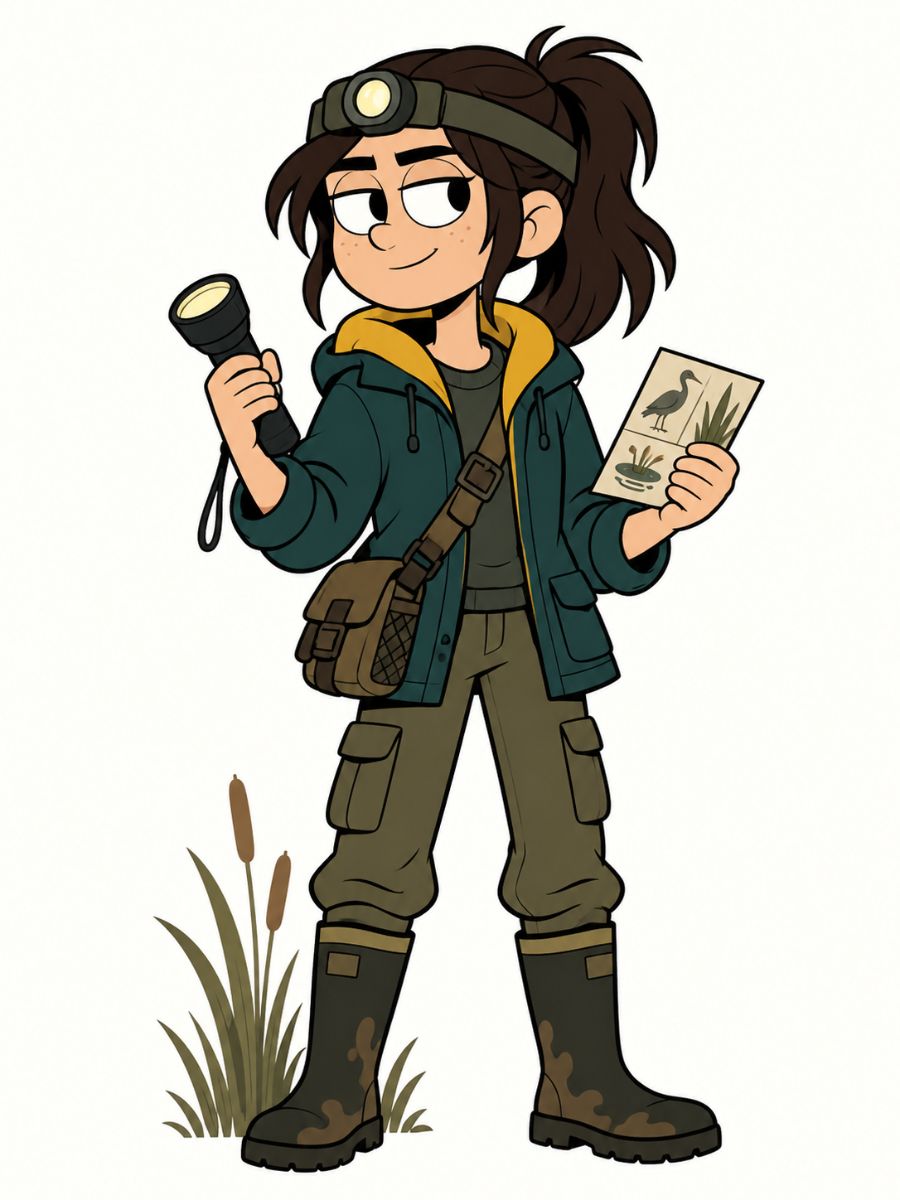
Roadside Curiosity Curator
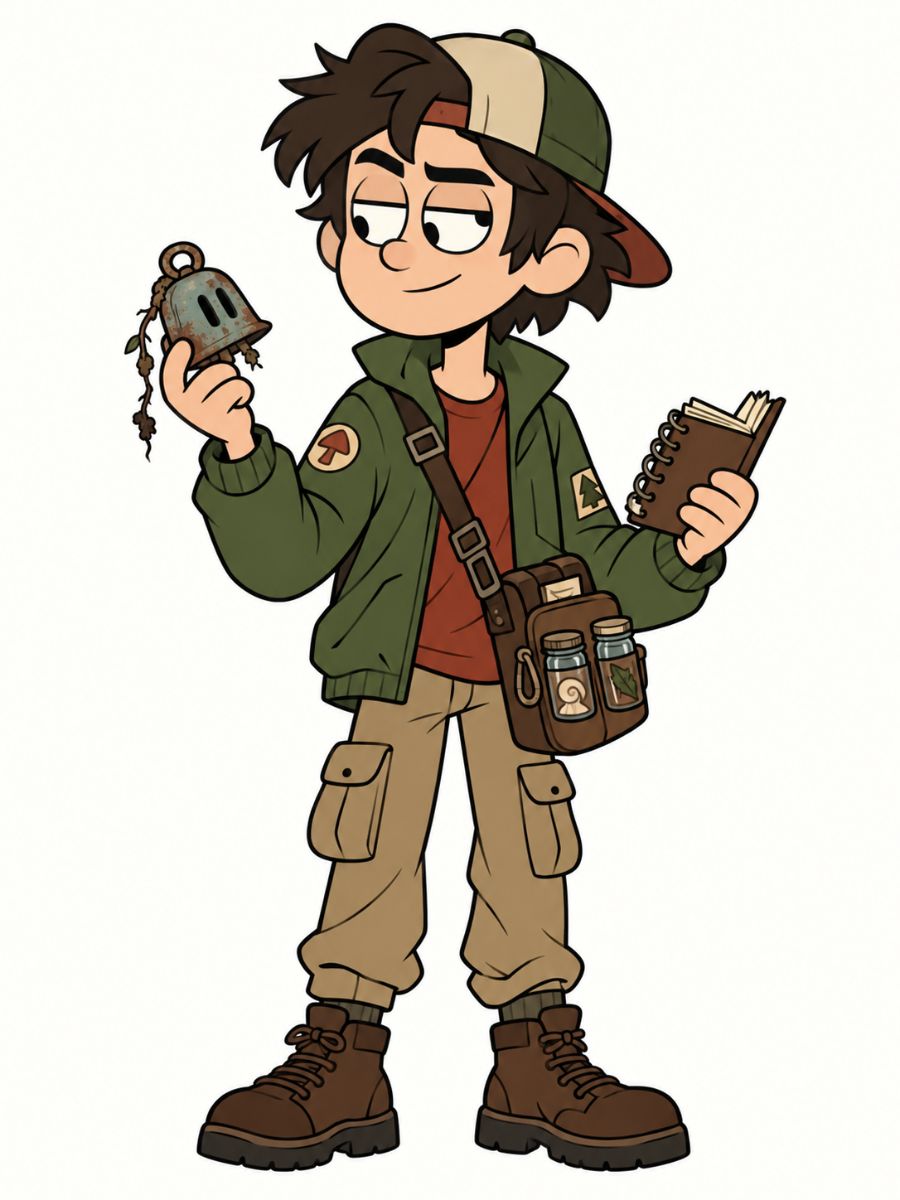
Night Marsh Ranger
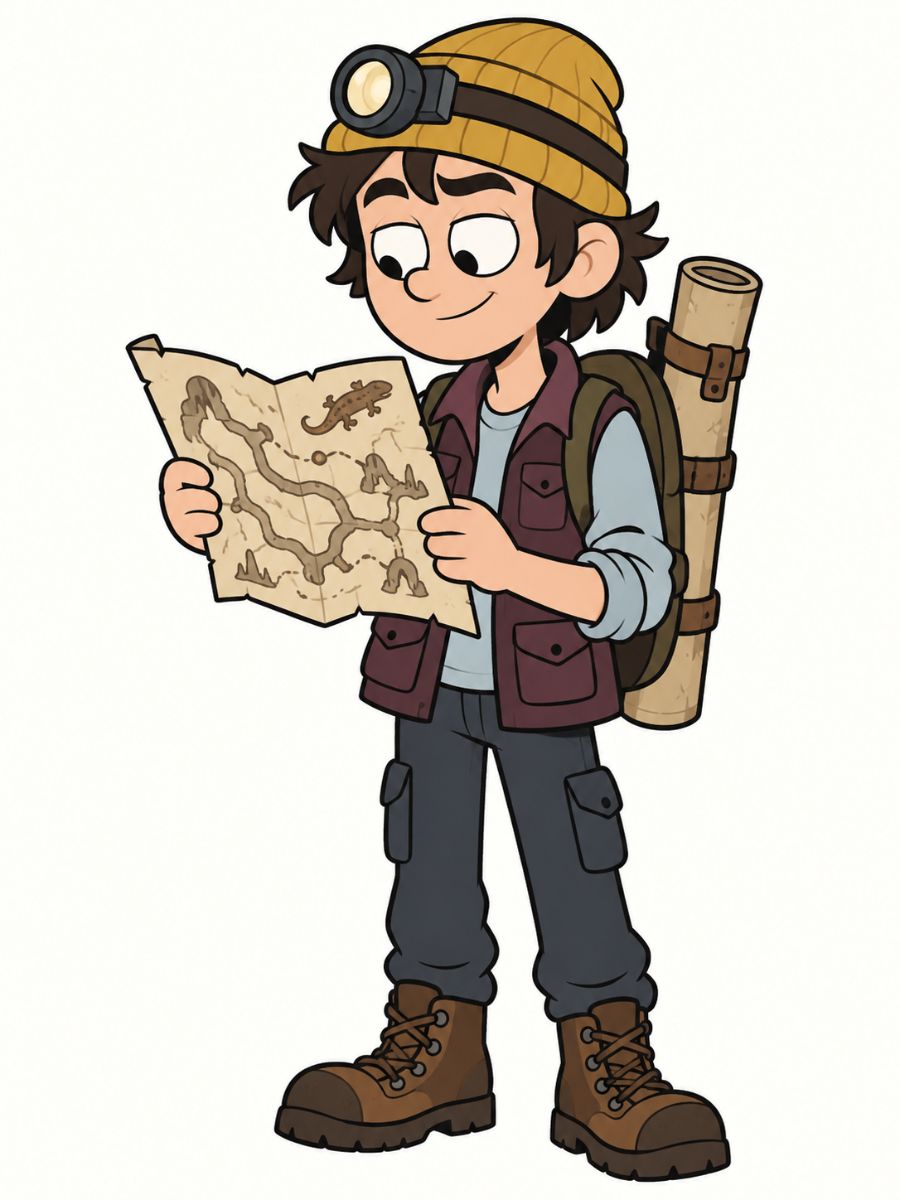
Cave Salamander Cartographer
Shape Your Character Image
Create Mystery Scenes
Pair a character with a strange object, unusual clue, or unexplained event to create a focused paranormal scene.
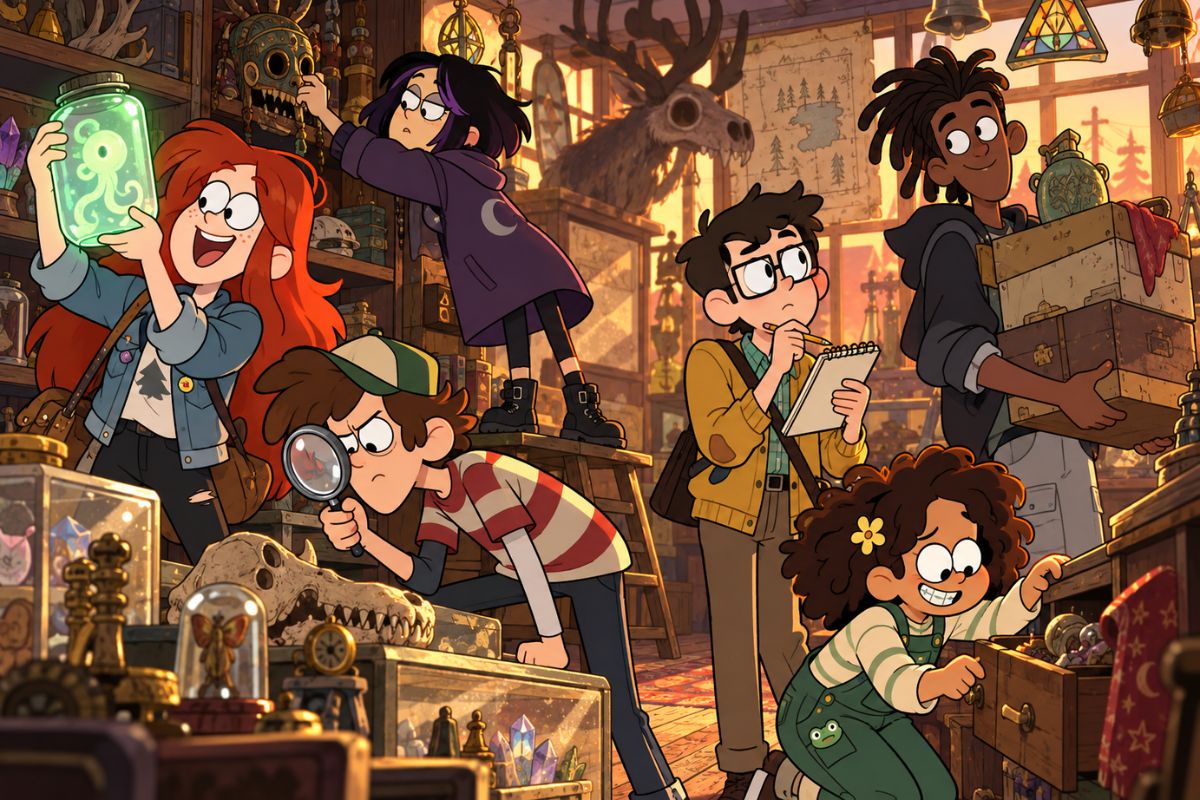
Design Unusual Creatures
Mix creature features, materials, and habitats to explore distinct silhouettes, from woodland beings to cave-dwelling characters.
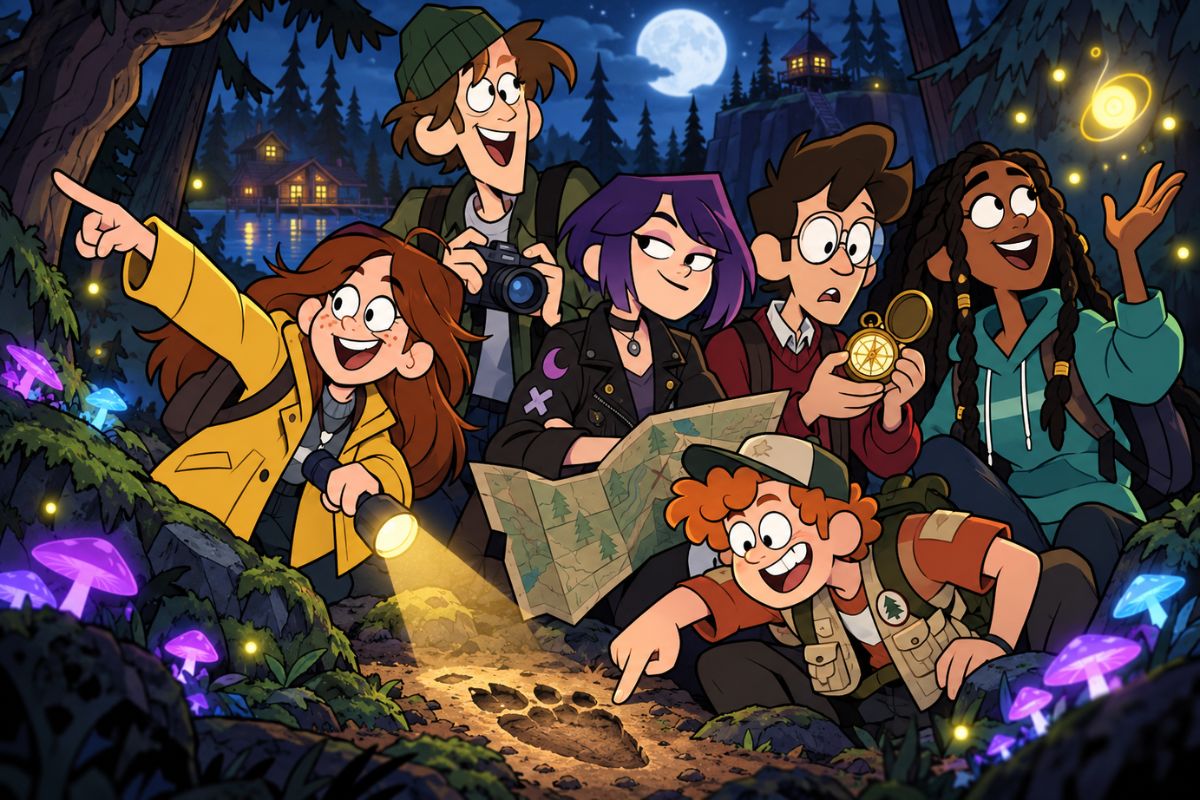
Set the Scene and Mood
Choose a forest trail, roadside shop, old utility building, or night-time clearing, then set the lighting and atmosphere.
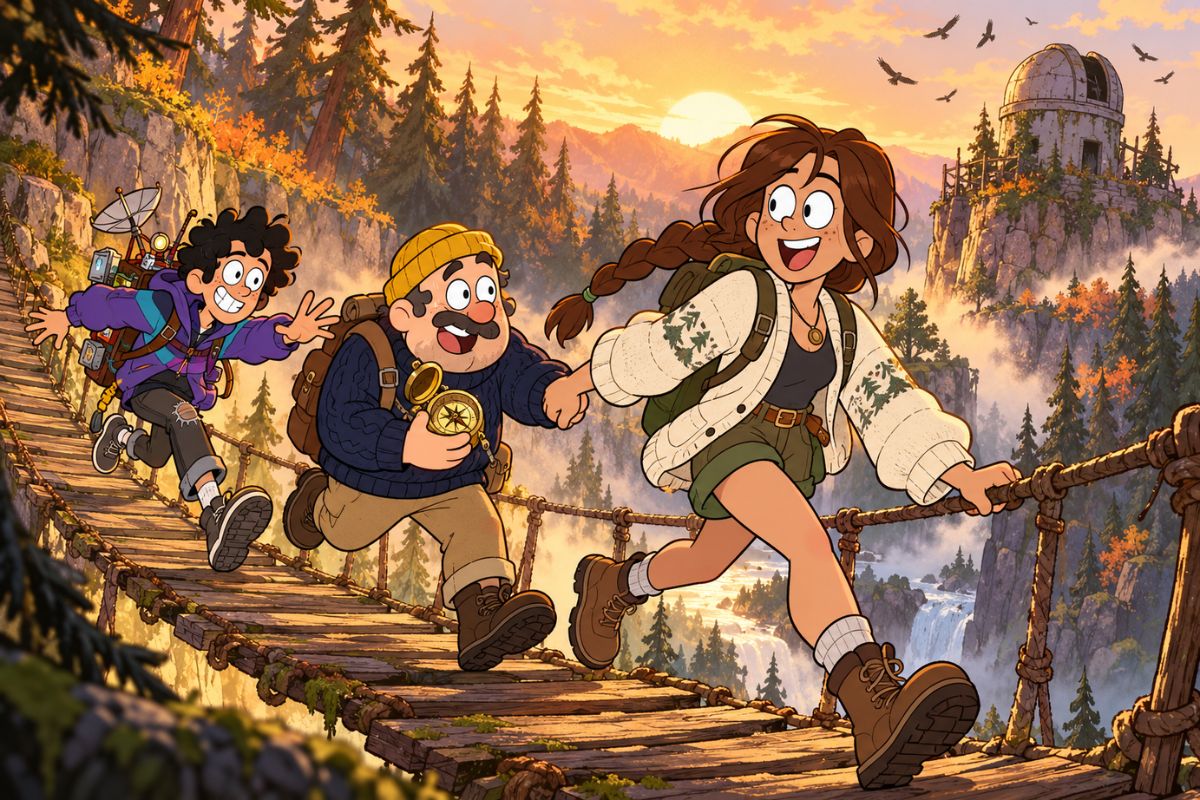
Try Different Expressions
Explore reactions such as suspicion, surprise, nervous laughter, or curiosity to give the character a distinct personality.
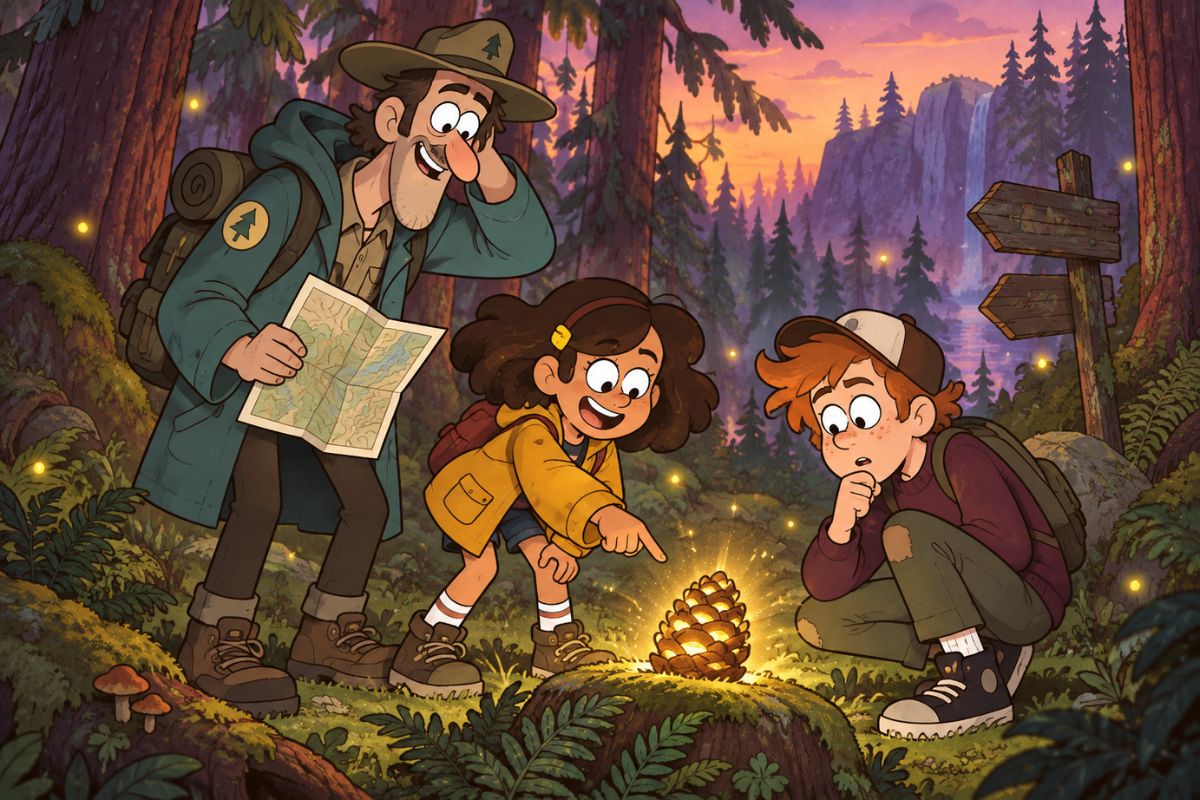
Gravity Falls Character Creator Features
Character Types
Create human characters, mysterious creatures, or a mix of both.
Visual Details
Adjust clothing, silhouette, props, expression, and pose.
Scene Settings
Place your character in a forest, cave, roadside location, or other atmospheric setting.
Image Variations
Try different combinations of details to explore new versions of a character idea.
How to Use the Gravity Falls OC Maker
01
Describe Your Character
Choose a role or creature type, then add a few visual details.
02
Pick a Scene
Add an expression, action, prop, and setting to guide the image.
03
Generate and Refine
Create the image and adjust details to explore another version.
Frequently Asked Questions
Gravity Falls OC Maker FAQ
Create Your Gravity Falls OC
Choose a character idea, set the scene, and generate an original image.