Style*
Background
4tokens•~30s

Guilty Gear OC Maker: Design Your Own Anime Fighter

Create an original anime fighting-game character from a text prompt. Define the fighter’s appearance, clothing, weapon, combat style, pose, special effects, and arena, then generate portraits, full-body character art, action scenes, rival encounters, and alternate forms. Build a distinctive Guilty Gear OC concept without drawing every detail yourself.

Guilty Gear OC Maker showing an original anime fighter team in a dramatic action battle scene

Guilty Gear OC Ideas You Can Generate

See how different prompts can produce distinct body types, weapons, costumes, fighting styles, and stages. Use these examples as starting points, then change the character role, palette, equipment, pose, or environment to create your own fighter.

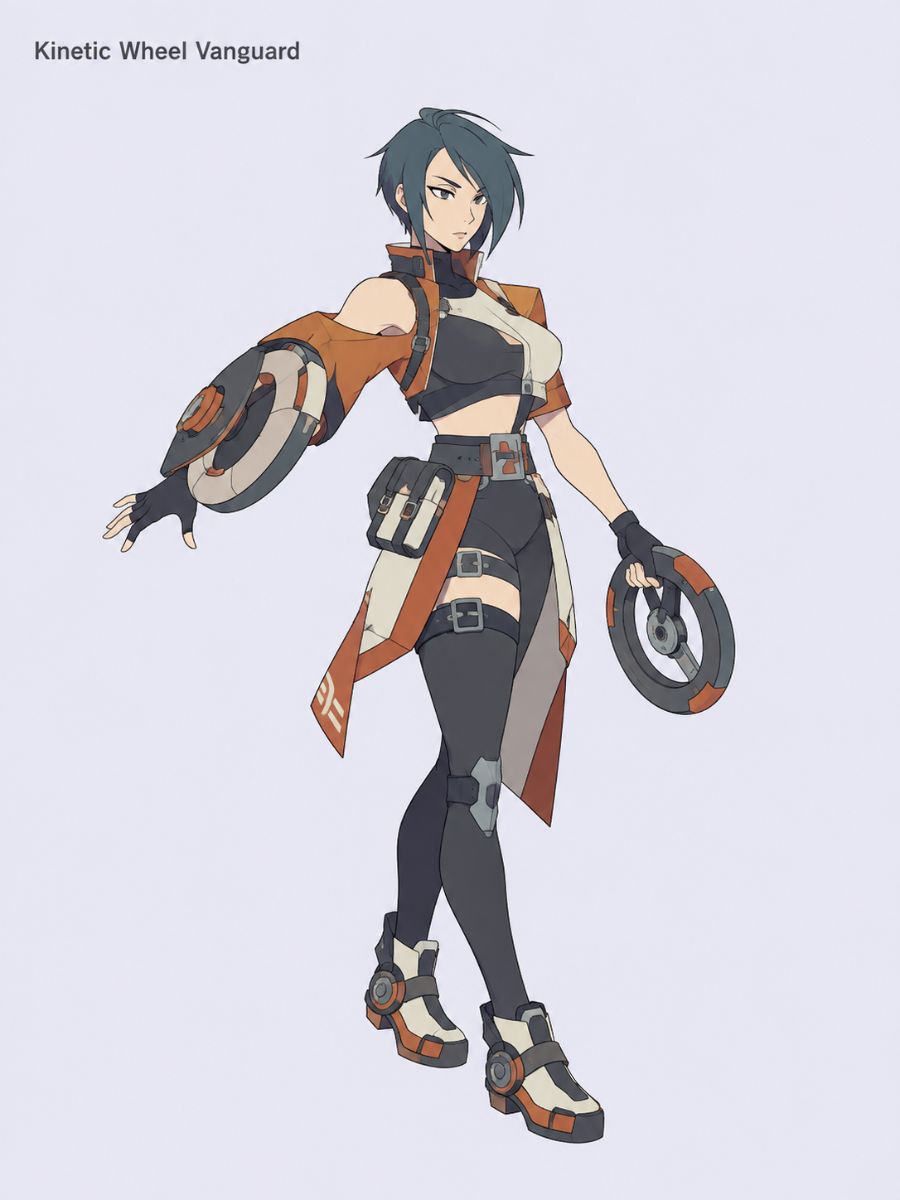
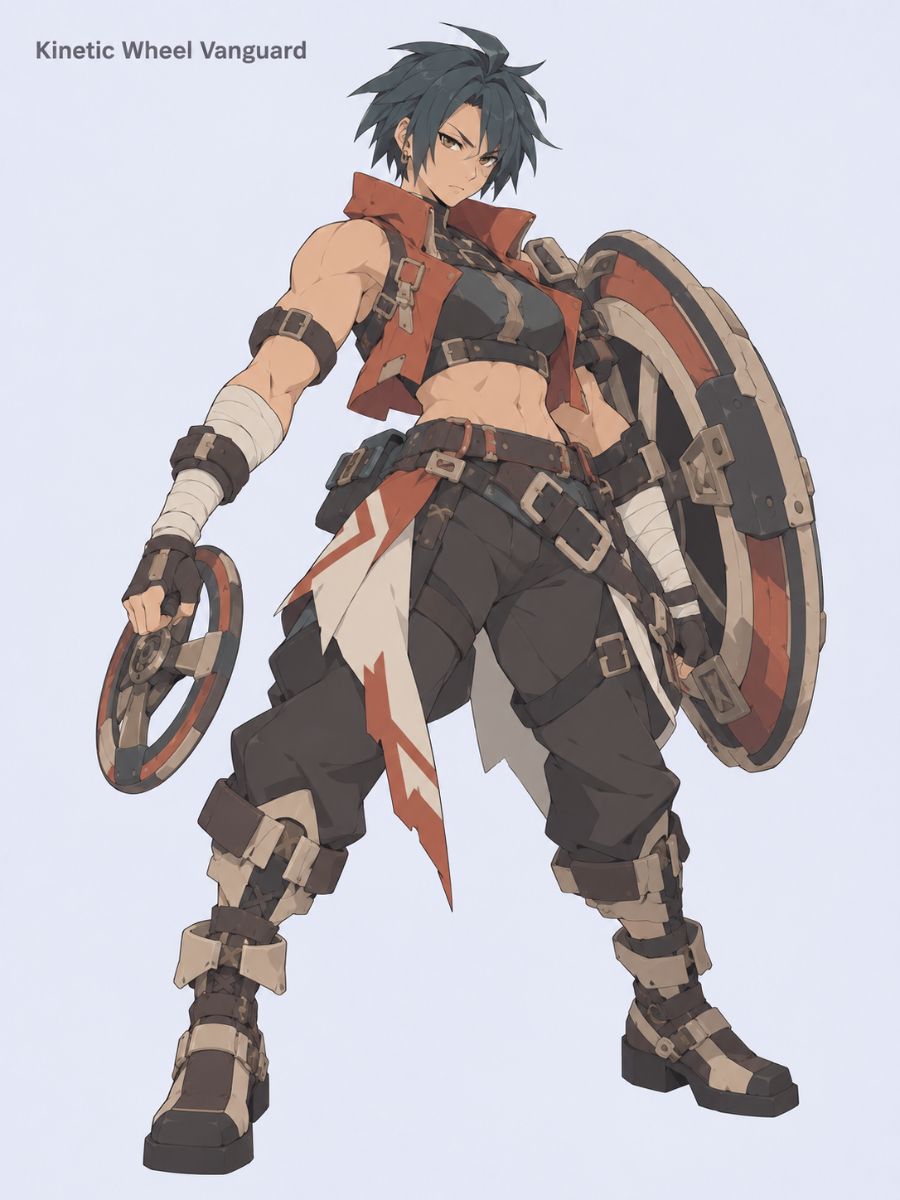
  • Guilty Gear OC Maker Kinetic Wheel Vanguard female fighter character sheet with spinning wheel weapons01

    Kinetic Wheel Vanguard

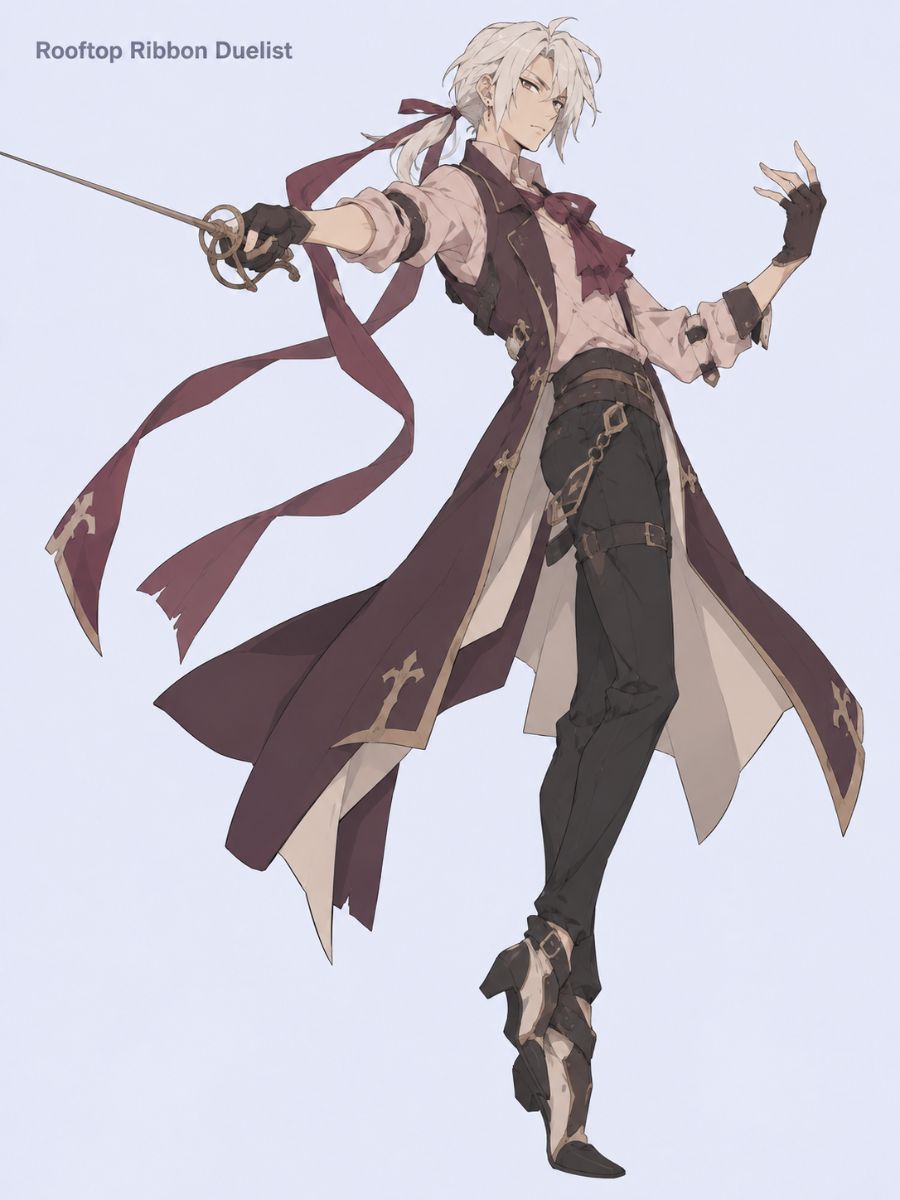
  • Guilty Gear OC Maker Rooftop Ribbon Duelist character concept with a long sword and flowing ribbons02

    Rooftop Ribbon Duelist

  • Guilty Gear OC Maker male Kinetic Wheel Vanguard fighter character design holding a large circular weapon03

    Desert Bell Striker

Create More Than a Basic Anime Character

Direct the details that make a fighting-game OC memorable, from silhouette and costume to weapon mechanics, effects, rival dynamics, and arena atmosphere.

0104

Turn a Fighter Idea Into a Complete OC

Start with a short concept such as a close-range grappler, aerial rushdown fighter, defensive engineer, or musical duelist. Add body type, age, expression, clothing, and color details to turn that idea into a complete original character. The generator connects these choices into one coherent fighter design instead of leaving you with a generic anime portrait.
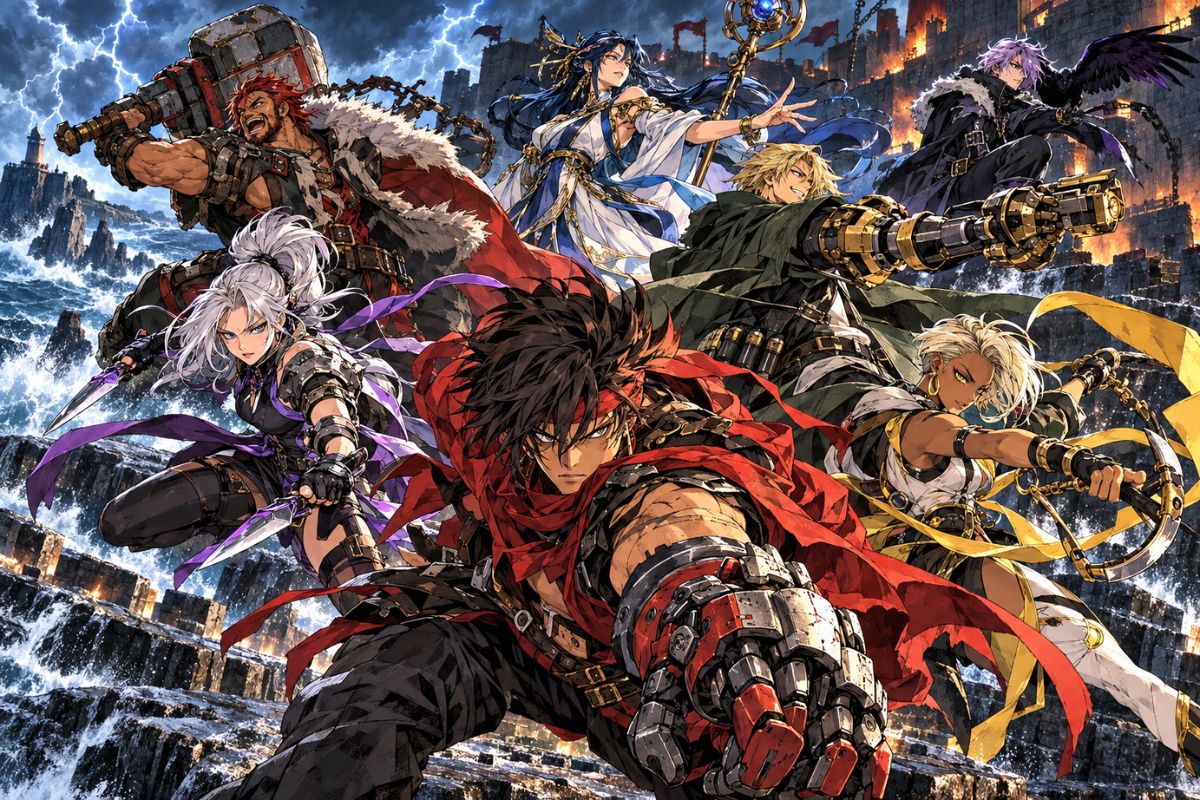
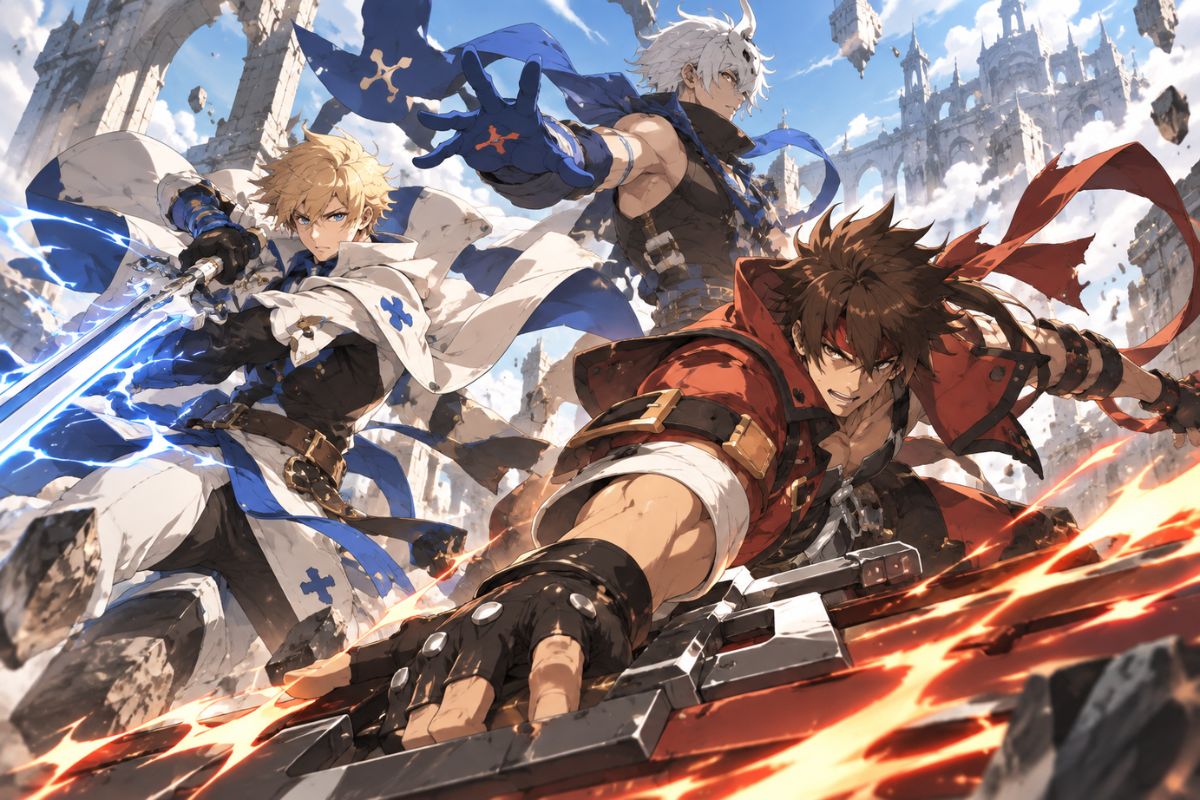
Guilty Gear OC Maker original fighter team charging into a dramatic anime action battle

0204

Control the Pose, Weapon, and Fighting Style

Describe how the fighter stands, attacks, blocks, or moves through the scene. Specify the weapon’s shape, grip, attack path, and connection to the body so the pose supports the combat idea. For more anime character directions, the AI anime generator can help you explore additional outfits, expressions, and action compositions.

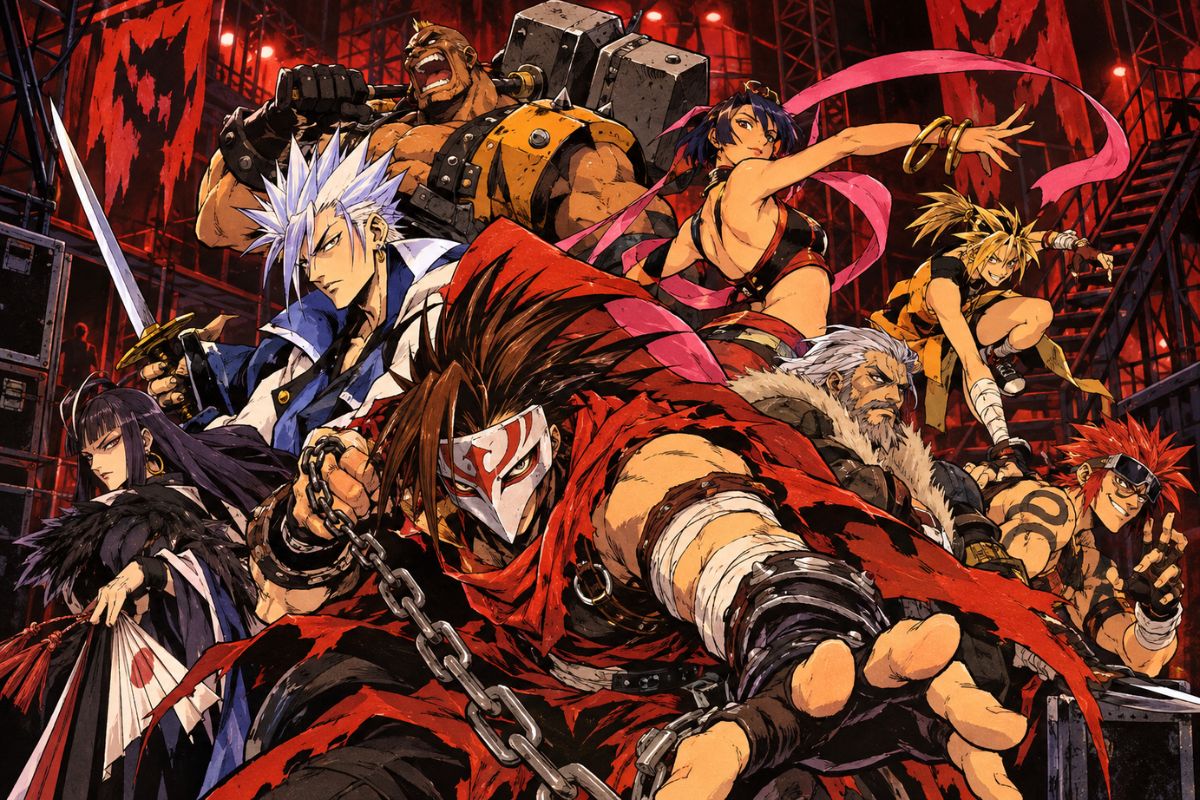
Guilty Gear OC Maker fighter team showing distinct weapons, poses, costumes, and combat styles

0304

Add Special Effects Without Losing Character Detail

Generate sound waves, sparks, dust, energy trails, wind, shadows, or impact light around a specific action. Control the effect’s color, direction, and size in the prompt so the face, hands, costume, and weapon remain visible. This makes it easier to create dramatic battle art that still reads clearly as character design.

Guilty Gear OC Maker multi-scene fighter collage with colorful anime battle effects and character designs

0404

Create Rivals, Matchups, and Alternate Forms

Place two original fighters in one arena, design a rival with an opposing combat range, or create an upgraded form for an existing OC. Define separate silhouettes, palettes, weapons, and positions so each character remains recognizable. The OC maker also supports broader character concepts when you want to develop a cast beyond one fighter.

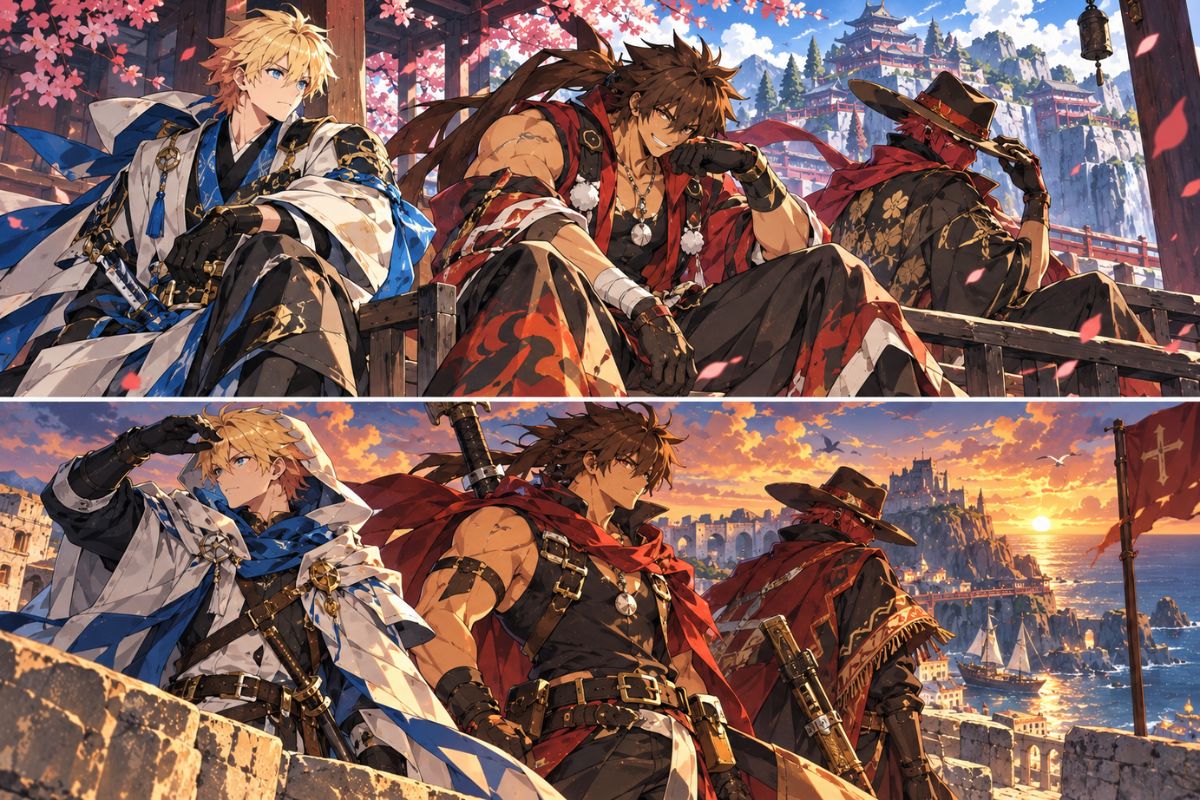
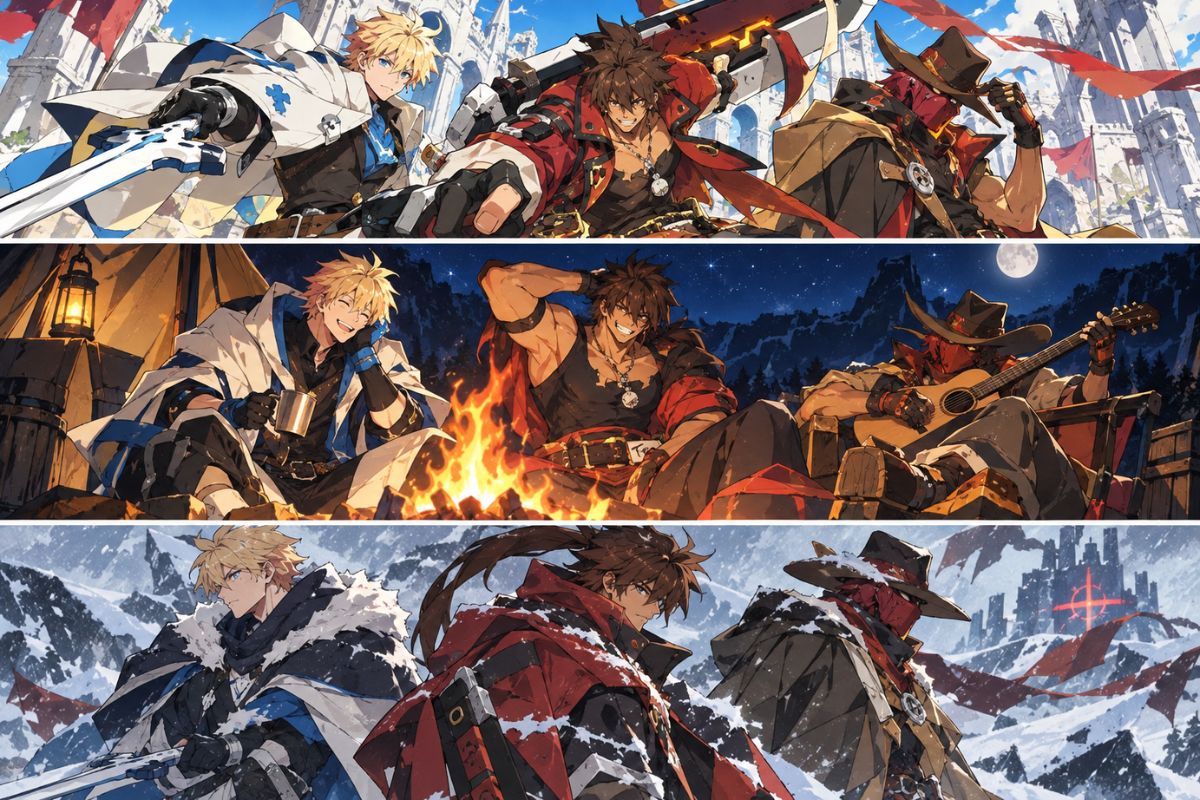
Guilty Gear OC Maker samurai warrior trio facing a battle arena with contrasting fighter silhouettes

Why Use the Guilty Gear OC Maker?

Move from a rough fighter idea to a polished visual concept while keeping control over the character’s appearance, combat identity, equipment, pose, and setting.

  • 01

    Text-to-OC Generation

    Describe your fighter in everyday language and turn the prompt into finished character artwork without starting from a blank canvas.

  • 02

    Detailed Character Customization

    Control body type, facial features, hairstyle, clothing, colors, accessories, personality, and visual theme in the same prompt.

  • 03

    Combat Style and Pose Control

    Create grapplers, rushdown fighters, zoners, counter-fighters, weapon users, and hybrid concepts with poses that reflect how they fight.

  • 04

    Original Weapons and Powers

    Define unusual equipment, attack mechanics, elemental abilities, and restrained special effects that support the character’s identity.

  • 05

    Multiple OC Image Types

    Generate portraits, full-body references, action scenes, rival confrontations, stage moments, victory poses, and alternate forms.

  • 06

    Fast Visual Iteration

    Adjust a prompt to test new palettes, costumes, expressions, weapons, or environments until the fighter matches your concept.

How to Make a Guilty Gear OC in Three Steps

Write a clear fighter prompt, add the combat and scene details that matter, then refine the generated image until the design feels distinct and consistent.

  1. Describe Your Original Fighter

    Enter the character’s role, body type, appearance, clothing, colors, personality, and combat style. A focused concept such as ‘masked rooftop ribbon duelist’ gives the generator a clear visual direction.

  2. Add the Weapon, Pose, and Arena

    Explain what the fighter is holding, how the weapon works, what action is happening, and where the scene takes place. Add camera framing and special effects when you want a portrait, full-body reference, or battle scene.

  3. Generate, Review, and Refine

    Generate the image and inspect the face, hands, anatomy, weapon count, costume, and effect placement. Revise one or two prompt details when needed, generate another version, and save the result that best represents your OC.

Frequently Asked Questions

Guilty Gear OC Maker FAQ

Find answers about creating original fighter OCs, writing prompts, generating full-body art, designing weapons and powers, fixing image issues, and using your results.

What is a Guilty Gear OC Maker?

A Guilty Gear OC Maker is a character creation tool for generating original anime fighting-game artwork from text prompts. You can describe a fighter’s appearance, costume, weapon, powers, pose, expression, and arena to create a visual OC concept.

What kinds of Guilty Gear OC images can I create?

You can create character portraits, full-body references, fighting stances, weapon poses, special attacks, rival encounters, victory scenes, stage artwork, and alternate or powered-up forms. State the desired image type and camera framing in your prompt.

What should I write in a Guilty Gear OC prompt?

Include the fighter’s gender presentation, age group, body type, hairstyle, facial features, outfit, color palette, weapon, combat style, pose, expression, environment, and camera angle. Add only the details that affect the image so the main design remains clear.

Can I create male, female, or nonbinary fighter OCs?

Yes. Describe the character’s presentation, build, clothing, hairstyle, expression, and personality in the prompt. You can create masculine, feminine, androgynous, or nonbinary fighter concepts across a wide range of visual styles and combat roles.

Can I make a full-body Guilty Gear OC?

Yes. Ask for a full-body character reference or wide combat stance and specify that the head, hands, weapon, legs, and feet should remain visible. A simple background can make the silhouette and costume easier to inspect.

How do I create an original weapon or special move?

Describe the weapon’s material, shape, size, grip, operating method, and attack path. For a special move, add one clear action and define the effect’s color, direction, and position so it supports the fighter instead of covering the body.

How can I make my Guilty Gear OC look original?

Combine a new body silhouette, costume structure, color palette, weapon mechanic, occupation, personality, and stage theme. Avoid requesting an exact copy of an official character’s face, hairstyle, outfit, weapon, emblem, or signature pose.

Can I create a BlazBlue vs. Guilty Gear OC concept?

You can create an original crossover-inspired matchup by describing two new fighters with contrasting silhouettes, palettes, weapons, and combat ranges. Keep both designs independent from official characters, logos, roster screens, and existing matchups.

How do I improve extra limbs, hands, or duplicated weapons?

Reduce the scene to one clear pose, state the exact number of characters and weapons, and remove unnecessary secondary actions. Keep the full body visible, then generate another version and review the hands, feet, face, weapon contact, and costume edges.

Is this an official Guilty Gear character creator?

No. OCMaker AI is an independent tool for creating original character artwork and is not affiliated with or endorsed by the official Guilty Gear franchise or its rights holders.

Can I use my generated Guilty Gear OC commercially?

Review the current OCMaker AI terms, the rights attached to any reference material you provide, and applicable third-party or franchise rights before using an image commercially. Creating an image on this page does not grant rights to official characters or franchise assets.

Turn Your Fighter Idea Into an Original OC

Describe the look, weapon, combat style, pose, and arena you have in mind, then generate a Guilty Gear inspired OC image you can refine into your own character concept.

Free Guilty Gear OC Maker: Create Original Fighter Art